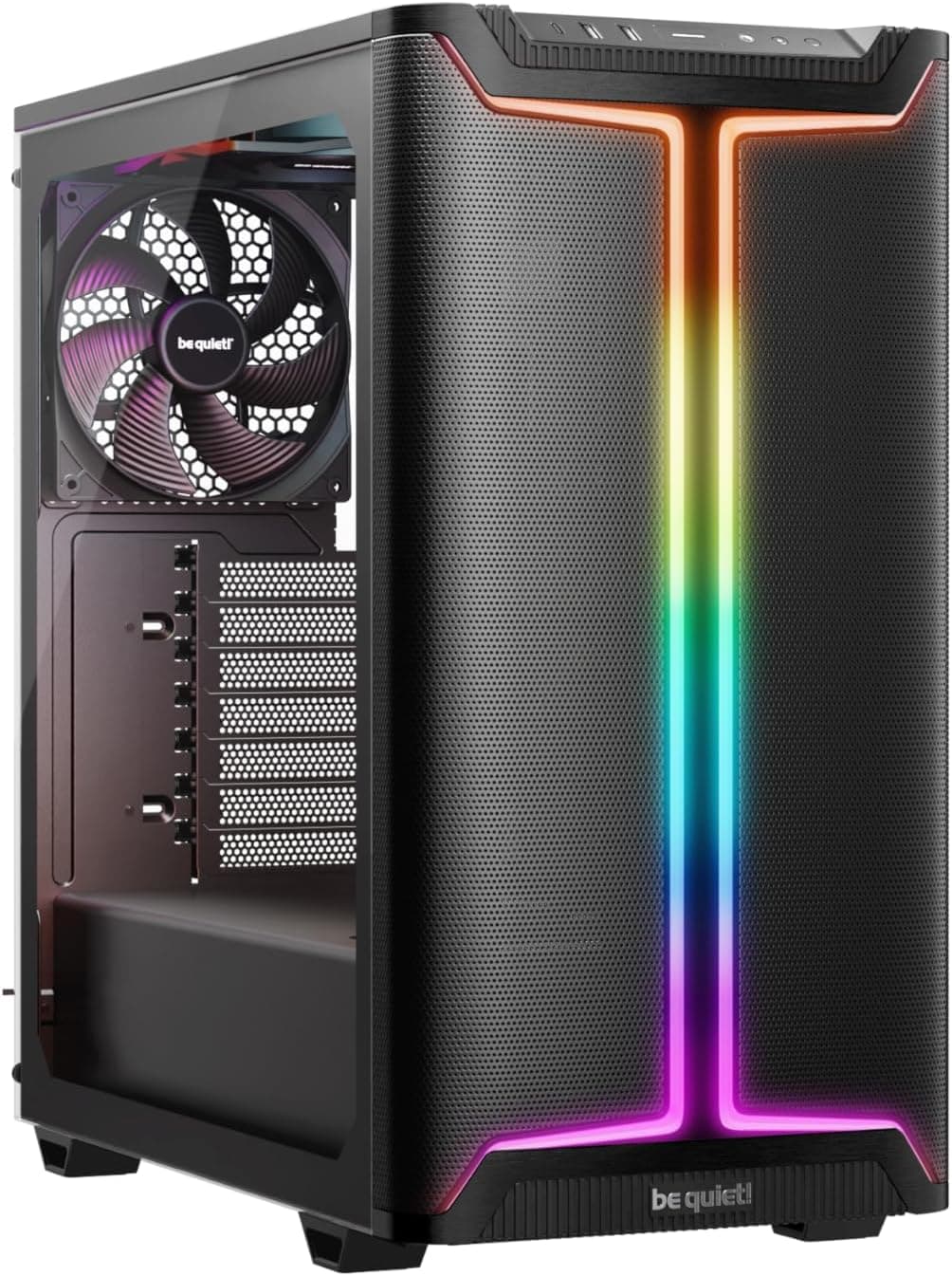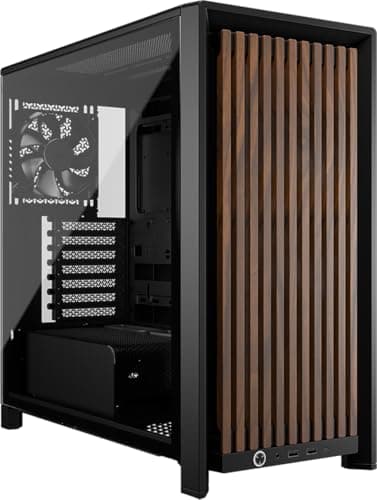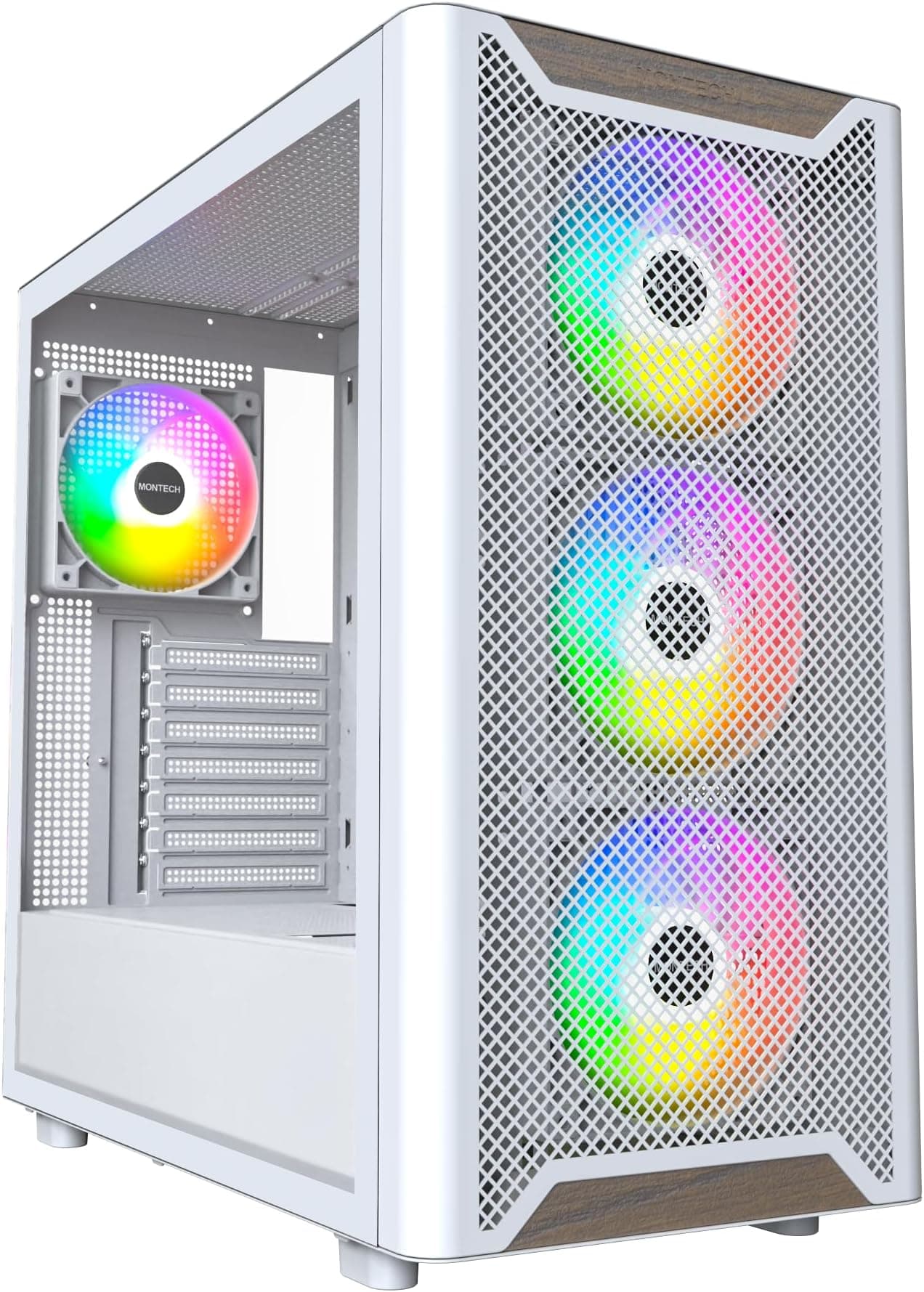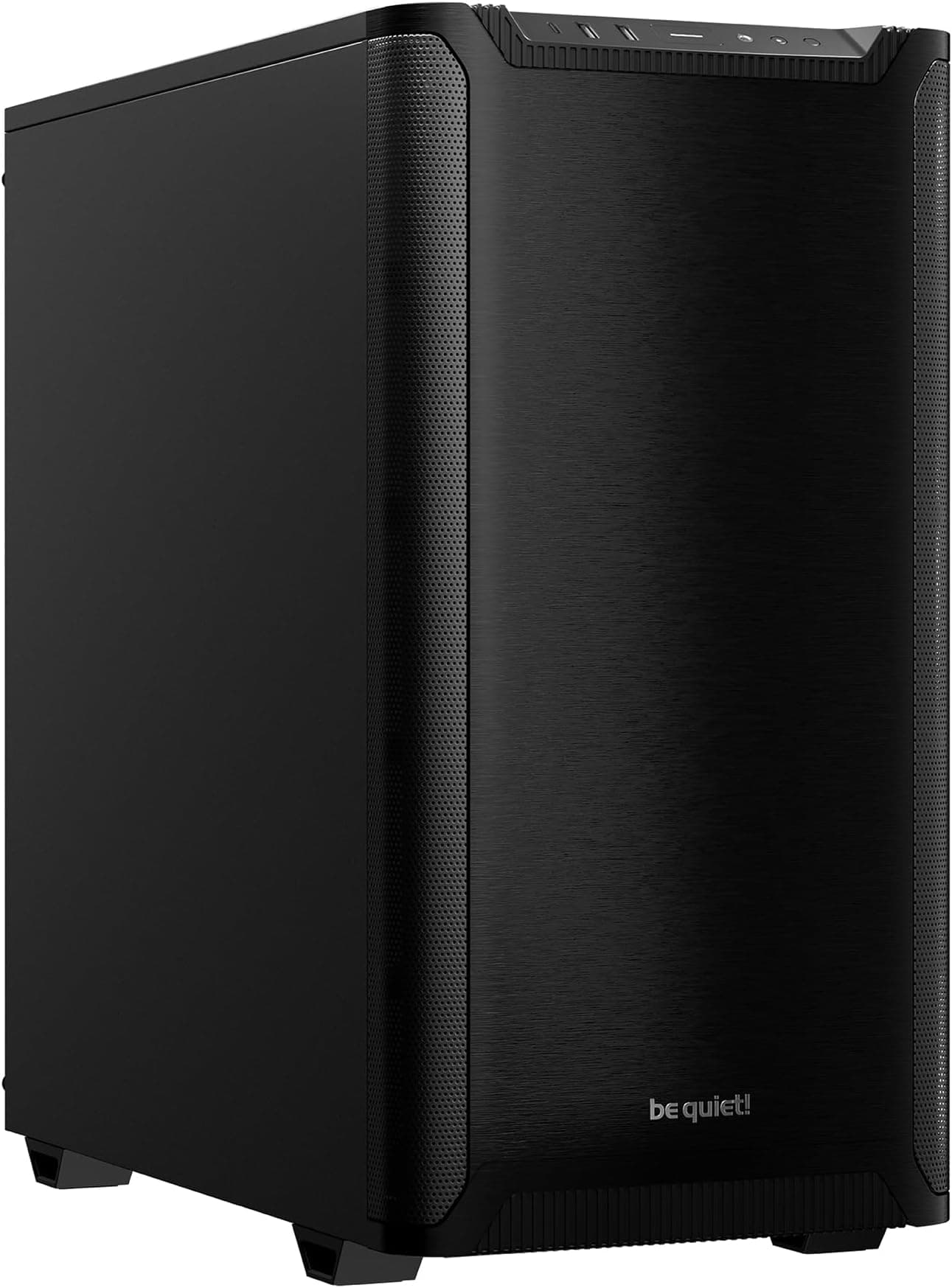
The case you pick sets the ceiling for your entire build. Get it wrong and you're fighting it for hours: cramped cable runs, fans that can't breathe, a GPU that barely clears the front radiator by a millimetre. Get it right and the whole thing goes together like it was designed to, because it was. The Corsair iCUE 4000D RGB AIRFLOW Mid-Tower Case sits in premium territory, and at that price it needs to justify every penny against some very capable competition. Based on Corsair's published specifications and 884 owner reviews averaging ★★★★½ (4.7), it largely does.
The short version: this is a genuinely good mid-tower for builders who want proper airflow, a tidy build experience, and RGB that doesn't look like an afterthought. The RapidRoute cable management system actually works, the three included AF120 RGB ELITE fans are a cut above the usual bundled filler, and the clearances are generous enough for high-end hardware. It's not perfect. The iCUE software dependency will annoy some people, and you can get a solid airflow case for considerably less if RGB lighting and the Lighting Node PRO controller aren't priorities for you. But if they are, this is one of the better-executed packages at this level.
Core Specifications
The 4000D RGB AIRFLOW is built around a steel chassis with a tempered glass side panel on the left and a steel panel on the right. The front panel is a high-airflow mesh design, which is the whole point of the AIRFLOW designation in the name. Corsair rates the front mesh as delivering meaningfully better intake performance than the standard 4000D's solid front, and owner feedback backs that up repeatedly. The case ships with three AF120 RGB ELITE fans pre-installed as front intakes, with space for a fourth at the rear for exhaust.
Motherboard support runs up to ATX, with mATX and Mini-ITX also supported. The case does not support E-ATX, so if you're running a high-end workstation board you'll need to look elsewhere. Maximum GPU length is 420mm, CPU cooler height clearance is 170mm, and the case supports radiators up to 360mm at the front and 280mm or 240mm at the top. PSU clearance is 225mm. There are two 3.5-inch drive bays and two 2.5-inch drive trays, plus additional 2.5-inch mounting positions behind the motherboard tray.
The iCUE Lighting Node PRO controller is included in the box, which handles the RGB synchronisation across the three fans. This is important context for the price: you're not just buying a case and three fans, you're buying a pre-wired RGB ecosystem that would cost noticeably more if assembled separately. The controller supports up to six HD or LL fans, or up to 16 RGB LED strips, so there's headroom to expand if you add more fans or lighting later.
| Specification | Detail |
|---|---|
| Form Factor | Mid-Tower |
| Motherboard Support | ATX, mATX, Mini-ITX |
| Dimensions | 453mm (H) x 230mm (W) x 466mm (D) |
| Weight | 8.37kg |
| Max GPU Length | 420mm |
| Max CPU Cooler Height | 170mm |
| Front Radiator Support | Up to 360mm |
| Top Radiator Support | Up to 280mm / 240mm |
| Rear Radiator Support | 120mm |
| Included Fans | 3x AF120 RGB ELITE (120mm, front) |
| Fan Mounts Total | 6 (3 front, 2 top, 1 rear) |
| Drive Bays (3.5") | 2 |
| Drive Bays (2.5") | 4 (2 dedicated + 2 on cage) |
| PSU Clearance | 225mm |
| Front I/O | USB 3.0 x2, USB 3.1 Gen 2 Type-C x1, HD Audio |
| RGB Controller | iCUE Lighting Node PRO |
| Side Panel | Tempered Glass (left), Steel (right) |
| Price | £230.02 |

Form Factor and Dimensions
At 453mm tall, 230mm wide, and 466mm deep, the 4000D RGB AIRFLOW is a proper mid-tower with a fairly standard footprint. It's not going to swallow your desk the way a full-tower does, but it's not compact either. The 230mm width is fairly typical for the class, and the 466mm depth gives you enough room inside to work without constantly banging your knuckles on things. If you're building on a standard desk with the case sitting beside a monitor, this fits without drama.
The 8.37kg weight is on the heavier side for a mid-tower, but that's partly the tempered glass panel and partly the steel construction. Corsair hasn't gone thin on the chassis to hit a lower price point, and the rigidity owners report reflects that. A few reviews mention the case feels genuinely solid when you pick it up, with no flex in the panels. That matters more than it sounds when you're routing cables and pushing connectors in.
The mesh front panel is the defining visual feature. It's not the kind of decorative mesh you see on cheaper cases where the actual ventilation area is about 30% of the front face. Corsair's mesh here covers a large portion of the front and is backed by a removable dust filter, so you get real airflow rather than the illusion of it. The tempered glass panel on the left is hinged, which makes accessing the main chamber considerably less annoying than sliding panels that require two hands and a prayer. Several owners specifically call out the hinged panel as one of the small details that makes building in this case noticeably better than alternatives at similar prices.
Motherboard Compatibility
The 4000D RGB AIRFLOW supports ATX, Micro-ATX, and Mini-ITX motherboards. The standoff layout is pre-installed for ATX, which is the most common configuration, and Corsair includes the additional standoffs needed for smaller boards. If you're building with a standard ATX board, you're ready to go without rummaging through the accessory bag first. That sounds minor but it saves a real amount of fiddling.
E-ATX is the notable omission. Corsair's own 5000D and 7000D series handle E-ATX if you need it, but the 4000D is firmly a standard ATX case. For the vast majority of gaming and enthusiast builds this isn't a problem. E-ATX boards are predominantly workstation and HEDT territory, and if you're spending that kind of money on a motherboard you're probably not building in a mid-tower anyway. But it's a real limit if you're planning around something like a Threadripper platform.
The motherboard tray itself has a large CPU cutout, which matters for cooler installation without removing the board. Corsair rates the cutout at a good size for backplate access, and owner feedback confirms that most tower cooler installations don't require pulling the motherboard out once it's seated. That's exactly what you want. The tray also has pre-routed cable pass-throughs positioned to line up sensibly with standard ATX motherboard connectors, which feeds into the cable management story covered further down.
GPU Clearance
Four hundred and twenty millimetres of GPU clearance is generous. To put that in context, the NVIDIA RTX 4090 Founders Edition measures 336mm in length, and even the longest triple-fan AIB versions of current flagship GPUs tend to top out around 360mm to 370mm. So the 4000D RGB AIRFLOW has headroom to spare for anything currently on the market, and realistically anything likely to launch in the near future.
The 420mm figure does assume no front radiator is installed. If you're fitting a 360mm radiator at the front, GPU clearance reduces, and you'll want to check the specific clearance for your radiator thickness and fan combination. Corsair's own compatibility notes suggest checking radiator depth against GPU length in that configuration. In practice, most 360mm AIOs with standard 25mm fans will still clear modern GPUs without issue, but it's a calculation you need to do before committing.
Vertical GPU mounting is not natively supported in the standard configuration. You'd need a third-party vertical mount bracket and a PCIe riser cable, both sold separately. Some owners have done this successfully, but it's not a plug-and-play feature here. If vertical GPU mounting is a priority for your build aesthetic, the NZXT H510 Flow or Lian Li cases with built-in vertical mount support might be a better starting point. For the majority of builders running a standard horizontal GPU, the 420mm clearance is simply not a concern.
CPU Cooler Clearance
A 170mm CPU cooler height limit covers almost every mainstream tower cooler on the market. The Noctua NH-D15, which is one of the tallest and most popular high-end air coolers, measures 165mm. The be quiet! Dark Rock Pro 4 comes in at 163mm. You'd have to be reaching for something genuinely unusual to exceed 170mm, and if you are, you probably already know you need a larger case. So for air cooling, the 4000D RGB AIRFLOW is effectively unrestricted in practical terms.
AIO radiator support is where this case gets more interesting. Front mounting supports up to 360mm, which means a 360mm AIO is the primary cooling option for builders who want liquid cooling. The top supports 240mm or 280mm radiators, giving you a secondary mounting position if you want a separate radiator for CPU and GPU, or if you prefer top-mounting your CPU AIO for a different airflow configuration. The rear takes a single 120mm fan or radiator for exhaust.
A few owners mention that fitting a 360mm front radiator alongside tall RAM with RGB heatspreaders can get tight at the top of the radiator. This is a common constraint in mid-towers rather than a specific fault with the 4000D, but it's real. If you're running 40mm-tall RAM heatspreaders and a 360mm front radiator, check the clearance on Corsair's compatibility tool before assuming it'll fit cleanly. Standard-height RAM (under 35mm) is fine. The case is well-suited to the increasingly common build pattern of a 360mm front AIO with three intake fans and a rear exhaust, which is exactly what the included fans are set up for.
Storage Bay Options
Storage options in the 4000D RGB AIRFLOW are adequate for most modern builds, though not exceptional if you're a data hoarder. You get two 3.5-inch drive bays in a removable cage behind the PSU shroud, plus two dedicated 2.5-inch trays. There are additional 2.5-inch mounting positions on the back of the motherboard tray, bringing the total 2.5-inch capacity to four. For a build with an NVMe boot drive on the motherboard and a couple of SSDs or HDDs for storage, that's plenty.
The 3.5-inch cage is tool-free for drive installation, using a sliding rail system that owners generally find straightforward. The 2.5-inch trays use screws, which is fairly standard. Neither system is going to win awards for innovation, but both work without drama. The cage is positioned to not interfere with cable management behind the PSU shroud, which is a sensible layout choice. Some older cases put the drive cage right where you want to run cables, and it's a nuisance.
What the 4000D RGB AIRFLOW doesn't have is an optical drive bay. That's true of most modern mid-towers at this price point and it'll surprise nobody building a new system in 2026. If you need optical media for any reason, an external USB drive is the practical answer. The case also lacks a dedicated hot-swap bay, so if you're building a small NAS or a media server with rotating drives, this isn't the right chassis. For a gaming or content creation build with NVMe primary storage and a couple of secondary drives, the storage layout is sensible.

Cable Management
Corsair's RapidRoute cable management system is the headline feature here, and it's one of the genuine differentiators at this price. The idea is a dedicated cable channel running vertically behind the motherboard tray, with a wide entry point designed to bundle your main power cables together before routing them through the appropriate pass-throughs. In practice, this means your 24-pin ATX cable, CPU power cables, and GPU power cables all have a logical path that keeps them off the main chamber floor and out of the airflow path.
The rear panel clearance for cable management is around 25mm to 30mm, which is enough to run cables without the side panel bulging when you close it. Owner reviews consistently mention clean builds being achievable without excessive effort, which is the real measure of a cable management system. Velcro straps are included at multiple points behind the tray, and the pass-throughs have rubber grommets to give a cleaner finish. These are the details that separate a well-thought-out case from one that's just got a big gap behind the tray and calls it cable management.
The PSU shroud covers the bottom of the main chamber, hiding the PSU and most of the lower cable runs. This is standard on cases at this price, but Corsair's implementation has a cutout at the rear that makes routing the PSU cables up behind the shroud straightforward. A few owners note that modular PSUs make the whole process considerably cleaner, and that's true of any case with a shroud. If you're still running a non-modular PSU, budget for a modular one when you buy this case. The combination of RapidRoute and a modular PSU is what gets you the genuinely tidy builds you see in the product photos.
Airflow and Thermal Design
The AIRFLOW designation isn't marketing fluff in this case. The mesh front panel is the real thing, and paired with three 120mm AF120 RGB ELITE fans as front intakes, you've got a proper positive-pressure intake setup out of the box. The AF120 RGB ELITE fans are rated at up to 1,500 RPM and use Corsair's eight-pole motor design for smoother, quieter operation than the generic fans bundled with cheaper cases. These are fans people actually buy separately, not the usual throwaway inclusions.
The standard configuration is three front intakes and one rear exhaust (you'll need to add a rear fan yourself, or use one of the included fans there and add a replacement front fan, though most owners run three front intakes and buy a separate rear exhaust). This gives you positive pressure in the main chamber, which keeps dust out of unfiltered gaps. The front mesh has a removable magnetic dust filter, and the bottom has a filter for the PSU intake. There's no top filter, which is a minor omission if you're running top exhaust fans, though most builders in this configuration run the top as a secondary intake or leave it empty.
Thermal performance based on owner feedback is consistently good. Builders running RTX 4080 and 4090 class GPUs report comfortable temperatures with the stock fan configuration, which is the practical test. The mesh front allows enough unrestricted airflow that the fans don't need to run at high speeds to move adequate air, which keeps noise levels reasonable. A handful of owners note that the AF120 fans are audible at full speed, but the iCUE software lets you tune fan curves precisely, so running them at 60% to 70% for day-to-day use is entirely practical. The Lighting Node PRO controller handles both the RGB and fan speed control through iCUE, keeping everything in one place.
Front I/O and Connectivity
The front I/O panel sits on the top of the case toward the front edge, which is the sensible position for a desk-mounted tower. You get two USB 3.0 Type-A ports, one USB 3.1 Gen 2 Type-C port, and a combined headphone/microphone jack. The Type-C port is a proper USB 3.1 Gen 2 connection running at up to 10Gbps, not the slower Gen 1 version that some cases pass off as Type-C. That's the right call for 2026, where fast external SSDs and modern peripherals increasingly use Type-C.
The power button is a large, tactile button at the top front of the case, with a reset button nearby. The reset button is smaller and recessed slightly, which is actually useful. Accidentally hitting reset mid-game is the kind of thing that only needs to happen once before you start wishing the button was harder to press. The power button has a clean LED ring that indicates system state without being distracting. No RGB on the power button, which keeps the front panel looking clean.
One thing some owners mention is that two USB 3.0 ports feels slightly conservative for a premium case in this period. Three or four would be more useful, particularly if you're running a keyboard, mouse, headset, and external drive simultaneously. The Type-C port helps compensate if your peripherals support it, but if you're heavily reliant on Type-A connections you may find yourself reaching for a USB hub. It's not a dealbreaker, but it's a genuine limitation compared to cases like the Fractal Design Meshify 2 which offers more Type-A ports at a similar price point.
Build Quality and Materials
The steel chassis uses 0.8mm SPCC steel throughout, which is the standard gauge for mid-tower cases at this price. It's not as rigid as the 1.0mm steel you find in some premium Fractal and be quiet! cases, but it's noticeably stiffer than the thin steel used in budget cases. The chassis doesn't flex when you press on it, and the panel alignment is good out of the box. Owner reviews don't flag any of the panel-gap or misalignment issues that crop up in cheaper cases.
The tempered glass left panel is 4mm thick and hinged on the front edge. The hinge mechanism uses a tool-free latch at the rear, so you swing the panel open from the back. A few owners mention the hinge feels slightly stiff initially but loosens with use. That's preferable to a loose, rattling panel. The glass itself is tinted slightly, which reduces the fishbowl effect of fully clear glass while still showing off internal components and RGB lighting clearly. Corsair doesn't publish the exact tint percentage, but owner photos show it's a light smoke rather than a heavy tint.
Sharp edges are the perennial complaint about PC cases, and the 4000D RGB AIRFLOW largely avoids them. Corsair has rolled the edges on the steel panels and the chassis cutouts, so cable routing and component installation don't leave you with cut fingers. This is one of those build-quality details that separates manufacturers who have actually thought about the assembly process from those who haven't. A handful of owners mention minor sharp edges around some of the cable pass-throughs, but these are isolated reports rather than a consistent pattern across the 884. The overall picture is a well-finished case that won't draw blood during a normal build.
How It Compares
The two most direct competitors at premium pricing are the Fractal Design Meshify 2 and the NZXT H7 Flow. Both are serious cases with genuine airflow credentials and strong build quality. The Meshify 2 is arguably the most builder-friendly case in this class, with exceptional cable management space, a modular interior, and support for E-ATX boards. If cable management and interior flexibility are your top priorities, the Meshify 2 has the edge. It also tends to come in slightly cheaper depending on configuration.
The NZXT H7 Flow is a cleaner-looking case with a similar mesh front approach and good thermal performance. NZXT's CAM software handles fan control, much as Corsair's iCUE does. The H7 Flow doesn't include fans in its base configuration, so you're buying fans separately, which changes the value calculation significantly when comparing to the 4000D RGB AIRFLOW's three-fan bundle. If you were going to buy three quality 120mm fans anyway, the 4000D RGB AIRFLOW's bundled AF120 RGB ELITE fans represent real value.
Where the Corsair wins clearly is the RGB ecosystem. The iCUE Lighting Node PRO and three AF120 RGB ELITE fans give you a fully integrated, software-controlled lighting setup from day one. If you're building a system where RGB coordination across fans, RAM, and other components matters, iCUE's ecosystem is one of the most mature options available. Corsair's iCUE software supports a wide range of Corsair components for unified control, which is a genuine advantage if you're going all-in on Corsair hardware. If RGB is irrelevant to you, that advantage evaporates and the Meshify 2 or a non-RGB 4000D becomes the smarter buy.
| Feature | Corsair iCUE 4000D RGB AIRFLOW | Fractal Design Meshify 2 | NZXT H7 Flow |
|---|---|---|---|
| Max GPU Length | 420mm | 461mm | 400mm |
| Max CPU Cooler Height | 170mm | 185mm | 185mm |
| Front Radiator Support | 360mm | 360mm | 360mm |
| E-ATX Support | No | Yes | No |
| Included Fans | 3x 120mm AF120 RGB ELITE | 2x 140mm Dynamic X2 | None (base config) |
| RGB Controller Included | Yes (Lighting Node PRO) | No | No |
| USB Type-C Front I/O | Yes (Gen 2, 10Gbps) | Yes (Gen 2, 10Gbps) | Yes (Gen 2, 10Gbps) |
| Tempered Glass Panel | Yes (hinged) | Yes (sliding) | Yes (hinged) |
| Price Tier | Premium | Premium | Premium |

Final Verdict
The Corsair iCUE 4000D RGB AIRFLOW Mid-Tower Case is a well-executed premium mid-tower that earns its price if RGB ecosystem integration is part of your build plan. The three AF120 RGB ELITE fans and Lighting Node PRO controller aren't padding: they're components you'd spend real money on separately, and having them pre-installed and pre-wired into a properly designed chassis is a genuine time and money saver. The RapidRoute cable management system works as advertised, the airflow performance is real rather than cosmetic, and 884 averaging ★★★★½ (4.7) is not a number you fake.
The clearances are generous across the board. At 420mm GPU clearance and 170mm CPU cooler height, you can fit any current high-end GPU and almost any air cooler without compromise. The 360mm front radiator support means liquid cooling builders aren't second-class citizens either. Build quality is solid, the hinged glass panel is a small but meaningful quality-of-life improvement over sliding panels, and the front I/O includes a proper Gen 2 Type-C port rather than a slower version dressed up to look current.
The honest caveat: if RGB lighting and iCUE integration aren't priorities for you, the standard Corsair 4000D AIRFLOW (without the RGB fans and controller) comes in at a noticeably lower price for the same chassis and airflow design. That's the smarter buy for anyone who was going to pick their own fans anyway. And if you want the absolute best cable management experience in this class, the Fractal Design Meshify 2 is worth a look for its more flexible interior. But for builders who want a premium RGB airflow case that's ready to go from the moment the last screw goes in, the 4000D RGB AIRFLOW is one of the better options available right now. We'd give it 8.5 out of 10.
What works. What doesn’t.
5 + 4What we liked5 reasons
- Three AF120 RGB ELITE fans included: real value, not filler
- 420mm GPU clearance fits any current flagship card
- RapidRoute cable management genuinely works
- Hinged tempered glass panel makes access easy
- iCUE Lighting Node PRO enables full RGB ecosystem control
Where it falls4 reasons
- No E-ATX support limits high-end workstation builds
- iCUE software dependency will irritate non-Corsair builders
- Only two USB Type-A front ports for a premium case
- RGB bundle premium wasted if lighting isn't a priority
If this isn’t right for you
2 options

Frequently asked
5 questions01Is the Corsair iCUE 4000D RGB AIRFLOW Mid-Tower Case - 3x AF120 RGB ELITE Fans - iCUE Lighting Node PRO Controller - High-Airflow Design - CORSAIR RapidRoute Cable Management System - Black good for airflow?+
Yes, and the AIRFLOW designation is genuine rather than marketing. The mesh front panel provides unrestricted intake across most of the front face, backed by a removable magnetic dust filter. Three AF120 RGB ELITE 120mm fans are pre-installed as front intakes, rated up to 1,500 RPM with Corsair's eight-pole motor design for quieter operation than typical bundled fans. This gives you a positive-pressure intake configuration out of the box. Owner feedback consistently reports comfortable GPU and CPU temperatures even with high-end hardware like RTX 4080 and 4090 class cards. The iCUE software lets you tune fan curves precisely, so you can balance noise and cooling for your specific workload.
02What's the GPU clearance on the Corsair iCUE 4000D RGB AIRFLOW Mid-Tower Case - 3x AF120 RGB ELITE Fans - iCUE Lighting Node PRO Controller - High-Airflow Design - CORSAIR RapidRoute Cable Management System - Black?+
Corsair rates maximum GPU length at 420mm with no front radiator installed. That clears every current flagship GPU on the market, including the longest triple-fan AIB versions of the RTX 4090 and RX 7900 XTX, which typically measure 360mm to 370mm at most. If you install a 360mm front radiator, available GPU clearance reduces, so check your specific radiator depth and fan combination against your GPU length before building. In most configurations with a 360mm AIO and standard 25mm fans, current high-end GPUs still fit without issue.
03Can the Corsair iCUE 4000D RGB AIRFLOW Mid-Tower Case - 3x AF120 RGB ELITE Fans - iCUE Lighting Node PRO Controller - High-Airflow Design - CORSAIR RapidRoute Cable Management System - Black fit a 360mm AIO?+
Yes. The front panel supports radiators up to 360mm, making it the primary mounting position for a 360mm AIO. The top panel supports up to 280mm or 240mm radiators as a secondary option. If you're fitting a 360mm front radiator alongside RAM with tall heatspreaders (over 35mm), check clearance at the top of the radiator before committing, as this can be tight in some configurations. Standard-height RAM under 35mm is fine alongside a front 360mm radiator. The rear supports a single 120mm fan or radiator for exhaust.
04Is the Corsair iCUE 4000D RGB AIRFLOW Mid-Tower Case - 3x AF120 RGB ELITE Fans - iCUE Lighting Node PRO Controller - High-Airflow Design - CORSAIR RapidRoute Cable Management System - Black easy to build in?+
Generally yes. The RapidRoute cable management system provides a dedicated vertical cable channel behind the motherboard tray with multiple Velcro strap points and rubber-grommeted pass-throughs. Rear panel clearance of around 25mm to 30mm is enough to close the side panel without bulging. The hinged tempered glass panel makes accessing the main chamber easier than sliding panel designs. The large CPU cutout in the motherboard tray allows backplate installation without removing the board in most cases. Owner reviews consistently describe clean builds being achievable without excessive effort. Using a modular PSU makes the process considerably cleaner.
05What warranty and returns apply to the Corsair iCUE 4000D RGB AIRFLOW Mid-Tower Case - 3x AF120 RGB ELITE Fans - iCUE Lighting Node PRO Controller - High-Airflow Design - CORSAIR RapidRoute Cable Management System - Black?+
Corsair typically covers their cases with a two-year limited warranty, but you should verify the current warranty terms directly on Corsair's website for this specific product. When purchasing through Amazon UK, you also have Amazon's standard 30-day returns policy and the A-to-Z Guarantee for additional purchase protection. Keep your order confirmation and packaging until you're satisfied the product is as expected.