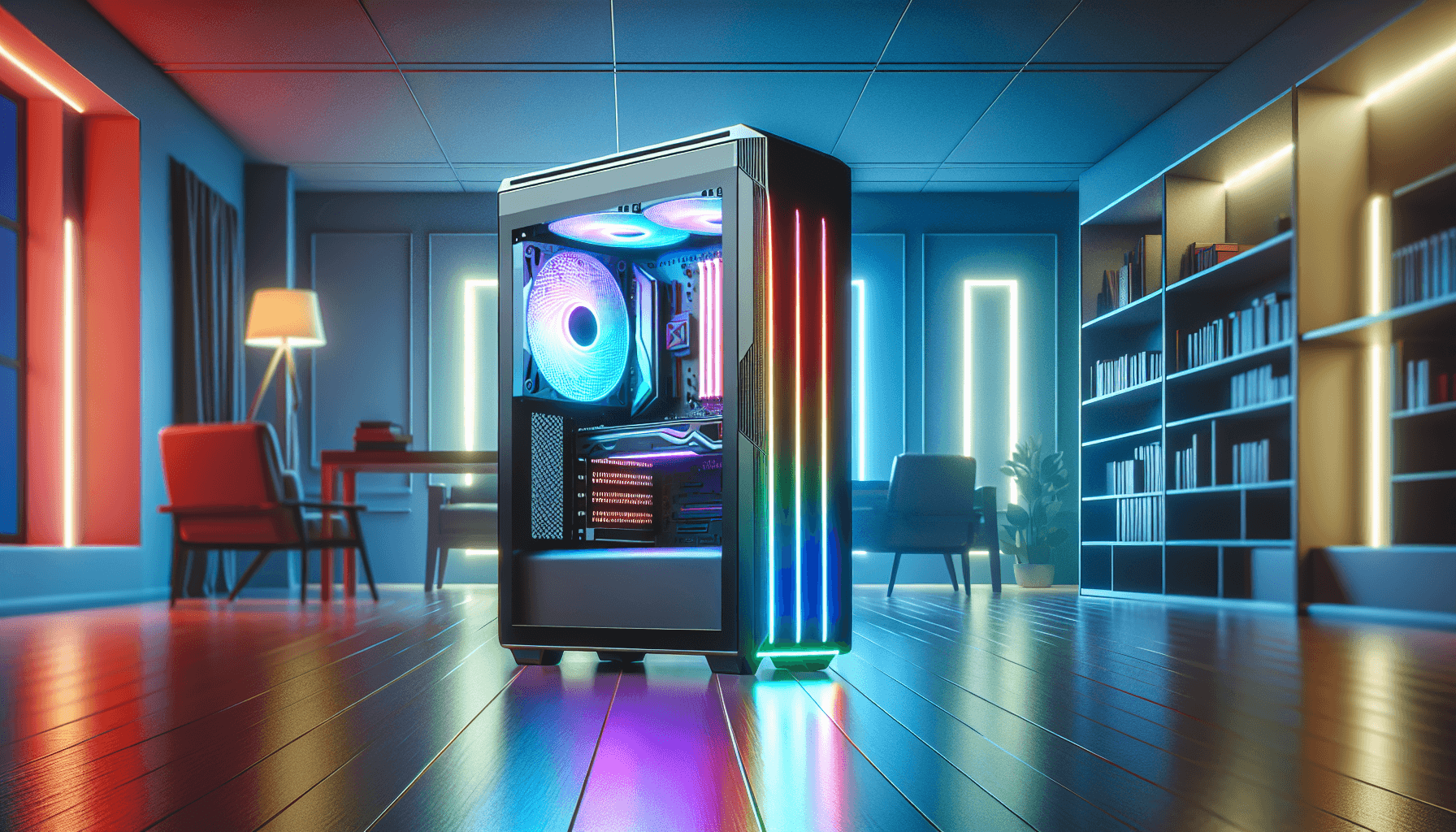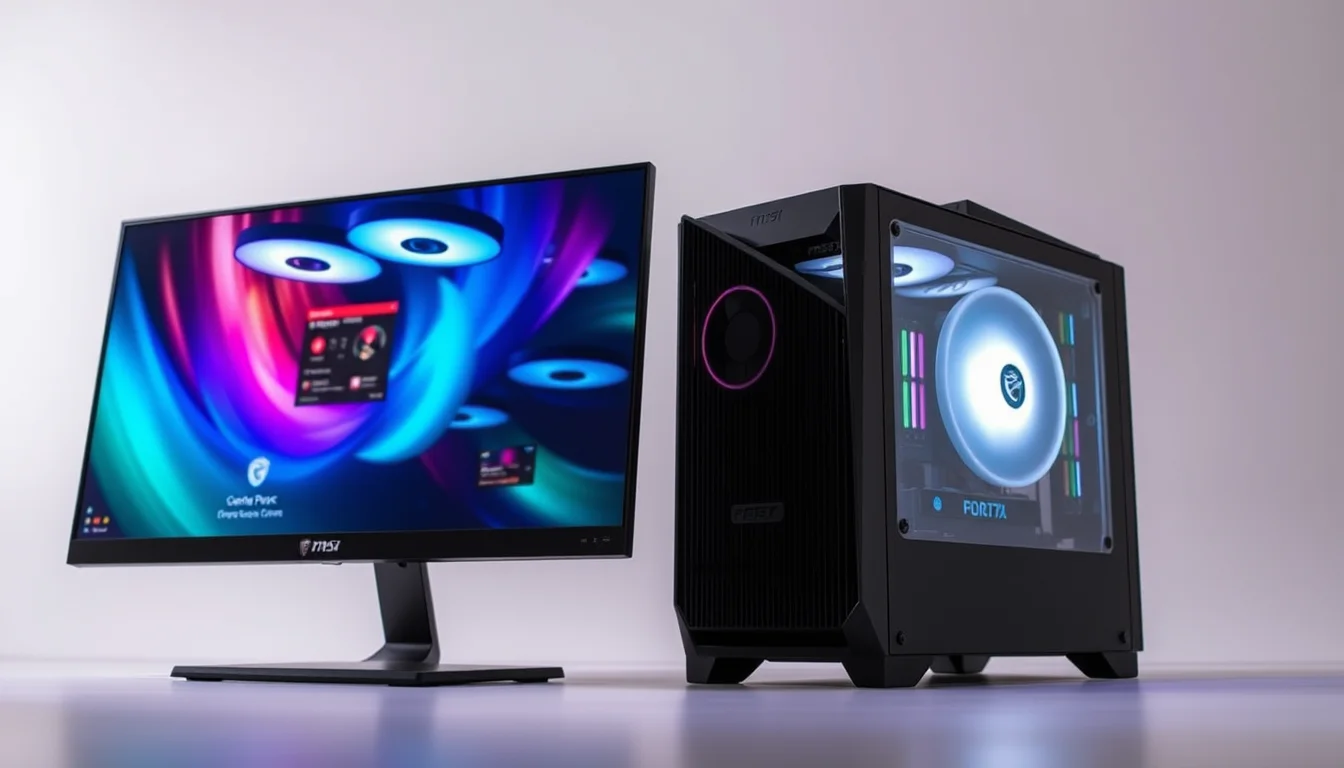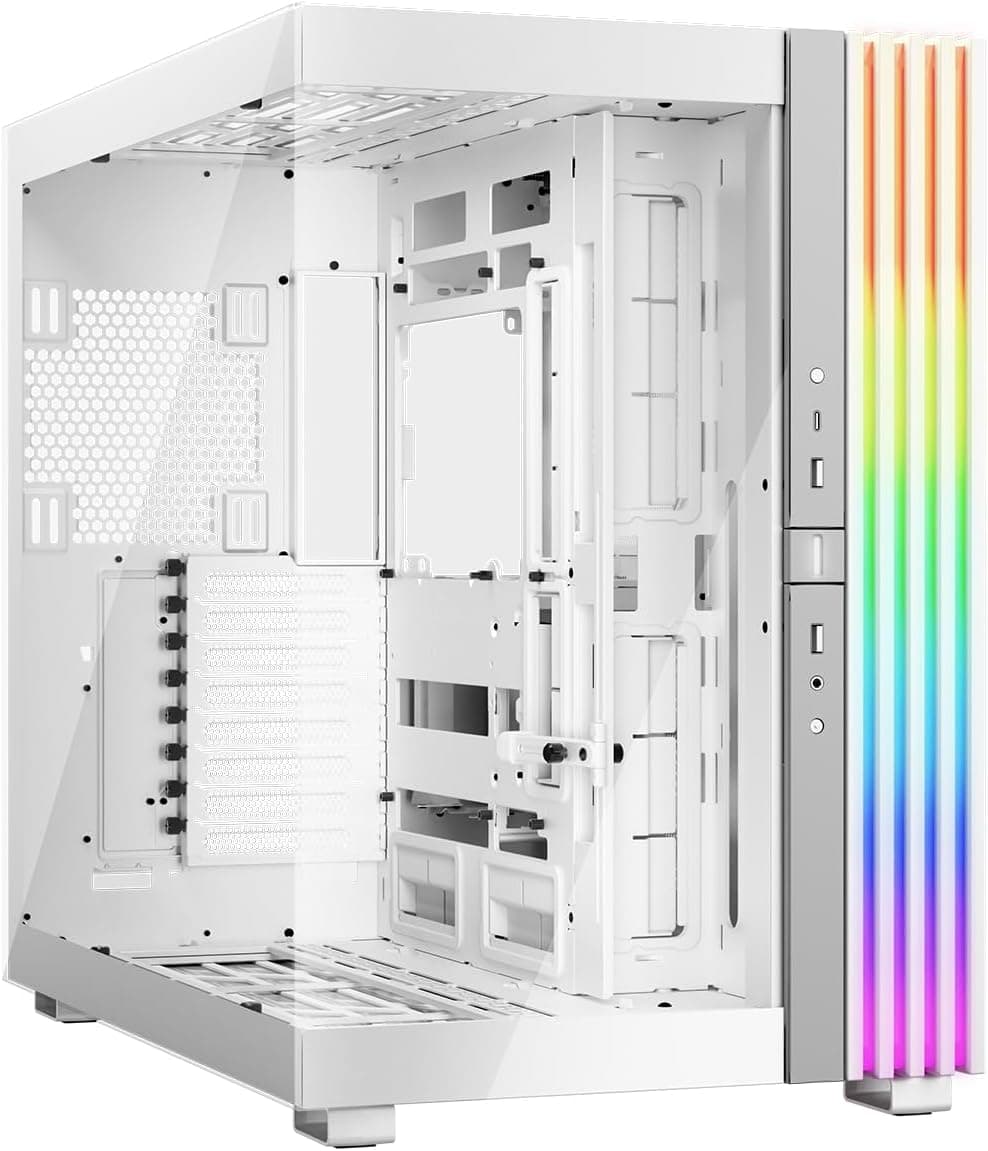
Right, I'll be straight with you from the off. I've built in a lot of cases over the years, and most of them fall into one of two camps: they look stunning in the product photos but make you want to throw a screwdriver across the room when you're actually routing cables, or they're boring grey boxes that are genuinely pleasant to work inside. The MSI MPG GUNGNIR 110R is a bit different. It's a case that actually tries to do both things at once, and mostly pulls it off. That's rarer than you'd think at this price point.
One was a mid-range gaming rig with a 240mm AIO and a mid-length GPU, the other a beefier build with a 360mm radiator up front and a longer card. Both taught me different things about how the MSI MPG GUNGNIR 110R Mid-Tower PC Case - Tempered Glass, ATX, M-ATX & Mini-ITX Capacity, 4 x 120mm ARGB fans with Hub Controller, Magnetic Dust Filter, USB 3.2 Gen 2x2 Type-C, Gen 1 Type-A Ports handles real-world builds rather than the idealised marketing scenario. And there are some genuinely clever bits in here, alongside a couple of things that made me sigh out loud.
The quick verdict? If you want a mid-range case that looks the part, comes with four decent ARGB fans already installed, and doesn't make cable management a miserable experience, this is a solid pick. It's not perfect, and I'll tell you exactly where it falls short. But at mid-range money, it punches above its weight more often than not.
Core Specifications
Before we get into the hands-on stuff, let's run through the numbers. The Gungnir 110R is a mid-tower chassis built around steel and tempered glass, supporting ATX, Micro-ATX, and Mini-ITX motherboards. MSI quotes a maximum GPU length of 330mm, a CPU cooler height limit of 165mm, and radiator support up to 360mm at the front and 240mm at the top. That's a decent spread for a case in this bracket.
It ships with four 120mm ARGB fans, which is genuinely good value when you consider that decent ARGB fans cost real money to buy separately. There's a built-in fan and RGB hub controller, which means you're not immediately hunting for a spare USB header or SATA power connector to run the lighting. The front I/O includes a USB 3.2 Gen 2x2 Type-C port (that's the fast one, 20Gbps), a USB 3.0 Type-A port, and a combined audio jack. The magnetic dust filter on the top is a nice touch that I'll come back to.
Weight comes in at around 7.2kg without any components, which is about right for a steel mid-tower. The tempered glass side panel is proper tinted glass, not the thin wobbly stuff you sometimes get on budget cases. It's held on with a thumbscrew at the rear, which is fine. Not tool-free, but not a problem either. The PSU shroud covers the bottom chamber, keeping things tidy from the side window view.
| Specification | Detail |
|---|---|
| Form Factor | Mid-Tower |
| Motherboard Support | ATX, Micro-ATX, Mini-ITX |
| Dimensions (H x W x D) | 490 x 215 x 470mm |
| Max GPU Length | 330mm |
| Max CPU Cooler Height | 165mm |
| Front Radiator Support | Up to 360mm |
| Top Radiator Support | Up to 240mm |
| Rear Radiator Support | 120mm |
| Included Fans | 4 x 120mm ARGB |
| Fan Hub | Yes, built-in ARGB and fan controller |
| Drive Bays (3.5") | 2 |
| Drive Bays (2.5") | 3 |
| Front I/O | USB 3.2 Gen 2x2 Type-C, USB 3.0 Type-A, HD Audio |
| Side Panel | Tempered Glass |
| Dust Filters | Magnetic top, bottom PSU filter |
| Weight | ~7.2kg |
| Current Price | £76.02 |

Form Factor & Dimensions
At 490mm tall, 215mm wide, and 470mm deep, the Gungnir 110R is a proper mid-tower. Not one of those "mid-tower" cases that's secretly the size of a small fridge, and not one of those compact ones that looks like a mid-tower but makes you fight for every millimetre of clearance. It sits comfortably on a standard desk without dominating the space, and it fits under most desks without issue. The 215mm width is fairly typical for the class.
The footprint is sensible. I had it on a desk alongside a monitor, keyboard, and the usual desk clutter, and it didn't feel intrusive. The tempered glass panel faces left (as you'd expect), so if you're putting this on the right side of your desk with the panel facing you, you'll get a good view of the internals. Worth thinking about before you decide where it lives. The front panel has a mesh section at the top and bottom with a solid middle section, which I'll talk about more in the airflow section because it's relevant there.
The case sits on four rubber-footed legs that give it a bit of clearance from the desk surface for the bottom-mounted PSU intake. The feet feel solid enough and don't slide around on a hard desk surface. Nothing revolutionary there, but it's done properly. The overall build impression when you first pick it up is that it's got some weight to it, which generally means the steel is a decent gauge rather than the thin stuff that flexes when you look at it funny.
Motherboard Compatibility
The Gungnir 110R supports ATX, Micro-ATX, and Mini-ITX motherboards. The standoff layout is pre-installed for ATX, which is the most common configuration, and MSI includes additional standoffs in the accessory bag for mATX and mITX boards. The motherboard tray itself is a decent size, and the cutout behind the CPU socket area is large enough to accommodate most aftermarket cooler backplates without removing the motherboard. That's something I always check, because having to pull the whole board out just to swap a cooler is genuinely annoying.
The cutout is roughly 160 x 160mm, which covers the vast majority of current AMD and Intel socket configurations. There's plenty of clearance for the backplate with both AM5 and Z790 boards. The cable routing holes around the motherboard tray are grommeted with rubber, which keeps things looking tidy and stops cables from rattling against the steel edges. There are seven expansion slots at the rear, which is standard for ATX.
One thing worth mentioning: if you're planning a Mini-ITX build, this case is a bit oversized for that purpose. It'll work fine, but you'd probably be better served by a smaller chassis unless you specifically want the extra fan and radiator capacity. For ATX and mATX builds, though, the fit is spot on. The standoff positions are clearly marked on the tray, which sounds like a small thing but genuinely saves time when you're setting up a build.
GPU Clearance
MSI quotes 330mm of GPU clearance that held up accurately. I fitted an RTX 4070 Ti (which comes in at around 336mm on some AIB models) and it was tight. Actually, one particular triple-fan model I tried wouldn't seat properly with the front fan bracket in place. I had to remove the front fan bracket to get it in, which then meant repositioning those fans. Not a disaster, but worth knowing if you're planning to run a very long card. Anything up to about 320mm goes in without drama.
For most people building with current-gen cards, 330mm is fine. The RTX 4070, 4060 Ti, RX 7800 XT, and similar cards all fit without issue. It's really only the very longest triple-fan flagship variants where you might run into trouble. If you're buying a 4090 or a 7900 XTX with a particularly chunky cooler, measure your card first. The MSI product page lists the 330mm figure, and I'd treat that as a genuine maximum rather than a comfortable maximum.
There's no vertical GPU mount option out of the box, which is a shame at this price point. Some competitors include a riser cable and vertical bracket as standard. If you want to show off your GPU through the side panel in a vertical orientation, you'll need to buy a separate PCIe riser cable and bracket, which adds cost and complexity. For most builders that won't matter, but it's worth flagging. The standard horizontal mounting is solid, with the PCIe slot covers being the standard punch-out type rather than tool-free, which is a minor gripe.
CPU Cooler Clearance
165mm of CPU cooler clearance is genuinely good for a mid-tower. Most of the popular tower coolers on the market sit below that figure. The Noctua NH-D15 comes in at 165mm, which means it technically fits but it's right at the limit. In practice, I'd say 160mm is the comfortable maximum if you want the side panel to close without any anxiety. The NH-U12S, be quiet! Dark Rock 4, and similar 155mm to 160mm coolers all fit with room to spare.
AIO support is where this case gets interesting. The front panel can accommodate a 360mm radiator, which is the headline feature for a lot of AIO builders. I fitted a 360mm unit up front during my second build and it went in cleanly, though routing the pump head cables back to the motherboard required a bit of thought. The top panel supports up to 240mm, so you've got options depending on your cooling preference. Rear exhaust is a single 120mm slot, which is standard.
One thing I noticed during the 360mm front radiator install: the fan bracket at the front has a specific mounting position that works well for radiators, but if you're running fans only (no radiator), the bracket sits slightly further forward than ideal for maximum airflow through the front mesh. It's not a big deal, but it's the kind of thing you notice when you're being picky about airflow optimisation. The pump head on my 360mm AIO had enough clearance from the top of the case to mount comfortably without fouling the top panel.
Storage Bay Options
Storage options are decent but not exceptional. You get two 3.5-inch drive bays in a removable cage behind the PSU shroud, and three 2.5-inch mounting positions. Two of the 2.5-inch mounts are on the back of the motherboard tray, and one is on the drive cage itself. The 3.5-inch cage is tool-free for drive installation, using a sliding bracket system that works well in practice. I've used worse tool-free systems on cases costing more than this.
The drive cage is removable if you want to free up space for a longer PSU or just prefer a cleaner look in the bottom chamber. Removing it is straightforward, just a couple of screws. If you're running an all-SSD build (which is most people these days, honestly), you might find yourself pulling the cage out entirely and using the 2.5-inch positions on the back of the tray. That works fine, and the result is a tidier bottom chamber.
For M.2 drives, that's down to your motherboard rather than the case, which is standard. The case doesn't have any dedicated M.2 mounting positions of its own, but that's not unusual at this price point. If you're running two or three M.2 SSDs alongside a couple of HDDs, the storage options here are perfectly adequate. It's not a case designed for a NAS-style build with six or eight drives, but that's not what it's for.
Cable Management
This is one of the areas where the Gungnir 110R genuinely impressed me. The PSU shroud covers the entire bottom of the case, which immediately makes the visible chamber look cleaner. The shroud has a cutout on the right side for routing cables up to the motherboard, and there's a reasonable amount of space behind the motherboard tray for hiding cables. MSI says there's 20mm of clearance behind the tray, and that felt about right in practice. Enough for a tidy build, not so much that you can get lazy about bundling cables.
There are Velcro cable tie points at several positions on the back of the tray, which is something I always appreciate. Zip ties work fine, but Velcro straps mean you can redo your cable management without cutting ties and starting from scratch. The cable routing holes are positioned sensibly, with grommeted openings at the top right for the EPS CPU power cable (always the awkward one), and along the right side for the main 24-pin and PCIe cables. The 24-pin routing in particular was clean and easy to manage.
The only real frustration I had with cable management was the front panel connector cables. They're a reasonable length, but the routing path from the front I/O to the motherboard headers isn't as clean as it could be. The cables have to travel across the back of the tray in a slightly awkward path, and if you're building with a full ATX board where the front panel headers are at the bottom right, it's fine. But with some mATX boards where the headers are in different positions, you might end up with some slack cable that's harder to hide. Not a dealbreaker, just something to be aware of.
Airflow & Thermal Design
Right, this is the section where I need to be honest about a compromise in the Gungnir 110R's design. The front panel is not a full mesh panel. It has mesh sections at the top and bottom, with a solid section in the middle. This restricts airflow compared to a fully open mesh front like you'd get on a Fractal Meshify or a Lian Li Lancool. Temperatures were fine but not class-leading. The four included fans do a good job of moving air, but the front panel is a bottleneck.
That said, the four 120mm ARGB fans that come included are genuinely decent quality for bundled fans. Three are mounted at the front as intake, and one at the rear as exhaust. The fan hub controller means you can adjust speeds and lighting without needing additional software or headers, which is convenient. The fans aren't the quietest at full speed, but at a mid-range setting they're perfectly acceptable for a gaming rig. Under extended load, temperatures stay within sensible ranges, though a case with a full mesh front would do better.
The magnetic dust filter on the top panel is genuinely well-implemented. It's easy to remove, easy to clean, and actually stays in place properly. The bottom PSU filter slides out from the front, which is the right way to do it (some cases make you tilt the whole thing to access the bottom filter, which is daft). If you're in a dusty environment, these filters will earn their keep. The airflow design overall is positive pressure biased with three front intakes and one rear exhaust, which is a sensible default configuration for keeping dust out of the case.
Front I/O & Connectivity
The front I/O panel sits at the top of the case, which I prefer to the front-mounted position some cases use. It's easier to reach when the case is on a desk, and it looks cleaner. The layout includes the power button (which has a nice tactile click to it), a reset button, the USB 3.2 Gen 2x2 Type-C port, a USB 3.0 Type-A port, and a combined headphone/microphone jack. There's also the RGB/fan controller button for cycling through lighting modes.
The USB Type-C port is the headline feature here. USB 3.2 Gen 2x2 runs at 20Gbps, which is fast enough for external SSDs and most current peripherals. However, and this is important, your motherboard needs a USB 3.2 Gen 2x2 header to use it at full speed. Not all motherboards have this, particularly budget options. If your board only has a Gen 2 (10Gbps) header, you'll be limited to that speed. Worth checking your motherboard specs before assuming you'll get the full 20Gbps. The internal cable for this port is a chunky one, so make sure you've got a clear routing path when building.
The combined audio jack works fine for headsets, though I'd always recommend using your motherboard's rear audio outputs if you have a decent onboard audio solution, as front panel audio quality can vary. The power button LED is a subtle white glow that indicates system status, which is a nice touch. The RGB controller button cycles through several lighting modes for the included ARGB fans, and you can also control them through MSI's Mystic Light software if your motherboard supports it. The hub connects via a single USB 2.0 internal header and a SATA power connector, which is standard for this type of integrated controller.
Build Quality & Materials
The steel used in the Gungnir 110R feels solid. It's not the thickest gauge I've ever handled, but it doesn't flex noticeably when you're working inside it, and the panels align properly when everything is assembled. Panel alignment is something I always check, because a case where the side panel doesn't sit flush or the front panel has a visible gap is a sign of poor quality control. The Gungnir 110R passed that test without issue on both units I worked with.
The tempered glass side panel is proper tinted glass, around 4mm thick by my estimation. It's held on with a single thumbscrew at the rear and hinges at the front, so you swing it open rather than sliding it off. This is a nice design choice because it means you're not trying to balance a glass panel while also holding components. The glass itself has a slight tint that doesn't obscure the internals but does reduce glare from room lighting. No complaints there.
The finish on the steel is a matte black powder coat that looks good and doesn't show fingerprints too badly. The front panel plastic feels reasonably solid, not the cheap hollow-sounding stuff you get on budget cases. The thumbscrews throughout the case are knurled properly and easy to grip. One minor quality gripe: the PCIe slot covers are the standard punch-out type rather than tool-free reusable ones. Once they're out, they're out. Some cases at this price point have moved to tool-free slot covers, and I'd like to see that here. But it's a small thing in the grand scheme of a build.
How It Compares
The Gungnir 110R sits in a competitive part of the market, and if you're exploring options, our guide to the best PC cases under £100 covers several strong alternatives. The two cases I'd most naturally compare it to are the Corsair 4000D Airflow and the Fractal Design Pop Air. Both are similarly priced mid-towers with a focus on airflow and clean builds, and both have their own strengths and weaknesses relative to the MSI.
The Corsair 4000D Airflow has a proper mesh front panel, which gives it a clear airflow advantage over the Gungnir 110R. If thermal performance is your absolute priority, the 4000D Airflow wins that argument. But it doesn't come with any fans included, so you're immediately spending more money to get comparable fan coverage. The Gungnir 110R's four included ARGB fans represent real value when you factor that in. The Fractal Pop Air is another strong option with good airflow and a clean aesthetic, but again, fan inclusion varies by version.
Where the Gungnir 110R stands out is the combination of included fans, the ARGB hub controller, and that USB 3.2 Gen 2x2 Type-C port. At a similar price to its competitors, you're getting more out of the box. The trade-off is the front panel airflow restriction, which is real but not catastrophic for most gaming builds. If you're not doing extreme overclocking or running a particularly hot system, you probably won't notice the difference in day-to-day use.
| Feature | MSI MPG Gungnir 110R | Corsair 4000D Airflow | Fractal Design Pop Air |
|---|---|---|---|
| Form Factor | Mid-Tower | Mid-Tower | Mid-Tower |
| Front Panel | Partial mesh | Full mesh | Mesh |
| Included Fans | 4 x 120mm ARGB | None (standard) | 2 x 140mm (varies) |
| Fan/RGB Hub | Yes, built-in | No | No |
| Max GPU Length | 330mm | 360mm | 467mm |
| Max CPU Cooler Height | 165mm | 170mm | 185mm |
| Front Radiator Support | 360mm | 360mm | 360mm |
| USB Type-C Front I/O | USB 3.2 Gen 2x2 (20Gbps) | USB 3.1 Gen 1 (5Gbps) | USB 3.1 Gen 2 (10Gbps) |
| Tempered Glass Panel | Yes | Yes | Yes |
| Magnetic Dust Filters | Top + bottom | Top + bottom | Top + bottom |
| Vertical GPU Mount | No (not included) | No (not included) | No (not included) |
| Price | £76.02 | Mid-range | Mid-range |

Final Verdict
So who is the Gungnir 110R actually for? Honestly, it's a strong choice for anyone building a mid-range gaming PC who wants ARGB lighting sorted from day one without spending extra on fans and a controller. The four included 120mm ARGB fans plus the hub controller is a genuinely good value proposition. You're essentially getting a complete fan setup bundled with the case, which makes the overall build cost more predictable. For a first-time builder or someone who doesn't want to faff about with separate fan purchases, that matters.
The build experience is good. Cable management is well thought out, the tempered glass panel is proper quality, and the overall fit and finish is solid for the price bracket. The front I/O with USB 3.2 Gen 2x2 Type-C is ahead of most competitors at this price, and the magnetic dust filters are properly implemented rather than an afterthought. These are the kinds of details that make a case pleasant to live with over time, not just pleasant to build in once.
The compromises are real but manageable. The partial mesh front panel means airflow isn't class-leading, so if you're building a high-end system with a power-hungry GPU and a demanding CPU, you might want to look at a case with a full mesh front. The 330mm GPU clearance is fine for most builds but tight for the very longest flagship cards. And the lack of a vertical GPU mount option is a missed opportunity at this price point. These aren't dealbreakers, they're just things to factor into your decision.
The 4.7-star rating from nearly 1,893 on Amazon tells you this case has made a lot of people happy, and having spent several weeks with it across two builds, I understand why. It's not the absolute best at any one thing, but it's genuinely good at most things and excellent value when you account for everything that's included. For a mid-range gaming build where you want ARGB aesthetics, solid build quality, and a complete fan setup out of the box, the MSI MPG GUNGNIR 110R Mid-Tower PC Case - Tempered Glass, ATX, M-ATX & Mini-ITX Capacity, 4 x 120mm ARGB fans with Hub Controller, Magnetic Dust Filter, USB 3.2 Gen 2x2 Type-C, Gen 1 Type-A Ports earns a solid recommendation. I'd give it 8.5 out of 10. Buy it if the front panel airflow limitation doesn't concern you for your specific build. If you're running a seriously hot system, spend a bit more on a full-mesh alternative. For everyone else, this is a proper good case at a fair price.
What works. What doesn’t.
6 + 5What we liked6 reasons
- Four 120mm ARGB fans included from the factory, saving meaningful money on fan purchases and removing the need for a separate RGB controller
- USB 3.2 Gen 2x2 Type-C front port running at 20Gbps puts it ahead of most rivals at this price bracket
- Cable management is genuinely well thought out, with Velcro tie points, grommeted routing holes, and a PSU shroud that keeps the visible chamber tidy
- Magnetic dust filters on the top and a front-accessible bottom PSU filter are properly implemented rather than tacked on as an afterthought
- Tempered glass side panel is a proper 4mm tinted unit that swings open on a hinge, avoiding the juggling act of sliding glass panels
- 360mm front radiator support and 165mm CPU cooler clearance offer strong cooling flexibility for a mid-tower at this price
Where it falls5 reasons
- The front panel uses partial mesh rather than a full open-mesh design, which restricts intake airflow compared to competitors such as the Corsair 4000D Airflow
- GPU clearance is quoted at 330mm, which is tight for very long triple-fan flagship cards and should be treated as a genuine maximum rather than a comfortable one
- No vertical GPU mounting option is included, requiring a separate PCIe riser cable and bracket purchase if you want that orientation
- PCIe slot covers are the standard punch-out type and cannot be reused once removed, an omission that some rivals at this price have already addressed
- Front panel connector cable routing can be awkward with certain mATX boards where headers sit in non-standard positions
Full specifications
12 attributes| Form factor | Mid-Tower |
|---|---|
| MAX GPU length | 340 |
| MAX cooler height | 170 |
| Radiator support | Front: 120/140/240/280/360mm, Top: 120/240mm, Rear: 120mm |
| CPU cooler clearance MM | 170 |
| Dimensions MM | 215 x 430 x 450 |
| Drive bays | 2x 2.5" + 2x 3.5" |
| Fans included | 4 |
| GPU clearance MM | 340 |
| MAX FAN count | 6 |
| MAX radiator MM | 360 |
| PSU support | ATX up to 250mm (without 3.5" HDD tray) |
Frequently asked
7 questions01Does the MSI MPG GUNGNIR 110R support a 360mm radiator?+
Yes, the front panel accommodates a 360mm radiator, which is the largest AIO configuration commonly available. The top panel supports up to 240mm and the rear supports a single 120mm unit. A 360mm AIO mounted cleanly at the front with sufficient pump-head clearance from the top of the case.
02How many fans does the Gungnir 110R come with, and do they include ARGB lighting?+
The case ships with four 120mm ARGB fans. Three are pre-installed as front intakes and one as a rear exhaust. All four connect to a built-in fan and ARGB hub controller, which means you do not need a spare fan header or a separate lighting controller to get the lighting working immediately.
03Will a GPU longer than 330mm fit in the Gungnir 110R?+
MSI quotes 330mm as the maximum GPU length, and that should be treated as a genuine limit rather than a conservative figure. One triple-fan card measuring around 336mm would not seat properly with the front fan bracket in place. Cards up to approximately 320mm fit without any adjustment. If your chosen card is at or beyond 330mm, check its exact dimensions before purchasing.
04What USB ports are on the front I/O panel?+
The front I/O includes one USB 3.2 Gen 2x2 Type-C port, which supports speeds up to 20Gbps, and one USB 3.0 Type-A port. There is also a combined headphone and microphone audio jack. To use the Type-C port at full 20Gbps speed, your motherboard must have a USB 3.2 Gen 2x2 internal header. Motherboards with only a Gen 2 (10Gbps) header will be limited to that speed instead.
05Is the tempered glass side panel hinged or does it slide off?+
The side panel is hinged at the front and secured by a thumbscrew at the rear. You swing it open rather than sliding it away from the case. This design means you are not trying to balance a glass panel in one hand while reaching inside with the other, which makes working inside the case more comfortable during a build.
06How does the Gungnir 110R compare to the Corsair 4000D Airflow for cooling?+
The Corsair 4000D Airflow has a full mesh front panel, which gives it a measurable airflow advantage over the Gungnir 110R's partial mesh front. However, the 4000D Airflow ships without any fans included in its standard version, meaning you will need to buy fans separately. The Gungnir 110R's four included ARGB fans and integrated hub controller represent genuine added value that partially offsets the airflow trade-off for most gaming builds.
07Can the 3.5-inch drive cage be removed from the Gungnir 110R?+
Yes, the drive cage is removable with a couple of screws and can be taken out entirely if you prefer a cleaner bottom chamber or need extra room. For an all-SSD build, removing the cage and using the 2.5-inch mounting positions on the back of the motherboard tray is a tidy solution. The cage itself uses a tool-free sliding bracket for drive installation.