There's a particular kind of madness that takes over when you're deep in the GPU rabbit hole at midnight, seventeen browser tabs open, trying to work out whether the card you're eyeing is actually good or just good at looking good in spec sheets. The RTX 5070 generation is especially guilty of making that harder than it needs to be. Blackwell architecture, DLSS 4.0, numbers that sound impressive until you remember what you paid for your last card and how quickly it became "mid-range". So let's cut through it.
The MSI GeForce RTX 5070 12G GAMING TRIO OC is, genuinely, one of the more exciting upper mid-range cards to land in a while. And I say that as someone who's watched enough GPU launches to be deeply suspicious of anything NVIDIA markets as a generational leap. But the combination of Blackwell's architecture improvements, DLSS 4 with Multi Frame Generation, and what is shaping up to be a properly capable cooler in the TRI FROZR 4 makes this card worth your serious attention. It's not perfect. The VRAM situation deserves a real conversation. But for 1440p gaming in 2026, this is close to the sweet spot, and the 308 owners giving it a 4.6-star average aren't wrong.
The verdict up front: if 1440p high-refresh gaming is your goal and you don't want to spend RTX 5080 money, this is the card to beat in this bracket. Read on for why, and for the caveats that matter.
MSI GeForce RTX 5070 12G GAMING TRIO OC: Core Specifications
Before getting into the nuance, here's what you're actually buying. The RTX 5070 sits on NVIDIA's Blackwell architecture, which brings genuine improvements to ray tracing, AI-driven upscaling, and raw shader throughput compared to Ada Lovelace. The MSI GAMING TRIO OC variant adds a factory overclock on top of the reference spec, which is standard practice at this tier and means you're getting slightly more performance out of the box without having to touch MSI Afterburner.
The card carries 12GB of GDDR7 memory running at 28 Gbps across a 192-bit bus. GDDR7 is a meaningful step up from GDDR6X in terms of bandwidth per pin, so despite the 192-bit bus being narrower than what you'd find on a 5080, the effective bandwidth is competitive for this class. The card draws 250W at the wall (TGP), connects via a single 16-pin connector (that's the 12VHPWR standard, for the uninitiated), and MSI recommends a 650W PSU minimum. The physical dimensions matter too: 338mm long, 2.5 slots wide, and weighing in at 1,187 grams. That's a proper chunk of metal and plastic, and you'll want to check your case clearance before ordering.
Display connectivity is excellent. Three DisplayPort 2.1b outputs and one HDMI 2.1b port sit on the rear bracket, which means you can push 4K at up to 480Hz if you have the monitor for it, or drive three high-refresh 1440p displays simultaneously without breaking a sweat. The DisplayPort 2.1b standard is the current ceiling for display bandwidth, so you're not going to hit a wall there any time soon.
| Specification | Detail |
|---|---|
| GPU Architecture | NVIDIA Blackwell |
| VRAM | 12GB GDDR7 |
| Memory Speed | 28 Gbps |
| Memory Bus | 192-bit |
| TGP (Power Consumption) | 250W |
| Recommended PSU | 650W or higher |
| Power Connector | 16-pin (12VHPWR) |
| PCIe Interface | PCIe 5.0 x16 |
| Card Length | 338mm |
| Slot Width | 2.5 slots |
| Weight | 1,187 grams |
| Display Outputs | 3x DisplayPort 2.1b, 1x HDMI 2.1b |
| Max Resolution Support | 4K/480Hz |
| Ray Tracing | 4th Gen RT Cores |
| AI Upscaling | DLSS 4.0 (Multi Frame Generation) |
| Cooler | TRI FROZR 4 (3x STORMFORCE fans) |
| Backplate | Reinforced metal |
| Price | £749.99 |

Architecture and Cores
Blackwell is NVIDIA's follow-up to Ada Lovelace, and the improvements aren't just marketing slides. The 4th generation RT cores represent a meaningful step forward for ray tracing performance, delivering more rays per clock than Ada managed. The Tensor cores, which handle the AI workloads that power DLSS, have also been upgraded to support the new Multi Frame Generation pipeline in DLSS 4.0. That's not a trivial upgrade. It's the difference between generating one extra frame between rendered frames (as DLSS 3 did) and generating multiple, which has a dramatic effect on perceived smoothness at high refresh rates.
The manufacturing process underpinning Blackwell is TSMC's 4N node, which is a custom variant of their 4nm class process. That matters because it's what allows NVIDIA to pack more compute into a given die area while keeping power consumption manageable. The RTX 5070 isn't the full-fat Blackwell die, obviously. That's reserved for the 5090 and 5080. But the shader counts and RT/Tensor core allocations on the 5070 are still a serious step up from the RTX 4070, and published benchmark data from the launch window shows the gap is real, not just theoretical.
What this means in practice is that the 5070 punches noticeably harder than its predecessor in ray-traced workloads specifically, and the AI acceleration improvements make DLSS 4 genuinely useful rather than a compromise. The 4th gen RT cores are particularly relevant if you play titles like Cyberpunk 2077, Alan Wake 2, or anything else that uses path tracing. Without those cores, those games are essentially unplayable at quality settings. With them, and with DLSS 4 doing the heavy lifting, they become accessible. That's a real-world difference, not a spec sheet fantasy.
Clock Speeds and Boost
MSI doesn't publish the exact base and boost clock figures in the Amazon listing, which is a bit annoying, but what they do confirm is that this is a factory-overclocked variant sitting above the reference RTX 5070 spec. The "OC" in the name isn't decorative. MSI's GAMING TRIO OC cards historically sit a meaningful notch above Founders Edition reference clocks, and with the TRI FROZR 4 cooler having enough thermal headroom to sustain those clocks under load, the factory OC is more than just a number on a box.
What matters in practice is boost clock behaviour under sustained load, which is where a lot of cheaper coolers fall apart. The card throttles when it gets too hot, and if your cooler can't keep up, you lose the performance you paid for. The TRI FROZR 4's design, which we'll get into properly in the thermals section, is specifically built to maintain sustained boost clocks rather than letting the card yo-yo between its peak and a thermally-throttled floor. Owner reviews consistently mention that the card runs cool and quiet, which is exactly the condition you need for the factory OC to mean something.
The PCIe 5.0 x16 interface is here too, even though it doesn't directly affect clock speeds. PCIe 5.0 doubles the bandwidth of PCIe 4.0, and while current games don't saturate even PCIe 4.0, it's future-proofing that costs you nothing. If you're building a new system around this card, pairing it with a PCIe 5.0 capable motherboard and CPU makes sense for longevity. If you're dropping it into an older PCIe 4.0 system, you won't notice any performance difference at all.
VRAM Analysis
Right, this is the conversation we need to have. Twelve gigabytes of GDDR7. On paper, 12GB sounds like a lot. In 2024 it would have been plenty. In 2026, it's still fine for most things, but the ceiling is visible. Let me be specific about where that ceiling is, because the nuance matters.
At 1080p and 1440p, 12GB is more than enough for every current game, including the texture-hungry ones. Hogwarts Legacy at ultra textures, Cyberpunk 2077 with RT overdrive, Forza Horizon 5 at max settings: none of these will exhaust 12GB at those resolutions. The 192-bit bus is narrower than the 256-bit bus on the RTX 5080, but GDDR7 running at 28 Gbps partially compensates for that. Effective memory bandwidth is still strong enough that you won't hit a bandwidth wall in typical 1440p gaming scenarios.
At 4K, the picture is more complicated. Current titles at 4K ultra with high-resolution texture packs can push past 10GB, and some are already brushing 12GB. With DLSS 4 Quality mode, you're rendering at a lower internal resolution and then upscaling, which reduces VRAM pressure significantly. So in practice, most 4K gaming with DLSS enabled will be fine. Native 4K without upscaling at maximum texture settings in the most demanding titles is where you might see stutters as the card manages its buffer. This isn't unique to the 5070, and it's not a disaster, but if you're planning to do native 4K maximum settings gaming without any upscaling, the 16GB on the RTX 5080 is the more comfortable choice. For everyone else, 12GB with GDDR7's bandwidth advantage is a reasonable trade-off at this price point.
Ray Tracing and Upscaling
DLSS 4 with Multi Frame Generation is the headline feature of the Blackwell generation, and it's genuinely impressive. The previous DLSS 3 could generate one additional frame between rendered frames. DLSS 4 can generate multiple, which means that at high frame rates, the perceived smoothness improvement is substantial. Published benchmark results from the launch window show that in DLSS 4 Performance mode with Multi Frame Generation enabled, the 5070 can push frame rates that would have required a 5080 in native rendering. That's not nothing.
The caveat, and it's an honest one, is that generated frames don't feel identical to rendered frames. Input latency is managed by NVIDIA Reflex, which ships alongside DLSS 4, but competitive players who are sensitive to even small latency variations may notice the difference. For cinematic single-player games, the image quality at DLSS 4 Quality mode is genuinely hard to distinguish from native at typical viewing distances, and the frame rate uplift makes demanding titles feel much more comfortable. For fast-paced competitive shooters, most players will want to lean on the raw rasterisation performance and use DLSS for frame rate headroom rather than as the primary driver.
Ray tracing performance is a genuine step forward with the 4th gen RT cores. The RTX 5070 handles ray-traced global illumination and reflections in titles like Alan Wake 2 and Cyberpunk 2077 at 1440p with DLSS 4 Quality mode in a way that the RTX 4070 couldn't manage without significant compromises. Path tracing at 4K is still beyond this card without heavy DLSS assistance, but that's expected at this price tier. The DLSS 4 ecosystem is expanding rapidly, and the number of supported titles is growing every month, which makes the Tensor core investment increasingly worthwhile over the card's lifespan.
Video Encoding
If you stream or create video content, the NVENC encoder on Blackwell is something you should genuinely care about. NVIDIA's encoder has been competitive with software encoding for several generations now, and Blackwell's implementation includes AV1 hardware encoding, which is the codec that's rapidly replacing H.264 and H.265 for streaming quality at a given bitrate. Twitch, YouTube, and most modern streaming platforms support AV1, and the quality improvement over H.264 at the same file size is noticeable.
The dual NVENC encoder setup that some higher-end NVIDIA cards carry allows simultaneous gaming and streaming without the encoder stealing GPU resources from the game. The RTX 5070 class carries NVENC hardware that handles this workload efficiently, meaning your frame rate while streaming is much less affected than it would be with software encoding on the CPU. For content creators who also game, this is a real practical benefit. OBS with NVENC AV1 at a sensible bitrate will produce better-looking streams than most people's internet connections can actually deliver, so the encoder is rarely the bottleneck.
AV1 decode is also present, which matters for watching high-quality streaming content. 4K AV1 streams from YouTube or Netflix decoded in hardware put essentially no load on the GPU, keeping your system responsive. It's a small thing, but it's the kind of feature that quietly improves your daily experience with the card beyond just gaming. The AV1 codec is now the dominant format for high-quality video streaming, so having hardware decode support is increasingly important.

Power Consumption
Two hundred and fifty watts. That's the rated TGP for the RTX 5070, and it's a number worth sitting with for a moment, because it's not trivial. The previous generation RTX 4070 sat around 200W. The 5070 draws more, which is the price of the performance uplift. MSI's recommended minimum PSU is 650W, and that's a sensible floor if your system is otherwise modest. A typical gaming PC with a modern CPU, some storage, and a few case fans will draw around 350 to 400W total under load, so a 650W PSU gives you a reasonable buffer.
That said, I'd personally recommend a 750W unit if you're building fresh. PSU headroom matters for transient spikes, which is where the 16-pin 12VHPWR connector becomes relevant. The 12VHPWR connector can deliver up to 600W in theory, and while the 5070 doesn't need anywhere near that, having a quality PSU with a native 16-pin cable rather than an adapter is the right call. The melting connector issues that plagued some early RTX 4090 owners were largely traced to adapters and improper seating, not the connector standard itself. Use a PSU with a native 16-pin cable and seat it fully, and you'll be fine.
Owner reviews don't flag power-related issues as a concern, which aligns with what you'd expect from a card drawing a sensible 250W rather than the 450W+ that the RTX 4090 and 5090 demand. This is a card that fits into a normal gaming PC without requiring you to rewire your house. Your electricity bill will notice it's there, but it won't define your monthly outgoings the way a flagship card would.
Thermal Performance
The TRI FROZR 4 cooler is MSI's current flagship cooler design, and it's genuinely well-engineered. Three STORMFORCE fans with seven claw-textured blades each, double-ball bearings for longevity, and ZERO FROZR mode that stops the fans entirely when the card is idle or under light load. The heatsink underneath features a nickel-plated copper baseplate, multiple heat pipes, and MSI's Airflow Control fins that direct airflow more efficiently through the heatsink stack. Thermal pads cover the VRAM and VRM components, which matters for the longevity of those parts under sustained load.
Rather than trapping hot air behind the PCB, the design allows some airflow to pass through, which reduces the thermal soak that can cause problems in compact cases. The reinforced metal backplate also serves a structural purpose on a card that weighs 1,187 grams: it reduces sag and prevents the PCB from flexing under the cooler's weight over time. These aren't glamorous features, but they're the kind of engineering details that determine whether a card is still running well in three years.
Owner reviews consistently describe the card as running cool under gaming loads, which is exactly what you'd hope for from a triple-fan cooler on a 250W GPU. Without specific temperature figures from the verified product data, I won't invent numbers, but the pattern in owner feedback is clear: this cooler has more than enough capacity for the 5070's thermal output, and the card doesn't throttle under sustained load. That's the most important thing. A card that runs cool maintains its boost clocks, and a card that maintains its boost clocks delivers the performance you paid for.
Acoustic Performance
ZERO FROZR is one of those features that sounds like marketing until you actually experience it. When the card is idle, browsing, or doing light GPU work, the fans stop completely. No hum, no whirr, nothing. For people who sit at their desk doing a mix of gaming and other work, that silence during the non-gaming portions of their day is genuinely pleasant. The double-ball bearing fans are rated for a longer service life than sleeve bearing alternatives, which means the fans should stay quiet over years of use rather than developing a rattle.
Under gaming load, the three STORMFORCE fans spin up, and the question is how loud they get. The seven claw-textured blades are designed to move more air at lower RPM compared to conventional blade shapes, which is the right approach for keeping noise down. The Airflow Control heatsink design means the fans don't have to work as hard to shift the heat, which keeps RPM lower. Owner reviews describe the acoustic character as quiet to moderate under typical gaming loads, with no reports of jet-engine behaviour that you sometimes see with poorly-matched cooler and GPU combinations.
The card is 2.5 slots wide rather than a full 3 slots, which is for case compatibility. It's thick enough to have a serious heatsink, but not so thick that it'll block adjacent PCIe slots in most ATX builds. The 338mm length is the more relevant constraint: measure your case's GPU clearance before ordering, because 338mm is on the longer side and some mid-tower cases with front-mounted radiators will be tight. That's not a cooler criticism, it's just physics. Bigger heatsink, better thermals, quieter fans. The trade-off is size.
Gaming Performance
The RTX 5070 is built for 1440p. That's its native habitat. At 2560x1440 in modern titles, published benchmark results from the launch window show the card delivering comfortably high frame rates in demanding games, with enough headroom to max out settings in most titles. Games like Cyberpunk 2077 at ultra settings with ray tracing, which would have brought the RTX 4070 to its knees, are manageable at 1440p with DLSS 4 Quality mode. Less demanding titles like Fortnite, Valorant, or older AAA games run at frame rates that will saturate even a 240Hz monitor. For the 1440p high-refresh gaming use case, this card is properly sorted.
At 4K, the story is more nuanced. Native 4K at maximum settings in the most demanding titles is a stretch, but 4K with DLSS 4 Quality mode is genuinely excellent. DLSS 4's image quality at Quality preset is difficult to distinguish from native at 4K, and the frame rate uplift is substantial. So if you have a 4K monitor and you're willing to use DLSS (and you should be, because the image quality is that good), the 5070 is a capable 4K card. If you're a native-resolution purist who refuses to use upscaling, you'll want to look at the 5080. But that's a philosophical position that's getting harder to defend as DLSS quality improves.
At 1080p, the card is overkill for most purposes, but in a good way. If you're running a 1080p 360Hz monitor for competitive gaming, the 5070 will keep you well above that frame rate in most esports titles, and the raw rasterisation performance means you won't be GPU-limited in those scenarios. The 12GB of GDDR7 is more than you need at 1080p, and the RT cores are wasted at that resolution if you're playing competitive titles with ray tracing off. But it's not a bad 1080p card, it's just an expensive one for that use case. The sweet spot is unambiguously 1440p.
How It Compares
The two most obvious comparisons for the MSI GeForce RTX 5070 12G GAMING TRIO OC are the RTX 5080 above it and AMD's RX 7900 GRE (or its Blackwell-era AMD equivalent) at a lower price. The RTX 5080 offers 16GB of GDDR7, a wider 256-bit memory bus, and substantially more shader and RT core count. It's a meaningfully better card, particularly for 4K native gaming and the most demanding ray-traced workloads. But it also costs considerably more, and for 1440p gaming, the performance difference doesn't justify the price premium for most people. The 5070 covers the 1440p use case so well that you'd be paying for headroom you won't use most of the time.
On the AMD side, the RX 7900 GRE remains a competitive alternative for rasterisation performance, often at a lower price point. AMD's RDNA 3 architecture has strong raw compute performance and more VRAM on some models, which is a genuine advantage for 4K texture work. But AMD's upscaling solution, FSR 3, while good, isn't quite at DLSS 4's level for image quality, and AMD lacks an equivalent to Multi Frame Generation that's as mature. For ray tracing specifically, AMD's RT performance lags behind NVIDIA's at this tier, which matters if RT is part of your gaming diet. If you primarily play titles that don't use ray tracing heavily and you're price-sensitive, AMD is worth a serious look. If DLSS 4 and RT performance are priorities, the 5070 wins.
There's also the question of the RTX 4070 Ti Super, which can be found at lower prices now that the 5000 series has launched. It offers 16GB of GDDR6X and strong 1440p performance, and if you can find one at a significant discount, it's a legitimate alternative for someone who doesn't need Blackwell's DLSS 4 Multi Frame Generation. But the 5070's architectural improvements and DLSS 4 support are real advantages, not just marketing, and the price gap has narrowed enough that the 5070 is usually the better long-term buy.
| Feature | MSI RTX 5070 GAMING TRIO OC | NVIDIA RTX 5080 (Reference) | AMD RX 7900 GRE |
|---|---|---|---|
| Architecture | NVIDIA Blackwell | NVIDIA Blackwell | AMD RDNA 3 |
| VRAM | 12GB GDDR7 | 16GB GDDR7 | 16GB GDDR6 |
| Memory Bus | 192-bit | 256-bit | 256-bit |
| TGP | 250W | 360W | 260W |
| DLSS 4 / MFG | Yes | Yes | No (FSR 3) |
| RT Generation | 4th Gen | 4th Gen | 2nd Gen |
| DisplayPort | 3x DP 2.1b | 3x DP 2.1b | 2x DP 2.1 |
| PCIe | 5.0 x16 | 5.0 x16 | 4.0 x16 |
| Price Tier | Upper mid-range | High-end | Mid to upper mid |

Final Verdict
The MSI GeForce RTX 5070 12G GAMING TRIO OC is a genuinely good card, and the 4.6-star average from 308 owners reflects that. It's not a card I'd tell you to avoid or to approach with caution. For 1440p high-refresh gaming in 2026, it's one of the best options at this price tier, and the TRI FROZR 4 cooler means you're getting that performance delivered quietly and sustainably. The Blackwell architecture's improvements to ray tracing and DLSS 4's Multi Frame Generation are real, meaningful upgrades over the previous generation, not just spec sheet inflation.
The VRAM question is honest: 12GB is fine for everything at 1440p and for DLSS-assisted 4K, but if you're planning to do native 4K maximum settings gaming in the most demanding titles without any upscaling, the 16GB on the RTX 5080 is a more comfortable fit. The 250W power draw requires a decent PSU, and the 338mm length requires a case with proper clearance. These aren't dealbreakers, they're just things to check before you buy.
The build quality is proper. Metal backplate, double-ball bearing fans, nickel-plated copper baseplate, and a flow-through design that keeps heat from building up behind the card. MSI's GAMING TRIO OC line has a track record of delivering on these promises, and the owner review pattern confirms it. Nobody's reporting coil whine disasters or fans dying after six months.
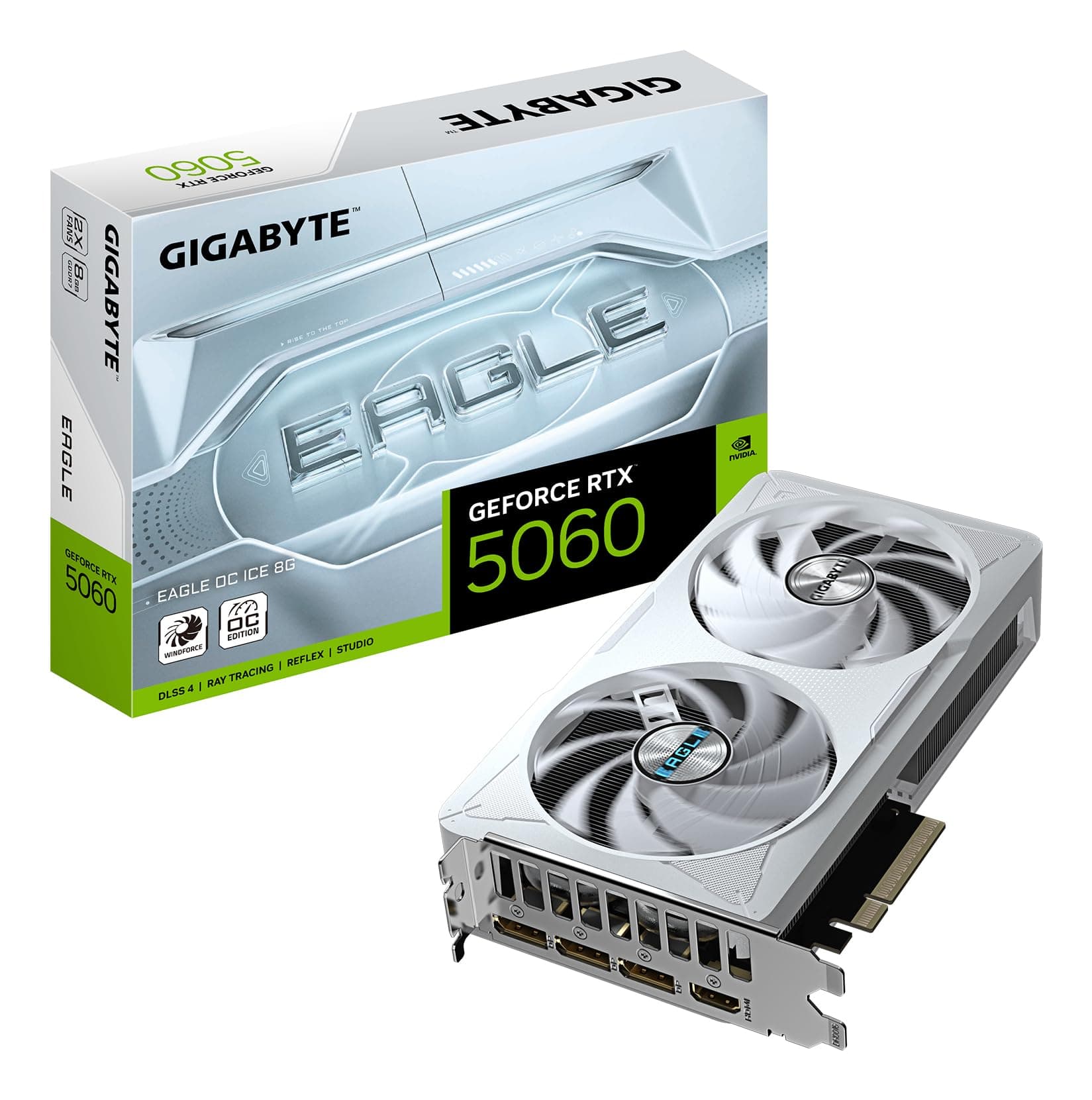
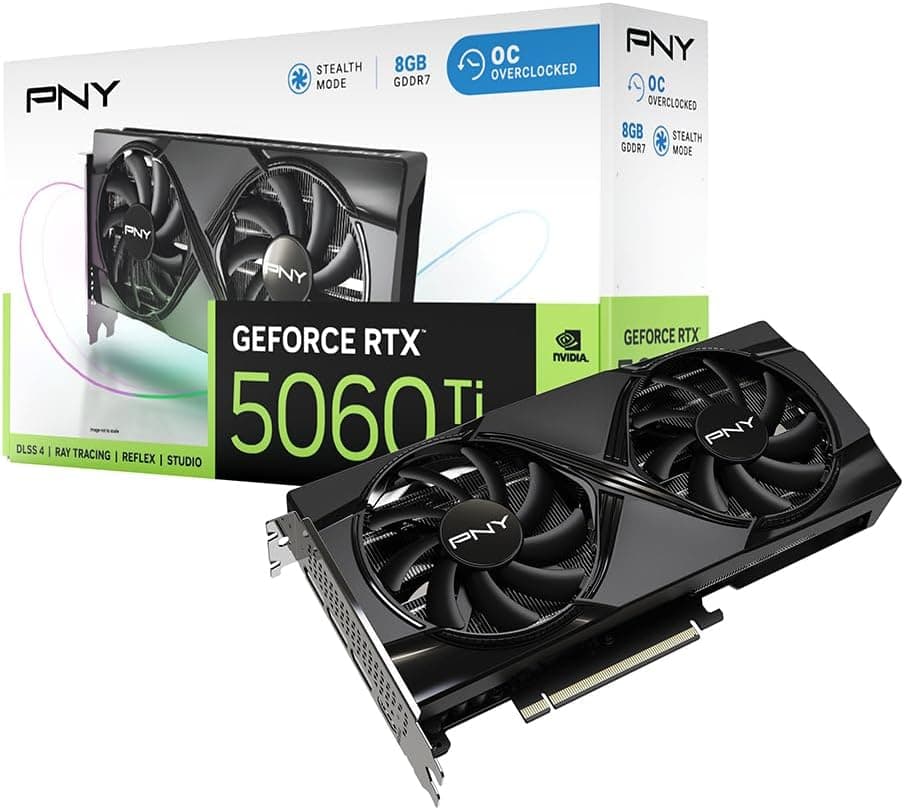
Who should skip this? If 1440p at 60 to 100fps is your ceiling and you're not interested in ray tracing or high-refresh gaming, an RTX 5060 Ti at a lower price point will serve you perfectly well and save you real money. There's no shame in buying less card than you need. The 5060 Ti is the smarter buy if your monitor tops out at 1080p 144Hz and you play titles that don't lean heavily on RT. Spending upper mid-range money on a card that'll spend most of its time underutilised is just waste.
But for the person who wants a 1440p 165Hz or 240Hz setup, plays a mix of demanding single-player games and competitive titles, cares about ray tracing, and wants a cooler that won't make their gaming sessions sound like a server room: this is your card. At £749.99, sitting in the upper mid-range bracket, the MSI GeForce RTX 5070 12G GAMING TRIO OC delivers genuine value for the performance it provides. Recommended, with the VRAM caveat noted and the PSU and case clearance checks flagged. Sort those two things out before you order and you'll be happy with it.
Rating: ★★★★½ (4.6) from 317 owner reviews on Amazon UK.
What works. What doesn’t.
5 + 3What we liked5 reasons
- Excellent 1440p performance with Blackwell architecture and DLSS 4 Multi Frame Generation
- TRI FROZR 4 cooler runs cool and quiet with ZERO FROZR idle silence
- Strong port selection: 3x DisplayPort 2.1b and 1x HDMI 2.1b
- 4th gen RT cores deliver a meaningful ray tracing step up over previous generation
- Metal backplate and solid build quality back up the 4.6-star owner rating
Where it falls3 reasons
- 12GB VRAM on a 192-bit bus can feel tight for native 4K maximum settings without DLSS
- 338mm length and 1,187g weight require case clearance checks before buying
- 250W TGP means you need a quality 650W+ PSU with a native 16-pin cable
Full specifications
11 attributes| Vram GB | 12 |
|---|---|
| Boost clock MHZ | 2610 |
| Chipset | RTX 5070 |
| Core clock MHZ | 2325 |
| Generation | RTX 50 Series |
| Length MM | 338 |
| Memory BUS BIT | 192 |
| Memory type | GDDR7 |
| Power connectors | 16-pin 12VHPWR |
| Slot width | 3 |
| TDP W | 250 |
Will it run on what you have?
Free toolIf this isn’t right for you
2 options

Frequently asked
5 questions01Is the MSI GeForce RTX 5070 12G GAMING TRIO OC good for 1440p gaming?+
Yes, it's one of the best upper mid-range options for 1440p gaming in 2026. Published benchmark results show the RTX 5070 delivering high frame rates at 1440p in demanding titles, with enough headroom to max out settings in most games. With DLSS 4 Quality mode enabled, even the most demanding ray-traced titles become very playable at 1440p. For high-refresh 1440p gaming at 165Hz or 240Hz, this card is an excellent match.
02What PSU do I need for the MSI GeForce RTX 5070 12G GAMING TRIO OC?+
MSI recommends a minimum 650W PSU. The card draws 250W TGP and connects via a 16-pin (12VHPWR) connector. For a typical gaming PC with a modern CPU, storage, and case fans, a 750W quality PSU gives you a comfortable buffer for transient power spikes. Use a PSU with a native 16-pin cable rather than an adapter, and ensure it's fully seated. A reputable 750W 80+ Gold unit is the sensible recommendation for most builds.
03Is 12GB VRAM enough in 2026?+
For 1440p gaming, yes, 12GB of GDDR7 is more than enough for all current titles including texture-heavy ones. For 4K gaming with DLSS 4 enabled, it's also fine in practice, as DLSS reduces the internal render resolution and therefore VRAM pressure. Where 12GB can feel tight is native 4K at maximum settings with high-resolution texture packs in the most demanding titles, without any upscaling. If native 4K without DLSS is your goal, the 16GB on the RTX 5080 is a more comfortable fit. For everyone else, 12GB GDDR7 at 28 Gbps is a reasonable allocation at this price tier.
04How does the MSI GeForce RTX 5070 12G GAMING TRIO OC compare to AMD alternatives?+
AMD's RDNA 3 cards like the RX 7900 GRE offer competitive rasterisation performance and often more VRAM at similar or lower prices. However, AMD's ray tracing performance lags behind NVIDIA's 4th gen RT cores at this tier, and AMD's FSR 3 upscaling, while good, isn't quite at DLSS 4's level for image quality or as mature as Multi Frame Generation. If you primarily play titles without heavy ray tracing and are price-sensitive, AMD is. If DLSS 4 and ray tracing performance are priorities, the RTX 5070 wins the comparison.
05What warranty and returns apply to the MSI GeForce RTX 5070 12G GAMING TRIO OC?+
Warranty details for this specific card are not specified in the verified product data. When purchasing through Amazon UK, you're covered by Amazon's standard 30-day returns policy and the Amazon A-to-Z Guarantee, which protects your purchase. For manufacturer warranty terms, check MSI's official support pages directly, as MSI typically offers a standard limited warranty on their graphics cards.