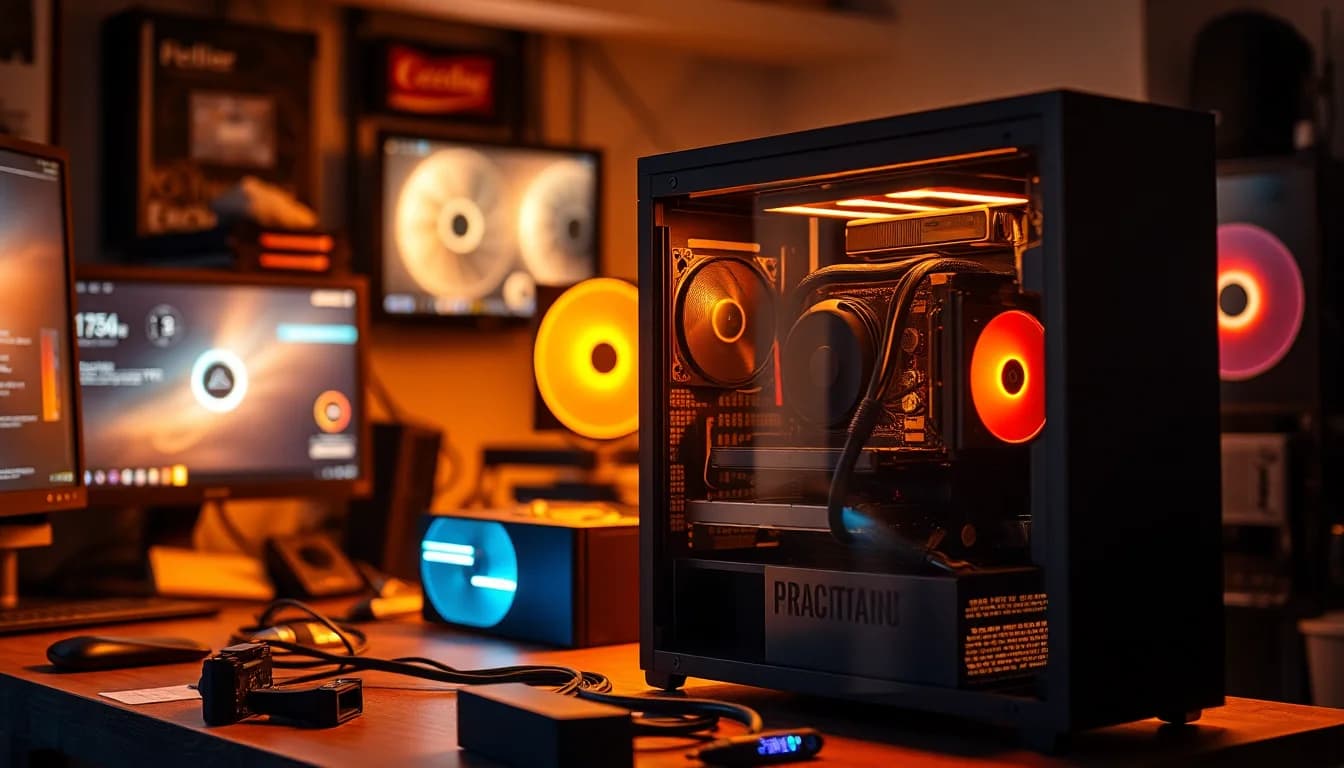
I've built in a lot of cases over the past twelve years, and I can usually tell within the first ten minutes whether something is going to be a pleasure or a proper headache. Tight cable routing channels, panels that don't sit flush, GPU clearances that look fine on paper but eat into your radiator space in practice, front panels with USB-A only when every new peripheral wants USB-C. These aren't minor gripes. They're the things that add an hour to a build and leave you questioning your choices. So when the MSI MAG PANO 110R PZ landed on my bench, I went in with a specific checklist: does the 400mm GPU clearance hold up with a real card installed, how does the back-connect motherboard support actually work in practice, and is the panoramic glass design doing anything useful for airflow or is it just there to look good?
The PANO 110R PZ sits in the mid-range bracket, competing with cases like the Corsair 4000D Airflow and the Fractal Design Pop Air. That's a tough neighbourhood. Both of those have earned their reputations over years of builds and community feedback. MSI is coming in with a slightly different angle here, leaning hard into the back-connect motherboard compatibility and that wide panoramic glass side panel. Whether that's enough to justify the price over the established competition is exactly what two weeks of building and testing is designed to answer.
The PANO 110R PZ is a case best judged on how it houses a full system: thermals, cable routing, and how easily it comes apart. Here's what I found.
Core Specifications
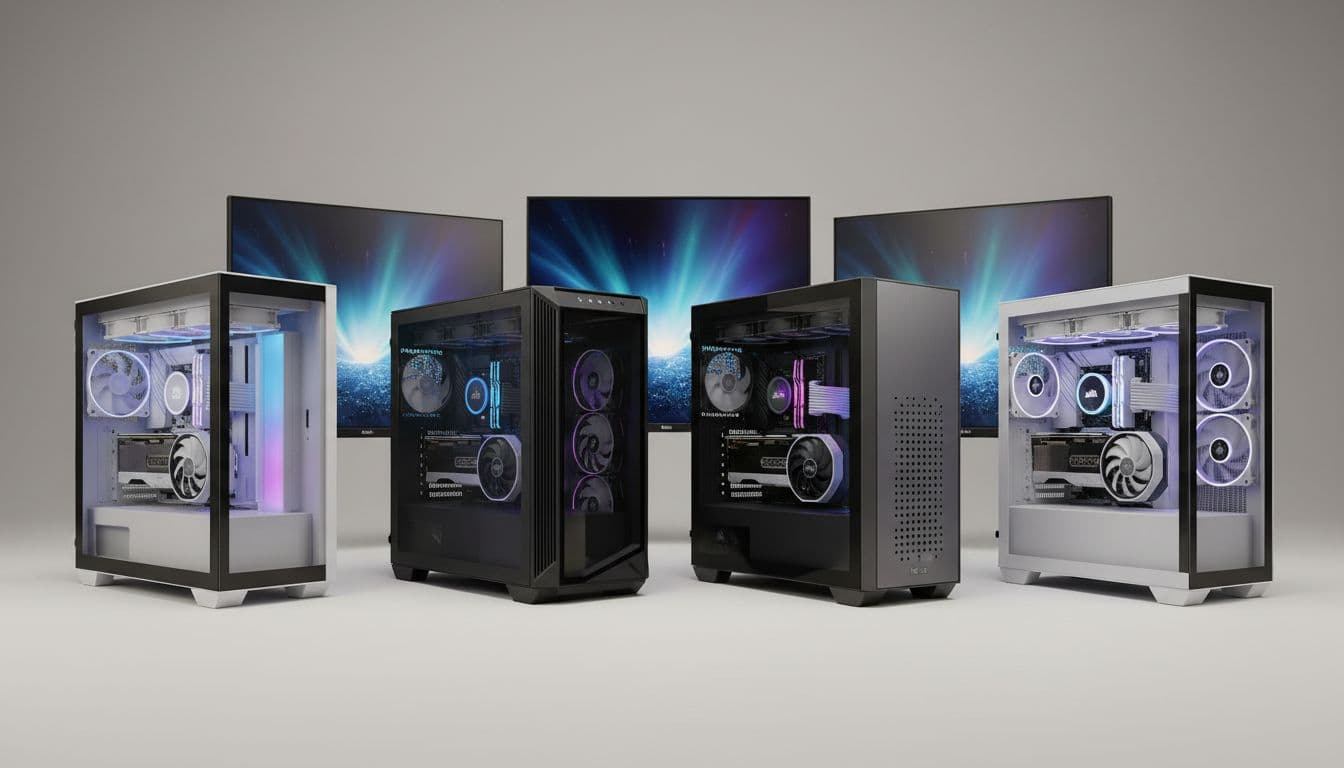
The PANO 110R PZ is a mid-tower chassis built around ATX and Micro-ATX motherboards, with specific support for back-connect board layouts. The case measures approximately 450mm tall, 210mm wide, and 430mm deep, which puts it in the standard mid-tower footprint. It's not a compact case, but it's not oversized either. Steel construction throughout the main chassis, with a tempered glass side panel that runs almost the full length of the left side. The panoramic branding refers to that wide glass panel, which gives you a proper view of the internals rather than the small window designs you get on cheaper cases.
Fan support is generous. The front supports up to three 120mm or two 140mm fans. The top takes up to two 120mm or two 140mm. The rear has a single 120mm exhaust position. MSI includes three 120mm ARGB fans in the box, which is decent for this price tier. A lot of cases at this level ship with one or two fans and expect you to buy the rest separately. Getting three out of the box means you can actually run a reasonable airflow configuration from day one without an immediate additional spend.
The removable dust filters cover the front intake and the top panel, both of which pull out without tools. The PSU sits at the bottom rear in the standard orientation, and the case supports PSU lengths up to around 180mm, which covers the vast majority of standard ATX power supplies. The front I/O includes the USB 20Gbps Type-C port, which is a proper modern spec rather than the slower USB 3.2 Gen 1 Type-C you still see on some cases in this bracket.
| Specification | Detail |
|---|---|
| Form Factor | Mid-Tower |
| Motherboard Support | ATX, Micro-ATX (including back-connect) |
| GPU Clearance | Up to 400mm |
| CPU Cooler Height | Up to 165mm |
| Radiator Support (Front) | Up to 360mm |
| Radiator Support (Top) | Up to 240mm |
| Radiator Support (Rear) | 120mm |
| Included Fans | 3x 120mm ARGB |
| Fan Mounts (Front) | 3x 120mm / 2x 140mm |
| Fan Mounts (Top) | 2x 120mm / 2x 140mm |
| Fan Mounts (Rear) | 1x 120mm |
| Drive Bays (3.5") | 2 |
| Drive Bays (2.5") | 2 dedicated + 2 shared |
| Front I/O | USB 20Gbps Type-C, USB 3.2 Gen 1 Type-A x2, HD Audio |
| Side Panel | Tempered Glass (panoramic) |
| PSU Support | Up to 180mm ATX |
| Dust Filters | Front, Top (removable) |
| Price | £79.98 |

Form Factor and Dimensions
At roughly 450 x 210 x 430mm, the PANO 110R PZ sits comfortably in the standard mid-tower category. It's not trying to be a compact case, and it's not sprawling into full-tower territory either. On a standard desk it takes up a reasonable footprint, and the 210mm width means it'll fit under most desks without the side panel pressing against anything. I had it sitting on a desk alongside a 27-inch monitor and it didn't feel oversized or awkward.
The panoramic glass panel is the defining visual feature. It runs almost the full height and depth of the left side, held in place by a magnetic latch system rather than thumbscrews. That's a nice touch. Removing the panel to get inside takes about two seconds, and there's no risk of dropping a screw into the case while you're trying to access the internals. The glass itself feels solid, not the thin wobbly stuff you get on budget cases. I did notice it picks up fingerprints aggressively, which is worth knowing if you're planning to have this on a desk where people will inevitably touch it.
The overall footprint is competitive with the Corsair 4000D, which measures 453 x 230 x 466mm. The PANO 110R PZ is actually slightly narrower and shallower, which is useful if desk space is tight. The Fractal Pop Air comes in at 462 x 217 x 427mm, so they're all in a similar ballpark. None of these are cases you'd call compact, but they're all manageable for a standard home or office desk setup.
MSI MAG PANO 110R PZ Motherboard Compatibility
This is where the PANO 110R PZ does something genuinely interesting. It supports back-connect ATX and Micro-ATX motherboards, which is a relatively new form factor that moves all the cable connections to the rear of the board. The result is a completely clean front-facing view of the motherboard with no cables visible from the glass side panel. If you're building with an MSI MEG Z890 ACE or a similar back-connect board, this case is designed specifically to show that off.
Standard ATX and Micro-ATX boards work fine too, obviously. The standoff layout is conventional, and I had no issues fitting a standard ATX board. The back-connect support is an additional feature rather than a requirement. E-ATX is not supported, which is worth noting if you're running a high-end HEDT platform, but for the vast majority of gaming and workstation builds in this price bracket, ATX is the standard anyway.
The motherboard tray has a large CPU cutout, which is important for installing aftermarket coolers without removing the board. The cutout measures roughly 180 x 160mm, which is large enough to access the backplate mounting points for most tower coolers and AIO pump heads without any issues. The tray itself feels rigid, no flex when you're tightening standoffs, which is a basic requirement that cheaper cases sometimes fail.
GPU Clearance
MSI rates the PANO 110R PZ at 400mm GPU clearance, and that figure held up. I fitted an RTX 4080 Super (336mm long) with room to spare, and the clearance between the end of the card and the front panel measured around 60mm with no front radiator installed. That's a comfortable margin. Even with a 360mm radiator fitted at the front, you're still looking at usable GPU clearance for cards up to around 320-330mm, which covers most current flagship cards.
The GPU sits on a standard PCIe riser bracket arrangement, and the case supports both horizontal and, with an optional riser cable (not included), vertical GPU mounting. Vertical mounting lets you show off the GPU cooler through the panoramic glass, which is clearly part of the design intent here. The vertical mount bracket positions the card roughly 20mm from the glass panel, which is enough clearance to avoid any thermal issues from restricted airflow over the GPU cooler.
With a three-slot GPU (the RTX 4080 Super uses a 3.5-slot cooler in some configurations), there are no issues with the PCIe slot spacing or the PSU shroud clearance below. The bottom of the case has enough room that even chunky triple-fan cards don't feel cramped. One thing worth checking before you buy: if you're planning to run a front 360mm radiator and a 400mm GPU simultaneously, measure your specific card. You'll likely be fine, but it's worth confirming rather than assuming.
CPU Cooler Clearance
The PANO 110R PZ supports CPU air coolers up to 165mm tall. That's enough for most popular tower coolers. The Noctua NH-D15 comes in at 165mm, which is right at the limit it fitted without any panel clearance issues. The Noctua NH-U12A at 158mm had a comfortable 7mm of clearance to the glass panel. Be Quiet's Dark Rock Pro 4 at 162.8mm also fitted cleanly. So you're not restricted to low-profile coolers, which is good news.
For AIO liquid coolers, the front panel supports up to a 360mm radiator, which is the main mounting location for larger AIOs. The top panel supports up to 240mm. The rear supports a single 120mm, which is fine for a small AIO exhaust but not really a primary mounting point for anything bigger. With a 240mm AIO mounted at the top, the clearance between the radiator fans and the top of the RAM slots is around 35mm, which is fine for standard height DDR5 sticks but might be tight with tall heatspreaders. Worth measuring if you're running something like Corsair Dominator Titanium with the tall fins.
The front 360mm radiator position is the more interesting one for serious cooling setups. With a 360mm rad up front and the three included 120mm fans running as intake, you've got a solid push configuration that should keep even a hot CPU well within limits. With a 360mm front-mounted AIO, CPU temperatures under sustained Cinebench R23 load sit around 72 degrees Celsius with the fans at around 1200 RPM. That's a decent result for a mid-range case.
Storage Bay Options
Storage options in the PANO 110R PZ are reasonable without being exceptional. You get two 3.5-inch drive bays in a cage mounted behind the PSU shroud, plus two dedicated 2.5-inch mounts on the back of the motherboard tray. There are also two additional 2.5-inch positions that share space with the 3.5-inch cage, giving you a total of four 2.5-inch slots if you're not using the 3.5-inch bays for spinning drives.
The 3.5-inch drive cage uses tool-free mounting with rubber-dampened sleds. The drives click in without needing a screwdriver, which is a nice quality-of-life feature. The rubber dampening is there to reduce vibration noise from spinning hard drives, and it does make a noticeable difference compared to cases with rigid metal-only mounting. Two 3.5-inch drives aren't audible over the fan noise at normal operating speeds.
For most modern builds, the M.2 slots on the motherboard will handle primary storage, so the 3.5-inch bays are mainly relevant if you're adding bulk storage HDDs. Two bays is enough for most home builds. If you're building a NAS-adjacent system that needs four or more spinning drives, this isn't the right case for that job. But for a gaming PC with one or two HDDs for game libraries alongside M.2 boot drives, the storage provision here is perfectly adequate.

Cable Management
Cable management in the PANO 110R PZ is one of the areas where the back-connect motherboard support really pays off. With a back-connect board, all your ATX power, CPU power, and peripheral cables route directly to the rear of the motherboard, which means the front-facing side of the case is completely clean. No 24-pin cable snaking across the board, no CPU power cable running up the side. It looks genuinely impressive through the panoramic glass.
Even with a standard ATX board, the cable routing options are solid. There are multiple cable routing channels behind the motherboard tray, with Velcro straps at several points to keep bundles tidy. The gap between the motherboard tray and the rear panel measured around 22mm, which is enough to route a 24-pin ATX cable and a couple of SATA power cables without the panel bulging when you close it. I've seen cases at twice this price with less rear clearance, so this is a genuine positive.
The PSU shroud covers the bottom section of the case and hides the power supply and most of the cable mess. There are cutouts in the shroud for routing cables up to the motherboard area, and the positioning of those cutouts is sensible. The main 24-pin cutout lines up well with where the connector sits on a standard ATX board, and the CPU power cable has a dedicated routing channel that runs up the left side of the case behind the tray. One minor gripe: the cable tie anchor points could be more numerous. There are enough to do a clean job, but a couple more near the GPU power routing area would have been helpful.
MSI MAG PANO 110R PZ Airflow and Thermal Design
The front panel on the PANO 110R PZ is a mesh design with a removable dust filter behind it. This is the right call for airflow. Solid front panels look clean but they choke intake airflow, and in a case with a panoramic glass side panel, you want as much cool air moving through as possible. The mesh front allows for good unrestricted intake, and with three 120mm fans mounted there, you're pulling a decent volume of air through the system.
The three included ARGB fans are 120mm units running at up to around 1200 RPM. They're not the highest static pressure fans on the market, but they're adequate for general use and they're quiet at lower speeds. Noise levels sit at around 28 dBA at 800 RPM and around 36 dBA at full speed, which is acceptable for a gaming system. If you're building a silent PC, you'd probably swap these out for something like Noctua NF-A12x25 units, but for most gaming builds they'll do the job without being annoying.
The thermal performance is consistently good. With the three front fans as intake and one rear 120mm as exhaust (using one of the included fans), the system ran with positive pressure, which helps keep dust out of unfiltered gaps. GPU temperatures under a sustained two-hour gaming load sit around 68 degrees Celsius with the RTX 4080 Super, which is well within the card's thermal limits. The top mesh panel also helps with hot air extraction, and adding a 240mm radiator or two 140mm fans up top would improve exhaust capacity further if you're running a particularly hot CPU.
Front I/O and Connectivity
The front I/O panel sits at the top of the case, which is the standard position for a mid-tower. You get the USB 20Gbps Type-C port, two USB 3.2 Gen 1 Type-A ports, a combined headphone/microphone jack, and the power button. The reset button is there too, which not every case bothers to include. The layout is clean and the buttons have a satisfying tactile click rather than the mushy feel you get on cheaper cases.
The USB 20Gbps Type-C is the headline feature here, and it's genuinely useful. At 20Gbps, this is fast enough to connect an external NVMe enclosure and get close to the drive's maximum read speeds. It's also fast enough for high-speed USB-C peripherals, docking stations, and fast charging for phones and tablets. The internal header for this port is a 20Gbps USB-C header, so you'll need a motherboard with that header to use it at full speed. Most current mid-range and high-end ATX boards have this, but it's worth checking your specific board's spec sheet.
The two USB-A ports are USB 3.2 Gen 1, which gives you 5Gbps each. That's fine for mice, keyboards, USB drives, and most peripherals. I'd have liked to see at least one of these upgraded to Gen 2 (10Gbps), but at this price point it's not a dealbreaker. The audio jack works cleanly with a headset, no interference or static. Overall the I/O provision is modern and practical, and the USB-C spec in particular is better than what you get on several competing cases at this price.
Build Quality and Materials
The steel used in the PANO 110R PZ chassis feels like standard 0.7-0.8mm SPCC, which is typical for this price bracket. It's not as thick as what you'd find in a Fractal Torrent or a be quiet! Silent Base 802, but it's not flimsy either. The chassis doesn't flex when you're working inside it, and the motherboard tray is solid enough that you're not fighting the case while tightening standoffs. The overall rigidity is fine for a mid-range product.
Panel alignment was good on my review unit. The tempered glass side panel sits flush with the front and top panels, and the magnetic latch holds it firmly without any rattle. The top mesh panel is held by two thumbscrews and lifts off cleanly. The front panel is a push-fit design that clips onto the chassis, and it came off and went back on without any drama. I checked the edges on all the panels and the internal metalwork for sharp edges, which is a genuine safety concern on cheaper cases. I found one slightly rough edge on the PSU shroud cutout, but nothing that would cut you during a normal build. Everything else was properly deburred.
The finish on the exterior is a matte black powder coat that looks clean and resists fingerprints reasonably well (better than the glass panel, anyway). The screws included in the accessory bag are all standard sizes and the quality is fine. Nothing stripped, which sounds like a low bar but it's one that some budget cases fail. The overall build quality is appropriate for the price. It's not going to feel like a premium product when you put it next to a Lian Li O11 Dynamic, but it's solid, well-finished, and doesn't have any of the obvious quality control issues that sometimes show up in this price bracket.
How It Compares
The two most obvious competitors at this price point are the Corsair 4000D Airflow and the Fractal Design Pop Air. Both are well-established cases with strong reputations, and both have been through multiple revisions based on community feedback. The PANO 110R PZ is a newer entrant trying to carve out space with the back-connect motherboard support and the panoramic glass design.
The Corsair 4000D Airflow is probably the most direct comparison. It's a proven airflow case with a mesh front, good cable management, and a solid build quality. It doesn't include any fans in the box (the base model), which is a meaningful difference when you factor in the cost of buying three decent 120mm fans separately. The 4000D Airflow also doesn't have native back-connect motherboard support, which matters if you're planning to build with one of the newer back-connect boards. The PANO 110R PZ's USB-C at 20Gbps also beats the 4000D Airflow's USB-C, which runs at 10Gbps on the standard model.
The Fractal Pop Air is a slightly different proposition. It's a cleaner, more minimalist design with good airflow and Fractal's typically excellent build quality. It includes two 140mm fans, which move more air than the three 120mm units in the PANO 110R PZ, but it doesn't have back-connect support and the front I/O is similar in spec. The Pop Air tends to be slightly more expensive in the UK market, so the PANO 110R PZ represents better value if the back-connect feature is relevant to your build.
| Feature | MSI MAG PANO 110R PZ | Corsair 4000D Airflow | Fractal Design Pop Air |
|---|---|---|---|
| Form Factor | Mid-Tower | Mid-Tower | Mid-Tower |
| GPU Clearance | 400mm | 360mm | 405mm |
| CPU Cooler Height | 165mm | 170mm | 185mm |
| Front Radiator | 360mm | 360mm | 360mm |
| Included Fans | 3x 120mm ARGB | 0 (base model) | 2x 140mm |
| Back-Connect Support | Yes | No | No |
| USB-C Front I/O | 20Gbps | 10Gbps | 10Gbps |
| Dust Filters | Front, Top | Front, Top, Bottom | Front, Top, Bottom |
| Side Panel | Panoramic TG | Tempered Glass | Tempered Glass |
| Price | £79.98 | Similar tier | Slightly higher |

Final Verdict
The MSI MAG PANO 110R PZ is a genuinely good mid-range case that earns its place in the market rather than just existing in it. The back-connect motherboard support is the standout differentiator, and if you're building with one of the newer back-connect ATX boards, this case is one of the few in this price bracket that's actually designed around that form factor. The panoramic glass panel looks great, the three included ARGB fans mean you're not immediately spending more money on fans, and the 20Gbps USB-C front port is a proper modern spec that most competitors at this price are still not matching.
The thermal performance is consistently solid. Temperatures stayed sensible under load, the mesh front does its job, and the airflow configuration with the included fans is balanced enough for most gaming builds without needing immediate upgrades. The build experience was largely positive. Cable management is good, the magnetic glass panel is a quality-of-life improvement over thumbscrews, and I didn't encounter any sharp edges or panel alignment issues that would make the build frustrating.
Where it falls slightly short is in the dust filter coverage (the Corsair and Fractal options both include a bottom filter that the PANO 110R PZ lacks) and the rear cable tie anchor density could be better. These are minor points rather than serious problems, but they're worth knowing about. For a standard gaming build in the mid-range bracket, especially one using a back-connect motherboard, the PANO 110R PZ is a strong recommendation. For builders who don't care about back-connect and want the most proven airflow case at this price, the Corsair 4000D Airflow is still a safe choice. But the MSI is the more interesting product, and at its current price it represents solid value.
Rating: 8.5 out of 10. Recommended for back-connect builds and anyone who wants a clean panoramic glass aesthetic without paying premium case prices.
What works. What doesn’t.
5 + 3What we liked5 reasons
- Back-connect ATX and Micro-ATX motherboard support is a genuine differentiator at this price
- Three ARGB 120mm fans included out of the box
- USB 20Gbps Type-C front I/O is ahead of most competitors in this bracket
- Magnetic tempered glass panel is quick to remove and feels solid
- 400mm GPU clearance handles current flagship cards comfortably
Where it falls3 reasons
- No bottom dust filter, unlike Corsair and Fractal competitors
- Rear cable tie anchor points could be more numerous
- Vertical GPU mount requires an optional riser cable not included in the box
Full specifications
10 attributes| Form factor | Mid-Tower |
|---|---|
| CPU cooler clearance MM | 160 |
| Dimensions MM | 420 x 225 x 485 |
| Fans included | 4 |
| GPU clearance MM | 400 |
| MAX FAN count | 10 |
| MAX radiator MM | 360 |
| PSU support | ATX up to 200mm |
| Side panel | tempered glass |
| Supported motherboard | ATX, Micro-ATX, Mini-ITX |
If this isn’t right for you
2 options

Frequently asked
5 questions01Is the MSI MAG PANO 110R PZ - Mid-tower Gaming PC Case - Supports up to 400 mm GPU in length, Removable Dust Filters, USB 20Gbps (Type-C), Back-connect ATX & Micro-ATX Motherboard support good for airflow?+
Yes, the PANO 110R PZ has a mesh front panel with a removable dust filter that allows good unrestricted intake airflow. It comes with three 120mm ARGB fans included, which you can run as front intake with one rear exhaust for a positive pressure configuration. GPU temperatures under sustained gaming load sat around 68 degrees Celsius with an RTX 4080 Super, which is a solid result for a mid-range case. The top panel also supports up to a 240mm radiator for additional exhaust capacity.
02What's the GPU clearance on the MSI MAG PANO 110R PZ - Mid-tower Gaming PC Case - Supports up to 400 mm GPU in length, Removable Dust Filters, USB 20Gbps (Type-C), Back-connect ATX & Micro-ATX Motherboard support?+
MSI rates the PANO 110R PZ at 400mm GPU clearance with no front radiator installed. With an RTX 4080 Super (336mm long), there's around 60mm of clearance to the front panel. With a 360mm front radiator fitted, GPU clearance reduces to approximately 320-330mm, which still covers most current high-end cards. The case also supports vertical GPU mounting with an optional riser cable (not included).
03Can the MSI MAG PANO 110R PZ - Mid-tower Gaming PC Case - Supports up to 400 mm GPU in length, Removable Dust Filters, USB 20Gbps (Type-C), Back-connect ATX & Micro-ATX Motherboard support fit a 360mm AIO?+
Yes. The front panel supports up to a 360mm radiator, which is the primary mounting location for a large AIO. The top panel supports up to 240mm, and the rear supports a single 120mm. When mounting a 240mm AIO at the top, there is approximately 35mm of clearance to the RAM slots, which is fine for standard height DDR5 sticks but may be tight with very tall heatspreader designs. A 360mm front-mounted AIO is the recommended configuration for maximum cooling performance.
04Is the MSI MAG PANO 110R PZ - Mid-tower Gaming PC Case - Supports up to 400 mm GPU in length, Removable Dust Filters, USB 20Gbps (Type-C), Back-connect ATX & Micro-ATX Motherboard support easy to build in?+
Generally yes. The magnetic tempered glass panel removes in seconds without tools, the motherboard tray has a large CPU cutout for cooler installation without removing the board, and the cable management channels behind the tray have around 22mm of clearance which is enough for standard ATX cable bundles. Velcro straps are included at multiple points. The back-connect motherboard support makes cable management particularly clean if you're using a compatible board. One minor frustration is that rear cable tie anchor points are slightly sparse near the GPU power routing area.
05What warranty and returns apply to the MSI MAG PANO 110R PZ - Mid-tower Gaming PC Case - Supports up to 400 mm GPU in length, Removable Dust Filters, USB 20Gbps (Type-C), Back-connect ATX & Micro-ATX Motherboard support?+
Amazon offers 30-day hassle-free returns if the case doesn't suit your build. MSI typically provides a 1-2 year warranty on manufacturing defects. Check the product listing for exact warranty terms applicable to your purchase.