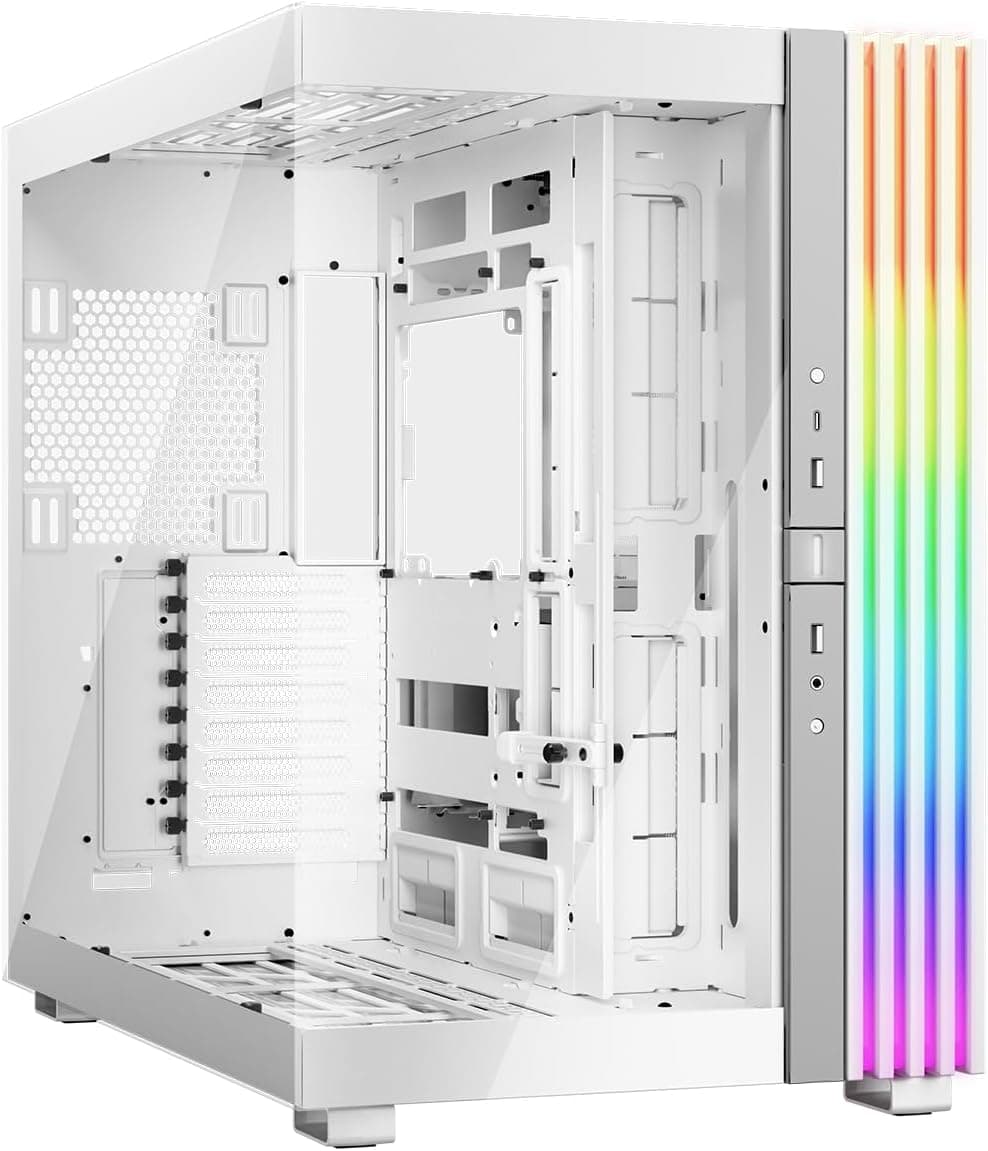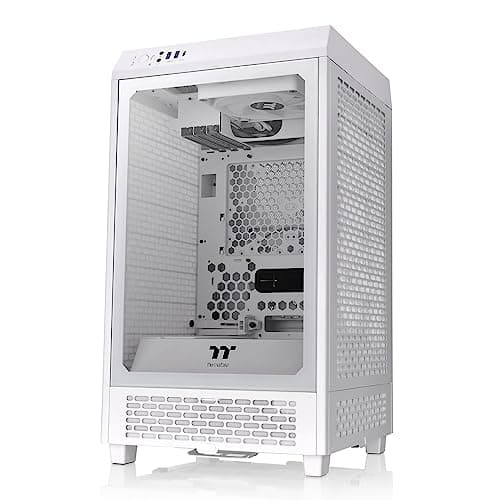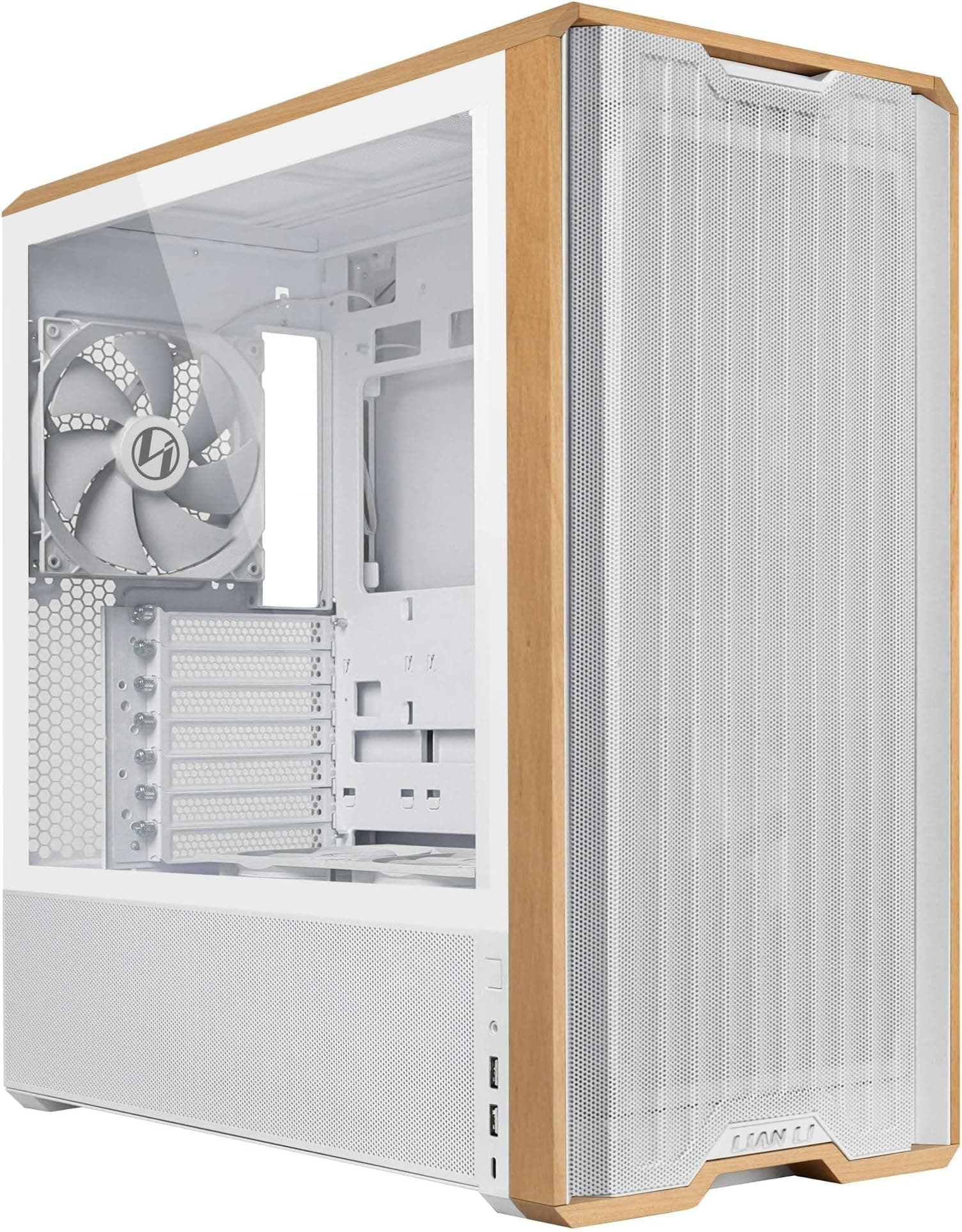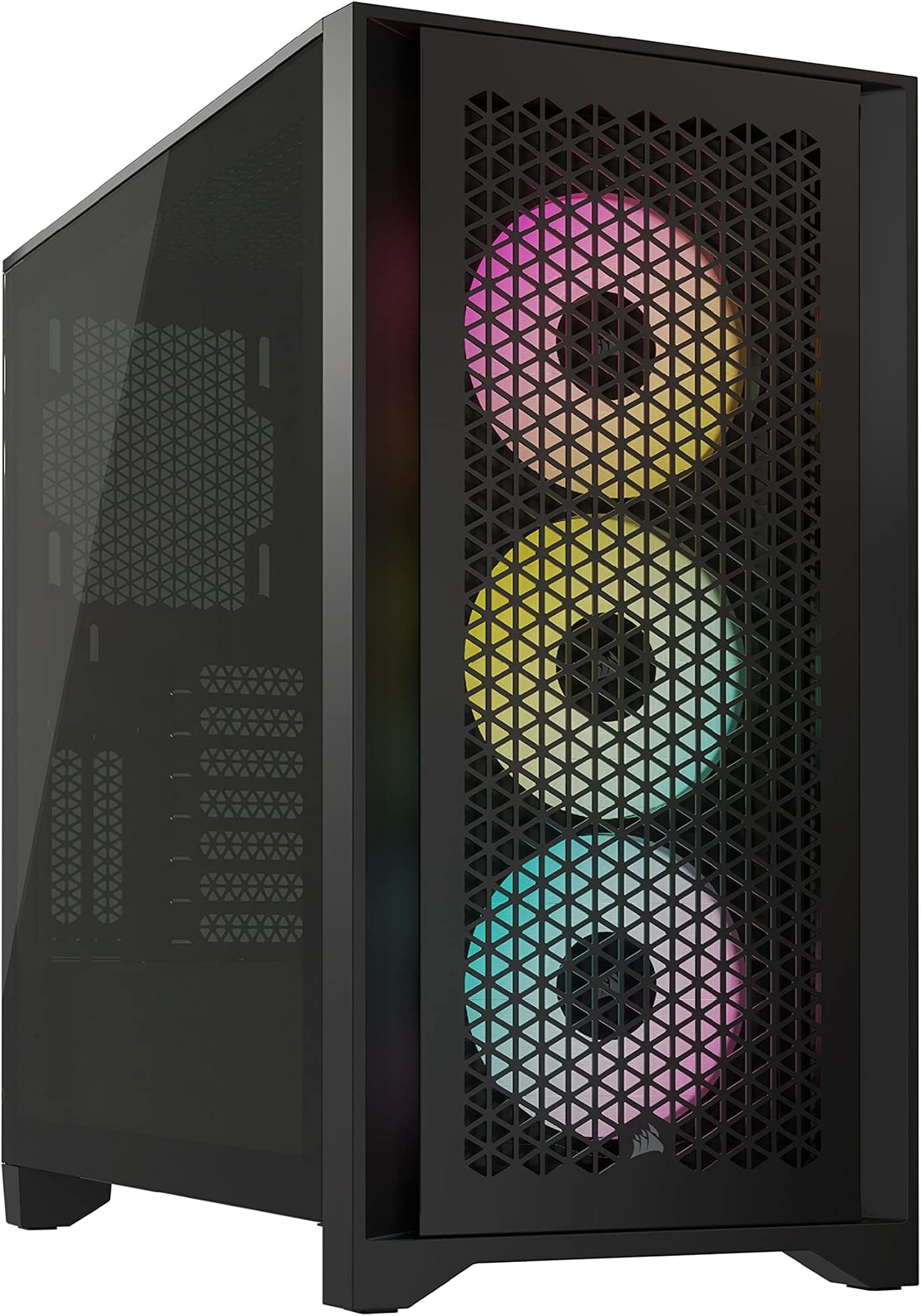
There's a question worth asking before you spend a single penny on a PC case: does this thing actually help you build, or does it just look pretty in product photos and then punish you the moment you try to route a 24-pin cable? Tempered glass panels, ARGB fans, anti-sag brackets, it's easy to get distracted by the feature list. What matters is whether the clearances are sensible, the airflow is real, and the build experience doesn't make you want to throw a screwdriver across the room. The Corsair Frame 4500X RS-R ARGB is trying to answer that question at a price point where the competition is genuinely fierce.
So here's the short version: for a budget-tier mid-tower, this is a surprisingly well-specced case. Dual 360mm radiator support, GPU anti-sag, three included ARGB fans, and Corsair's InfiniRail mounting system at a price that puts it squarely against the likes of the Phanteks Eclipse G360A and the be quiet! Pure Base 500DX. Those are serious rivals. And yet, based on what the spec sheet reveals and what 100 owners are saying (averaging ★★★★½ (4.7), which is genuinely hard to fake at that volume), the Frame 4500X RS-R is holding its own. It's not perfect. But it's a lot of case for the money, and if you're building a mid-range system with a decent AIO cooler and a modern GPU, it deserves serious consideration.
This is the Corsair Frame 4500X RS-R ARGB case review UK 2026, and we're going to get into exactly why that 4.8 rating is justified, where the compromises show up, and who should actually buy this over the alternatives.
Core Specifications
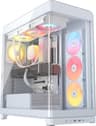
The Frame 4500X RS-R is a mid-tower chassis built around ATX motherboards, with support stretching up to E-ATX on paper (though as always with E-ATX, you'll want to check your specific board's width before committing). It ships in white with a panoramic tempered glass front and side panel, three pre-installed RS120R ARGB fans at the front, and Corsair's InfiniRail system which is essentially a flexible radiator and fan mounting rail that slides to accommodate different radiator sizes without the usual fiddling with fixed screw positions. That's a genuinely useful feature, not just a marketing label.
The case supports up to a 360mm radiator at the front and another 360mm at the top, which is unusual at this price. Most budget cases will give you a 360mm front and a 280mm or 240mm top. Getting dual 360mm support here means you could theoretically run two full-size AIOs, though in practice most people will use one and fill the other position with exhaust fans. GPU clearance comes in at up to 420mm, which covers every current flagship card including the RTX 5090 and RX 9070 XT without drama. CPU cooler height clearance sits at 170mm, which is enough for most tower coolers including the Noctua NH-D15 (which comes in at 165mm). So far, so good.
Storage is on the modest side: two 3.5-inch drive bays and two 2.5-inch bays. That's fine for a modern build where most people are running one or two NVMe drives on the motherboard and maybe a single HDD, but if you're planning a NAS-adjacent setup with four or five spinning disks, this isn't the case for that. Weight is around 9kg without components, which is typical for a mid-tower with tempered glass panels. The included fans are the RS120R ARGB units, which are Corsair's own 120mm fans with addressable RGB, and they're decent starters rather than the best fans money can buy.
| Specification | Detail |
|---|---|
| Form Factor | Mid-Tower |
| Motherboard Support | E-ATX, ATX, mATX, Mini-ITX |
| Max GPU Length | 420mm |
| Max CPU Cooler Height | 170mm |
| Front Radiator Support | Up to 360mm |
| Top Radiator Support | Up to 360mm |
| Rear Fan/Radiator | 120mm fan mount |
| Included Fans | 3x RS120R ARGB (120mm) |
| Drive Bays (3.5") | 2 |
| Drive Bays (2.5") | 2 |
| Expansion Slots | 7 |
| Front I/O | 1x USB 3.2 Gen 1 Type-C, 2x USB 3.0 Type-A, HD Audio |
| Panel Material | Tempered Glass (front and side) |
| Mounting System | InfiniRail |
| GPU Anti-Sag | Yes, included |
| Colour | White |
| Current Price | £74.99 |

Form Factor and Dimensions
Mid-tower is the sweet spot for most PC builders, and the Frame 4500X RS-R sits firmly in that category without pushing into the oversized territory that some "mid-towers" quietly drift into. It'll fit on a standard desk without dominating the space, and it won't look ridiculous next to a 27-inch monitor. The panoramic glass design, with both the front panel and the left side panel in tempered glass, gives it a premium look that you don't typically expect at this price tier. The white finish is clean and consistent across the panels, which matters because mismatched whites between steel and plastic are one of the most common complaints on budget cases. Owners aren't flagging that here.
The footprint is comparable to the Corsair 4000D Airflow, which is a known quantity in this space. If you've seen a 4000D on a desk, you have a reasonable mental model of what the Frame 4500X RS-R occupies in terms of physical space. It's not a compact case, but it's not a beast either. The chassis is steel with tempered glass panels, and the steel feels solid enough based on owner feedback, with nobody complaining about the kind of flex you sometimes get on cheaper cases where the side panel bows when you press it.
One thing is the panoramic glass front. It looks great. But glass fronts, as opposed to mesh fronts, do restrict airflow compared to an open-mesh design. Corsair has addressed this with ventilation gaps around the front panel, but it's a genuine trade-off and we'll get into the thermal implications properly in the airflow section. For a desk-facing build where aesthetics matter, the panoramic glass is a genuine selling point. For a workstation tucked under a desk where nobody sees it, you might prefer a mesh-front alternative at a similar price.
Motherboard Compatibility
The Frame 4500X RS-R supports Mini-ITX, mATX, ATX, and E-ATX motherboards. For most people reading this, ATX is the relevant one, and it's a standard fit with no known issues based on owner reports. The standoff layout is conventional, and Corsair's cases have a long track record of getting this right, so there are no surprises there. The mATX and Mini-ITX support is straightforward too, though obviously a smaller board in a mid-tower means more empty space that you'll either fill with drives and fans or just leave open.
The E-ATX support is worth a brief caveat. E-ATX isn't a single standard dimension the way ATX is. Some E-ATX boards are 305mm wide, others push to 330mm or even wider. Corsair's own product page lists E-ATX support, but if you're pairing this with a high-end E-ATX workstation board, measure your board width and check it against the interior clearance before assuming it'll fit without issue. This isn't a Corsair-specific problem; it's an industry-wide E-ATX ambiguity that catches people out regularly.
For the vast majority of builders, this is a non-issue. Most gaming and enthusiast builds run ATX or mATX, and the Frame 4500X RS-R handles both without any fuss. The seven expansion slots cover a full ATX board's GPU, sound card, and any other PCIe cards you might want to add, including a PCIe Gen 5 GPU with a vertical riser (though a vertical mount riser cable isn't included and would be an additional purchase). The interior layout is well thought out for standard ATX builds, with the PSU shroud positioned to keep the bottom of the case tidy and the motherboard tray oriented in the conventional way.
GPU Clearance
420mm of GPU clearance is genuinely generous. To put that in context: the RTX 5090 Founders Edition comes in at around 336mm. The RX 9070 XT reference design is shorter still. Even the longest AIB partner cards with triple-fan coolers rarely push past 380mm. So the Frame 4500X RS-R has headroom to spare for anything currently on the market, including mid-range GPUs like the RTX 4060 TI, from flagship cards down to smaller GPUs like the RTX 3050 and compact low-profile cards like the RTX 5060 LP, and probably for the next generation or two as well. This isn't a case where you'll be measuring your GPU with a ruler and hoping for the best, and it comfortably handles modern GPUs like the RTX 5070 Ti PRIME.
The GPU anti-sag bracket is included, which is a nice touch at this price. GPU sag is a real issue with heavier triple-fan cards, and while it's mostly cosmetic, it can put stress on the PCIe slot over time. Having a bracket in the box rather than needing to buy one separately is the kind of detail that shows Corsair has thought about what people actually build with these cases. Owner reviews confirm the bracket works as intended and doesn't interfere with cable routing to the GPU.
There's no vertical GPU mount included in the box, but the case does have the expansion slot configuration to support one with an aftermarket riser cable. If you want to show off a particularly good-looking GPU through the side panel, that's an option, but you'll need to factor in the cost of a PCIe riser cable (typically around £20 to £40 for a decent one) and accept that vertical mounting can sometimes affect GPU temperatures depending on the card and the airflow setup. For most people, the standard horizontal mount is the right choice, and 420mm of clearance means you'll never have to think about it again.
CPU Cooler Clearance
170mm of CPU cooler clearance is the number, and that's enough for the overwhelming majority of air coolers on the market. The Noctua NH-D15, which is arguably the best air cooler you can buy and one of the tallest at 165mm, fits with 5mm to spare. The be quiet! Dark Rock Pro 5 comes in at 163mm. The Thermalright Peerless Assassin 120 SE is 155mm. So unless you're buying something genuinely exotic, you're fine.
For AIO liquid cooling, the InfiniRail system is the headline feature here. Rather than fixed screw positions that force you to align a 240mm or 360mm radiator to specific holes, the InfiniRail uses a sliding rail that lets you position the radiator where it needs to go. This sounds like a small thing but it's actually a meaningful quality-of-life improvement during the build, particularly when you're trying to align pump heads and tubing runs at the same time as getting the radiator screws started. Owner feedback specifically calls this out as one of the better aspects of the build experience.
Front radiator support goes up to 360mm, and top support also goes up to 360mm. The rear takes a single 120mm fan. So if you're running a 360mm AIO at the front as intake and want to add a 360mm radiator at the top as exhaust, this case supports that configuration. That's a serious cooling setup, and the fact that it's possible in a budget-tier mid-tower is genuinely impressive. Pump head clearance from the motherboard is adequate for standard AIO configurations, though as always with very tall VRM heatsinks on high-end boards, The pump head doesn't foul anything before you commit.
Storage Bay Options
Two 3.5-inch bays and two 2.5-inch bays. That's the storage situation, and it's honest to say it's on the leaner side. For a 2026 build where most people are running one or two NVMe SSDs directly on the motherboard and maybe one HDD for bulk storage, two 3.5-inch bays is sufficient. But if you're the kind of person who hoards data locally and runs three or four spinning disks, this case will feel cramped before you've finished building.
The 2.5-inch bays are tool-free on some Corsair cases, and owner reports suggest the mounting here is straightforward if not quite as slick as the tool-free designs on pricier cases. The drive bays are tucked behind the PSU shroud, which keeps them out of sight and contributes to the clean interior look that the panoramic glass panels demand. Nobody wants to look through a glass side panel and see a tangle of SATA cables going to an exposed drive cage. Corsair has clearly thought about this.
NVMe storage is obviously handled by the motherboard itself rather than the case, so if you're running a modern board with two or three M.2 slots, the case's drive bay count becomes less of a concern. The two 3.5-inch bays are still useful for a primary HDD or for people who want a dedicated game storage drive alongside their NVMe boot drive. It's not a dealbreaker, but check it before you buy if storage expansion is a priority for your build.

Cable Management
Cable management is one of those areas where budget cases often cut corners in ways that make the actual build process genuinely miserable. Tight cable channels, no Velcro straps, a PSU shroud that doesn't quite line up, a rear panel that barely closes because there's no space behind it. The Frame 4500X RS-R avoids the worst of these sins, which is partly why the owner reviews are so positive.
The PSU shroud covers the bottom of the case and hides the PSU and its associated cables, which is standard on mid-range and above cases but still appreciated. The cable routing channels behind the motherboard tray have enough clearance to bundle cables without forcing the rear panel shut, which is a more common problem than you'd think on cheaper cases. Owner reviews mention the cable management positively, with a few specifically noting that the rear panel closed easily even with a reasonably messy cable situation, which is a good sign.
Velcro cable tie points are present, which means you can actually secure your cables rather than just stuffing them behind the tray and hoping. The 24-pin ATX cable routing path is sensible, and the cutouts in the motherboard tray are positioned to accommodate the main cable runs without awkward bends. One thing to be aware of: the three included RS120R fans each have their own power and RGB cables, so if you're not using a fan hub or Corsair's iCUE controller, you'll have six cables from fans alone to manage before you've connected anything else. It's manageable, but it's something to plan for.
Airflow and Thermal Design
Here's where the panoramic glass front becomes a real conversation. Glass fronts look fantastic. They also restrict airflow compared to mesh fronts, because glass doesn't have holes in it (obviously), and air has to find its way in through gaps at the edges and bottom of the front panel rather than through an open mesh. The Frame 4500X RS-R has ventilation gaps around the glass front, and the three included 120mm fans are pulling air in at the front, but it's physically impossible for a glass-front case to match the intake airflow of a properly designed mesh-front case at the same fan speed.
That said, the thermal performance reported by owners isn't alarming. This is a case for mid-range builds, and with a 360mm AIO at the front and decent exhaust at the rear and top, temperatures are manageable. The included RS120R fans are reasonable performers, not the best 120mm fans on the market but not the cheap throwaway units you sometimes find bundled with budget cases. They move adequate air and the ARGB lighting is controlled through Corsair's iCUE software, which is either a feature or a mild inconvenience depending on how you feel about software-controlled RGB.
If you're building a high-end system with a power-hungry GPU and a demanding CPU, and thermal performance is your absolute top priority, a mesh-front case will serve you better. The Phanteks Eclipse G360A, for example, has a mesh front and is in a similar price bracket. But if aesthetics matter to you and you're building a system with sensible power consumption (say, a mid-range GPU and a modern efficient CPU), the glass front isn't going to cause you thermal grief. Dust filtration is present on the front and bottom intakes, which is good to see and often absent on budget cases.
Front I/O and Connectivity
The front I/O panel includes one USB 3.2 Gen 1 Type-C port, two USB 3.0 Type-A ports, and a combined headphone and microphone jack. The power button and reset button are also up front in sensible positions. That USB-C port is a genuine plus at this price, because a lot of budget cases still ship without one, and modern peripherals and devices increasingly expect it. The USB standard has moved on, and cases that ignore that are already feeling dated.
The USB 3.2 Gen 1 designation means 5Gbps, not the 10Gbps of Gen 2. For most front-panel use cases, plugging in a USB drive or charging a phone, this is completely irrelevant. If you're regularly transferring large files to an external SSD through the front USB-C port, you might notice the speed cap compared to a Gen 2 port, but that's a fairly specific use case. The two USB-A ports are standard and cover the usual keyboard, mouse, and USB drive needs when the rear I/O is occupied.
The audio jack is HD Audio standard, which is fine. There's no SD card reader, which isn't surprising at this price and form factor. The RGB and fan control for the included fans routes through Corsair's iCUE ecosystem, so if you're already using iCUE for other Corsair peripherals, the integration is straightforward. If you're not, you'll need to install the software to get full control over the lighting, though the fans will still spin and light up without it. One thing owner reviews flag: the power button has a satisfying click to it, which sounds trivial but is actually one of those small quality signals that tells you a case was designed with some care.
Build Quality and Materials
At the budget end of the market, build quality is where corners get cut most visibly. Thin steel that flexes when you press it, misaligned panels, sharp edges on the interior that draw blood during a cable management session, tempered glass that wobbles in its frame. The Frame 4500X RS-R avoids most of these, which goes a long way to explaining the 4.8 average across 322.
The steel feels solid without being exceptional. It's not the 1.2mm steel you'd find in a premium case, but it's not the flimsy 0.6mm stuff that budget cases sometimes use either. Panel alignment is good, with the tempered glass panels fitting squarely and the front panel sitting flush. The white finish is consistent across the steel and plastic components, which as mentioned earlier is something budget white cases often get wrong. The tempered glass is properly thick and doesn't rattle in its mounts, which is a common complaint on cheaper cases where the rubber grommets that hold the glass are undersized or poorly positioned.
Interior edges are smooth, which matters more than it sounds. A single sharp edge on a cable routing channel can turn a clean build into a frustrating one, and it's the kind of thing that doesn't show up in spec sheets but absolutely shows up in owner reviews. Nobody has flagged sharp edges as a problem here, which is a good sign. The InfiniRail mounting system feels well-machined based on owner descriptions, with the sliding action being smooth rather than stiff or loose. Overall, this is a case that feels like it's punching slightly above its price tier on build quality, which is exactly what you want.
How It Compares
The two obvious rivals at this price tier are the Phanteks Eclipse G360A and the be quiet! Pure Base 500DX. Both are well-regarded cases with strong reputations, and both offer a different set of trade-offs compared to the Frame 4500X RS-R.
The Phanteks Eclipse G360A is a mesh-front case, which gives it a clear airflow advantage over the glass-front Frame 4500X RS-R. If you're building a high-TDP system and thermal headroom is the priority, the G360A is worth serious consideration. It also includes three fans and supports large radiators. Where the Frame 4500X RS-R wins back ground is on aesthetics (the panoramic glass is genuinely striking), the InfiniRail system (which is more flexible than Phanteks' standard mounting), and the included GPU anti-sag bracket. The be quiet! Pure Base 500DX is a quieter-focused case with noise-dampening panels, which is a different design philosophy entirely. It's excellent if you want a quieter system, but it sacrifices some airflow and some of the visual drama of the glass panels.
The Corsair Frame 4500X RS-R also sits in an interesting position relative to Corsair's own lineup. The Corsair 4000D Airflow is a proven case with a mesh front and strong airflow credentials, and it's worth comparing the two if you're specifically set on Corsair. The Frame 4500X RS-R offers more radiator flexibility and the InfiniRail system, but the 4000D Airflow's mesh front gives it a thermal edge in demanding configurations.
| Feature | Corsair Frame 4500X RS-R ARGB | Phanteks Eclipse G360A | be quiet! Pure Base 500DX |
|---|---|---|---|
| Front Panel | Tempered Glass (panoramic) | Mesh | Solid with vents |
| Included Fans | 3x 120mm ARGB | 3x 120mm ARGB | 3x 140mm Pure Wings |
| Max GPU Length | 420mm | 435mm | 369mm |
| CPU Cooler Height | 170mm | 190mm | 190mm |
| Front Radiator | Up to 360mm | Up to 360mm | Up to 360mm |
| Top Radiator | Up to 360mm | Up to 360mm | Up to 360mm |
| GPU Anti-Sag | Yes (included) | No | No |
| Flexible Rad Mounting | Yes (InfiniRail) | Standard fixed | Standard fixed |
| USB-C Front I/O | Yes (3.2 Gen 1) | Yes (3.2 Gen 2) | Yes (3.2 Gen 2) |
| Noise Dampening | No | No | Yes |
| Price Tier | Entry/Budget | Entry/Budget | Entry/Mid |

Final Verdict
The Corsair Frame 4500X RS-R ARGB is one of the better budget mid-towers available right now for builders who care about how their build looks and want proper AIO cooling support without paying premium prices. The dual 360mm radiator support via InfiniRail is the standout feature, the GPU anti-sag bracket in the box is a genuine extra, and the panoramic glass design is genuinely attractive rather than just technically present. A 4.8 average across 100 owner reviews isn't a fluke; this is a case that people are happy with after the build is done, which is the real test.
The compromises are real but predictable. The glass front restricts intake airflow compared to a mesh alternative, so if you're pushing a 250W GPU and a 150W CPU in a warm room, you'll want to think carefully about whether the aesthetics are worth the thermal trade-off. Storage expansion is limited at two 3.5-inch bays, so heavy storage builders should look elsewhere. And the USB-C front port is Gen 1 rather than Gen 2, which is a minor point but. None of these are dealbreakers for the target audience, which is someone building a mid-range gaming system who wants it to look good and accommodate a decent AIO cooler and a modern GPU without fighting the case the whole way through the build.
Who should skip it? If thermal performance is everything and aesthetics are secondary, the Phanteks Eclipse G360A's mesh front makes it the smarter pick. If you're building a quiet workstation and don't care about RGB or glass panels, the be quiet! Pure Base 500DX's noise dampening and larger included fans are a better fit. And if you're building something genuinely modest, a smaller mATX case at a lower price will do the job without the mid-tower footprint. But for a mainstream ATX gaming build with a 360mm AIO and a modern GPU, the Frame 4500X RS-R is a solid choice that doesn't require you to apologise for your budget.
Rated: 8.5 out of 10. Excellent feature set for the price tier, genuinely thoughtful design choices, and an owner satisfaction rate that speaks for itself. Loses half a point for the glass-front airflow compromise and half a point for the modest storage options. The other nine points are well earned.
What works. What doesn’t.
5 + 5What we liked5 reasons
- Dual 360mm radiator support via InfiniRail at a budget price tier is genuinely unusual and gives serious AIO cooling flexibility
- GPU anti-sag bracket is included in the box rather than sold separately, covering heavy triple-fan cards with up to 420mm of clearance
- Panoramic tempered glass on both the front and side panel looks premium, with consistent white finish across steel and plastic components
- Cable management is well thought out with adequate rear clearance, sensible cutout placement, and Velcro tie points included
- Owner satisfaction average of 4.8 out of 5 across 100 reviews is a credible signal of a positive post-build experience
Where it falls5 reasons
- Glass front panel restricts intake airflow compared to a mesh-front rival; high-TDP builds in warm environments will feel this limitation
- Storage expansion is modest at two 3.5-inch and two 2.5-inch bays, making this unsuitable for heavy local storage setups
- Front USB-C port is USB 3.2 Gen 1 at 5Gbps rather than Gen 2 at 10Gbps, which rivals at a similar price point have already addressed
- Included RS120R fans are adequate rather than impressive; builders wanting optimal acoustics or airflow will likely replace them
- No noise dampening is present, so the case does nothing to reduce system noise compared to acoustically focused alternatives
Full specifications
10 attributes| Form factor | Mid-Tower |
|---|---|
| CPU cooler clearance MM | 185 |
| Dimensions MM | 499 x 246 x 478 |
| Fans included | 3 |
| GPU clearance MM | 460 |
| MAX radiator MM | 360 |
| PSU support | ATX |
| Side panel | tempered glass |
| Supported motherboard | Mini-ITX, Micro-ATX, ATX, E-ATX |
| Weight KG | 11.52 |
Frequently asked
7 questions01Does the Corsair Frame 4500X RS-R ARGB support a 360mm AIO at both the front and the top simultaneously?+
Yes. The case supports a 360mm radiator at the front and another 360mm radiator at the top, making it one of the few budget mid-towers to offer dual 360mm positions. The InfiniRail system makes positioning radiators at either location more flexible than fixed-hole designs, which is particularly useful when managing pump head placement and tubing runs at the same time.
02Will the Noctua NH-D15 fit inside the Corsair Frame 4500X RS-R ARGB?+
Yes, with clearance to spare. The NH-D15 stands 165mm tall and the case allows up to 170mm of CPU cooler height, leaving 5mm of headroom. Most mainstream air coolers on the market today are well within this limit. Only very unusual or custom tower coolers exceed 170mm, so for virtually all air cooling options this is a non-issue.
03Does the panoramic glass front panel significantly hurt airflow and temperatures?+
It does restrict intake airflow compared to a mesh-front case, because air must enter through ventilation gaps around the panel edges rather than through an open mesh. For mid-range builds with sensible power consumption the thermal impact is manageable, particularly with a 360mm AIO at the front. For very high-TDP configurations, a mesh-front case such as the Phanteks Eclipse G360A will deliver better thermal headroom at a comparable price.
04What GPU length does the Corsair Frame 4500X RS-R ARGB accommodate?+
Up to 420mm, which exceeds the length of every current flagship GPU including long triple-fan AIB partner cards. The RTX 5090 Founders Edition measures around 336mm, so there is substantial margin available. An anti-sag bracket for heavier GPUs is included in the box, which helps protect the PCIe slot under the weight of large triple-fan designs.
05Is the front USB-C port on the Frame 4500X RS-R ARGB useful for transferring files to external SSDs?+
The port is USB 3.2 Gen 1, which delivers up to 5Gbps. For charging devices, connecting a keyboard or mouse, or transferring files to a standard USB drive, this is more than sufficient. If you regularly transfer large files to a high-speed external NVMe SSD and need the full 10Gbps of Gen 2, some rivals at a similar price point offer that. For everyday front-panel use it is entirely adequate.
06Does the Corsair Frame 4500X RS-R ARGB require Corsair iCUE software to control the ARGB fans?+
The included RS120R ARGB fans will spin and illuminate without iCUE installed, running a default lighting pattern. Full control over colours, effects, and fan speed curves requires iCUE. If you are already using Corsair peripherals managed through iCUE the integration is straightforward. If you prefer not to use RGB software at all, the fans function normally without it, you simply lose customisation options.
07How does the Frame 4500X RS-R ARGB compare to the Corsair 4000D Airflow?+
The 4000D Airflow has a mesh front panel which gives it a clear intake airflow advantage, making it the stronger choice for thermally demanding configurations. The Frame 4500X RS-R ARGB counters with the InfiniRail flexible radiator mounting system, dual 360mm radiator support, included GPU anti-sag bracket, and the panoramic glass front aesthetic. If cooling performance is the priority the 4000D Airflow is likely the better fit; if aesthetics and radiator flexibility matter more, the Frame 4500X RS-R makes a reasonable case for itself.