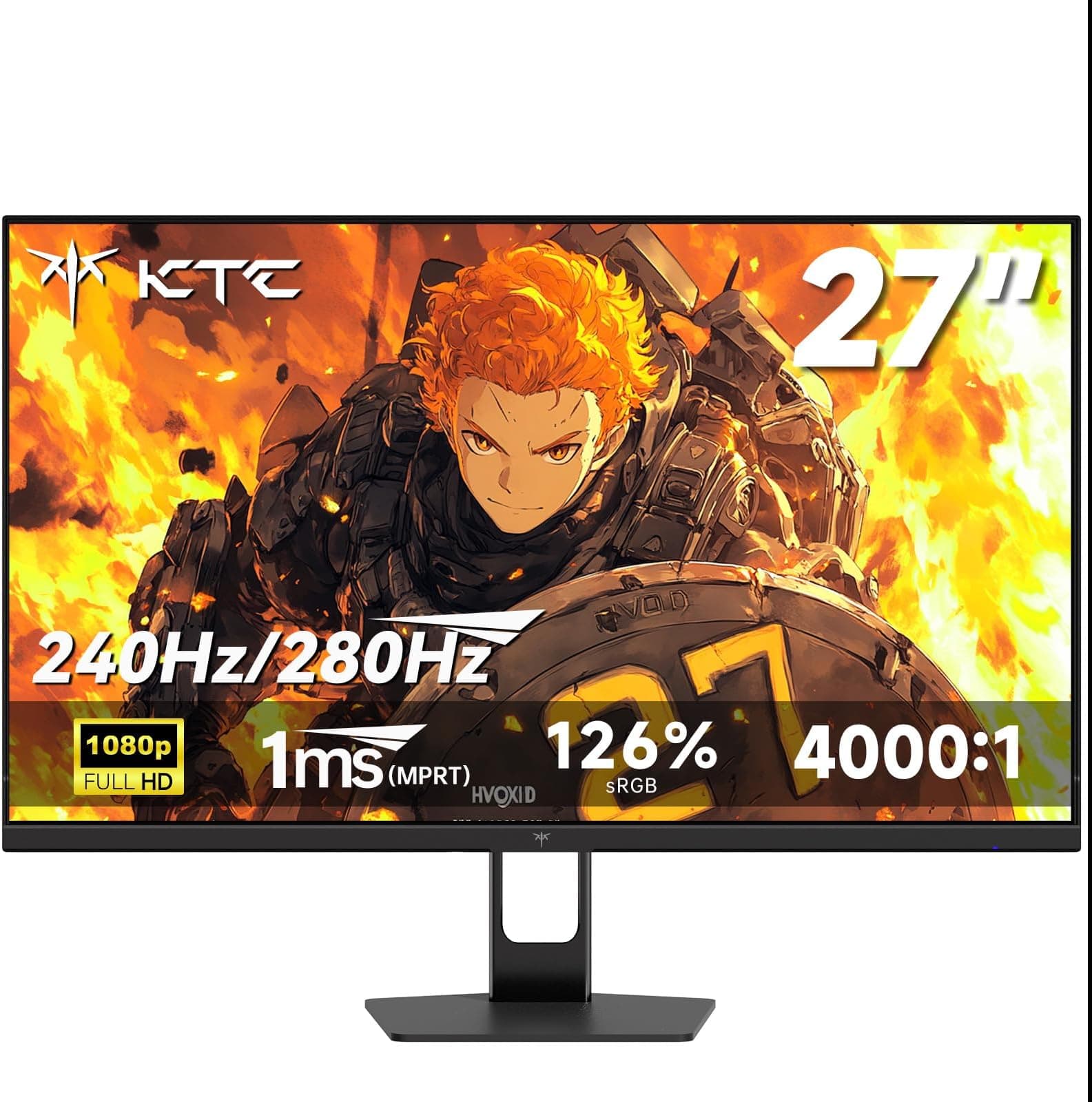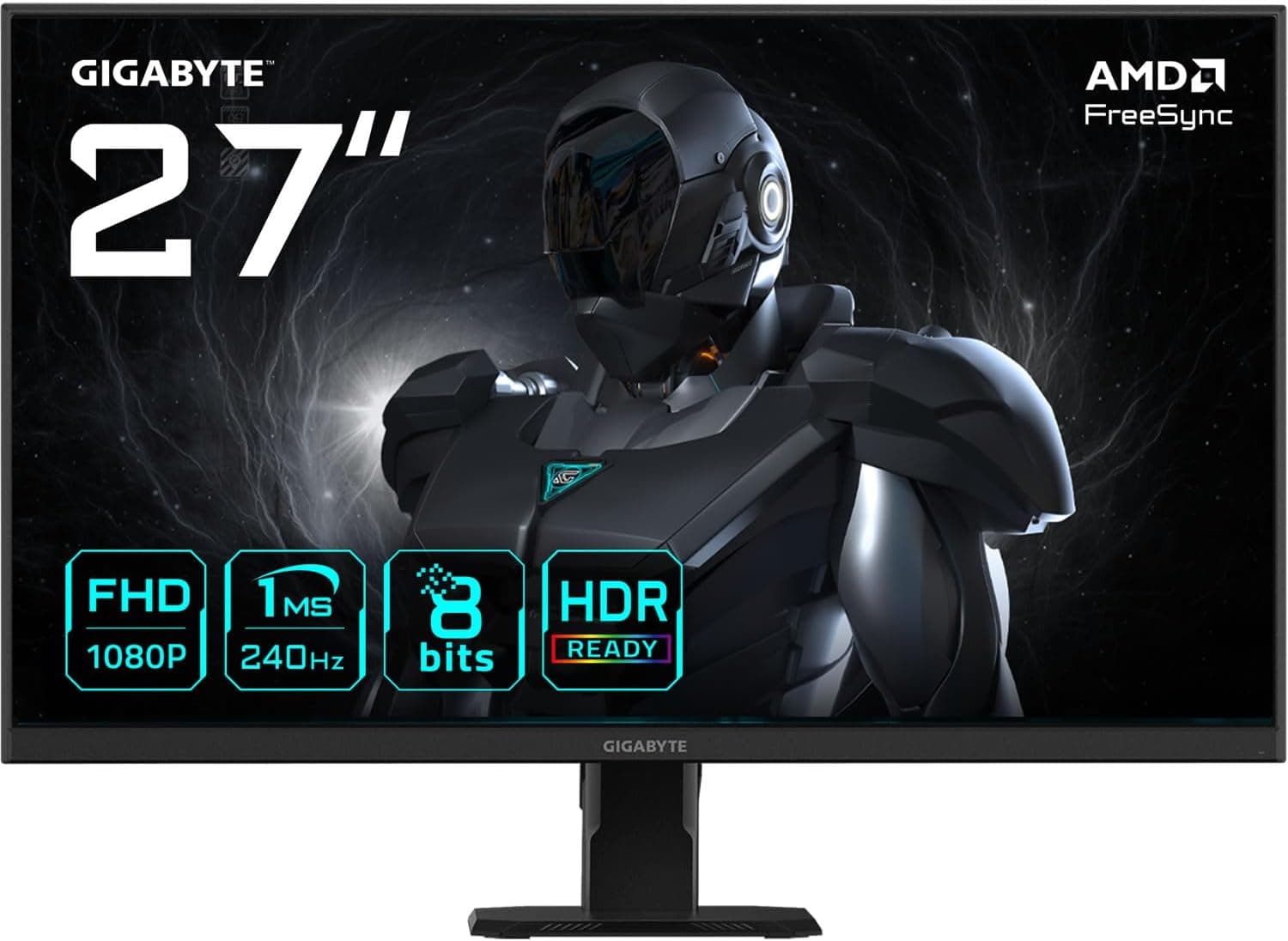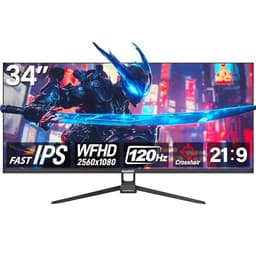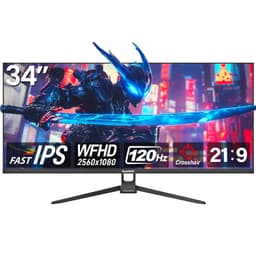
A 165Hz refresh rate on a 34-inch ultrawide sounds brilliant on paper. But refresh rate alone tells you almost nothing about whether a monitor is actually good to use. What matters is whether the panel can keep up with that number, whether the colours hold up, and whether the build quality survives longer than the return window. The Gawfolk 34-inch WQHD IPS sits in the mid-range bracket and has racked up over 1,095 owner reviews with a 4.2-star average. That's a meaningful signal. So let's look at what you're actually getting.
The short version: this is a genuinely solid budget-to-mid-range ultrawide that punches above its price point in several areas, particularly resolution and refresh rate for the money. It's not flawless. The HDR is checkbox territory, the stand is basic, and Gawfolk isn't exactly a household name with a decades-long track record. But for someone stepping up from a 1080p 60Hz screen and wanting that cinematic 21:9 experience without spending OLED money, this is a reasonable shout. More on the caveats below.
This Gawfolk 34 inch ultrawide monitor review covers everything from panel tech and real-world colour accuracy to motion handling and build quality, all grounded in the spec sheet and what owners are actually reporting.
Core Specifications
The headline numbers are genuinely impressive for this price bracket. You're getting a 34-inch IPS panel running at 3440x1440 (WQHD), which is the sweet spot for ultrawide gaming. That's the resolution where text is sharp, games look cinematic, and you're not completely destroying your GPU trying to hit high frame rates. The 165Hz refresh rate is the top end of what mainstream gaming monitors offer at this resolution, and combined with FreeSync Premium and G-Sync compatibility, it covers both AMD and Nvidia users for tear-free gaming.
Connectivity is solid for the price. You get dual HDMI 2.0 ports and a DisplayPort 1.4 input. that HDMI 2.0 tops out at around 144Hz at 1440p ultrawide resolution depending on bandwidth, so if you want the full 165Hz you'll want to use the DisplayPort 1.4 connection. That's not a Gawfolk-specific quirk, that's just how HDMI 2.0 bandwidth works. The DP 1.4 spec supports the full resolution and refresh rate without compromise.
The monitor also includes built-in speakers, PIP (picture-in-picture) and PBP (picture-by-picture) modes, a crosshair overlay for competitive gaming, and VESA mounting support. That's a lot of feature checkboxes for a monitor in this bracket. Whether all of those features are executed well is a different question, but they're there.
| Specification | Detail |
|---|---|
| Screen Size | 34 inches |
| Resolution | 3440 x 1440 (WQHD) |
| Aspect Ratio | 21:9 |
| Panel Type | IPS |
| Refresh Rate | 165Hz |
| Response Time | 1ms MPRT |
| Adaptive Sync | FreeSync Premium, G-Sync Compatible |
| HDR | HDR10 |
| Brightness | 300 nits (typical) |
| Contrast Ratio | 1000:1 (typical) |
| Colour Coverage | sRGB 99%, DCI-P3 90% (claimed) |
| Ports | 2x HDMI 2.0, 1x DisplayPort 1.4 |
| Audio | Built-in speakers, 3.5mm audio out |
| VESA | Yes (100x100mm) |
| Features | PIP, PBP, Crosshair overlay |
| Price | £199.99 |

Panel Technology
IPS is the right panel choice here, and Gawfolk made the sensible call. For a 34-inch ultrawide, you're sitting relatively close to a wide screen, and viewing angles matter a lot. VA panels, which often show up in budget ultrawides, have a nasty habit of colour shifting when you look at the edges of a wide screen from a normal seated position. That's not a minor quibble. On a 34-inch panel, the corners are physically far from your centre of vision, and a VA with its narrower viewing cone can look noticeably washed out or colour-shifted at those angles. IPS panels, as explained in the IPS panel technology overview, maintain consistent colour across wide viewing angles, which makes them far better suited to ultrawide formats.
The trade-off is contrast. IPS panels typically deliver around 1000:1 native contrast, which is what Gawfolk quotes here. VA panels can hit 3000:1 or higher, which means deeper blacks in dark scenes. So if you're primarily watching dark films in a pitch-black room, VA would give you inkier blacks. But for gaming, productivity, and general use with room lighting, IPS is the more forgiving choice. The 1000:1 contrast ratio on this panel is standard for IPS and not a disappointment given the price.
IPS glow is a real thing. It's that slight brightening you see in the corners of IPS panels when displaying dark content. It's inherent to the technology, not a quality control failure. On a 34-inch screen in a dark room, you will notice it if you're looking for it. Owner reviews mention it occasionally but it doesn't seem to be a dominant complaint in the feedback, which suggests Gawfolk's backlight uniformity is at least adequate. The anti-glare coating on the panel helps in brighter environments, keeping reflections diffused rather than mirror-sharp.
Display Quality
At 3440x1440 on a 34-inch screen, you get a pixel density of around 109 PPI. That's not as sharp as a 27-inch 1440p monitor (which sits closer to 109 PPI on a smaller canvas, making individual pixels harder to spot), but it's comfortably sharp for a screen you're sitting 60 to 80cm from. Text is clean, fine detail in games is visible, and you won't be squinting at blurry edges. Coming from a 1080p monitor, the jump in clarity will be immediately obvious and pretty satisfying.
The 21:9 aspect ratio is where this monitor's character really shows. Games that support ultrawide natively (and most modern titles do) fill the screen edge to edge with extra peripheral vision that genuinely changes how you experience the game. Racing games, RPGs, flight sims, and open-world titles all benefit massively. Competitive shooters are a bit more divisive since some esports titles cap ultrawide support, but the crosshair overlay feature built into the OSD is a practical workaround for games that don't render a crosshair at ultrawide resolutions.
The anti-glare matte coating does its job in normally lit rooms. It's not the most aggressive coating, so you get decent clarity without the image looking milky or washed out, which is the failure mode of overly aggressive anti-glare treatments. Several owners specifically mention the image looking vibrant and clear straight out of the box, which suggests the factory calibration isn't completely off. That said, factory calibration on monitors in this price bracket is rarely perfect, and anyone doing colour-sensitive work should expect to spend time in the OSD adjusting things to taste.
Refresh Rate and Adaptive Sync
165Hz is a proper gaming refresh rate. Not long ago this was enthusiast territory. The difference between 60Hz and 165Hz is dramatic and immediately perceptible. The difference between 144Hz and 165Hz is real but subtler. If you're coming from a 60Hz screen, the smoothness will feel like a revelation. If you're coming from a 144Hz monitor, the step up is there but you might need to pay attention to notice it in everyday use.
FreeSync Premium is the more meaningful spec here. This isn't just basic FreeSync, it's the Premium tier, which requires a minimum 120Hz at native resolution and mandates Low Framerate Compensation (LFC). LFC is important because it means when your GPU drops below the monitor's minimum VRR range, the monitor doubles (or multiplies) the frame to avoid tearing. In practice, this means you get tear-free gaming even when your frame rate dips, rather than the experience falling apart the moment you drop below the sync floor. The AMD FreeSync Premium specification is worth understanding if you're choosing between FreeSync tiers.
G-Sync compatibility is the other key claim. This means the monitor has passed Nvidia's validation (or is at least broadly compatible) for use with Nvidia GPUs in VRR mode. It's not a hardware G-Sync module (those add significant cost), but for most users the difference is negligible. You enable G-Sync Compatible mode in the Nvidia control panel, and you get adaptive sync working with your RTX or GTX card. Owner reports suggest this works reliably on this panel, with no major complaints about VRR stability or flickering at lower frame rates.
Response Time and Motion
The 1ms figure in the spec sheet is MPRT, not GtG. This distinction matters and it's worth understanding. MPRT stands for Moving Picture Response Time and it's a measure of perceived blur, often achieved through backlight strobing. GtG (grey to grey) measures actual pixel transition speed. On an IPS panel in this price bracket, the real GtG response time is typically closer to 4ms to 6ms at best. That's not a problem for most gaming scenarios, but it's not the same as the headline 1ms figure suggests.
What does this mean in practice? For competitive FPS gaming at very high frame rates, a premium IPS or TN panel with genuinely fast pixel transitions would be preferable. But for the vast majority of gaming, including fast-paced action games, racing titles, and even most shooters, a 4ms to 6ms GtG IPS response at 165Hz is perfectly fine. You're not going to see smearing in normal gameplay. Overshoot (inverse ghosting, where pixels overshoot their target and create a bright halo behind moving objects) can be an issue on IPS panels with aggressive overdrive settings. The OSD on this monitor includes overdrive adjustment, so you can tune it back if you see coronas appearing around fast-moving elements.
Owner feedback on motion performance is broadly positive. A handful of reviews mention slight ghosting in very dark scenes, which is typical of IPS panels generally. Nobody's reporting egregious smearing that ruins the gaming experience. For the target audience of this monitor (someone upgrading from a 60Hz 1080p screen who wants a better overall experience), the motion performance is a significant step up. For hardcore competitive players who need the absolute fastest pixel response and are chasing milliseconds, this isn't the monitor to buy, and there are better options at higher price points specifically engineered for that use case.
Color Accuracy and Gamut
Gawfolk claims 99% sRGB and 90% DCI-P3 coverage. Those are strong numbers if accurate. For context, 99% sRGB means you're covering essentially the full standard colour space used by Windows, most games, and the web. 90% DCI-P3 is the wider cinema colour space, and 90% coverage means colours in HDR content and DCI-P3 graded material will look rich and saturated. Budget IPS panels from established brands like LG and Samsung typically land in the 95% to 99% sRGB range, so these claims are plausible for a modern IPS panel of this size, though third-party measurement would be needed to verify them precisely.
Factory calibration is where things get more uncertain. Gawfolk doesn't publish Delta-E figures or ship a calibration report with the monitor (at least not one that's referenced in the product listing or owner reviews). Delta-E is the measure of colour accuracy, where a Delta-E below 2 is considered good for general use and below 1 is excellent for colour-critical work. Without published measurements from an independent source, you're relying on the factory's quality control. Owner reviews suggest colours look vibrant and pleasing out of the box, which is encouraging. A few owners mention adjusting brightness and colour temperature in the OSD to suit their preference, but that's normal for any monitor.
For content creation, the honest answer is: probably fine for casual photo editing and video work if you're not colour-grading for professional delivery. The claimed sRGB coverage is solid enough for web content and social media work. But if you're a professional photographer or video editor who needs verified, calibrated colour accuracy, you'd want a monitor with a published calibration report and ideally a hardware calibration profile. The DCI-P3 colour space is increasingly the standard for content creation workflows, and 90% coverage is genuinely useful. Just don't expect studio-grade accuracy without calibration. For gaming and everyday use, the colours are reported to look great.

HDR Performance
HDR10 support is listed, and you should know what that actually means on a monitor like this before you get excited. The Gawfolk 34-inch doesn't carry a VESA DisplayHDR 400 certification (at least not one that's prominently featured in the listing), and the rated brightness is 300 nits typical. Real HDR, the kind that makes a visible difference to how content looks, requires peak brightness of at least 600 nits with local dimming, and ideally 1000 nits or more. The VESA DisplayHDR specification sets out exactly what each tier requires, and it's useful reading if you care about this.
At 300 nits, this monitor cannot produce the specular highlights and deep shadow detail that makes HDR content genuinely impressive. What you get instead is HDR10 signal passthrough, meaning the monitor accepts an HDR signal and does its best with the brightness and contrast it has. In practice, this often looks similar to or occasionally worse than a well-calibrated SDR image, because the tone mapping on budget HDR panels can clip highlights or crush shadows in ways that look unnatural.
The honest advice here: leave HDR turned off for SDR content and for games that don't have excellent HDR implementation. Enable it selectively for content that's been mastered in HDR if you want to try it, but don't expect a transformative experience. This isn't a knock specific to Gawfolk. It's the reality of HDR10 on any monitor without high peak brightness and local dimming. The monitor's strengths are elsewhere, and the HDR checkbox is best treated as a minor bonus rather than a headline feature.
Contrast and Brightness
The 1000:1 native contrast ratio is standard IPS territory. It means whites look genuinely white and blacks look dark grey rather than black when the monitor is displaying a dark scene in a dark room. That's the honest description of IPS contrast. In a normally lit room, with ambient light hitting the screen, this distinction matters much less because your eyes adapt to the room brightness. The practical upshot is that this monitor is better suited to well-lit environments or gaming with the lights on than it is to pitch-black home cinema viewing.
The 300 nits typical brightness is on the lower end for a gaming monitor in 2026. Many competing monitors in this price bracket offer 350 to 400 nits. In a bright room near a window, 300 nits can feel a bit dim, and you might find yourself pushing the brightness slider to maximum. Owner reviews don't flag brightness as a major complaint, which suggests the anti-glare coating is doing enough work to keep the image usable in typical indoor environments. But if you work in a very bright, sunlit room, it's worth being aware of this limitation.
For gaming in typical conditions, the brightness and contrast combination is fine. Dark games with atmospheric lighting, like horror titles or noir-style games, will show the IPS glow in corners during very dark scenes. Action games with varied lighting look good. The contrast ratio is what it is for IPS, and if you need deeper blacks you'd be looking at a VA panel or, if budget allows, an OLED. The OLED display technology delivers infinite contrast by turning pixels off entirely, but that comes at a significantly higher cost and brings its own trade-offs like burn-in risk.
Ergonomics and Stand
This is where the budget origins of the Gawfolk show most clearly. The stand offers tilt adjustment but doesn't appear to include height adjustment or swivel. For a 34-inch ultrawide, height adjustment matters more than it does on a smaller monitor, because you're likely mounting this on a desk where the default stand height might not place the screen at eye level. Several owner reviews mention the stand feels plasticky and basic, which is consistent with what you'd expect at this price point.
The good news is the VESA 100x100mm mount is included. So if the stand doesn't work for your setup, you can put this on a monitor arm without any adapter faff. A decent monitor arm (the kind that costs around £30 to £50) will give you full height, tilt, swivel, and even rotation adjustment, and will free up desk space by lifting the stand footprint entirely. For a 34-inch ultrawide, a monitor arm is honestly the better way to mount it regardless of what the included stand offers. The panel is wide enough that desk positioning flexibility matters.
Build quality of the panel and bezel itself gets reasonable marks from owners. The bezels are slim on three sides, which is what you want for an immersive ultrawide. The back of the monitor has a fairly standard plastic construction. Nobody's reporting panels arriving cracked or stands collapsing, which is the baseline you need from a newer brand. The built-in speakers are there, and owner feedback suggests they're adequate for casual use (system sounds, background music) but not something you'd want to use for serious gaming audio or film watching. Plug in headphones or a proper speaker setup for anything that matters.
Connectivity and Ports
The port selection is practical. Two HDMI 2.0 ports means you can have two devices connected simultaneously, which is useful if you're switching between a PC and a console. The PlayStation 5 and Xbox Series X both output via HDMI 2.1, but they'll work fine on HDMI 2.0. The limitation is that at 3440x1440 ultrawide resolution, HDMI 2.0 bandwidth caps out at around 144Hz, so console users are looking at 60Hz at native resolution anyway (since current consoles don't output ultrawide natively at high refresh rates). The HDMI 2.0 specification details are covered in the HDMI Forum's documentation.
The DisplayPort 1.4 connection is the one you want for a PC at full 165Hz. DisplayPort 1.4 has the bandwidth to handle 3440x1440 at 165Hz without compression, which is exactly what you need. If your graphics card has a DisplayPort output (and any dedicated GPU from the last five years will), use that. The VESA DisplayPort specification confirms DP 1.4's bandwidth headroom for high refresh rate ultrawide resolutions.
- 2x HDMI 2.0 (144Hz max at 3440x1440)
- 1x DisplayPort 1.4 (165Hz at 3440x1440)
- 3.5mm headphone output
- Built-in speakers
- VESA 100x100mm mount
What's missing is USB-C and a USB hub. At this price point that's not shocking, but notably, if you were hoping to use this as a USB hub for peripherals or connect a laptop via a single cable. There's no USB-C DisplayPort Alt Mode here, so laptop users will need a dedicated DisplayPort or HDMI cable rather than a single USB-C connection. The audio output jack is a welcome inclusion for headphone users who want to route audio through the monitor rather than their PC's rear panel.
How It Compares
The main competition for this monitor comes from two directions. First, there are the established brand budget ultrawides, like the AOC CU34G2X or the MSI Optix MAG342CQR, which have been around long enough to have extensive third-party measurements and a well-understood track record. Second, there are the other newer Chinese-brand ultrawides that have flooded the market in the last couple of years, offering similar specs at similar prices.
The AOC CU34G2X is a VA panel at a similar price point. It offers higher native contrast (around 3000:1 versus 1000:1 here) but narrower viewing angles and more noticeable colour shift at the edges of the wide screen. For dark game environments, the AOC's contrast advantage is real. For productivity and content with lots of whites and greys, the IPS advantage of the Gawfolk is real. The MSI Optix MAG342CQR is another IPS ultrawide competitor that's been measured by independent reviewers and shown solid colour accuracy, though it typically costs more.
Where the Gawfolk holds its own is value. For the mid-range price, you're getting 165Hz, IPS, 3440x1440, FreeSync Premium, G-Sync compatibility, dual HDMI, and DisplayPort 1.4. That's a strong spec list. The question is always whether the panel quality and build execution match the spec sheet, and with 1,115 averaging 4.2 stars, the answer from real owners is broadly yes. That review count and average is meaningful. It's not ten enthusiastic reviews from launch week, it's a large sample of people who bought it and used it.
| Feature | Gawfolk 34-inch WQHD 165Hz | AOC CU34G2X | MSI Optix MAG342CQR |
|---|---|---|---|
| Panel Type | IPS | VA | IPS |
| Resolution | 3440x1440 | 3440x1440 | 3440x1440 |
| Refresh Rate | 165Hz | 144Hz | 144Hz |
| Native Contrast | 1000:1 | ~3000:1 | ~1000:1 |
| Adaptive Sync | FreeSync Premium + G-Sync Compatible | FreeSync Premium | FreeSync Premium + G-Sync Compatible |
| Built-in Speakers | Yes | No | Yes |
| VESA Mount | Yes (100x100) | Yes (100x100) | Yes (100x100) |
| Price | £199.99 | Mid-range | Mid-to-upper range |

Final Verdict
The Gawfolk 34-inch WQHD 165Hz IPS is a genuinely good monitor for the money, and the owner review data backs that up. 1,115 at 4.2 stars isn't a fluke. People are buying this, using it, and mostly being happy with it. That's the honest summary.
The strengths are clear: IPS panel with wide viewing angles suited to the ultrawide format, 165Hz with FreeSync Premium and G-Sync compatibility covering both GPU camps, 3440x1440 resolution that looks sharp and immersive, solid colour coverage claims, and a port selection that covers most PC gaming setups. The dual HDMI inputs are a practical bonus for multi-device users.
The weaknesses are also clear: the stand is basic and doesn't offer height adjustment (buy a monitor arm and you're sorted), the HDR is checkbox territory that won't transform your viewing experience, and the 300 nit brightness is on the lower side. Gawfolk is a newer brand without the years of independent measurement data that established names have, so you're relying more heavily on the owner review pool than you would with an AOC or LG. The pool is large enough to be trustworthy, but it's worth acknowledging.
Who should buy this? Someone upgrading from a 1080p 60Hz or 75Hz monitor who wants a big step up in resolution, refresh rate, and screen real estate without spending premium money. Casual to mid-core gamers who play a mix of genres. People who want a dual-purpose screen for work and gaming. Anyone who's been eyeing ultrawide but assumed it was out of budget.
Who should skip it? Hardcore competitive FPS players who need the absolute fastest pixel response and are playing at very high frame rates where every millisecond counts. Those players should look at a dedicated 240Hz or 360Hz 1080p gaming monitor instead. Also, if you're doing professional colour grading or print work that requires verified Delta-E accuracy, spend more on a monitor with a published calibration report.
And the honest don't-overspend line: if your PC can't reliably push above 100fps at 3440x1440 (and you'd need a fairly capable GPU to do that), a 144Hz ultrawide at a lower price point would serve you just as well. The 165Hz headroom is only useful if your hardware can actually reach it. Check your GPU's capabilities before committing to the higher refresh rate.
As a Gawfolk 34 inch ultrawide monitor review verdict, this earns a solid 7.5 out of 10. It's not perfect, but it delivers where it matters for the target audience, and the price-to-spec ratio is hard to argue with in this bracket.
What works. What doesn’t.
5 + 4What we liked5 reasons
- IPS panel suits ultrawide format with wide, consistent viewing angles
- 165Hz with FreeSync Premium and G-Sync compatibility covers both AMD and Nvidia
- 3440x1440 at this price point is strong value for the resolution
- Dual HDMI 2.0 plus DisplayPort 1.4 covers most setups
- 4.2 stars from over 1,095 owners is a trustworthy signal
Where it falls4 reasons
- Stand lacks height adjustment, monitor arm recommended
- 300 nit brightness is on the low side for bright rooms
- HDR10 support is checkbox-level, not transformative
- Newer brand with limited independent measurement history
Full specifications
9 attributes| Panel type | IPS |
|---|---|
| Aspect ratio | 21:9 |
| Curvature | flat |
| Ports | 2x HDMI 2.0, 1x DisplayPort 1.4 |
| Refresh rate HZ | 165 |
| Resolution | 3440x1440 |
| Response time MS | 1 |
| Screen size IN | 34 |
| Vesa compatible | true |
If this isn’t right for you
2 options 7.5 / 10
CronusPro 34 Inch Ultrawide Curved Gaming Monitor, UWQHD 3440x1440, 165Hz
£152.99 · CronusPro
 7.5 / 10
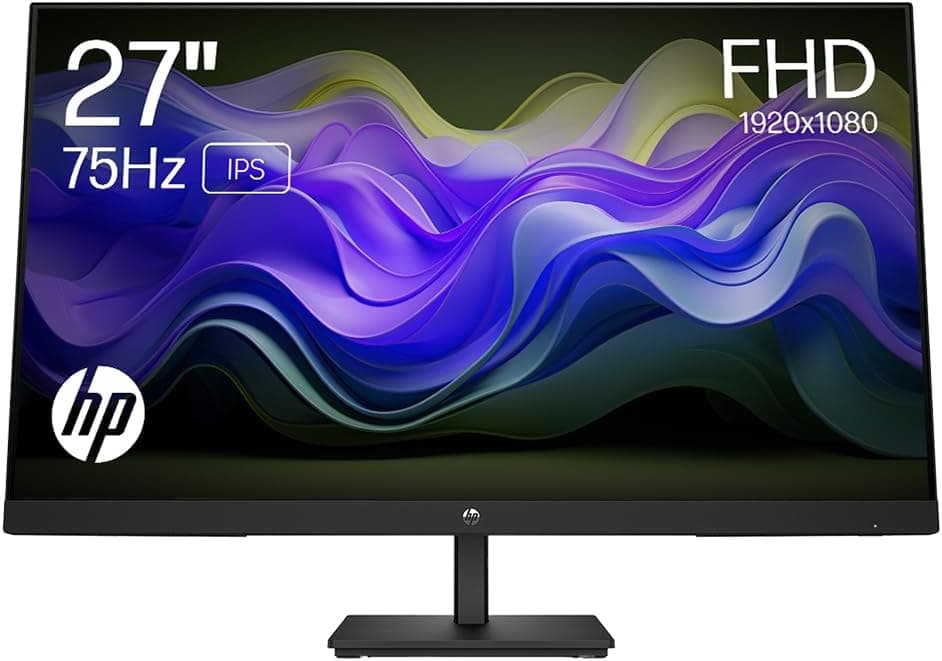
HP 27 Inch FHD Monitor | Full HD IPS LCD | 75hz Refresh Rate | 250 Nits Brightness | 1000:1 Contrast Ratio | AMD FreeSync | Adjustable Tilt | 1x HDMI 1.4, 1x DisplayPort 1.2, 1x VGA | Black | V27ie G5
£149.95 · HP
Frequently asked
5 questions01Is the Gawfolk 34 Inch UltraWide Gaming Monitor with Speakers 165hz WQHD 3440x1440p good for gaming?+
Yes, it's a solid gaming monitor for most players. The 165Hz refresh rate with FreeSync Premium and G-Sync compatibility means tear-free gaming on both AMD and Nvidia GPUs. The IPS panel handles fast-moving scenes without the severe colour shift you'd see on VA panels at ultrawide viewing angles. Motion performance is good for action games, RPGs, racing titles, and most shooters. Dedicated competitive FPS players who need the absolute fastest pixel transitions might prefer a 240Hz gaming-focused panel, but for the vast majority of gaming use cases this is a strong performer at the price.
02Does the Gawfolk 34 Inch UltraWide Gaming Monitor with Speakers 165hz WQHD 3440x1440p have good HDR?+
Honestly, no. The HDR10 support is real but the monitor's 300 nit typical brightness means it can't deliver the high peak brightness that makes HDR content look genuinely impressive. Real HDR requires at least 600 nits with local dimming to produce the specular highlights and deep shadow contrast that defines the format. This monitor accepts an HDR signal and does its best, but the result is unlikely to look noticeably better than a well-calibrated SDR image. For everyday gaming and productivity the monitor is excellent, but HDR is not a meaningful selling point here.
03Is the Gawfolk 34 Inch UltraWide Gaming Monitor with Speakers 165hz WQHD 3440x1440p good for content creation?+
It's reasonable for casual content creation. The claimed 99% sRGB and 90% DCI-P3 colour coverage is solid if accurate, and the IPS panel provides consistent colours across the wide screen. For web design, social media content, casual photo editing, and video editing for online delivery, it should serve you well. For professional colour grading or print work that requires verified, calibrated colour accuracy, you'd want a monitor with a published Delta-E measurement and ideally a hardware calibration profile. Without independent measurement data, you're relying on the factory calibration, which is adequate but not professionally verified.
04What graphics card do I need for the Gawfolk 34 Inch UltraWide Gaming Monitor with Speakers 165hz WQHD 3440x1440p?+
3440x1440 at 165Hz is demanding. To get meaningful use from the 165Hz refresh rate in modern games, you'd want at minimum an Nvidia RTX 4070 or AMD RX 7800 XT. A mid-range card like an RTX 4060 Ti or RX 7700 XT will handle many games at high settings above 100fps, which still benefits from the high refresh rate and FreeSync. Older or budget GPUs like an RTX 3060 or RX 6600 will run this monitor fine but may struggle to push above 60fps in demanding titles at native resolution. Use DisplayPort 1.4 from your GPU for the full 165Hz rather than HDMI 2.0, which is bandwidth-limited at this resolution and refresh rate.
05What warranty and returns apply to the Gawfolk 34 Inch UltraWide Gaming Monitor with Speakers 165hz WQHD 3440x1440p?+
Specific warranty terms from Gawfolk are not prominently detailed in the product listing data available to us. When buying via Amazon UK, you're covered by Amazon's standard 30-day return window and the Amazon A-to-Z Guarantee, which provides meaningful protection if the product arrives damaged or doesn't match the description. For manufacturer warranty details beyond the Amazon return window, check the product listing directly or contact Gawfolk through the Amazon seller messaging system before purchase to confirm warranty terms and duration.