There's a particular kind of frustration that comes from watching your ISP-supplied router struggle to push a signal through two walls and a floor. You've paid for a 500Mbps broadband connection, your phone says you're getting 12Mbps in the kitchen, and the router is sitting there looking smug in the hallway. That's the problem the TP-Link Deco M4 (2-pack) AC1200Mbps Whole Home Mesh WiFi System is designed to solve, and it's a problem millions of UK households have right now.
What I care about when looking at mesh kit like this isn't the headline AC1200 number (which, spoiler, nobody's device will ever actually hit). It's the band layout, how the nodes talk to each other and whether the firmware gets updated. The Deco M4 sits in an interesting spot: it's old enough to be a known quantity, it's got over a thousand Amazon ratings averaging 4.5 stars, and it's priced where most people shopping for their first proper mesh system land. So is it actually good, or is it just cheap enough to forgive its shortcomings?
It depends on what you're coming from and what you're expecting. If you're upgrading from your ISP's plastic box, the M4 will feel like a revelation. If you're comparing it to newer Wi-Fi 6 mesh systems at a similar price, the picture gets more complicated. Let's work through it properly.
TP-Link Deco M4 (2-Pack) AC1200Mbps Whole Home Mesh WiFi System: Core Specifications
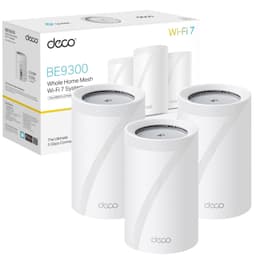
The Deco M4 is a dual-band AC1200 (802.11ac / Wi-Fi 5) mesh system. That AC1200 figure is the combined theoretical maximum across both bands: 300Mbps on 2.4GHz and 867Mbps on 5GHz. In practice, no single device on your network will see those numbers, and the mesh backhaul (the link between the two nodes) runs on the same shared 5GHz band, which is a significant constraint we'll dig into properly in the backhaul section. Each node is a compact cylindrical unit, designed to sit on a shelf or surface without looking like a piece of network infrastructure from a server room.
Coverage is rated at up to 2,800 square feet across the two nodes combined, which TP-Link positions as suitable for medium to large rooms. In UK terms, that translates to a decent-sized three or four-bedroom house, though real-world coverage through thick walls or across multiple floors will be less than the open-plan ideal the marketing assumes. The system supports up to 100 connected devices simultaneously, which sounds impressive until you realise that's a theoretical maximum rather than a "and they'll all get good speeds" guarantee. More on that shortly.
Setup runs through the TP-Link Deco app, and the system is compatible with Amazon Alexa and IFTTT for voice control and automation. One thing worth flagging upfront: the M4 does not support TP-Link's HomeCare suite (that's reserved for the M5, P7, M9 Plus and higher models). HomeCare includes more advanced antivirus and intrusion detection features, so if that matters to you, you'll need to step up the range. The M4 does include parental controls and basic network management, which is fine for most households.
| Specification | Detail |
|---|---|
| Wi-Fi Standard | AC1200 (Wi-Fi 5 / 802.11ac) |
| Band Layout | Dual-band (2.4GHz + 5GHz) |
| Max Theoretical Speed | 300Mbps (2.4GHz) + 867Mbps (5GHz) |
| Coverage (2-pack) | Up to 2,800 sq ft (260 sq m approx.) |
| Device Capacity | Up to 100 devices |
| Backhaul | Shared wireless (no dedicated backhaul band); optional wired Ethernet |
| Parental Controls | Yes (time limits, website blocking per profile) |
| HomeCare | Not supported (M5/P7/M9 Plus and above only) |
| Voice Assistant | Amazon Alexa, IFTTT |
| Ideal Broadband Speed | 500Mbps to 900Mbps |
| Setup | TP-Link Deco app (iOS / Android) |
| Price | £87.00 |
The 2,800 square foot coverage claim is, like every router coverage figure, a best-case number. It assumes open-plan spaces, minimal walls, and no interference from neighbouring networks or thick Victorian brickwork. In a modern UK new-build with stud walls and open floor plans, two M4 nodes can cover the whole house well. In an older property with solid brick walls, concrete floors, or a long narrow layout, you'll feel the limitations more quickly. This isn't a criticism specific to the M4. It's true of every mesh system at every price point. The physics doesn't care about the marketing.
Typical UK semi-detached and terraced houses are rarely more than 1,000 to 1,200 square feet, so for those homes the coverage headroom in the spec is reassuring rather than just marketing padding.
The M4 is well-suited to the average UK home. It's not a solution for a large detached property with a garage conversion and a garden office, which would need a 3-pack or a more capable system. But for what most people asking about mesh Wi-Fi actually need, the coverage story is solid.
Sustained Speed Under Load: The Gap Between the Box and Reality
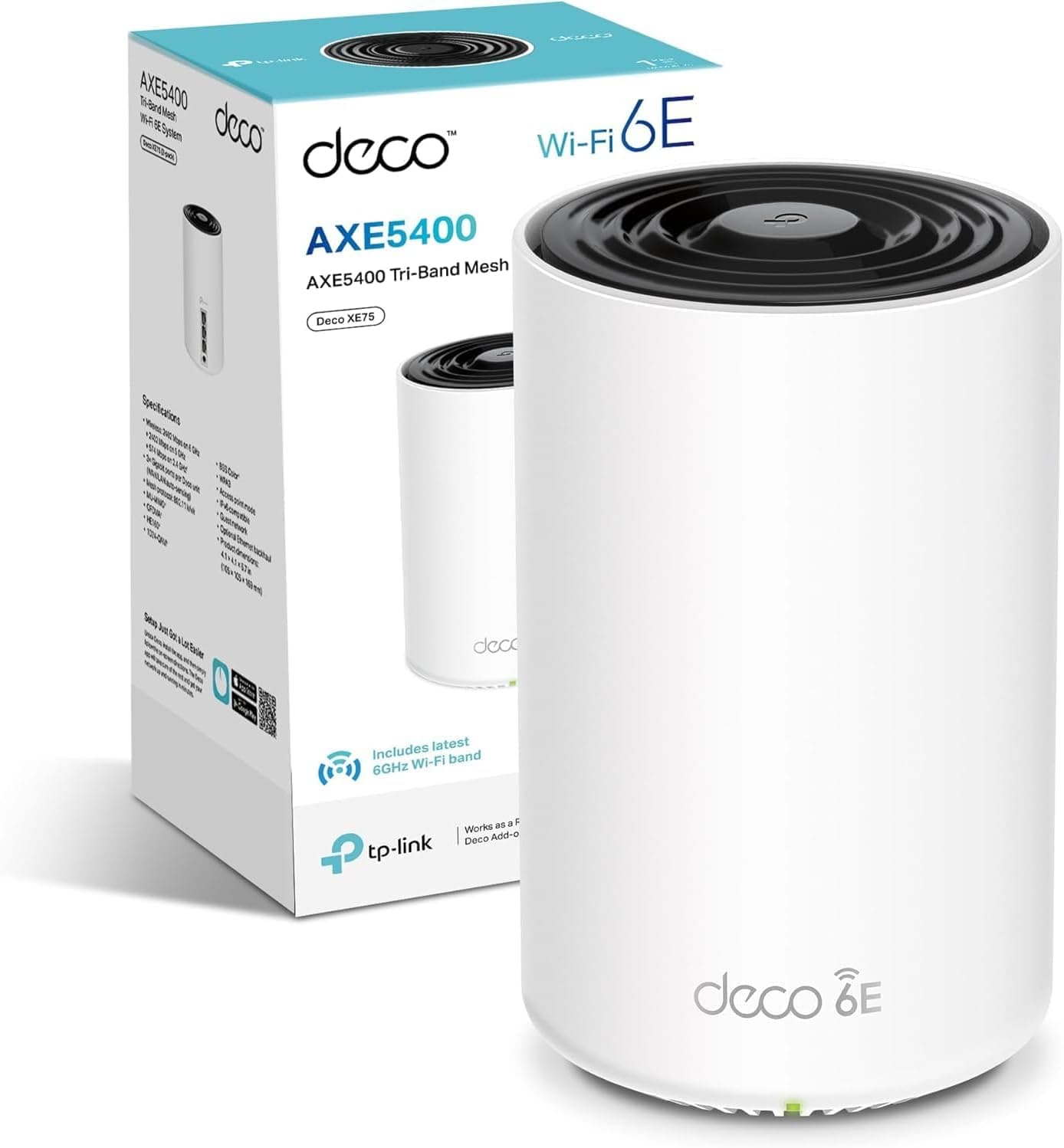
AC1200 sounds fast. It isn't, really, by today's standards. But context matters. The M4 is explicitly positioned by TP-Link as ideal for broadband connections between 500Mbps and 900Mbps, and for full gigabit speeds they point you toward the Deco X55 or XE75 (or their Wi-Fi 7 lineup). That's a fair positioning, and worth taking seriously. If you're on a standard UK fibre connection of 100Mbps to 500Mbps, the M4's throughput ceiling is comfortably above what your broadband can deliver. You won't be bottlenecked by the router itself for everyday use.
The more relevant question is what happens to throughput at the far node, and here the shared backhaul is the real constraint. Because the M4 uses the same 5GHz band for both client connections and the inter-node link (more on this in the backhaul section), devices connected to the second node effectively share that 5GHz capacity with the backhaul traffic. If you're on a 900Mbps connection and you're hoping to pull near-gigabit speeds from a device connected to the second node, the shared backhaul will be the limiting factor long before your broadband is.
The M4 is less suited to a household where multiple people are doing bandwidth-intensive things at the same time from different parts of the house, all through the second node. That's where the single-band backhaul starts to show its age. For most families on typical UK broadband, though, it's not the problem it sounds like on paper.
Mesh and Backhaul: The Honest Truth About Shared Band
Mesh networking works by having multiple nodes talk to each other to form a single network your devices roam across. The quality of that node-to-node link, the backhaul, is arguably the most important spec in any mesh system. And this is where the M4 shows its age and its price point most clearly. It uses a shared dual-band backhaul, meaning the same 5GHz radio that serves your devices also handles the traffic between nodes. There's no dedicated third band reserved purely for backhaul, as you'd find in tri-band systems like the Deco M9 Plus or higher-end competitors.
What does that mean in practice? When the two nodes are talking to each other (which is constantly, as they sync and route traffic), they're using some of the 5GHz capacity that would otherwise be available to your devices. As a rule of thumb, a single shared radio can roughly halve what a device on the second node sees, because every packet crosses the same band twice. For the broadband speeds the M4 is aimed at, it's not a showstopper. But it is a real limitation that tri-band systems don't have.
The M4 does support wired backhaul if you want to run an Ethernet cable between the nodes. If your home has Ethernet ports in multiple rooms (or you're willing to run a cable), wired backhaul completely sidesteps the shared-band problem and gives you full 5GHz capacity for clients at both nodes. It's not something most people will do, but it's worth knowing the option exists. If you're in a new build with structured cabling, or you're happy to run a cable under a carpet, wired backhaul turns the M4 into a significantly more capable system.
Device Capacity: 100+ Devices, But What Does That Actually Mean?
The "100+ devices" line on the Amazon listing is one of those specs that sounds impressive but needs unpacking. TP-Link's own spec page puts it at up to 100. Yes, the M4 can technically maintain connections to that many devices simultaneously. But there's a difference between holding a connection and actually serving good speeds to all of them. The M4 is a Wi-Fi 5 system without OFDMA (Orthogonal Frequency Division Multiple Access), which is the Wi-Fi 6 feature that lets a router slice up a channel and serve multiple devices simultaneously rather than taking turns. Without OFDMA, the M4 handles devices sequentially, which is fine when most of them are idle (as they usually are) but less ideal when many are active at once.
For the typical UK household, this is largely academic. Most homes have 20 to 40 connected devices, and at any given moment only a handful are actively transferring data. Your smart bulbs, plugs, and doorbells mostly sit idle. Your phones are mostly in standby. Where you'd start to feel the difference versus a Wi-Fi 6 system is in a busy home with multiple people streaming, gaming, and video calling simultaneously from different parts of the house. That's a real scenario for some families, but it's not the average.
The M4 does support MU-MIMO (Multi-User, Multiple Input Multiple Output), which allows it to communicate with multiple devices at the same time rather than strictly one at a time. This helps with device capacity compared to older single-user MIMO systems, though it's less capable than the MU-MIMO implementation in Wi-Fi 6 hardware. Combined with the 100-device rating, the M4 is fine for a busy modern household. It's just not the most efficient option at this price any more, because Wi-Fi 6 systems have come down in price.
TP-Link Deco M4 (2-Pack) AC1200Mbps Whole Home Mesh WiFi System: Wi-Fi Standard and Future-Proofing
The M4 runs on Wi-Fi 5 (802.11ac). That's a generation behind Wi-Fi 6, two generations behind Wi-Fi 6E, and three behind Wi-Fi 7. Does that matter? For most people buying this right now, probably not as much as the spec sheet makes it sound. Plenty of devices in a typical UK home, from smart TVs to older laptops, still connect over Wi-Fi 5 or earlier, and Wi-Fi 5 is fast enough for anything those devices need to do. Wi-Fi 6 brings real efficiency improvements (OFDMA, better MU-MIMO, target wake time for battery devices), but most people won't notice the difference in daily use unless their home is genuinely congested.
Where future-proofing becomes a real concern is if you're planning to keep this system for five or more years. Wi-Fi 6 and Wi-Fi 6E devices are now mainstream, and Wi-Fi 7 hardware is arriving in laptops and phones. The M4 won't take advantage of any of that. It'll still work, because Wi-Fi is backwards compatible, but you won't get the efficiency and speed benefits those newer standards offer. If you're buying for a two or three-year horizon and you're on standard UK fibre broadband, the M4's Wi-Fi 5 standard isn't a problem. If you're thinking longer term or you've already got Wi-Fi 6 devices you want to get the most from, it's worth considering whether a Wi-Fi 6 mesh system at a similar price makes more sense.
TP-Link themselves acknowledge this in the product listing, pointing buyers who want full gigabit performance toward the Deco X55 or XE75 (Wi-Fi 6) or their Wi-Fi 7 Deco range. It's a candid bit of positioning. The M4 is not TP-Link's flagship. It's their entry point for people who want proper mesh coverage without paying for features they don't need yet. For a lot of buyers, that's exactly the right call. But you should go in with eyes open about where it sits in the Wi-Fi generation timeline.
Features and QoS: What You Get (and What You Don't)
Parental controls are one of the M4's useful features. Through the Deco app, you can create individual profiles for family members, set time limits on internet access, and block categories of websites. It's not the most granular system available, but being able to pause a teenager's internet access from your phone without a fight about the router is useful, and the per-profile setup means you're not applying blanket restrictions to the whole household.
QoS (Quality of Service, the feature that lets you prioritise certain types of traffic, like video calls over downloads) is available in the Deco app, though the M4's implementation is fairly basic compared to what you'd get on higher-end hardware. For most households it's sufficient. The Alexa and IFTTT integration is a nice touch if you're already in that ecosystem. IFTTT opens up automation possibilities for more technically inclined users.
What's notably absent is HomeCare. On the M5, M9 Plus, and other higher-tier Deco models, HomeCare provides TP-Link's built-in antivirus scanning, intrusion prevention, and malicious content blocking. The M4 doesn't have it. For most home users, this isn't a crisis. Your devices have their own security software, and your broadband provider may offer some network-level protection. But if you want the router itself acting as a security layer, you'll need to step up the range, and it's worth pairing any mesh setup with a good VPN for an added privacy layer at home and protection on public Wi-Fi when you're out and about. The M4 gives you a clean, functional feature set without the extras. That's a fair trade at this price.
Firmware, App and Security Updates: The Long Game
Setup is straightforward (more on that in the next section), and the ongoing management interface is clean enough that non-technical users can find what they need without getting lost in a menu maze. That's not a given in this category. Plenty of router apps are either oversimplified to the point of uselessness or buried under enterprise-style menus that assume you know what a VLAN is.
Firmware updates are where the picture gets a bit more mixed for an older product. The M4 has been on the market for several years now, and TP-Link's update cadence for mature products tends to slow over time. The system has received updates. But if you're buying a router that's been in the catalogue for a few years, you're accepting that it's closer to end-of-support than a brand-new model. That's not unique to TP-Link, and for a product at this price it's an acceptable trade-off, but it's worth checking TP-Link's firmware release history for the M4 on their UK support page before committing.
Setup and Management: Actually Easy, Not Just Claimed to Be
TP-Link's setup process for the Deco M4 is straightforward. Download the Deco app, plug in the first node, follow the on-screen instructions, then add the second node when prompted. That's a simple flow for a mesh system, where setup can sometimes turn into a 45-minute debugging session with a support chatbot.
The app handles ongoing management well for the target audience. You can see which devices are connected, pause access for specific devices or profiles, run a basic speed test, and check node signal strength. It's not a power-user interface. You're not going to be setting up VLANs or configuring advanced firewall rules through the Deco app. But for a household that just wants the Wi-Fi to work and the kids' devices to have a bedtime, it's exactly the right level of control. The Alexa integration means you can do basic network management without even opening the app, which is a nice convenience layer.
The M4 is primarily app-managed, and anyone who prefers a traditional web interface may find this limiting. TP-Link does offer some web-based management access, but the full feature set lives in the app. If you're someone who likes to SSH into your router or configure things via a browser, the Deco ecosystem in general (not just the M4) is probably not the right choice. For everyone else, the app-first approach is a feature, not a limitation. It's what keeps the setup process simple and the ongoing management accessible to people who just want their Wi-Fi sorted.
Ports and Connectivity
The M4's port setup is functional without being exciting. Each node has two Ethernet ports for wired connections, which covers the basics: plugging in a WAN connection on the primary node and wired devices (smart TVs, games consoles, desktop PCs) on either node. Wired connections to the nodes bypass the Wi-Fi entirely and give you the best possible throughput and latency for devices that support it. If your games console or desktop is near one of the nodes, using a wired connection is always the right call.
The ports are standard 10/100/1000Mbps (Gigabit Ethernet), which is appropriate for a system positioned at sub-gigabit broadband speeds. You're not getting 2.5GbE or 10GbE here, and you wouldn't expect to at this price point and Wi-Fi generation. For broadband connections up to 900Mbps, standard Gigabit Ethernet on the WAN port is sufficient. If you're on a full-gigabit or multi-gigabit connection and you want to actually use that speed, the M4's port spec is a constraint, but so is the Wi-Fi standard, so you'd be looking at a different system anyway.
As noted earlier, the Ethernet ports also enable wired backhaul between nodes if you want to run a cable. This is a meaningful upgrade path for technically inclined owners who have the infrastructure for it. Wired backhaul means the 5GHz band is entirely free for client devices at both nodes, which materially improves throughput at the second node. It's a real capability that makes the M4 more flexible than its shared-backhaul spec might suggest. If you've got a spare Ethernet cable and a route between nodes, it's worth doing.
Final Verdict: Who Should Buy the TP-Link Deco M4 (2-Pack) AC1200Mbps Whole Home Mesh WiFi System?
The TP-Link Deco M4 (2-pack) AC1200Mbps Whole Home Mesh WiFi System is a solid entry-level mesh system that does exactly what it promises for the right buyer. 1,154 averaging 4.5 stars is not an accident. It covers a typical UK home well, it's dead simple to set up, and it's a massive step up from the router your ISP gave you. For anyone on a standard UK fibre connection up to 500Mbps who just wants the Wi-Fi to reach every room without dead zones, this is a legitimate answer.
The limitations are real but they're honest ones. Shared backhaul means the second node's throughput is constrained compared to tri-band systems. Wi-Fi 5 means no OFDMA, so it's less efficient with lots of simultaneous active devices than a Wi-Fi 6 system would be. No HomeCare means you don't get TP-Link's network-level security features. And it's not the right choice if you're on a 900Mbps+ connection and you want to actually use that speed wirelessly throughout the house. TP-Link themselves will tell you to look at the X55 or XE75 for that.
Most people asking about the M4 are not on 900Mbps connections, don't have 60 simultaneously active devices, and aren't comparing it to tri-band systems. They're comparing it to the router their ISP gave them, or to a single extender that creates a separate network with a different name. Against that baseline, the M4 is a proper upgrade. It scores 7.5 out of 10. It would score higher if it were Wi-Fi 6 and had dedicated backhaul, but at this price, for this use case, it earns its reputation. If you're on standard broadband, it's money well spent.
What works. What doesn’t.
5 + 4What we liked5 reasons
- Easy setup via the Deco app
- Good whole-home coverage for typical UK two and three-bedroom homes
- Solid parental controls with per-profile time limits and website blocking
- Alexa and IFTTT integration for voice-controlled network management
- Wired backhaul option significantly improves second-node performance if you can run a cable
Where it falls4 reasons
- Shared 5GHz backhaul limits throughput at the second node versus tri-band systems
- Wi-Fi 5 (no OFDMA) is less efficient than Wi-Fi 6 alternatives now at similar prices
- No HomeCare support: TP-Link's network security suite requires stepping up to M5 or higher
- Not suitable for gigabit broadband: TP-Link themselves recommend the X55 or XE75 for that
Full specifications
12 attributes| Antennas | 0 |
|---|---|
| Coverage SQM | 260 |
| Device type | mesh |
| Ethernet ports | 2 |
| Frequency bands | dual-band |
| HAS bluetooth | none |
| Launch year | 2019 |
| MAX speed | 1167 |
| Mesh capable | true |
| TOP speed mbps | 1200 |
| Type | mesh_router |
| Wifi standard | Wi-Fi 5 |
If this isn’t right for you
2 options 7.5 / 10
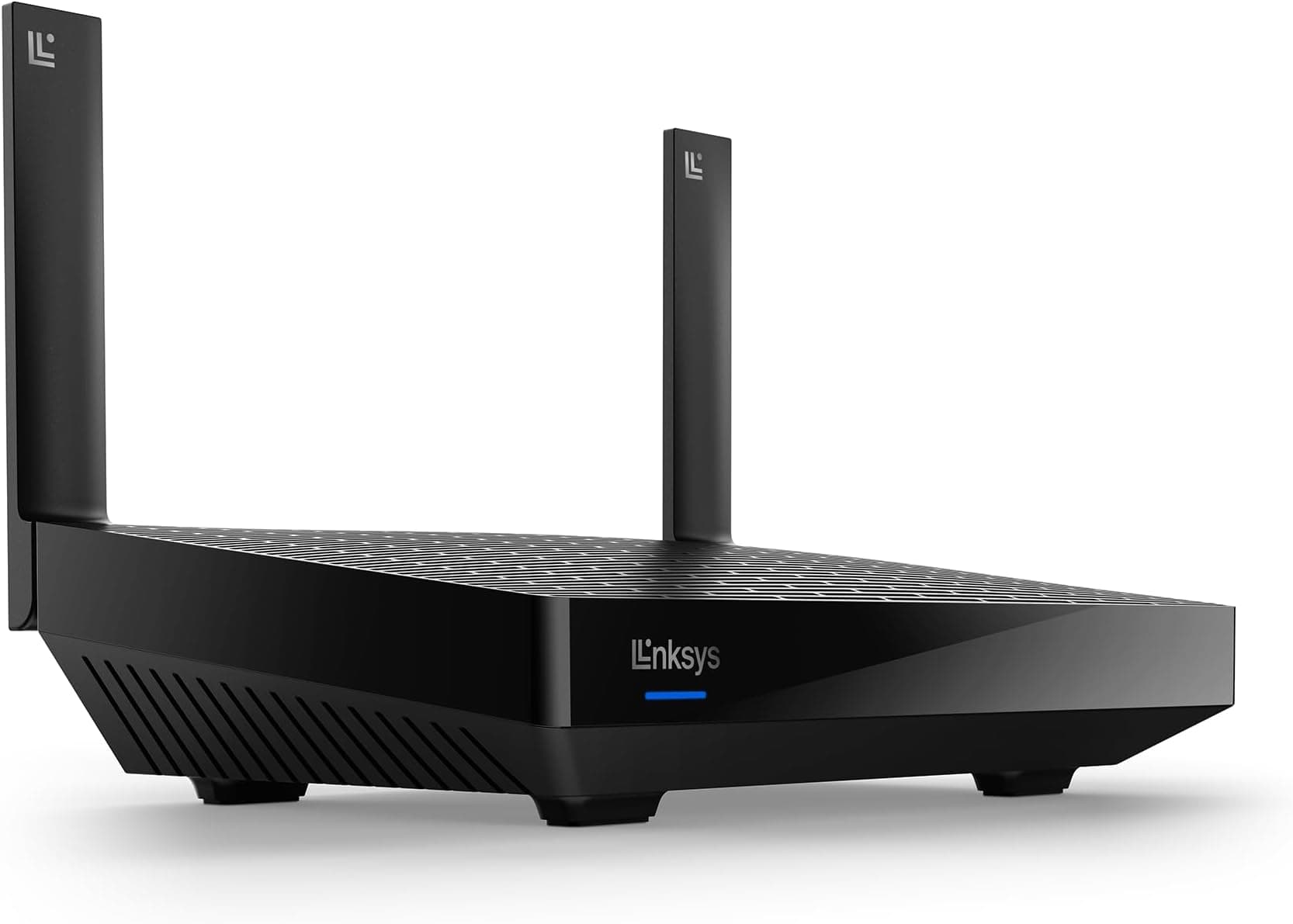
Linksys MR7350 Dual Band Mesh WiFi 6 Router (AX1800) - Works with Velop Whole Home WiFi System - Wireless Internet Gaming Router with MU-MIMO, Parental Controls, Guest Network Via App
£99.99 · Linksys
 7.5 / 10
TP-Link Deco X10(2-pack) AX1500Mbps Whole Home Dual-Band Mesh WiFi 6 System, AI-Driven WiFi Extender Booster, 2x Gigabit Ports, Coverage up to 3900ft²,Connect up to 120 devices, Gaming&4K, Easy Setup
£109.99 · TP-Link
Frequently asked
5 questions01Will the TP-Link Deco M4 (2-pack) cover my whole house?+
For most typical UK homes (two or three-bedroom semis, terraced houses and smaller detached properties), the 2-pack covers the whole house comfortably with one node acting as the main router and the second placed mid-house or upstairs. The 2,800 sq ft coverage rating is a best-case figure that assumes open-plan spaces, so solid brick walls or unusual layouts will reduce effective range. For the average UK home, it's a real solution to dead zones.
02Do I need Wi-Fi 6E or Wi-Fi 7 instead of the TP-Link Deco M4 (2-pack)?+
No. The M4 runs on Wi-Fi 5 (AC1200), and for most UK households on standard fibre broadband connections up to around 500Mbps, Wi-Fi 5 is more than sufficient. Wi-Fi 6 brings real efficiency improvements (particularly OFDMA for busy multi-device homes), but most people won't notice a practical difference day-to-day. Wi-Fi 6E and Wi-Fi 7 are overkill for the majority of home users right now. If you have a lot of Wi-Fi 6 devices and a fast broadband connection, a Wi-Fi 6 mesh system would get you more from your hardware, but for typical usage, the M4's standard is not the limiting factor.
03Is the TP-Link Deco M4 (2-pack) mesh worth it over a single router or extender?+
Yes, for most people with dead zones. A traditional Wi-Fi extender creates a separate network with a different name, and your devices don't automatically switch between them as you move around the house. You have to manually connect to whichever is stronger. Mesh systems like the M4 create a single unified network that your devices roam across automatically. The M4's shared backhaul does mean the second node has less throughput than a dedicated-backhaul tri-band system, but it's still a significant improvement over a cheap extender or a single router struggling to reach the far bedroom. If your home is small (one or two rooms), a single router might be enough and would save you money. For anything larger with dead zones, mesh is the right approach.
04Is the TP-Link Deco M4 (2-pack) easy to set up and reliable?+
Setup is straightforward. The Deco app walks you through the process step by step and handles ongoing management well. On reliability, it holds 4.5 stars from over 1,000 Amazon ratings.
05What warranty and returns apply to the TP-Link Deco M4 (2-pack)?+
Amazon offers 30-day returns on most items. TP-Link UK gives the Deco M4 a 3-year warranty (you need to register the product to claim). You're also covered by Amazon's A-to-Z guarantee.