
Tips & Hacks
Curated tips and hacks for Windows, macOS, iPhone, Android, and your home network. Each tip is verified and updated.
Showing 17 of 36 articles
 Tips
Tips10 Android Settings to Change Right Now (Most People Skip These)
Ten Android settings most people never touch: turn off background scanning, delete your ad ID, block the camera system-wide, and more. Step-by-step for every Android phone.
 Tips
TipsSpeed Up Your Gaming PC: 10 NVIDIA Control Panel Settings Tweaks Worth Knowing
The ten NVIDIA Control Panel settings that actually matter for gaming performance: reduce input lag, stop screen tearing, fix washed-out colours, and keep your GPU running at full speed. Step-by-step
 Tips
Tips10 monitor settings for gaming that actually make a difference
Sharper image, lower input lag, less eye strain. These 10 monitor settings for gaming cover resolution, refresh rate, HDR, overdrive, colour and GPU tweaks you can apply in under 15 minutes.
 Tips
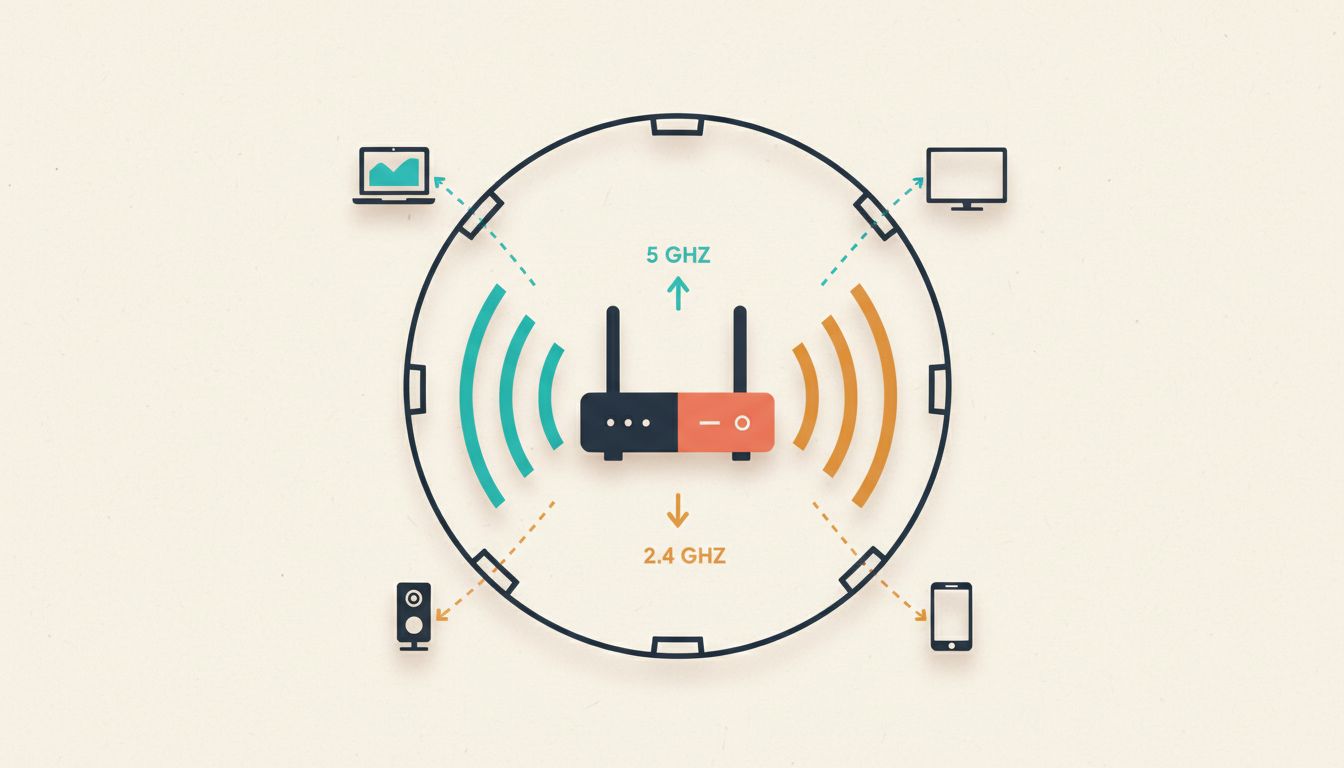
Tips10 Router Settings to Change Right Now (Speed, Security, and Stability)
Most routers ship with insecure, suboptimal defaults. These 10 router settings to change cover Wi-Fi speed, security, and reliability, with step-by-step instructions for each.
 Tips
TipsRouter QoS Settings: 10 Tweaks That Actually Make a Difference
Get more from your router QoS settings with 10 practical tweaks: set real bandwidth limits, prioritise gaming and VoIP, use MAC-based rules, enable WMM, and know when to leave QoS off entirely.
 Tips
TipsWiFi Channel Settings: 10 Router Tricks That Actually Work
Slow WiFi often comes down to the wrong channel settings on your router. Here are 10 practical tips to find the least congested channel, set the right width, and get faster speeds today.
 Tips
Tips10 hidden Android features you should be using
Secret dialer codes, buried settings, and hidden menus most Android users never find. These 10 features free up storage, run hardware diagnostics, detect spy apps, and make your phone feel faster.
 Tips
Tips10 Hidden iPhone Features You Should Be Using
From Back Tap shortcuts to scheduling texts and satellite SOS, these 10 hidden iPhone features are already on your phone. Here's how to actually use them.
 Tips
Tips10 hidden iPhone accessibility features you should be using
Discover 10 iPhone accessibility features most people never use: Back Tap, Guided Access, Magnifier, VoiceOver, and more. Step-by-step setup for each one.
 Tips
Tips10 iPhone Tips and Tricks You Should Be Using
From tapping the back of your iPhone to trigger shortcuts, to turning Spotlight into a calculator, these 10 iPhone tips and tricks work right now with no extra apps.
 Tips
Tips10 Mac settings to change right now (and why they matter)
From display scaling to custom keyboard shortcuts, these are the 10 Mac settings most people never touch but should. Change them once and feel the difference every day.
 Tips
Tips10 hidden Windows 11 features you should be using
From God Mode to Focus Sessions and ViVeTool tricks, these 10 hidden Windows 11 features are already on your PC waiting to be used. Here's exactly how to unlock them.
 Tips
Tips10 Windows 11 Settings to Change Right Now
From disabling start-up apps to tightening privacy controls, these are the 10 Windows 11 settings to change for a faster, quieter and more secure PC. Most take under two minutes.
 Tips
Tips10 Windows 11 Tips and Tricks Worth Using Right Now
Virtual desktops, Snap Layouts, God Mode, per-app volume and more. Ten practical Windows 11 tips that actually change how you work, all built in, nothing to install.
 Tips
Tips10 hidden macOS tricks you should be using in 2026
Spotlight as a command palette, clipboard history, proper app removal, and seven more hidden macOS tricks most users never discover. All free, all built-in or open-source.
 Tips
TipsWi-Fi Router Hacks: 10 Ways to Fix Slow Speeds at Home
Slow home Wi-Fi? These 10 free router hacks fix channel congestion, poor placement, outdated firmware, and settings most people never touch.
 Tips
TipsFix Screen Tearing in Windows 11: 10 Real Fixes
Screen tearing in Windows 11? These 10 fixes cover Game Mode, HAGS, VSync, GPU drivers, power plans, and DWM tweaks. Step-by-step, no fluff.