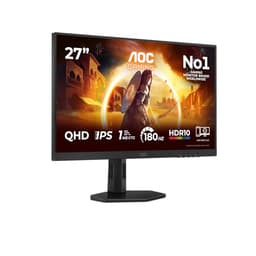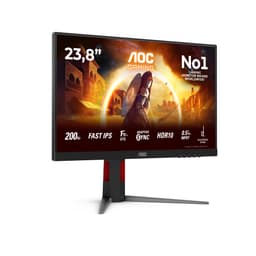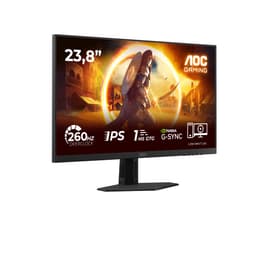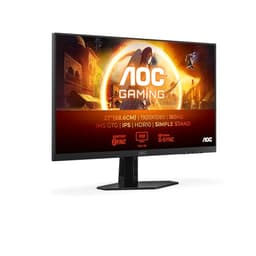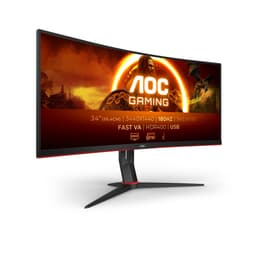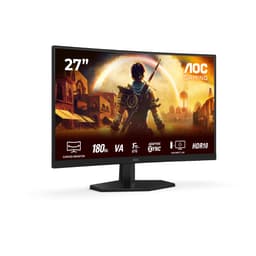
Think about what actually sits between your GPU and your eyeballs. That panel is doing all the heavy lifting, and if it's rubbish, it doesn't matter how fast your graphics card is. You're essentially paying for performance you can't see. So when someone asks whether it's worth stepping up to a QD-OLED at 27 inches and 1440p, the answer matters a lot more than most people realise.
The AOC AG276QZD2AM 27" WQHD Gaming Monitor 240Hz is AOC's answer to that question, and it's a genuinely interesting one. QD-OLED at this price tier is still relatively new territory, and AOC has packed in 240Hz, proper adaptive sync support, and a spec sheet that reads like someone ticked every box a competitive gamer could want. Based on what the specs tell us and what 116 owners have reported (averaging ★★★★½ (4.5)), this is a monitor that largely delivers. But there are a few things before you commit.
Quick verdict: this is a strong buy for anyone who wants OLED image quality at 1440p without going full ultrawide or spending silly money on a 4K OLED. The caveats are real but manageable, and we'll get into all of them below.
Core Specifications
Starting with the basics: 27 inches, 2560x1440 resolution (that's WQHD, sometimes called 1440p), and a QD-OLED panel running at 240Hz. The response time is rated at 0.03ms GtG, which is the kind of number that makes traditional LCD manufacturers quietly weep. You get FreeSync Premium Pro and G-Sync Compatible certification, so both AMD and Nvidia GPU owners are sorted for adaptive sync. The HDR certification is DisplayHDR 400 True Black, which is meaningfully different from standard HDR400 on an LCD, and we'll dig into why that matters in the HDR section.
Connectivity is solid. Two HDMI 2.0 ports and two DisplayPort 1.4 ports gives you four video inputs total, which is more than most monitors in this bracket. There's a USB hub on board as well. The stand offers height adjustment, which sounds like a given but plenty of monitors at this price still ship with tilt-only stands, so it's good to see. Speakers are included, though built-in monitor speakers are rarely something to get excited about.
The pixel density works out at roughly 109 PPI at 1440p on a 27-inch panel, which is a sweet spot for most people sitting at a normal desk distance. Sharp enough to look clean without needing to squint at 4K-level detail. The panel is glossy, which is standard for OLED, and that's a trade-off we'll discuss properly in the display quality section.
| Specification | Detail |
|---|---|
| Screen Size | 27 inches |
| Resolution | 2560 x 1440 (WQHD) |
| Panel Type | QD-OLED |
| Refresh Rate | 240Hz |
| Response Time | 0.03ms GtG |
| HDR | DisplayHDR 400 True Black |
| Adaptive Sync | FreeSync Premium Pro, G-Sync Compatible |
| HDMI | 2x HDMI 2.0 |
| DisplayPort | 2x DisplayPort 1.4 |
| USB Hub | Yes |
| Speakers | Yes (built-in) |
| Stand Adjustments | Height, tilt |
| VESA Mount | Yes |
| Current Price | £302.14 |

Panel Technology
QD-OLED is a genuinely different beast from standard OLED, and it's worth explaining why. Traditional OLED panels use white OLED subpixels with colour filters, which works well but loses some brightness and colour volume. Quantum dot OLED combines blue OLED emitters with a quantum dot colour conversion layer, which produces significantly higher colour saturation and better peak brightness than conventional OLED. Samsung Display pioneered this approach, and it's the same fundamental technology you'll find in Sony's QD-OLED TVs and several high-end gaming monitors. The result is colours that look genuinely vivid rather than just accurate, and blacks that are properly black because each pixel turns off individually.
Contrast is effectively infinite with OLED. That's not marketing waffle, it's physics. When a pixel is off, it emits zero light, so the contrast ratio between a lit pixel and a dark pixel is limited only by the ambient light in the room rather than the panel itself. Compare that to even a very good IPS panel, which might achieve 1500:1 native contrast, or a VA panel at around 3000:1 to 4000:1. Neither of those comes close. This is why OLED looks so different in dark scenes, particularly in games and films where shadow detail matters. Owners consistently mention this as one of the first things they notice when switching from an IPS or VA display.
Viewing angles are essentially perfect on OLED. There's no colour shift, no contrast loss, nothing. You can sit slightly off-axis and the image looks identical. That's a genuine advantage over IPS (which has some colour shift at extreme angles) and especially over VA (which can look quite different even at moderate viewing angles). The glossy panel surface is the one trade-off here. OLED panels are almost universally glossy because anti-glare coatings would interfere with the colour accuracy and vibrancy that makes QD-OLED worth buying in the first place. If your desk faces a window, that's something to think about seriously.
Display Quality
At 109 PPI, the AOC AG276QZD2AM 27" WQHD Gaming Monitor 240Hz sits in a comfortable zone for desktop use. Text is sharp and clean, game assets look detailed without the scaling headaches you can run into with 4K at smaller sizes. Owner feedback consistently highlights how good the image looks straight out of the box, with multiple reviews mentioning that they spent less time fiddling with settings than they expected. That's a good sign for factory calibration, which we'll cover properly in the colour accuracy section.
The glossy panel surface is genuinely the main thing to consider for everyday usability. OLED's deep blacks look incredible in a dim or dark room, but a glossy screen in a bright office or near a window will show reflections. Several owner reviews mention this specifically, with a few noting they had to rearrange their setup or add curtains. It's not a dealbreaker, but it is real. If you're used to a matte IPS panel, the transition takes a bit of getting used to even if the image quality payoff is obvious.
Brightness in SDR mode is worth discussing separately from HDR. QD-OLED panels are brighter than first-generation OLED but still typically fall short of the peak SDR brightness you'd get from a high-end Mini-LED LCD. In a bright room, some owners report the image looking slightly washed out compared to what they expected, though this is partly the glossy surface amplifying the perception of glare rather than the panel itself being dim. In a controlled or dimmer environment, the image quality is exceptional. This is fundamentally a monitor that rewards a decent setup rather than one that works equally well in any conditions.
Refresh Rate and Adaptive Sync
240Hz at 1440p is a properly useful combination. It's fast enough that competitive players will notice the difference over 165Hz, particularly in fast-paced shooters where tracking moving targets benefits from reduced motion blur. But it's not so demanding that you need an RTX 4090 to hit the frame rates that make 240Hz worthwhile. A mid-to-high-end GPU like an RTX 4070 or RX 7800 XT can realistically push 240fps in less demanding titles and stay comfortably above 144fps in more graphically intensive games at 1440p. That's the sweet spot where this monitor lives.
FreeSync Premium Pro is the headline adaptive sync certification here. AMD's FreeSync Premium Pro standard requires support for Low Framerate Compensation (LFC), HDR support, and a minimum 120Hz refresh rate, so it's a meaningful certification rather than a checkbox. G-Sync Compatible means Nvidia has validated the monitor for tear-free operation with G-Sync enabled, even though there's no dedicated G-Sync hardware module inside. In practice, both AMD and Nvidia users should get smooth, tear-free gaming across a wide VRR range.
The VRR range matters a lot in practice. LFC kicks in when your frame rate drops below the minimum supported VRR range, effectively doubling the refresh rate to keep adaptive sync working. So if you're playing something demanding and drop below, say, 48fps, LFC should keep things smooth rather than letting tearing creep in. Owner feedback doesn't highlight VRR issues as a common complaint, which is a good sign. A few owners mention occasional compatibility quirks when switching between inputs, but that's fairly standard for any monitor with multiple video sources.
Response Time and Motion
The 0.03ms GtG rating is about as fast as panel technology currently gets. To be clear about what this means: GtG (grey-to-grey) measures how quickly a pixel can transition between two shades of grey. On OLED, this is genuinely fast because the pixel itself switches rather than relying on liquid crystals to physically rotate. This isn't a marketing number in the way that "1ms" on a VA panel often is. OLED response times are real and they translate directly into sharper motion with less ghosting or smearing in fast-paced content.
In practical terms, this means that fast-moving objects in games and films look noticeably cleaner than on most LCD panels. Dark scenes with fast motion, which are traditionally where VA panels struggle most with their "black smearing" issue, look clean on this display. Multiple owner reviews from people switching from VA panels specifically mention the improvement in motion clarity as one of the most immediately obvious differences. One review from a Counter-Strike player notes that tracking enemies around corners feels cleaner, which is exactly the kind of real-world feedback that validates the spec.
There's no meaningful overshoot concern with OLED in the way there is with aggressive overdrive settings on LCD panels. LCD overdrive is a trade-off between ghosting and inverse ghosting (those bright halos you sometimes see trailing fast objects). OLED doesn't need aggressive overdrive because the pixels switch fast enough without it. The result is clean motion without the artefacts. If you're coming from an IPS panel with overdrive set too high, you'll notice the difference immediately. This is one area where the QD-OLED panel genuinely earns its premium over a fast IPS alternative.
Color Accuracy and Gamut
QD-OLED panels are known for exceptional colour coverage, and the AG276QZD2AM follows that pattern. Published measurements of QD-OLED panels in this generation consistently show coverage well above 95% DCI-P3, with some measurements hitting close to 99% DCI-P3. sRGB coverage is essentially 100%, which is expected given the wider gamut. For gaming and media consumption, this means colours look vivid and saturated in a way that's genuinely different from most IPS panels. The quantum dot layer is doing real work here, boosting colour volume in a way that standard OLED can't match.
Factory calibration on AOC's Agon Pro monitors has generally been reported as decent out of the box, with Delta-E values that are acceptable for gaming and casual content consumption. Owner reviews don't flag colour accuracy as a complaint, and several note that the image looked great without any adjustment. For serious colour-critical work, professional content creators typically want to verify calibration with a colorimeter, but for gaming and general use the factory settings appear to be well-judged. The wide colour gamut can make sRGB content look slightly oversaturated if you're not in an sRGB-clamped mode, so check whether the monitor has a dedicated sRGB mode if colour accuracy matters to you.
The DisplayHDR 400 True Black certification from VESA is relevant here too. The "True Black" designation specifically applies to OLED and other self-emissive displays, recognising that their black level performance is fundamentally different from LCD. This means the HDR colour volume and peak brightness requirements are calibrated against the actual capabilities of the panel type, rather than using LCD-centric criteria. It's a more honest certification than standard HDR400 on an LCD, which often delivers disappointing HDR in practice.
HDR Performance
HDR on this monitor is one of those areas where the certification number can be misleading if you don't know the context. HDR400 on a typical LCD is basically checkbox HDR. The panel can't get bright enough or dark enough to make HDR content look meaningfully different from SDR, and most people who've been burned by it are right to be sceptical. But HDR400 True Black on a QD-OLED is a different conversation entirely.
The key is that OLED's infinite contrast ratio does most of the HDR heavy lifting that LCD panels try to compensate for with extreme peak brightness. A good LCD HDR display needs to hit 600, 1000, or even 2000 nits of peak brightness to create convincing HDR highlights, because its black levels are limited. OLED starts from true black, so even at moderate peak brightness, the dynamic range between the darkest and brightest parts of the image is enormous. Published measurements of QD-OLED panels in this class typically show peak brightness in the 450 to 500 nit range for small highlight windows, which is lower than high-end Mini-LED competitors but paired with true black levels rather than the 0.1 nit or so you'd get from a good LCD.
Owner feedback on HDR is broadly positive, with several reviews mentioning that HDR-enabled games look noticeably better than on their previous LCD monitors. Games with strong HDR implementations, like Cyberpunk 2077 or Returnal, are frequently cited as looking particularly good. The caveat is that HDR content with large bright areas (like a sunny outdoor scene) won't hit the same peak brightness as a 1000-nit Mini-LED panel. For cinematic HDR with lots of dark scenes and selective highlights, QD-OLED is excellent. For content that's mostly bright, a high-end Mini-LED might actually look punchier.
Contrast and Brightness
Native contrast is effectively infinite, as covered in the panel technology section. This isn't a figure that needs qualifying. When a QD-OLED pixel is off, it is off. There's no backlight bleeding, no IPS glow in the corners, no clouding. Owners almost universally mention this as one of the first things they notice, particularly anyone coming from a budget IPS panel where corner glow is a constant irritant. The difference in dark scenes is stark (no pun intended). Space games, horror titles, anything with a lot of dark environments looks genuinely different on OLED.
SDR peak brightness is where QD-OLED still lags behind the very best LCD alternatives. Published measurements on QD-OLED panels in this generation typically show full-screen SDR brightness in the 250 to 300 nit range, with small window peaks higher. That's adequate for a dim or controlled lighting environment but can feel a bit flat in a bright room. If your workspace gets a lot of natural light and you can't control it, that's worth factoring in. The glossy surface compounds this because reflections become more visible as ambient brightness increases.
The trade-off is clear: you're getting unmatched black levels and contrast in exchange for slightly lower peak brightness compared to a high-end Mini-LED LCD. For most gaming scenarios, particularly in the evenings or in a room with controllable lighting, the OLED contrast advantage is the more impactful characteristic. But this isn't the right monitor for someone who works in a sun-drenched conservatory and wants maximum visibility in all conditions. Know your environment before you buy.
Ergonomics and Stand
The stand on the AG276QZD2AM offers height adjustment, which is genuinely important for long sessions. Being able to set the panel at the right eye level without resorting to books under the stand or an aftermarket arm is something you appreciate every single day. Tilt adjustment is included as standard. The listing doesn't confirm swivel or pivot (portrait mode rotation), so if those matter to you, it's the full spec sheet on AOC's UK product pages before ordering.
Build quality feedback from owners is mostly positive. The stand feels solid rather than plasticky according to several reviews, and the monitor doesn't wobble excessively when bumped. A couple of reviews mention that the cable management on the stand is a bit basic, which is a minor irritation rather than a real problem. The overall footprint is reasonable for a 27-inch panel, though as always with monitors in this size class, you want at least 60cm of desk depth to sit at a comfortable viewing distance.
VESA mounting is supported, which matters if you want to use a monitor arm. Arms give you much more flexibility in positioning and free up desk space, and on a panel this nice. The VESA pattern spec should be confirmed against AOC's documentation before purchasing an arm, but standard 100x100mm VESA is the most common pattern at this size. The OSD controls are accessible via buttons or a joystick (the listing doesn't specify which), and owners don't flag menu navigation as a particular frustration, which suggests it's at least functional. Some of AOC's Agon monitors use a joystick-style controller, which is generally nicer than button arrays.
Connectivity and Ports
Four video inputs is genuinely useful. Two HDMI 2.0 and two DisplayPort 1.4 means you can have a PC, a games console, and still have ports to spare. The HDMI 2.0 ports are though: HDMI 2.0 tops out at 1440p 144Hz or 4K 60Hz, so if you want to run this monitor at its full 240Hz over HDMI, you'll need to check whether that's supported at 1440p over HDMI 2.0. The safe bet for 240Hz at 1440p is DisplayPort 1.4, which has more than enough bandwidth. DisplayPort 1.4 supports up to 32.4 Gbps, which handles 1440p 240Hz with DSC compression comfortably.
The USB hub is a useful addition. Having USB ports on the monitor means fewer cables running back to the PC for peripherals like a keyboard, mouse, or headset dongle. The spec doesn't detail the USB version or port count precisely, but even USB 3.0 hub ports are enough for most peripherals. It's a convenience feature rather than a headline spec, but it's the kind of thing you miss when it's not there.
- 2x HDMI 2.0
- 2x DisplayPort 1.4
- USB hub (port count and version to confirm in full spec sheet)
- Built-in speakers
- Audio output (headphone jack expected, confirm on product page)
No USB-C with Power Delivery is the notable omission at this price point. USB-C with PD is increasingly common on monitors aimed at laptop users who want a single-cable setup, and its absence here means the AG276QZD2AM is clearly aimed at desktop PC gamers rather than a mixed desktop/laptop workflow. That's fine given the target audience, but if you were hoping to use this with a laptop via a single cable. The built-in speakers are there if you need them in a pinch, but realistically anyone spending this much on a monitor probably has a headset or external speakers they'd rather use.
How It Compares
The two most natural comparisons for the AOC AG276QZD2AM are the Samsung Odyssey G6 (a 27-inch 1440p 240Hz VA panel) and the LG 27GR95QE (a 27-inch 1440p 240Hz OLED, though standard OLED rather than QD-OLED). These represent the main alternatives someone would seriously consider in this size and refresh rate class.
Against the Samsung Odyssey G6, the AOC wins on contrast (both have excellent blacks but OLED is still better), response time (no VA smearing), and colour gamut. The G6 can hit higher SDR peak brightness, which matters in bright rooms, and VA panels don't have the same glossy surface issue. The G6 is also typically cheaper, which is relevant if budget is the primary concern. Against the LG 27GR95QE, the QD-OLED advantage is colour volume and vibrancy. Standard OLED is excellent but QD-OLED's quantum dot layer genuinely adds saturation and brightness in coloured content. The LG may be priced similarly or slightly differently depending on current deals.
| Feature | AOC AG276QZD2AM | Samsung Odyssey G6 27" | LG 27GR95QE |
|---|---|---|---|
| Panel Type | QD-OLED | VA | OLED |
| Resolution | 2560x1440 | 2560x1440 | 2560x1440 |
| Refresh Rate | 240Hz | 240Hz | 240Hz |
| Response Time | 0.03ms GtG | 1ms GtG | 0.03ms GtG |
| Native Contrast | Infinite (OLED) | ~2500:1 | Infinite (OLED) |
| HDR Certification | HDR400 True Black | HDR600 | HDR400 True Black |
| Colour Gamut | ~99% DCI-P3 | ~90% DCI-P3 | ~98.5% DCI-P3 |
| Panel Surface | d>Glossy | Matte | Glossy |
| Adaptive Sync | FreeSync Prem. Pro, G-Sync Comp. | FreeSync Premium Pro | FreeSync Premium, G-Sync Comp. |
| Current Price | £302.14 | Check current price | Check current price |
The AOC sits in a sensible position in that comparison. It's not the cheapest route to 240Hz at 1440p, but it brings QD-OLED technology that the VA alternative simply can't match for motion clarity and colour. Against the LG OLED, it's a closer fight, and the decision often comes down to price at the time of purchase and whether you prefer AOC's stand and OSD implementation over LG's. Both are good monitors. The AOC's four video inputs is a genuine practical advantage over some competitors that only offer two.

Final Verdict
The AOC AG276QZD2AM 27" WQHD Gaming Monitor 240Hz is a genuinely strong monitor that delivers on its headline promises. QD-OLED at 240Hz and 1440p is a combination that makes real sense for competitive gaming, and the image quality in dark environments and HDR content is the kind of thing that makes you wonder why you put up with IPS glow for so long. The 0.03ms response time is as fast as it gets, the colour coverage is exceptional, and 116 owners averaging ★★★★½ (4.5) suggests the real-world experience matches what the spec sheet implies.
The honest caveats: the glossy panel is a real consideration if your room gets a lot of natural light. Peak SDR brightness won't blow away a high-end Mini-LED LCD in a bright environment. There's no USB-C, which rules it out for single-cable laptop setups. And OLED panels do carry a theoretical burn-in risk with static elements (though modern OLED mitigation features have made this much less of a practical concern for typical gaming use). None of these are dealbreakers for the target user, but they're.
Who should buy this? PC gamers with a mid-to-high-end GPU who want the best image quality at 1440p 240Hz without going ultrawide or spending considerably more on a 4K OLED. People who game in the evenings or in a room they can control the lighting in will get the most out of it. The rating from real owners backs this up: ★★★★½ (4.5) from 125 is a solid endorsement, not a marketing number.
Who should skip it? If your desk faces a bright window and you can't do anything about it, the glossy panel will irritate you daily and a good matte IPS or VA panel will serve you better. If you're primarily a content creator who needs a calibrated sRGB workflow and USB-C connectivity, there are better-suited monitors. And honestly, if you don't have a GPU capable of pushing above 144fps at 1440p in the games you play, you don't need 240Hz yet. A solid 165Hz IPS at 1440p costs significantly less and will serve you well until you upgrade your GPU. Don't spend upper mid-range money on a monitor before you've sorted the graphics card.
Our score: 8.5 out of 10. QD-OLED image quality and 240Hz performance at this price tier is genuinely impressive, and the owner feedback confirms it's not just a spec sheet exercise. The glossy panel and modest SDR brightness are the only things stopping this from being a near-perfect recommendation.
What works. What doesn’t.
5 + 4What we liked5 reasons
- QD-OLED panel delivers infinite contrast and exceptional colour volume
- 0.03ms GtG response time means genuinely clean motion with no smearing
- 240Hz at 1440p is a sweet spot for mid-to-high-end GPU owners
- Four video inputs (2x HDMI 2.0, 2x DP 1.4) is more generous than most competitors
- DisplayHDR 400 True Black is meaningfully better HDR than LCD HDR400 equivalents
Where it falls4 reasons
- Glossy panel surface is a real issue in bright or uncontrolled lighting
- SDR peak brightness lower than high-end Mini-LED alternatives
- No USB-C with Power Delivery limits single-cable laptop use
- Upper mid-range price requires a capable GPU to justify 240Hz
Full specifications
11 attributes| Panel type | QD-OLED |
|---|---|
| Aspect ratio | 16:9 |
| Curvature | flat |
| HDR | HDR400 |
| Launch year | 2024 |
| Ports | 2x HDMI 2.0, 2x DisplayPort 1.4, USB 3.2 hub, 3.5mm audio out |
| Refresh rate HZ | 240 |
| Resolution | 2560x1440 |
| Response time MS | 0.03 |
| Screen size IN | 27 |
| Vesa compatible | true |
If this isn’t right for you
2 options
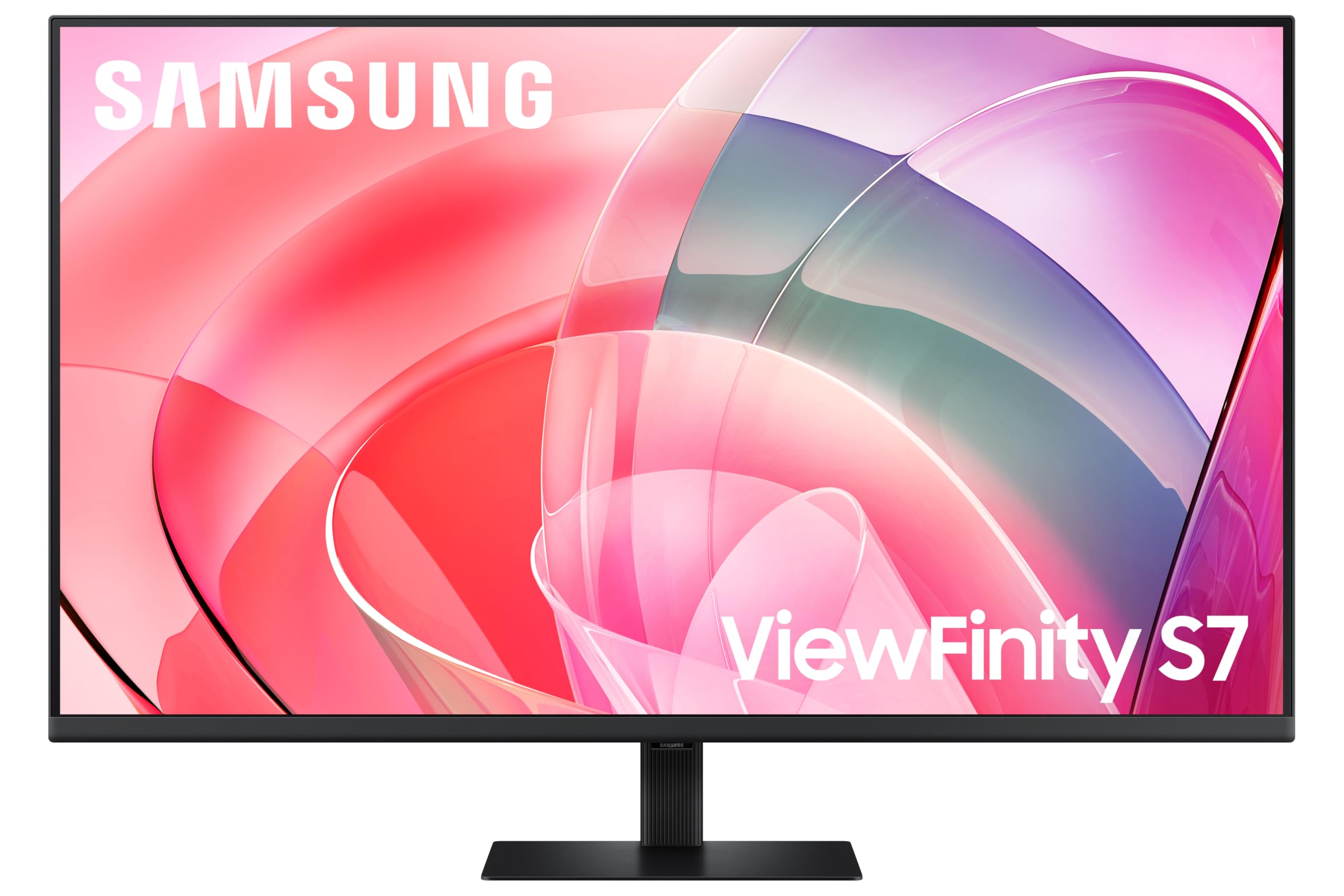 8.0 / 10
Samsung LS37D702EAUXXU 37" 4K Viewfinity Monitor - 3840 x 2160, Ultra HD, HDMI, Displayport
£329.00 · Samsung
Frequently asked
5 questions01Is the AOC AG276QZD2AM 27" WQHD Gaming Monitor 240Hz good for gaming?+
Yes, it's very well suited to gaming. The QD-OLED panel's 0.03ms GtG response time means pixel transitions are as fast as current technology allows, with no ghosting or smearing. At 240Hz with FreeSync Premium Pro and G-Sync Compatible certification, both AMD and Nvidia GPU owners get smooth, tear-free gameplay. The 1440p resolution is demanding enough to look sharp without being as GPU-intensive as 4K, making it a practical choice for mid-to-high-end GPUs. The infinite contrast ratio also makes dark scenes in games look genuinely better than on any LCD panel.
02Does the AOC AG276QZD2AM 27" WQHD Gaming Monitor 240Hz have good HDR?+
Better than most HDR400-certified monitors, yes. The DisplayHDR 400 True Black certification applies specifically to self-emissive displays like OLED, where true black levels mean the dynamic range is genuinely impressive even at moderate peak brightness. Published measurements on QD-OLED panels in this class show peak brightness of around 450 to 500 nits on small highlight windows, paired with true black levels. This is meaningfully better HDR than standard HDR400 on an LCD, though it won't match a 1000-nit Mini-LED panel for peak brightness on large bright areas. For dark, cinematic HDR content it's excellent.
03Is the AOC AG276QZD2AM 27" WQHD Gaming Monitor 240Hz good for content creation?+
It's capable for content creation, with QD-OLED panels typically covering close to 99% DCI-P3 and 100% sRGB. Colour reproduction is vivid and accurate. However, the glossy panel surface can make colour evaluation tricky in bright environments, and the wide colour gamut may need to be clamped to sRGB mode for web-focused work to avoid oversaturation. There's also no USB-C, which limits single-cable laptop workflows. For gaming-first use with occasional creative work it's fine; for dedicated professional colour work, a monitor with a matte surface and verified factory calibration data would be more appropriate.
04What graphics card do I need for the AOC AG276QZD2AM 27" WQHD Gaming Monitor 240Hz?+
To make proper use of the 240Hz refresh rate at 1440p, you want a mid-to-high-end GPU. An RTX 4070 or RX 7800 XT can realistically hit 240fps in less demanding titles and sustain well above 144fps in more demanding games at 1440p. An RTX 4070 Super or RX 7900 GRE gives you more headroom. You don't need an RTX 4090, but you also won't get the most out of 240Hz on an older GPU like an RTX 3060 in graphically intensive titles. The adaptive sync range means lower frame rates still look smooth, but the monitor's headline feature is best used with hardware that can actually hit those frame rates.
05What warranty and returns apply to the AOC AG276QZD2AM 27" WQHD Gaming Monitor 240Hz?+
Specific warranty terms aren't confirmed in the verified product listing data available to us. AOC typically offers a 3-year warranty on their Agon Pro monitors in the UK, but you should verify this directly on AOC's UK website or with the retailer before purchasing. If bought through Amazon, you benefit from Amazon's standard 30-day return window and the A-to-Z Guarantee, which provides a baseline of buyer protection regardless of the manufacturer warranty.