Pick the wrong motherboard and you've built your entire system on a dodgy foundation. Your CPU throttles under load, your RAM won't hit its rated speed, and you're stuck with a BIOS that feels like it was designed in 2003. I've seen builders spend £500 on a GPU only to pair it with a board that can't deliver stable power. The MSI PRO B760M-P, I can tell you whether this budget Intel board avoids the usual cheap motherboard pitfalls.
Socket & Platform: LGA 1700 With B760 Chipset
No 14th Gen support, but frankly you're not buying this board for a 14900K anyway. Stick with the i5-12400F, i5-13400, or i7-12700 and you'll be sorted.
The B760 chipset sits in Intel's mid-range territory. It's not the bottom-tier H610 that strips out half the features, but it's not the Z790 that costs more than some people's entire GPU budget either. You get enough PCIe lanes for a proper graphics card and a couple of fast SSDs without paying for overclocking features you won't use on a locked CPU.
Memory overclocking works fine here. DDR5-6000 kits with XMP are supported without drama. CPU overclocking is locked out on B760, but that's expected. If you bought a K-series chip hoping to overclock on this board, you've made a planning error.

VRM & Power Delivery: Adequate For Locked CPUs
Fine for i5-13400 and below. Don't push an i7-13700 hard on this board unless you enjoy watching VRM temps climb past 90°C.
Let's be honest about what you're getting here. The VRM uses eight 55A power stages for the CPU, which is enough for a 65W or 125W chip running at stock settings. With an i5-13400, the VRMs sit around 65-70°C under sustained load. That's warm but not concerning.
But pair this with an i7-13700 pulling 180W+ and you'll see those temps climb into the 90s. The board has a basic chipset heatsink but the VRM heatsinks are minimal. There's passive cooling doing the bare minimum. MSI calls it "Core Boost technology" which is marketing speak for "we put heatsinks on it."
The PCB is four layers, which is standard for budget boards. I've seen worse at this price point. The capacitors are decent quality and the layout is sensible. Nothing here screams "this will fail in 18 months" but nothing screams "premium" either.
Thermal performance is acceptable. The chipset heatsink doesn't get hot enough to worry about. The primary M.2 slot has a Shield Frozr heatsink that actually helps, dropping my Samsung 980 Pro's temps by about 8°C compared to running bare. The second M.2 slot is naked, so fast Gen4 drives will run warmer there.
BIOS Experience: MSI Click BIOS 5
Click BIOS 5 is one of the better budget board interfaces. It's not as polished as ASUS's UEFI but it's miles ahead of the rubbish Gigabyte ships on their cheap boards.
MSI's Click BIOS 5 is perfectly usable. The interface responds quickly, the layout makes sense, and you can find settings without hunting through six submenus. XMP profiles load with one click. Fan curves are easy to set up with a proper graph editor.
The Frozr AI cooling feature is supposed to automatically adjust fan speeds based on CPU and GPU temps. In practice, it's a basic fan curve that ramps up when things get warm. It works fine but calling it "AI" is a stretch. I set my own curves and forgot about it.
Memory overclocking options are present but limited compared to Z-series boards. You get the important settings like voltage, timings, and frequency adjustments. My DDR5-6000 kit ran at XMP speeds without issue. Pushing beyond that requires more manual tweaking than most budget builders will bother with.
BIOS updates are straightforward with M-Flash. The latest BIOS (7D98v13 at the time of writing) updates without problems. MSI has been decent about releasing updates for stability and CPU support.
Memory Support: DDR5 On A Budget
This is where the board surprises. DDR5 support at this price point is still relatively uncommon. You get four DIMM slots that officially support up to DDR5-6800+ with overclocking. MSI's Memory Boost tech claims to improve overclocking through isolated circuitry on the PCB.
A 32GB (2x16GB) DDR5-6000 kit ran perfectly at XMP settings. I didn't push beyond 6000MHz because frankly, most people won't either. The performance difference between DDR5-6000 and DDR5-6800 in gaming is minimal.
Four slots means you can start with 16GB and expand later without throwing away your original kit. That's proper future-proofing. The 192GB maximum capacity is theoretical since 48GB DIMMs are still stupidly expensive, but 64GB or 128GB builds are realistic.
One quirk: the board runs single rank DIMMs better than dual rank for high-speed overclocking. If you're buying expensive DDR5-7000+ kits, you might hit stability issues. But at DDR5-6000 where most sensible people land, it's fine.
Storage & Expansion: Two M.2 Gen4 Slots
The primary PCIe x16 slot has Steel Armor reinforcement, which is nice for heavier GPUs. Slot spacing is tight on micro-ATX but there's enough room for a dual-slot GPU without blocking the first PCIe x1 slot.
The primary PCIe slot runs at 4.0 x16 speeds directly from the CPU. That's plenty for any modern GPU including a 4080 or 7900 XT. The Steel Armor reinforcement prevents sag on heavier cards. A three-slot GPU clears fine, though it covers the first M.2 slot's heatsink slightly.
Two M.2 slots is the minimum acceptable in 2026. Both support PCIe 4.0 x4 (Gen4 64Gbps). The first slot sits under the Shield Frozr heatsink. The second is bare and positioned below the GPU area where airflow is limited. If you're running two fast SSDs, the second one will run warmer.
Four SATA ports provide legacy storage options. They're positioned sensibly along the board edge. I had no issues with cable routing or clearance.
The rear I/O is functional but not generous. One USB-C port is appreciated, though 10Gbps is the minimum you'd expect now. Two USB 3.2 Gen 1 ports handle your keyboard and mouse. Four USB 2.0 ports feel dated but they work for low-bandwidth peripherals.
Video outputs include HDMI 1.4, DisplayPort 1.4, and bizarrely, VGA. If you're still running a VGA monitor in 2026, I have questions. But I suppose it's there for office environments with ancient displays.
No WiFi is the biggest omission. You're stuck with ethernet or buying a separate WiFi adapter. The Realtek 1GbE controller is reliable but slow by modern standards. No 2.5GbE here.
Audio is Realtek ALC897, which is entry-level but acceptable. MSI's Audio Boost adds some capacitor filtering. It's fine for gaming headsets or desktop speakers. Audiophiles will use a DAC anyway.

How It Compares: Budget Intel Alternatives
| Feature | MSI PRO B760M-P | Gigabyte B760M DS3H DDR5 | ASUS PRIME B760M-A |
|---|---|---|---|
| Price | £75.32 | ~£75.32 | ~£115 |
| Form Factor | Micro-ATX | Micro-ATX | Micro-ATX |
| VRM Phases | 8+1+1 | 7+1+1 | 8+1 |
| M.2 Slots | 2x Gen4 | 2x Gen4 | 2x Gen4 |
| WiFi | No | No | No |
| USB-C | 1x Rear | None | 1x Rear |
| BIOS | Click BIOS 5 | Basic | UEFI |
| Best For | Best overall value | Absolute budget | Better VRM cooling |
Against the Gigabyte B760M DS3H DDR5, the MSI board offers better VRM cooling and a more usable BIOS. The Gigabyte is slightly cheaper but the lack of rear USB-C and weaker heatsinks make it feel more compromised.
The ASUS PRIME B760M-A costs a bit more but brings better VRM heatsinks and ASUS's superior UEFI BIOS. If you can stretch the budget, it's worth considering. But the MSI board hits a sweet spot between features and cost.
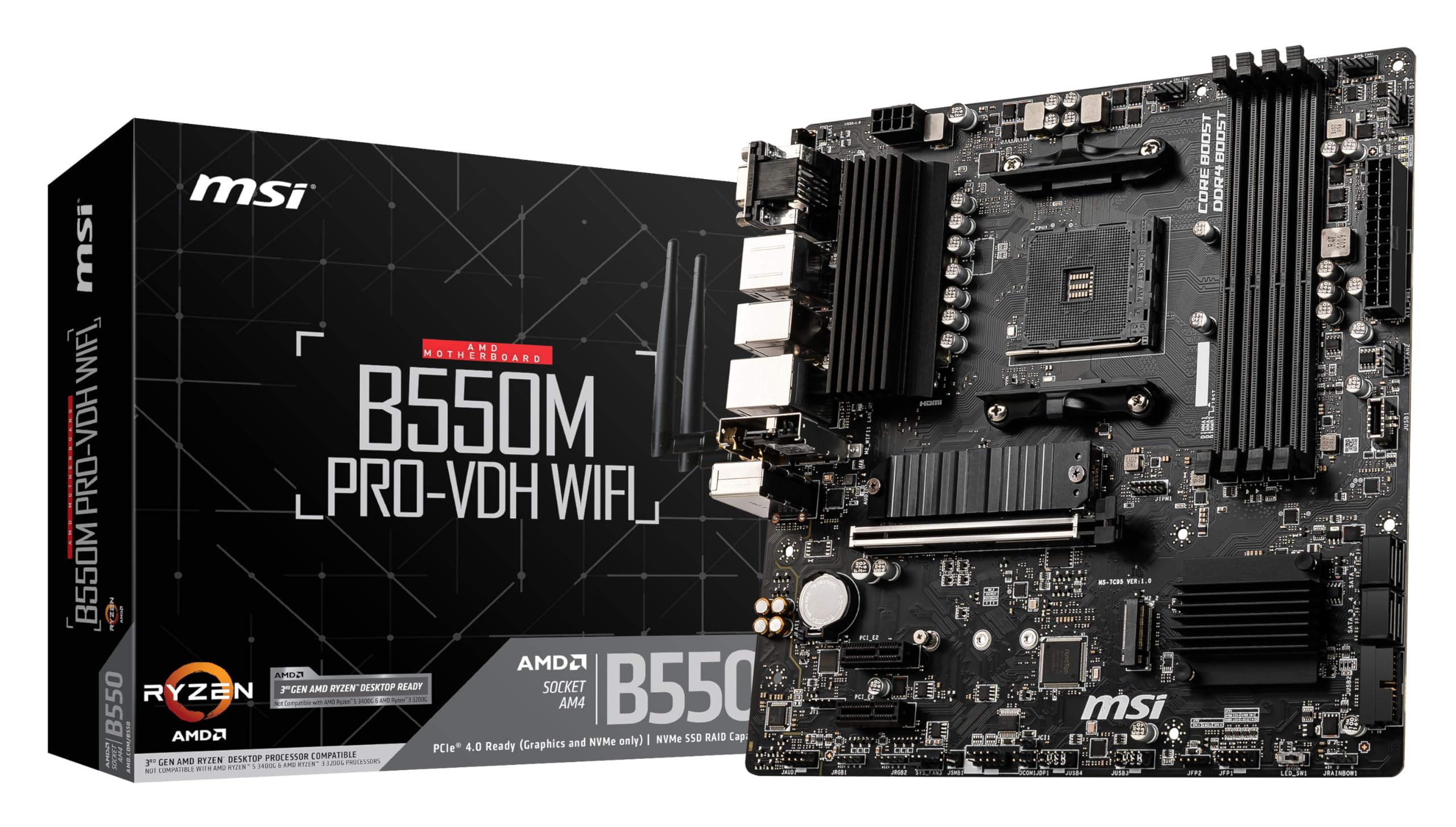
If you need WiFi, look at the MSI PRO B760M-A WiFi instead. It adds WiFi 6E and Bluetooth for about £20 more. That's better value than buying a separate WiFi card.
Build Experience: Straightforward Assembly
- Installation: Easy - Standard micro-ATX mounting, no surprises
- Cable Management: Headers are sensibly positioned along the bottom edge. Front panel connectors are clearly labeled.
- Clearance: Adequate space around the CPU socket for tower coolers up to 165mm. GPU clearance is fine for dual or triple-slot cards.
- Documentation: Manual is clear with decent diagrams. QR codes link to online resources.
Building with this board is painless. The standoff holes align properly (you'd be surprised how often they don't). The 24-pin and 8-pin CPU power connectors are positioned where you'd expect them. Cable routing in a micro-ATX case is always tighter than ATX but this board doesn't make it worse.
The front panel header is labeled clearly. I didn't need to consult the manual to figure out which pins control the power button. Small detail but it matters when you're assembling at midnight.
RAM slots have single-sided clips, which is standard for budget boards. It makes installation slightly fiddly near the CPU cooler but you get used to it. The M.2 slots use a tool-free locking mechanism that works properly.
One annoyance: the CMOS battery sits under the GPU on most micro-ATX boards including this one. If you need to clear CMOS, you're removing the graphics card first. There's a JBAT1 header for clearing CMOS with a jumper, which helps.
What Buyers Say: 165
The review pattern is consistent: people appreciate getting DDR5 and decent stability without spending premium money. Most buyers are running mid-range CPUs (i5-12400F, i5-13400) and reporting no issues.
The complaints are mostly about features that were never promised at this price point. Nobody's reporting catastrophic failures or DOA boards at unusual rates. That's what matters.
Value Analysis: DDR5 Without The Premium
In the budget bracket, this board delivers DDR5 support and dual M.2 Gen4 slots that you'd normally find in mid-range territory. You sacrifice WiFi, robust VRM cooling, and premium BIOS features, but the core functionality is solid. Boards in the tier below (H610 chipset) cut too many corners. Boards in the mid-range tier add WiFi and beefier power delivery but cost £40-60 more.
The value proposition is straightforward. You're getting DDR5 memory support and B760 chipset features at the lower end of the price spectrum. That's the trade. MSI hasn't cut corners on PCB quality or component selection, they've just stripped out the expensive extras.
Compare this to DDR4 boards at similar prices and the MSI board looks smarter. DDR5 prices have dropped enough that building with DDR4 in 2026 feels short-sighted. You're buying into a platform that's already being phased out.
The lack of WiFi is the biggest value compromise. Adding a decent PCIe WiFi card costs £25-35. At that point, you're approaching the cost of boards with integrated WiFi. If wireless connectivity matters to you, factor that into your budget.

Specifications: Full Technical Details
I'd recommend this board for anyone building around an i5-12400F or i5-13400. It's not exciting, but it's competent. The VRM won't throttle your CPU, the BIOS won't make you want to throw your keyboard, and the DDR5 support gives you a platform that's not obsolete in 18 months.
Just be realistic about what you're buying. This is a budget board that does budget board things. It won't overclock, it won't handle a power-hungry i9, and it won't impress your mates with RGB lighting. But it will boot reliably, run your games, and not cause problems. Sometimes that's exactly what you need.
What works. What doesn’t.
6 + 5What we liked6 reasons
- DDR5 support with stable XMP at DDR5-6000+
- Dual M.2 Gen4 slots with heatsink on primary slot
- Usable Click BIOS 5 interface that doesn't frustrate
- VRM adequate for locked i5/i7 CPUs at stock speeds
- Steel Armor on PCIe x16 slot prevents GPU sag
- Four RAM slots for future expansion
Where it falls5 reasons
- No WiFi or Bluetooth (ethernet only)
- VRM struggles with high-power CPUs like i7-13700
- Only 1GbE LAN, no 2.5GbE upgrade
- Second M.2 slot lacks heatsink
- Basic audio codec (ALC897)
Full specifications
12 attributes| Socket | LGA1700 |
|---|---|
| Chipset | B760 |
| Form factor | Micro-ATX |
| Bios flashback | false |
| M2 slots | 2 |
| MAX RAM | 256GB |
| MAX RAM GB | 256 |
| Network | 1GbE |
| Pcie 5 slots | 0 |
| Pcie slots | 1x PCIe 4.0 x16 |
| RAM slots | 4 |
| RAM type | DDR5 |
If this isn’t right for you
2 options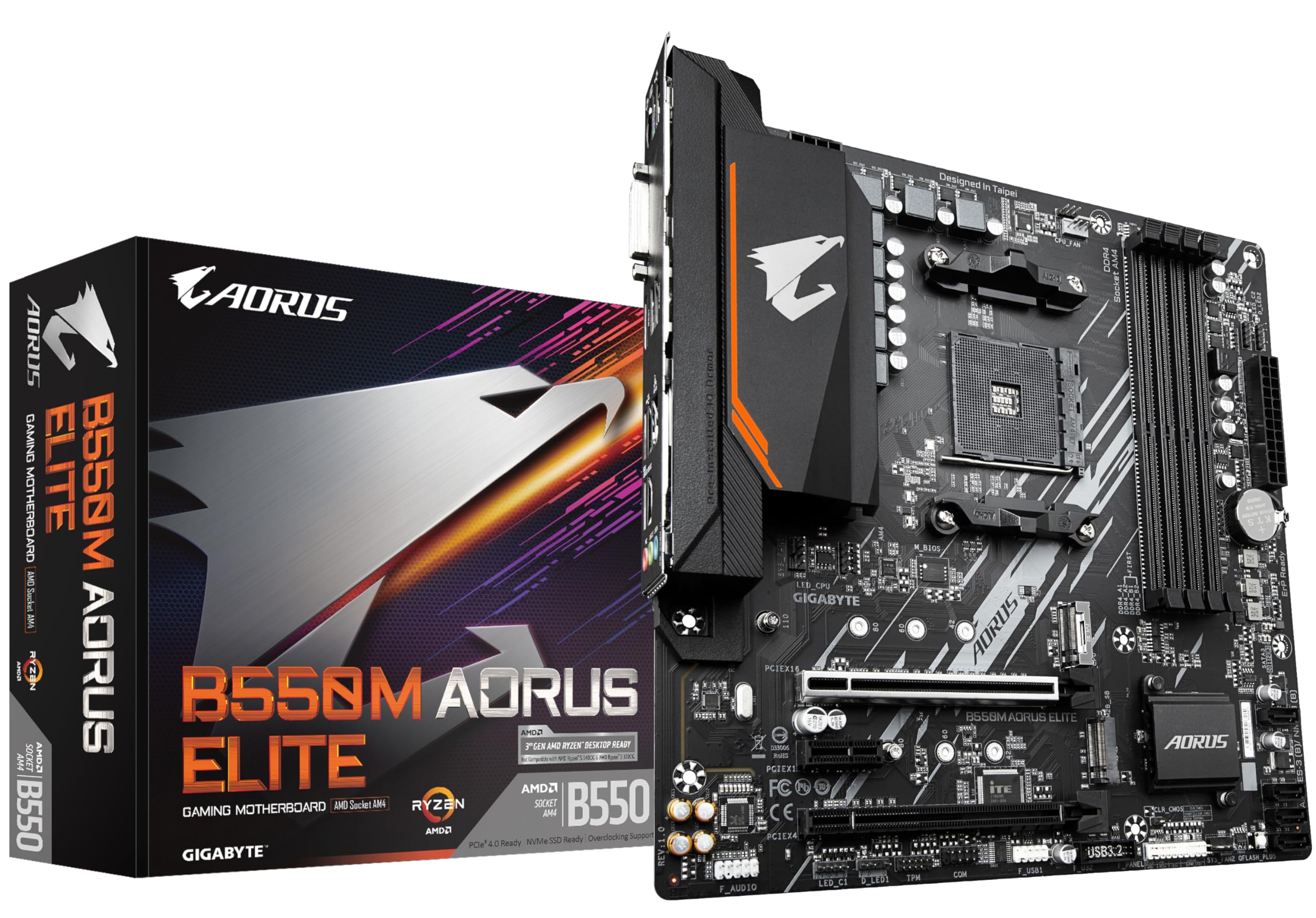
Frequently asked
5 questions01Is the MSI PRO B760M-P overkill for just gaming?+
No, it's actually well-matched for gaming builds. The B760 chipset provides enough PCIe lanes for a graphics card and fast SSDs without paying for overclocking features most gamers won't use. Pair it with an i5-12400F or i5-13400 and you've got a balanced system that won't bottleneck a mid-range GPU like an RTX 4060 Ti or RX 7700 XT.
02Will my existing CPU cooler work with the MSI PRO B760M-P?+
If your cooler supports LGA 1700, yes. Many coolers designed for LGA 1200 (10th/11th Gen Intel) also work with LGA 1700 using the same mounting hardware. Check your cooler manufacturer's compatibility list. The area around the socket has adequate clearance for tower coolers up to 165mm tall.
03What happens if the MSI PRO B760M-P doesn't work with my components?+
Amazon offers 30-day returns on most items, so you can return it hassle-free if there's a compatibility issue. Before buying, verify your CPU is 12th or 13th Gen Intel (not 10th/11th Gen which use different sockets), and that your RAM is DDR5 not DDR4. Those are the most common compatibility mistakes.
04Is there a cheaper motherboard I should consider instead?+
The Gigabyte B760M DS3H DDR5 typically costs £10-15 less but has weaker VRM cooling and no rear USB-C port. If you're running a 65W CPU like the i5-12400F and don't need USB-C, it's worth considering. Below that price point, you're looking at H610 chipset boards that cut too many features to recommend.
05What warranty and returns apply to the MSI PRO B760M-P?+
Amazon offers 30-day returns on most items, and MSI typically provides a 3-year manufacturer warranty on motherboards. You're also covered by Amazon's A-to-Z guarantee for purchase protection. Keep your proof of purchase and register the board with MSI after installation to activate the warranty.