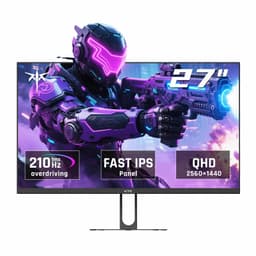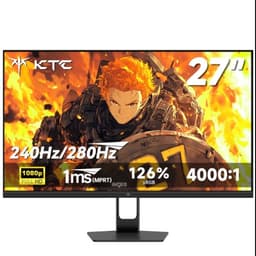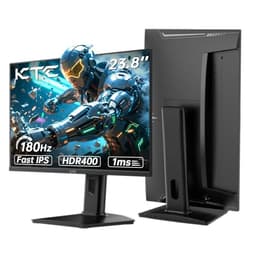
Most monitors at this price make you pick your poison. You either get the refresh rate and sacrifice colour, or you get a decent panel and cap out at 144Hz wondering if you're leaving frames on the table. The KTC H27E8 is trying to sidestep that compromise entirely: 27 inches, QHD 1440p, 240Hz, IPS panel, all sitting in the mid-range bracket. That's a spec sheet that would've cost you significantly more two years ago.
The verdict upfront: this is a genuinely good buy for competitive PC gamers who want 1440p sharpness without paying OLED money. Over 988 owner reviews and a 4.3-star average back that up more convincingly than any single opinion could. But it's not for everyone, and the HDR situation is exactly as disappointing as you'd expect at this price. If you're primarily a content creator or you game in a dark room where blacks matter, read the contrast and HDR sections before you commit.
The competition in this bracket is real. The AOC Q27G2S/D and the Gigabyte M27Q both circle similar territory. The KTC H27E8 holds its own, but the comparison is closer than KTC's marketing would have you believe. Here's what the specs and owner feedback actually tell you.
Core Specifications
The fundamentals are strong. You get a 27-inch IPS panel running at 2560x1440 (QHD), which hits a pixel density of roughly 109 PPI. That's the sweet spot for a 27-inch gaming monitor: sharp enough that individual pixels aren't visible at normal desktop distances, but not so dense that your GPU is working twice as hard for diminishing visual returns. At 240Hz, the H27E8 sits at the top end of what's currently available in this panel size and resolution without stepping into OLED or Mini-LED territory.
KTC rates the response time at 1ms MPRT and 1ms GtG. The GtG figure deserves scrutiny (more on that in the response time section), but the MPRT claim is standard for a panel running at this refresh rate with backlight strobing engaged. The monitor supports AMD FreeSync Premium, which covers a variable refresh rate range that keeps things tear-free across a wide window. There's no official G-Sync certification, but NVIDIA cards generally work fine with FreeSync monitors over DisplayPort.
Connectivity is practical rather than generous: two HDMI 2.0 ports and one DisplayPort 1.4. The DisplayPort 1.4 connection is the one you want for 1440p at 240Hz, since HDMI 2.0 tops out at 144Hz at this resolution. There's a headphone jack and the stand offers tilt adjustment, though the ergonomic range is more limited than premium alternatives. VESA 100x100mm mounting is present, which matters if you're planning to put this on an arm.
| Specification | Detail |
|---|---|
| Screen Size | 27 inches |
| Resolution | 2560 x 1440 (QHD / 1440p) |
| Panel Type | IPS |
| Refresh Rate | 240Hz |
| Response Time (rated) | 1ms GtG / 1ms MPRT |
| Adaptive Sync | AMD FreeSync Premium |
| HDR | HDR400 |
| Brightness (rated) | 400 cd/m² |
| Contrast Ratio (rated) | 1000:1 |
| Colour Gamut | 95% DCI-P3 |
| Ports | 2x HDMI 2.0, 1x DisplayPort 1.4 |
| Audio | Headphone jack (3.5mm) |
| VESA Mount | 100 x 100mm |
| Dimensions (with stand) | 614 x 456 x 205mm (approx) |
| Price | £269.99 |

Panel Technology
IPS is the right call for a gaming monitor at this price, and KTC has made the sensible choice here. IPS panels deliver consistent colour and contrast across wide viewing angles, which matters whether you're gaming with mates watching over your shoulder or just sitting slightly off-centre at your desk. The alternative, VA, offers better native contrast (typically 3000:1 versus IPS's 1000:1) but smears badly in fast motion, and at 240Hz that's a problem you really don't want. TN panels are largely irrelevant at this point in the market. IPS is the correct choice here.
The trade-off with IPS is IPS glow: that milky, slightly luminous quality in the corners of dark scenes, particularly visible when you're watching something with letterboxing or playing in a dark environment. It's an inherent characteristic of the technology rather than a defect, and it's present on the H27E8 just as it is on every other IPS panel at this price. Some owner reviews do mention it, though the consensus is that it's no worse than comparable monitors in the bracket. If you're gaming in a well-lit room, you'll rarely notice it.
The rated native contrast of 1000:1 is typical IPS. That's not a number to get excited about, but it's honest. It means blacks will look dark grey rather than true black in a dark room, which is the fundamental limitation of IPS technology at this price point. If deep blacks are genuinely important to your use case, a VA panel (accepting the motion blur trade-off) or a much pricier OLED is the answer. For most competitive gamers playing in a normally lit room, 1000:1 is perfectly fine and the colour accuracy gains from IPS far outweigh the contrast deficit.
Display Quality
At 109 PPI, the H27E8 is noticeably sharper than a 1080p monitor at the same size. Text rendering is clean, game textures have more detail, and the overall image just looks more refined. This is one of the main reasons to choose 1440p over 1080p at 27 inches: 1080p at this size starts to look soft, and individual pixels become visible if you sit closer than about 70cm. The QHD resolution eliminates that problem without demanding the GPU headroom that 4K requires.
The anti-glare matte coating is standard for a gaming monitor and does its job. Reflections from windows or overhead lights are diffused rather than mirrored back at you, which keeps the image usable in brighter rooms. The trade-off is a very slight reduction in perceived sharpness compared to a glossy display, but this is a gaming monitor, not a photo editing reference display, and the practical benefits of anti-glare in a typical gaming setup far outweigh the cosmetic cost. Owner reviews consistently mention the image looking clear and bright out of the box, which aligns with the 400 nit rated brightness and KTC's reported factory calibration.
Brightness uniformity across the panel is where budget IPS panels sometimes disappoint, and the H27E8 is not entirely immune. A handful of owner reviews mention slight backlight bleed in corners, particularly in the bottom-left area. This is common in the price bracket and not unique to KTC. Whether it bothers you depends on how much dark-scene gaming you do and how sensitive you are to it. For competitive titles like Valorant, CS2, or Apex where the game environment tends to be well-lit and fast-moving, it's a non-issue. For atmospheric single-player games in a dark room, it's something to be aware of.
Refresh Rate and Adaptive Sync
240Hz at 1440p is genuinely useful if your GPU can sustain the frame rates to match. In fast-paced competitive titles, the difference between 144Hz and 240Hz is real: motion looks smoother, target tracking feels more responsive, and the display latency is lower. Whether you can actually push 240fps at 1440p in your game of choice depends entirely on your hardware. An RTX 4070 can do it in CS2 and Valorant without breaking a sweat. In more demanding titles like Cyberpunk 2077 or Alan Wake 2 at maximum settings, you'll be well below 240fps, at which point the adaptive sync range becomes the more important spec.
AMD FreeSync Premium requires a minimum 120Hz LFC (Low Framerate Compensation) floor, which means the variable refresh rate range extends downward gracefully when your frame rate drops. The FreeSync Premium tier, as defined by AMD's specification, mandates at least 2.5x LFC ratio, so even if you're running demanding content and your frame rate dips, the monitor handles the transition without obvious tearing. This is a meaningful step up from basic FreeSync, and it's good to see it included rather than the cheaper certification.
NVIDIA users: the H27E8 will work with G-Sync Compatible mode over DisplayPort. NVIDIA's adaptive sync works with most FreeSync-certified monitors, and in practice the experience is smooth. You won't get the hardware G-Sync module's additional features, but for the vast majority of gaming scenarios that distinction is academic. Just use DisplayPort 1.4 rather than HDMI to get the full 240Hz at 1440p, because HDMI 2.0 can't carry that bandwidth. It's a minor gotcha but one that catches people out.
Response Time and Motion
The "1ms GtG" claim needs unpacking. GtG (grey-to-grey) response time is measured at the fastest transition point, typically a mid-grey to mid-grey pixel shift, and manufacturers choose the overdrive setting that produces the best number. In practice, real-world pixel transitions across the full range of colours and tones are slower. For IPS panels at this price, a realistic average GtG across all transitions is closer to 4ms to 6ms. That sounds worse than "1ms" but it's actually fine at 240Hz, where each frame is displayed for about 4.2ms anyway.
The 1ms MPRT (Moving Picture Response Time) figure is achieved through backlight strobing, which works by briefly turning the backlight off between frames to reduce perceived motion blur. It's a legitimate technique and it does improve motion clarity, but it comes at the cost of brightness reduction while active. Owner reviews suggest the overdrive implementation is reasonable, with no significant inverse ghosting complaints at the recommended setting. Inverse ghosting (bright halos trailing behind moving objects) is the common failure mode when overdrive is set too aggressively, and the H27E8 seems to have avoided the worst of it.
For competitive gaming, the motion performance is genuinely good. At 240Hz, each frame is on screen for such a short time that the panel's response time limitations matter less than they would at 60Hz or even 144Hz. The combination of high refresh rate and adequate pixel response means fast-moving scenes in shooters look clean and tracking feels natural. This is not a monitor that's going to hold you back in competitive play. Where you might notice limitations is in very dark, slow-panning scenes in single-player games, where IPS glow and the contrast ceiling become more apparent than the response time.
Color Accuracy and Gamut
KTC claims 95% DCI-P3 coverage, which is a strong number for a mid-range gaming monitor. DCI-P3 is the colour space used in cinema and increasingly in HDR content, and 95% coverage means the H27E8 can display a wide, saturated colour range that goes well beyond the standard sRGB space (which covers roughly 72% of DCI-P3). In practice, this means games and media with wide colour gamut content look vivid and punchy. sRGB coverage will be close to 100% given the DCI-P3 figure, which is exactly what you want for general desktop use and non-HDR content.
Factory calibration quality from KTC has been a point of discussion in owner reviews. The consensus is that out of the box, colours are reasonably accurate and the image looks good without adjustment. A handful of reviewers mention the default colour temperature running slightly warm, which is common across budget and mid-range monitors. If you're doing casual gaming and media consumption, the factory settings will serve you well. If you're doing colour-sensitive creative work, you'd want a hardware colorimeter and calibration software to dial it in properly, but that's true of virtually every monitor in this price range.
Delta-E figures aren't published for the H27E8, which is frustrating but typical for this tier. Monitors certified for professional colour work publish Delta-E averages below 2 (ideally below 1), but those carry a significant price premium. Based on the 95% DCI-P3 claim and owner feedback about the out-of-box image quality, the H27E8 is likely in the Delta-E 2 to 4 range at factory settings: acceptable for gaming and casual content creation, not suitable as a reference display for professional photo or video work. If colour accuracy to a professional standard is your priority, you're looking at a different class of monitor entirely.

HDR Performance
HDR400 is checkbox HDR. There's no getting around it. The VESA DisplayHDR 400 certification requires 400 nits peak brightness and no local dimming, which means the monitor is displaying HDR content with the same full-array backlight that it uses for everything else. True HDR requires either full-array local dimming (FALD) or OLED's per-pixel illumination to create the contrast between bright highlights and dark shadows that makes HDR visually impactful. Neither is present here.
What HDR400 gives you in practice is slightly expanded colour volume in supported titles and a brightness boost in HDR mode. Some games do look marginally better with HDR enabled, particularly those with well-implemented HDR tone mapping. But the transformative HDR experience you see on a proper HDR1000 display or an OLED is not happening on this panel. Owner reviews don't complain about this specifically, largely because buyers in this bracket have realistic expectations, but it's the honest picture.
If HDR is a genuine priority rather than a nice-to-have, you need to budget for DisplayHDR 600 or higher, which means either a Mini-LED panel or an OLED. Both cost considerably more than this monitor. For competitive gaming where HDR is rarely used anyway (most serious players disable it to reduce input lag and maintain consistent brightness), HDR400 is irrelevant to the buying decision. For immersive single-player gaming where HDR can genuinely enhance the experience, the H27E8 delivers a modest rather than transformative result.
Contrast and Brightness
The 400 nit rated peak brightness is solid for a mid-range IPS monitor. In a normally lit room or with overhead lighting, 400 nits is more than adequate to keep the image visible and punchy. You won't be fighting reflections off the matte coating at this brightness level. Where you'd want more is in very bright environments, like a room with direct sunlight hitting the screen, but that's an edge case for most setups and one that even 500 nit monitors struggle with.
The 1000:1 native contrast ratio is the standard IPS figure and it means exactly what it says: the brightest white the monitor can produce is 1000 times brighter than the darkest black. In a dark room, blacks will appear as dark grey, and shadow detail in games like Elden Ring or any horror title will look less impactful than on a VA or OLED panel. In a lit room, the ambient light tends to wash out blacks on any monitor anyway, so the IPS contrast limitation becomes less noticeable. Owner reviews suggest the image looks vibrant and well-saturated in typical use, which is consistent with the wide DCI-P3 coverage compensating perceptually for the contrast ceiling.
SDR brightness uniformity is good enough for most use. The backlight doesn't show dramatic hotspots or obvious dimming at the edges in normal content. The corner bleed mentioned earlier is most visible with a pure black test image in a dark room, which is not representative of typical gaming conditions. For the target use case of competitive gaming in a standard gaming room setup, the brightness and contrast performance is appropriate. It's not a monitor that will make you wince, but it's also not one that will make your jaw drop in dark cinematic sequences.
Ergonomics and Stand
The stand is functional but limited. Tilt adjustment is present, which covers the basics, but height adjustment and swivel are not features of the stock stand. This is a common cost-cutting measure in the mid-range bracket and it's not unique to KTC, but it does mean that if your desk setup requires precise monitor positioning, you're either buying a monitor arm or living with whatever height the fixed stand gives you. The VESA 100x100mm mount is present, so a third-party arm is a straightforward upgrade if you need one.
Build quality from owner feedback is generally positive. The chassis feels solid rather than flexing or creaking, and the bezels are slim on three sides with a slightly thicker bottom chin, which is the standard modern gaming monitor aesthetic. The stand base has a reasonable footprint without being excessively wide, which matters if desk space is tight. Several owner reviews comment positively on the build quality relative to the price, suggesting KTC hasn't cut corners on the physical construction to hit the price point.
The OSD (on-screen display) controls are button-based rather than joystick-based, which is a minor frustration compared to the joystick navigation on monitors like the Gigabyte M27Q. Buttons work, but navigating a monitor menu with five buttons is slower and less intuitive than a single joystick. It's the kind of thing you notice when you first set it up and then mostly forget about, since most people configure their monitor once and leave it. The menu itself reportedly covers the standard options: brightness, contrast, colour temperature, overdrive settings, and FreeSync toggle.
Connectivity and Ports
The port selection is lean. Two HDMI 2.0 ports and one DisplayPort 1.4 is the complete story for video inputs. There's no USB-C, no USB hub, and no built-in speakers. Whether this matters depends on your setup. If you're connecting a single PC via DisplayPort, you'll never think about the missing ports. If you want to connect a games console alongside your PC, the second HDMI port handles that. But if you were hoping to daisy-chain peripherals through the monitor or charge your phone from it, look elsewhere.
- 2x HDMI 2.0 (maximum 1440p at 144Hz)
- 1x DisplayPort 1.4 (1440p at 240Hz, required for full refresh rate)
- 1x 3.5mm headphone jack
- No USB-C
- No USB hub
- No built-in speakers
The absence of HDMI 2.1 is the one connectivity decision that might age poorly. HDMI 2.1 supports 1440p at 240Hz (and 4K at 144Hz), which means PlayStation 5 and Xbox Series X owners are limited to 144Hz over HDMI 2.0 rather than the full 240Hz. For PC gaming via DisplayPort this is irrelevant, but console gamers who want the maximum refresh rate from current-generation hardware will hit a ceiling. It's a reasonable compromise at this price point, but one to know about before buying if console use is part of your plan.
The headphone jack is a welcome inclusion for those who prefer wired headphones or use a DAC/amp. No built-in speakers is the right call for a gaming monitor: the speakers that fit into a monitor chassis at this price are uniformly poor, and their absence keeps the cost down without removing anything you'd actually want to use. If you need audio output, the 3.5mm jack is there. If you're using USB audio or a separate sound card, it's irrelevant either way.
How It Compares
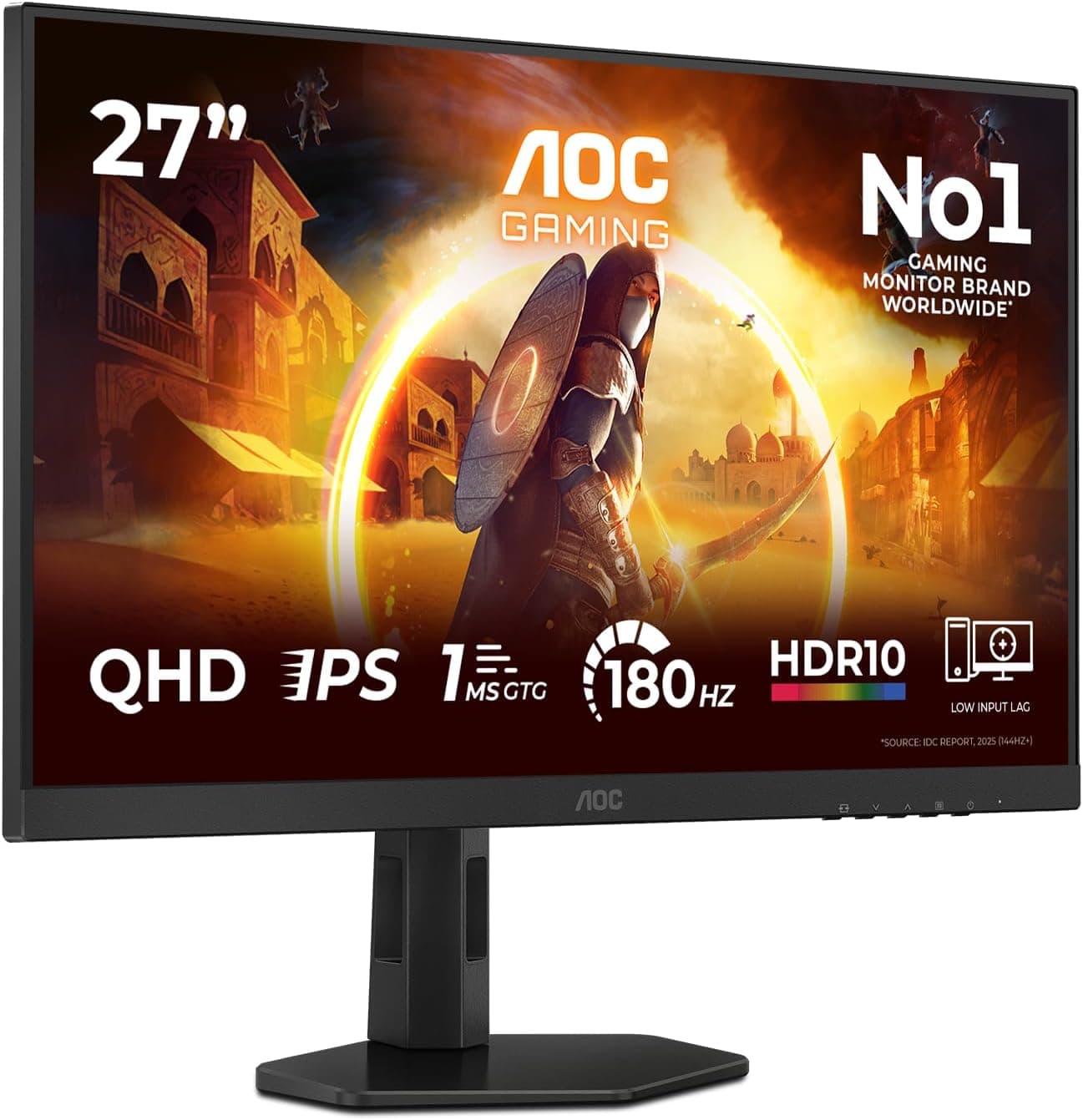
The two most relevant competitors in this bracket are the AOC Q27G2S/D and the Gigabyte M27Q X. Both sit in similar territory: 27-inch QHD IPS panels with high refresh rates and FreeSync support. The AOC Q27G2S/D is a 165Hz panel rather than 240Hz, which is a meaningful difference if competitive gaming at maximum frame rates is the goal. It tends to be priced slightly lower, making it the sensible choice if you can't push 240fps consistently in your games anyway. The Gigabyte M27Q X matches the 240Hz spec and adds a USB-C port and a better joystick OSD, but typically commands a higher price.
Where the KTC H27E8 wins is on the combination of 240Hz and 95% DCI-P3 colour coverage at a mid-range price. The Gigabyte M27Q X is the stronger all-round package, but if you're price-sensitive and don't need USB-C, the KTC delivers the headline specs without the premium. The AOC is the smarter buy if 165Hz is enough for your games, which for most titles it genuinely is. Only competitive players who can sustain 200fps and above in their main games will feel the difference between 165Hz and 240Hz in practice.
KTC as a brand is less established in the UK than AOC or Gigabyte, which is a legitimate consideration. The 988 owner reviews and 4.3-star average suggest the product delivers on its promises at scale, which is reassuring, but the after-sales support infrastructure for a less-established brand is worth thinking about. Amazon's standard returns policy provides a safety net, but warranty claims beyond the return window are where brand reputation matters more. Owner reviews don't flag widespread quality control issues, which is a good sign.
| Feature | KTC H27E8 | AOC Q27G2S/D | Gigabyte M27Q X |
|---|---|---|---|
| Resolution | 2560x1440 | 2560x1440 | 2560x1440 |
| Panel Type | IPS | IPS | IPS |
| Refresh Rate | 240Hz | 165Hz | 240Hz |
| Adaptive Sync | FreeSync Premium | FreeSync Premium | FreeSync Premium Pro |
| HDR | HDR400 | HDR400 | HDR400 |
| Colour Gamut | 95% DCI-P3 | ~95% DCI-P3 | ~94% DCI-P3 |
| USB-C | No | No | Yes |
| Height Adjust | No | Yes | Yes |
| Price | £269.99 | Lower | Higher |

Final Verdict
The KTC H27E8 does what it says on the box. A 27-inch 1440p IPS panel at 240Hz with 95% DCI-P3 coverage and FreeSync Premium, sitting in the mid-range bracket, is a genuinely strong package for competitive PC gaming. The 4.3-star average across over 988 owner reviews isn't a fluke: this monitor delivers the headline specs without the obvious quality control disasters that plague some budget alternatives.
The limitations are real but predictable. HDR400 is cosmetic rather than functional. The stand lacks height adjustment. There's no USB-C or USB hub. Blacks in a dark room will look grey rather than black, as they do on every IPS panel at this price. None of these are surprises, and none of them undermine the core use case of fast, sharp, colourful competitive gaming on a PC.
The honest caveat on the competition: if you can't consistently push above 165fps at 1440p in your main games, the AOC Q27G2S/D at a lower price point makes more practical sense. The extra 75Hz the H27E8 offers over a 165Hz panel is only useful if your GPU is actually delivering the frames to fill it. An RTX 4060 or below will rarely hit 240fps at 1440p in anything more demanding than CS2 or Valorant. If that's your situation, spend less on the AOC and put the saving toward your next GPU upgrade instead.
For players with an RTX 4070 or above who primarily play competitive titles and want the sharpest, smoothest experience in the mid-range bracket without stretching to OLED prices, the KTC H27E8 is a proper buy. It's not perfect, but it's honest about what it is and it delivers where it counts.
What works. What doesn’t.
5 + 4What we liked5 reasons
- 240Hz at 1440p for competitive gaming without OLED pricing
- 95% DCI-P3 colour coverage is strong for this price bracket
- FreeSync Premium with LFC for smooth variable refresh
- 4.3-star average across over 988 owner reviews suggests consistent quality control
- VESA 100x100mm mount included for monitor arm compatibility
Where it falls4 reasons
- HDR400 is checkbox HDR with no local dimming
- Stand lacks height adjustment and swivel
- No USB-C, no USB hub, no built-in speakers
- No HDMI 2.1, limiting console users to 144Hz over HDMI
Full specifications
11 attributes| Panel type | IPS |
|---|---|
| Aspect ratio | 16:9 |
| Curvature | flat |
| HDR | HDR400 |
| Launch year | 2024 |
| Ports | 2x HDMI 2.0, 2x DisplayPort 1.4, audio out, USB 2.0 (firmware) |
| Refresh rate HZ | 240 |
| Resolution | 2560x1440 |
| Response time MS | 1 |
| Screen size IN | 27 |
| Vesa compatible | true |
If this isn’t right for you
2 options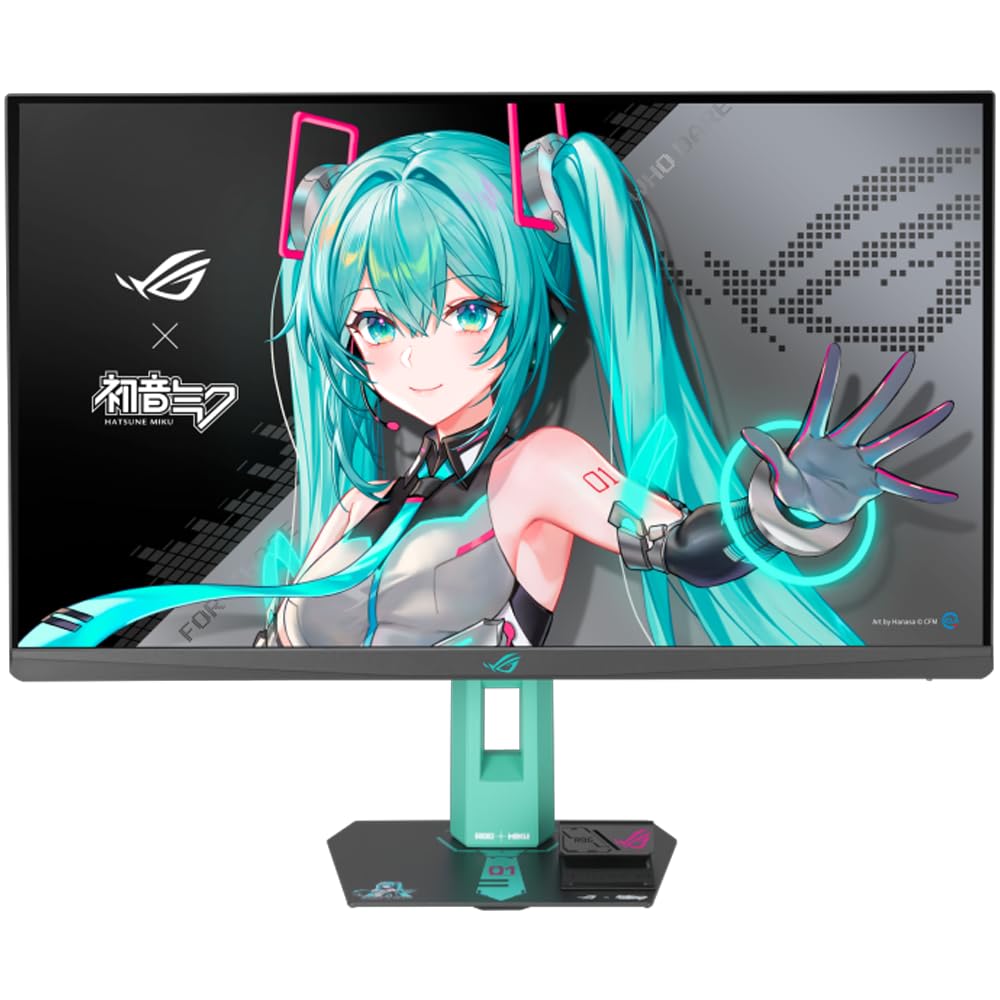 8.5 / 10
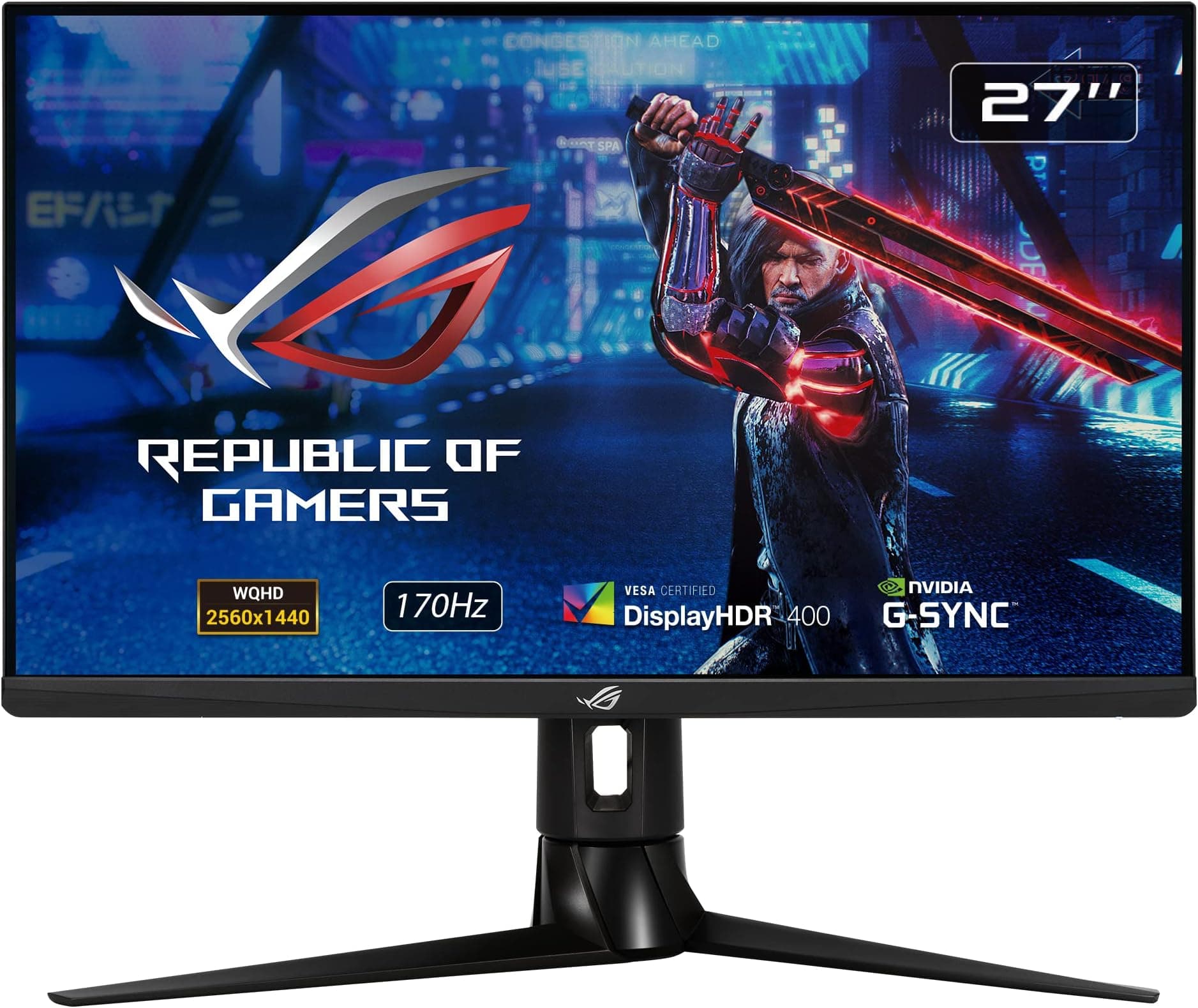
ASUS ROG Strix XG27AQ HDR Gaming Monitor – 27 inch WQHD (2560 x 1440), Fast IPS, Overclockable 170Hz (Above 144Hz), 1ms (GTG), ELMB SYNC, G-SYNC Compatible, DisplayHDR 400
£289.74 · ASUS
 8.5 / 10
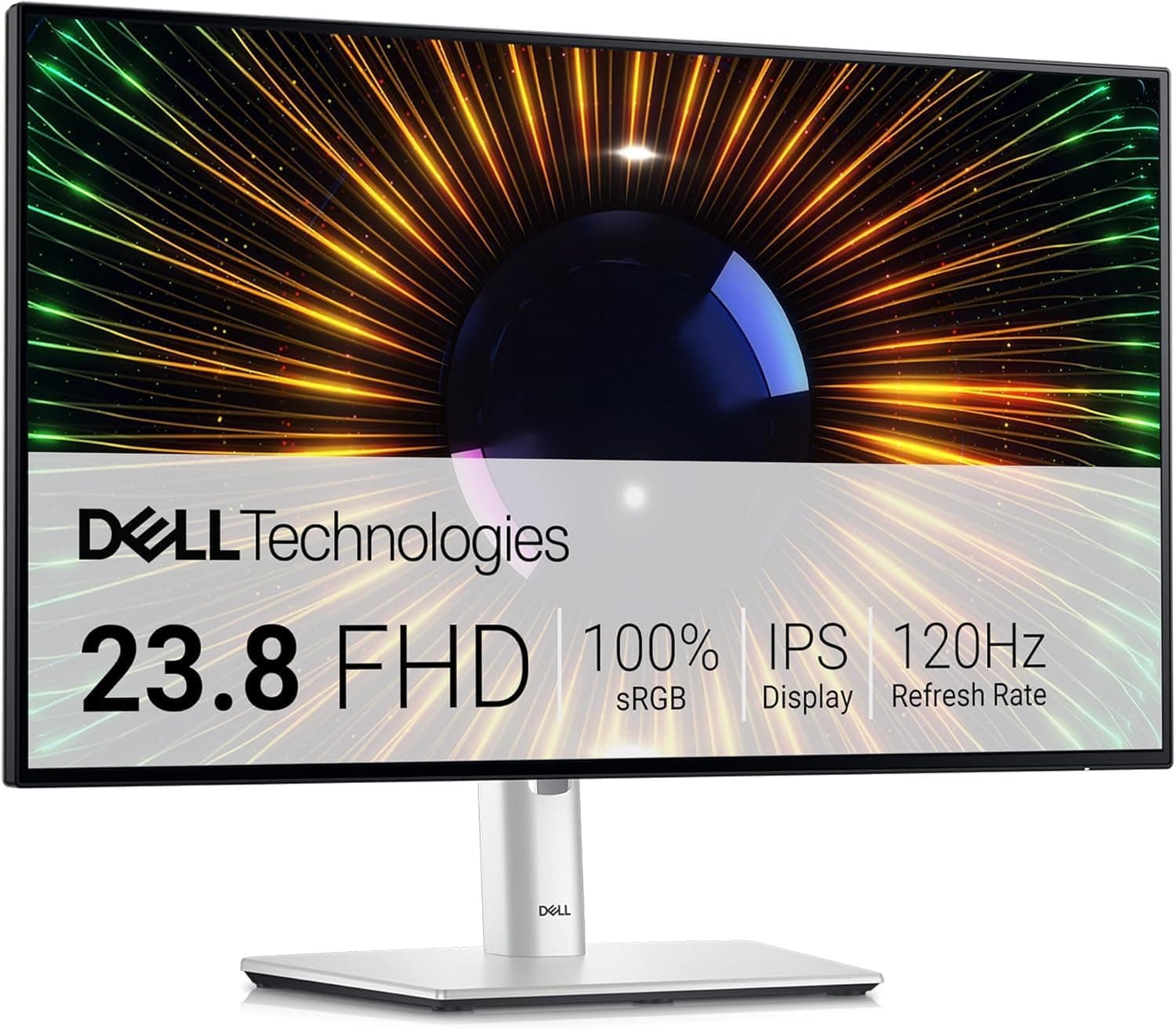
Dell U2424H UltraSharp 24 Inch FHD (1920x1080) Monitor, 120Hz, IPS, 5ms, 98% DCI-P3, 2x USB-C, 2x DisplayPort, HDMI, 3x USB, 3 Year Warranty, Silver
£194.39 · Dell
Frequently asked
5 questions01Is the KTC H27E8 good for gaming?+
Yes, for competitive PC gaming it's a strong choice. The 240Hz refresh rate and FreeSync Premium adaptive sync keep motion smooth and tear-free, and the 1440p IPS panel provides sharp, colourful visuals. The 1ms MPRT response time with backlight strobing handles fast motion well. For competitive titles like CS2, Valorant, and Apex Legends, it delivers exactly what the spec sheet promises. For immersive single-player gaming in a dark room, the IPS contrast limitation and HDR400 ceiling are more noticeable.
02Does the KTC H27E8 have good HDR?+
Honestly, no. HDR400 is the lowest tier of VESA's DisplayHDR certification and it has no local dimming. You get a 400 nit brightness ceiling and expanded colour volume, but the transformative HDR contrast you see on HDR600 Mini-LED or OLED displays is not present here. HDR mode in supported games produces a modest improvement at best. If HDR quality matters to you, budget for a DisplayHDR 600 or higher certified panel.
03Is the KTC H27E8 good for content creation?+
It's capable for casual content creation. The 95% DCI-P3 colour coverage is genuinely wide and the IPS panel delivers consistent colour across viewing angles. For gaming content, video editing for YouTube, and general photo work, it's more than adequate. For professional colour-critical work requiring calibrated Delta-E accuracy below 2, it's not the right tool. Factory calibration is reported as reasonable by owners, but without published Delta-E data it's not a monitor you'd use as a reference display.
04What graphics card do I need for the KTC H27E8?+
To make meaningful use of the 240Hz refresh rate at 1440p, you need a capable GPU. An RTX 4070 or RX 7800 XT can sustain 240fps in competitive titles like CS2 and Valorant, but will be well below that in demanding games like Cyberpunk 2077. An RTX 4060 or RX 7600 is fine for 1440p gaming but will rarely hit 240fps in anything other than esports titles. If your GPU sits below an RTX 4070, a 165Hz monitor is a more practical match for your hardware.
05What warranty and returns apply to the KTC H27E8?+
KTC's warranty terms are not detailed in the Amazon listing data available to us. Amazon's standard 30-day return window and A-to-Z Guarantee apply to purchases through Amazon UK, which provides a solid safety net for the initial period. For warranty coverage beyond that, check KTC's official support pages or contact the seller directly before purchasing if warranty terms are important to your decision.