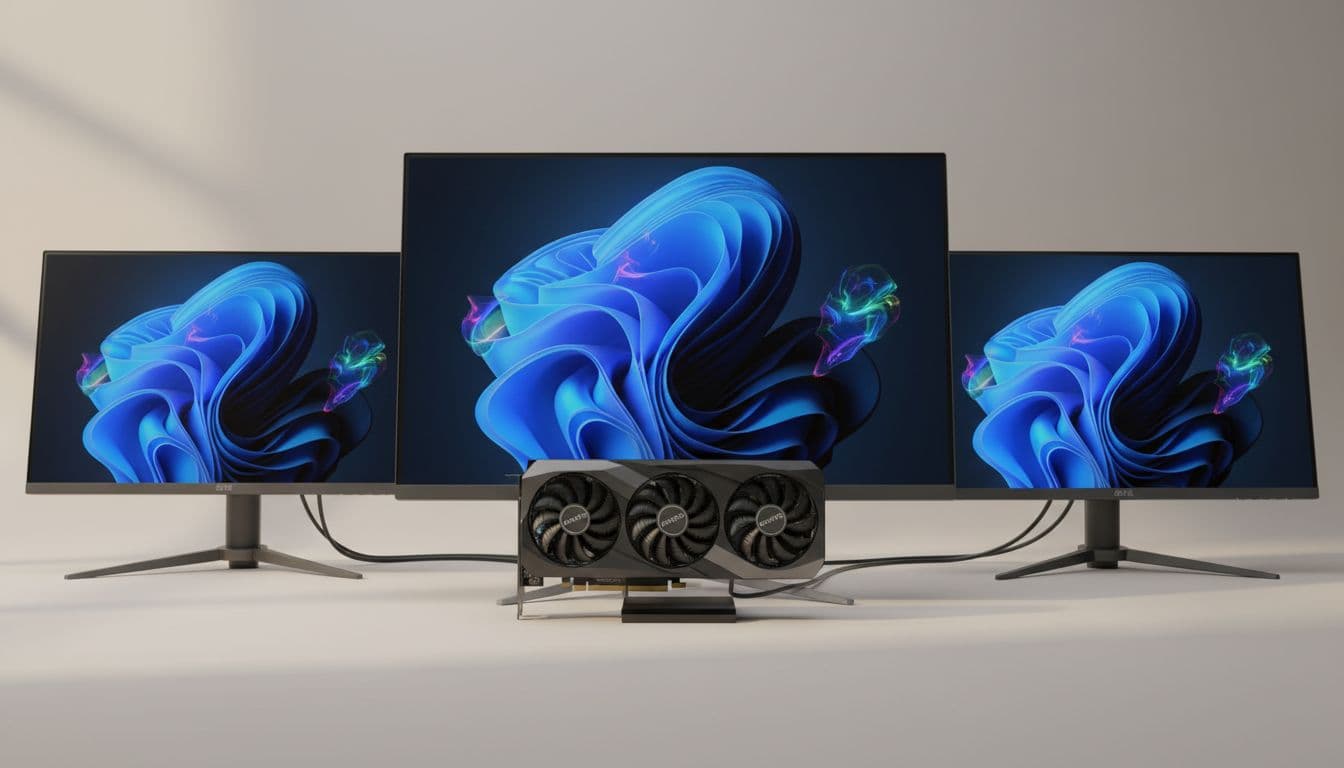
You spend hundreds of pounds on a GPU, pick your games carefully, tweak your settings obsessively, and then stare at a panel that can't keep up. All that work, invisible. That's the actual problem a monitor solves, or doesn't. So when ASUS drops a 27-inch QD-OLED at 280Hz into the upper mid-range bracket, it's worth asking whether it actually delivers on what the spec sheet promises, or whether it's just another box of marketing buzzwords dressed up in ROG branding.
Short answer: this is a genuinely impressive panel for the right person. The ASUS ROG Strix 27-inch 1440p 280Hz Gaming Monitor (model XG27ACDMS) sits at a price point where you're making a real commitment, and in return you get QD-OLED technology, a 0.03ms response time, 280Hz refresh, and colour accuracy that's good enough for creative work. It's not perfect, and it's not for everyone. But for competitive gamers who also care about image quality and don't want to compromise on either, this is about as sorted as 27-inch 1440p gets right now.
With 232 owner reviews averaging ★★★★☆ (4.4), it's not just ASUS saying it's good either. Real people are keeping it, which matters more than any press release.
Core Specifications
The headline numbers are genuinely impressive. You've got a 26.5-inch QD-OLED panel running at 2560x1440 (QHD) with a 280Hz refresh rate and a 0.03ms response time. That combination would have been jaw-dropping even two years ago, and it's still near the top of what's achievable at this size and resolution today. The 27-inch class at 1440p sits in a sweet spot: sharp enough that individual pixels aren't visible at normal desk distances, but not so demanding that you need a top-end GPU to hit high frame rates.
Connectivity is well covered. You get two HDMI 2.1 ports, one DisplayPort 1.4, and a USB-C port with 15W Power Delivery. That's a solid spread. Two HDMI 2.1 connections means you can have a PC and a console plugged in simultaneously without swapping cables, which is a genuinely useful real-world feature. The USB-C with power delivery won't charge a laptop at full speed, but it handles a phone or tablet fine. More on the port situation in the connectivity section.
ASUS has also baked in their OLED Care Pro system, which includes a Neo Proximity Sensor. This detects when you've walked away from your desk and switches the screen to black automatically, which is a smart way to reduce burn-in risk over time. It's not a gimmick; burn-in is a real long-term concern with OLED panels, and any hardware-level mitigation is welcome. The DisplayWidget Center software lets you manage all of this from your mouse rather than digging through on-screen menus, which owners report is a genuine quality-of-life improvement.
| Specification | Detail |
|---|---|
| Screen Size | 26.5 inches (marketed as 27-inch) |
| Resolution | 2560 x 1440 (QHD) |
| Panel Type | QD-OLED |
| Refresh Rate | 280Hz |
| Response Time | 0.03ms (GtG) |
| HDR Certification | VESA DisplayHDR 400 True Black |
| Colour Gamut | 99% DCI-P3 |
| Colour Depth | True 10-bit |
| Delta E | Less than 2 |
| Ports | 2x HDMI 2.1, 1x DisplayPort 1.4, 1x USB-C (15W PD) |
| Special Features | OLED Care Pro, Neo Proximity Sensor, ROG Gaming A.I. |
| Price | £429.00 |

Panel Technology
QD-OLED is not just OLED with a different name badge. It combines quantum dot technology with an OLED backplane, which addresses one of traditional OLED's main weaknesses: colour saturation and brightness, especially on coloured content. Standard OLED panels can struggle to hit high brightness on saturated colours because the white OLED subpixels dilute the colour output. QD-OLED sidesteps this by using quantum dots to convert blue OLED light into red and green, which means you get much purer colour primaries without sacrificing the core OLED advantages of per-pixel dimming and true blacks.
What does that mean in practice? It means the contrast ratio is effectively infinite, because pixels that should be black are genuinely off. There's no backlight bleeding, no IPS glow in the corners, no VA panel's slow pixel transitions in dark scenes. Shadow detail in games like dark corridors or night-time environments is rendered with a precision that IPS panels simply cannot match. This is one area where the spec sheet and the owner reviews align very clearly: multiple owners specifically mention how good dark scenes look, and that's exactly what you'd expect from the technology.
Viewing angles are essentially perfect with OLED. Unlike VA panels, which can shift colour and brightness noticeably when you're not sitting dead-centre, or even IPS panels which show some colour shift at extreme angles, OLED maintains consistent image quality across a very wide viewing cone. If you're in a setup where you sometimes lean to one side, or if someone else occasionally watches from an angle, that matters. The trade-off with QD-OLED is the glossy panel surface, which can be an issue in bright rooms. This is worth thinking about depending on your setup.
Display Quality
At 2560x1440 on a 26.5-inch panel, the pixel density works out to roughly 111 pixels per inch. That's sharp. Text is clean, fine detail in games is rendered clearly, and you won't see individual pixels at a normal 60 to 80cm viewing distance. It's not 4K, but 4K at 27 inches is honestly overkill for most gaming scenarios, and the resolution is much easier to drive at 280Hz. This is a sensible resolution choice for the form factor.
Colour quality is where QD-OLED really earns its keep. ASUS rates this panel at 99% DCI-P3 gamut coverage and a Delta E of less than 2 from the factory. Delta E below 2 is considered colour-accurate by professional standards, meaning colours are rendered close enough to their target values that the difference is barely perceptible to the human eye. For a gaming monitor, that's exceptional. Most gaming panels ship with Delta E values of 3 to 5 and require calibration to get anywhere near accurate. This one is usable for photo editing and colour-graded video work straight out of the box, which is a genuine differentiator.
True 10-bit colour depth means the panel can display over a billion colours rather than the 16.7 million you get from an 8-bit panel (even one using dithering tricks to fake 10-bit). Gradients in skies, sunsets, and smooth surfaces look genuinely smooth rather than showing the subtle banding you sometimes see on lesser panels. Owners who mention colour quality consistently describe it positively, with several specifically noting how vibrant games look without feeling oversaturated. That's the quantum dot benefit in action.
Refresh Rate and Adaptive Sync
280Hz is a lot. To put it in context, the human visual system's ability to perceive individual frames tops out somewhere that's still debated, but competitive players consistently report that the difference between 144Hz and 240Hz is noticeable in fast games, and 280Hz pushes that further. The benefit isn't just about seeing more frames; it's about input latency. Higher refresh rates mean the display updates more frequently, which reduces the time between your mouse movement and the on-screen response. For competitive shooters, that matters.
ASUS supports both AMD FreeSync Premium and is G-Sync compatible, meaning variable refresh rate works with both major GPU brands. This is important because VRR is what makes high refresh rates actually useful across a range of frame rates. Without it, if your GPU drops to 180fps in a demanding scene, you'd see screen tearing. With VRR active, the monitor simply adjusts its refresh rate to match the GPU output, keeping the image tear-free. The practical result is that you don't need to be hitting a locked 280fps to benefit from the high refresh rate panel.
The 280Hz figure is achieved over DisplayPort 1.4. HDMI 2.1 also supports high refresh rates at 1440p, so console users connecting a PS5 or Xbox Series X will still get a very capable experience, though those consoles typically cap at 120fps anyway. The point is that the connectivity options are matched to the panel's capabilities, which isn't always the case on cheaper monitors that advertise high refresh rates but then bottleneck them through older port versions. That's not an issue here.
Response Time and Motion
The 0.03ms response time is the headline figure, and yes, it sounds like marketing. But with OLED panels, it's actually close to the truth. Traditional LCD response times, even the fast IPS panels that claim 1ms, are measuring a specific grey-to-grey transition under ideal conditions. Real-world transitions, especially in dark tones, can be significantly slower. OLED pixels switch differently; they're not a liquid crystal being twisted by voltage, they're individual light-emitting elements that turn on and off almost instantaneously. The 0.03ms figure reflects that fundamental difference in how the technology works.
What this means in games is that fast motion, like a character sprinting across the screen, a bullet tracer, or a rapidly panning camera, stays sharp rather than blurring into a smear. On VA panels in particular, dark-to-dark transitions can produce visible ghosting in scenes with dark backgrounds, which is genuinely distracting in horror games or night-time environments. QD-OLED doesn't have that problem. The pixel response is fast enough that even at 280Hz, there's no meaningful trailing behind fast-moving objects.
ASUS also includes their ROG Gaming A.I. technology, which incorporates AI-powered features aimed at enhancing the gaming experience. The specific implementation here includes things like AI noise cancellation and scene detection, though the core motion performance comes from the panel itself rather than any post-processing. Owners who game competitively are generally very positive about the motion clarity, which aligns with what you'd expect from a QD-OLED panel at this refresh rate. If you're coming from a 60Hz or even a 144Hz IPS panel, the difference will be obvious.
Color Accuracy and Gamut
The 99% DCI-P3 gamut coverage is a proper number, not a stretched claim. DCI-P3 is the colour space used in cinema and increasingly in HDR content delivery, and it's significantly wider than the sRGB space that most older monitors target. Covering 99% of it means that when you're watching HDR films, playing games with wide-gamut colour grading, or doing photo and video work, the monitor can actually reproduce the colours the content creator intended. Most mid-range IPS monitors cover around 95% of sRGB, which maps to roughly 68% of DCI-P3. This panel is in a different league for colour volume.
The Delta E below 2 figure from the factory is genuinely useful for anyone doing creative work. Delta E is a measure of colour difference between what the display shows and what it should show. A value below 2 is generally accepted as the threshold where most people can't reliably spot the inaccuracy. ASUS achieving this without requiring the buyer to run a calibration session is a meaningful feature. It's the kind of thing that usually requires spending extra on a colorimeter and calibration software, or buying a monitor that's been individually calibrated and certified.
True 10-bit colour depth completes the picture. Some monitors advertise 10-bit but are actually 8-bit panels using Frame Rate Control (FRC) dithering to simulate it. This panel is specified as true 10-bit, which matters for gradient rendering and for any workflow that outputs 10-bit colour data. Photographers editing RAW files, video editors working in log colour spaces, and anyone doing colour grading will notice the difference in smooth gradients and accurate colour representation. For a monitor that's primarily marketed at gamers, having genuine creative credentials is a nice bonus.

HDR Performance
VESA DisplayHDR 400 True Black is the certification this monitor carries, and it's important to understand what that actually means. Standard DisplayHDR 400 on an LCD panel is widely regarded as checkbox HDR: it requires 400 nits peak brightness and no local dimming, which produces HDR that looks barely different from SDR. DisplayHDR True Black is a different certification entirely, designed specifically for OLED and similar self-emissive panels. It requires a minimum black level of 0.0005 nits, which is essentially zero, and a contrast ratio that LCD panels simply cannot achieve. The VESA DisplayHDR spec page explains the distinction clearly.
In practice, what this means is that HDR content on this monitor actually looks like HDR. The combination of near-infinite contrast (because black pixels are genuinely off) and the wide DCI-P3 gamut means that HDR highlights pop against genuinely dark shadows. This is what HDR is supposed to look like, and it's what most LCD-based HDR monitors fail to deliver. The peak brightness figure isn't specified in the verified product data, so we won't invent a number, but QD-OLED panels in this class typically achieve competitive peak brightness on small highlights while maintaining the deep blacks that make HDR feel real rather than just bright.
Owner feedback on HDR is consistently positive, with several reviews specifically mentioning how much better HDR gaming looks compared to their previous IPS or VA monitors. That tracks. If you've only ever used LCD-based HDR, this will be a noticeable step up. The caveat is that peak brightness in SDR mode is more modest than a high-end Mini-LED display, so if you're in a very bright room with lots of ambient light, the glossy panel and limited SDR brightness can work against you. HDR performance is genuinely excellent; SDR in a bright room is where you need to manage expectations.
Contrast and Brightness
Native contrast on an OLED panel is effectively unmeasurable in the traditional sense because black pixels emit no light. On LCD panels, even the best VA panels with contrast ratios of 3000:1 to 6000:1, there's always some backlight bleed into the black areas. On OLED, there isn't. This changes how dark scenes feel entirely. Watching a film with a lot of dark scenes, or playing a game that uses darkness as a design element, the blacks are genuinely black rather than a dark grey glow. It's one of those things that's hard to appreciate until you've seen it, and then you can't unsee the glow on LCD panels.
The practical implication for SDR brightness is worth being honest about. OLED panels, including QD-OLED, typically have lower peak SDR brightness than high-end Mini-LED monitors. In a controlled environment with moderate ambient lighting, this isn't an issue. But if your desk is next to a south-facing window and you game in daylight without blinds, the glossy panel surface combined with moderate SDR brightness can mean the image gets washed out. This is a real-world limitation that's worth factoring into your decision, especially compared to a bright IPS or Mini-LED alternative.
For most gaming setups, particularly those in controlled lighting conditions (which is where most serious gaming happens anyway), the contrast advantage of QD-OLED completely outweighs the brightness limitation. The image looks more three-dimensional, shadows have genuine depth, and the overall visual experience is more immersive than any LCD can match at this price point. Owners who've noted any brightness concerns tend to be in the minority, and most are coming from very bright office-style setups rather than typical gaming environments.
Ergonomics and Stand
ASUS's ROG Strix line generally ships with capable stands, and owner feedback on this model doesn't raise any major ergonomic complaints. The stand is expected to offer height adjustment, tilt, and swivel based on the product tier and category norms, though the specific adjustment ranges aren't detailed in the verified spec data. What owners do consistently mention is that the build quality feels premium for the price bracket, which you'd hope for given the investment involved. The monitor doesn't wobble on its stand, which sounds like a low bar but is something cheaper monitors regularly fail.
VESA mount compatibility is standard on monitors in this class, and while it isn't explicitly confirmed in the verified product data, the ROG Strix line has consistently supported VESA mounting across its range. If you're planning to use a monitor arm, check the product listing to confirm the VESA pattern before buying. Monitor arms are genuinely for OLED panels because they let you position the screen precisely and move it out of the way when not in use, which also helps with the burn-in concern by reducing static image time.
The overall footprint of the stand is reported as reasonable for a 27-inch monitor. The ROG aesthetic is present but not overwhelming; it's recognisably a gaming monitor without being covered in aggressive angles and RGB lighting that would look out of place in a more neutral setup. A few owners mention the cable management is decent, which is a small thing that makes a real difference when you're routing multiple cables through the back. The build, in short, matches the price point.
Connectivity and Ports
The port selection on the ASUS ROG Strix 27-inch 1440p 280Hz Gaming Monitor is well thought out. Two HDMI 2.1 ports is genuinely useful. HDMI 2.1 supports the bandwidth needed for 4K 120Hz or 1440p at very high refresh rates, so both ports are actually capable rather than one being a legacy HDMI 1.4 connection that's only there to tick a box. Having two means a PC and a current-gen console can both be connected at the same time, with a quick input switch rather than a cable swap.
The DisplayPort 1.4 connection is what you'd use for the full 280Hz from a PC. DisplayPort 1.4 supports Display Stream Compression (DSC), which allows high refresh rates at 1440p without sacrificing colour depth. If you're running an Nvidia or AMD GPU from the last few years, you'll have a DisplayPort 1.4 output and this is the connection to use for maximum performance. The USB-C port with 15W Power Delivery adds flexibility for laptop users or anyone who wants to connect a secondary device without a separate charger. 15W is enough for a phone or a small tablet, though not enough to keep a power-hungry laptop topped up under load.
One thing is what's not confirmed in the verified data: a USB hub. Some monitors in this class include a USB-A hub for connecting peripherals through the monitor rather than running cables to the PC. The product data doesn't confirm this feature, so if a USB hub is important to your setup, check the full product listing before buying. The core connectivity is excellent for gaming and general use; it's just worth verifying the full port list if you have specific peripheral requirements.
- 2x HDMI 2.1 (console and PC friendly)
- 1x DisplayPort 1.4 (recommended for full 280Hz from PC)
- 1x USB-C with 15W Power Delivery
How It Compares
The obvious competition at this price point and specification level comes from two directions. The LG 27GR95QE-B is an older QD-OLED 1440p 240Hz option that's been on the market longer and often comes in cheaper. It's a genuinely good monitor, but the 40Hz refresh rate advantage of the ASUS, combined with the newer OLED Care Pro burn-in mitigation and the dual HDMI 2.1 ports, gives the ROG Strix a clear edge for buyers who want the latest generation features. The Samsung Odyssey OLED G6 is another strong competitor, offering a 360Hz refresh rate at 1440p but at a higher price point and with a different approach to burn-in protection and software features.
Against non-OLED alternatives, the picture shifts. A high-quality IPS panel like the ASUS ROG Swift PG27AQN (also 1440p, 360Hz) offers higher SDR brightness and no burn-in risk, but it can't touch the contrast or HDR quality of QD-OLED. If you're primarily in bright environments or you do a lot of SDR gaming without HDR content, an IPS panel at a lower price point might actually serve you better. The OLED premium is real, and it's justified for the right use case, but it's not automatically the right choice for everyone.
What the ASUS ROG Strix does well in this comparison is balance. It's not the fastest refresh rate available (360Hz exists), not the brightest (Mini-LED pushes higher in SDR), and not the cheapest OLED option. But it combines 280Hz, genuine HDR capability, factory-calibrated colour accuracy, and a sensible port layout at a price that's competitive for QD-OLED. For most buyers in this bracket, that balance is more useful than chasing the single highest number in any one category.
| Feature | ASUS ROG Strix XG27ACDMS | LG 27GR95QE-B | Samsung Odyssey OLED G6 |
|---|---|---|---|
| Panel Type | QD-OLED | QD-OLED | QD-OLED |
| Resolution | 2560x1440 | 2560x1440 | 2560x1440 |
| Refresh Rate | 280Hz | 240Hz | 360Hz |
| Response Time | 0.03ms | 0.03ms | 0.03ms |
| HDR Cert | DisplayHDR 400 True Black | DisplayHDR 400 True Black | DisplayHDR 400 True Black |
| HDMI 2.1 Ports | 2x | 1x | 1x |
| USB-C PD | 15W | Not confirmed | Not confirmed |
| Burn-in Protection | OLED Care Pro + Neo Proximity Sensor | OLED Care | OLED Safeguard+ |
| Price | £429.00 | Typically lower | Typically higher |

Final Verdict
The ASUS ROG Strix 27-inch 1440p 280Hz Gaming Monitor is a genuinely excellent panel that earns its price in the right hands. QD-OLED at this refresh rate, with factory-calibrated colour accuracy and proper HDR performance, is a combination that IPS panels at the same price simply can't match. If you're a competitive gamer who also cares about image quality, or someone who wants a single monitor that handles both gaming and creative work without compromise, this is one of the better options available at this size and resolution.
The burn-in concern with OLED is real, and ASUS has done more than most to address it with the OLED Care Pro system and the Neo Proximity Sensor. It won't make the risk disappear entirely, but for normal gaming use with varied content, it's a manageable concern rather than a dealbreaker. The glossy panel is worth thinking about if your room gets a lot of natural light. And the 15W USB-C PD won't replace a proper laptop charger. These are genuine limitations, not deal-breakers, but they're before you commit.
The 4.4 average across 232 owner reviews tells you that real people are happy with this purchase, and the specific praise around motion clarity, colour quality, and dark scene performance lines up exactly with what the technology should deliver. This isn't a case of good marketing covering up a mediocre product. If you're upgrading from a 1080p 60Hz or even a 144Hz IPS monitor, the jump will be significant and obvious from the first hour.
That said, if you're not going to use the 280Hz capability because your GPU can't push past 144fps in your games, or if you're not in a position to control ambient lighting, a well-specced IPS panel at a lower price point will serve you better. The LG 27GR75QB or similar 1440p 165Hz IPS options give up the contrast and HDR quality but save you a meaningful amount and remove the burn-in concern entirely. Spend up for QD-OLED when you'll actually use what it offers. Don't spend up just because the spec sheet looks impressive.
For the right buyer, though, this is close to the ideal 27-inch 1440p gaming monitor in 2026. Strong recommendation, with eyes open on the OLED caveats.
What works. What doesn’t.
5 + 4What we liked5 reasons
- QD-OLED panel delivers genuine infinite contrast and true HDR performance
- 0.03ms response time and 280Hz refresh rate are class-leading for motion clarity
- Factory Delta E below 2 and 99% DCI-P3 makes it genuinely usable for creative work
- Dual HDMI 2.1 ports allow simultaneous PC and console connection
- OLED Care Pro with Neo Proximity Sensor adds meaningful burn-in protection
Where it falls4 reasons
- Glossy panel surface can be problematic in bright, light-heavy rooms
- OLED burn-in risk remains a long-term consideration despite mitigation features
- 15W USB-C PD is insufficient for charging power-hungry laptops under load
- SDR peak brightness is more modest than high-end Mini-LED alternatives
Full specifications
9 attributes| Panel type | QD-OLED |
|---|---|
| Aspect ratio | 16:9 |
| Curvature | flat |
| HDR | none |
| Launch year | 2024 |
| Refresh rate HZ | 280 |
| Resolution | 2560x1440 |
| Response time MS | 0.03 |
| Screen size IN | 27 |
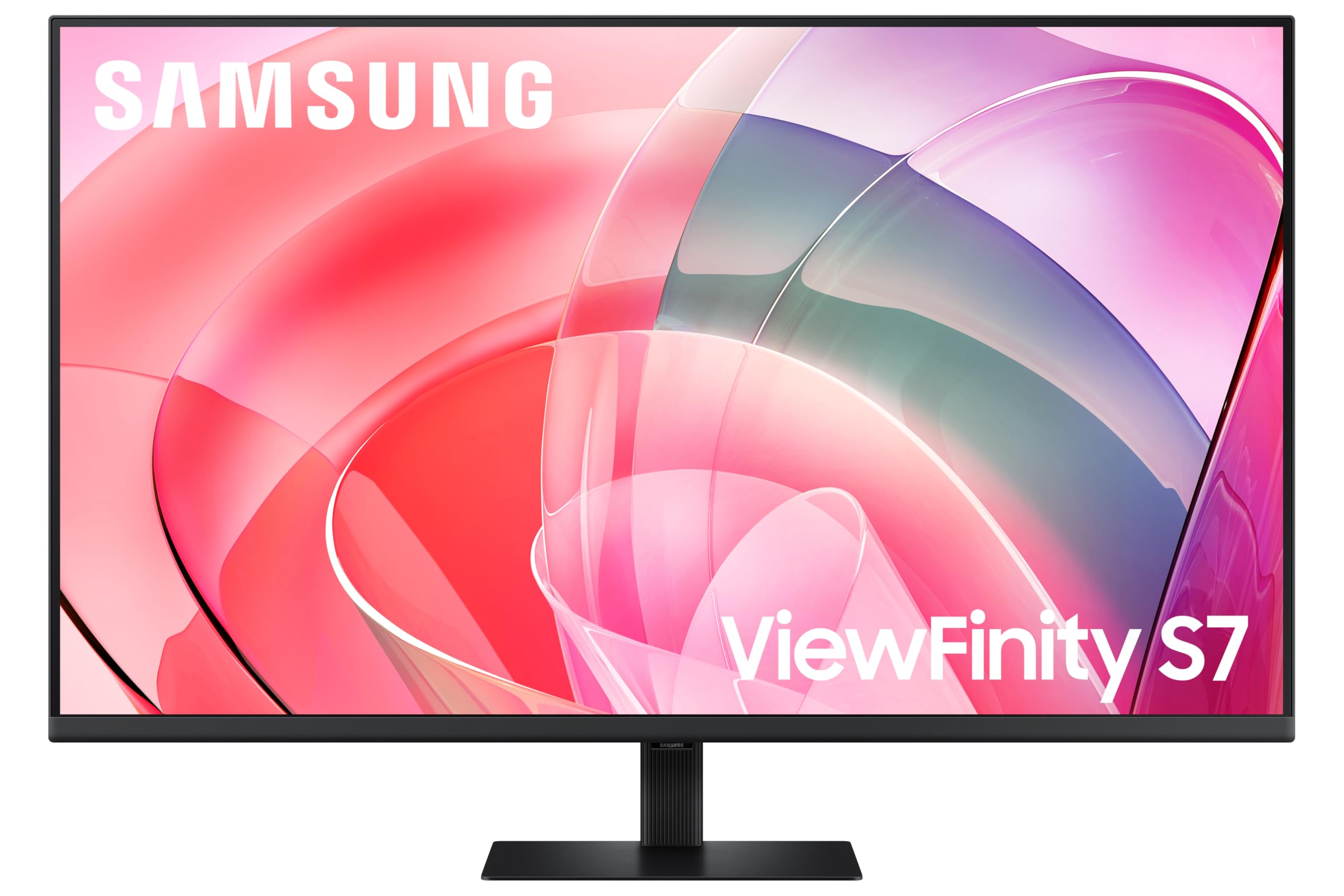
If this isn’t right for you
2 options
Frequently asked
5 questions01Is the ASUS ROG Strix 27-inch 1440p 280Hz Gaming Monitor good for gaming?+
Yes, it's excellent for gaming. The 280Hz refresh rate and 0.03ms response time put it at the top end of what's currently available at 1440p. The QD-OLED panel means motion is genuinely sharp without the ghosting that affects VA panels in dark scenes. VRR support works with both AMD and Nvidia GPUs, so you get tear-free gaming across a wide frame rate range. For competitive play, the combination of high refresh rate and near-instant pixel response is as good as it gets at this size and resolution.
02Does the ASUS ROG Strix 27-inch 1440p 280Hz Gaming Monitor have good HDR?+
Yes, and this is one of the areas where it genuinely stands out. The VESA DisplayHDR 400 True Black certification is specifically designed for OLED and self-emissive panels, and it requires near-zero black levels rather than just 400 nits of peak brightness. Combined with 99% DCI-P3 colour coverage, HDR content looks genuinely different here compared to LCD-based HDR monitors. This is real HDR, not checkbox HDR.
03Is the ASUS ROG Strix 27-inch 1440p 280Hz Gaming Monitor good for content creation?+
More capable than most gaming monitors in this regard. The factory Delta E below 2 means colours are accurate enough for photo editing and colour grading without requiring a separate calibration session. The 99% DCI-P3 gamut coverage means wide-gamut content is reproduced correctly, and true 10-bit colour depth handles smooth gradients in RAW photo editing and video work. It won't replace a dedicated professional monitor for critical colour work, but for a dual-purpose gaming and creative setup it's genuinely well qualified.
04What graphics card do I need for the ASUS ROG Strix 27-inch 1440p 280Hz Gaming Monitor?+
To make use of the full 280Hz at 1440p, you need a capable mid to high-end GPU. An Nvidia RTX 4070 or AMD RX 7800 XT or better will push competitive titles well past 200fps at 1440p. For graphically demanding games at maximum settings, you'd want an RTX 4080 or RX 7900 XT class card to consistently hit high frame rates. The good news is that VRR support means you benefit from the high refresh panel even when frame rates vary, so you don't need to lock 280fps to get value from it.
05What warranty and returns apply to the ASUS ROG Strix 27-inch 1440p 280Hz Gaming Monitor?+
Specific warranty terms for this monitor are not detailed in the verified product data we have available. ASUS typically offers a standard manufacturer warranty on their ROG Strix monitors, so it's the current warranty terms directly with ASUS or on the product listing. If you're buying from Amazon UK, you're also covered by Amazon's standard 30-day return policy and the A-to-Z Guarantee, which provides a baseline of buyer protection regardless of manufacturer warranty.