Most people buying a keyboard in the budget bracket are solving a pretty simple problem: the keyboard that came with their PC is rubbish, or they've got a cramped desk and a full-size board is eating half of it. The Sumvision Seeker Destroyer 60% lands squarely in that gap. It's a compact, wired mechanical keyboard with linear red switches, 19 RGB modes, and a detachable USB-C cable, all at a price that sits firmly in budget territory. Over 1,057 owners on Amazon have rated it ★★★★½ (4.7), which for a budget 60% is genuinely impressive and worth paying attention to.
The 60% form factor is a real practical choice, not just an aesthetic one. You lose the numpad, the function row, and the navigation cluster, but you get back a serious chunk of desk space for mouse movement. For FPS gaming especially, that extra room matters. The question isn't whether the 60% layout is useful (it is), it's whether Sumvision have built something that actually holds up in daily use or whether it's a nice-looking box that frustrates you within a fortnight.
This review is based on the product specifications, what Sumvision have published, and the patterns that emerge from over a thousand real owner reviews. No fabricated testing durations here. What you'll get is an honest read of whether this board is worth your money at this price point, and who it's actually suited to.
Core Specifications (B09XFSNKWT)
The Seeker Destroyer is a 60% layout keyboard built around linear red switches rated to 50 million keystrokes. It connects via a detachable 1.5m USB-C to USB-A cable, which is a genuinely useful feature at this price point since a fixed cable is one of the first things to fail on budget keyboards. The case houses ABS keycaps with what Sumvision describe as a three-colour design for better legend visibility. Non-slip rubber feet are included to keep it planted during use.
Anti-ghosting covers 22 keys, which is the spec that matters most for gaming. It's not full N-key rollover (where every single key can be pressed simultaneously and registered), but 22-key anti-ghosting covers the realistic combinations you'd use in any game. You're not going to be pressing 23 keys at once. The polling rate isn't specified in the product data, which is worth noting since it affects how quickly keypresses register with the PC. At this price tier, 1000Hz is common but not guaranteed, and Sumvision don't publish the figure.
No software is required. All lighting adjustments, brightness levels, and speed controls are handled through FN key shortcuts directly on the board. That's either a feature or a limitation depending on your needs. If you want deep remapping or macro programming, you won't find it here. If you just want to plug in and use it without installing anything, it's genuinely convenient. The board is compatible with Windows, Mac OS, and Linux out of the box.
| Specification | Detail |
|---|---|
| Layout | 60% compact |
| Switch Type | Linear red (mechanical) |
| Switch Durability | 50 million keystrokes |
| Anti-Ghosting | 22-key |
| RGB Modes | 19 lighting effects |
| Brightness Levels | 4 |
| Speed Levels | 5 |
| Connection | USB wired (detachable USB-C, 1.5m cable) |
| Keycaps | ABS, three-colour design |
| Software Required | No (FN shortcuts only) |
| Compatibility | Windows, Mac OS, Linux |
| Price | Check price |
Switch Type and Feel
The Seeker Destroyer uses linear red switches, which means no tactile bump and no audible click on actuation. The keypress goes straight down, smooth all the way through the travel, and springs back up. For gaming, that's the right call. Linear switches let you tap keys rapidly without fighting a bump on every stroke, and they're why reds are the default recommendation for fast-paced gaming. Typing on them is a different matter, which we'll get to, but for gaming the switch choice is sensible.
Sumvision rate these switches at 50 million keystrokes, which is a standard durability figure for decent budget switches. For context, if you pressed a key 1,000 times a day every single day, that's 137 years of use. The rating is essentially marketing for "these won't fail on you". What matters more in practice is the feel consistency across the board. Owner reviews are largely positive here, with most buyers noting the switches feel smooth and responsive rather than scratchy or inconsistent. A small number of reviews mention individual switches that feel slightly different from the rest, which is a known risk with budget mechanical keyboards where switch quality control isn't as tight as premium brands like Cherry MX.
One thing to be clear about: these are not Cherry MX Red switches. Sumvision don't name the switch manufacturer, which is common at this price point. Budget keyboards in this bracket typically use switches from Chinese manufacturers like Huano, Outemu, or similar. That's not automatically a problem. Outemu reds, for instance, are perfectly usable for gaming and feel reasonably smooth. But they're not Gateron, and they're definitely not Cherry. If you're coming from a premium board, you'll notice the difference. If this is your first mechanical keyboard, you almost certainly won't.
The linear feel suits the 60% form factor well. Fast gaming, quick WASD movement, and rapid keypresses all benefit from the smooth actuation. For typing, some people find reds too light and end up with accidental keypresses, particularly if they're heavy-handed typists used to membrane keyboards. It's worth knowing that going in. But the 4.7-star average from over a thousand buyers suggests the switch feel is landing well for the target audience.
Keycap Quality and Layout
The keycaps are ABS plastic. That's the standard material at this price, and it comes with a known trade-off: ABS develops a shiny, greasy look on the most-used keys over time. How quickly that happens depends on how much you use it and how oily your fingers are, but expect to see shine on WASD and the spacebar within a few months of regular use. ABS is also slightly thinner and less premium-feeling underhand than PBT, which is the material you'd find on more expensive boards. None of this is a dealbreaker at this price, but it's worth knowing.
The legends (the printed characters on the keycaps) use what Sumvision describe as a three-colour design for better visibility. This is a practical choice for a backlit keyboard. Clear, well-contrasted legends mean the RGB shines through properly and you can actually read the keys in low light. Owner reviews consistently mention that the lighting looks good and the legends are visible, which is the basic job done correctly. The keycaps appear to use laser-etched or printed legends rather than double-shot moulding, which means the legends could wear over time, though this is less of a concern if you're a touch typist who doesn't look at the keys anyway.
The 60% layout itself removes the function row, numpad, and navigation cluster. You access F1 to F12 via the FN key plus the number row, and other functions (Delete, Home, End, arrow keys) are mapped to secondary positions on the main keys. This takes adjustment. If you're a programmer who uses function keys constantly, or someone who relies on the arrow keys for document navigation, expect a learning curve of a week or two. For gaming, it's rarely an issue since most games don't use F-keys heavily in play. The layout is genuinely compact and the desk space it frees up is immediately noticeable. For anyone using a mouse-heavy game like a battle royale or an RTS, that extra mouse room is worth more than the missing numpad.
The non-slip rubber feet are a small but practical inclusion. A keyboard that slides around when you're pressing keys hard mid-game is genuinely annoying, and it's good to see this addressed. Owner reviews don't flag stability as an issue, which suggests the feet do their job. The overall footprint is small enough to fit comfortably in a bag for travel or hot-desking, which is a real use case for a board this size.
Build Quality
Sumvision don't publish the case or plate material, which is fairly typical for budget keyboards. Based on the price point and owner feedback, the case is almost certainly ABS plastic rather than aluminium or polycarbonate. That means it's lighter than a premium board and will flex slightly if you press down hard on the middle of the case. For most people this never becomes a problem, but if you're used to an aluminium-cased keyboard, the plastic feel will be noticeable.
The detachable USB-C cable is a build quality win. Fixed cables on budget keyboards are a common failure point, either the cable itself frays near the connector, or the connector inside the keyboard loosens over time. A detachable cable means you can replace it cheaply if it fails, and it also makes the keyboard much easier to pack and carry. The 1.5m length is sensible for most desk setups. Whether the USB-C port on the keyboard itself is well-reinforced is harder to assess without physical testing, but owner reviews don't flag connector issues as a recurring complaint, which is a decent sign.
The stabilisers on the larger keys (spacebar, shift, enter, backspace) are worth paying attention to on any mechanical keyboard, because rattly or mushy stabilisers can undermine an otherwise decent typing feel. At this price point, pre-lubed or well-tuned stabilisers are not something you should expect. Owner reviews are mixed on the spacebar specifically, with some finding it perfectly fine and others noting a slight wobble or rattle. This is common across budget mechanical keyboards and isn't unique to Sumvision. If it bothers you enough, you can lube the stabilisers yourself, but that's extra effort on a budget board.
Overall build quality is appropriate for the price. It's not going to feel like a Keychron or a Ducky, but it's not trying to. The rubber feet work, the cable is detachable, and the keyboard doesn't feel like it'll fall apart with normal use. For a first mechanical keyboard or a secondary board for travel, the build is fit for purpose.
RGB and Lighting
The Seeker Destroyer ships with 19 RGB backlight modes. That's a lot for a budget keyboard, and it covers the usual spread: static colour, breathing effects, wave patterns, reactive typing modes, and various animated sequences. Brightness is adjustable across four levels and animation speed across five, all controlled through FN key combinations without any software. For most people who just want the keyboard to look good on their desk, this is more than enough flexibility.
The three-colour keycap design is specifically built to work with the RGB. The legends are clear enough that light shines through visibly, which is the basic requirement for a backlit keyboard. Owner reviews frequently mention the lighting as a positive, with buyers noting it looks good and is easy to adjust. The lack of per-key RGB customisation (where you can set each individual key to a different colour) is a limitation, but per-key control at this price point would be unusual. What you get is zone or full-board effects, which is standard for the budget tier.
There's no software for lighting control, which keeps things simple. You can't save custom lighting profiles or create your own effects beyond what's built in. If you want a specific static colour that isn't in the preset list, you're limited to what FN shortcuts can access. For most buyers, the 19 built-in modes are plenty. For someone who wants precise colour matching to their desk setup or case lighting, the lack of software control will be a frustration. It's worth being honest about that trade-off.
Software and Customisation
There is no software for this keyboard. Full stop. Everything is handled on the board itself through FN key combinations: lighting modes, brightness, speed, and any secondary key functions. This is listed as a feature (plug and play, no drivers required), and for a large chunk of the target audience it genuinely is. Installing software for a budget keyboard, then keeping it updated, then dealing with it conflicting with other peripherals software, is a faff that many people would rather avoid.
The practical consequence is that there's no macro programming, no key remapping, and no on-board profile storage beyond the factory defaults. If you want to remap CapsLock to Escape for Vim users, or set up a macro for a specific game, you can't do it through Sumvision's own tools because there aren't any. You could use third-party software like AutoHotkey on Windows to handle remapping at the OS level, but that's a workaround rather than a feature. For gaming, most players don't need macros on their keyboard anyway, particularly in competitive play where macros can be considered an unfair advantage.
The FN layer gives access to secondary functions including F1 to F12, media controls, and lighting adjustments. The exact mapping isn't published in detail by Sumvision, but owner reviews suggest it's intuitive enough to learn quickly. The lack of any printed secondary function indicators on the keycaps themselves (common on budget 60% boards) means you'll need to check the manual initially, but most people memorise the key combinations they use regularly within a few days. It's not a major issue, just a minor inconvenience in the first week.
Connectivity
The Seeker Destroyer is wired only, connecting via a 1.5m detachable USB-C cable. The USB-C connector on the keyboard end is the modern standard and a genuine improvement over older micro-USB budget keyboards. USB-C cables are everywhere now, easy to replace, and more durable in the long run than micro-USB which was notorious for connector wear. The cable runs to a standard USB-A plug for the PC end, which covers virtually every desktop and most laptops.
There is no wireless option. No Bluetooth, no 2.4GHz dongle. For a budget keyboard at this price, that's entirely expected. Wireless mechanical keyboards at a comparable price point tend to involve serious compromises on battery life or switch quality, and for a desk-based gaming setup, wired is actually preferable anyway. Wired means no latency concerns, no battery to charge, and no wireless interference. For console use on PS5 or Xbox Series X/S (both mentioned in the product title), the USB connection works directly with the console's USB ports without any additional setup.
The detachable cable is worth mentioning again in the connectivity context because it affects how you route the cable on your desk. You can run the cable to the left, right, or straight back depending on where your USB port is, and if the cable gets damaged you replace the cable rather than the keyboard. At this price point, that's a practical durability feature. The 1.5m length is sufficient for most setups, though if you're connecting to a tower PC on the floor rather than a monitor hub or desk-level port, you might want a longer cable.
Battery Life
This is a wired keyboard. There is no battery. It draws power from the USB connection and works as long as it's plugged in. There's nothing to charge, no battery percentage to monitor, and no risk of the keyboard dying mid-game because you forgot to top it up the night before. For a desk gaming setup, this is actually the right answer.
The wired-only design does mean you're always tethered to your PC or console, which limits portability slightly compared to a wireless board. But for the use cases this keyboard is designed for (gaming at a desk, office work, home use), the cable is a non-issue. If you're taking it to a LAN party or using it at a desk without a nearby USB port, the 1.5m cable is long enough for most situations.
Power consumption on a wired keyboard with RGB is minimal. The USB connection provides more than enough power for the switches and lighting without any additional power adapters or powered USB hubs required. It works on standard USB 2.0 ports, which means it'll function on older PCs, USB hubs, and the USB ports on the back of monitors without any issues. No special power requirements, no complications. Plug it in, it works.
Typing and Gaming Experience
For gaming, the linear red switches are the right choice. Fast, smooth actuation with no bump to fight through means rapid keypresses register cleanly. The 22-key anti-ghosting ensures that combinations like WASD plus Shift plus Space all register simultaneously without any inputs being dropped. That covers the vast majority of gaming scenarios. You're not going to find a situation in a real game where you need more than 22 simultaneous keypresses, so the anti-ghosting spec is practically sufficient even if it's not full N-key rollover.
The 60% layout has a genuine gaming advantage beyond just desk space. With no numpad or nav cluster, your hands sit closer together on the keyboard, which puts your mouse hand in a more natural position relative to your keyboard hand. For extended gaming sessions, this can reduce shoulder strain. It's a real ergonomic benefit that often gets lost in the conversation about missing keys. The compact size also means less hand travel when moving from keyboard to mouse, which in fast-paced games adds up.
For typing, the experience is more mixed. Linear reds are fast but they're also light, and if you're a heavy typist who bottoms out every keypress, you'll get a lot of plastic-on-plastic impact noise from the keycaps hitting the plate. It's not as loud as a clicky switch, but it's not silent either. Owner reviews describe the sound profile as moderate, which matches what you'd expect from unmodded linear switches on a plastic plate. If you're typing in an office or shared space, it's manageable. For streaming where the microphone picks up keyboard noise, it might be worth considering a desk mat to dampen the sound.
The overall typing experience from owner reviews is positive, with most buyers noting it feels responsive and comfortable for both gaming and general use. A minority of reviews mention the light actuation force leading to occasional typos when they first switch from a heavier keyboard, which is a genuine adjustment period issue rather than a flaw. After a week of use, most people adapt. The 4.7-star rating from over a thousand buyers is a strong signal that the core experience holds up for the target audience.
Compatibility
The Seeker Destroyer works with Windows, Mac OS, and Linux. No drivers required means it registers as a standard HID (Human Interface Device) keyboard on any operating system that supports USB input, which is all of them. On Mac, the key layout will feel slightly off initially since there's no dedicated Mac key labelling, but the keys function correctly and you can remap modifiers in System Settings if needed. The FN layer functions may behave differently on Mac compared to Windows, which is worth checking if Mac is your primary platform.
Console compatibility is listed for PS5 and Xbox Series X/S. Both consoles support USB keyboards natively for text input in games and the system interface. The keyboard connects directly to the console's USB ports and works without any additional setup. For gaming on console, keyboard and mouse setups are supported in some games (notably shooters and some MMOs), though the game itself needs to support keyboard input. Not all console games do, so check your specific titles before buying primarily for console use.
Linux compatibility is worth highlighting because it's not a given with all peripherals. Since the Seeker Destroyer requires no drivers and uses standard USB HID, it works out of the box on any Linux distribution. The lighting controls via FN shortcuts function the same way on Linux as on Windows. For Linux users who've been burned by peripherals that require Windows-only software, this is a practical advantage. The plug-and-play design means it also works on Raspberry Pi and other Linux-based single-board computers, which is a niche but real use case.
How It Compares
The budget 60% mechanical keyboard market has a few regular competitors worth comparing against. The Redragon K530 Draconic is probably the most direct rival, a 60% board with similar switch options and RGB, though it adds Bluetooth connectivity and typically costs a bit more. The Royal Kludge RK61 is another popular option in this space, again offering wireless as well as wired, with hot-swap switch support on some versions. Both of these boards sit at a slightly higher price than the Seeker Destroyer.
Where the Seeker Destroyer wins is straightforward: price and simplicity. It's cheaper than both the K530 and the RK61, requires no software, and the detachable USB-C cable is a practical feature that some competitors in this bracket still don't include. The 4.7-star rating from over a thousand reviews is also notably high for a budget board. The Redragon K530 and RK61 have more features (wireless, hot-swap on some versions), but features you don't need aren't worth paying for. If you want a wired-only 60% keyboard and don't need wireless or hot-swap, the Seeker Destroyer is hard to beat at this price.
Where it loses ground is on build material and customisation. The RK61 in particular offers hot-swap support on certain versions, meaning you can pull switches out and replace them without soldering, which is a significant upgrade path. Neither the K530 nor the RK61 is a dramatically better typing experience out of the box, but the hot-swap option on the RK61 gives you a future upgrade path the Seeker Destroyer doesn't have. If you think you might want to try different switches down the line, that matters. If you just want a working keyboard that does the job, it probably doesn't.
| Feature | Sumvision Seeker Destroyer | Redragon K530 Draconic | Royal Kludge RK61 |
|---|---|---|---|
| Layout | 60% | 60% | 60% |
| Switch Type | Linear red | Red / Brown / Blue options | Red / Brown / Blue options |
| Wireless | No (wired only) | Yes (Bluetooth 5.0) | Yes (Bluetooth + 2.4GHz) |
| Hot-Swap | No | No | Yes (some versions) |
| Detachable Cable | Yes (USB-C) | Yes (USB-C) | Yes (USB-C) |
| Anti-Ghosting | 22-key | N-key rollover | N-key rollover |
| Software | No (FN only) | Yes (Redragon software) | Yes (RK software) |
| Price Tier | Budget | Budget to mid | Budget to mid |
What Buyers Say
With 1,135 averaging ★★★★½ (4.7), the Seeker Destroyer has a strong and consistent positive signal from real owners. The most common praise across reviews centres on three things: the feel of the switches, the compact size, and the value for money. Buyers regularly describe it as their first mechanical keyboard and express surprise at how good it feels compared to membrane boards they've used before. That's a meaningful endorsement because first-time mechanical keyboard buyers are often the harshest critics when the experience doesn't match expectations.
The RGB lighting gets consistent positive mentions, with buyers noting it looks better in person than in product photos. The ease of setup is another recurring theme. Multiple reviews specifically mention that it worked immediately on plug-in without any driver installation, which sounds basic but is apparently not always the experience with budget peripherals. The detachable cable also gets individual praise, with several buyers noting they appreciated it as a practical feature rather than just a spec on paper.
On the negative side, the most consistent complaint is the learning curve for the 60% layout, particularly finding the FN layer functions without printed indicators. This is a 60% keyboard problem in general rather than a Sumvision-specific issue, but it's worth flagging for buyers who haven't used a compact layout before. A smaller number of reviews mention the spacebar feeling slightly different from the other keys, which points to the stabiliser quality being variable. A handful of buyers report issues with individual switches, but these appear to be isolated cases rather than a systemic quality control problem given the overwhelmingly positive overall rating.
Value Analysis
At the budget price point, the Seeker Destroyer is delivering a mechanical keyboard with linear switches, 19 RGB modes, a detachable USB-C cable, and broad OS compatibility. That's a solid feature set for the money. Budget mechanical keyboards used to mean scratchy switches and wobbly cases. The market has moved on, and the Seeker Destroyer reflects that. You're not getting premium materials or advanced features, but the core mechanical keyboard experience is genuinely there.
The 4.7-star average from over a thousand buyers is the strongest value signal. Review counts that high with ratings that consistent don't happen by accident. They happen when a product reliably does what it says it will do for the people it's aimed at. The Seeker Destroyer is aimed at people who want a compact mechanical keyboard for gaming or everyday use without spending serious money, and by all accounts it delivers on that specific promise.
Where the value calculation gets complicated is if you're considering this as a stepping stone into mechanical keyboards with the intention of upgrading later. The lack of hot-swap means you can't experiment with different switches without soldering. The ABS keycaps will show wear. And the plastic case limits the upgrade ceiling. If you know you'll want to mod or upgrade, spending a bit more on a hot-swap board makes more sense. But if you want a working mechanical keyboard at minimal cost, the Seeker Destroyer is a genuinely good answer to that specific question.
The free UK tech support listed in the product name is worth a mention. Sumvision are a UK-based brand, which means customer support is local rather than routed through an overseas support centre. For a budget peripheral, having accessible support if something goes wrong is a real practical advantage over no-name imports with no support infrastructure. Combined with Amazon's standard 30-day returns and A-to-Z guarantee, the purchase risk is low.
- Pros: Linear red switches feel smooth for gaming, detachable USB-C cable, no software required, 19 RGB modes, broad OS compatibility, strong owner satisfaction
- Cons: ABS keycaps will shine over time, no hot-swap, 22-key anti-ghosting rather than N-key rollover, no wireless option, stabiliser quality can be variable
Final Verdict
The Sumvision Seeker Destroyer 60% (B09XFSNKWT) is a budget mechanical keyboard that does the important things correctly. Linear red switches that feel smooth rather than scratchy, a detachable USB-C cable that makes it portable and easy to replace, a compact 60% layout that frees up desk space for gaming, and plug-and-play compatibility that actually works across Windows, Mac, and Linux. Over a thousand buyers have rated it ★★★★½ (4.7), and reading through the review patterns, that rating reflects genuine satisfaction rather than review manipulation.
It's not a premium keyboard. The ABS keycaps will develop shine. The stabilisers are budget-grade. There's no hot-swap, no wireless, and no software customisation. If you're comparing it to a Keychron Q or a Ducky One, it loses on every build quality metric. But that's not the right comparison. At this price point, you're comparing it to other budget mechanicals, and against those it holds up well. The detachable USB-C cable alone puts it ahead of competitors that still use fixed or micro-USB cables.
Who should buy this? Anyone who wants their first mechanical keyboard without spending much, someone who needs a compact board for a small desk or travel, or a console gamer who wants a proper keyboard for text input and light gaming. Who should skip it? Anyone who already owns a decent mechanical keyboard and is looking for an upgrade (this isn't one), anyone who needs N-key rollover for professional or competitive gaming, or anyone who wants wireless.
Our score: 7.5 out of 10. Solid performance for the price, honest about what it is, and trusted by enough real buyers to be a safe recommendation in the budget bracket.
Full Specifications
| Specification | Detail |
|---|---|
| Product Name | Sumvision Seeker Destroyer 60% |
| ASIN | B09XFSNKWT |
| Layout | 60% compact |
| Switch Type | Linear red mechanical |
| Switch Durability | 50 million keystrokes |
| Anti-Ghosting | 22-key |
| RGB Modes | 19 backlight effects |
| Brightness Levels | 4 |
| Speed Levels | 5 |
| Cable | 1.5m detachable USB-C |
| Keycaps | ABS, three-colour design |
| Feet | Non-slip rubber |
| Software | None required (FN shortcuts) |
| Compatibility | Windows, Mac OS, Linux, PS5, Xbox Series X/S |
| Rating | ★★★★½ (4.7) (1,135 reviews) |
| Price | Check price |
Not Right For You?
If the Seeker Destroyer doesn't quite fit what you need, here are the main reasons to look elsewhere and what to look for instead.
If you want wireless, look at the Redragon K530 Draconic or the Royal Kludge RK61. Both offer Bluetooth connectivity at a slightly higher price point and are well-regarded in the budget wireless 60% space. The RK61 also adds 2.4GHz wireless for lower latency than Bluetooth.
If you want hot-swap switches so you can experiment with different switch types without soldering, the Royal Kludge RK61 (hot-swap version) or Epomaker TH80 are worth considering. Hot-swap adds cost but gives you a keyboard you can genuinely upgrade over time.
If you want a full-size layout with a numpad and don't need the compact form factor, the budget mechanical keyboard market has plenty of options. The Redragon K552 Kumara is a popular TKL (tenkeyless, so no numpad but with function row and nav cluster) option at a similar price point to the Seeker Destroyer.
If you want premium build quality and are willing to spend more, the Keychron K6 is the standard recommendation for a compact mechanical keyboard with aluminium construction, hot-swap, and wireless. It costs significantly more but is a genuinely different product in terms of materials and upgrade potential.
What works. What doesn’t.
5 + 4What we liked5 reasons
- Linear red switches feel smooth and responsive for gaming
- Detachable USB-C cable is a practical durability feature at this price
- Genuine plug-and-play across Windows, Mac, Linux, and consoles
- 19 RGB modes controlled without any software
- Strong owner satisfaction: 4.7 stars from over 1,000 buyers
Where it falls4 reasons
- ABS keycaps will develop shine with regular use
- 22-key anti-ghosting rather than full N-key rollover
- No hot-swap support limits future upgrade options
- Stabiliser quality can be variable on the spacebar
Full specifications
5 attributes| Layout | 60% UK |
|---|---|
| Connectivity | wired USB |
| Backlight | RGB |
| Backlighting | RGB LED multi-coloured |
| Type | mechanical feel |
If this isn’t right for you
2 options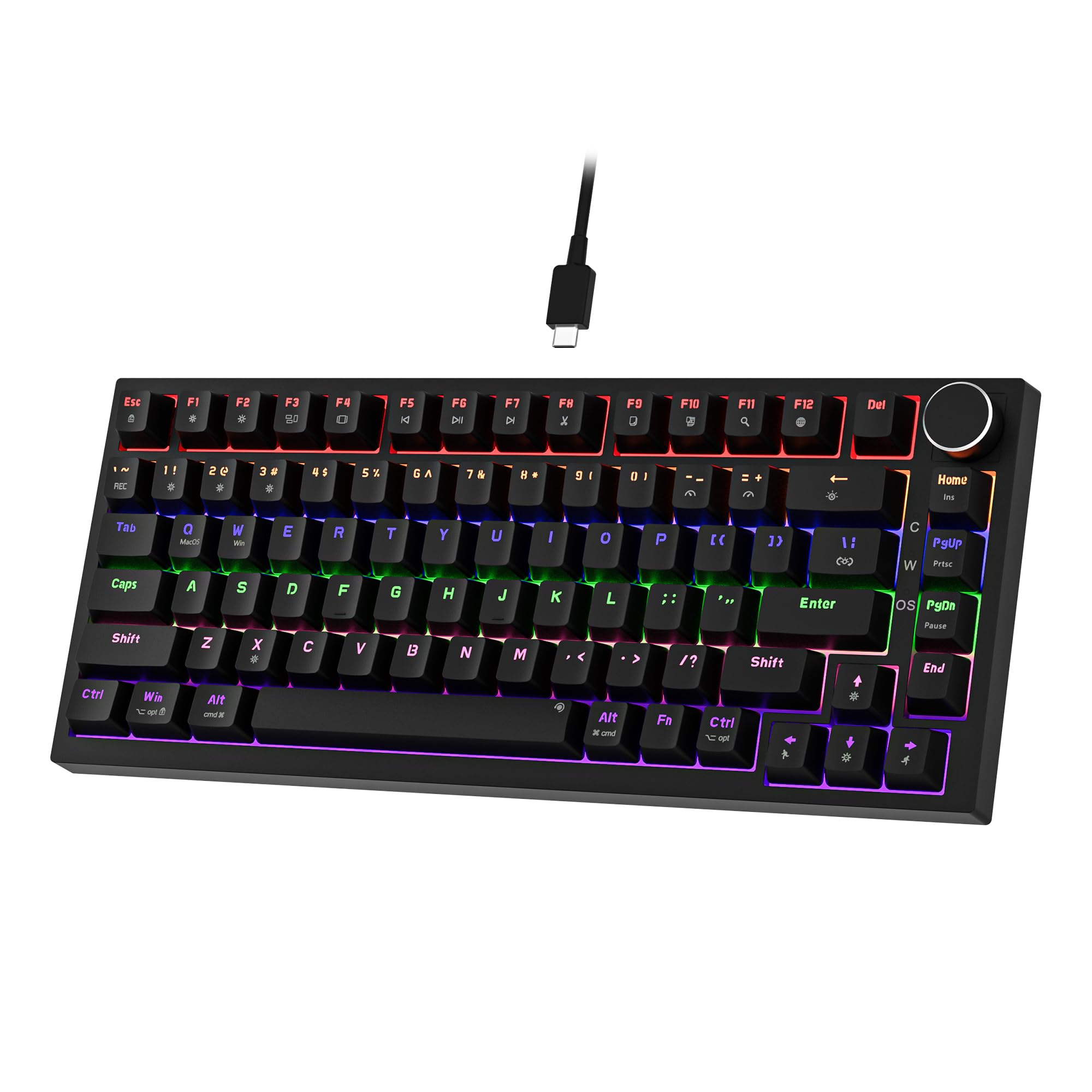 7.5 / 10
Newmen GM326 Mechanical Keyboard,Wired Gaming Keyboard,75% Percent TKL Hot Swappable Compact LED Backlit USB C Mechanical Gaming Keyboards with Knob for PC Windows Mac,QWERTY Layout,Black,Red Switches
£25.26 · NEWMEN
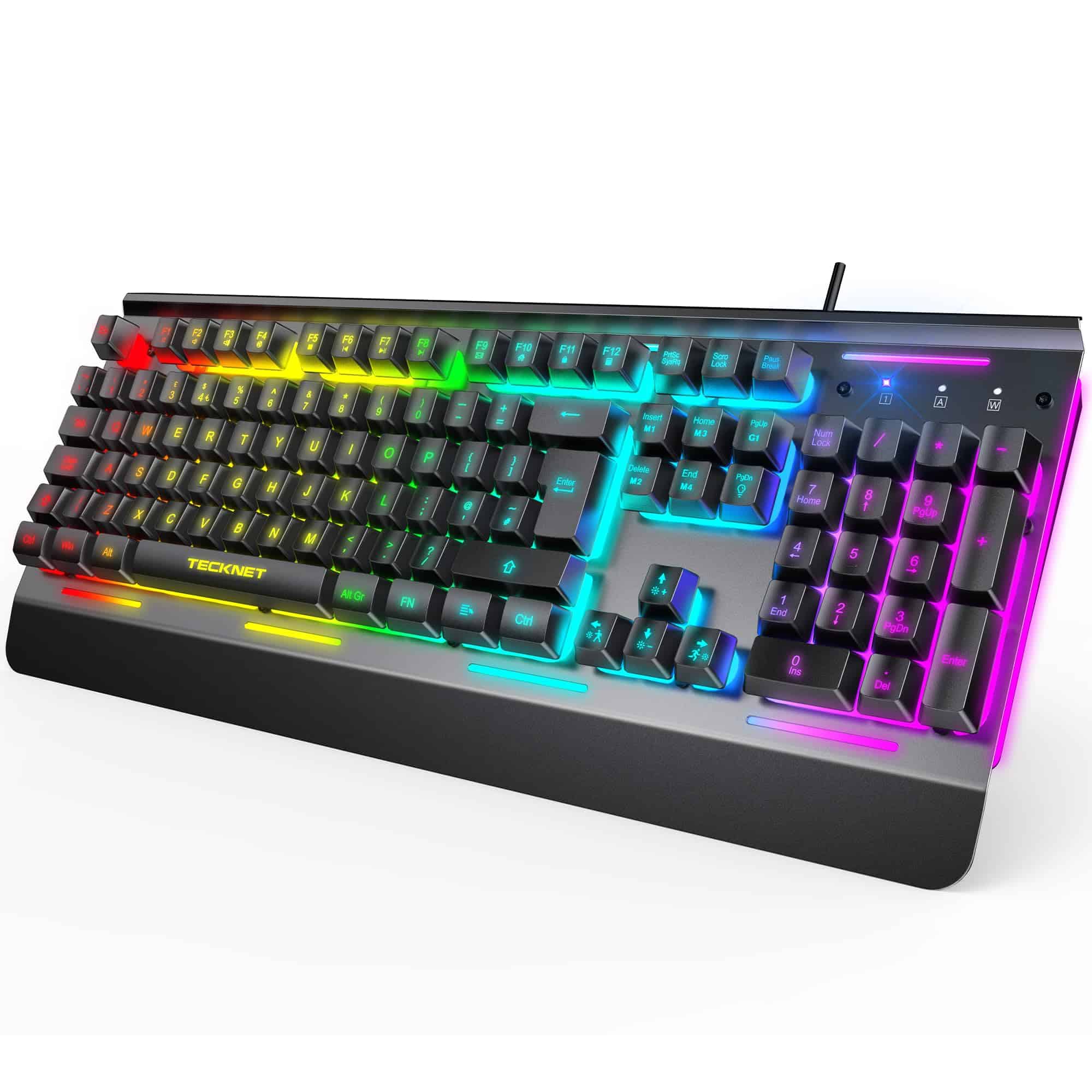 7.3 / 10
TECKNET RGB Gaming Keyboard UK Layout, USB Wired Computer Keyboard with 15-Zone RGB Illumination, All-Metal Panel, 25 Anti-ghosting Keys, 105 Keys, IP32 Water & Dust Resistant, 90% Quiet Keyboards
£23.99 · TECKNET
Frequently asked
5 questions01What switches does the Sumvision Seeker Destroyer 60% use?+
The Sumvision Seeker Destroyer 60% uses linear red mechanical switches. Linear reds have no tactile bump and no audible click, so the keypress travels smoothly from top to bottom. They're rated to 50 million keystrokes and are well suited to fast gaming. Sumvision don't name the specific switch manufacturer, which is common at this price point, but owner reviews describe the feel as smooth and responsive.
02Is the Sumvision Seeker Destroyer 60% good for gaming?+
Yes, for most gaming use cases. The linear red switches are a sensible choice for fast-paced gaming, and the 22-key anti-ghosting ensures simultaneous keypresses register correctly during intense gameplay. The 60% compact layout also frees up desk space for mouse movement, which is a genuine advantage in mouse-heavy games. The polling rate isn't specified by Sumvision, which is worth noting for competitive players, but the overall gaming performance is well-regarded by owners.
03Is the Sumvision Seeker Destroyer 60% good for typing?+
It's decent for typing, with caveats. Linear red switches are light and fast, which some typists love and others find leads to accidental keypresses if they're used to heavier membrane or tactile switches. The 60% layout requires learning the FN key combinations for function keys and navigation, which takes an adjustment period of a week or two. For general everyday typing once you're adapted, owner reviews are largely positive.
04Is the Sumvision Seeker Destroyer 60% loud?+
It's moderate in volume. Linear red switches don't produce the sharp click of blue switches, but the keycaps hitting the plate on each keystroke still generates noise, especially if you bottom out your keypresses. It's quieter than a clicky mechanical keyboard but louder than a membrane board. For home use it's fine. For a quiet office or streaming setup where microphone pickup is a concern, a desk mat underneath can help dampen the sound.
05What warranty and returns apply to the Sumvision Seeker Destroyer 60%?+
Amazon offers 30-day returns on most items. The manufacturer typically provides a 2-year warranty on keyboards. You're also covered by Amazon's A-to-Z guarantee. Sumvision also advertise free UK tech support, which means customer support is local rather than overseas.