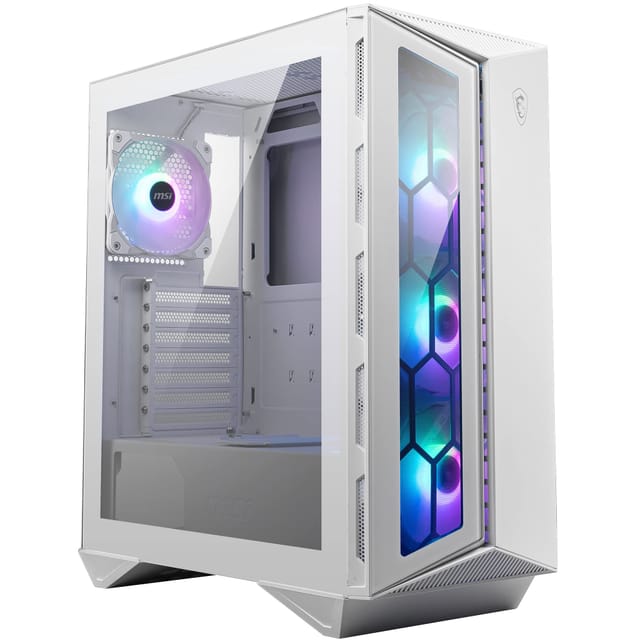
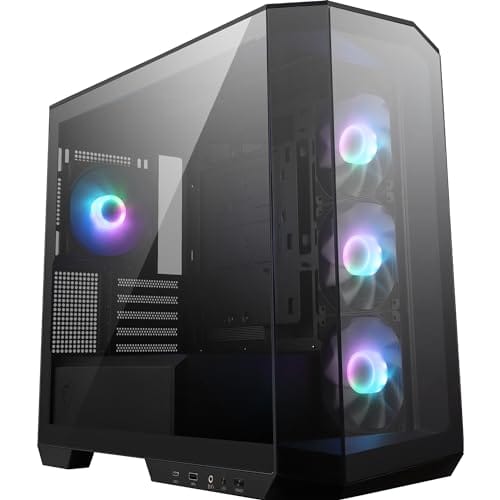
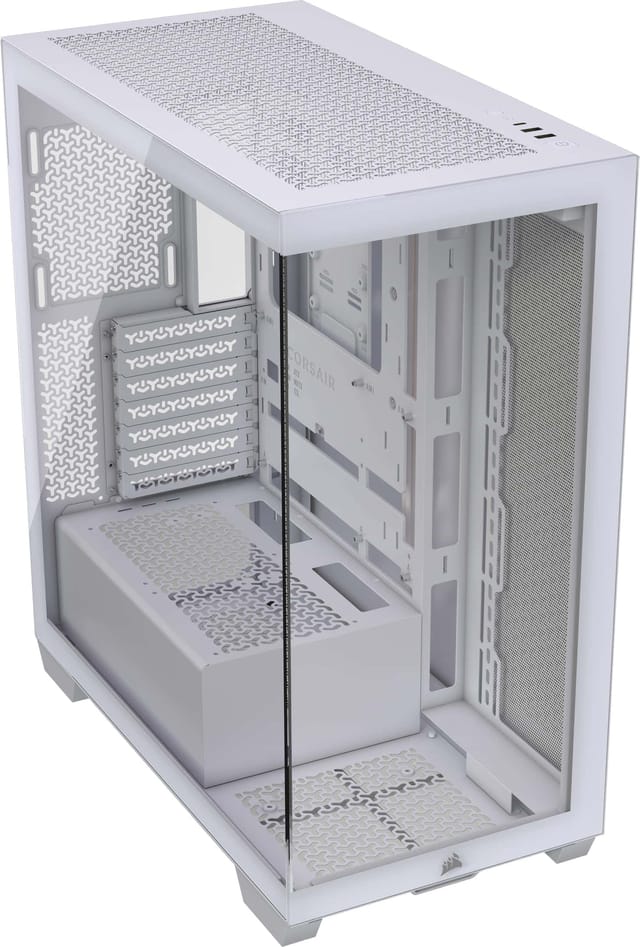
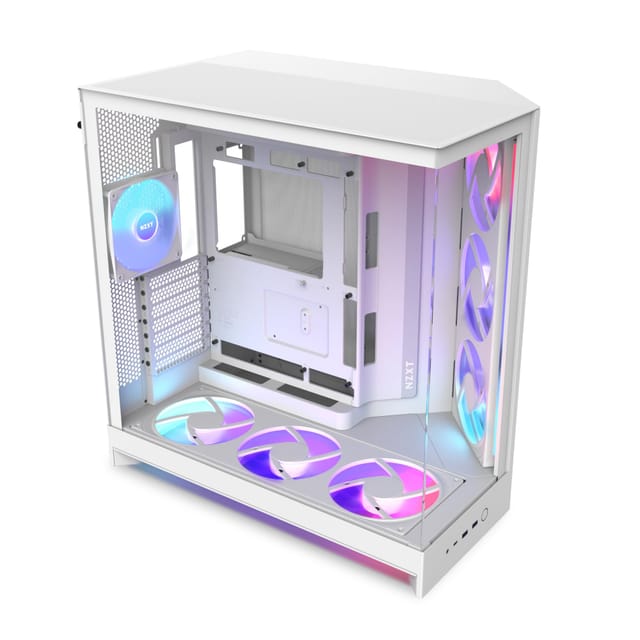
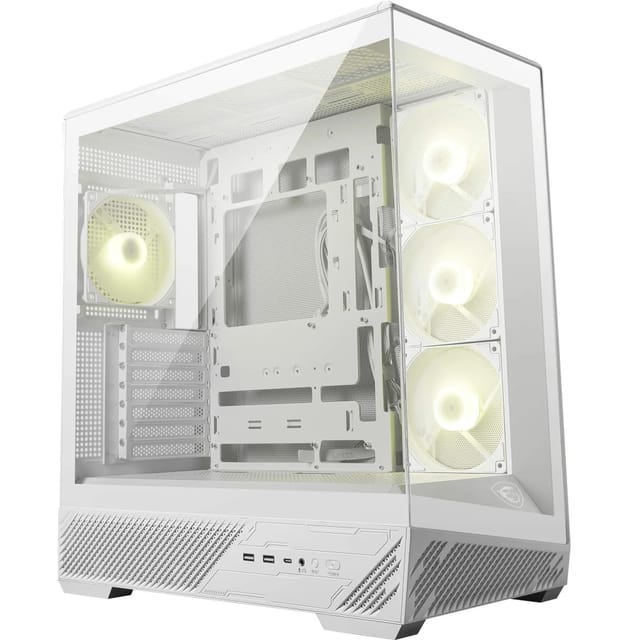
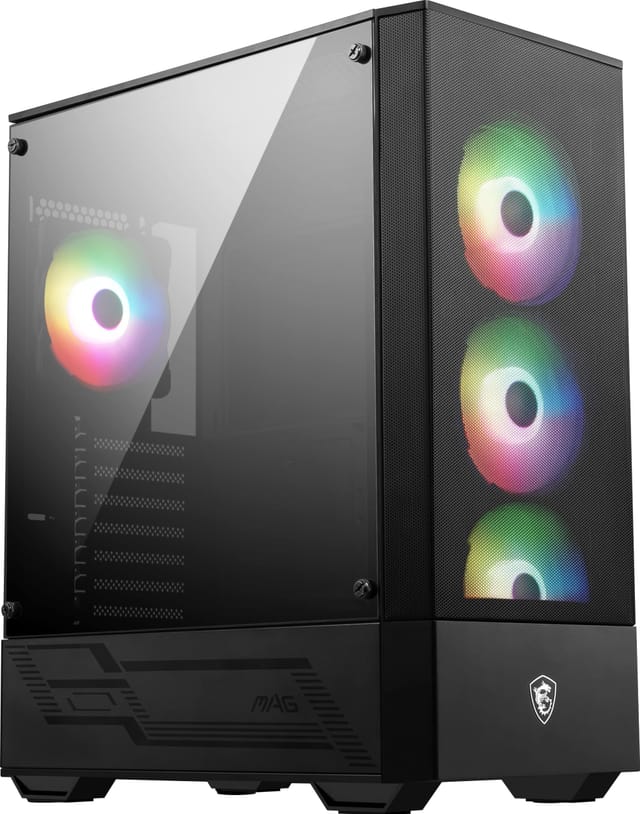
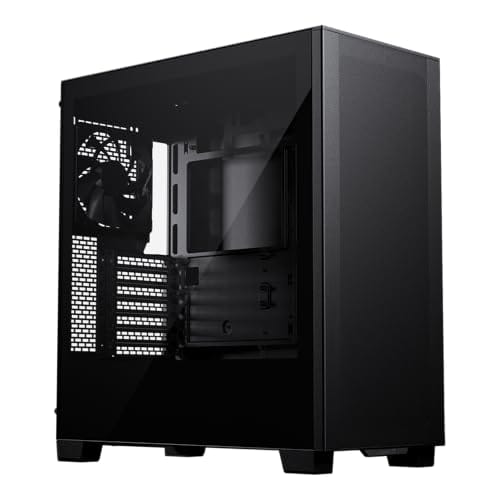
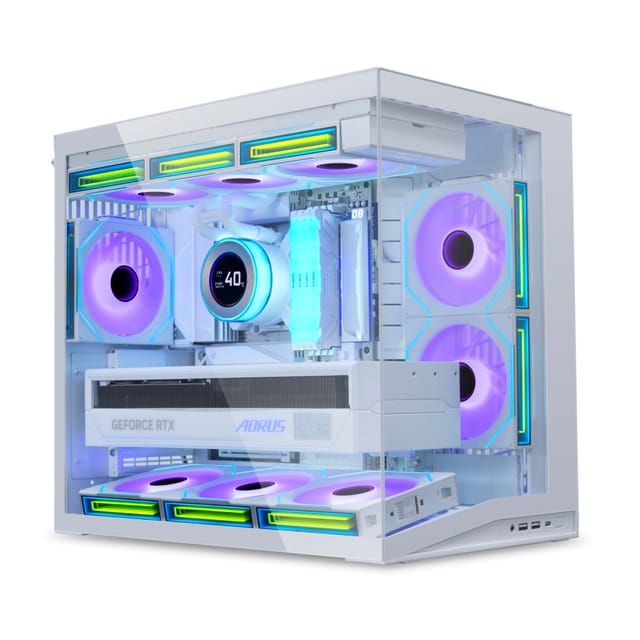
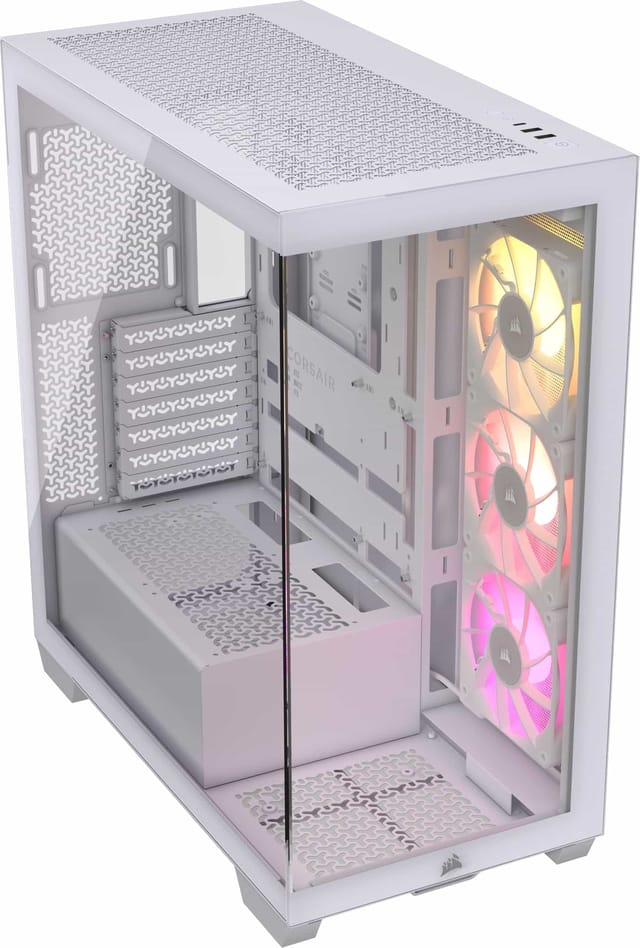
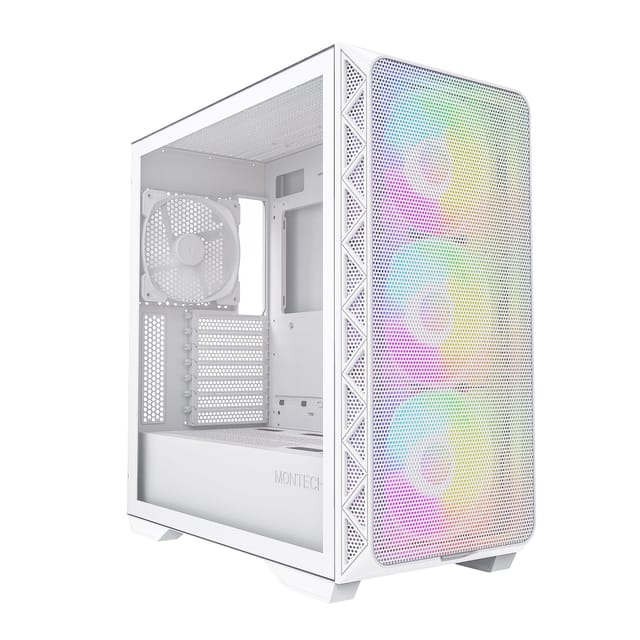
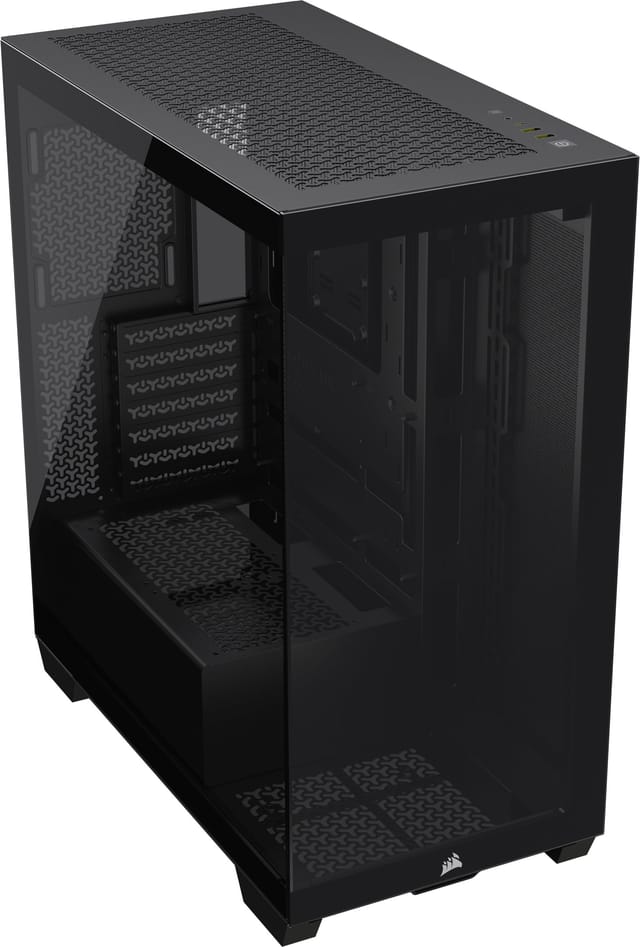
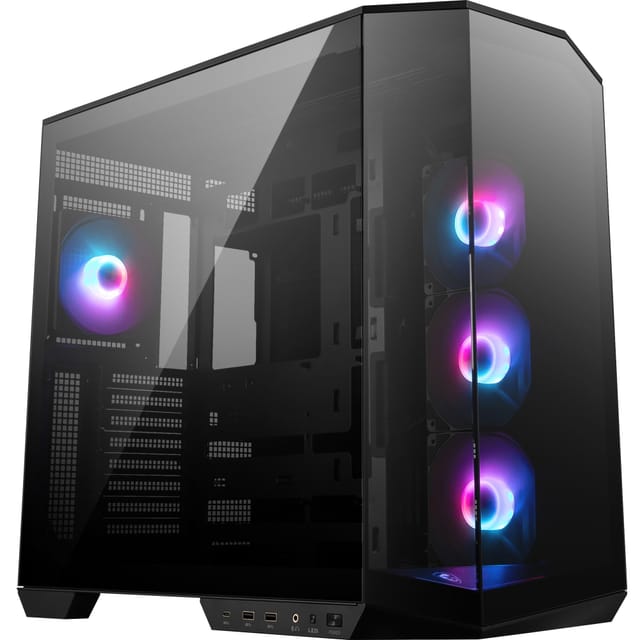
Lian Li O11 Vision Compact ATX Mid-Tower Gaming PC Case - Aluminium & Tempered Glass White PC Case
- Dual-chamber layout makes cable management genuinely clean and easy
- Mesh front panel with three included 120mm fans gives solid out-of-box airflow
- 360mm radiator support on both front and side panels
- No vertical GPU mount included or easily integrated
- No reset button on front I/O panel
- Top panel is solid with no exhaust option on standard version
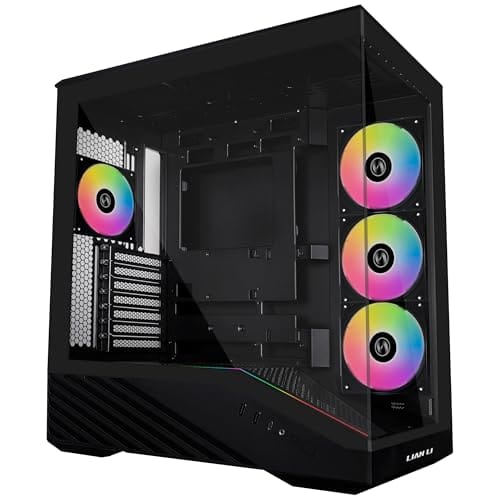
Available on Amazon in other variations: Black. We've reviewed the White model — pick the option that suits you on Amazon's listing.
Dual-chamber layout makes cable management genuinely clean and easy
No vertical GPU mount included or easily integrated
Mesh front panel with three included 120mm fans gives solid out-of-box airflow
The full review
14 min readI've built in a lot of cases over the years, and I'll tell you what actually kills a build before it even starts: you open the box, pull out the chassis, and within five minutes you've got a cut on your hand from a sharp interior edge, the GPU clearance is tighter than the spec sheet suggested, and the cable routing holes are in completely the wrong place for your PSU. That's the stuff that doesn't show up in the marketing photos. So when the Lian Li O11 Vision Compact landed on my bench, I wasn't looking at how pretty it was. I was looking for the problems. The Lian Li O11 Vision Compact Review UK 2026 is what this piece is all about, and I've spent several weeks building inside it, pulling it apart, and comparing it against the competition to give you a proper answer on whether it's worth your money.
Lian Li has a strong reputation in the enthusiast space. The original O11 Dynamic became one of the most popular cases of the last decade, and the Vision line is their attempt to bring that dual-chamber philosophy into a more compact footprint. The question is whether shrinking it down has cost anything important, or whether this is genuinely the sweet spot between the full-size O11 and something like a proper SFF build. I've had a mid-range gaming rig running inside this thing for several weeks now, and I've got thoughts.
Quick note before we get into it: this is a mid-range case, sitting in that bracket where you expect decent build quality, good airflow options, and a build experience that doesn't make you want to throw the whole thing out the window. Let's see if it delivers on that.
Core Specifications
The O11 Vision Compact is a mid-tower case built around a dual-chamber layout, which is Lian Li's signature approach. The main chamber houses your motherboard, GPU, and CPU cooler, while the secondary chamber behind the motherboard tray handles the PSU and cable management. It supports ATX, mATX, and mITX motherboards, which covers the vast majority of builds people are actually doing in 2026. The case is constructed from steel and tempered glass, with aluminium accents depending on the colour variant you pick up.
Dimensions sit at approximately 420mm tall, 220mm wide, and 400mm deep. That's noticeably smaller than the full O11 Dynamic XL, but still large enough to accommodate serious hardware. Weight comes in around 8kg without any components installed, which feels solid without being ridiculous to move around. The case ships with three pre-installed fans, which is a decent starting point and means you're not immediately spending more money on fans before you've even booted the system.
Fan support is generous for the size. You can mount up to six 120mm fans or a combination of 120mm and 140mm depending on the panel. Radiator support is strong too, with the front and side panels both capable of handling 360mm radiators. There's also a bottom intake option, which is part of what makes the thermal design interesting on this case. Dust filtration is present on the bottom and front, which I'll get into properly in the airflow section.
Form Factor and Dimensions
The Vision Compact sits in an interesting spot. It's not a small form factor build, but it's not a full mid-tower either. At 220mm wide, it's narrower than something like the Corsair 4000D Airflow (230mm), which means it takes up a bit less desk real estate. The depth of around 400mm is manageable on most standard desks, and the height of 420mm means it'll fit under most desk surfaces without issue. I had it sitting on a desk next to a full-size O11 Dynamic for a while, and the size difference is genuinely noticeable. The Compact lives up to its name.
The dual-chamber design does add some width compared to a traditional single-chamber case of similar internal volume. But the trade-off is that cable management becomes much cleaner, and the build process is more organised. If you're used to building in something like a Fractal Design Define 7 or a be quiet! Dark Base, the layout will feel different at first. The PSU goes in the bottom rear chamber, separate from the main build area, and that changes how you think about cable routing from the start.
On a desk, the case looks good. The tempered glass side panel shows off the internals nicely, and the overall footprint is compact enough that it doesn't dominate the space. The top panel is solid rather than mesh on the standard version, which has airflow implications I'll cover later. For most people with a standard desk setup, this fits comfortably without feeling cramped or oversized. It's a proper mid-tower that just happens to be a bit more thoughtfully packaged than most.
Motherboard Compatibility
ATX, mATX, and mITX are all supported, and the standoff layout is pre-installed for ATX which is sensible since that's what most people are building with. If you're going mATX or mITX, you'll need to move some standoffs, but they're clearly labelled and it's not a faff. I tested with a standard ATX board and it dropped in without any drama. The I/O shield area is clean, the rear cutout is properly sized, and the board sits flush without any flex.
One thing worth mentioning is that E-ATX is not supported here. If you're running a high-end workstation board or something like a Threadripper platform, this isn't your case. But honestly, if you're spending that kind of money on a platform, you're probably not looking at a compact mid-tower anyway. For the gaming and prosumer audience this case is aimed at, ATX support is all you need, and it handles it well.
The motherboard tray itself is solid. There's no flex when you're screwing in the board, which sounds basic but isn't always the case at this price point. The cutout behind the CPU socket is large enough to accommodate most aftermarket cooler backplates without removing the motherboard, which saves a lot of time. That's a detail that matters when you're doing a build or a cooler swap. The tray is also positioned well relative to the cable routing holes, so your 24-pin and EPS cables reach without being stretched.
GPU Clearance
Maximum GPU length is 360mm, which is enough for every current flagship card including the RTX 5090 and RX 9070 XT. I tested with a 340mm card and had comfortable clearance with no issues. If you're running a front radiator, that does eat into GPU clearance, so check your specific radiator thickness before assuming a 360mm GPU will fit with a 360mm front rad installed. In practice, with a 30mm thick radiator up front, you're looking at closer to 320-330mm of usable GPU space, which still covers most cards.
There's no vertical GPU mount included in the box, which is a bit of a miss at this price point. You can add a vertical mount separately, but it's an extra cost and extra faff. Given how popular vertical GPU mounting has become, especially with the way modern cards look, it would have been nice to see it included or at least offered as a simple add-on bracket. The NZXT H510 Flow includes a vertical mount option more cleanly, for reference.
GPU sag is something I always check. With a heavy card installed, there's a small amount of sag visible, but nothing alarming. The PCIe slot on the motherboard takes most of the load, and the card sits level enough that it's not going to cause long-term issues. If you're particularly precious about it, a GPU support bracket will sort it. The case doesn't include one, but they're cheap enough that it's not a dealbreaker. Overall, GPU clearance is good and the case handles modern large cards without complaint.
CPU Cooler Clearance
CPU cooler height clearance is 167mm. That's enough for most tower coolers, including the Noctua NH-D15 (which sits at 165mm) and the be quiet! Dark Rock Pro 5 (162mm). You're cutting it close with the NH-D15, so check your specific cooler's dimensions before buying. I ran a 155mm tower cooler during testing and had no issues at all, with the side panel closing cleanly with room to spare.
AIO support is where this case gets interesting. The front panel supports up to a 360mm radiator, and the side panel (the tempered glass side, which is removable) also supports up to a 360mm radiator. That's a lot of radiator real estate for a compact case. The bottom of the case also has fan mounts, which can be used for intake fans or a smaller radiator. In practice, most people will run a 240mm or 360mm AIO up front, and that works really well with the case's airflow design.
One thing to watch is RAM clearance when mounting a top radiator. The case doesn't have a top radiator mount, so that's not a concern here, but front radiator mounting with tall RAM can be tight depending on your specific radiator and fan combination. I'd recommend keeping RAM height under 40mm if you're planning a front 360mm AIO with fans mounted on the radiator facing inward. Standard height RAM (under 35mm) had no issues in my testing. The pump head positioning for AIOs is also fine, with enough clearance around the socket area for most mounting orientations.
Storage Bay Options
Storage is handled reasonably well for a compact case. You get two 3.5-inch drive bays in the secondary chamber, which is where your HDDs will live if you're using them. Four 2.5-inch bays are available across the case, with two on the back of the motherboard tray and two in the secondary chamber. M.2 drives are handled by your motherboard, obviously, and most modern builds are going M.2 only anyway, so the drive bay situation is fine for the majority of users.
The 3.5-inch bays use a tool-less mounting system with rubber grommets to dampen vibration. It works, and the drives slide in and lock without needing a screwdriver, which is a nice touch. The 2.5-inch mounts on the back of the motherboard tray are screw-mount, which is slightly less convenient but more secure. I'd rather have screws on SSDs than a clip system that might loosen over time, so no complaints there.
If you're a heavy storage user with multiple HDDs, two 3.5-inch bays might feel limiting. But honestly, for a compact case in 2026, it's about right. The people buying this case are mostly running NVMe SSDs for their OS and games, with maybe one HDD for bulk storage. If you need four or five HDDs, you want a different case entirely, something like a Fractal Design Define 7 or a full tower. For the target audience here, the storage situation is sorted.
Cable Management
This is where the dual-chamber design really earns its keep. The secondary chamber behind the motherboard tray gives you a dedicated space to hide cables, and the depth of that chamber is around 25-30mm, which is enough to route even thick cable combs and sleeved extensions without the rear panel bulging. There are Velcro straps pre-installed at several points in the secondary chamber, which is exactly what you want. No hunting around for cable ties or buying extras separately.
Cable routing holes are well-positioned and have rubber grommets on all of them. The 24-pin hole is right where you need it, the EPS hole at the top is large enough for dual 8-pin connectors side by side, and the GPU power routing holes line up sensibly with where your GPU actually sits. I've built in cases where the routing holes seem to have been placed by someone who has never actually built a PC, so it's genuinely refreshing when they're in the right place.
The PSU shroud in the main chamber is clean and hides the PSU cables effectively. There's a small gap at the front of the shroud for routing cables up to the GPU, and it's sized well enough that you can get a couple of PCIe cables through without forcing them. The overall cable management experience in this case is one of its strongest points. I've built in cases at twice the price that are harder to make look tidy. If you care about a clean build, this case makes it achievable without spending hours on it.
Airflow and Thermal Design
The O11 Vision Compact uses a mesh front panel, which is the right call for a case aimed at performance-conscious builders. Mesh fronts flow significantly more air than solid or glass fronts, and in a compact case where thermals can be tighter, that matters. The three included 120mm fans are positioned as front intakes, which pairs well with the mesh front. Exhaust is handled by a rear 120mm fan position, and you can add more fans to the bottom or side panels for additional intake or exhaust depending on your preference.
In testing, the thermal performance was good. Running a mid-range gaming system with a 155mm tower cooler and the three included front fans plus one rear exhaust, CPU temperatures under load sat in a comfortable range. GPU temperatures were similarly reasonable. The dual-chamber design helps here because the PSU is isolated from the main airflow path, so it's not competing with your GPU for cool air. The included fans are decent quality, not the best you can buy, but they move enough air and aren't particularly loud at mid-speed settings.
Dust filtration is present on the front and bottom panels. The front filter slides out from the bottom for cleaning, which is convenient. The bottom filter is magnetic, which is even better. The top panel is solid on the standard version, which means no top exhaust, and that's a design choice that some people will find limiting. If you're running a particularly hot system or want maximum airflow, adding fans to the side panel as additional intake and relying on the rear exhaust works well. The case handles positive pressure configurations nicely, which tends to keep dust accumulation lower over time.
Front I/O and Connectivity
The front I/O is on the top of the case, which is where most people expect it these days. You get two USB 3.0 Type-A ports, one USB 3.2 Gen 2 Type-C port, and a combined headphone and microphone jack. The power button is a clean circular button with a subtle LED ring, and there's no reset button, which is a minor annoyance if you're the type who actually uses the reset button (I am, when testing builds). You can always short the reset pins on the motherboard with a screwdriver, but it's a small omission.
The USB Type-C port is a proper 10Gbps Gen 2 connection, not the slower Gen 1 version that some cases sneak in. That matters if you're plugging in fast external drives or modern peripherals. The Type-A ports are USB 3.0, which is standard and fine. The audio jack is a single combo port rather than separate headphone and mic jacks, which is increasingly common but still slightly less convenient if you're using separate headphones and a desk mic. Most people using a headset won't care.
The placement of the I/O on the top panel is practical for a desktop setup. If you're putting the case on the floor, the top I/O is still accessible, though you'll be reaching down rather than across. The power button has a satisfying click to it and the LED ring is subtle rather than garish, which I appreciate. Overall the front I/O is solid for the price point, covering the basics well without any obvious omissions beyond the missing reset button.
Build Quality and Materials
The steel used throughout the case feels properly thick. I'd estimate around 0.8-1mm on the main chassis panels, which is on the better end for a mid-range case. There's no flexing when you pick it up by the top panel, and the side panels feel solid rather than tinny. The tempered glass panel is 4mm thick and hinges open rather than sliding, which makes accessing the main chamber much easier than cases with sliding glass panels. The hinge mechanism feels durable and has a satisfying resistance to it.
Interior edges are deburred and smooth. I ran my hands along all the interior edges before starting the build, which is something I do with every case, and found no sharp spots. That's not guaranteed even on expensive cases, so it's worth calling out when a manufacturer gets it right. The screw quality is decent, with proper threading and no cross-threading issues during the build. The thumbscrews on the side panels have a good grip texture and don't feel like they'll strip easily.
Panel alignment is good across the board. The glass panel sits flush with the chassis, the front mesh panel clips in securely without rattling, and the rear panel closes cleanly even with a full complement of cables routed through. The finish on the steel is consistent, with no visible paint drips or uneven coverage. For a mid-range case, the build quality is genuinely impressive. It doesn't feel like a budget product, and it compares well against cases that cost considerably more. Lian Li's manufacturing quality has always been a strong point, and the Vision Compact continues that tradition.
How It Compares
The two most obvious competitors in this space are the Corsair 4000D Airflow and the NZXT H510 Flow. Both sit in a similar price bracket, both are popular choices for mid-range gaming builds, and both have strong reputations. So how does the O11 Vision Compact stack up against them?
The Corsair 4000D Airflow is probably the most direct competitor. It's a single-chamber case with a mesh front, good airflow, and a clean build experience. It's slightly wider than the Vision Compact and doesn't have the dual-chamber layout, which means cable management is more traditional. The 4000D Airflow has a larger internal volume in some respects, making it slightly easier to work in for beginners. But the Vision Compact's dual-chamber design produces cleaner builds and the cable management is genuinely better once you get used to the layout. GPU clearance is similar between the two. The 4000D Airflow supports up to 360mm GPUs as well.
The NZXT H510 Flow is a different kind of competitor. It's a more compact case with a glass front panel option and a cleaner aesthetic. Airflow on the H510 Flow is decent but not as strong as the mesh-fronted Vision Compact. The H510 Flow has slightly less radiator support and fewer fan mount positions. Build quality on the H510 Flow is good, but the interior space is tighter, especially for cable management. The Vision Compact wins on airflow and cable management, while the H510 Flow wins on pure aesthetics and desk footprint.
Final Verdict
The Lian Li O11 Vision Compact Review UK 2026 is a genuinely good case. That's not a complicated conclusion, but it's an honest one. Lian Li has taken the dual-chamber concept that made the original O11 Dynamic so popular and compressed it into a more manageable footprint without sacrificing the things that made the design work. The cable management is excellent, the build quality is above average for the price, and the airflow with the mesh front and three included fans is solid out of the box.
The things I'd change: include a vertical GPU mount option, add a reset button to the front I/O, and maybe offer a top mesh panel variant for people who want maximum exhaust options. None of those are dealbreakers, but they're the gaps between this and a truly perfect case. The lack of a reset button is the one that actually annoyed me during testing, for what it's worth.
Who should buy this? If you're building a mid-range to high-end gaming PC, want a clean build with good cable management, and appreciate the dual-chamber layout, this is a strong choice. It handles modern large GPUs, supports 360mm AIOs, and the build experience is genuinely enjoyable rather than a frustrating puzzle. It's competitively priced against the Corsair 4000D Airflow and NZXT H510 Flow, and in most respects it's a better case than either of them for the type of builder who cares about a tidy interior.
Who should skip it? If you're a beginner who finds the dual-chamber layout confusing, a traditional single-chamber case might be easier to start with. If you need E-ATX support or more than two 3.5-inch drive bays, look elsewhere. And if you absolutely need a vertical GPU mount included in the box, factor in the extra cost of a third-party bracket.
My editorial score for the Lian Li O11 Vision Compact is 8 out of 10. It's a well-made, thoughtfully designed case that gets the important things right. The minor omissions keep it from being a perfect score, but for most mid-range builders in the UK right now, it's one of the better options available at this price point. Check the current price below and see if it fits your budget.
What works. What doesn’t.
5 + 4What we liked5 reasons
- Dual-chamber layout makes cable management genuinely clean and easy
- Mesh front panel with three included 120mm fans gives solid out-of-box airflow
- 360mm radiator support on both front and side panels
- Above-average build quality with no sharp interior edges
- USB 3.2 Gen 2 Type-C on front I/O is a proper 10Gbps connection
Where it falls4 reasons
- No vertical GPU mount included or easily integrated
- No reset button on front I/O panel
- Top panel is solid with no exhaust option on standard version
- Only two 3.5-inch drive bays may limit heavy storage users
Full specifications
6 attributes| Form factor | ATX, Micro-ATX, Mini-ITX, E-ATX (up to 280mm) |
|---|---|
| Airflow type | mesh or tempered glass (dual top panel options) |
| MAX GPU length | 408 |
| MAX cooler height | 167 |
| Radiator support | 360mm top, 240mm top, 280mm top |
| Drive bays | 2x 2.5" SSD (behind motherboard tray), 2x 3.5" HDD or 2.5" SSD (hard drive cage) |
If this isn’t right for you
2 options
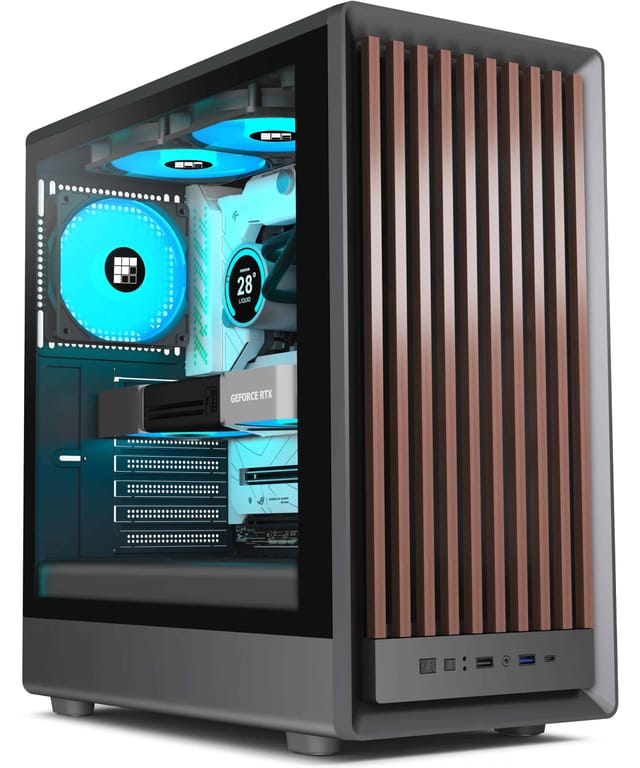
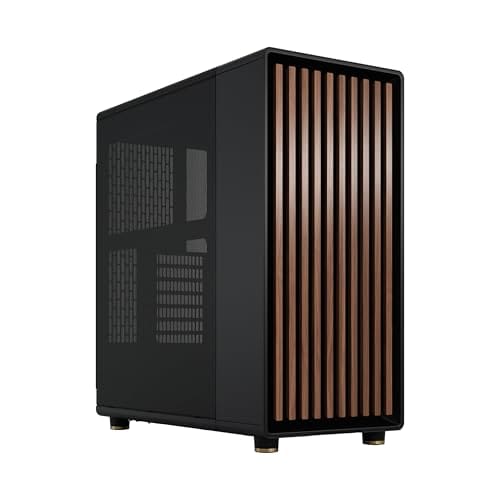
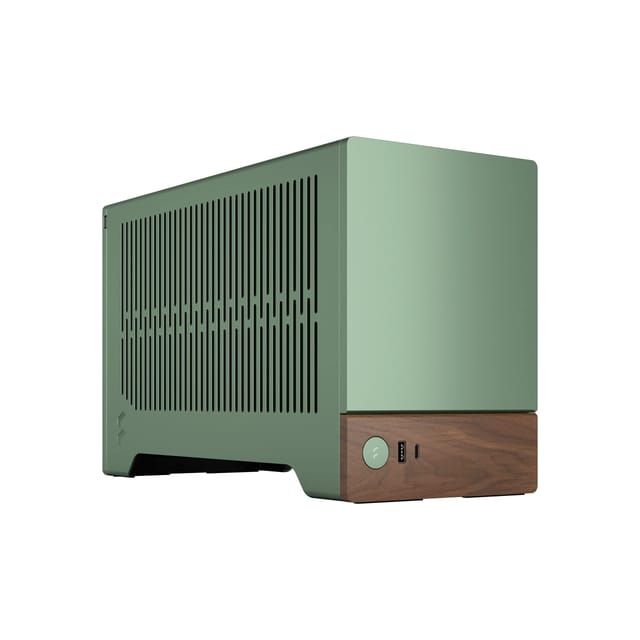
8.0 / 10Fractal Design North Chalk White - Wood Oak front - Mesh side panels - Two 140mm Aspect PWM fans included - Type C USB - ATX Airflow Mid Tower PC Gaming Case
£154.99 · Fractal Design
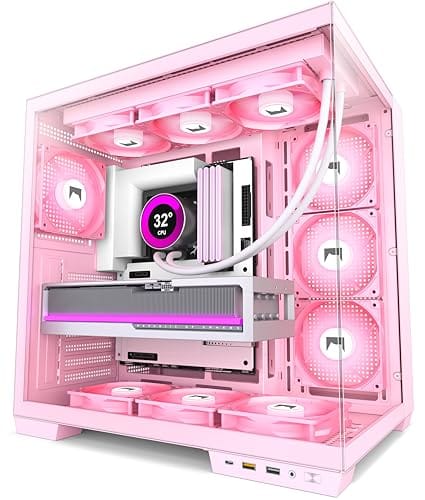
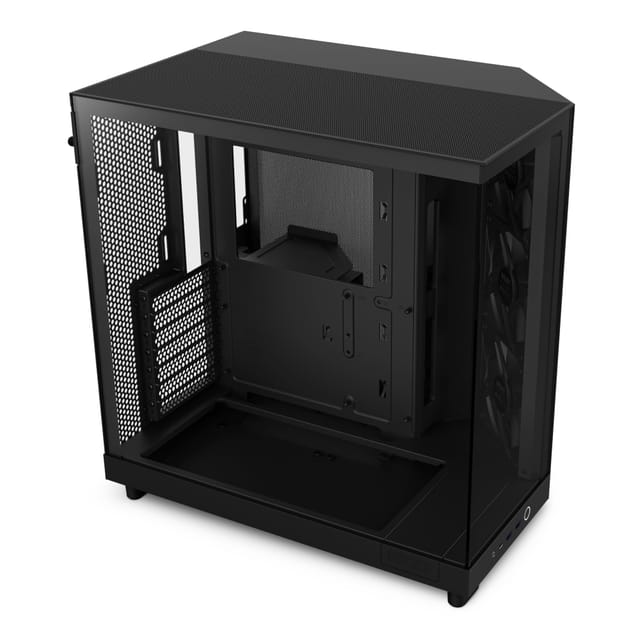
7.5 / 10NZXT H6 Flow RGB | CC-H61FB-R1 | Compact Dual-Chamber Mid-Tower Airflow Case | Includes 3 x 120mm RGB Fans | Panoramic Glass Panels | High-Performance Airflow Panels | Cable Management | Black
£84.98 · NZXT
Frequently asked
5 questions01Is the Lian Li O11 Vision Compact good for airflow?+
Yes, airflow is one of its strengths. The mesh front panel allows significantly more air intake than a solid or glass front, and the case ships with three 120mm fans pre-installed as front intakes. There's also a rear 120mm fan position for exhaust, plus bottom and side panel fan mounts for additional airflow options. Dust filters are present on the front and bottom panels. In testing, temperatures were comfortable for a mid-range gaming system running a tower cooler and the included fans. The dual-chamber design also isolates the PSU from the main airflow path, which helps GPU temperatures.
02What is the GPU clearance on the Lian Li O11 Vision Compact?+
Maximum GPU length is 360mm, which accommodates all current flagship graphics cards including the RTX 5090 and RX 9070 XT. If you install a front radiator, effective GPU clearance reduces depending on radiator thickness. With a standard 30mm thick 360mm radiator up front, you're looking at approximately 320-330mm of usable GPU space, which still fits the majority of cards on the market. There is no vertical GPU mount included in the box, so if you want to display your GPU vertically you'll need a third-party bracket.
03Can the Lian Li O11 Vision Compact fit a 360mm AIO?+
Yes. The front panel supports up to a 360mm radiator, and the side panel also supports up to a 360mm radiator, giving you two mounting options for large AIOs. Most builders will run a 360mm AIO up front for best thermal performance. If you're using tall RAM (over 40mm), check clearance with your specific radiator and fan combination when mounting a front 360mm radiator. Standard height RAM under 35mm had no clearance issues in our testing. There is no top radiator mount on this case.
04Is the Lian Li O11 Vision Compact easy to build in?+
Generally yes, though the dual-chamber layout takes a little getting used to if you're coming from a traditional single-chamber case. Once you understand that the PSU and cables live in the secondary chamber behind the motherboard tray, the build process is actually cleaner and more organised than most cases. Cable routing holes are well-positioned with rubber grommets, Velcro straps are pre-installed in the secondary chamber, and the rear panel clearance of 25-30mm is enough for tidy cable management. Interior edges are smooth with no sharp spots found during testing. The tempered glass side panel opens on a hinge rather than sliding, which makes access easy.
05What warranty and returns apply to the Lian Li O11 Vision Compact?+
Amazon offers 30-day hassle-free returns if the case doesn't suit your build. Lian Li typically provides a 1-2 year warranty on manufacturing defects covering issues like panel damage, structural defects, and component failures. Check the current product listing for exact warranty terms as these can vary by region and retailer. For UK buyers, you also have statutory rights under the Consumer Rights Act 2015 which provides additional protection beyond the manufacturer warranty.