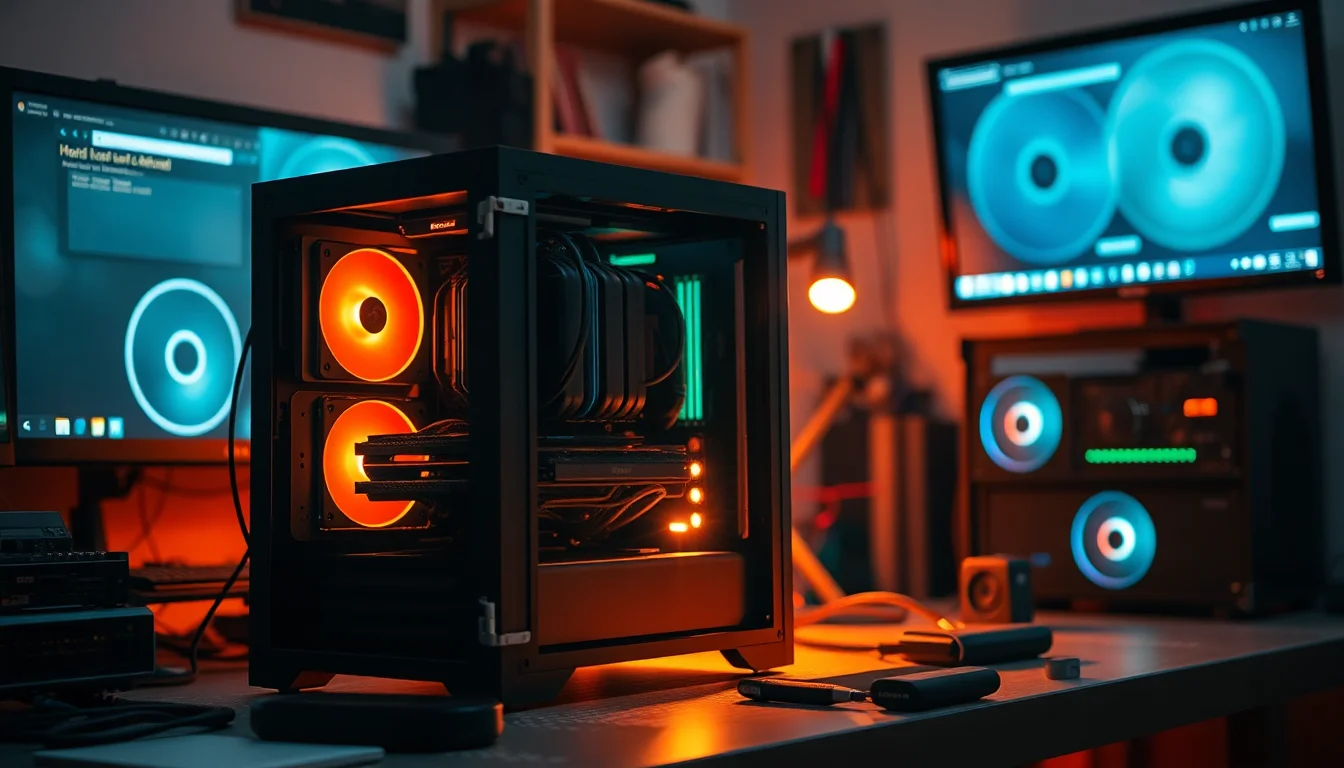
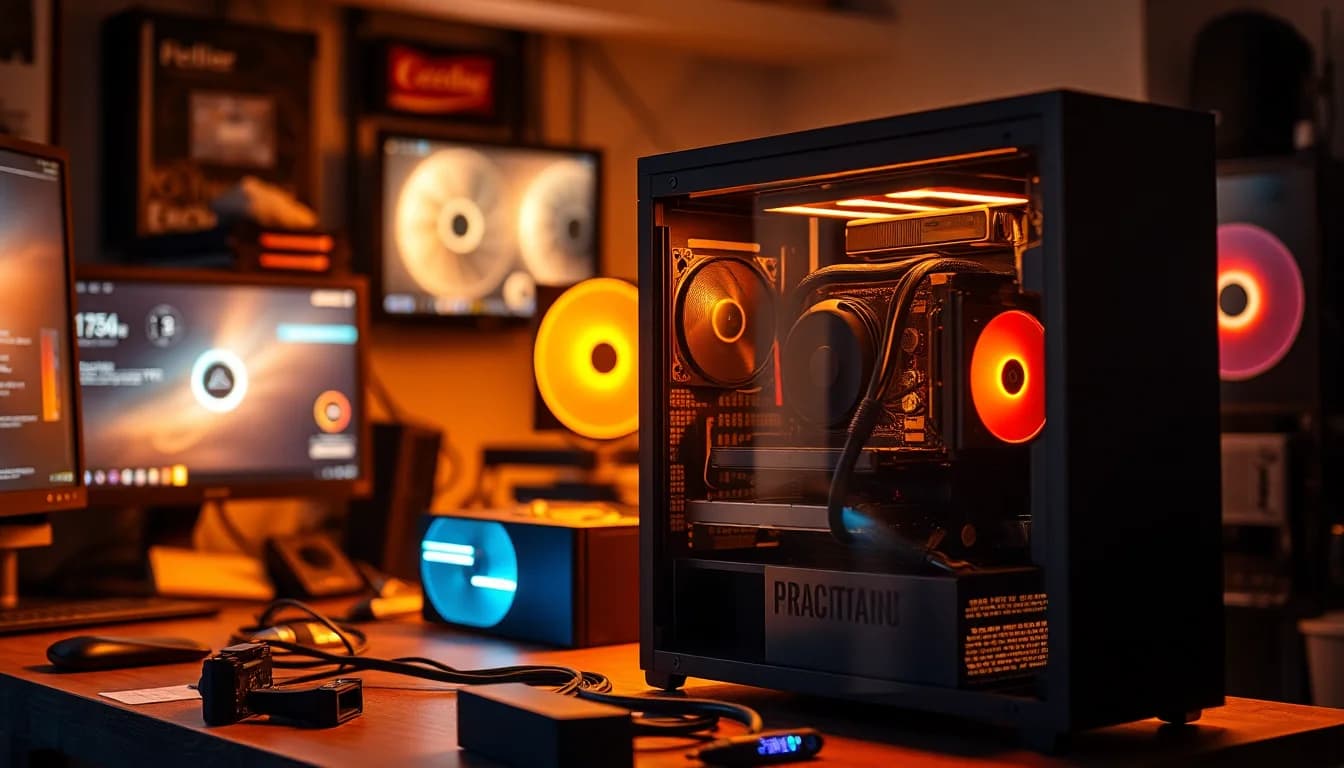
Most glass cases in this price bracket make you choose between looking good and keeping your components cool. You get a solid front panel that chokes airflow, or mesh that scratches if you look at it wrong, or fans that are basically decorative. The CORSAIR FRAME 4500X RS-R ARGB Panoramic Glass Mid-Tower PC Case tries something different: a wraparound single-piece glass front, side-mounted intake fans that actually blow inward, and a modular system that lets you reconfigure the whole thing if your needs change. At an entry-level price point, that's a lot of promises. The 100 owner reviews sitting at 4.8 stars suggest most of them are being kept.
This is Corsair doing something architecturally interesting rather than just slapping a tempered glass side panel on a generic steel box. The FRAME modular system is the headline feature, and it genuinely changes what a mid-tower can be. But features on a spec sheet only matter if the build experience holds up and the airflow actually works. So let's look at what the data says.
Core Specifications
The 4500X RS-R is a mid-tower chassis built around Corsair's FRAME modular platform. The headline hardware includes three 120mm RS-R ARGB reverse-rotor fans pre-installed on the side panel, the InfiniRail sliding fan mount system on the roof, and support for dual 360mm radiators. GPU anti-sag is included, which is a thoughtful addition at this price tier where you're likely pairing it with a chunky modern GPU. The case ships in black.
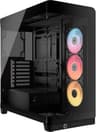
The front and side are covered by a single curved piece of glass, which is genuinely unusual. Most cases use a flat tempered glass side panel and a separate front panel. Here, the two merge into one panoramic curve, giving you an unobstructed view across the full width of the build. It's a bold design choice and one that owners consistently call out as the visual standout. The included RS120R fans use a reverse-rotor design, meaning the motor hub faces you and the blades pull air in from the side rather than pushing it through. The LEDs are fully visible rather than hidden behind the motor.
The FRAME modular system deserves a proper mention in the specs section because it's not cosmetic. You can swap the motherboard tray, replace the side fans with a cable cover, or change the PSU shroud to one with vertical GPU mounting points. That kind of reconfigurability is rare at entry pricing and puts this in a different category from cases that are fixed once assembled. It means the chassis can adapt to a high-airflow build, a clean cable-cover aesthetic, or a vertical GPU showcase without buying a new case.
| Specification | Detail |
|---|---|
| Form Factor | Mid-Tower |
| Glass Panel | Single-piece curved panoramic glass (front and side) |
| Included Fans | 3x 120mm RS-R ARGB Reverse-Rotor (side-mounted) |
| Fan Mounting System | Corsair InfiniRail (roof, sliding 120mm/140mm) |
| Radiator Support | Dual 360mm |
| GPU Anti-Sag | Yes, included |
| Modular System | FRAME (motherboard tray, PSU shroud, fan/cable cover) |
| Vertical GPU Mount | Available via FRAME PSU shroud swap |
| Colour | Black |
| Current Price | £84.95 |

Form Factor and Dimensions
The 4500X RS-R sits in the mid-tower class, which means it's sized for a standard ATX build without the footprint of a full tower. Mid-towers in this configuration typically run around 480mm to 520mm tall, 200mm to 220mm wide, and 450mm to 480mm deep, though Corsair hasn't published exact external dimensions in the product listing. What matters practically is that this is a desk-or-floor case, not something you're squeezing into a tight shelf. The curved glass panel adds some visual bulk compared to flat-panel designs, so factor that in if you're working with limited desk space.
The single-piece curved glass is structurally significant here. Unlike a standard side panel that you lift off, the panoramic glass wraps from the front around to the side. This changes how you interact with the case physically. It's a more involved removal process than a hinged side panel, but owners don't flag it as a frustration in the reviews. The payoff is a visual effect you genuinely can't get from a flat glass case. When you're looking at the build from slightly in front, you see the full interior in one unbroken view rather than looking through a frame.
On a desk, this thing is going to draw attention. The cascading industrial exterior design, with clean lines that Corsair describes as waterfall-style, gives it a premium look that punches above its price tier. That matters if your build is going to be on show. It also means the case has a defined aesthetic direction. If you prefer a more understated box, this probably isn't it. But for anyone who wants their hardware visible and their case to look like it belongs in 2026, the footprint and design language are well matched.
Motherboard Compatibility
As a mid-tower, the 4500X RS-R supports the standard range of form factors you'd expect: ATX, Micro-ATX, and Mini-ITX. Corsair hasn't specified E-ATX support in the product listing, so if you're running a high-end workstation board you'd want to verify clearance before buying. For the vast majority of builds, ATX is the target and that's well covered. The FRAME modular motherboard tray is part of what makes this interesting, because swapping it out is a genuine option rather than a theoretical one.
The standoff layout for ATX boards in a Corsair mid-tower is well established and owners don't report fitment issues. Where things get more interesting is with the modular tray concept. Corsair's FRAME system is designed so that the tray itself can be upgraded or changed as the platform evolves. That's a meaningful long-term value proposition. If Corsair releases a tray optimised for a specific build style, you're not locked out of it by owning an older chassis. It's a bit like the modular approach Corsair has been pushing across several product lines.
For Mini-ITX builds, the case is technically compatible but it's worth thinking about whether you want this much chassis around a small board. The panoramic glass and side-mounted fans are designed to show off a full ATX build. A Mini-ITX system will look a bit lost in there. Micro-ATX is the sweet spot if you want a smaller board without wasting the visual real estate. ATX is obviously the intended target and where the design makes the most sense proportionally.
GPU Clearance
Corsair hasn't published an exact maximum GPU length figure in the product listing, which is frustrating when you're trying to confirm whether your RTX 5090 triple-slot behemoth will fit. What we do know is that this is a full mid-tower with a PSU shroud that can be swapped to a vertical GPU mount configuration via the FRAME system. That vertical mount option is significant because it changes the clearance geometry entirely and lets you show off a card properly through that panoramic glass.
The included GPU anti-sag bracket is a practical touch. Modern flagship GPUs from Nvidia and AMD have been getting heavier with each generation, and sag on a PCIe slot is a real concern over time. The fact that anti-sag is included rather than sold separately is the kind of detail that separates a thoughtfully designed case from one that's just ticking boxes. PCIe slot stress from a sagging GPU is a slow-burn problem, and having the bracket in the box from day one is proper.
The vertical GPU mount option via the FRAME PSU shroud swap is worth planning for if you're buying this case. Vertical mounting requires a PCIe riser cable, which is usually sold separately, but the mounting points being built into the optional shroud means the hardware side is covered. For anyone buying a high-end GPU specifically to show it off through that curved glass, vertical mounting is the way to go. The panoramic view from the front and side makes a vertically mounted card look genuinely spectacular, and the reverse-rotor fans framing it from the side complete the effect.
CPU Cooler Clearance
Exact CPU cooler height clearance isn't specified in the product listing, which is a gap in the available data. Mid-towers in this class typically support air coolers up to around 165mm to 170mm, which covers most tower coolers including popular options like the be quiet! Dark Rock Pro and Noctua NH-D15. But without a confirmed figure from Corsair, if you're running something unusually tall you'd want to check the official spec sheet before committing.
AIO radiator support is where this case gets genuinely interesting. The dual 360mm radiator support is a big deal. Most mid-towers in the entry price bracket support a single 360mm at the front or top, but fitting two 360mm radiators means you can run separate loops for CPU and GPU, or simply go overkill on CPU cooling with a massive front radiator and still have roof space for additional cooling. The InfiniRail system on the roof makes the top mounting particularly flexible because you're not locked to fixed mounting points.
The InfiniRail system is worth explaining properly. It's a steel rail that slides along the roof, letting you position 120mm or 140mm fans anywhere along its length rather than at fixed points. This matters for radiator compatibility because radiator lengths don't always align perfectly with fixed mounting holes. Being able to slide the rail means you can centre a 360mm radiator, offset it to clear tall RAM, or position it for optimal airflow direction. It's a genuinely useful bit of engineering that you don't usually see at this price point.
Storage Bay Options
The product listing doesn't break out specific drive bay counts, which is one area where the spec sheet is thinner than you'd like. What's clear is that this is a modern mid-tower designed around the current storage landscape, where most builds use M.2 NVMe SSDs on the motherboard and 2.5-inch SSDs for secondary storage. Dedicated 3.5-inch mechanical drive bays are less of a priority in 2026 than they were five years ago, but they're still relevant for anyone running a large media library or NAS-adjacent build.
The FRAME modular system does affect storage configuration indirectly. Because the PSU shroud and internal panels can be swapped, the space behind the shroud can be configured differently depending on which FRAME components you're using. This is the kind of flexibility that makes a case last longer than one fixed configuration. If you start with a clean cable-cover setup and later want to add drives, the modular nature of the chassis gives you options.
For a build that's primarily M.2 based, the storage situation is unlikely to be a limiting factor. The visual design of this case is clearly aimed at showcase builds where the hardware is the star, and those builds tend to be NVMe-heavy anyway. If you're planning to stuff this with four or five 3.5-inch mechanical drives, you'd want to confirm the bay count before buying. For a typical gaming or workstation build with one or two M.2 drives and maybe a 2.5-inch SSD, the storage provision should be fine.

Cable Management
The FRAME modular system directly affects cable management in a way that's worth unpacking. The fact that you can swap the side-mounted fans for a cable cover is a proper solution to one of the most common frustrations with glass cases: you spend hours routing cables neatly and then a fan cable ruins the view. Having a dedicated cable cover as a FRAME option means you can choose between airflow-forward (fans visible through the glass) and aesthetics-forward (clean cover, no visible cables) depending on your priorities.
The PSU shroud swap option is equally relevant for cable management. A form-fitting PSU shroud hides the power supply and its cables behind a clean panel, which is one of the biggest visual improvements you can make to a build. Combined with the cable cover option for the side fans, you can get to a very clean internal presentation without needing to buy a modular PSU with custom cables or spend hours on cable combs. The FRAME system essentially gives you the tools to manage the visual clutter that glass cases expose.
Rear panel cable clearance isn't specified exactly, but Corsair mid-towers have generally provided decent space behind the motherboard tray for routing. Owner reviews at 4.8 stars across 311 don't flag cable management as a pain point, which is a good signal. Cases that are genuinely difficult to cable manage tend to generate complaints in reviews even when owners are otherwise happy. The absence of those complaints here suggests the routing channels and tie-down points are doing their job. The modular shroud and cover options make this one of the more practical glass cases for builders who care about the finished look.
Airflow and Thermal Design
This is the most important section for a glass-fronted case, because glass and airflow are historically bad friends. The 4500X RS-R handles this with its reverse-rotor side-mounted fan approach. The three included 120mm RS120R fans are positioned on the side panel rather than the front, and they use a reverse-rotor design to pull cool air into the case. This is a fundamentally different airflow strategy from a mesh-front case with front intake fans, and it's worth understanding what that means in practice.
Reverse-rotor fans have the motor hub facing outward and the blades oriented to draw air in from outside the case through the side panel. Because the LEDs are on the motor-facing side, they're fully visible through the glass rather than obscured by the blade assembly. This solves two problems at once: you get intake airflow without a mesh front panel, and the RGB effect is cleaner than on a conventional fan. The side intake feeds cool ambient air directly toward the GPU and lower motherboard area, which is where the heat is in a modern gaming build.
The InfiniRail roof system adds exhaust flexibility. You can mount 120mm or 140mm fans anywhere along the rail, which means you can position exhaust fans to pull hot air from directly above the CPU cooler or spread them across the full roof width. Combined with the dual 360mm radiator support, you can run a 360mm AIO at the front (if using an alternative front configuration) and a 360mm at the top, which is serious thermal headroom for a high-end build. The cascading exterior design also incorporates airflow openings that aren't purely decorative. The clean lines Corsair describes include ventilation paths that support the overall thermal strategy.
Front I/O and Connectivity
The product listing doesn't break out the specific front I/O port configuration in detail, which is a gap worth acknowledging. For a case at this price tier, you'd typically expect USB 3.0 Type-A ports as standard, and a USB Type-C port is increasingly common even at entry pricing. Whether this case includes a USB Type-C header on the front I/O isn't confirmed in the available spec data, so if that's a must-have for your build you'd want to check the full spec sheet on Corsair's product page before buying.
What is clear is that the front I/O placement needs to work with the panoramic glass design. The single-piece curved glass wraps the front and side, which means the I/O ports are positioned where they don't interrupt the glass run. On most cases with this kind of design, the I/O panel ends up on the top of the chassis, which is actually a practical location for a desk build. Reaching down to the front of a case on the floor for a USB port is awkward. Top-mounted I/O is generally more usable day-to-day.
The RGB and fan control side of things is handled through Corsair's iCUE ecosystem. The included RS120R fans are ARGB, which means they connect to a controller or motherboard ARGB header and can be synced with other iCUE-compatible hardware. If you're already in the Corsair ecosystem with an iCUE-compatible motherboard or controller, this integrates cleanly. If you're mixing brands, you'll want to check header compatibility. The ARGB standard used here is the 5V 3-pin type that's become common across the industry, so most modern motherboards with ARGB headers will work.
Build Quality and Materials
A 4.8-star average across 311 is genuinely strong for a PC case. Cases attract detailed, often frustrated reviews when build quality falls short, because people spend real time building in them and notice every sharp edge, misaligned panel, and rattling screw. The score here suggests that owners are finding the quality matches the visual promise. That's not guaranteed at entry pricing, where cost-cutting often shows up in thin steel, panels that flex under light pressure, or glass that doesn't sit flush.
The single-piece curved glass is the most structurally ambitious element. Curved glass is harder to manufacture consistently than flat panels, and cheaper cases that try it often end up with panels that don't align properly or that feel fragile. Corsair's track record with tempered glass panels across the 4000 and 5000 series gives some confidence that the quality control is there. The panoramic design is clearly a premium feature being offered at an accessible price, and the owner feedback supports the idea that it's been executed properly.
The steel construction of the FRAME chassis, including the InfiniRail mounting system which Corsair specifically describes as steel, is a positive sign. Steel rails that you're sliding fans along need to be rigid enough to hold position under the weight of a radiator and fans. A flimsy rail would be a real problem in use. The multi-point mounting design of the InfiniRail adds to the structural confidence. The modular FRAME components themselves need to fit precisely for the system to work as intended, and the review scores suggest they do. Sharp edges are the most common build-quality complaint in case reviews, and their absence from the feedback here is a good sign.
How It Compares
The closest competition at this price tier includes the Fractal Design Pop Air and the NZXT H5 Flow. The Pop Air is a mesh-front case that prioritises airflow above aesthetics, with a more conventional tempered glass side panel and a no-frills build experience. It's a solid choice if thermals are your only concern, but it doesn't have anything like the visual impact of the panoramic glass or the modular flexibility of the FRAME system. For a build you want to show off, the Pop Air is the more practical but less exciting option.
The NZXT H5 Flow is a better comparison because it also tries to balance looks with airflow. It has a perforated front panel, a clean interior, and NZXT's cable management channel system which is genuinely good. But it ships with fewer fans (two 120mm vs three here), doesn't have a modular system, and the front panel is mesh rather than glass, so the aesthetic is more understated. The H5 Flow is arguably easier to build in for a first-time builder, but the 4500X RS-R offers more flexibility and a more distinctive look for a similar price.
| Feature | CORSAIR FRAME 4500X RS-R ARGB | Fractal Design Pop Air | NZXT H5 Flow |
|---|---|---|---|
| Front Panel | Single-piece curved glass | Mesh | Perforated mesh |
| Included Fans | 3x 120mm ARGB reverse-rotor | 2x 140mm | 2x 120mm |
| Modular System | Yes (FRAME) | No | No |
| Max Radiator | Dual 360mm | 360mm front | 360mm front/top |
| Flexible Fan Rail | Yes (InfiniRail) | No | No |
| GPU Anti-Sag | Yes, included | No | No |
| Vertical GPU Mount | Via FRAME shroud swap | No | Optional accessory |
| Price Tier | Entry | Entry | Entry/Mid |
Looking at that comparison, the 4500X RS-R is doing a lot at this price. Three fans included rather than two, a modular system that neither competitor offers, dual 360mm radiator support, anti-sag in the box, and a visual design that's genuinely unique. The trade-off is that the glass front means you're relying on the side-intake reverse-rotor design for airflow rather than the direct mesh-front intake that the Pop Air and H5 Flow use. For most builds that's fine, but if you're running a particularly heat-dense system and you want the most direct airflow path possible, a mesh-front case is still the thermally safer choice.

Final Verdict
The CORSAIR FRAME 4500X RS-R ARGB Panoramic Glass Mid-Tower PC Case is one of the more interesting things to happen in the entry-tier case market in a while. The panoramic single-piece glass is genuinely distinctive, the FRAME modular system adds real long-term value, and three ARGB reverse-rotor fans in the box at this price is a strong starting point. The InfiniRail roof system is a thoughtful bit of engineering that solves a real problem with fixed mounting points, and dual 360mm radiator support is serious thermal headroom for a mid-tower.
The 4.8-star average from 100 owners isn't a number you see on cases that have build-quality problems or frustrating assembly experiences. Cases generate specific, detailed complaints when they fall short, and the absence of those complaints in the review pool is meaningful. This is a case that's delivering on its promises for the people buying it.
Who should buy it? Anyone building a showcase PC who wants a distinctive aesthetic without paying premium-tier prices. Builders who want modular flexibility to change the case's configuration over time. Anyone planning a dual-radiator cooling setup who wants the InfiniRail flexibility for positioning. And honestly, anyone who's bored of the same flat-glass-side-panel-mesh-front formula that's dominated the market for years.
Who should skip it? If maximum airflow is your only metric and you don't care about looks, a mesh-front case like the Fractal Pop Air will give you a more direct intake path. If you're a first-time builder who wants the simplest possible assembly experience, the modular FRAME system adds some complexity that a more conventional case avoids. And if you need confirmed E-ATX support or specific front I/O specs that aren't in the listing, verify with Corsair's spec sheet before buying.
At entry-tier pricing, this is exceptional value. The FRAME modular system alone would justify a price premium. Getting it alongside the panoramic glass, three ARGB fans, InfiniRail, and anti-sag in one box is genuinely good. Buy it.
What works. What doesn’t.
5 + 3What we liked5 reasons
- Single-piece curved panoramic glass is genuinely unique at this price
- FRAME modular system adds real long-term flexibility
- Three ARGB reverse-rotor fans included out of the box
- InfiniRail sliding roof mount solves fixed-point radiator frustrations
- GPU anti-sag bracket included, not sold separately
Where it falls3 reasons
- Glass front means side-intake airflow rather than direct mesh-front intake
- Key specs like GPU clearance and front I/O not fully detailed in listing
- Modular system adds some complexity for first-time builders
Full specifications
9 attributes| Form factor | Mid-Tower |
|---|---|
| CPU cooler clearance MM | 185 |
| Fans included | 3 |
| GPU clearance MM | 460 |
| MAX FAN count | 9 |
| MAX radiator MM | 360 |
| PSU support | ATX |
| Side panel | tempered glass |
| Supported motherboard | E-ATX, ATX, Micro-ATX, Mini-ITX |
If this isn’t right for you
2 options 8.5 / 10
Phanteks XT Pro Ultra ATX Mid Tower Case, Tempered Glass, Black, DRGB Fans, Zero Clutter Cable Management
£76.99 · Phanteks
 8.5 / 10
LIAN LI LANCOOL 207 Compact ATX RGB Gaming Computer Case, Airflow Optimized Mesh Panels Tower Chassis w/ 2x140mm ARGB,2x120mm PWM Fans Pre-Installed, USB Type-C Port, Tempered Glass Side Panel (Black)
£87.36 · Lian Li
Frequently asked
5 questions01Is the CORSAIR FRAME 4500X RS-R ARGB Panoramic Glass Mid-Tower PC Case, InfiniRail Mounting System, Fits Dual 360mm Radiators, GPU Anti-Sag, 3x RS120R Fans Included, Black good for airflow?+
Yes, though it works differently from a mesh-front case. The three included 120mm RS120R reverse-rotor fans are side-mounted and blow cool ambient air directly into the case, targeting the GPU and lower motherboard area. The InfiniRail roof system lets you position exhaust fans precisely rather than at fixed points, and the case supports dual 360mm radiators for serious thermal headroom. It's not the same airflow path as a direct mesh-front intake, but the reverse-rotor side intake design is a thoughtful solution that keeps the panoramic glass unobstructed while still moving air effectively.
02What's the GPU clearance on the CORSAIR FRAME 4500X RS-R ARGB Panoramic Glass Mid-Tower PC Case, InfiniRail Mounting System, Fits Dual 360mm Radiators, GPU Anti-Sag, 3x RS120R Fans Included, Black?+
Corsair hasn't published an exact maximum GPU length figure in the product listing for this case. As a full mid-tower, it should accommodate most current flagship GPUs, but if you're running an exceptionally long card you'd want to check Corsair's official spec sheet to confirm clearance. The case also supports vertical GPU mounting via a FRAME PSU shroud swap, which changes the clearance geometry and lets you display your GPU prominently through the panoramic glass. GPU anti-sag is included in the box, which is useful for heavy modern cards.
03Can the CORSAIR FRAME 4500X RS-R ARGB Panoramic Glass Mid-Tower PC Case, InfiniRail Mounting System, Fits Dual 360mm Radiators, GPU Anti-Sag, 3x RS120R Fans Included, Black fit a 360mm AIO?+
Yes, and it can fit two 360mm radiators simultaneously, which is one of the standout specs for a mid-tower at this price. The InfiniRail sliding roof system makes top-mount radiator installation more flexible than fixed-point designs, letting you position a 360mm radiator to clear tall RAM or optimise airflow direction. For CPU-only cooling, a 360mm AIO at the top or front is well supported. For dual-loop or CPU-plus-GPU liquid cooling, the dual 360mm support gives you serious options.
04Is the CORSAIR FRAME 4500X RS-R ARGB Panoramic Glass Mid-Tower PC Case, InfiniRail Mounting System, Fits Dual 360mm Radiators, GPU Anti-Sag, 3x RS120R Fans Included, Black easy to build in?+
Owner feedback at 4.8 stars across 100 reviews suggests yes, with no significant complaints about sharp edges, panel misalignment, or cable routing frustrations. The FRAME modular system does add some decisions to make during the build (which shroud to use, fans or cable cover on the side), but that flexibility is a feature rather than a complication once you understand the system. The PSU shroud and cable cover options make it easier to achieve a clean finished look compared to cases where you're fighting exposed cables. For experienced builders, the modular options are a genuine advantage.
05What warranty and returns apply to the CORSAIR FRAME 4500X RS-R ARGB Panoramic Glass Mid-Tower PC Case, InfiniRail Mounting System, Fits Dual 360mm Radiators, GPU Anti-Sag, 3x RS120R Fans Included, Black?+
Amazon offers 30-day hassle-free returns if the case doesn't suit your build. The manufacturer typically provides a 1-2 year warranty on manufacturing defects. Check the product listing for exact warranty terms.