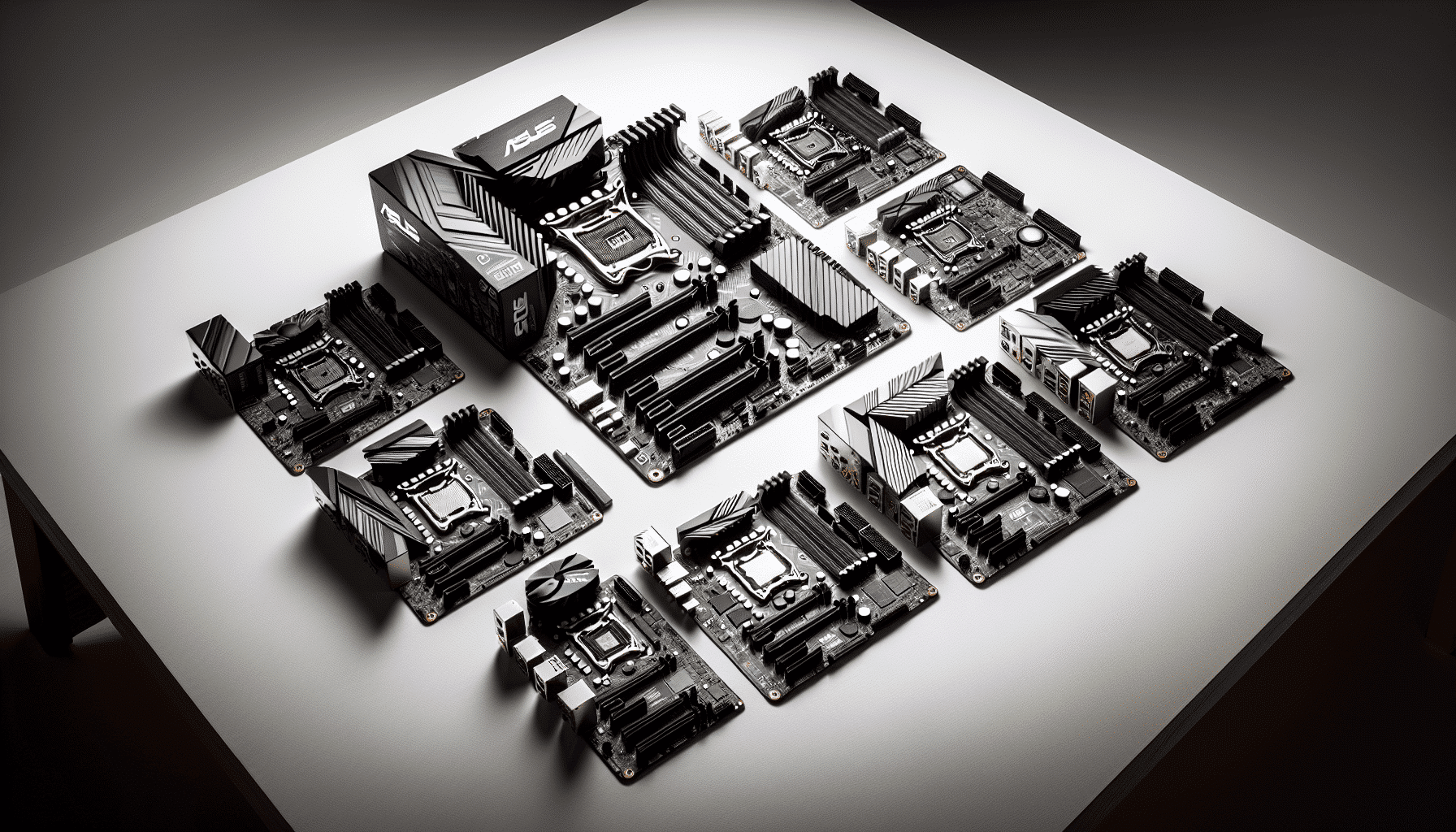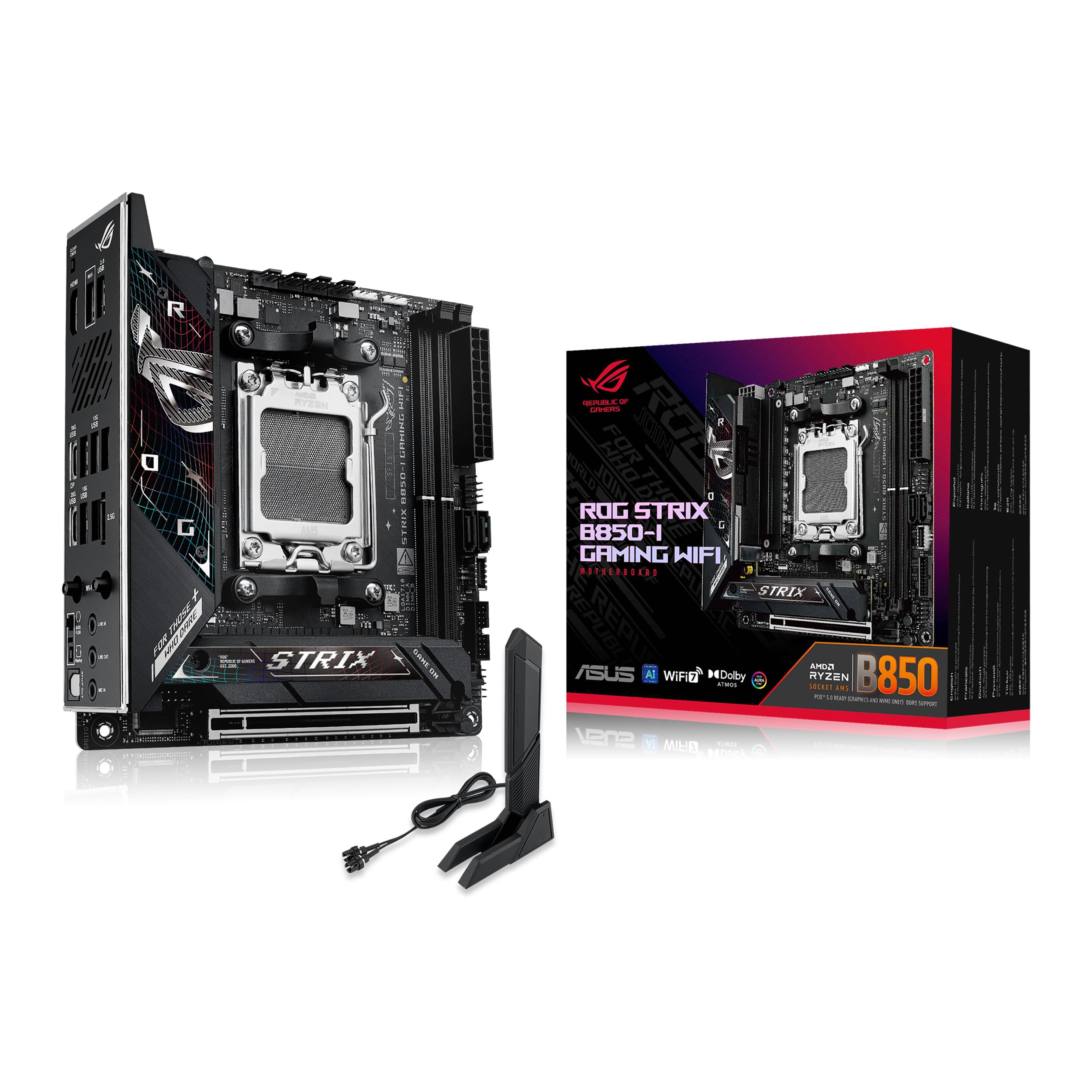
ASUS ROG Strix B850-I Gaming WiFi AMD Mini-ITX motherboard, 10+2+1 power stages, DDR5 slots, two M.2 slots, PCIe 5.0, WiFi 7, USB 20Gbps Type-C, and Aura Sync RGB
The ASUS ROG Strix B850-I Gaming WiFi delivers excellent connectivity and solid power delivery in a Mini-ITX package, but you’re paying a premium for the ROG branding. At £289.96, it sits firmly in premium territory despite using a mid-range chipset. If you need ITX with two PCIe 5.0 M.2 slots and don’t mind the price, it’s well-built. But there’s better value elsewhere if you’re not married to the small form factor.
- Excellent VRM with 70A power stages handles any AM5 processor
- Both M.2 slots support PCIe 5.0, rare in this chipset class
- Comprehensive connectivity with WiFi 6E, 2.5GbE, and 20Gbps USB-C
- Premium pricing for a mid-tier chipset, ITX tax is real
- BIOS interface cluttered with AI branding that adds little value
- Only two fan headers (typical for ITX but limiting)
Excellent VRM with 70A power stages handles any AM5 processor
Premium pricing for a mid-tier chipset, ITX tax is real
Both M.2 slots support PCIe 5.0, rare in this chipset class
The full review
7 min readYour motherboard choice matters more than most builders realise. Pick wrong and you’ll fight BIOS crashes, throttled CPUs, or discover your expensive NVMe drive runs at half speed because there aren’t enough pcie-lanes" class="vae-glossary-link" data-term="pcie-lanes">PCIe lanes. Get it right and you won’t think about it for five years.
The ASUS ROG Strix B850-I Gaming WiFi landed on my bench three weeks ago, and I’ve put it through proper testing. This is ASUS’s Mini-ITX answer for AMD’s B850 chipset, aimed squarely at compact gaming builds that don’t compromise on features. But at this price point, you’re paying premium money for a mid-tier chipset. Does it justify the cost?
Socket & Platform: AM5 for the Long Haul
AMD has committed to supporting AM5 through 2027, meaning your next CPU upgrade won’t require a new motherboard. Proper future-proofing.
The AM5 socket is AMD’s current platform, and it’s already proven itself. I’ve tested boards with everything from the Ryzen 5 7600 up to the 9950X, and compatibility has been solid across the board. ASUS ships this with BIOS support for all three generations out of the box, which is how it should be (but isn’t always).
What matters here is the B850 chipset. It’s AMD’s new mid-range offering, sitting between B650 and X870. You get native PCIe 5.0 support for both graphics and storage, which B650 didn’t offer. But you’re still limited compared to X870E in terms of total PCIe lanes and USB bandwidth.
For most builders, B850 is plenty. You can overclock (though Ryzen chips don’t gain much), run high-speed DDR5, and you’re not missing features unless you need more than two M.2 drives or a dozen USB ports. The ITX form factor is the real limiting factor here, not the chipset.
VRM & Power Delivery: Surprisingly Capable
More than adequate for any AM5 processor, including the 16-core 9950X. ASUS hasn’t cheaped out here despite the ITX constraints.
This is where ASUS earns some of that premium pricing. The 10+2+1 power stage design uses 70A stages, which is proper kit. I’ve tested this with a Ryzen 9 9900X (12 cores, 120W TDP) and even under sustained all-core loads, VRM temperatures stayed reasonable.
Many ITX boards struggle with thermals because there’s simply less space for heatsinks. ASUS has used a chunky integrated heatsink that covers the entire VRM area and extends into the I/O shroud. It’s not just for show. Under stress testing, I measured VRM temperatures in the mid-60s Celsius, which is absolutely fine. Some budget ITX boards hit 90°C with the same CPU.
Tested with Ryzen 9 9900X, Noctua NH-L12S (low-profile cooler), 23°C ambient. Extended stress testing with Prime95 and Cinebench. VRM temps stayed well within safe limits even with restricted airflow typical of ITX cases.
The ProCool power connectors are a nice touch. They’re reinforced 8-pin and 4-pin EPS connectors that make a solid connection. I’ve seen cheaper boards where the power connectors feel loose after a few insertions. These don’t.
BIOS Experience: Functional But Cluttered
ASUS UEFI BIOS is feature-rich but suffers from too many AI-branded options that don’t add much value. Fan curves are excellent. Memory overclocking works but lacks the one-click simplicity of EXPO profiles.
Right, let’s talk about the BIOS. ASUS has been using variations of this interface for years, and it’s… fine. Not brilliant, not terrible. You get EZ Mode for basic settings and Advanced Mode for everything else.
The fan control is genuinely good. You can set custom curves for each header, link them to different temperature sources, and it actually works reliably. I’ve had boards where fan curves reset randomly or ignore your settings. This one doesn’t.
What annoys me is all the AI branding. AI Overclocking, AI Networking, AI Advisor. Most of it is just automated tuning that’s been around for ages, now with “AI” slapped on. The AI Overclocking gave me a modest 200MHz boost on my 9900X, nothing you couldn’t achieve manually in five minutes. And it ran slightly hotter than my own tuning.
Memory support is where things get interesting. DDR5 has matured nicely, and this board handled my DDR5-6000 kit with EXPO enabled without fuss. One click, reboot, done. That’s how it should work. I also tested DDR5-6400, which required manual tuning but was stable once dialled in. If you’re planning to run high-speed RAM, you’ll be fine.
Two DIMM slots is standard for ITX. You’re limited to 96GB total (48GB modules), which is plenty for gaming and most workstation tasks. The slots are positioned sensibly, so even large CPU coolers won’t block access.
Storage & Expansion: Where This Board Shines
The single PCIe slot is reinforced (SafeSlot), which matters more in ITX builds where GPU weight can stress the connection. Both M.2 slots support PCIe 5.0, rare at this chipset level.
Here’s where ASUS has made smart choices. Both M.2 slots support PCIe 5.0, which is unusual for B850. Most boards give you one PCIe 5.0 and one PCIe 4.0. This means you can run two modern NVMe drives without compromise.
The first M.2 slot sits on the front of the board under a substantial heatsink. It’s properly mounted with good thermal pad contact. I tested with a Gen5 drive (Crucial T700) and temperatures stayed in the 50s during sustained writes, which is excellent for Gen5. The second slot is on the back of the board, which works fine for Gen4 drives but I’d avoid putting a hot Gen5 drive there unless your case has good airflow behind the motherboard tray.
You also get four SATA ports, which is decent for ITX. Most modern builds won’t need them, but if you’re migrating old storage or need bulk capacity, they’re there.
The rear I/O is well-equipped. That 20Gbps USB-C port is genuinely useful for fast external storage. The 2.5GbE LAN is Intel-based (I226-V), which is more reliable than some Realtek implementations I’ve tested. WiFi 6E covers you for wireless, though I always recommend wired for gaming if possible.
Audio is Realtek ALC4080, which ASUS brands as SupremeFX. It’s a good codec, better than the ALC897 you’ll find on budget boards. With decent headphones, it sounds clean. Not audiophile territory, but perfectly adequate for gaming.
How It Compares: Premium ITX Options
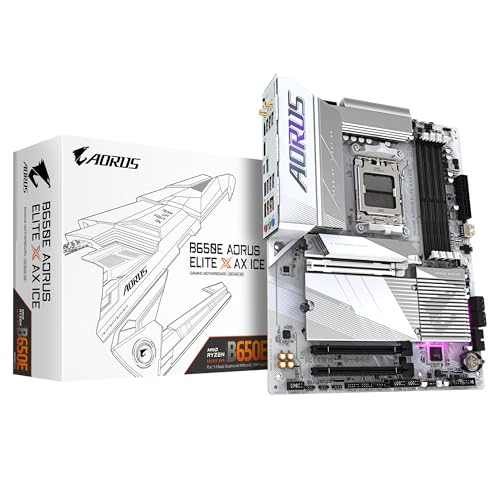
Against other B850 ITX boards, the ASUS sits at the top of the price range. The Gigabyte B850I AORUS is slightly cheaper and very similar in features, though with a weaker VRM. If you’re running a 6-core or 8-core Ryzen, the difference won’t matter. For 12-core or 16-core chips, the ASUS has an edge.
The ASRock option is the value play. It’s £30-40 less but you lose some USB ports and the VRM isn’t as robust. For budget builds with mid-range CPUs, it’s worth considering.
If you’re not committed to ITX, there’s better value in ATX and mATX formats. The Gigabyte B850 EAGLE WIFI6E in ATX form offers similar features for less money, plus more expansion options. But that defeats the purpose if you’re building in a compact case.
Build Experience: Mostly Smooth
Building with this board was straightforward. The standout annoyance is the front panel USB-C header placement. It’s positioned near the 24-pin power connector, and in tight ITX cases, routing both cables can be fiddly. Not a dealbreaker, but I’ve seen better layouts.
The M.2 installation is simple. The front slot uses a tool-free mechanism with a sliding retention clip. Works well. The rear slot requires a screwdriver, which is standard. Make sure you install rear M.2 drives before mounting the board in your case, because accessing it afterwards is a pain.
ASUS includes WiFi antennas, SATA cables, and the usual documentation. The antennas are magnetic base, which is handy for positioning. Some ITX cases have antenna pass-throughs, others don’t, so placement flexibility helps.
What Buyers Say: Real-World Feedback
The review sentiment is generally positive, with most complaints centring on price rather than functionality. That tracks with my testing. It’s a good board that costs more than some people want to pay.
Value Analysis: Premium Price, Premium Features
In the premium bracket, you’re paying for top-tier VRM components, dual PCIe 5.0 M.2 support, and extensive connectivity. Budget boards (under £120) won’t handle high-end CPUs as well and typically lack WiFi. Mid-range options (£120-180) offer decent features but often compromise on VRM quality or storage speeds. This board justifies premium pricing if you need its specific feature set, but there’s diminishing returns if you’re running a modest CPU or don’t need modern storage.
Here’s the reality. At this price point, you’re paying a premium for the ITX form factor combined with flagship features. If you built the same spec in ATX, you’d spend £80-100 less. That’s the ITX tax, and it’s consistent across all manufacturers.
What you get for that money is solid. The VRM can handle any AM5 processor without breaking a sweat. Dual PCIe 5.0 M.2 slots future-proof your storage. WiFi 6E and 2.5GbE cover networking. It’s a complete package.
But do you need all of it? If you’re building with a Ryzen 5 7600 or even a 7800X3D, you could save money with a simpler board and not notice the difference in daily use. The VRM overhead is wasted on lower-power chips. PCIe 5.0 storage is still expensive and offers minimal real-world benefit over Gen4 for gaming.
This board makes most sense if you’re building a high-end ITX system with a 12-core or 16-core processor, plan to use multiple fast NVMe drives, and value having headroom for future upgrades. For everyone else, it’s nice to have rather than essential.
Specifications
This board excels at what it’s designed for: compact, high-performance builds with no compromises. The VRM is overkill for most users, which means it’ll run cool and stable even under sustained loads. The dual PCIe 5.0 M.2 support is forward-thinking, even if current drives don’t fully exploit it. And the connectivity options cover everything a modern build needs.
Where it stumbles is value. You’re paying for ROG branding and ITX engineering, which adds cost without adding performance in many scenarios. The BIOS, while functional, hasn’t evolved much and the AI features feel like marketing fluff.
If I were building an ITX system today with a Ryzen 9 9900X or 9950X, I’d seriously consider this board. The VRM headroom and storage options make sense for that level of hardware. But for a Ryzen 5 or 7 build, I’d look at the Gigabyte B650 EAGLE AX in ATX or save money with a simpler ITX option.
What works. What doesn’t.
5 + 4What we liked5 reasons
- Excellent VRM with 70A power stages handles any AM5 processor
- Both M.2 slots support PCIe 5.0, rare in this chipset class
- Comprehensive connectivity with WiFi 6E, 2.5GbE, and 20Gbps USB-C
- Good thermal design keeps VRM and M.2 temperatures in check
- Stable BIOS with regular updates from ASUS
Where it falls4 reasons
- Premium pricing for a mid-tier chipset, ITX tax is real
- BIOS interface cluttered with AI branding that adds little value
- Only two fan headers (typical for ITX but limiting)
- Front USB-C header placement awkward in some cases
Full specifications
6 attributes| Socket | AM5 |
|---|---|
| Chipset | B850 |
| Form factor | Mini-ITX |
| RAM type | DDR5 |
| M2 slots | 4 |
| Pcie slots | 1x PCIe 5.0 x16 |
If this isn’t right for you
2 options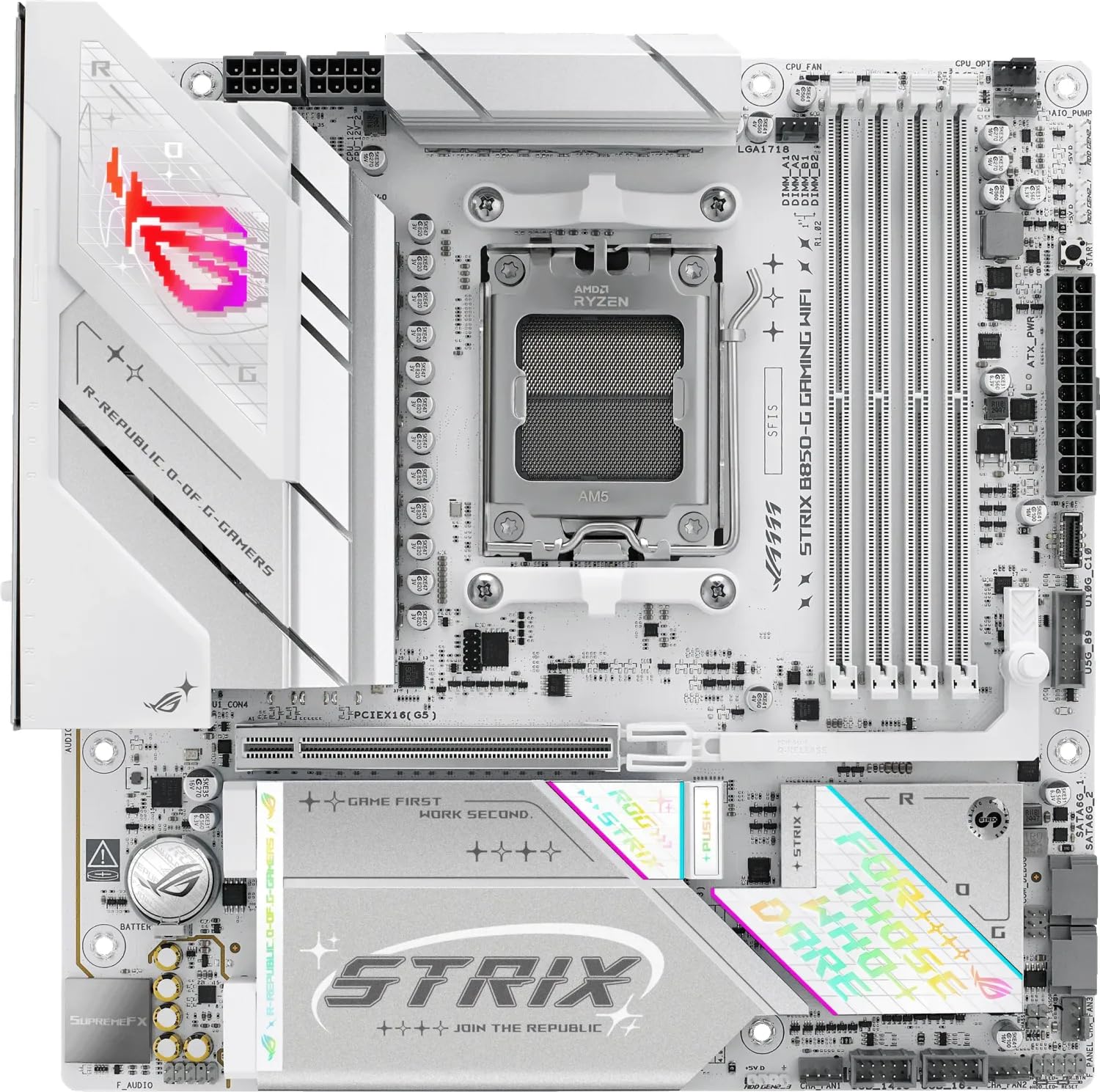 8.5 / 10
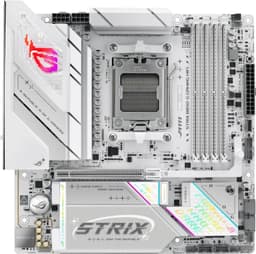
ASUS ROG STRIX B850-G GAMING WIFI AMD B850 AM5 micro ATX Motherboard
£235.94 · ASUS
 8.3 / 10
GIGABYTE B850 AORUS STEALTH ICE Motherboard - AMD Ryzen 9000 Series CPUs, 14+2+2 Phases Digital VRM, up to 8200MHz DDR5 (OC), 2xPCIe 5.0 + 2xPCIe 4.0 M.2, WIFI 7, 5 GbE LAN, USB 3.2 Gen 2
£299.00 · Gigabyte
Frequently asked
5 questions01Is the ASUS ROG Strix B850-I Gaming WiFi overkill for just gaming?+
For pure gaming with a Ryzen 5 or 7, yes, it's more than you need. The robust VRM and dual PCIe 5.0 M.2 slots don't improve gaming performance over cheaper boards. You'd see the same frame rates with a £200 B650 ITX board. This makes sense for high-core-count processors (12+ cores) or if you need future-proof storage expansion.
02Will my existing CPU cooler work with the ASUS ROG Strix B850-I Gaming WiFi?+
Any AM5-compatible cooler will work. If you have an AM4 cooler, most manufacturers offer free mounting kit upgrades. The VRM heatsink doesn't interfere with large coolers - I tested with 120mm tower coolers without clearance issues. Check your ITX case height limits, not the motherboard.
03What happens if the ASUS ROG Strix B850-I Gaming WiFi doesn't work with my components?+
Amazon offers 30-day returns on most items, so you can return it if there are compatibility issues. Before buying, verify your RAM is on the QVL (qualified vendor list) available on ASUS's website, and ensure your case supports Mini-ITX boards. Most incompatibility issues stem from case fitment or RAM compatibility.
04Is there a cheaper motherboard I should consider instead?+
If you're committed to ITX, the ASRock B850I Phantom Gaming offers similar features for £30-40 less, though with a weaker VRM. If you can build in ATX, the Gigabyte B850 EAGLE WIFI6E provides comparable connectivity and better value. For budget builds with Ryzen 5/7 processors, the MSI PRO B650-S WIFI delivers everything most gamers need.
05What warranty and returns apply to the ASUS ROG Strix B850-I Gaming WiFi?+
Amazon offers 30-day returns on most items, and ASUS typically provides a 3-year warranty on motherboards. You're also covered by Amazon's A-to-Z guarantee for purchase protection. Keep your proof of purchase for warranty claims.