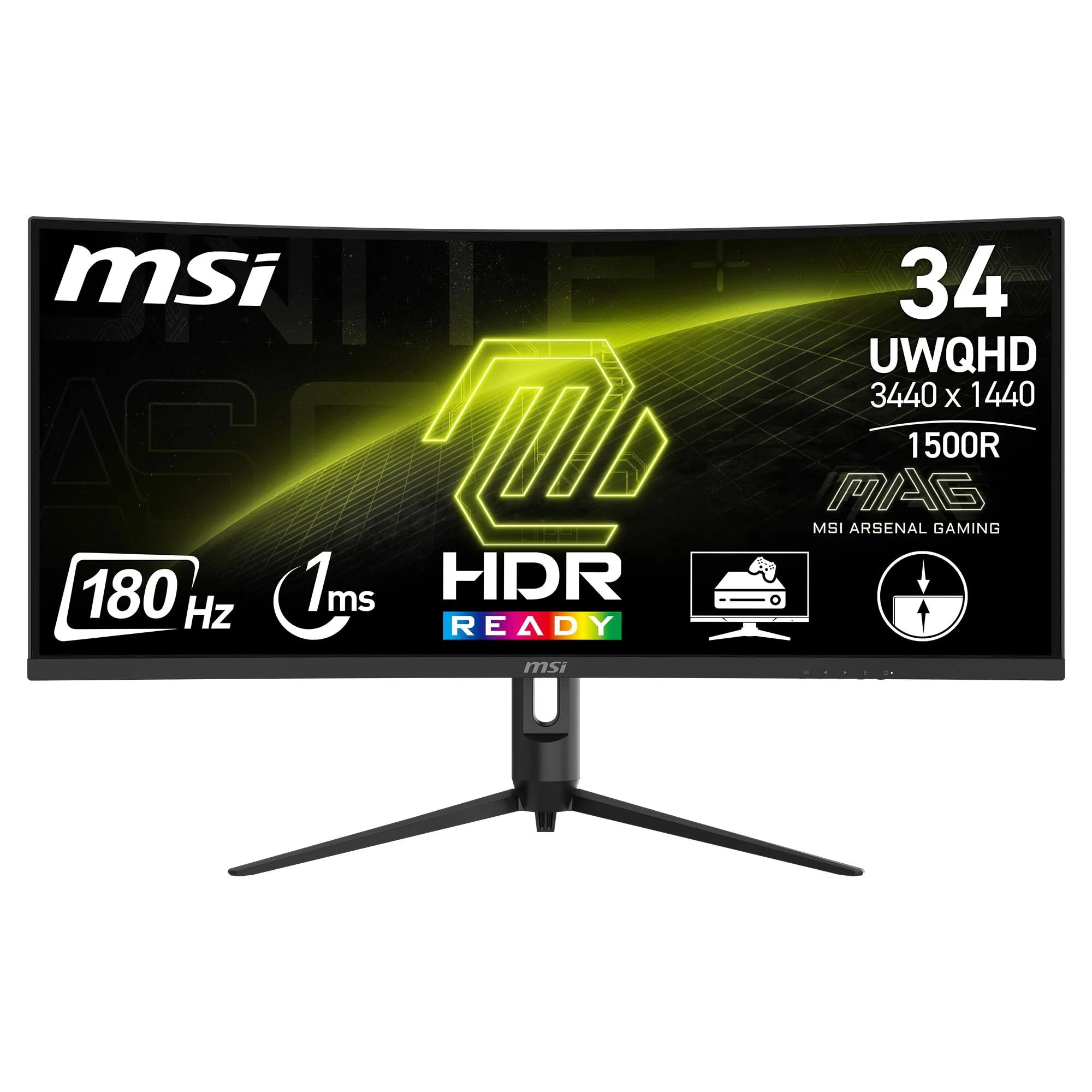
MSI MAG 342CQR E2 Gaming Monitor Review: Ultrawide Performance Powerhouse
The MSI MAG 342CQR E2 is an impressive budget ultrawide that delivers 180Hz gaming, good colour accuracy, and excellent contrast at a competitive price. At £215.10, it offers tremendous value for gamers who prioritise screen real estate and immersion over absolute motion clarity, though VA panel limitations mean some dark scene smearing is inevitable.
- Excellent value for a 180Hz ultrawide with decent specs
- Superior contrast ratio delivers deep blacks and immersive image quality
- Good colour coverage (119% sRGB, 90% DCI-P3) for the price
- Dark scene smearing typical of VA panels affects fast motion in dim environments
- Limited viewing angles – colour shifts when viewed off-axis
- No USB-C or USB hub functionality
Excellent value for a 180Hz ultrawide with decent specs
Dark scene smearing typical of VA panels affects fast motion in dim environments
Superior contrast ratio delivers deep blacks and immersive image quality
The full review
9 min readThe MSI MAG 342CQR E2 is a 34-inch ultrawide curved gaming monitor that promises high refresh rates and immersive visuals for under £400. After spending weeks testing this VA panel, I’ve found a monitor that delivers solid gaming performance and excellent value, though it’s not without the typical VA panel compromises. Let’s examine whether this ultrawide is the right choice for your setup.
MSI MAG 342CQR E2 Specifications
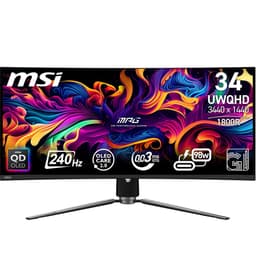
The MAG 342CQR E2 features a 34-inch VA panel with 3440 x 1440 resolution (UWQHD) and a 21:9 aspect ratio. The 1500R curvature is quite aggressive, wrapping around your field of view more noticeably than the gentler 1800R curves found on some competitors. MSI claims a 1ms MPRT response time, which as always is marketing nonsense – the real grey-to-grey response times are considerably slower, as we’ll discuss in the motion performance section.
The 180Hz refresh rate is achieved via DisplayPort 1.4a, whilst HDMI 2.0b connections are limited to 100Hz. This is worth noting if you’re planning to use this with a console – the PlayStation 5 and Xbox Series X won’t be able to drive this at full refresh rate, though the ultrawide format isn’t ideal for console gaming anyway given most games don’t support 21:9 aspect ratios.
Panel Quality
The VA panel delivers the expected strengths and weaknesses of this technology. The 3000:1 native contrast ratio is superb compared to IPS panels, which typically manage around 1000:1. This means genuinely deep blacks in dark scenes without the greyish wash you’d see on an IPS display. I tested this with various games including Cyberpunk 2077 and Resident Evil Village, and the inky blacks really do enhance immersion in darker environments.
Peak brightness measured around 350 nits in my testing, which is adequate for most indoor environments but won’t overcome strong sunlight. MSI claims support for 1.07 billion colours (8-bit + FRC), and the 119% sRGB coverage means colours are vibrant, though occasionally oversaturated out of the box. I’d recommend dialling back the saturation slightly in the OSD if you’re doing any colour-critical work.
The 90% DCI-P3 coverage is respectable for this price point, though professional content creators should look elsewhere. Out-of-box colour accuracy was decent with a Delta E of around 2.5 after some tweaking, but this isn’t a factory-calibrated display. The panel lottery is real with VA technology – some units show better uniformity than others, and I noticed slight brightness variations in solid grey test patterns, particularly in the corners.
Viewing angles are the Achilles heel of VA panels. Move off-centre vertically and you’ll see colour shifting and contrast loss. For a single-user setup this isn’t an issue, but if you’re planning to watch films with others gathered around, the person sitting off-axis won’t get the same image quality. Similar to what we noted in our AOC 34-inch ultrawide review, this is simply the trade-off you accept for superior contrast.
Motion Handling
Let’s address the elephant in the room: that claimed 1ms response time is MPRT (Moving Picture Response Time), not grey-to-grey. In reality, average pixel transitions measure between 6-8ms depending on the overdrive setting. This is perfectly acceptable for most gaming scenarios, but it’s not in the same league as fast IPS panels or OLED displays.
I tested motion performance extensively using UFO Test patterns and various games. At 180Hz with the overdrive set to ‘Fast’ (the middle setting), motion clarity is good in bright-to-bright transitions. You’ll notice some trailing in fast-paced competitive shooters like Valorant or Counter-Strike 2, but it’s not egregious. Where the VA panel really struggles is with dark-to-dark transitions – the infamous black smearing that VA technology is known for.
In darker game scenes, particularly in titles like Elden Ring or horror games, you’ll see noticeable ghosting when panning the camera quickly. Dark grey objects moving across black backgrounds leave visible trails. This is less apparent at 180Hz than it would be at lower refresh rates, but it’s still there. If you’re primarily playing brightly-lit competitive games or racing titles, you’ll barely notice. If you live in Bloodborne or similar dark fantasy games, it becomes more obvious.
The overdrive implementation is reasonably well-tuned. The ‘Fast’ setting provides the best balance – ‘Fastest’ introduces some inverse ghosting (overshoot), whilst ‘Normal’ is too slow. Unlike some budget monitors, MSI hasn’t completely botched the overdrive tuning, which is refreshing. The KTC 32-inch curved monitor we reviewed had more aggressive overshoot issues at higher settings.
Adaptive sync works well via both FreeSync and G-Sync Compatible modes. I tested with both an AMD RX 7800 XT and Nvidia RTX 4070, and experienced no flickering or frame pacing issues within the variable refresh rate range (48-180Hz). Screen tearing is eliminated effectively, which is crucial given the GPU horsepower needed to drive 3440 x 1440 at high frame rates.
HDR Performance: Not Applicable
The MAG 342CQR E2 doesn’t support HDR, and frankly, that’s fine. Too many budget monitors slap an ‘HDR compatible’ badge on panels with 250 nits brightness and no local dimming, creating a worse experience than SDR. MSI has wisely avoided this marketing trap. With only 350 nits peak brightness and no dimming zones, any HDR implementation would be purely cosmetic.
If HDR is essential for your workflow or gaming preferences, you’ll need to spend considerably more. Proper HDR requires at least 600 nits sustained brightness and local dimming, which pushes you into £600+ territory for ultrawide formats. The MSI MAG 272QP QD-OLED offers genuine HDR, but at a significantly higher price and smaller screen size.
Inputs & Connectivity
Connectivity is functional rather than feature-rich. You get one DisplayPort 1.4a and two HDMI 2.0b ports, which is sufficient for most users. The DisplayPort connection is essential if you want the full 180Hz refresh rate – HDMI is capped at 100Hz, which is a limitation of the HDMI 2.0b specification at this resolution.
There’s no USB-C connectivity, which isn’t surprising at this price point but would have been nice for laptop users wanting a single-cable solution. Similarly, there’s no USB hub functionality, so you can’t use the monitor as a connection point for peripherals. The HDMI ports do support CEC (Consumer Electronics Control), allowing some basic control of connected devices, though this is a niche feature most users won’t utilise.
Audio output is provided via a 3.5mm headphone jack on the rear. There are no built-in speakers, which is absolutely fine – monitor speakers are universally terrible, and their absence helps keep costs down. If you need audio, use proper headphones or external speakers.
Stand & Build
The included stand offers height adjustment and tilt, which is better than many budget ultrawides. Build quality is solid plastic rather than premium metal, but it’s stable and wobble-free. VESA 100×100 mounting is supported if you prefer an arm.
I was pleasantly surprised by the stand quality. Many budget monitors skimp here, offering only basic tilt adjustment, but the MAG 342CQR E2 includes height adjustment with approximately 100mm of travel. This makes it much easier to achieve proper ergonomic positioning without resorting to books or monitor arms immediately.
Tilt adjustment offers around -5 to +20 degrees, which is standard. There’s no swivel or pivot functionality, though pivot on a 34-inch ultrawide would be somewhat pointless anyway – you’re not using this in portrait orientation. The stand footprint is reasonably compact considering the screen size, with a Y-shaped base that provides good stability without consuming excessive desk space.
Build quality is what you’d expect at this price: sturdy plastic rather than aluminium. The panel doesn’t flex or creak, and once assembled, the whole unit feels solid. There’s minimal wobble when typing, though you’ll notice some movement if you thump the desk. The rear features MSI’s typical gaming aesthetic with red accents, which you’ll either love or ignore depending on your taste.
VESA 100×100 mounting is supported if you want to use a monitor arm. Given the weight (around 7kg with stand), ensure your arm is rated for this mass. Cable management is basic – there’s a clip on the stand to route cables, but nothing elaborate.
Alternatives: How Does It Compare?
The ultrawide gaming monitor market is increasingly competitive, with several viable alternatives around this price point. The AOC CU34G2X offers similar specs but with a lower 144Hz refresh rate, typically selling for around £320. The 36Hz difference is noticeable if your GPU can push those frames, making the MSI better value if you have the hardware to support it.
The LG 34WR50QK we reviewed previously takes a different approach with an IPS panel and 100Hz refresh rate. You gain better viewing angles and no dark smearing, but lose contrast and refresh rate. It’s a better choice for colour-critical work, whilst the MSI is superior for gaming.
Gigabyte’s G34WQC A is perhaps the closest competitor, offering 144Hz VA performance at a similar price. The MSI edges ahead with higher refresh rates and slightly better colour coverage, but both are solid choices. If you can find the Gigabyte significantly cheaper, it’s worth considering.
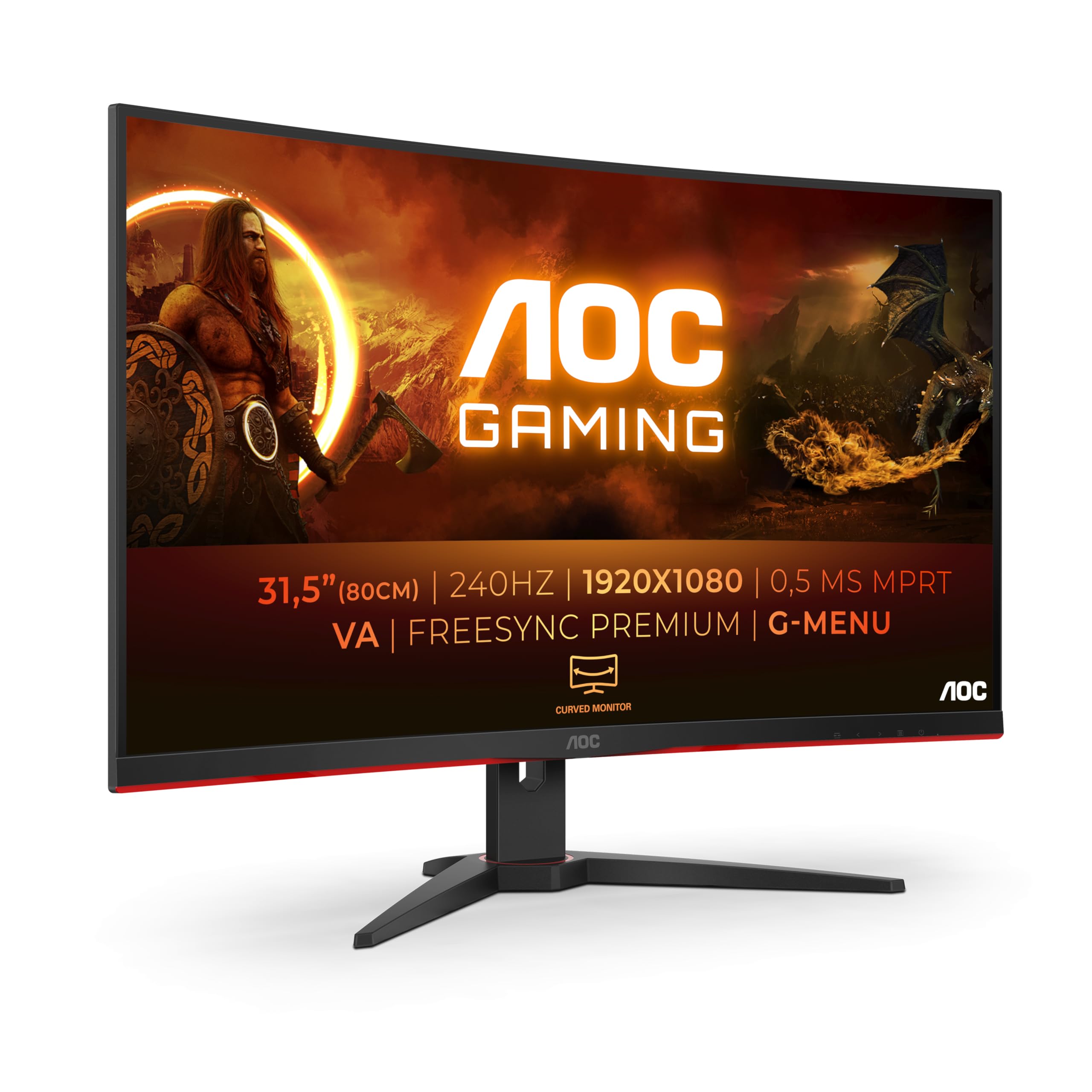
For those willing to spend more, the Dell S3422DWG (around £450) offers improved build quality and better motion performance, though still with a VA panel. If motion clarity is your priority and budget allows, that’s a worthwhile upgrade. Alternatively, dropping to a 32-inch 16:9 display like the AOC C32G2ZE gives you 240Hz performance at a lower price, though you lose the ultrawide immersion.
Is the MSI MAG 342CQR E2 good for gaming?
Yes, the MAG 342CQR E2 is well-suited for gaming, particularly single-player and casual competitive titles. The 180Hz refresh rate provides smooth motion, and the 3440 x 1440 ultrawide resolution offers excellent immersion. However, the VA panel exhibits some dark scene smearing during fast motion, which may be noticeable in competitive esports. For games like racing sims, RPGs, and adventure titles, it performs excellently. The high contrast ratio enhances darker game environments significantly.
Does the MSI MAG 342CQR E2 have good HDR?
The MAG 342CQR E2 does not support HDR, which is actually preferable to fake ‘HDR compatible’ implementations found on similarly-priced monitors. With only 350 nits peak brightness and no local dimming zones, any HDR would be purely cosmetic and potentially worse than SDR. If genuine HDR performance is essential, you’ll need to invest in monitors with at least HDR600 certification and proper local dimming, which typically cost £600 or more in ultrawide formats.
What panel type is the MSI MAG 342CQR E2?
The MAG 342CQR E2 uses a VA (Vertical Alignment) panel. This technology offers superior contrast ratios (3000:1 native) compared to IPS panels, resulting in deeper blacks and better image depth. However, VA panels have slower pixel response times, particularly in dark-to-dark transitions, which can cause smearing in fast-moving dark scenes. Viewing angles are also more limited than IPS – colours shift when viewed off-axis. For a single-user gaming setup where contrast matters, VA is an excellent choice.
Is the MSI MAG 342CQR E2 good for photo editing?
The MAG 342CQR E2 is acceptable for casual photo editing but not ideal for professional colour-critical work. It offers 119% sRGB and 90% DCI-P3 coverage, which is decent for the price, but lacks factory calibration. Out-of-box colour accuracy measures around Delta E 2.5, which improves with manual calibration. The limited viewing angles of the VA panel can be problematic when evaluating images from different positions. Professional photographers and designers should consider factory-calibrated IPS displays with better uniformity and colour accuracy.
Does the MSI MAG 342CQR E2 have a USB-C port?
No, the MAG 342CQR E2 does not include USB-C connectivity. The monitor features one DisplayPort 1.4a (required for 180Hz), two HDMI 2.0b ports (limited to 100Hz), and a 3.5mm audio output. There’s no USB hub functionality either, so you cannot use the monitor as a connection point for peripherals. For laptop users wanting single-cable connectivity with power delivery, you’ll need to look at more expensive models with USB-C/Thunderbolt support.
What works. What doesn’t.
6 + 5What we liked6 reasons
- Excellent value for a 180Hz ultrawide with decent specs
- Superior contrast ratio delivers deep blacks and immersive image quality
- Good colour coverage (119% sRGB, 90% DCI-P3) for the price
- Height-adjustable stand included, better than most budget competitors
- Aggressive 1500R curve enhances immersion for gaming
- Adaptive sync works well with both AMD and Nvidia GPUs
Where it falls5 reasons
- Dark scene smearing typical of VA panels affects fast motion in dim environments
- Limited viewing angles – colour shifts when viewed off-axis
- No USB-C or USB hub functionality
- HDMI limited to 100Hz, DisplayPort required for full 180Hz
- Panel uniformity can vary between units (VA lottery)
Full specifications
5 attributes| Key features | IMMERSIVE & FRAMELESS GAMING - MSI curved monitors deliver a more immersive gaming experience with a 1500R curvature (1500mm radius) and 'frameless' design, which reduces bezel lines between screens |
|---|---|
| 34” UWQHD, 180 Hz RAPID BOOST - A 3440 x 1440 VA panel (21:9 aspect ratio) featuring a high 180 Hz refresh rate (Adaptive Sync) for smooth aiming/movement tracking; a low 1ms (MPRT) response time is ideal for esports events | |
| WIDE COLOUR GAMUT - The MAG 342CQR E2 supports up to 1.07 billion colours at 119% sRGB for more immersive images & details; features Less Blue Light and employs Anti-Flicker technology to reduce eye fatigue | |
| DYNAMIC CONTRAST & AI VISION - The VA panel comes with an excellent 1:3000 native contrast, and supports dynamic contrast (1:100M); MSI AI Vision enriches details in dark areas and optimizes brightness and colors. | |
| HDMI CEC CONNECTIVITY - PC console & laptop interface options include DisplayPort 1.4a (UWQHD / 180 Hz max.) & HDMI 2.0b CEC ports (UWQHD / 100 Hz max.); The monitor rear features an adjustable stand |
If this isn’t right for you
2 options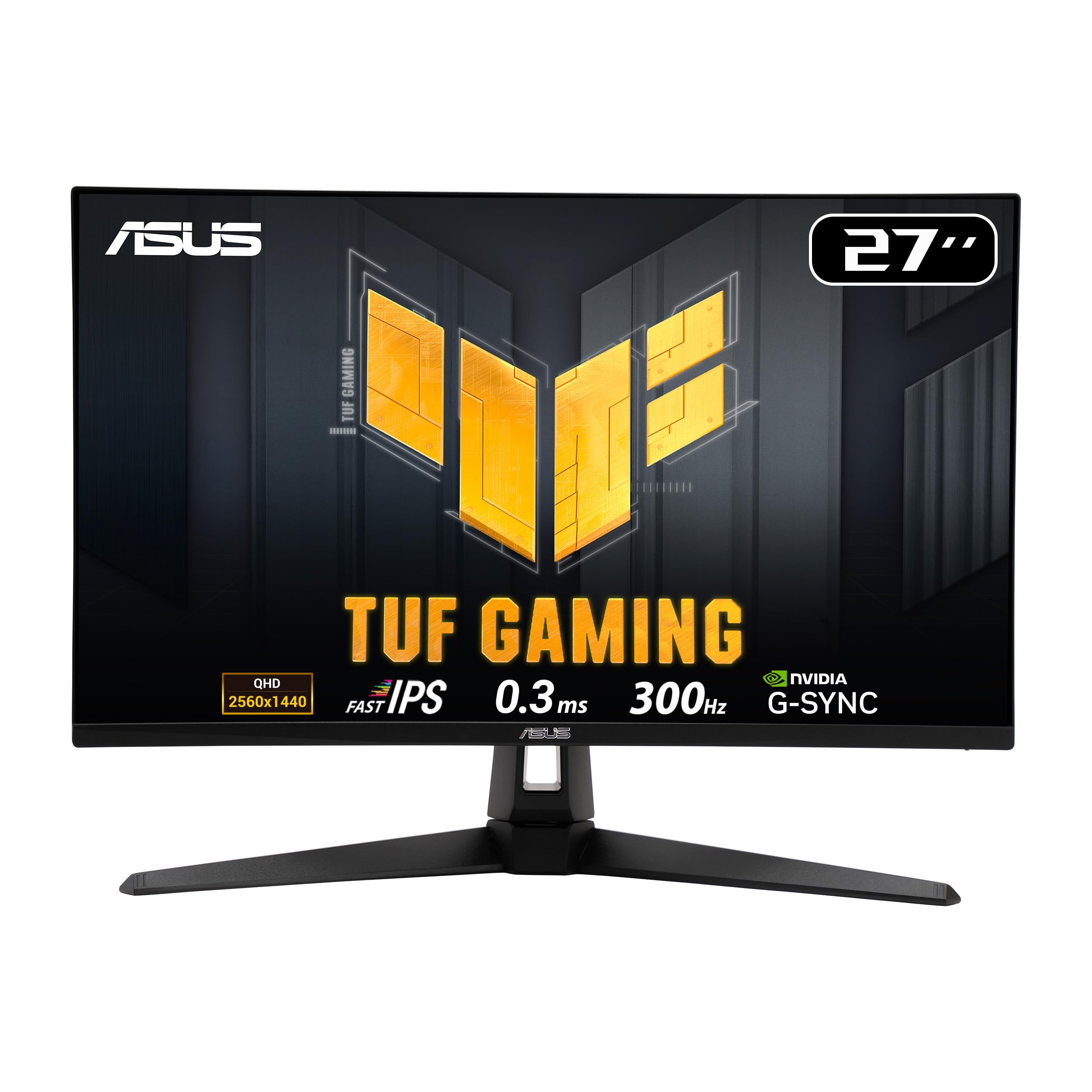
Frequently asked
5 questions01Is the MSI MAG 342CQR E2 good for gaming?+
Yes, the MAG 342CQR E2 is well-suited for gaming, particularly single-player and casual competitive titles. The 180Hz refresh rate provides smooth motion, and the 3440 x 1440 ultrawide resolution offers excellent immersion. However, the VA panel exhibits some dark scene smearing during fast motion, which may be noticeable in competitive esports. For games like racing sims, RPGs, and adventure titles, it performs excellently. The high contrast ratio enhances darker game environments significantly.
02Does the MSI MAG 342CQR E2 have good HDR?+
The MAG 342CQR E2 does not support HDR, which is actually preferable to fake 'HDR compatible' implementations found on similarly-priced monitors. With only 350 nits peak brightness and no local dimming zones, any HDR would be purely cosmetic and potentially worse than SDR. If genuine HDR performance is essential, you'll need to invest in monitors with at least HDR600 certification and proper local dimming, which typically cost £600 or more in ultrawide formats.
03What panel type is the MSI MAG 342CQR E2?+
The MAG 342CQR E2 uses a VA (Vertical Alignment) panel. This technology offers superior contrast ratios (3000:1 native) compared to IPS panels, resulting in deeper blacks and better image depth. However, VA panels have slower pixel response times, particularly in dark-to-dark transitions, which can cause smearing in fast-moving dark scenes. Viewing angles are also more limited than IPS - colours shift when viewed off-axis. For a single-user gaming setup where contrast matters, VA is an excellent choice.
04Is the MSI MAG 342CQR E2 good for photo editing?+
The MAG 342CQR E2 is acceptable for casual photo editing but not ideal for professional colour-critical work. It offers 119% sRGB and 90% DCI-P3 coverage, which is decent for the price, but lacks factory calibration. Out-of-box colour accuracy measures around Delta E 2.5, which improves with manual calibration. The limited viewing angles of the VA panel can be problematic when evaluating images from different positions. Professional photographers and designers should consider factory-calibrated IPS displays with better uniformity and colour accuracy.
05Does the MSI MAG 342CQR E2 have a USB-C port?+
No, the MAG 342CQR E2 does not include USB-C connectivity. The monitor features one DisplayPort 1.4a (required for 180Hz), two HDMI 2.0b ports (limited to 100Hz), and a 3.5mm audio output. There's no USB hub functionality either, so you cannot use the monitor as a connection point for peripherals. For laptop users wanting single-cable connectivity with power delivery, you'll need to look at more expensive models with USB-C/Thunderbolt support.