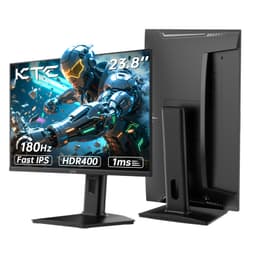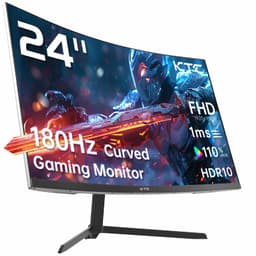
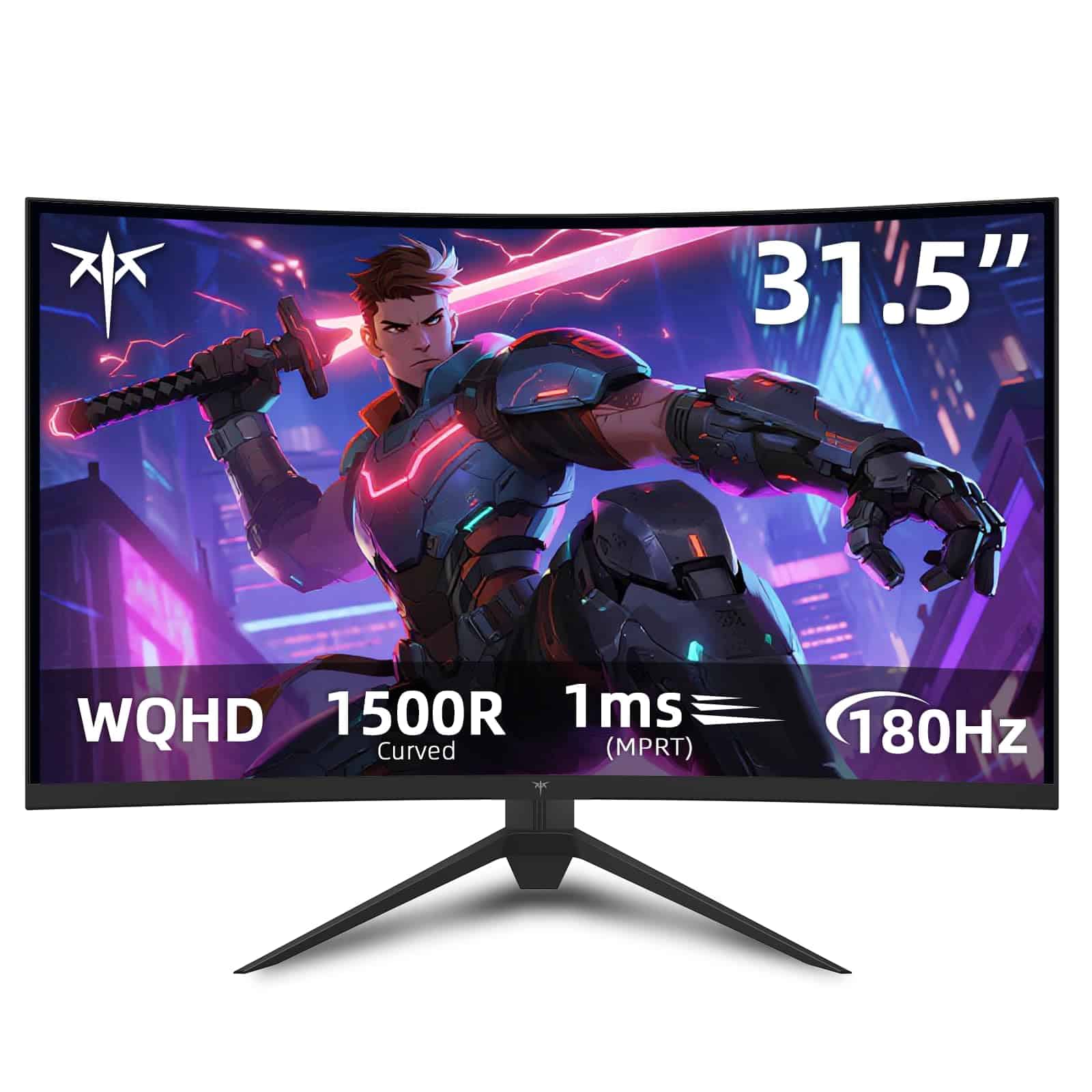
KTC 32 inch 170Hz Curved Gaming Monitor
- Smooth 170Hz refresh rate with wide VRR range works brilliantly for gaming
- Excellent 3000:1 contrast ratio delivers proper blacks and depth in dark scenes
- Curved 32 inch panel creates immersive gaming experience without feeling gimmicky
- HDR implementation is pointless – stick with SDR mode
- VA panel shows trailing in dark scene transitions typical for the technology
- Limited colour accuracy and gamut make this unsuitable for colour-critical work
Stock alert
Currently unavailable on Amazon UK
The KTC 32 inch 170Hz Curved Gaming Monitor is out of stock right now. Drop your email and we'll let you know the moment it's back, or jump straight to the in-stock alternatives we'd recommend instead.
In-stock alternatives
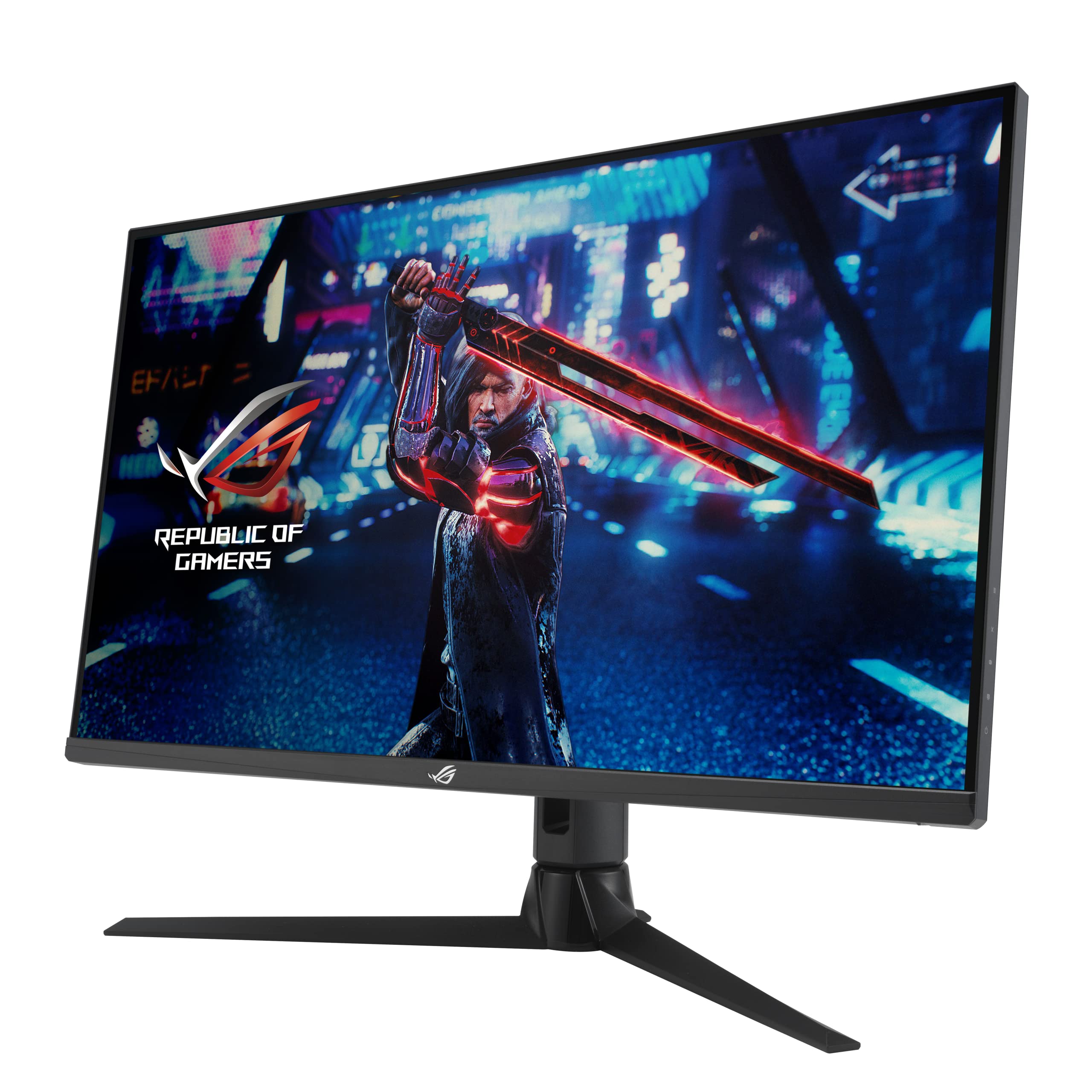
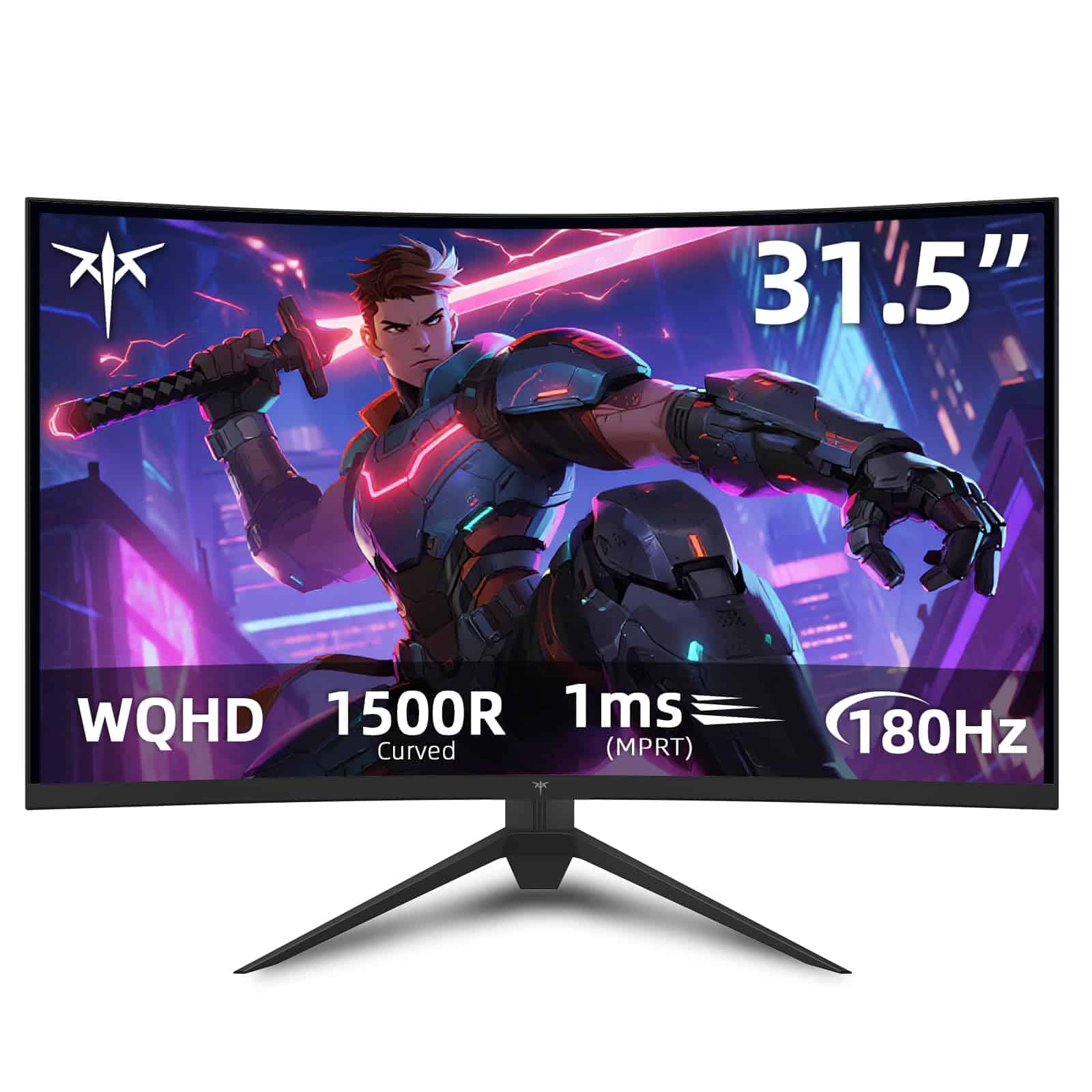
Smooth 170Hz refresh rate with wide VRR range works brilliantly for gaming
HDR implementation is pointless – stick with SDR mode
Excellent 3000:1 contrast ratio delivers proper blacks and depth in dark scenes
The full review
3 min readThe KTC sits in a competitive space. The AOC CQ32G2SE costs slightly less and offers similar performance with a 165Hz refresh rate. You’re trading 5Hz for a small saving, which is a reasonable trade-off if budget is tight.
The MSI G32C4 E2 pushes refresh to 180Hz but costs a bit more. That extra 10Hz over the KTC won’t make a noticeable difference in practice. Both use similar VA panels with comparable response times.
All three monitors in this bracket use similar VA panel technology with comparable contrast and response times. Your choice comes down to price and specific features rather than dramatic performance differences. The KTC offers solid value at its current price point without obvious compromises compared to competitors.
If you’re interested in exploring another high-performance option, the Gawfolk 32-inch 1080p 180Hz Gaming Monitor is worth considering for its impressive refresh rate and unique features. For a detailed look at another gaming monitor, check out our CRUA 30-inch 1080p 200Hz Gaming review UK. Additionally, for those looking for a high-quality alternative, the Samsung 27-inch 1440p 165Hz Gaming Monitor offers a compelling option with its own set of features.
For those considering a different size and resolution, the FeuVision 24-inch 1080p 180Hz Gaming Monitor provides a compact yet high-performance alternative, ideal for gamers who prioritize speed and responsiveness in a smaller form factor.
What Buyers Are Saying
The limited review count at this stage means we can’t draw broad conclusions about long-term reliability or common failure modes. As more buyers receive and test these units, we’ll get a clearer picture of quality control and durability.
Value Analysis: What You’re Actually Getting
In the mid-range bracket, you’re getting genuine gaming features like high refresh rates and adaptive sync without the premium you’d pay for OLED panels or Mini-LED backlighting. Cheaper options below £150 typically sacrifice refresh rate or stick with 1080p resolution. Upper-mid options above £300 add better colour accuracy, proper HDR, or faster panel technology, but you’re paying significantly more for incremental improvements.
At this price point, the KTC delivers the features that matter most for gaming: high refresh rate, decent response time, and good contrast. You’re not getting premium colour accuracy or meaningful HDR, but those aren’t priorities for most gamers anyway.
The 32 inch 1440p curved VA panel combination is the sweet spot for immersive gaming without requiring top-tier GPU power. You get noticeably better image quality than 1080p without the performance hit of 4K.
Compared to budget options under £150, you’re paying extra for the 170Hz refresh rate and better build quality. That’s money well spent if you have a GPU capable of pushing high frame rates. If you’re stuck with an older GPU that struggles to exceed 60fps, you’d be better served by a cheaper 144Hz display.
Against upper-mid options in the £300-500 bracket, you’re saving money by accepting VA panel quirks and skipping premium features like USB-C connectivity and robust HDR. For pure gaming performance, those savings make sense.
Final Verdict
Customer Rating: 4.3
What works. What doesn’t.
5 + 5What we liked5 reasons
- Smooth 170Hz refresh rate with wide VRR range works brilliantly for gaming
- Excellent 3000:1 contrast ratio delivers proper blacks and depth in dark scenes
- Curved 32 inch panel creates immersive gaming experience without feeling gimmicky
- Low input lag and decent response times make competitive gaming responsive
- Solid value in the mid-range bracket with features that matter
Where it falls5 reasons
- HDR implementation is pointless – stick with SDR mode
- VA panel shows trailing in dark scene transitions typical for the technology
- Limited colour accuracy and gamut make this unsuitable for colour-critical work
- Basic stand lacks swivel and has limited height adjustment
- No USB-C or USB hub features
Full specifications
6 attributes| Refresh rate | 170 |
|---|---|
| Panel type | HVA |
| Resolution | 1440p |
| Adaptive sync | FreeSync |
| Response time | 1ms |
| Size | 32 |
If this isn’t right for you
2 options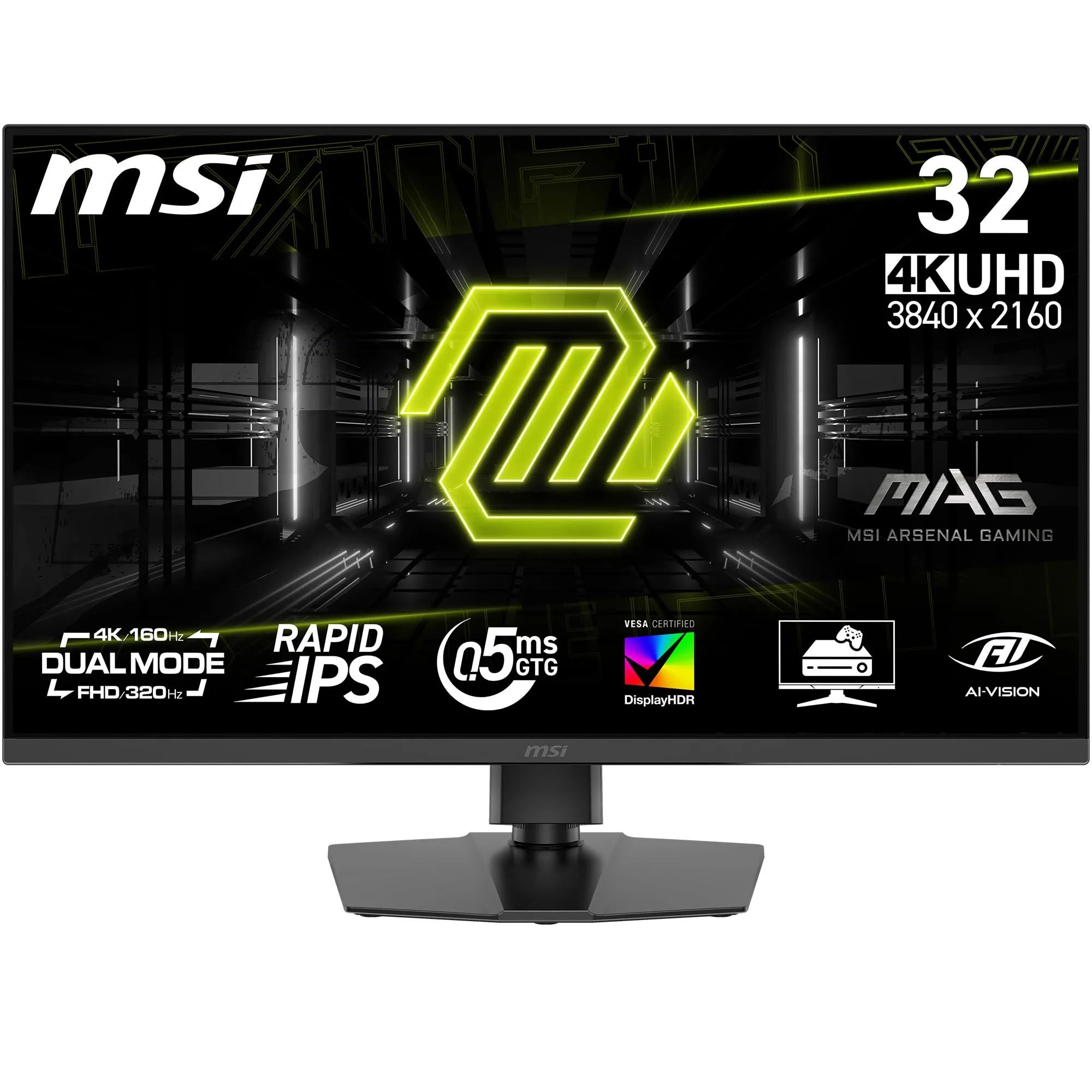
Frequently asked
7 questions01Is the KTC H32S17 worth buying in 2025?+
Yes, if you want 32-inch 1440p gaming under £300. The panel delivers smooth 170Hz performance with excellent VA contrast. Just understand you're getting budget build quality and basic features. For the price point, it's genuinely impressive. Better alternatives exist if you spend £400+, but in the sub-£300 category, this is one of the best options for immersive gaming.
02How does the KTC H32S17 compare to the Samsung Odyssey G5?+
The Samsung offers tighter 1000R curve, better build quality, and more reliable customer support. Panel performance is similar—both use VA technology with comparable contrast and response times. The Samsung costs £50-80 more. If brand reputation and warranty confidence matter to you, get the Samsung. If you want to save money and don't mind buying from a lesser-known brand, the KTC performs nearly identically in actual gaming.
03What's the biggest downside of the KTC H32S17?+
The stand. It's tilt-only with no height adjustment, which is frustrating at this size. I immediately bought a monitor arm for £30 to fix this. Second biggest issue is the panel lottery—my unit has backlight bleed in one corner. Third is the lack of proper HDR support despite the marketing claims. If you can live with these compromises, everything else is solid for the price.
04Does the KTC H32S17 work with PS5 and Xbox Series X?+
Yes via HDMI, but you're capped at 120Hz maximum due to HDMI 2.0 limitations. The consoles will output 1440p resolution fine, and VRR works properly on both. You'll only get the full 170Hz refresh rate on PC using DisplayPort. For console gaming, this is still a good monitor, but you're not utilizing the maximum refresh rate.
05Is 32 inches too big for 1440p resolution?+
Not at typical desk viewing distances of 60-80cm. Pixel density is 92 PPI, which is perfectly sharp for gaming. You won't see individual pixels unless you sit closer than 50cm. I came from a 27-inch 1440p monitor (109 PPI) and honestly don't notice the slight reduction in sharpness. The extra screen real estate is worth it for immersive games. If you sit very close or do text-heavy work, 27 inches might be better.
06Can you fix the ghosting on this VA panel?+
Partially. The overdrive setting on Normal mode helps reduce trailing without introducing inverse ghosting. But VA panels inherently have slower pixel response than IPS, so some ghosting in dark scenes is unavoidable. In normal gaming with varied colours and lighting, I rarely notice it. In horror games with dark environments and fast camera movement, there's visible trailing. It's the trade-off for getting excellent contrast. If response time is your priority, buy an IPS monitor instead.
07Should I wait for a sale or buy the KTC H32S17 now?+
These budget Chinese brand monitors don't typically have massive sales cycles like established brands. Pricing fluctuates by £20-30 based on stock levels rather than scheduled promotions. If it's currently under £260, that's reasonable value. Above £280, you're getting close to Samsung Odyssey G5 territory where the better brand support becomes worth the premium. Check current pricing on Amazon and if it's in the £230-260 range, that's a decent time to buy.