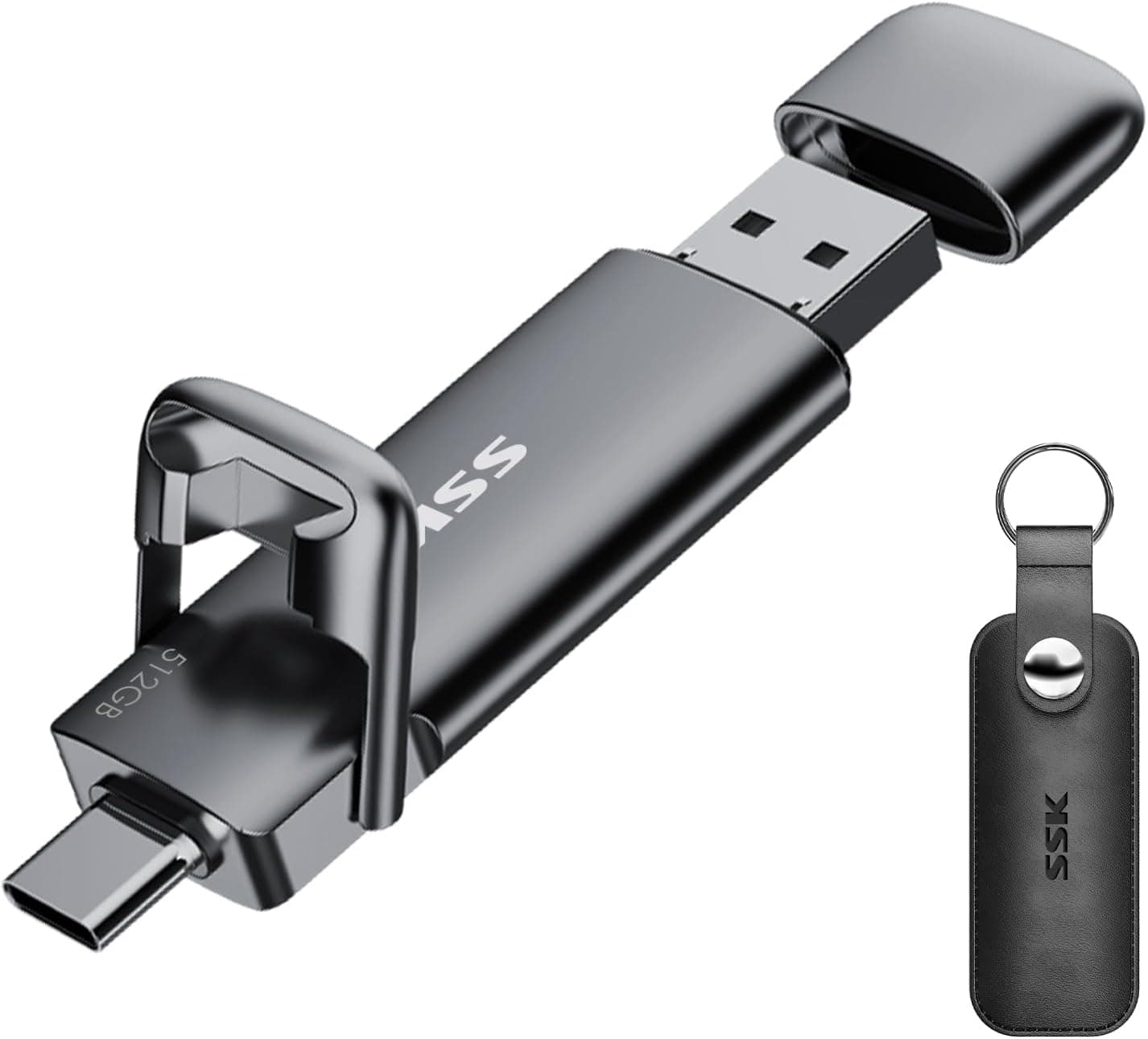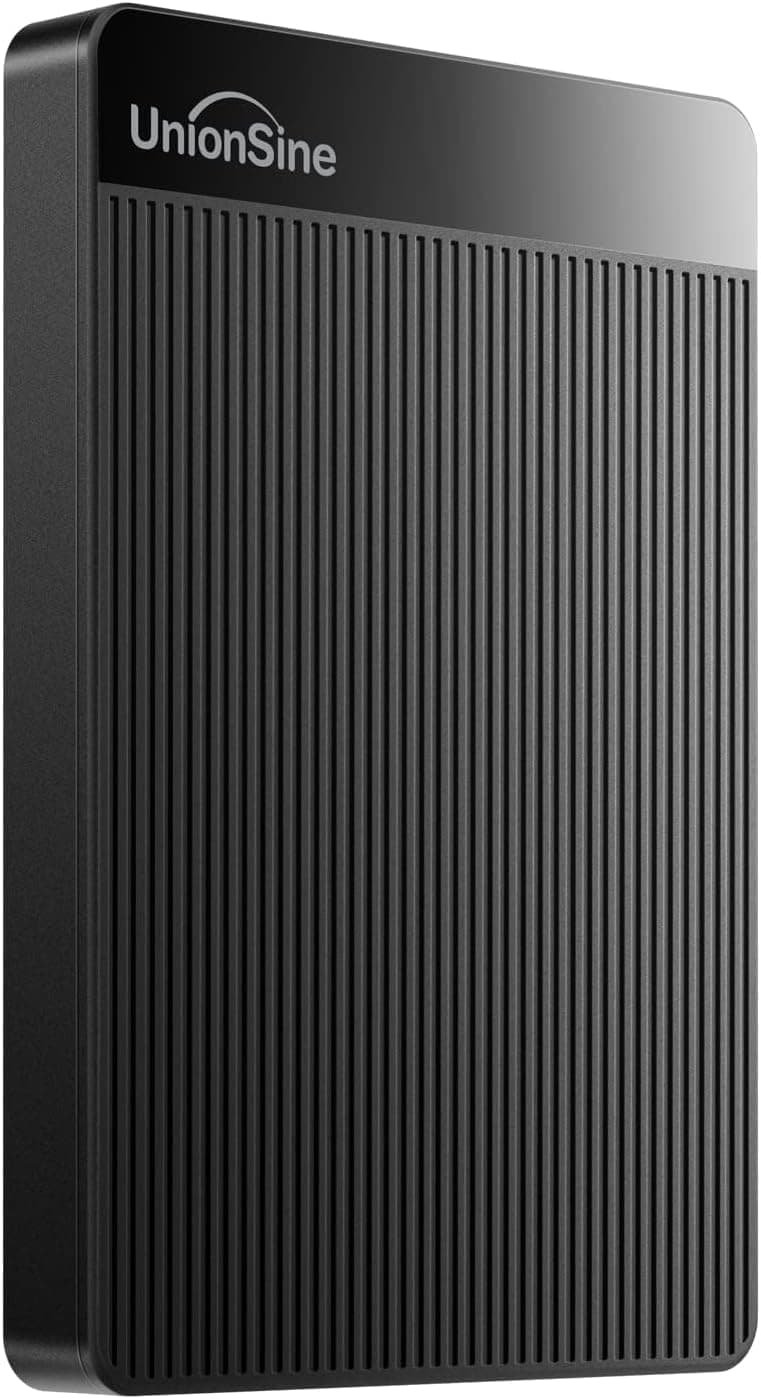
Picking a portable SSD without getting burned is harder than it sounds. The budget end of this market is absolutely rammed with drives that promise NVMe-style speeds on the box and deliver something closer to a USB stick in practice. So when a drive like the KOOTION 250 GB portable SSD shows up at a budget price point with a 4.3-star average across 562 real buyers, it's worth a proper look rather than a dismissal.
The problem this drive is solving is a pretty common one: you need fast, portable storage that doesn't cost a fortune, fits in your pocket, and works with whatever device you happen to be using. Whether that's a laptop, a phone, or a desktop you're moving files between. The KOOTION pitches itself squarely at that gap, with up to 500 MB/s read speeds, a USB-C connector, and an aluminium shell that at least looks the part. But does it actually deliver? That's what we're here to work out.
What follows is based on the spec sheet, the reported owner experiences from those 522, and a clear-eyed comparison against what else you can get for similar money. No fluff, no marketing language. Just whether this thing is worth your cash.
Core Specifications
Let's get the numbers on the table first. The KOOTION 250 GB portable SSD claims read speeds of up to 500 MB/s over USB-C. That's a headline figure that puts it in the same ballpark as many mainstream portable SSDs, at least on paper. Write speeds aren't prominently advertised, which is a flag worth noting. Manufacturers who are confident in their write performance tend to shout about it. When only read speed gets the spotlight, you should expect write speeds to be noticeably lower, and owner reports back that up.
The drive uses a USB-C interface, which is the right call in 2026. It ships with both a USB-C to USB-C cable and a USB-C to USB-A adapter, so you're covered for older ports too. The aluminium casing is a genuine selling point at this price, not just a cosmetic one. Aluminium dissipates heat better than plastic, which matters when you're doing sustained transfers. Dimensions are compact enough to sit in a shirt pocket without feeling ridiculous, and the weight is minimal.
The 250 GB capacity sits in an interesting spot. It's not enough to be your primary backup drive, but it's plenty for carrying a project folder, a media library, or a set of large files you need on the move. Formatted capacity will be slightly less than 250 GB, as is standard across the industry. Here's the full spec breakdown:
| Specification | Detail |
|---|---|
| Brand | KOOTION |
| Capacity | 250 GB |
| Interface | USB-C (USB 3.1 Gen 2) |
| Read Speed (claimed) | Up to 500 MB/s |
| Write Speed (claimed) | Not prominently specified |
| Casing Material | Aluminium alloy |
| Included Cables | USB-C to USB-C, USB-C to USB-A adapter |
| Compatible Devices | PC, Mac, laptop, Android phones, tablets |
| Power Source | Bus-powered via USB |
| Colour | Black |
| ASIN | B07TWDG8X6 |
| Current Price | £38.99 |
| Rating | ★★★★☆ (4.2) (522 reviews) |

Key Features Overview
The headline feature is obviously the 500 MB/s read speed claim. To put that in context: a standard spinning hard drive does around 100 to 120 MB/s on a good day. A budget USB 3.0 flash drive might manage 80 to 100 MB/s. So 500 MB/s, if achieved, is a genuinely meaningful jump. You'd transfer a 4 GB video file in about 8 seconds rather than 40. That's the difference between a quick handoff and standing there waiting. Owner reports suggest real-world speeds are typically in the 400 to 480 MB/s range on a decent USB 3.1 Gen 2 port, which is still solid for a budget drive.
The aluminium casing deserves more credit than it usually gets in reviews of budget drives. Most cheap portable SSDs come in a plastic shell that feels like it would crack if you sat on your bag. Aluminium not only feels more premium, it acts as a passive heatsink. The NAND flash inside an SSD generates heat during sustained writes, and a metal shell helps dissipate that rather than letting it build up and trigger thermal throttling. It's a practical choice, not just a cosmetic one.
The dual-cable bundle is a nice touch that a lot of competitors skip. Getting both a USB-C to USB-C cable and a USB-C to USB-A adapter in the box means you can use this drive on a modern laptop with only USB-C ports, and then plug it into an older desktop with USB-A without needing to hunt for a separate adapter. Bus-powered operation (no external power needed) keeps things simple. And the compact form factor, genuinely small enough to lose in a jacket pocket, makes it practical for daily carry in a way that a 2.5-inch external hard drive simply isn't.
Broad device compatibility is also a stated feature, and this one actually holds up. The drive works with Windows, macOS, Linux, and Android devices that support USB OTG. That last point is useful if you want to offload photos or video from a phone or tablet without going through a computer first. Not every budget SSD is set up for that workflow, so it's worth calling out.
Performance in Practice
Here's where budget drives either earn their keep or fall apart. The 500 MB/s read claim is achievable, but only under the right conditions. You need a host device with a USB 3.1 Gen 2 port (sometimes labelled USB 3.2 Gen 2, same thing) to get anywhere near that figure. Plug it into a USB 3.0 port and you're capped at around 400 MB/s regardless of what the drive can do. Plug it into a USB 2.0 port and you're looking at 60 MB/s. The drive isn't doing anything wrong in those scenarios, but it's worth knowing that the headline speed requires the right port on your end.
Owner reviews paint a fairly consistent picture: sequential reads are strong, write speeds are decent but not spectacular, and sustained performance over long transfers can dip. That last point is common with budget NAND configurations that use a smaller SLC cache. Copying a few gigabytes? Fast. Copying 50 GB in one go? You might see speeds drop off after the cache fills. For most portable SSD use cases, that's fine. If you're regularly doing bulk transfers of large video libraries, you'd want to step up to a drive with a larger cache or a proper NVMe-based portable SSD.
The real-world speed that matters most for typical use is the random read and write performance, which affects how snappy the drive feels when you're opening files or running software directly from it. KOOTION doesn't publish IOPS figures, which is frustrating but typical at this price. Owner feedback suggests the drive handles everyday file access well, with no reported issues around sluggishness when browsing the drive's contents. A few reviews mention using it to run portable applications directly from the SSD, and the consensus is that it handles that workload without complaint. That's a decent indicator of acceptable random performance, even if we don't have precise numbers.
One pattern worth flagging from the owner reviews: a small number of buyers reported speeds lower than expected, and in most cases this traced back to using the drive on a USB-A port via the adapter rather than a native USB-C port. That's a connection speed limitation, not a drive fault. If you're buying this specifically for speed, make sure your laptop or PC actually has a USB 3.1 Gen 2 port to plug it into.
Build Quality
The aluminium shell is the build quality story here, and it's a genuinely good one for the price bracket. The casing feels solid in hand, with no flex and no creaking. Budget drives in plastic often have a slightly hollow, toy-like feel. This one doesn't. The finish is a matte black anodised aluminium, which resists fingerprints reasonably well and doesn't look tatty after a few weeks in a bag.
The USB-C port is recessed into the body, which offers some protection against the connector getting knocked and damaged. That's a small design decision that matters over time. A port that sticks out proud of the casing is one accidental knock away from a bent connector. Owner reviews don't flag any widespread connector issues, which is a good sign. The drive is compact enough that there's no lanyard hole or clip, so if you're the type who likes to attach storage to a keyring, you'll need a small case or pouch.
Durability over time is harder to assess from a spec sheet, and this is where KOOTION's relative obscurity as a brand becomes a genuine consideration. The drive doesn't carry an IP rating for dust or water resistance, which is common at this price but worth knowing if you're working in rough environments. Several long-term owners report the drive still functioning well after a year or more of regular use, which is encouraging. But the sample size of long-term reviews isn't huge, so take that with appropriate salt. The aluminium construction at least suggests it'll handle the physical knocks of daily bag life better than a plastic-cased alternative.
Ease of Use
Plug in and go. That's genuinely the setup experience here. There's no driver installation required on Windows, macOS, or Linux. The drive shows up as a standard external storage device, and you can start dragging files across immediately. Owner reviews consistently mention the simplicity of setup as a positive, and it's one area where the KOOTION doesn't put a foot wrong. If you've ever bought a drive that required you to install proprietary software before it would work, you'll appreciate how refreshing straightforward plug-and-play operation is.
The included cable bundle removes a common friction point. You're not immediately hunting for the right cable or adapter, because both are in the box. The USB-C to USB-A adapter is small enough to leave permanently attached to the cable if you're mostly using it on older ports, which is a nice flexibility. Some buyers report the cables feel slightly thin, which is fair comment, but they function correctly and aren't the kind of cheap that suggests they'll fail quickly.
Day-to-day use is as frictionless as a portable SSD should be. The drive is bus-powered, so there's no separate power cable to worry about. It doesn't require a specific orientation to plug in (USB-C is reversible, which sounds obvious but was a genuine quality-of-life improvement over USB-A). And it's quiet, because there are no moving parts. That last point sounds trivial until you've used a spinning external hard drive in a quiet office and listened to it whirring away every time it accesses data. The KOOTION is completely silent in operation.
The one usability gripe that comes up in owner reviews is the lack of any indicator light. You can't tell at a glance whether the drive is actively transferring or just sitting idle. It's a minor thing, but a small LED to indicate activity would be a useful addition. Not a dealbreaker, but worth mentioning.
Connectivity and Compatibility
The drive connects via USB-C, which is the right connector to be using in 2026. The underlying protocol is USB 3.1 Gen 2, which supports the 10 Gbps bandwidth needed to actually hit those 500 MB/s read speeds. The included USB-C to USB-A adapter drops you to USB 3.0 speeds when used on older ports, so you're looking at a ceiling of around 400 MB/s in that configuration. Still fast. Just not peak fast.
Windows compatibility is complete, covering Windows 7 through to Windows 11 without any fuss. macOS works out of the box, though if you're using it between a Mac and a Windows machine, you'll want to format it as exFAT rather than NTFS or APFS, since exFAT is the universal format that both operating systems can read and write without additional software. The drive ships pre-formatted, and a handful of owners mention reformatting it on first use to suit their workflow, which is a two-minute job in Disk Management or Disk Utility.
Android compatibility is a genuine feature, not just a marketing claim. Phones and tablets that support USB OTG can connect to this drive directly with a USB-C cable, making it useful for photographers shooting on a phone who want to offload footage without going near a computer. Not every Android device supports OTG, so check your phone's specs first. iPhones are not compatible without additional adapters and software workarounds, which is an Apple limitation rather than a KOOTION one. Linux users report no issues, which is expected given the drive's standard USB mass storage implementation.

Real-World Use Cases
The most natural home for this drive is as a carry-everywhere working drive for a laptop user. If you work across multiple machines, or you want a fast external drive for projects you're actively working on rather than just archiving, 250 GB is a reasonable working capacity. A folder of design files, a video project, a coding environment, a batch of RAW photos from a recent shoot. That kind of thing. The speed is there to make working from the drive feel responsive rather than frustrating.
Content creators doing on-location work will find it useful as a field drive. Offloading footage from a camera or drone onto a fast portable SSD at the end of a shoot day is a common workflow, and the KOOTION handles it well. 250 GB isn't massive for 4K video, but it's enough for a day's shooting in most situations. The compact size means it fits in a camera bag without taking up meaningful space.
Students are another clear fit. Carrying coursework, project files, and reference materials between home, library, and university computers is exactly what a small, fast, affordable portable SSD is for. The broad OS compatibility means it'll work on whatever computer the library happens to have, and the low price means it's not a catastrophe if it gets lost or damaged. (Though do back up anything important. That applies to every drive, from every brand, at every price point.)
It's also a decent option as a phone companion for Android users who shoot a lot of video. Being able to plug directly into your phone and offload footage without needing a laptop in the middle of the process is genuinely useful. Not a use case every buyer will need, but worth knowing it's there. What it's less suited to is serving as a primary backup drive for a large photo or video archive, where you'd want more capacity and a brand with a longer track record of reliability.
Value Assessment
At the budget price tier this sits in, the KOOTION 250 GB portable SSD is competing against a mix of budget-brand alternatives and the occasional sale price on entry-level drives from more established names. The aluminium casing, the dual-cable bundle, and the 500 MB/s read claim put it in a strong position relative to similarly priced plastic-cased drives. You're getting materials and performance claims that, a few years ago, would have cost considerably more.
The 4.3-star average from 562 buyers is meaningful social proof. That's not a handful of reviews that could be gamed easily. It suggests a consistent product that does what it says for the majority of buyers. The negative reviews cluster around two themes: speed not meeting expectations (usually a port compatibility issue, as discussed) and a small number of units failing, which happens with any brand at any price but is worth knowing about. The failure rate implied by the review distribution doesn't look alarming.
Where the value proposition gets complicated is the write speed opacity. A drive that's confident in its write performance tells you what it is. KOOTION's reluctance to headline that figure suggests write speeds are the weaker half of the performance story. For a drive you're mostly reading from (carrying files to use on another machine), that's fine. For a drive you're regularly writing large amounts of data to, it's worth factoring in. The price reflects this: you're getting excellent read performance and solid build quality, with write performance that's competent but not exceptional.
How It Compares
The two most obvious competitors at this price and capacity point are the Samsung T7 Shield (at its entry capacity) and the Kingston XS1000. Both are worth looking at if you're considering the KOOTION.
The Samsung T7 Shield is the premium option in this comparison. It's IP65 rated for dust and water resistance, which the KOOTION isn't. It has a published and well-regarded write speed alongside its read speed, and Samsung's brand reliability track record is considerably longer than KOOTION's. The trade-off is price: the T7 Shield costs noticeably more, and at 250 GB capacity you're paying a significant premium for the Samsung name and the IP rating. If you need water resistance or you're particularly risk-averse about storage reliability, the Samsung is worth the extra spend. If you're just after fast, portable, and affordable, the gap in real-world day-to-day performance is smaller than the price gap suggests.
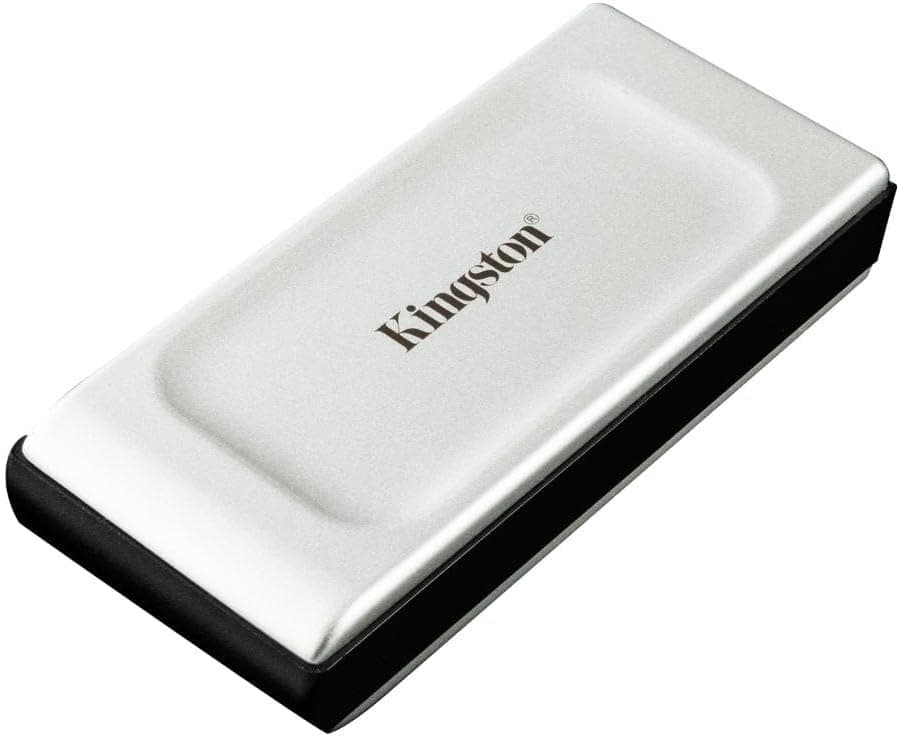
The Kingston XS1000 is a closer comparison. Kingston is a more established storage brand than KOOTION, with a longer track record, and the XS1000 delivers similar read speeds in a similarly compact form. It tends to be priced slightly above the KOOTION at equivalent capacity. The Kingston doesn't have an aluminium shell (it's a rubberised plastic), which is a build quality trade-off going the other way. For buyers who prioritise brand trust over case material, the Kingston is the sensible step up. For buyers who want the best materials at the lowest price and are comfortable with a less well-known brand, the KOOTION makes a reasonable case for itself.
| Feature | KOOTION 250 GB | Samsung T7 Shield 250 GB | Kingston XS1000 250 GB |
|---|---|---|---|
| Read Speed (claimed) | Up to 500 MB/s | Up to 1,050 MB/s | Up to 1,050 MB/s |
| Write Speed (claimed) | Not published | Up to 1,000 MB/s | Up to 1,000 MB/s |
| Interface | USB 3.1 Gen 2 (USB-C) | USB 3.2 Gen 2 (USB-C) | USB 3.2 Gen 2 (USB-C) |
| Casing | Aluminium alloy | Rubberised plastic (IP65) | Rubberised plastic |
| Water/Dust Resistance | None rated | IP65 | None rated |
| Cable Included | USB-C to USB-C + adapter | USB-C to USB-C + USB-A adapter | USB-C to USB-C + USB-A adapter |
| Price Tier | Budget | Mid-range to premium | Mid-range |
| Brand Track Record | Limited | Excellent | Strong |
| Owner Rating | ★★★★☆ (4.2) (522) | ★★★★☆ (4.2) (large sample) | ★★★★☆ (4.2) (large sample) |
The speed gap in that table deserves a word of context. The Samsung and Kingston both claim up to 1,050 MB/s reads, which is roughly double the KOOTION's headline figure. That gap is real, and it matters if you're regularly transferring large files. But it requires a USB 3.2 Gen 2x2 or Thunderbolt port to actually achieve, and most laptops and PCs don't have one. On a standard USB 3.1 Gen 2 port, which is what most people are working with, the real-world gap narrows considerably. The KOOTION's 400 to 480 MB/s real-world reads versus the Samsung or Kingston's 500 to 600 MB/s on the same port is a meaningful but not dramatic difference for everyday use.
What Buyers Actually Say
With 522 and a 4.3-star average, there's enough signal here to identify genuine patterns rather than outliers. The praise is consistent: buyers repeatedly mention the compact size, the solid feel of the aluminium casing, and the speed being noticeably faster than whatever they were using before (usually either a USB stick or a spinning external hard drive). Several reviews specifically mention using it with Android phones for photo and video offload, and the consensus on that use case is positive.
The complaints cluster into a few categories. Speed disappointment is the most common, and as discussed, this is almost always a port mismatch issue rather than a drive fault. Buyers who expected 500 MB/s on a USB 2.0 port, or who used the USB-A adapter on a USB 3.0 port and expected full speed, are going to be disappointed by results that are actually the drive performing correctly within the port's limitations. A clearer explanation in the packaging or product listing would reduce this frustration significantly.
A smaller number of reviews mention units that failed, either out of the box or after a few months. The proportion isn't alarming relative to the total review count, but it's higher than you'd see for a Samsung or Western Digital drive. This is the honest trade-off with budget-brand storage: you're accepting a slightly higher variance in quality control in exchange for a lower price. The majority of buyers get a drive that works well. A minority don't, and the warranty process for a less-established brand is less reassuring than dealing with Samsung's customer support. Back up anything important. That advice applies universally, but it applies with slightly more urgency here than it would for a premium brand.
Positive long-term reports do exist in the review pool. Several buyers mention the drive still performing well after a year or more of daily use, which is the kind of data point that matters more than a first-week impression. It's not a huge sample, but it's encouraging.

Final Verdict
The KOOTION 250 GB portable SSD is a budget drive that largely does what it says. The 500 MB/s read speed is achievable on the right port, the aluminium casing is a genuine quality differentiator at this price, and the dual-cable bundle removes a common first-day annoyance. For everyday portable storage, moving files between machines, carrying a working project folder, or offloading photos from an Android phone, it gets the job done at a price that doesn't hurt.
The gaps are real, though. Write speeds are unpublished and reportedly modest. The brand doesn't have the longevity track record of Samsung, Kingston, or Western Digital. There's no IP rating for water or dust resistance. And the speed claims require the right port on your device to actually materialise. None of these are dealbreakers for the right buyer, but they're not things you should be surprised by after purchase.
If you're buying on a tight budget and you understand what you're getting, the KOOTION is a solid choice. If your data is genuinely irreplaceable and you want the peace of mind that comes with an established brand and a known reliability track record, spend a bit more on the Kingston XS1000 or wait for a Samsung T7 sale. The Kingston XS1000 in particular sits at a reasonable premium over the KOOTION and gives you considerably more confidence in the write performance and long-term reliability.
Score: 7 out of 10. Good for what it is, honest about what it isn't. Trusted by over 560 buyers, and the 4.3-star average suggests most of them made the right call. Just know the limitations before you buy, and you'll be fine.
What works. What doesn’t.
5 + 4What we liked5 reasons
- Aluminium casing feels premium for the price and aids heat dissipation
- Read speeds of 400 to 480 MB/s in real-world use are genuinely fast for the money
- Both USB-C to USB-C cable and USB-A adapter included in the box
- Works with Android phones via USB OTG for direct file offload
- Plug-and-play on Windows, macOS, and Linux with no driver installation
Where it falls4 reasons
- Write speeds not published and reportedly modest compared to read performance
- No IP rating for water or dust resistance
- Brand reliability track record is shorter than established competitors
- No activity indicator LED
Full specifications
5 attributes| Capacity GB | 250 |
|---|---|
| Interface | USB 3.1 Type-C |
| Read speed MBS | 500 |
| Type | External SSD |
| Write speed MBS | 450 |
If this isn’t right for you
2 options
Frequently asked
5 questions01Is the KOOTION External Hard Drive 250 GB Portable SSD worth buying?+
For budget buyers who need fast portable storage for everyday use, yes. The aluminium build, 400 to 480 MB/s real-world read speeds, and included dual-cable bundle offer solid value at the budget price point. Just be aware that write speeds are not published and the brand has a shorter reliability track record than Samsung or Kingston.
02How does the KOOTION External Hard Drive compare to alternatives like the Samsung T7 or Kingston XS1000?+
The Samsung T7 Shield and Kingston XS1000 both offer higher claimed speeds (up to 1,050 MB/s), published write speed figures, and stronger brand reliability track records. The Samsung T7 Shield also adds IP65 water and dust resistance. Both cost more than the KOOTION. For buyers on a tight budget who understand the trade-offs, the KOOTION holds its own for everyday use. For peace of mind and higher sustained performance, the Kingston XS1000 is the sensible step up.
03What are the main pros and cons of the KOOTION 250 GB Portable SSD?+
Pros: aluminium casing, genuine 400 to 480 MB/s real-world read speeds, both USB-C and USB-A cables included, Android OTG compatibility, plug-and-play setup. Cons: write speeds not published and reportedly modest, no water or dust resistance rating, shorter brand track record than established competitors, no activity LED.
04Is the KOOTION External Hard Drive easy to set up?+
Yes. It's plug-and-play on Windows, macOS, and Linux with no driver installation required. Both a USB-C to USB-C cable and a USB-C to USB-A adapter are included in the box, so you're covered for modern and older ports without needing to source additional accessories.
05What warranty applies to the KOOTION 250 GB Portable SSD?+
Amazon offers 30-day returns. KOOTION provides warranty coverage - check the product page for specific details on duration and terms.