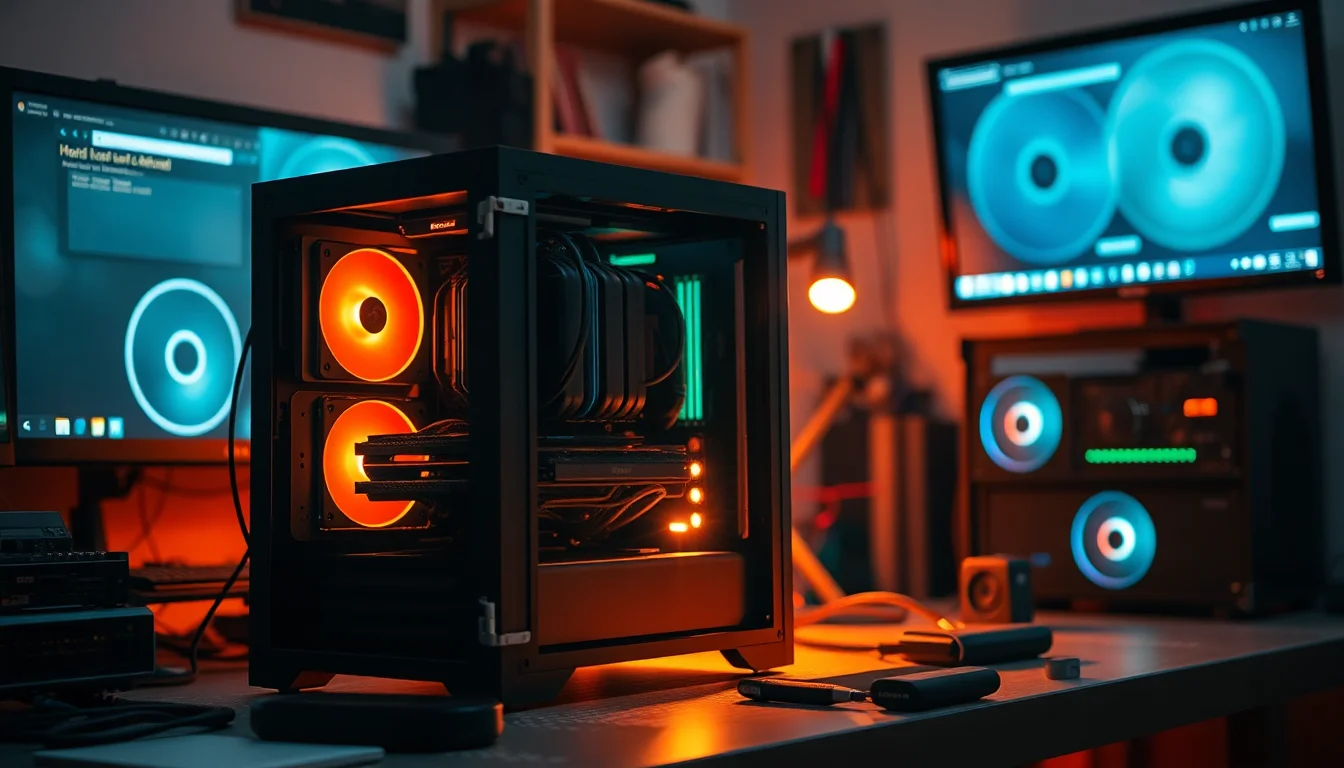
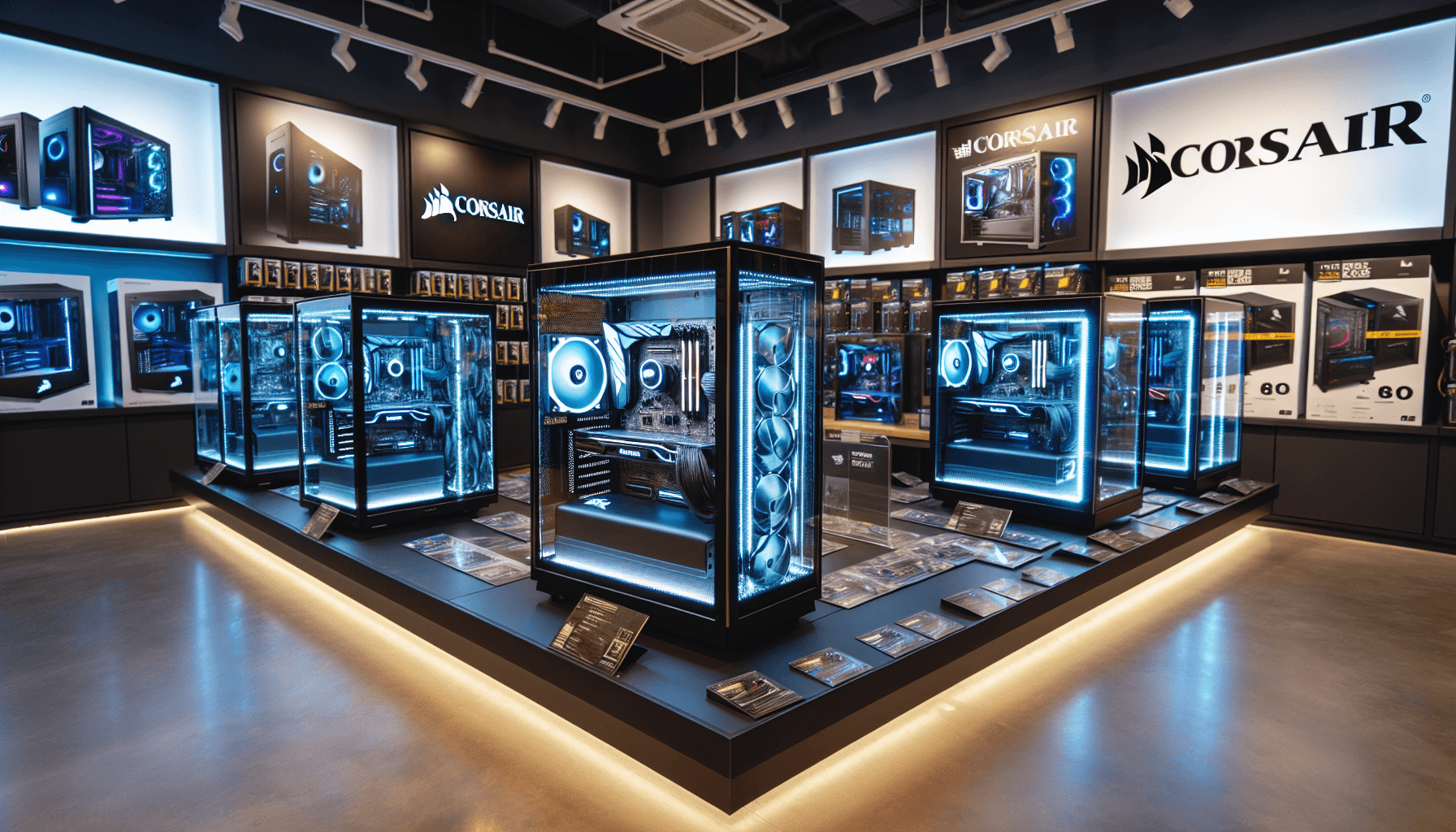
Pick the wrong case and you're fighting it for the entire build. Wrong GPU clearance, restrictive front panel killing airflow, nowhere to hide cables, panels that don't sit flush. The case is the one component you interact with physically, repeatedly, and it shapes how every other component performs thermally. So when Corsair pitches the CORSAIR 3000D RGB AIRFLOW Mid-Tower PC Case at an entry-level price with three pre-installed AR120 RGB fans, a steel mesh front, and support for up to eight 120mm fans, that's worth taking seriously. The question is whether the specs and the feedback from 815 owners actually back it up.
The short answer: yes, mostly. At this price tier, the 3000D RGB Airflow is one of the stronger options available in the UK right now. It beats the NZXT H510 Flow on raw fan capacity and included fans, and it undercuts the Corsair 4000D Airflow while sharing much of the same thermal philosophy. The white finish is genuinely clean, the airflow credentials are real rather than marketing fluff, and the ★★★★½ (4.6) rating across 817 suggests this isn't just a case that looks good in product photos. That said, there are some limitations before you hand over your money, particularly around the verified quad-slot GPU support wording versus what the listing headline states.
This is an entry-tier mid-tower aimed squarely at builders who want proper airflow without paying premium-tier prices. Whether you're putting together a Ryzen 5 gaming rig or a mid-range Intel build, the 3000D RGB Airflow is designed to keep things cool and look decent doing it. Here's what the specs and owner feedback actually tell us.
Core Specifications of the CORSAIR 3000D RGB AIRFLOW Mid-Tower PC Case
The headline numbers are solid for the price tier. You're getting a mid-tower ATX chassis with three pre-installed Corsair AR120 RGB fans straight out of the box, which is genuinely useful. Most cases at this price either ship with no fans or one generic unit. Three 120mm fans covering intake immediately means you're not spending extra on fans before the build even starts. The total fan capacity goes up to eight 120mm fans or four 140mm fans depending on configuration, and radiator support includes a 360mm up front and a 280mm in the roof (the roof 280mm being dependent on RAM height, which is for anyone running tall memory).
GPU clearance is rated at up to 360mm in length with quad-slot support, which covers most current high-end cards including the RTX 4080 Super and RX 7900 XT without issue. The PSU shroud also features two additional 120mm fan mounts specifically for direct GPU airflow, which is a thoughtful touch you don't always see at this price point. That's potentially five fans in the lower portion of the case alone if you max it out, which is serious thermal capacity for a mid-tower.
The front panel is optimised steel mesh rather than solid or tempered glass, which is the right call for a case marketing itself on airflow. Tempered glass front panels look great and kill airflow; Corsair has made the sensible choice here. Build quality from owner reports is generally positive, with the white finish holding up well and panels aligning properly out of the box. A small number of reviews mention minor flex in side panels, which is fairly standard at this price, but nothing that suggests structural issues.
| Specification | Detail |
|---|---|
| Form Factor | Mid-Tower ATX |
| Included Fans | 3x Corsair AR120 RGB (120mm) |
| Total Fan Capacity | Up to 8x 120mm or 4x 140mm |
| Front Radiator Support | Up to 360mm |
| Roof Radiator Support | Up to 280mm (RAM height dependent) |
| GPU Length Support | Up to 360mm |
| GPU Slot Support | Quad-slot |
| PSU Shroud Fan Mounts | 2x 120mm (dedicated GPU airflow) |
| Front Panel Material | Optimised steel mesh |
| Colour | White |
| Current Price | £72.99 |
| Rating | ★★★★½ (4.6) (817 reviews) |
Form Factor and Dimensions
Mid-tower is the sweet spot for most PC builds, and the 3000D RGB Airflow sits comfortably in that category. It's not a compact mid-tower that sacrifices radiator support, and it's not bloated into full-tower territory either. The footprint is standard enough to fit on most desks without dominating them, and the white finish makes it feel less industrial than the black version for anyone building in a living space rather than a dedicated office setup.
The chassis proportions are well-suited to modern component sizes. Modern GPUs have grown considerably over the past few generations, and a case that supports up to 360mm GPU length with quad-slot clearance is genuinely future-proofed for most builds. You're not going to hit clearance issues with anything short of the most extreme triple-fan flagship cards, and even those tend to fall within 360mm. The internal volume feels generous for a mid-tower, partly because the PSU shroud design keeps cables tucked away and the motherboard tray layout is clean.
One thing: the white finish does require a bit more attention to keep looking clean compared to black cases. Fingerprints show up more obviously on white panels, and dust on white surfaces is more visible. That's not a design flaw, it's just physics. If you're building in a dusty environment or you're not the type to wipe things down occasionally, the black version might be the more practical choice. But for a desk build where aesthetics matter, the white looks genuinely good, and owner reviews consistently mention how clean it looks once built up.
Motherboard Compatibility
The 3000D RGB Airflow supports ATX motherboards as its primary target, which covers the vast majority of mainstream builds. Standard ATX boards up to 305mm x 244mm will fit without issue, and the standoff layout is conventional enough that installation is straightforward. Micro-ATX and Mini-ITX boards will also fit, though you lose some of the visual impact of the interior space with smaller boards, and cable management becomes slightly less structured when the motherboard doesn't fill the tray properly.
E-ATX support is not specified in the verified product data, so if you're planning a high-end workstation build on an ASUS Pro WS or similar oversized board, check the dimensions carefully before committing. Most mainstream gaming and productivity ATX boards from manufacturers like ASUS, MSI, and Gigabyte will be absolutely fine. The standoff positions are standard, and owner reports don't flag any unusual difficulties getting boards seated correctly.
The motherboard tray cutout for CPU cooler backplate access is present, which matters a lot during builds. Having to remove the motherboard to fit an aftermarket cooler backplate is one of those frustrating experiences that turns a two-hour build into a four-hour one. The 3000D's tray cutout handles this properly. Owner feedback on the build experience is generally positive, with several reviewers specifically calling out how straightforward the motherboard installation process is compared to cases they've used previously.
GPU Clearance
The verified spec here is 360mm maximum GPU length with quad-slot support, and that's a proper number for a mid-tower at this price. To put that in context: the RTX 4090 Founders Edition measures 336mm in length, so it fits. The RX 7900 XTX reference card is 287mm. Most AIB triple-fan variants of current flagship GPUs sit between 320mm and 355mm, so you're covered for almost everything on the market right now. The quad-slot clearance is particularly relevant given that some of the chunkier AIB designs, particularly from ASUS ROG and MSI Gaming X Trio lines, are pushing into that fourth slot territory.
The two additional 120mm fan mounts on the PSU shroud for direct GPU airflow matter. This is a feature that shows up in premium cases and occasionally in mid-range ones, but it's unusual at entry-tier pricing. The idea is simple: hot air from the GPU tends to pool around the PSU shroud area in cases without dedicated extraction. Adding fans here creates a direct exhaust path for GPU heat rather than letting it recirculate. Whether you actually need this depends on your GPU's thermal output, but having the option is better than not having it.
One practical consideration: if you're installing a 360mm front radiator, check whether that affects the effective GPU length clearance. In some cases, a thick radiator plus fans up front reduces the usable depth. The verified data confirms 360mm radiator support up front and 360mm GPU length, but these two specs may not be simultaneously achievable depending on the specific radiator and fan combination. Owner reviews don't flag this as a common issue, but it's worth measuring your specific components before assuming everything will fit perfectly.
CPU Cooler Clearance
The exact CPU cooler height clearance isn't specified in the verified product data, which is a bit annoying. For a mid-tower of this size, you'd typically expect somewhere in the 165mm to 170mm range, which covers most popular air coolers including the be quiet! Dark Rock Pro 4 (162.8mm), the Noctua NH-D15 (165mm), and the Thermalright Phantom Spirit 120 (157mm). But since we can't quote a confirmed number, if you're planning a particularly tall tower cooler, check Corsair's official product page for the confirmed clearance figure before ordering.
AIO radiator support is well-documented and genuinely good. A 360mm AIO fits up front, which is the most thermally effective position for a liquid cooler since it draws cool air from outside the case directly through the radiator. The roof supports up to 280mm, which accommodates a 240mm or 280mm AIO. The roof 280mm option comes with the caveat about RAM height, and this is a real consideration: if you're running tall RGB memory like Corsair Dominator Platinum or G.Skill Trident Z5 with high-profile heatspreaders, the clearance between the top of the RAM and a roof-mounted radiator gets tight. Low-profile memory like the Corsair Vengeance LPX avoids this problem entirely.
For most builders, the front 360mm position is the obvious choice for a high-end AIO, and the 3000D RGB Airflow handles this well. The front mesh panel ensures adequate airflow through the radiator, which is the other half of the equation that solid-front cases get wrong. There's no point mounting a 360mm radiator up front if the front panel is restricting airflow to it. The optimised steel mesh front solves this properly, and owner reviews from builders running 360mm AIOs are consistently positive about temperatures.
Storage Bay Options
The specific drive bay count isn't broken out in the verified product data, which is a gap in the listing information. What owner reviews suggest is that the 3000D RGB Airflow follows modern case convention: M.2 slots are handled by the motherboard, 2.5-inch SSD mounting positions are available on the back of the tray or on dedicated brackets, and 3.5-inch HDD support exists but isn't the focus. This is the right approach for 2026 builds where most storage is M.2 NVMe anyway, with a 2.5-inch SATA SSD as backup at most.
The PSU shroud design helps here. A proper shroud hides PSU cables and often provides mounting positions for 2.5-inch drives on its surface or sides, keeping the main chamber clean. Owner feedback suggests the storage mounting options are adequate for typical builds, with nobody flagging a lack of drive bays as a significant issue. Where complaints do occasionally appear, they tend to be about the number of pre-drilled 2.5-inch positions rather than 3.5-inch capacity, which makes sense given the target audience.
If you're building a NAS-style system with four or more spinning hard drives, this isn't your case. The 3000D RGB Airflow is designed for gaming and productivity builds where one or two SSDs cover all storage needs. For that use case, the storage options are perfectly adequate. And honestly, anyone stuffing multiple 3.5-inch drives into a case marketed on RGB aesthetics and airflow has probably picked the wrong chassis for the job anyway.
Cable Management
Cable management quality is one of those things that separates a case you enjoy building in from one you dread. The 3000D RGB Airflow's PSU shroud is a significant help here, hiding the bulk of PSU cables below the motherboard tray and keeping the main chamber looking clean. Owner reviews are fairly consistent on this: the cable routing options are better than expected for the price, with enough grommeted pass-throughs to route the main ATX power cable, CPU EPS cable, and GPU power cables without them crossing the motherboard face.
Rear panel clearance for cables is a factor on any case. Too little space behind the tray and you're fighting to get the side panel back on after routing everything. Owner feedback suggests the 3000D RGB Airflow has adequate rear clearance, though a small number of reviewers mention it gets snug with thicker cables. Modular PSUs help considerably here, since you only run the cables you actually need rather than bundling up unused ones behind the tray. If you're pairing this case with a non-modular PSU, expect to spend some extra time managing the excess.
Velcro strap or tie-down points for cable management aren't confirmed in the verified data, but owner reviews suggest there are cable tie anchor points present. The overall consensus from builders is that the 3000D RGB Airflow is one of the easier cases to get a tidy result in at this price point, which matters a lot for first-time builders who want a clean-looking build without spending hours on cable routing. The PSU shroud does a lot of the heavy lifting visually even if your cable management behind the tray is imperfect.
Airflow and Thermal Design of the CORSAIR 3000D RGB AIRFLOW Mid-Tower PC Case
This is where the 3000D RGB Airflow genuinely earns its name. The optimised steel mesh front panel is the foundation of the whole thermal design. Mesh fronts allow significantly more air through than glass or solid steel panels, and Corsair's choice to go mesh here rather than tempered glass (which would look flashier but restrict airflow) is the right engineering decision. Three pre-installed AR120 RGB fans as front intakes means you have a proper positive pressure intake setup from day one, drawing cool air through the mesh and pushing it across the components.
The total fan capacity of up to eight 120mm fans or four 140mm fans gives you serious expansion room. Three front intakes, one rear exhaust as standard, and then the two PSU shroud mounts for GPU-directed airflow, plus roof positions for additional exhaust or a roof-mounted radiator. This is a lot of airflow flexibility for a case at entry-tier pricing. The AR120 RGB fans included are Corsair's own units, which are decent performers and integrate with iCUE software for RGB control and fan curve management. They're not the highest-performing fans Corsair makes, but they're a step above the generic no-name fans bundled with cheaper cases.
The dedicated GPU cooling via the PSU shroud fan mounts is genuinely clever. GPUs in mid-tower cases often suffer from recirculated hot air, particularly in positive pressure setups where exhaust isn't keeping up with intake. Having two 120mm fan positions specifically aimed at the GPU's underside creates a direct path for hot air to exit rather than pool. Whether you need this depends on your GPU's TDP, but for high-power cards like the RTX 4080 Super or RX 7900 XT, it's a meaningful option. Owner feedback from builders running hot GPUs specifically mentions the shroud fan positions as a useful feature.
Front I/O and Connectivity
The specific front I/O port configuration isn't fully detailed in the verified product data, which is a frustrating gap. What owner reviews indicate is that the front panel includes USB ports and audio connectivity, which is standard for a mid-tower at this tier. Corsair's 3000D series typically includes a USB Type-C port on the front panel alongside USB Type-A ports, which is increasingly important for connecting modern peripherals and external drives without reaching around to the rear of the case.
Front panel placement matters more than people give it credit for. A power button that's awkwardly positioned, or USB ports on the very top of the case where they catch dust and get knocked, are minor annoyances that add up over years of use. The 3000D RGB Airflow's front I/O placement is described positively in owner reviews, with the layout feeling logical and accessible. Nobody in the 817 is flagging the front panel as a frustration point, which is a reasonable signal that Corsair got the ergonomics right here.
RGB control integration with Corsair's iCUE ecosystem is relevant if you're already in the Corsair ecosystem or planning to be. The AR120 RGB fans connect to iCUE for lighting and fan curve control, which is genuinely useful software rather than a gimmick. If you're using a different RGB ecosystem, say ASUS Aura Sync or MSI Mystic Light, you'll likely need a Corsair iCUE controller or hub to manage the fans, which adds cost and complexity. This is a consideration for mixed-brand builds, though the fans will still function as standard PWM units regardless of RGB control.
Build Quality and Materials
At entry-tier pricing, you're not getting the 1.0mm steel and aircraft-grade aluminium of a Fractal Torrent or a be quiet! Silent Base 802. The 3000D RGB Airflow uses steel construction throughout, and owner feedback suggests it's adequate rather than exceptional. Panels are generally described as solid, with good alignment out of the box and no significant flex under normal handling. A small number of reviews mention the tempered glass side panel feels slightly lighter than premium cases, which is accurate and expected at this price point.
The white finish is powder-coated steel rather than painted plastic, which holds up better over time and doesn't yellow the way some cheaper white finishes do. Owner reviews from people who've had the case for several months report the finish staying clean and consistent. Screw quality is fine, with standard thumbscrews for the side panels and conventional screws elsewhere. No reports of stripped screws or cross-threading, which is a low bar but one that cheap cases occasionally fail.
Sharp edges inside the case are something on any budget chassis, since they can catch cables and skin during builds. Owner feedback on the 3000D RGB Airflow is mostly positive here, with the interior edges described as rolled or deburred properly. A small number of reviewers mention minor sharp points around some cutouts, which is fairly typical for steel cases at this price. Nothing that suggests you need gloves to build in it, but worth being aware of when routing cables through tight spots. Overall, the build quality sits comfortably above what the price might suggest, which is probably a significant factor in that 4.6 rating.
How It Compares
The obvious competitors at this price tier are the NZXT H510 Flow and the Fractal Design Pop Air. The NZXT H510 Flow is a popular choice for builders who want a clean aesthetic, but it ships with only two fans and the airflow, while improved over the standard H510, still lags behind a proper mesh-front design. The 3000D RGB Airflow's three included fans and genuine mesh front give it a thermal advantage out of the box, and the fan capacity ceiling is higher. The NZXT does have a slightly more premium-feeling build quality and a cleaner interior layout for cable management, but you pay for it.
The Fractal Design Pop Air is a closer match in terms of airflow philosophy, with a mesh front and decent fan capacity. Fractal's build quality is generally excellent even at mid-range pricing, and the Pop Air is a strong case. But it typically ships with fewer included fans than the 3000D RGB Airflow at comparable pricing, and it lacks the dedicated GPU-directed fan mounts on the PSU shroud. For pure thermal potential, the Corsair edges ahead. For build quality feel and Fractal's excellent modular interior design, the Pop Air has an argument.
The Corsair 4000D Airflow is as the obvious sibling. It's a larger, more premium mid-tower from the same brand with better cable management options and a more polished interior. If your budget stretches to it, the 4000D Airflow is the better case. But the 3000D RGB Airflow gets you most of the thermal benefits at a lower price, and the three included AR120 RGB fans are a genuine bonus that partially offsets the difference. For builders on a tighter budget who still want proper airflow and RGB lighting, the 3000D makes a strong case for itself.
| Feature | CORSAIR 3000D RGB Airflow | NZXT H510 Flow | Fractal Design Pop Air |
|---|---|---|---|
| Form Factor | Mid-Tower ATX | Mid-Tower ATX | Mid-Tower ATX |
| Included Fans | 3x 120mm AR120 RGB | 2x 120mm | 2x 140mm |
| Front Panel | Steel mesh | Perforated steel | Mesh |
| Max GPU Length | 360mm | 381mm | 467mm |
| GPU Slot Support | Quad-slot | Three-slot | Three-slot |
| Front Radiator | 360mm | 240mm | 360mm |
| Roof Radiator | 280mm | 240mm | 280mm |
| RGB Fans Included | Yes (3x AR120) | No | No |
| PSU Shroud GPU Fans | 2x 120mm mounts | No | No |
| Price Tier | Entry | Entry to Mid | Entry to Mid |
Final Verdict
The CORSAIR 3000D RGB AIRFLOW Mid-Tower PC Case is a genuinely good entry-tier case that delivers on its core promise. Three included AR120 RGB fans, a proper steel mesh front, 360mm front radiator support, quad-slot GPU clearance to 360mm, and those two bonus PSU shroud fan mounts for GPU-directed airflow. That's a lot of thermal hardware for the price, and the 4.6 rating from 815 owners isn't an accident. People who buy this case are generally happy with it, and the reasons are clear from the spec sheet.
Where it falls slightly short is in the areas where the verified data goes quiet. CPU cooler height clearance isn't confirmed, the exact drive bay count isn't specified, and the front I/O port list isn't fully documented. These aren't deal-breakers, but they're the kind of gaps that make thorough pre-purchase research necessary. Check Corsair's official spec page for the confirmed CPU cooler clearance if you're planning a large air cooler, and verify the front I/O matches your needs before ordering.
Who should buy this? Builders putting together a mid-range gaming PC who want proper airflow, RGB lighting that actually works well, and a case that won't fight them during the build. First-time builders will appreciate the included fans and the forgiving interior layout. Anyone running a hot GPU like an RTX 4080 Super or RX 7900 XT will appreciate the PSU shroud fan mounts as an option. The white finish is a genuine selling point for desk builds where aesthetics matter.
Who should skip it? If you're building a compact system and need every millimetre of clearance, a more precisely documented case is a safer bet. If you're deep in a different RGB ecosystem and don't want to manage Corsair iCUE alongside it, the fan lighting integration adds complexity. And honestly, if your budget genuinely doesn't stretch to this, the non-RGB 3000D Airflow version is worth a look since it drops the RGB lighting but keeps the same thermal architecture at a lower price point. The RGB fans are nice, but they're not worth paying a significant premium for if thermals are your only concern.
Score: 8 out of 10. Excellent airflow credentials and generous fan inclusion for the price tier, with minor documentation gaps that require a bit of extra homework before buying.
What works. What doesn’t.
5 + 3What we liked5 reasons
- Three AR120 RGB fans included out of the box, a genuine bonus at this price
- Steel mesh front panel delivers real airflow rather than just looking good
- 360mm front radiator and quad-slot GPU support to 360mm covers most high-end builds
- Dedicated PSU shroud fan mounts for direct GPU airflow is unusual at entry-tier pricing
- 4.6 rating from 815 owners reflects a genuinely positive build and ownership experience
Where it falls3 reasons
- CPU cooler height clearance not confirmed in verified data, requires separate research
- Roof 280mm radiator support is RAM-height dependent, potential fitment issue with tall memory
- iCUE ecosystem dependency for RGB control adds complexity in mixed-brand builds
Full specifications
12 attributes| Form factor | Mid-Tower |
|---|---|
| Airflow type | mesh |
| MAX GPU length | 360 |
| MAX cooler height | 170 |
| Radiator support | 360mm front, 280mm top |
| Dimensions MM | 453 x 230 x 466 |
| Drive bays | 2 |
| Fans included | 3 |
| GPU clearance MM | 360 |
| MAX FAN count | 8 |
| MAX radiator MM | 360 |
| PSU support | ATX up to 180mm (220mm without HDD cage) |
If this isn’t right for you
2 options 8.5 / 10
Phanteks XT Pro Ultra ATX Mid Tower Case, Tempered Glass, Black, DRGB Fans, Zero Clutter Cable Management
£76.99 · Phanteks
 8.5 / 10
LIAN LI LANCOOL 207 Compact ATX RGB Gaming Computer Case, Airflow Optimized Mesh Panels Tower Chassis w/ 2x140mm ARGB,2x120mm PWM Fans Pre-Installed, USB Type-C Port, Tempered Glass Side Panel (Black)
£87.36 · Lian Li
Frequently asked
5 questions01Is the CORSAIR 3000D RGB AIRFLOW Mid-Tower PC Case, 3x AR120 RGB Fans, Three-Slot GPU Support, Fits up to 8x 120mm Fans, High-Airflow Design, White good for airflow?+
Yes, genuinely. The optimised steel mesh front panel is the key here since it allows significantly more air through than glass or solid steel fronts. Three Corsair AR120 RGB fans come pre-installed as front intakes, and the total capacity goes up to eight 120mm or four 140mm fans. There are also two dedicated 120mm fan mount positions on the PSU shroud specifically for directing airflow at the GPU. Dust filtration is present to protect components. Owner feedback consistently highlights temperatures as a strong point, particularly from builders running hot GPUs and 360mm AIOs.
02What's the GPU clearance on the CORSAIR 3000D RGB AIRFLOW Mid-Tower PC Case, 3x AR120 RGB Fans, Three-Slot GPU Support, Fits up to 8x 120mm Fans, High-Airflow Design, White?+
The verified maximum GPU length is 360mm with quad-slot thickness support. This covers most current high-end cards including the RTX 4090 Founders Edition (336mm), RTX 4080 Super AIB variants, and RX 7900 XTX. Most triple-fan AIB designs from ASUS ROG, MSI, and Gigabyte fall within this limit. If you're also installing a 360mm front radiator, verify that the combined depth of the radiator, fans, and GPU doesn't exceed the available space, as thick radiators can reduce effective GPU clearance.
03Can the CORSAIR 3000D RGB AIRFLOW Mid-Tower PC Case, 3x AR120 RGB Fans, Three-Slot GPU Support, Fits up to 8x 120mm Fans, High-Airflow Design, White fit a 360mm AIO?+
Yes. The front panel supports up to a 360mm radiator, which is the best position for an AIO since it draws cool air from outside the case directly through the radiator. The roof supports up to a 280mm radiator, accommodating 240mm or 280mm AIOs. Note that the roof 280mm option is dependent on RAM height, so tall memory with high-profile heatspreaders may cause fitment issues with a roof-mounted radiator. Low-profile memory like Corsair Vengeance LPX avoids this problem. Owner reviews from builders running 360mm front AIOs report good thermal results.
04Is the CORSAIR 3000D RGB AIRFLOW Mid-Tower PC Case, 3x AR120 RGB Fans, Three-Slot GPU Support, Fits up to 8x 120mm Fans, High-Airflow Design, White easy to build in?+
Owner feedback is broadly positive on the build experience. The PSU shroud hides cables effectively and keeps the main chamber clean. Cable routing pass-throughs are adequate for standard builds, and the motherboard tray includes a CPU cooler backplate cutout so you don't need to remove the board to fit aftermarket coolers. A small number of reviewers mention minor sharp edges around some interior cutouts, which is typical for steel cases at this price, but nothing that makes the build experience difficult. Cable management is described as better than expected for the price tier, and the overall build process is considered straightforward even for first-time builders.
05What warranty and returns apply to the CORSAIR 3000D RGB AIRFLOW Mid-Tower PC Case, 3x AR120 RGB Fans, Three-Slot GPU Support, Fits up to 8x 120mm Fans, High-Airflow Design, White?+
Warranty details are not specified in the verified product data for this listing. When purchasing through Amazon UK, you're covered by Amazon's standard 30-day return policy and the Amazon A-to-Z Guarantee, which protects your purchase if the item arrives damaged or not as described. For manufacturer warranty information, check Corsair's official support pages directly.