
Contents 14 sections
If you are searching for the best monitors for Gigabyte Radeon RX 9060 XT Gaming OC 16G graphics card 16GB GDDR6 128bit PCI-E 5.0 3320 MHz core clock 2 x DisplayPort 1 x HDMI GV-R9060XTGAMING OC-16GD, you have landed in the right place. The RX 9060 XT is a proper mid-range powerhouse, and pairing it with the wrong monitor is a genuine waste of what the card can do. This guide covers eight QD-OLED and OLED options, all compatible with AMD FreeSync and G-Sync Compatible standards, so you get smooth, tear-free gaming from the moment you plug in.
Key Takeaways
- The RX 9060 XT is optimised for 1440p gaming, making 27-inch QD-OLED monitors the natural pairing
- MSI MAG 272QP QD-OLED X50 tops the list with a 500Hz refresh rate, ideal for competitive play
- All eight monitors support Adaptive Sync, so FreeSync and G-Sync Compatible gaming is covered
- 4K monitors like the MSI MPG 272URX and MAG 321UP are viable if you are happy adjusting settings in heavier titles
- The MSI MAG 272QPW offers the best entry point into QD-OLED quality without breaking the budget
Quick Verdict:
For most users, the MSI MAG 272QP QD-OLED X50 Gaming Monitor offers the best balance of speed, image quality, and compatibility with the RX 9060 XT. Its 500Hz refresh rate and 1440p QD-OLED panel are an exceptional match for what this GPU can deliver in competitive and cinematic gaming alike.
Match check: every screen here against the Gigabyte RX 9060 XT Gaming OC
Check Today's Prices
Amazon UK prices update frequently. Click below to see live prices for our recommended products.
Each bar is that screen's pixel count, with 4K as a full bar: more pixels is more work for the card in every frame. Figures are from our table, or the listing where the table has none.
 MSI MAG 272QP X50MSI MAG 272QP QD-OLED X50 Gaming Monitor Review 2026
- Resolution
- 2560x1440
- Refresh Rate
- 500Hz
- Rating
- ★★★½☆ (3.8)
Matches the 1440p target at 500Hz
Check availability on Amazon
Read the write-up ASUS ROG Strix 27‑inchASUS ROG Strix 27-inch 1440p 280Hz Gaming Monitor Review UK 2026
- Resolution
- 2560x1440
- Refresh Rate
- 280Hz
- Rating
- ★★★★☆ (4.4)
Matches the 1440p target at 280Hz
Read the write-upView on Amazon · 27-inch 1440p, 280HzPrice: £409.00
· Details MSI MPG 341CQPXMSI MPG 341CQPX QD-OLED Gaming Monitor Review 2026
- Resolution
- 3440x1440
- Refresh Rate
- 240Hz
- Rating
- ★★★★½ (4.5)
Matches the ultrawide option: 3440x1440 at 240Hz
1.34 times the pixels of 2560x1440
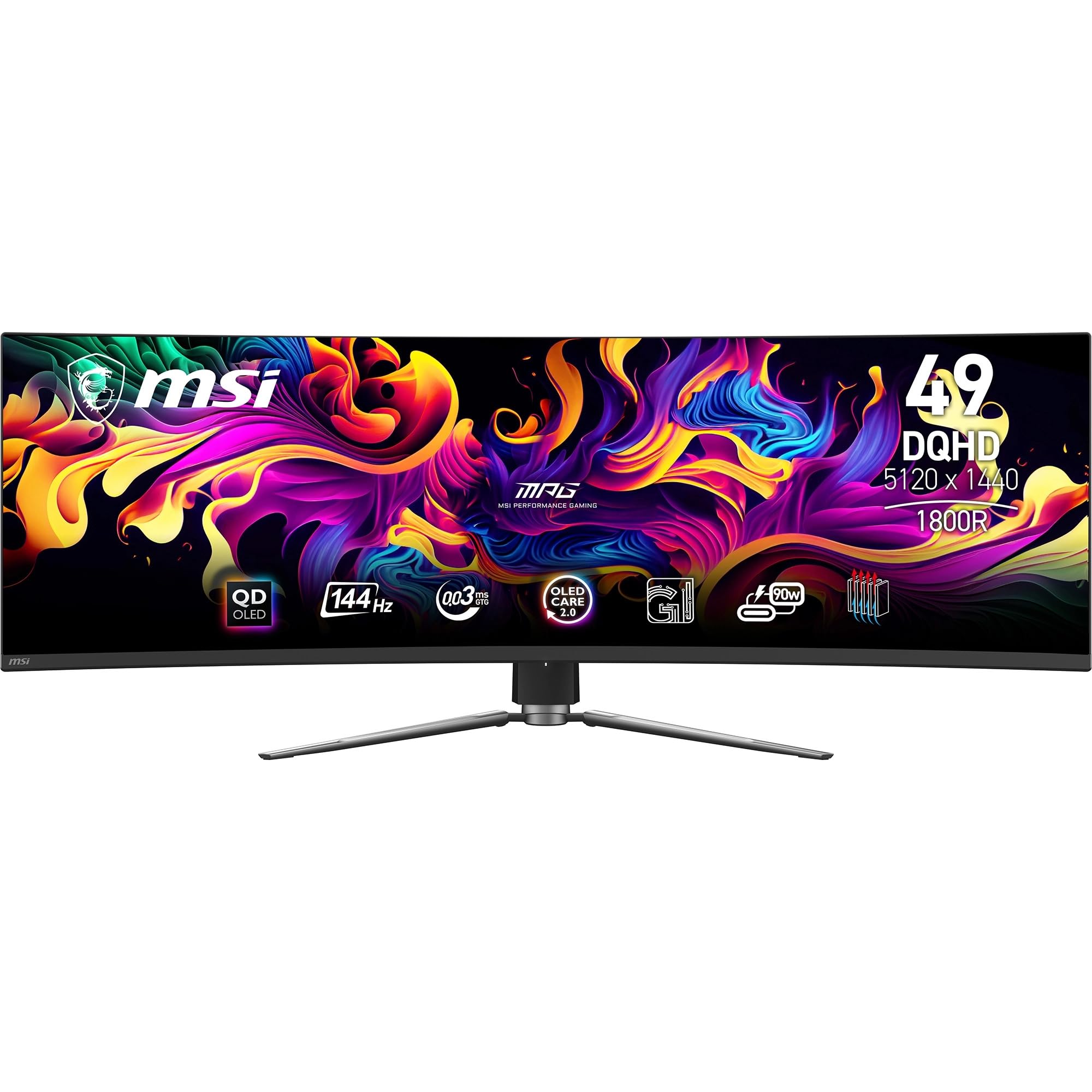 MSI MPG 491CQPMSI MPG 491CQP QD-OLED 49 Inch DQHD Curved Gaming Monitor
- Resolution
- 5120x1440
- Refresh Rate
- 144Hz
- Rating
- ★★★★☆ (4.3)
Check the listing: our records state its figures in a form we cannot check
Check availability on Amazon
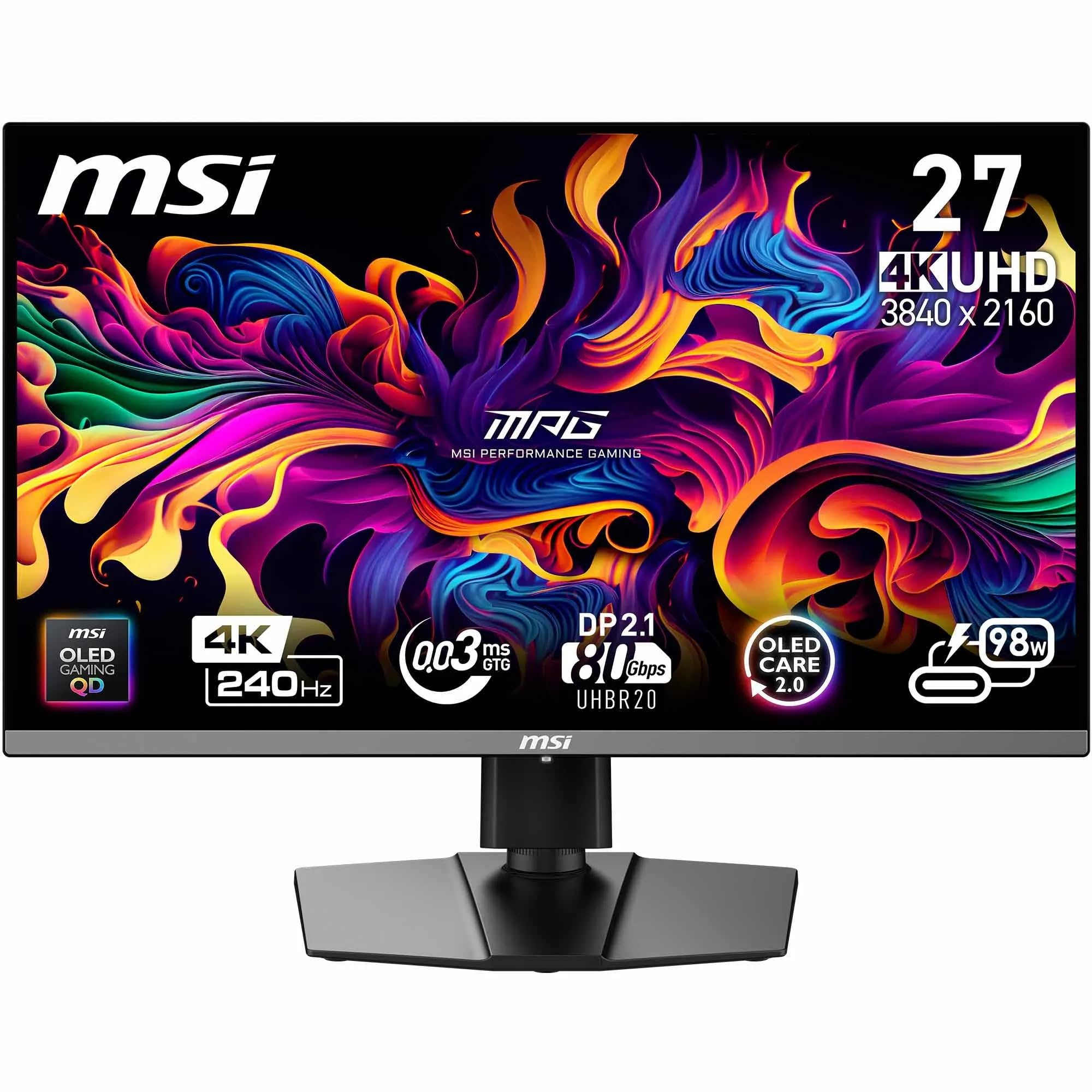 MSI MPG 272URXMSI MPG 272URX QD-OLED 27-Inch 4K UHD Gaming Monitor
- Resolution
- 3840x2160
- Refresh Rate
- 240Hz
- Rating
- ★★★★☆ (4.4)
Matches the 4K option at 240Hz
2.25 times the pixels of 2560x1440
Check availability on Amazon
Read the write-up MSI MAG 321UPMAG 321UP QD-OLED X24
- Resolution
- 3840x2160
- Refresh Rate
- 240Hz
- Rating
- ★★★★☆ (4.4)
Matches the 4K option at 240Hz
2.25 times the pixels of 2560x1440
Check availability on Amazon
Read the write-up MSI MAG 272QPWMSI MAG 272QPW QD-OLED X28 27-Inch WQHD Gaming Monitor
- Resolution
- 2560x1440
- Refresh Rate
- 280Hz
- Rating
- ★★★★☆ (4.3)
Matches the 1440p target at 280Hz
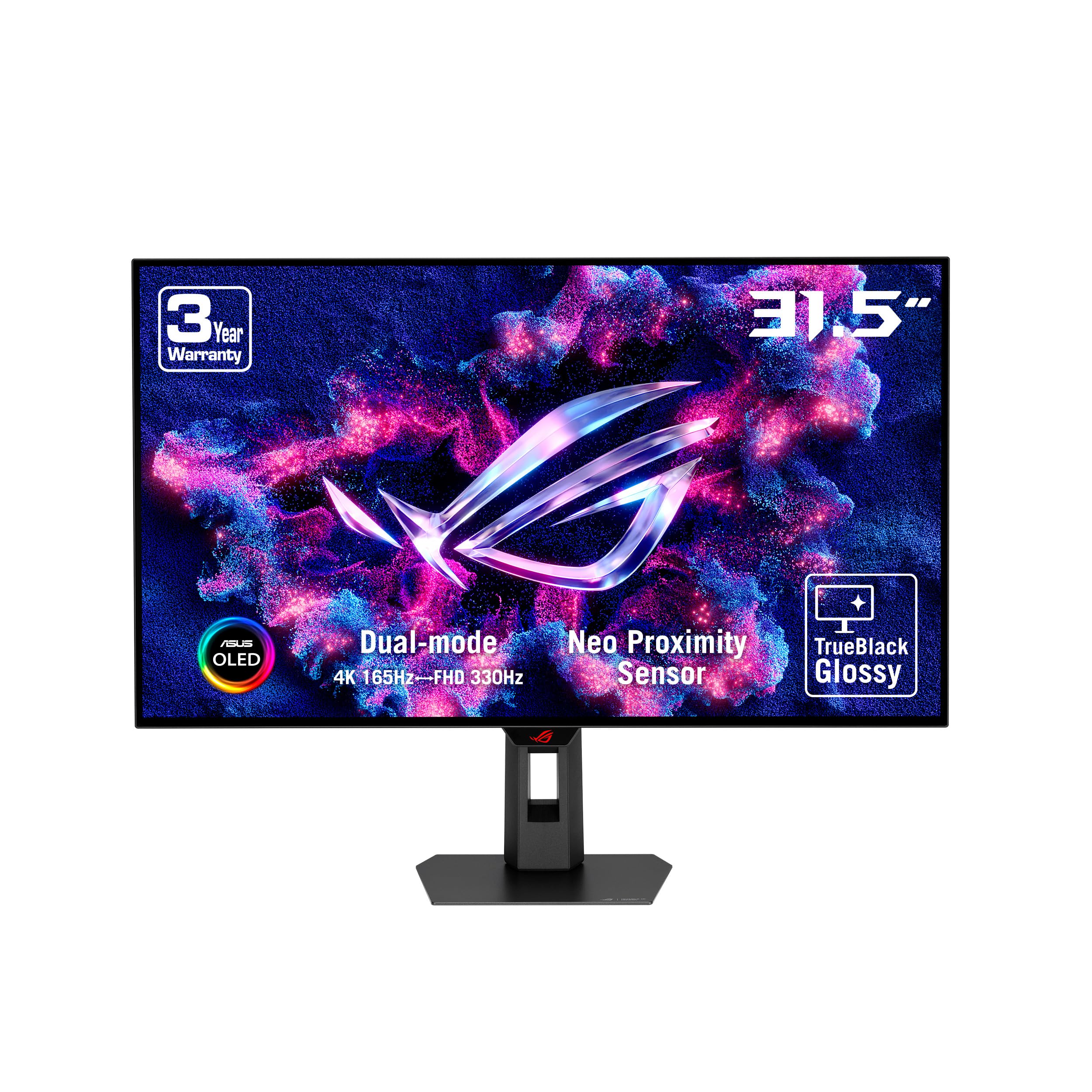 ASUS ROG Strix XG32UCWGASUS ROG Strix XG32UCWG 31.5" OLED 4K Ultra HD 165Hz Gaming Monitor
- Resolution
- 3840x2160
- Refresh Rate
- 165Hz
- Rating
- ★★★★☆ (4.3)
Matches the 4K option at 165Hz
2.25 times the pixels of 2560x1440
Check availability on Amazon
Read the write-up
Compatibility Guide: Best Monitors for Gigabyte Radeon Rx 9060 Xt Gaming Oc 16g Graphics Card 16gb Gddr6 128bit Pci E 5 0 3320 Mhz Core Clock 2 X Displayport 1 X Hdmi Gv R9060xtgaming Oc 16gd
The Gigabyte GV-R9060XTGAMING OC-16GD ships with two DisplayPort outputs and one HDMI port. That means you can run up to three displays at once, though for gaming you will almost certainly be using a single monitor via DisplayPort for the lowest latency and highest bandwidth.
Resolution is the first thing to sort out. The RX 9060 XT sits comfortably in 1440p territory.
4K is possible, and a few monitors in this guide run at 3840x2160. Expect to lower settings in demanding titles like Cyberpunk 2077 or Alan Wake 2, but for less intensive games or creative work, 4K looks stunning on a QD-OLED panel. The MSI MPG 272URX and the MAG 321UP QD-OLED X24 are the 4K options here.
Adaptive Sync compatibility is sorted. AMD FreeSync is natively supported by the RX 9060 XT, and every monitor in this guide supports either FreeSync or the open Adaptive Sync standard (which G-Sync Compatible monitors use). So regardless of which panel you pick, you will get smooth, tear-free gaming without needing to shell out for a dedicated G-Sync module.
Connectivity is straightforward. All eight monitors include at least one HDMI 2.1 port and a DisplayPort connection. Several also include USB-C with Power Delivery, which is handy if you want to charge a laptop or connect a second device, and if you are also upgrading your setup our guide to the best gaming peripherals in the UK is worth a look. The RX 9060 XT's DisplayPort output pairs cleanly with DisplayPort 1.4 and 1.4a monitors, covering everything from 1440p at 500Hz to 4K at 240Hz without any bandwidth issues.
For a deeper look at AMD's FreeSync technology and how it works with RDNA graphics, AMD's official FreeSync page is worth a read. And if you want independent benchmarks for the RX 9060 XT, TechPowerUp has detailed GPU reviews covering real-world gaming performance at multiple resolutions.
Who Should Buy What
For Competitive Gamers
Priority: Maximum refresh rate, low latency, 1440p
Recommended: MSI MAG 272QP QD-OLED X50
The recommended screen: MSI MAG 272QP X50
Matches the 1440p target at 500Hz
Check availability on Amazon
Read the write-upFor Content Creators
Priority: Colour accuracy, screen real estate, 4K
Recommended: MAG 321UP QD-OLED X24
The recommended screen: MSI MAG 321UP
Matches the 4K option at 240Hz
2.25 times the pixels of 2560x1440
Check availability on Amazon
Read the write-upBudget-Conscious Buyers
Priority: QD-OLED quality at a lower price
Recommended: MSI MAG 272QPW QD-OLED X28
The recommended screen: MSI MAG 272QPW
Matches the 1440p target at 280Hz
Price: £432.00
· Details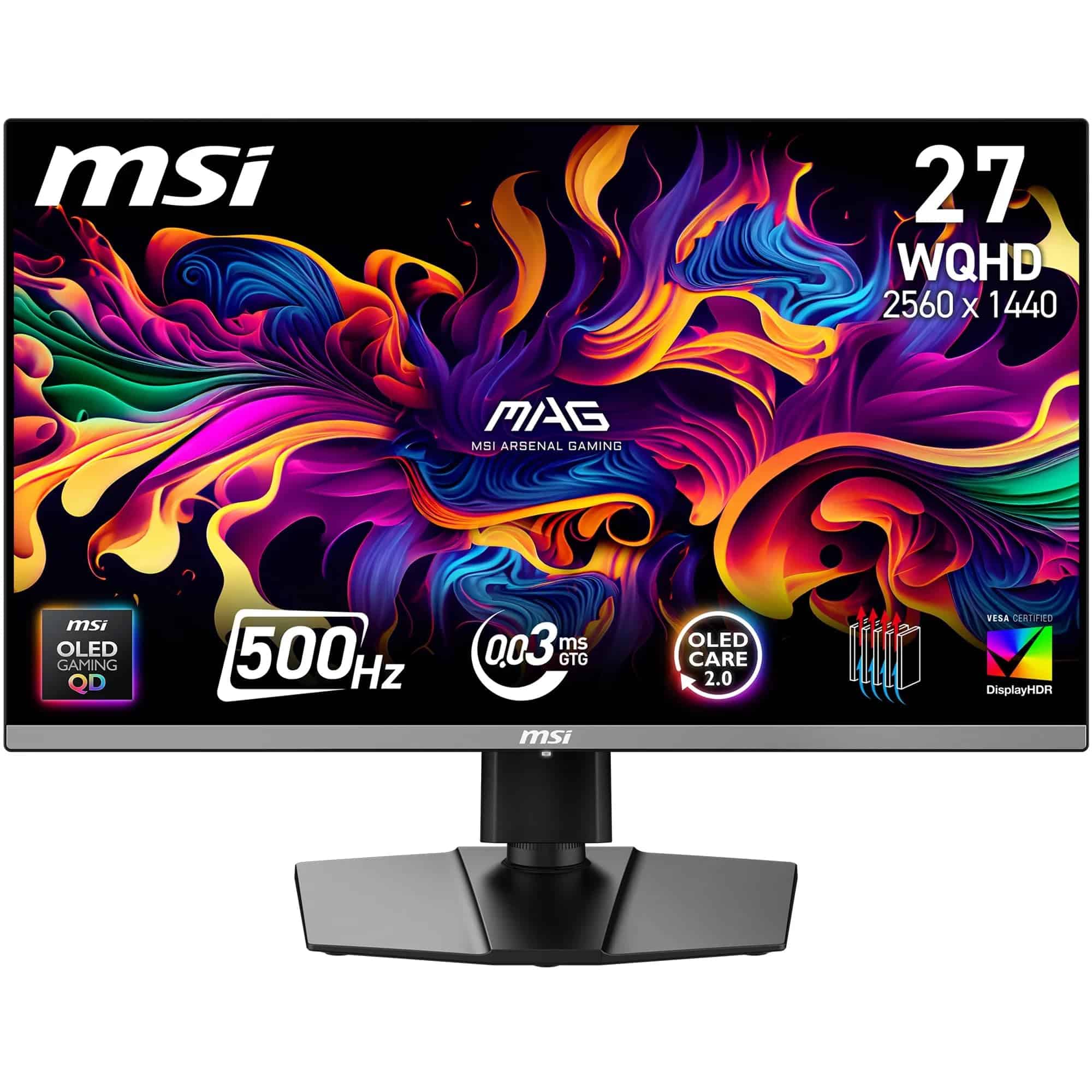
MSI MAG 272QP X50
MSI MAG 272QP QD-OLED X50 Gaming Monitor Review 2026 - Best Overall
The MSI MAG 272QP QD-OLED X50 is the standout choice among the best monitors for Gigabyte Radeon RX 9060 XT Gaming OC 16G graphics card 16GB GDDR6 128bit PCI-E 5.0 3320 MHz core clock 2 x DisplayPort 1 x HDMI GV-R9060XTGAMING OC-16GD. Running at 500Hz with a 2560x1440 QD-OLED panel, it is genuinely the fastest display in this lineup. Ports include 2x HDMI 2.1, 1x DisplayPort 1.4a, and USB-C. Competitive players will love the ultra-low motion blur and near-instant pixel response. It is a proper showcase for what the RX 9060 XT can do at 1440p. See our full MSI MAG 272QP QD-OLED X50 review for the complete breakdown.
Pros
- 500Hz refresh rate is the fastest in this guide
- QD-OLED panel delivers stunning contrast and colour
- 2x HDMI 2.1 and DisplayPort 1.4a for flexible connectivity
Cons
- Premium price point
- 500Hz benefit limited unless GPU consistently hits very high frame rates
Match with your card
Matches the 1440p target at 500Hz
Check availability on Amazon
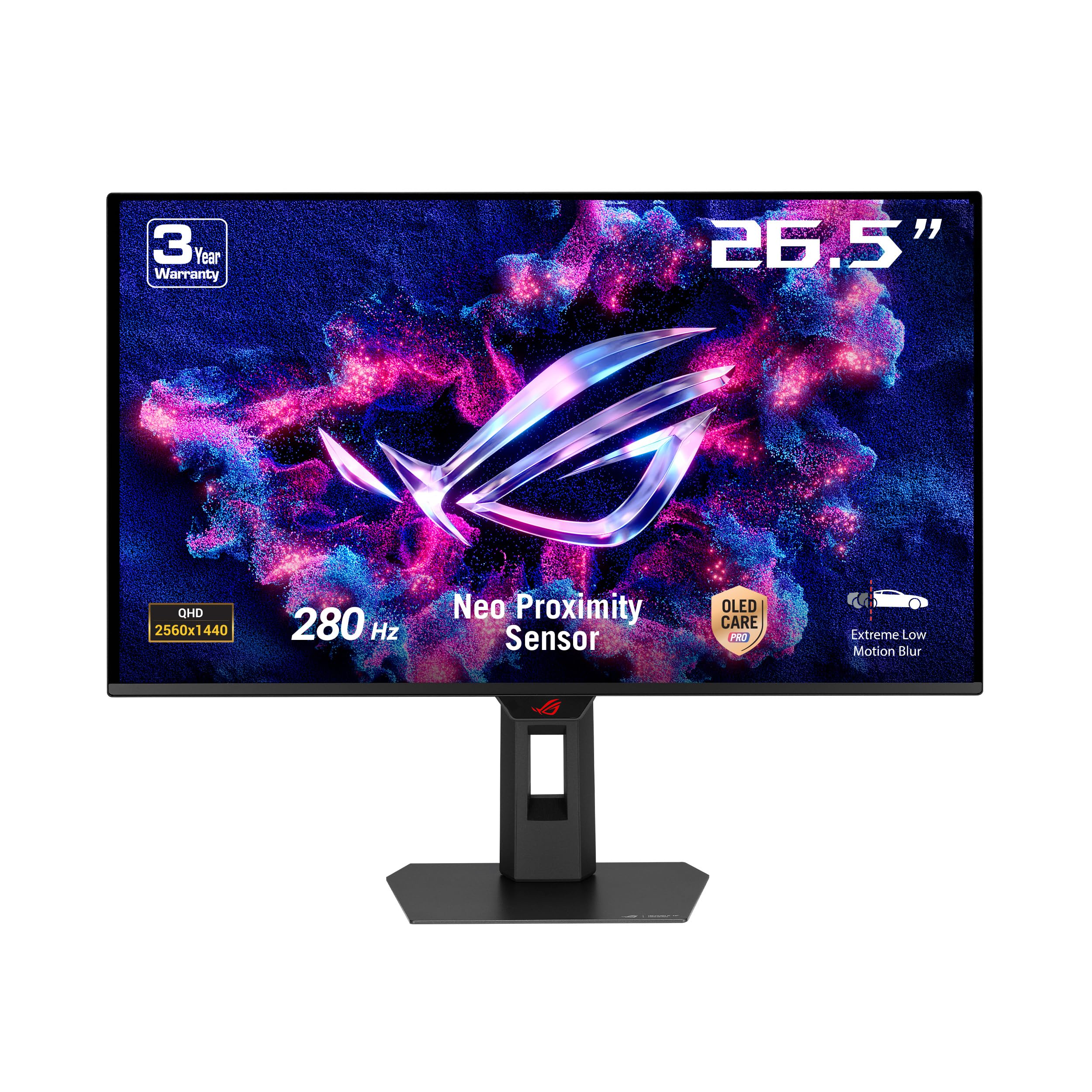
ASUS ROG Strix 27‑inch
ASUS ROG Strix 27-inch 1440p 280Hz Gaming Monitor Review UK 2026 - Runner Up
The ASUS ROG Strix 27-inch is a cracking alternative if you do not need 500Hz but still want a top-tier QD-OLED experience. At 280Hz and 2560x1440, it is a perfect match for the RX 9060 XT in most gaming scenarios. Ports cover 2x HDMI 2.1, 1x DisplayPort 1.4, and 1x USB-C with 15W Power Delivery. ASUS's ROG software integration and build quality are well above average, and the panel itself is stunning. It is slightly more affordable than the X50 while still delivering everything a serious gamer needs. Check our full ASUS ROG Strix 27-inch review for more detail.
Pros
- 280Hz QD-OLED is plenty for most competitive games
- USB-C with Power Delivery adds desk flexibility
- Strong ASUS ROG build quality and warranty
Cons
- DisplayPort 1.4 (not 1.4a) limits some bandwidth headroom
- USB-C Power Delivery capped at 15W
Match with your card
Matches the 1440p target at 280Hz
Price: £409.00
· Details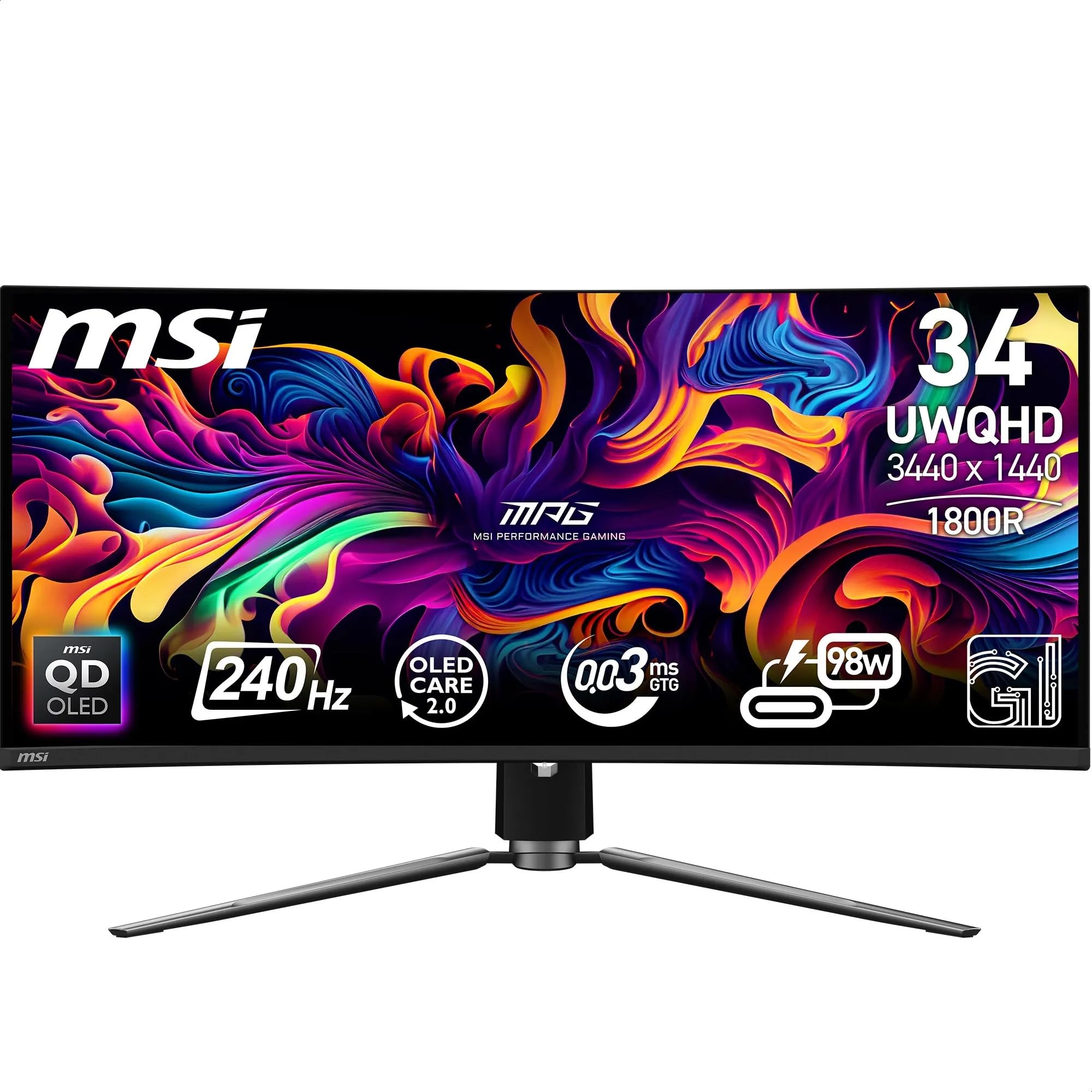
MSI MPG 341CQPX
MSI MPG 341CQPX QD-OLED Gaming Monitor Review 2026 - Premium Pick
Want more screen without going ultrawide-extreme? The MSI MPG 341CQPX is a 34-inch curved QD-OLED running at 240Hz with a 3440x1440 panel. It is a brilliant middle ground between standard widescreen and the massive 49-inch format. Ports include 2x HDMI 2.1, 1x DisplayPort 1.4a, and USB-C with 98W PD. The curved panel wraps your peripheral vision nicely, which makes open-world games and racing titles feel genuinely immersive. At 3440x1440 the RX 9060 XT has about a third more pixels to drive than at standard 1440p, so demanding games may need lower settings. See our full MSI MPG 341CQPX review for the deep dive.
Pros
- 34-inch curved QD-OLED is superb for immersive gaming
- 240Hz refresh rate keeps competitive play sharp
- DisplayPort 1.4a for solid bandwidth
Cons
- Premium price reflects the larger panel size
- Curved format is not for everyone
Match with your card
Matches the ultrawide option: 3440x1440 at 240Hz
1.34 times the pixels of 2560x1440
Price: £690.00
· DetailsMSI MPG 491CQP QD-OLED 49 Inch DQHD Curved Gaming Monitor
The MSI MPG 491CQP is the big one. Literally. A 49-inch super-ultrawide running at 144Hz with a QD-OLED panel, it replaces a dual-monitor setup in one go. Ports include 2x HDMI 2.1, 1x DisplayPort 1.4a, and USB-C with 90W PD. The 32:9 aspect ratio is genuinely transformative for simulation games, strategy titles, and productivity. The RX 9060 XT can drive it at 1440p across the full width, though frame rates will drop in demanding 3D games compared to a standard 27-inch. If desk space is not a concern, this is a jaw-dropping display. Read our full MSI MPG 491CQP review for the full picture.
Pros
- 49-inch super-ultrawide replaces a dual-monitor setup
- QD-OLED panel with stunning colour and contrast
- 144Hz keeps gaming smooth across the wide panel
Cons
- Requires significant desk space and a sturdy stand
- GPU frame rates lower at super-ultrawide resolutions in demanding titles
MSI MPG 272URX
MSI MPG 272URX QD-OLED 27-Inch 4K UHD Gaming Monitor
The MSI MPG 272URX steps up to 4K at 3840x2160, running at 240Hz on a QD-OLED panel. Ports include 2x HDMI 2.1, 1x DisplayPort 1.4a, 1x USB-C, and a 3.5mm audio out. It is G-Sync Compatible and supports DisplayHDR TRUE Black 400. The RX 9060 XT will not always hit 240fps at 4K in heavy titles, but Adaptive Sync means you still get a smooth experience at lower frame rates. For players who want future-proof 4K quality without going to a 32-inch panel, this is a smart buy. See our MSI MPG 272URX full review for more detail.
Pros
- 4K QD-OLED at 240Hz is genuinely impressive
- 3.5mm audio out is a handy addition
- G-Sync Compatible for AMD and Nvidia users
Cons
- RX 9060 XT may struggle to hit 240fps at 4K in demanding games
- Higher price than 1440p alternatives
Match with your card
Matches the 4K option at 240Hz
2.25 times the pixels of 2560x1440
Check availability on Amazon

MSI MAG 321UP
MAG 321UP QD-OLED X24
The MAG 321UP QD-OLED X24 is the largest panel in this guide at 32 inches, running at 3840x2160 on a QD-OLED panel. Ports include 2x HDMI 2.1, 1x DisplayPort, USB-C, and a headphone out. At 32 inches, 4K pixel density is excellent, and the extra screen real estate is genuinely useful for both gaming and content creation. The RX 9060 XT handles lighter titles at 4K with ease, and Adaptive Sync keeps things smooth when frame rates dip in more demanding games. If you want the biggest, sharpest screen in this roundup, this is it. Our MAG 321UP QD-OLED X24 review covers it in full.
Pros
- 32-inch 4K QD-OLED is stunning for gaming and creative work
- Headphone out is a practical addition
- USB-C connectivity for added flexibility
Cons
- Highest price in the lineup
- 4K at 32 inches demands more from the GPU in heavy titles
Match with your card
Matches the 4K option at 240Hz
2.25 times the pixels of 2560x1440
Check availability on Amazon
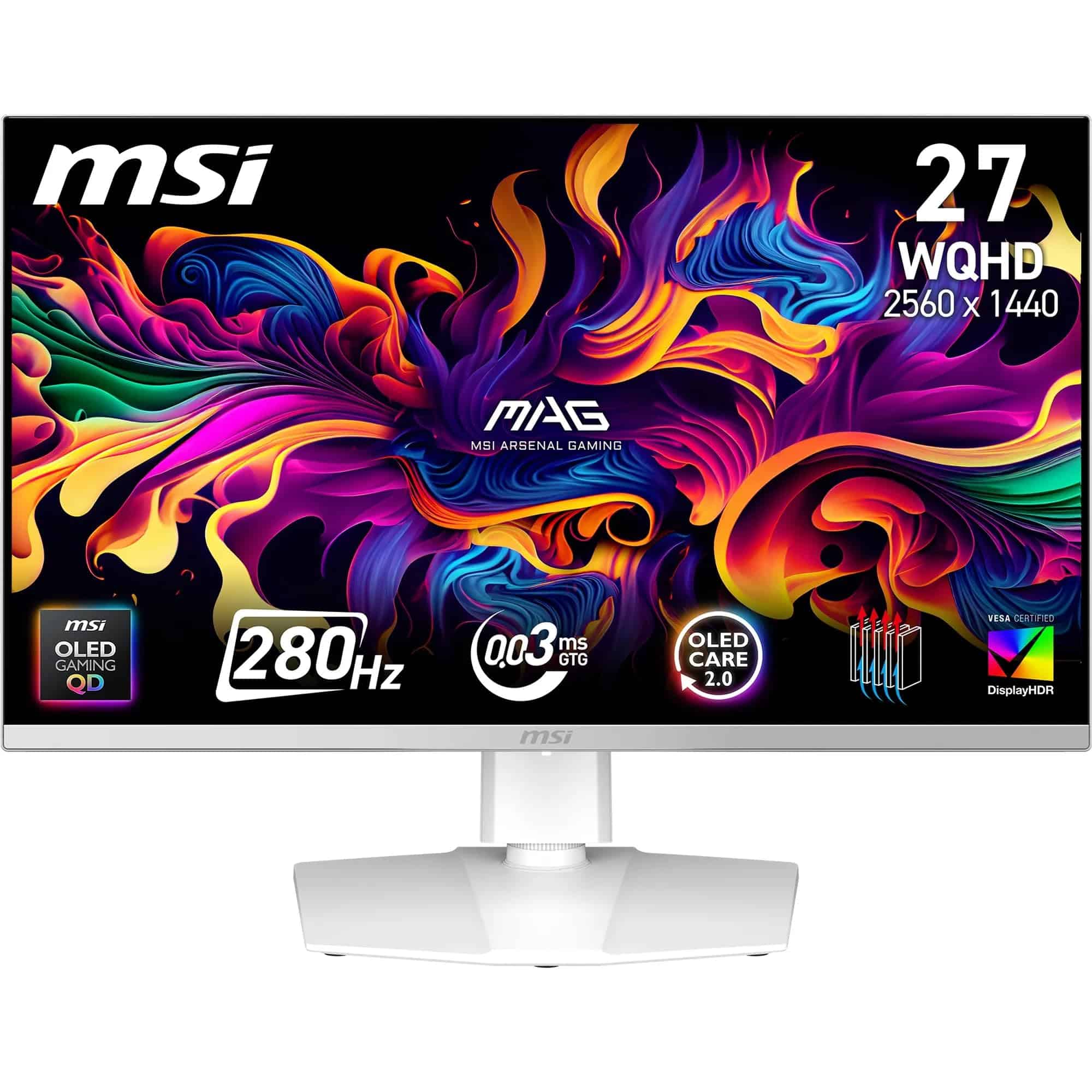
MSI MAG 272QPW
MSI MAG 272QPW QD-OLED X28 27-Inch WQHD Gaming Monitor - Best Value
The MSI MAG 272QPW is essentially the white version of the QD-OLED X28, and it is the best value entry into QD-OLED quality in this entire guide. At 2560x1440 and 280Hz, it matches the ASUS ROG Strix on paper specs but comes in at a lower price point. Ports include 2x HDMI 2.1, 1x DisplayPort 1.4a, and USB-C with 15W PD. The white finish looks clean on any desk setup. If you want QD-OLED performance without paying a premium for brand prestige or extra hertz, this is the one to go for. Full details in our MSI MAG 272QPW review.
Pros
- Best value QD-OLED in this roundup
- 280Hz is more than enough for the RX 9060 XT at 1440p
- Clean white finish stands out aesthetically
Cons
- USB-C Power Delivery limited to 15W
- White finish may not suit all setups
Match with your card
Matches the 1440p target at 280Hz
Price: £432.00
· DetailsASUS ROG Strix XG32UCWG
ASUS ROG Strix XG32UCWG 31.5" OLED 4K Ultra HD 165Hz Gaming Monitor
The ASUS ROG Strix XG32UCWG brings a 31.5-inch OLED panel at 4K resolution and 165Hz. It is the most measured option in this lineup, trading raw refresh rate for a larger, gorgeous screen. Ports include 2x HDMI 2.1, 1x DisplayPort 1.4, 1x USB-C, a USB hub, and audio out. The USB hub is genuinely useful for keeping a tidy desk. Read the full ASUS ROG XG32UCWG review for our complete verdict.
Pros
- 31.5-inch OLED at 4K is a stunning visual experience
- Built-in USB hub keeps the desk tidy
Cons
- 165Hz is lower than other panels in this guide
- DisplayPort 1.4 (not 1.4a) limits some future-proofing
Match with your card
Matches the 4K option at 165Hz
2.25 times the pixels of 2560x1440
Check availability on Amazon
Understanding Resolution, Refresh Rate, and Adaptive Sync for the RX 9060 XT
Here is the thing a lot of buyers get wrong: they obsess over resolution and ignore refresh rate, or vice versa. Both matter, and finding the right balance for the RX 9060 XT specifically is what this section is about.
Resolution vs refresh rate. Start with your preferred resolution, then look at RX 9060 XT results for the games you play. Use those frame rates to judge whether a faster screen is worth the extra cost.
G-Sync vs FreeSync. The RX 9060 XT is an AMD card, so FreeSync is the native Adaptive Sync technology. It works by synchronising the monitor's refresh rate to the GPU's output frame rate, eliminating screen tearing without the input lag penalty of V-Sync. All eight monitors in this guide support Adaptive Sync. G-Sync Compatible monitors use the same open standard, so they work fine with AMD cards too. You do not need to pay extra for a dedicated G-Sync module.
Panel type. Every monitor in this guide uses either QD-OLED or OLED technology. Both deliver true blacks, near-instant pixel response times (0.03ms in most cases), and vivid colours. QD-OLED adds a quantum dot layer for improved peak brightness and colour volume compared to traditional OLED. For gaming, either is a massive step up from IPS or VA panels.
Common Mistakes to Avoid
Buying a 4K 240Hz monitor expecting to max it out: The RX 9060 XT is a 1440p card at heart. You will rarely hit 240fps at 4K in modern titles.
Instead: Choose a 4K monitor with 165Hz to 240Hz and use Adaptive Sync to smooth out variable frame rates.
Ignoring Adaptive Sync range: Some monitors only support FreeSync within a narrow frame rate window, causing tearing outside that range.
Instead: Check the FreeSync or Adaptive Sync range in the monitor specs before buying.
Using HDMI when DisplayPort is available: For high refresh rates at 1440p or 4K, DisplayPort offers more bandwidth than HDMI in some configurations.
Instead: Always connect your primary gaming monitor via DisplayPort for maximum performance.
Overlooking panel burn-in concerns with OLED: OLED and QD-OLED panels can develop image retention if static elements are displayed for extended periods.
Instead: Use a screensaver, enable pixel shift features, and vary your content to minimise burn-in risk.
Final Verdict: Best Monitors for Gigabyte Radeon Rx 9060 Xt Gaming Oc 16g Graphics Card 16gb Gddr6 128bit Pci E 5 0 3320 Mhz Core Clock 2 X Displayport 1 X Hdmi Gv R9060xtgaming Oc 16gd
After comparing all eight options, the MSI MAG 272QP QD-OLED X50 is the clear winner for most users pairing with the GV-R9060XTGAMING OC-16GD. Its 500Hz refresh rate and 1440p QD-OLED panel extract every bit of performance the card can deliver. For value, the MSI MAG 272QPW is the smart pick. And if 4K is your goal, the ASUS ROG XG32UCWG at 165Hz is the most realistic match for what the RX 9060 XT can actually sustain. Whichever you choose, all eight monitors here are genuinely excellent displays that will do justice to the card.
Our #1 Pick: MSI MAG 272QP QD-OLED X50 Gaming Monitor Review 2026
Check availability on Amazon
Available now from this guide
ASUS ROG Strix 27‑inch
Matches the 1440p target at 280Hz
Price: £409.00
· DetailsAffiliate Disclosure: Vivid Repairs participates in the Amazon Associates Programme. We earn from qualifying purchases at no extra cost to you. This doesn't influence our recommendations.
Notes from the original page (not re-checked today)
- 8 Products Compared
- ✓ Researched & Compared
- Independent & Honest
- Amazon UK Prime
- Top Rated: Best-reviewed pairing in this guide
- Amazon 30-Day Returns: Not happy? Return it hassle-free
- Prime Delivery: Get it delivered fast
Frequently Asked Questions
What resolution is the Gigabyte RX 9060 XT best suited for?
The Gigabyte Radeon RX 9060 XT Gaming OC 16G is best suited for 1440p gaming, where it can push high frame rates in demanding titles. It can handle 4K at lower settings, but 1440p is the sweet spot for most games at high refresh rates.
Does the RX 9060 XT support FreeSync and G-Sync monitors?
Yes, the RX 9060 XT supports AMD FreeSync natively. It is also compatible with G-Sync Compatible monitors, which use the open Adaptive Sync standard. All eight monitors in this guide support Adaptive Sync in some form.
How many monitors can the Gigabyte RX 9060 XT Gaming OC 16G drive at once?
The GV-R9060XTGAMING OC-16GD has two DisplayPort outputs and one HDMI port, so it can drive up to three monitors simultaneously. This makes it a decent option for a multi-monitor productivity setup alongside gaming.
Is 500Hz refresh rate worth it on the RX 9060 XT?
The MSI MAG 272QP QD-OLED X50 runs at 500Hz, which is impressive on paper. Whether the RX 9060 XT can consistently hit 500fps in competitive titles depends heavily on the game and settings, but even at lower frame rates the monitor's Adaptive Sync ensures a smooth experience.
Can the RX 9060 XT run a 4K OLED monitor?
It can, yes. The card will handle 4K gaming, though you may need to dial back settings in more demanding titles. Monitors like the MSI MPG 272URX and the MAG 321UP QD-OLED X24 are great pairings if you want 4K with the flexibility to drop settings when needed.
What cable do I need to connect the RX 9060 XT to a DisplayPort 1.4 monitor?
A standard DisplayPort 1.4 cable is all you need. The RX 9060 XT has two DisplayPort outputs, and most monitors in this guide include a DisplayPort cable in the box. Just make sure you are using a certified cable rated for your target resolution and refresh rate.
Does the Gigabyte RX 9060 XT support HDMI 2.1?
The GV-R9060XTGAMING OC-16GD includes one HDMI port. Check the official Gigabyte specification page for the exact HDMI version supported, as this affects maximum bandwidth for 4K high-refresh-rate connections.
Keep reading
 Reviewmonitor
ZZA 32 Inch 4K Monitor Review UK (2026) - VA Panel, HDR10 & Real-World Value
 Reviewmonitor
Pixio PX279 Review UK (2026) - 240Hz Fast IPS Gaming Monitor Verdict
 Reviewmonitor
Z Z-Edge Z-Edge 30 Inch Ultrawide Curved Gaming Review UK 2026
 Reviewmonitor
Alienware 27 Gaming Monitor Review UK (2026) - Specs, Image Quality & Value
 Reviewmonitor
Alienware 27 Gaming Monitor AW2725DM Review UK (2026) - Specs, Image Quality & Value
 Reviewmonitor
AOC 24G4HA Review UK (2026) - 200Hz Fast IPS Gaming Monitor Verdict