Best Overall Value
The Morostron is a genuinely surprising machine. On paper, a Celeron processor sounds like a red flag for CAD work, and honestly, it is a limitation you need to understand before buying. But here's the thing: the rest of the spec sheet is legitimately impressive for the price. A 3K (3000x2000) IPS touchscreen at 13.5 inches is a proper treat for CAD drafting. Lines are crisp, geometry is sharp, and the 3:2 aspect ratio gives you more vertical canvas than a standard 16:9 display. That matters when you're working in AutoCAD or Fusion 360 and want to see more of your drawing without constant scrolling.
The 16GB of RAM is the other big win here. Most CAD software, including AutoCAD LT and Fusion 360 in 2D and light 3D modes, runs comfortably with 16GB. The 512GB SSD keeps load times reasonable. Windows 11 Pro is included, which means no S mode headaches and access to professional features like BitLocker if you're working with sensitive client files.
So what's the honest limitation? The Celeron N95, even at 3.4GHz boost, is an efficiency chip built for light workloads. It will handle 2D CAD drafting, basic 3D modelling, and everyday multitasking. But push it into complex 3D rendering, large assembly files, or simulation, and you'll feel the ceiling. This is not a machine for heavy SolidWorks work. For students, architects doing 2D plans, or engineers who do most of their heavy rendering on a desktop, it's a proper decent portable option. The touchscreen also adds genuine value for sketching initial concepts or navigating CAD interfaces with a stylus.
Battery life is rated reasonably for a machine this size, and the fingerprint reader is a nice touch for quick logins. Build quality feels solid for the price bracket. It's not a premium chassis, but it doesn't feel flimsy either.
Pros
- Stunning 3K IPS touchscreen, ideal for detailed CAD drawings
- 16GB RAM handles most 2D and light 3D CAD comfortably
- Compact and portable, good for on-site or studio use
- Windows 11 Pro included, no S mode restrictions
- Fingerprint reader for quick, secure login
Cons
- Celeron N95 struggles with heavy 3D rendering or large assemblies
- Not suitable for demanding SolidWorks or simulation work
- Relatively unknown brand, long-term support uncertain
Buy on Amazon£369.99
Best Build Quality
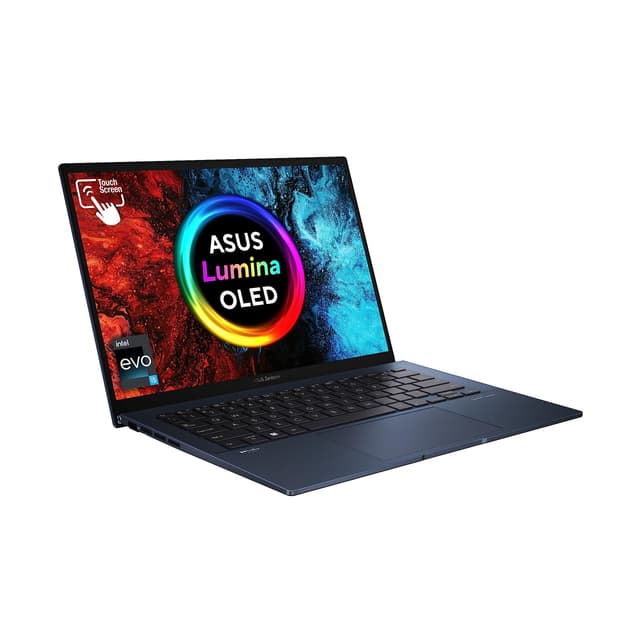
The ASUS Vivobook S 14 is the most premium-feeling machine in this roundup, and at the top of the budget, it shows. The 2.8K OLED-quality display is genuinely beautiful. For CAD work, colour accuracy and sharpness matter more than most people realise. When you're checking tolerances, reviewing architectural drawings, or presenting designs to clients, a display this good makes a real difference.
The claimed 20-hour battery life is extraordinary if it holds up in real-world use. Even at half that, it's comfortably the best battery performer here, which matters if you're working on-site or in meetings without a power socket nearby. The 1TB PCIe Gen 4 SSD is also a step above the rest of the field, giving you fast load times and plenty of room for project files.
Here's the important caveat for CAD users: the Snapdragon X Plus is an ARM-based processor. Most mainstream CAD software, including AutoCAD and SolidWorks, runs on x86 architecture. Some tools run via emulation on ARM Windows, but performance can be inconsistent and compatibility isn't guaranteed for every plugin or add-on. Fusion 360 has ARM support improving, but you should check your specific software's compatibility before committing. If your CAD workflow is confirmed ARM-compatible, this is a brilliant machine. If you're not sure, the safer choice is an Intel or AMD option lower in this list.
Build quality is excellent. The chassis feels premium, the keyboard is comfortable for long drafting sessions, and the overall package is the most polished in this roundup. It's the one you'd be proud to pull out in a client meeting.
Pros
- Stunning 2.8K display with excellent colour accuracy for CAD review
- Exceptional battery life for all-day portable CAD work
- 1TB PCIe Gen 4 SSD, fastest storage in the roundup
- Premium build quality, great for client-facing use
- 16GB RAM handles multitasking well
Cons
- ARM processor means CAD software compatibility needs checking
- Most expensive option in the roundup
- Some CAD plugins may not run on Snapdragon X Plus
Buy on Amazon
Best for Beginners
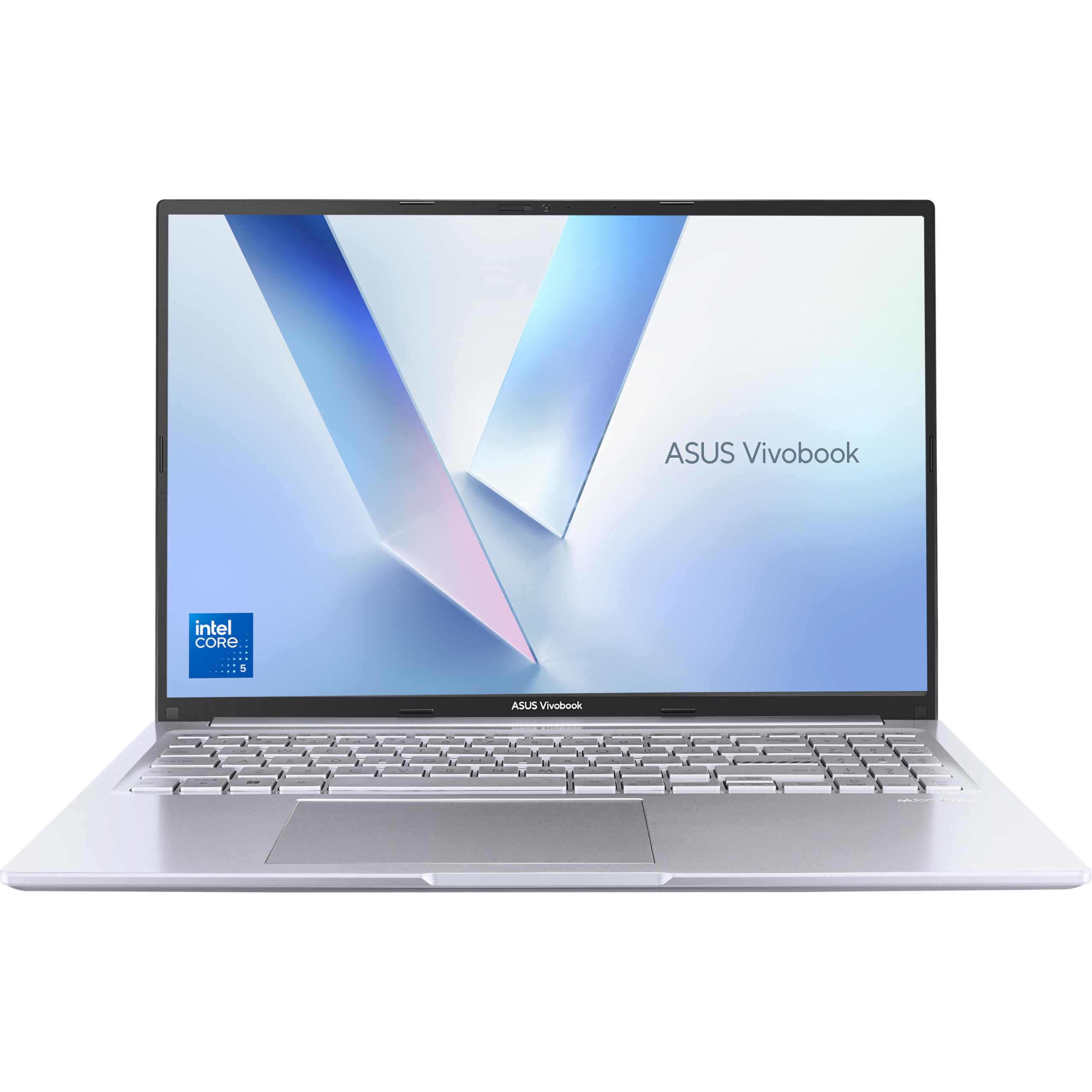
The ASUS Vivobook 16 X1605VA is the best value proposition in this entire roundup for CAD work. Intel Core 5-120U, 16GB RAM, 512GB PCIe SSD, and a 16-inch WUXGA 16:10 display. That combination at this price is genuinely hard to argue with. The 16:10 aspect ratio is particularly useful for CAD. You get more vertical screen space compared to standard 16:9 laptops, which means more of your drawing is visible without scrolling. It's a small thing that adds up over a full working day.
The Intel Core 5-120U is a solid mid-range processor. It handles AutoCAD 2D and 3D, Fusion 360, and everyday CAD multitasking without complaint. It's not as powerful as the i5-12450H in the Lenovo above, but it's more than capable for most CAD workflows at this price point. The 16-inch screen size also makes it easier to work with complex drawings without constantly zooming in and out.
Build quality is good for the price. ASUS has refined the Vivobook line over several generations and it shows. The keyboard is comfortable, the trackpad is responsive, and the overall chassis doesn't feel cheap. It's not a head-turner aesthetically, but it's a proper workhorse. For anyone looking for the best laptops for CAD under £700 who wants a large screen and proven x86 compatibility with all major CAD software, this is the one to shortlist.
Pros
- Large 16-inch WUXGA 16:10 display, great for CAD drawings
- Intel Core 5-120U handles most CAD tasks well
- 16GB RAM and PCIe SSD, solid everyday performance
- Full x86 compatibility, all major CAD software runs natively
- Good value for the spec
Cons
- Larger chassis, less portable than 13 or 14-inch options
- No dedicated GPU
- Display resolution could be higher for the screen size
Buy on Amazon
Best Under £100 (relative value tier)
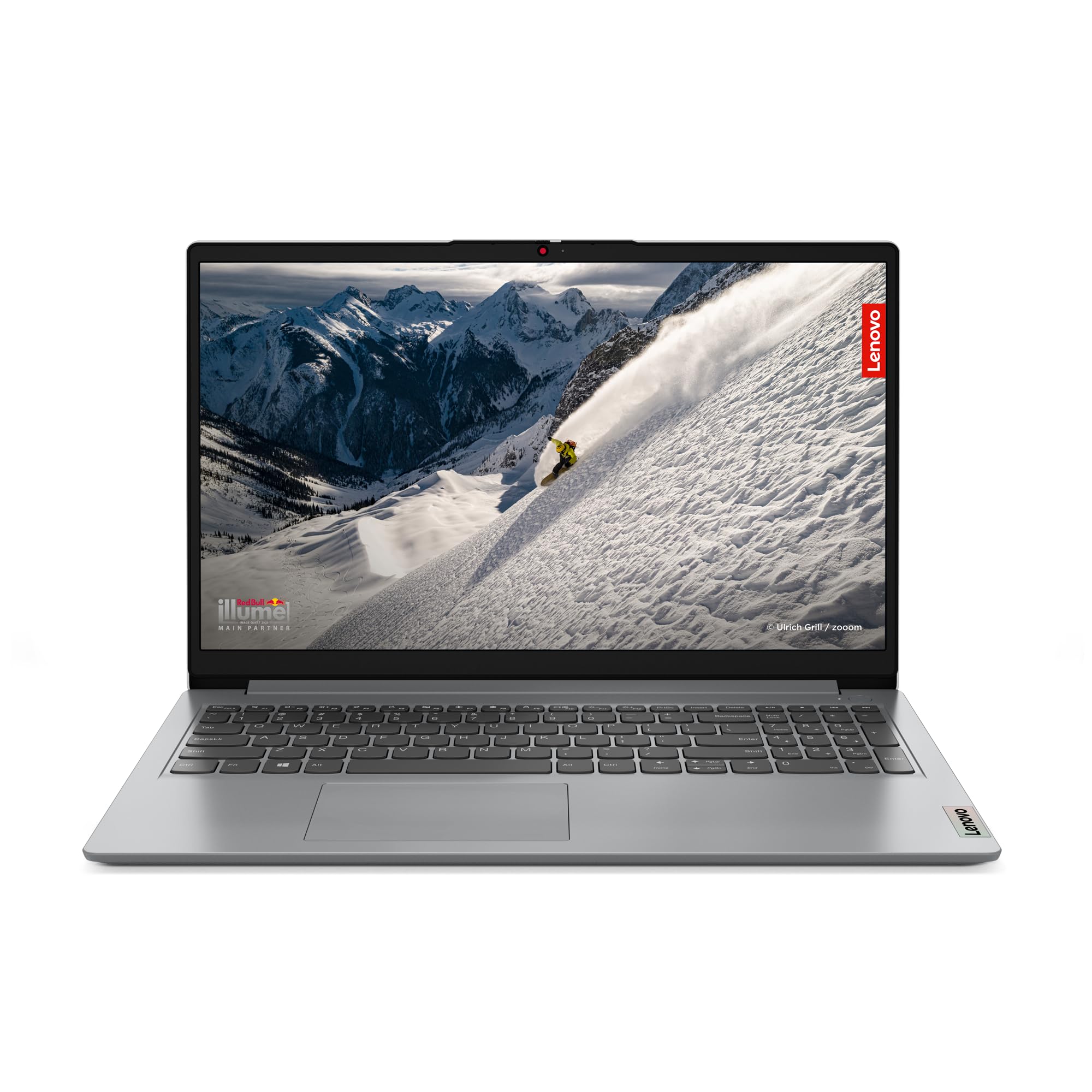
The Lenovo IdeaPad 1 with Ryzen 5 7520U is a solid mid-range option for CAD work, and the spec sheet looks genuinely good. Ryzen 5 7520U, 16GB RAM, 512GB SSD, 15-inch Full HD display. That's a capable combination for AutoCAD, Fusion 360, and similar tools. The AMD Ryzen 5 7520U has decent integrated Radeon graphics, which helps slightly with 3D viewport performance compared to Intel's integrated options.
There's one thing you must do before installing any CAD software: switch out of Windows 11 S mode. It ships in S mode, which means only Microsoft Store apps will install. AutoCAD, SolidWorks, and most professional CAD tools are not on the Microsoft Store. Switching out of S mode is free and takes about two minutes, but it's a permanent change. Just do it first.
Once you're out of S mode, this is a proper capable machine for the price. The 15-inch Full HD display gives you comfortable working space, and the Ryzen 5 handles multitasking well. It's a good choice if you want AMD performance and a larger screen without spending at the top of the budget.
Pros
- Ryzen 5 7520U with decent integrated Radeon graphics
- 16GB RAM and 512GB SSD, strong spec for the price
- 15-inch Full HD display, comfortable for CAD work
- Good AMD performance-per-pound value
Cons
- Ships in Windows 11 S mode, must switch before installing CAD software
- No dedicated GPU
- Build quality is functional rather than premium
Buy on Amazon£429.00
Best Under £50 (relative value tier)
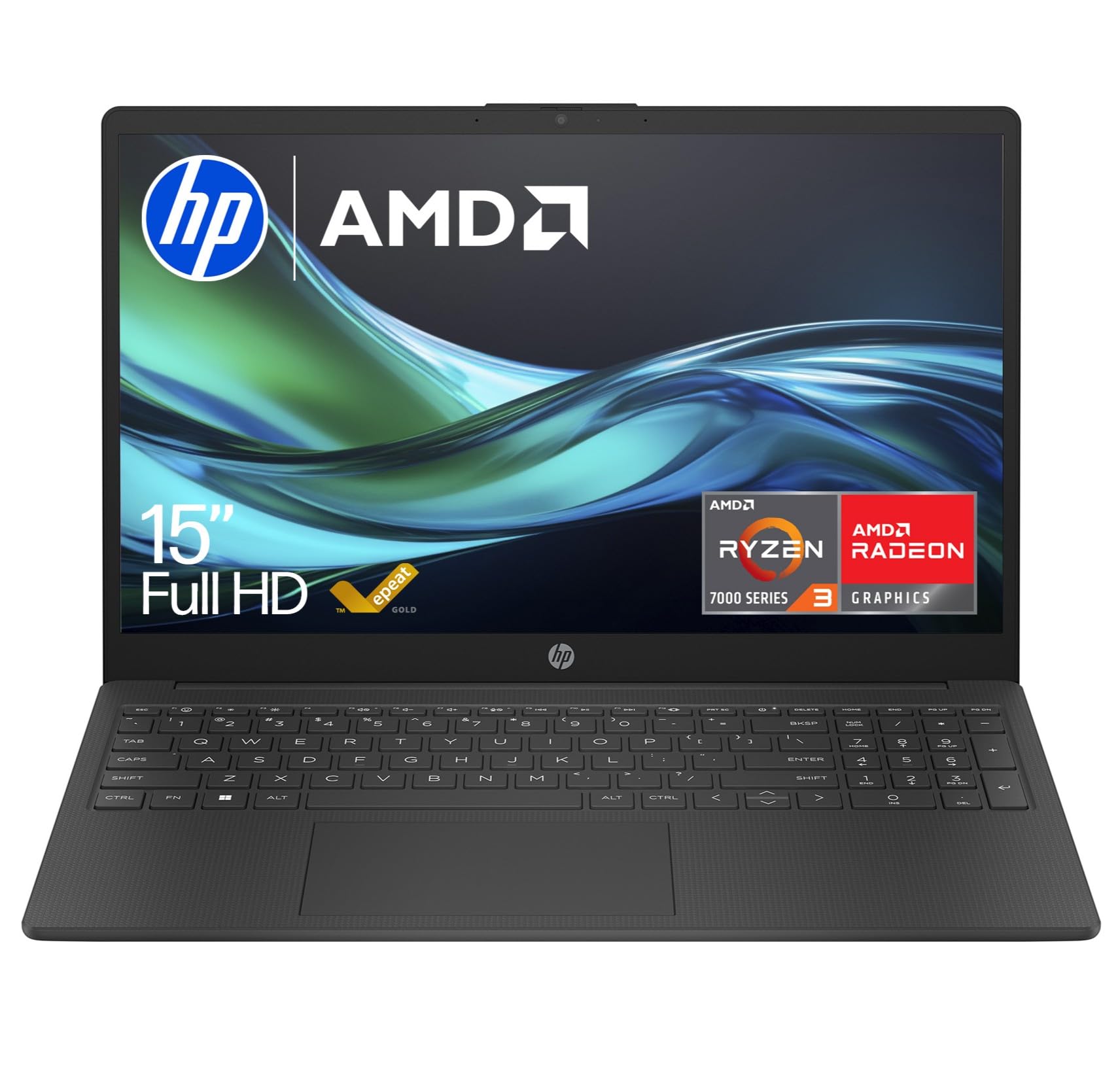
The HP 15.6-inch with Ryzen 3 7320U is the entry point for Windows CAD laptops in this roundup. And it's honest about what it is. The Ryzen 3 7320U is a capable enough chip for 2D CAD drafting and basic 3D work, but 8GB of RAM is where things get tight. AutoCAD 2D runs, but open a browser alongside it with a few tabs and you'll start to feel the squeeze. For students doing coursework or professionals doing light 2D drafting, it's workable. For anything more demanding, you'll want more RAM.
The 256GB SSD is on the smaller side for a CAD machine. Project files, software installations, and reference materials add up quickly. An external drive or cloud storage becomes almost essential. That said, the 15.6-inch Full HD display is decent, the battery claims 11 hours plus, and it runs full Windows 11 without S mode restrictions. For the price, it's a functional CAD starter machine, just not one you'll grow into.
Pros
- Full Windows 11, no S mode issues
- Decent battery life for a budget Windows laptop
- 15.6-inch FHD display, comfortable screen size
- AMD Radeon integrated graphics, adequate for 2D CAD
Cons
- 8GB RAM is limiting for multitasking alongside CAD software
- 256GB SSD fills up quickly with CAD project files
- Ryzen 3 struggles with complex 3D models
Buy on Amazon£349.95
Best for Light Tasks
The IdeaPad Slim 3 with Core i3-N305 is a budget Windows laptop that sits in awkward territory for CAD use. The i3-N305 is an efficiency-focused chip, not a performance processor. It'll handle web browsing, document editing, and light tasks without complaint. For CAD, it's marginal. 2D AutoCAD drafting is possible, but 3D work will be slow and frustrating. The 8GB RAM compounds this, and 128GB of UFS storage is genuinely tight for a CAD machine. You'll be managing storage constantly.
It also ships in Windows 11 S mode, so remember to switch that off before attempting to install any CAD software. Once you do, you have a functional Windows machine, just not a particularly capable one for the task. If your CAD use is genuinely light, occasional, or primarily 2D, it's a budget option. But for anyone doing regular CAD work, the extra spend on the Ryzen 5 IdeaPad 1 or the ASUS Vivobook 16 is money well spent.
Pros
- 15-inch Full HD display, decent screen size
- Lenovo build reliability
- Affordable entry point for Windows laptops
Cons
- i3-N305 is underpowered for meaningful CAD work
- 8GB RAM limits multitasking
- 128GB storage is very tight for CAD projects
- Ships in S mode, needs switching before CAD software installs
Buy on Amazon£299.00
Best Chromebook Battery
Look, the HP Chromebook 14 is a genuinely good Chromebook. The Intel N100 processor, 8GB RAM, and 12.25-hour battery make it one of the better-specced budget Chromebooks available. But here's the honest truth: it runs Chrome OS, and Chrome OS does not run AutoCAD, SolidWorks, Fusion 360, or most professional CAD software natively. Full stop.
If your CAD workflow is entirely browser-based, specifically tools like Onshape or Tinkercad, this machine handles those fine. The FHD display is decent, the battery is excellent, and it's a reliable everyday machine. But if you need to run desktop CAD software, this is not the right tool. We've included it because it appears in the product set, but for the best laptops for CAD under £700, a Windows machine is the practical choice for almost every CAD user.
Pros
- Excellent battery life at 12.25 hours
- 8GB RAM, better than most budget Chromebooks
- FHD display, adequate for web-based CAD tools
- Affordable and reliable for general use
Cons
- Chrome OS won't run AutoCAD, SolidWorks, or Fusion 360 natively
- 128GB storage is limited
- Not a practical choice for professional CAD workflows
Buy on Amazon
Best for Cloud-Only Workflows
Similar story to the HP Chromebook 14 above. Chrome OS is the defining limitation for CAD use. If you're a student using Onshape through a browser, or a hobbyist experimenting with Tinkercad, a Chromebook is a cheap and cheerful way to get started. But for any professional CAD workflow involving desktop software, you need Windows. The HP Chromebook 14 range is well-regarded for reliability and everyday usability. Just not for the use case this roundup is built around.
Pros
- Good for browser-based CAD tools like Onshape
- Reliable Chrome OS experience
- Decent battery life for portable use
Cons
- Chrome OS is a hard barrier for professional CAD software
- Not recommended for serious CAD workflows
Buy on Amazon£249.99
Best for Web-Based CAD Only
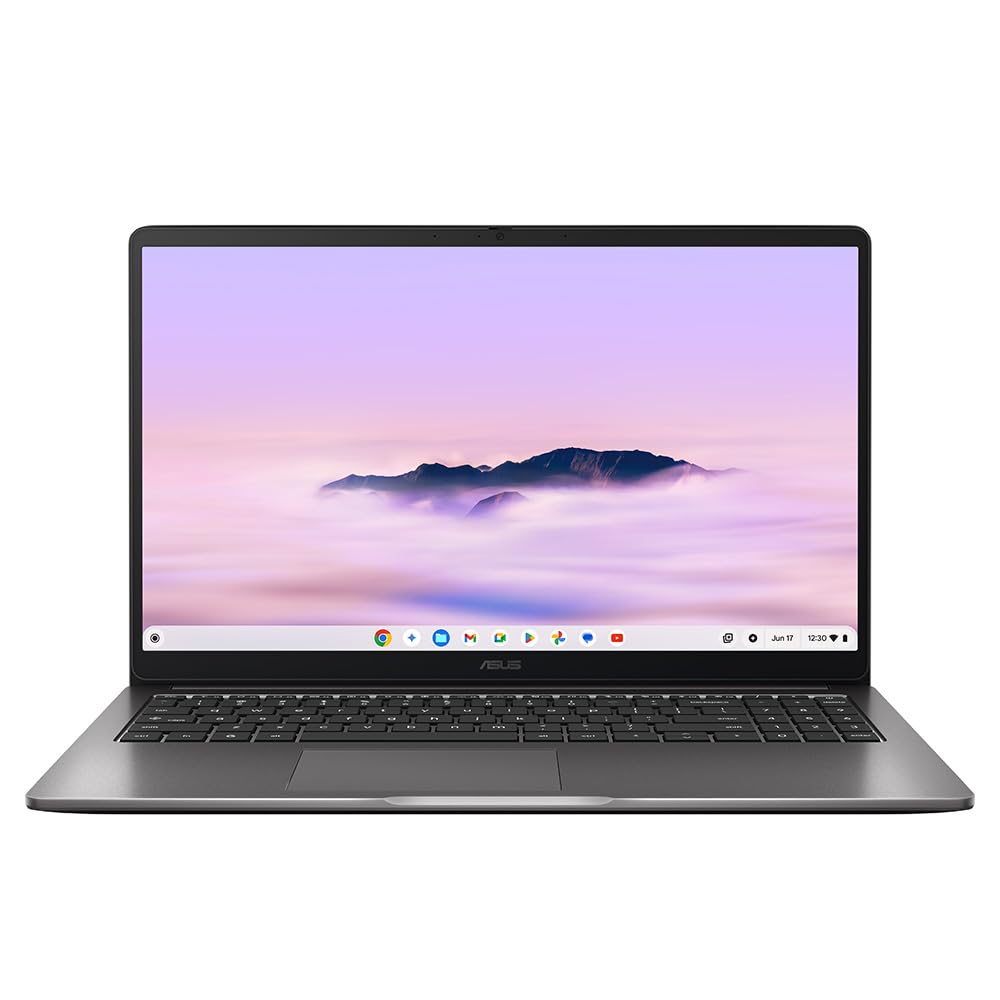
The ASUS Chromebook Plus 15 is the largest Chromebook in this roundup, and the Plus designation means it has slightly better specs than standard Chromebooks. A 15-inch display is genuinely useful for CAD work if you're using browser-based tools. More screen space, more comfortable drafting. But the Chrome OS limitation remains. Professional CAD software won't install. For web-based CAD only, the larger screen is a genuine advantage over the 14-inch Chromebook options. For anything else, look at the Windows laptops in this list.
Pros
- Larger 15-inch display, more comfortable for web-based CAD
- Chromebook Plus spec is better than standard Chromebooks
- Good build quality for the price
Cons
- Chrome OS prevents professional CAD software installation
- Priced higher than some Windows alternatives with better CAD capability
Buy on Amazon
Best Warranty Coverage
The ASUS Chromebook 11 CR1100 is primarily aimed at education, and the 3-year warranty reflects that. For a school or college environment where Chromebooks are used for basic tasks and browser-based learning tools, it makes sense. For CAD work, it doesn't. The Celeron N4500, 4GB RAM, and 64GB eMMC are the weakest specs in this roundup. Even web-based CAD tools will feel sluggish with 4GB RAM. The 11.6-inch HD display is too small for comfortable CAD drafting. The warranty is the only standout feature here, and that's not a reason to buy a machine for CAD use.
Pros
- 3-year ASUS warranty, excellent for education environments
- Durable build for student use
- Affordable price point
Cons
- 4GB RAM is insufficient for CAD work, even web-based
- 64GB eMMC storage is very limited
- 11.6-inch HD display is too small for comfortable CAD drafting
- Chrome OS prevents professional CAD software
Buy on Amazon£299.99
Lightest Option
The ASUS Chromebook 14 CX1405CTA is the most affordable machine in this roundup. And for general web browsing, it's fine. For CAD work, it's the weakest option here. Celeron N50, 4GB RAM, 64GB eMMC, Chrome OS. None of those specs inspire confidence for CAD use. Even Onshape in a browser will feel sluggish with 4GB RAM. The Full HD 14-inch display is decent enough, but the rest of the spec sheet lets it down badly for this use case. If budget is the absolute priority and browser-based CAD is all you need, it's an option. But honestly, save a bit more and get a proper Windows machine from higher up this list.
Pros
- Most affordable option in the roundup
- Full HD 14-inch display is adequate for basic use
- Lightweight and portable
Cons
- 4GB RAM is too little for meaningful CAD work
- 64GB eMMC storage is very limited
- Chrome OS prevents professional CAD software
- Weakest overall spec in the roundup
Buy on Amazon£149.75