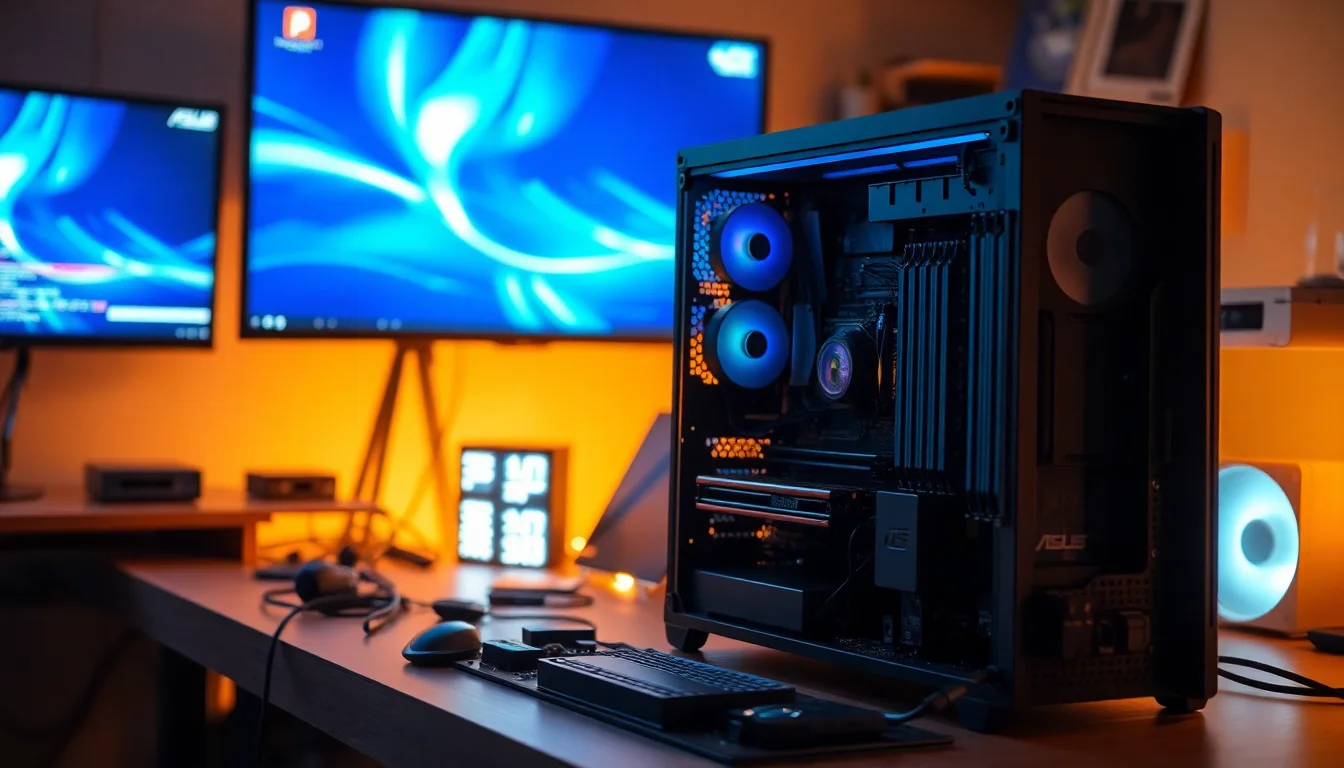
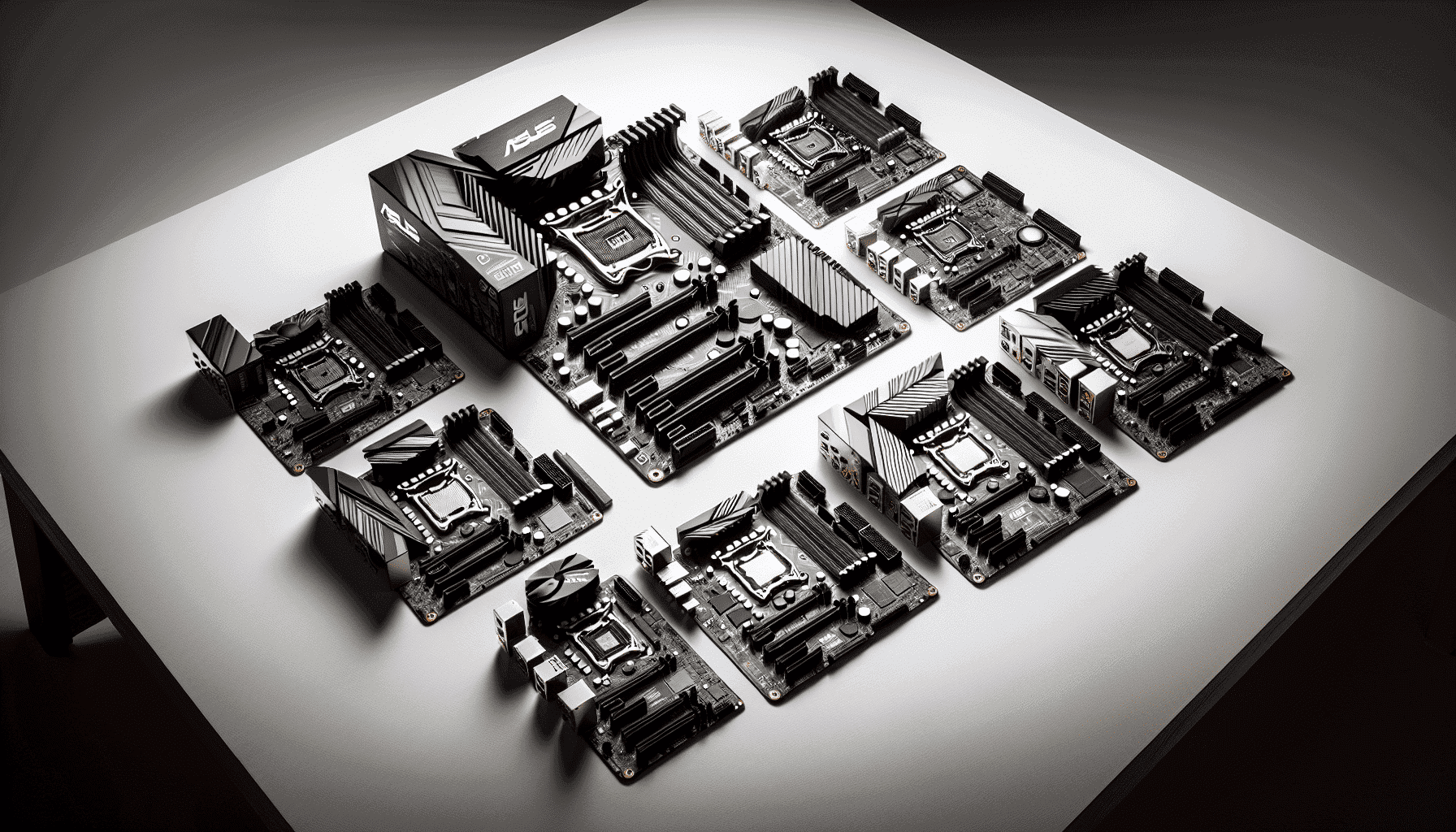
You know how it goes: you've picked your CPU, you've agonised over RAM speeds, you've got a GPU on the way, and then you hit the motherboard question and everything grinds to a halt. It's the one component that touches everything else, and getting it wrong means either leaving performance on the table or spending the next five years nursing a board that was never really up to the job. So when a board like the ASUS TUF GAMING B850-PLUS WIFI AMD ATX motherboard lands in the upper mid-range bracket with a spec sheet that reads like it's trying to punch above its weight, it's worth taking a proper look.
The short version? This is a genuinely good board for most AMD Ryzen builders in 2026, and the 4.5 stars from over 400 owners on Amazon backs that up. The 14+2+1 phase power delivery on an 8-layer PCB is properly specced for anything up to a Ryzen 9 chip, the connectivity story is strong with Wi-Fi 7 and 2.5Gb Ethernet both on board, and the three M.2 slots including one PCIe 5.0 slot give you real storage headroom. It's not perfect, and I'll tell you exactly where it falls short, but if you're building around an AM5 Ryzen processor and you want a board that'll actually last, this deserves serious consideration.
The TUF Gaming line has always been ASUS's "built to survive" range, and the B850-PLUS WIFI fits that brief reasonably well. It's not the cheapest B850 option, but it's also not trying to be. At this price point you're paying for a power delivery system that won't throttle a Ryzen 7 or 9 under sustained load, and that matters more than most people realise until their system starts behaving oddly under pressure.
Core Specifications
The ASUS TUF GAMING B850-PLUS WIFI is an ATX form factor board sitting on AMD's B850 chipset, using the AM5 socket. It supports DDR5 memory, carries three M.2 slots (one PCIe 5.0, two PCIe 4.0), and ships with all three M.2 heatsinks included, which is the kind of detail that sounds minor until you're trying to source one separately. The rear I/O includes a USB 20Gbps Type-C port, and there's a front panel USB 10Gbps Type-C connector as well, which covers both the back of your case and the front for fast device transfers. DisplayPort and HDMI outputs are present for iGPU use with compatible processors.
The power delivery is the headline spec here: 14+2+1 power stages, each rated at 80A using DrMOS technology, fed by dual 8-pin ProCool power connectors. The board sits on an 8-layer PCB, which is meaningfully better than the 6-layer designs you'll find on cheaper boards. Alloy chokes and durable capacitors round out the power section. ASUS also includes an enlarged VRM heatsink and a PCH heatsink, plus three M.2 heatsinks, so thermal management across the board is taken seriously.
Connectivity extras: Wi-Fi 7 via a Q-Antenna setup, Realtek 2.5Gb Ethernet, Thunderbolt (USB4) header support, and three Addressable Gen 2 RGB headers with Aura Sync. The PCIe x16 slot is reinforced and uses ASUS's Q-Release mechanism. BIOS FlashBack is included, which is genuinely useful if you're planning to run a CPU that needs a BIOS update before it'll POST. The pre-mounted I/O shield is a small thing but it's the kind of quality-of-life detail that makes a build less frustrating.
| Specification | Detail |
|---|---|
| Socket | AMD AM5 |
| Chipset | AMD B850 |
| Form Factor | ATX |
| Memory Type | DDR5 |
| VRM Phases | 14+2+1, 80A DrMOS |
| PCB Layers | 8 |
| M.2 Slots | 3 (1x PCIe 5.0, 2x PCIe 4.0) |
| M.2 Heatsinks | All 3 included |
| PCIe x16 Slot | PCIe 5.0 x16 |
| Networking | Wi-Fi 7, Realtek 2.5Gb Ethernet |
| Rear USB Type-C | USB 20Gbps |
| Front USB Type-C Header | USB 10Gbps |
| RGB Headers | 3x Addressable Gen 2 (Aura Sync) |
| Special Features | BIOS FlashBack, Q-Release, Q-Latch, Q-Antenna, Q-Dashboard, Q-LED, Thunderbolt/USB4 header |
| Video Outputs | DisplayPort, HDMI |
| Power Connectors | 8+8 pin ProCool |
| Price | £189.00 (Price checked 06:15, 3 Oct 2026, UK time) |

Socket and CPU Compatibility
The AM5 socket is AMD's current platform, and it's designed to have a longer lifespan than AM4 did initially, with AMD committing to AM5 support through at least 2027. That matters because it means the board you buy today should still be relevant when you want to drop in a faster chip in two or three years. The TUF GAMING B850-PLUS WIFI supports Ryzen 7000, 8000, and 9000 series desktop processors, which covers the full current AMD lineup for desktop builds.
One thing to be aware of: if you're pairing this with a very new Ryzen 9000 chip, check the BIOS version before you assume it'll POST out of the box. ASUS does include BIOS FlashBack on this board, which means you can update the BIOS using just a USB stick and the 24-pin power connector, without needing a compatible CPU installed first. That's a genuinely useful feature and it's one fewer reason to stress about compatibility. If you're buying a Ryzen 7000 series chip, you're almost certainly fine without any BIOS update needed.
The AM5 platform uses LGA-style CPU mounting (the pins are in the socket, not on the chip), which means you don't have to worry about bending pins on your processor. Cooler mounting uses the AM5 standard, so any cooler with AM5 support will work, and many AM4 coolers are compatible too with the right mounting hardware, though you'll want to check with your cooler manufacturer to confirm. The socket itself is rated for significant longevity, and ASUS's TUF line has historically been good about providing BIOS updates that keep boards relevant as new CPU generations arrive.
Chipset Features
The B850 chipset sits in the middle of AMD's current chipset stack, below the X870 and X870E options but above the B650 generation. It's the sweet spot for most builders who want modern features without paying the premium for the enthusiast-tier chipsets. B850 supports CPU overclocking (unlike some Intel mid-range chipsets that lock you out entirely), which is a meaningful advantage if you're planning to push your Ryzen chip with EXPO or XMP memory profiles or want to manually tune frequencies.
In terms of what B850 brings to the table: you get PCIe 5.0 support for both the primary GPU slot and M.2 storage, which is the big step up from B650. That PCIe 5.0 x16 slot means current and next-generation GPUs get full bandwidth, and the PCIe 5.0 M.2 slot means you can run the fastest current NVMe drives without any bottleneck. The chipset also handles the USB allocation, with the board delivering a rear USB 20Gbps Type-C and a front panel 10Gbps Type-C header as the headline USB specs.
The Thunderbolt (USB4) header support is separately. It's a header rather than a built-in port, meaning you'd need an add-in card to actually use Thunderbolt 4 or USB4 at full speed, but having the header means that option is open to you. For most people this won't be relevant, but if you're working with high-speed external storage or docking stations, it's good to know the board doesn't close that door entirely. Fan Xpert 4 handles the hybrid fan headers, and the Q-Dashboard feature gives you a physical readout for system status, which is the kind of thing that's genuinely useful during a build or when diagnosing a problem.
VRM and Power Delivery
This is where I actually get interested in a board, and the TUF GAMING B850-PLUS WIFI doesn't disappoint. The 14+2+1 phase configuration with 80A DrMOS MOSFETs is a proper power delivery setup. To put that in context: 14 phases at 80A each gives you a theoretical maximum current delivery that's well in excess of what even a Ryzen 9 7950X or 9950X will ever demand. You're not going to throttle this board with any mainstream AMD CPU, full stop.
The 8+8 pin ProCool power connectors are ASUS's reinforced version of the standard CPU power connectors, designed to handle higher current without the connector heating up. Combined with the alloy chokes and durable capacitors ASUS specifies, this is a power delivery system built for sustained load rather than just looking good on a spec sheet. The enlarged VRM heatsink is the other piece of the puzzle: DrMOS phases generate heat under load, and a heatsink that's too small means the VRMs throttle to protect themselves, which defeats the point of having a strong phase count. ASUS has clearly put some thought into the thermal side here.
Owner reviews back this up in practice. The 4.5-star average across 416 doesn't suggest widespread overheating or stability complaints, which is exactly what you'd hope to see. Boards with inadequate VRMs tend to generate specific, repeatable complaints in owner reviews: random shutdowns under load, thermal throttling during sustained workloads, or just instability with higher-end CPUs. The pattern of feedback on this board doesn't show those red flags. If you're pairing it with a Ryzen 5 or Ryzen 7, you're using maybe 60% of what this power delivery is capable of. If you go Ryzen 9, you've got headroom to spare.
Memory Support
DDR5 only, which is the right call for a board launching in 2026. DDR4 is effectively legacy at this point for new AM5 builds, and DDR5 prices have come down significantly from the early AM5 days when it was genuinely painful to kit out a system. The B850 chipset and AM5 platform support EXPO (AMD's memory overclocking profile standard, roughly equivalent to Intel's XMP) for running your RAM above its base JEDEC speeds, which is where DDR5 really starts to show its potential.
EXPO and XMP profiles let you set fast memory speeds with a single BIOS toggle rather than manually tuning timings, and on AM5 this is particularly worthwhile because the Ryzen architecture benefits meaningfully from faster memory, especially in gaming workloads where the CPU's Infinity Fabric clock is tied to memory frequency. Running DDR5 at 6000MHz is a commonly recommended sweet spot for Ryzen 7000 and 9000 series chips, and the B850 platform handles that without drama on a quality board like this one.
The board supports four memory slots, which means you can start with two sticks and add more later, or run a full four-stick configuration if you need maximum capacity. Four-stick configurations on DDR5 can sometimes require dropping memory speeds slightly compared to two-stick setups due to signal integrity, but this is a platform-level characteristic rather than anything specific to this board. For most builders, two sticks of fast DDR5 is the optimal setup anyway. The maximum supported capacity isn't specified in the product listing, but the B850 platform typically supports up to 192GB across four slots with the right DDR5 modules.
Storage Options
Three M.2 slots is a proper storage setup, and the fact that all three come with heatsinks fitted is genuinely appreciated. The primary slot runs at PCIe 5.0 x4, which means it can handle the fastest current NVMe drives without any bandwidth limitation. PCIe 5.0 NVMe drives are starting to become more widely available and affordable, and having that slot ready means you're not buying a board that'll feel dated the moment fast storage becomes mainstream.
The other two M.2 slots run at PCIe 4.0 x4, which is still very fast for current drives. A PCIe 4.0 NVMe drive tops out around 7GB/s sequential read, which is plenty for gaming, creative work, or general productivity. Having three M.2 slots total means you can run a PCIe 5.0 boot drive and two PCIe 4.0 data drives without touching a single SATA cable, which makes for a very clean build. The SATA port count isn't specified in the product listing, but the B850 chipset provides SATA ports for traditional drives if you need them.
The new M.2 Q-Latch system ASUS uses on this board is worth a mention. Traditional M.2 retention uses a tiny screw that's basically designed to be lost forever the moment you look away from it. Q-Latch replaces this with a tool-free clip mechanism that actually works. It sounds like a minor thing, but if you've ever spent ten minutes on your hands and knees looking for a 2mm screw that pinged off somewhere, you'll understand why this matters. It's the kind of build-friendly detail that the TUF line has been getting better at over recent generations.
Expansion Slots and PCIe
The primary PCIe x16 slot runs at PCIe 5.0 x16 from the CPU, which means your GPU gets the full bandwidth of the current standard. For gaming this doesn't make a measurable difference right now (GPUs don't saturate PCIe 4.0 x16 in practice), but it's future-proofing that costs nothing extra at this price point and means you won't be leaving bandwidth on the table with whatever GPU generation comes next. The slot uses ASUS's Q-Release mechanism, which lets you remove your GPU without hunting for the tiny release latch that's usually hidden under the card. Anyone who's struggled to extract a GPU from a reinforced slot will appreciate this.
The PCIe slot reinforcement itself is a physical steel shield around the x16 slot, which protects against the slot bending or cracking under the weight of heavy GPU coolers. This used to be an enthusiast-board feature and it's good to see it on a mid-range board. Heavy GPUs with triple-fan coolers exert real mechanical stress on the PCIe slot over time, and a reinforced slot is meaningfully more durable than a standard one.
Beyond the primary x16 slot, the additional expansion options aren't exhaustively listed in the product data, but an ATX board at this tier typically provides at least one additional PCIe slot for expansion cards like capture cards, USB expansion, or sound cards. The Thunderbolt/USB4 header support means there's provision for adding a Thunderbolt add-in card if you need that connectivity. For the vast majority of gaming or workstation builds, the primary x16 slot is the only one you'll use regularly, and it's properly specced.

Connectivity and Rear I/O
The rear I/O on this board is one of its stronger selling points. The USB 20Gbps Type-C port on the rear panel is the headline, and it's genuinely useful for fast external SSDs, modern docking stations, or connecting to devices that support USB 3.2 Gen 2x2. A lot of boards at this price point still shortchange you with slower rear Type-C ports, so having a 20Gbps option here is a proper feature rather than a marketing checkbox. The front panel USB 10Gbps Type-C connector means your case's front USB-C port (if it has one) also gets a fast connection rather than being downgraded to USB 2.0 speeds.
DisplayPort and HDMI outputs are present on the rear I/O for use with AMD processors that include integrated graphics, specifically the Ryzen 8000 series APUs and any future AM5 processors with iGPU capability. If you're running a discrete GPU (which most gaming builds will be), you'll plug into the GPU rather than the motherboard, but having these outputs means the board isn't useless if your GPU fails or if you're building a system without a discrete card. It's also useful during initial setup before you've installed your GPU drivers.
The pre-mounted I/O shield is a small detail that makes a real difference during a build. Traditional I/O shields are separate metal plates that you press into the case before installing the board, and they have a habit of popping out, cutting your fingers, and generally being a nuisance. Having it pre-attached to the board means one less fiddly step. BIOS FlashBack is also on the rear I/O, allowing BIOS updates without a CPU or RAM installed. The Q-Dashboard feature provides at-a-glance system status information. These are the kinds of thoughtful additions that make the difference between a frustrating build experience and a smooth one.
WiFi and Networking
Wi-Fi 7 is the headline wireless spec here, and it's the right one for a board launching in 2026. Wi-Fi 7 (802.11be) supports multi-link operation, which means your device can simultaneously use multiple frequency bands (2.4GHz, 5GHz, and 6GHz) to improve both throughput and latency. In practical terms, this is the wireless standard that's finally good enough for gaming without a cable, assuming you have a Wi-Fi 7 router. If you're still on an older router, you'll get backwards-compatible Wi-Fi 6 or 5 performance, so you're not losing anything by having Wi-Fi 7 on the board.
The Q-Antenna system makes antenna installation easier than the traditional fiddly screw-in connectors. It's a small quality-of-life improvement, but given that antenna positioning can actually affect wireless performance, anything that makes it easier to position them correctly is worth having. Bluetooth is included as part of the Wi-Fi module (standard practice for combo cards), though the specific Bluetooth version isn't called out in the product listing.
The wired side runs through a Realtek 2.5Gb Ethernet controller, which is a solid choice for a board at this price. Realtek's 2.5Gb controllers are well-supported across Windows and Linux, and 2.5Gb is a meaningful upgrade over standard gigabit for anyone with a NAS, a fast internet connection, or who transfers large files between machines regularly. It's not 10Gb, which you'd need to spend significantly more to get, but 2.5Gb is the sweet spot for this price tier. Combined with Wi-Fi 7, the networking story on this board is genuinely strong.
BIOS and Overclocking
ASUS's UEFI BIOS has a reasonable reputation, and the TUF Gaming line specifically tends to get a well-organised interface that's less overwhelming than ASUS's ROG boards while still giving you access to the important settings. The EZ Mode gives you a quick overview of your system with the most common settings accessible immediately, while Advanced Mode opens up the full range of CPU, memory, and fan controls. Fan Xpert 4 handles fan curve configuration, and it's one of the better fan control implementations in the industry, with per-header control and temperature source selection.
For overclocking, the B850 chipset supports CPU overclocking on compatible Ryzen processors, and EXPO memory profile support means getting your DDR5 running at rated speeds is a single BIOS toggle. The TurboV Core software (listed as one of the included applications) provides CPU performance tuning options. Q-LED indicators give you diagnostic feedback during POST if something goes wrong, which is genuinely useful when a system won't boot and you're trying to figure out whether it's the CPU, RAM, or GPU that's the problem. The Q-Dashboard extends this to a physical readout.
BIOS FlashBack deserves another mention in this context because it's directly relevant to overclocking and compatibility. If you flash a bad BIOS during an update, or if a new BIOS causes instability, you can recover without a working system by using FlashBack to restore a known-good version. It's a safety net that matters more than it sounds. Owner reviews across the 416 don't flag widespread BIOS instability issues, which is a good sign. ASUS generally keeps TUF Gaming boards well-updated with BIOS releases, and the AM5 platform has matured significantly since its 2022 launch, meaning the early teething problems with memory compatibility and power delivery tuning are largely resolved.
Build Quality and Aesthetics
The 8-layer PCB is a genuine quality indicator. Most budget boards use 6-layer PCBs, and the extra layers improve signal integrity, power delivery efficiency, and thermal performance. It's not something you can see, but it's something you benefit from over the lifetime of the board, particularly if you're running high-frequency DDR5 or pushing the CPU with sustained workloads. The alloy chokes ASUS specifies are more thermally stable and less prone to coil whine than cheaper ferrite alternatives.
Aesthetically, the TUF Gaming line goes for a military-inspired look with angular heatsinks and a mix of dark colours. It's not as flashy as the ROG Strix boards, which is probably a good thing if you're building in a case with a side panel window and you don't want your motherboard to look like it's trying too hard. Three Addressable Gen 2 RGB headers let you connect RGB fans and strips and control them through ASUS's Aura Sync software, which plays nicely with other Aura-compatible components. If you don't care about RGB, those headers just sit unused and the board itself has understated lighting rather than a full light show.
The heatsink coverage is thorough: enlarged VRM heatsink, three M.2 heatsinks (all included in the box), and a PCH heatsink. This matters practically because M.2 drives throttle when they get hot, and a heatsink keeps them in their performance zone during sustained transfers. The VRM heatsink size directly affects how long the power delivery can sustain high current without thermal throttling. The overall build impression from the spec sheet and owner feedback is of a board that's been properly engineered rather than just spec-stuffed to look good on a comparison table.
How It Compares
The natural comparisons for the TUF GAMING B850-PLUS WIFI are the MSI MAG B850 TOMAHAWK WIFI and the Gigabyte B850 AORUS Elite WIFI. Both sit in a similar price bracket, both target the same AMD AM5 audience, and both make similar claims about VRM quality and connectivity. Understanding where each one wins and loses helps you figure out which one actually suits your build.
The MSI MAG B850 TOMAHAWK WIFI is MSI's equivalent "built tough" mid-range board, with its own strong VRM configuration and a reputation for solid BIOS support. MSI's BIOS interface (Click BIOS 5) is arguably slightly more intuitive for first-time builders, though ASUS's EZ Mode has closed that gap considerably. The TOMAHAWK typically matches or slightly undercuts the TUF GAMING on price depending on timing, making it the natural alternative if you want to save a few pounds without meaningfully compromising on quality. The Gigabyte B850 AORUS Elite WIFI comes in slightly higher in the market and offers Gigabyte's own take on the premium mid-range, with a different aesthetic and Gigabyte's APP Center software ecosystem. Neither competitor fundamentally changes the picture: the TUF GAMING B850-PLUS WIFI is a strong board in a competitive segment, and the choice between them often comes down to brand preference, software ecosystem, and which one is on sale when you're buying.
| Feature | ASUS TUF GAMING B850-PLUS WIFI | MSI MAG B850 TOMAHAWK WIFI | Gigabyte B850 AORUS Elite WIFI |
|---|---|---|---|
| Socket | AMD AM5 | AMD AM5 | AMD AM5 |
| VRM Phases | 14+2+1, 80A DrMOS | 16+2+1 phases (varies by revision) | 16+2+1 phases |
| M.2 Slots | 3 (1x PCIe 5.0, 2x PCIe 4.0) | 4 M.2 slots | 4 M.2 slots |
| PCIe x16 | PCIe 5.0 x16 | PCIe 5.0 x16 | PCIe 5.0 x16 |
| Wi-Fi | Wi-Fi 7 | Wi-Fi 7 | Wi-Fi 7 |
| Ethernet | 2.5Gb (Realtek) | 2.5Gb | 2.5Gb |
| Rear USB-C Speed | 20Gbps | 20Gbps (varies) | 20Gbps (varies) |
| BIOS FlashBack | Yes | Yes (Flash Button) | Yes (Q-Flash Plus) |
| PCB Layers | 8 | Not specified | Not specified |
| Price | £189.00 (Price checked 06:15, 3 Oct 2026, UK time) | Similar bracket | Slightly higher |

Final Verdict
The ASUS TUF GAMING B850-PLUS WIFI AMD ATX motherboard earns its 4.5-star average. It's a properly specced board for the upper mid-range bracket, with a power delivery system that won't flinch at a Ryzen 9, storage headroom that covers the next several years of NVMe drive generations, and connectivity that includes Wi-Fi 7 and a rear 20Gbps USB-C port that a lot of competitors still shortchange at this price. The 8-layer PCB and all-included M.2 heatsinks are the kind of details that reflect genuine engineering investment rather than spec-sheet padding.
The honest critique is that the competitor landscape is competitive. MSI's MAG B850 TOMAHAWK WIFI often matches or beats it on M.2 slot count (four versus three), and Gigabyte's AORUS Elite offers a different aesthetic that some builders will prefer. Neither of those alternatives is clearly better overall, but if you specifically need four M.2 slots, the TOMAHAWK is worth a look. The software bundle (TurboV Core, ASUS DriverHub, ASUS GlideX, ASUS MyHotkey) is solid if you're already in the ASUS ecosystem, but it's not a reason to choose this board on its own.
Who should buy this? Anyone building a Ryzen 7000, 8000, or 9000 series system who wants a board that'll handle a high-end CPU without drama, has proper connectivity for 2026, and doesn't want to worry about whether their motherboard is the weak link in the system. Content creators, serious gamers, and anyone running sustained workloads will appreciate the power delivery headroom. The three M.2 slots cover most builds comfortably, the Wi-Fi 7 and 2.5Gb Ethernet sort out your networking without add-in cards, and the BIOS FlashBack means you're not helpless if a BIOS update goes wrong.
Who should skip it? If you're building around a Ryzen 5 chip for a budget gaming rig, you don't need this much power delivery, and a B650 board in the lower mid-range bracket will give you the same gaming performance for meaningfully less money. The B850 platform and the VRM on this board are genuinely wasted on a 65W Ryzen 5 processor. Save the difference and put it toward a better GPU or faster RAM instead. That's the honest answer, and it's the one that actually serves your build rather than the one that sells you the most expensive board.
Overall score: 8.5 out of 10. Strong VRM, proper connectivity, sensible feature set, and a track record of owner satisfaction. It's not trying to be an enthusiast board and it doesn't need to be. It just does the mid-range job very well.
What works. What doesn’t.
5 + 3What we liked5 reasons
- 14+2+1 80A DrMOS power delivery handles even Ryzen 9 chips without throttling
- PCIe 5.0 M.2 slot and two PCIe 4.0 M.2 slots, all with heatsinks included
- Wi-Fi 7 and 2.5Gb Ethernet cover both wired and wireless networking properly
- Rear USB 20Gbps Type-C and front 10Gbps Type-C header are genuinely useful
- BIOS FlashBack and Q-Release make building and maintenance less painful
Where it falls3 reasons
- Only three M.2 slots vs four on some competitors at similar prices
- Upper mid-range pricing is overkill if you're pairing it with a budget Ryzen 5 CPU
- Thunderbolt/USB4 is a header only, not a built-in rear port
Full specifications
12 attributes| Socket | AM5 |
|---|---|
| Chipset | B850 |
| Form factor | ATX |
| Bios flashback | true |
| M2 slots | 3 |
| MAX RAM | 256GB |
| MAX RAM GB | 256 |
| Network | 2.5GbE + Wi-Fi 7 |
| Pcie 5 slots | 1 |
| Pcie slots | 1x PCIe 5.0 x16 |
| RAM slots | 4 |
| RAM type | DDR5 |
If this isn’t right for you
2 options 8.5 / 10
MSI PRO B760-P WIFI DDR4 Motherboard, ATX - Supports Intel 14th, 13th & 12th Gen Core Processors, LGA 1700 - DDR4 Memory Boost 5333+MHz/OC, PCIe 4.0 x16 Slots, M.2 Gen4 Slots, 2.5G LAN, Wi-Fi 6E
£129.95 · MSI
 8.5 / 10
MSI B650M GAMING PLUS WIFI Motherboard, mATX - Supports AMD Ryzen 9000/8000 / 7000 Series Processors, AM5 - DDR5 Memory Boost 7800+ MHz/OC, PCIe 4.0 x16, M.2 Gen4, Wi-Fi 6E
£143.50 · MSI
Frequently asked
5 questions01Is the ASUS TUF GAMING B850-PLUS WIFI AMD ATX motherboard overkill for just gaming?+
It depends on which CPU you're pairing it with. For a Ryzen 7 or Ryzen 9 gaming build, the 14+2+1 80A DrMOS power delivery and PCIe 5.0 support are genuinely useful and will keep the system stable under sustained gaming loads. For a Ryzen 5 build, you're paying for VRM headroom and features you won't use, and a cheaper B650 board would give you the same gaming performance. The Wi-Fi 7 and USB 20Gbps Type-C are broadly useful regardless of CPU choice.
02Will my existing CPU cooler work with the ASUS TUF GAMING B850-PLUS WIFI AMD ATX motherboard?+
The board uses the AMD AM5 socket, which uses a different mounting standard to AM4. Many modern coolers include AM5 mounting hardware, but if you have an older AM4 cooler, check with your cooler manufacturer whether an AM5 bracket is available. AMD does provide an AM5 cooler mounting kit for some older coolers, and many cooler brands sell AM5 upgrade kits separately. It's worth confirming before you buy rather than assuming compatibility.
03What happens if the ASUS TUF GAMING B850-PLUS WIFI AMD ATX motherboard doesn't work with my components?+
Amazon's standard 30-day return window applies to new purchases, and the A-to-Z Guarantee covers you if there's a dispute. For BIOS compatibility issues with newer CPUs, the BIOS FlashBack feature lets you update the BIOS using just a USB stick without needing a working CPU, which resolves most compatibility problems before they become a return situation. Check the ASUS support page for the latest BIOS version before building if you're using a very new Ryzen 9000 series processor.
04Is there a cheaper motherboard I should consider instead?+
Yes, honestly. If you're building around a Ryzen 5 processor for gaming, a B650 board in the lower mid-range bracket (typically under £150) will deliver the same gaming performance at a lower cost. The B850 platform's main advantages over B650 are PCIe 5.0 M.2 support and slightly improved power delivery headroom, neither of which matters much for a mid-range gaming build. Save the difference and put it toward a better GPU or faster RAM, both of which will have a more noticeable impact on gaming performance.
05What warranty and returns apply to the ASUS TUF GAMING B850-PLUS WIFI AMD ATX motherboard?+
The product listing doesn't specify a manufacturer warranty duration, so check directly with ASUS at the time of purchase for current warranty terms. Regardless of manufacturer warranty, Amazon's 30-day return policy applies to new purchases, and the Amazon A-to-Z Guarantee provides additional buyer protection. For warranty claims after the return window, you'd contact ASUS support directly.