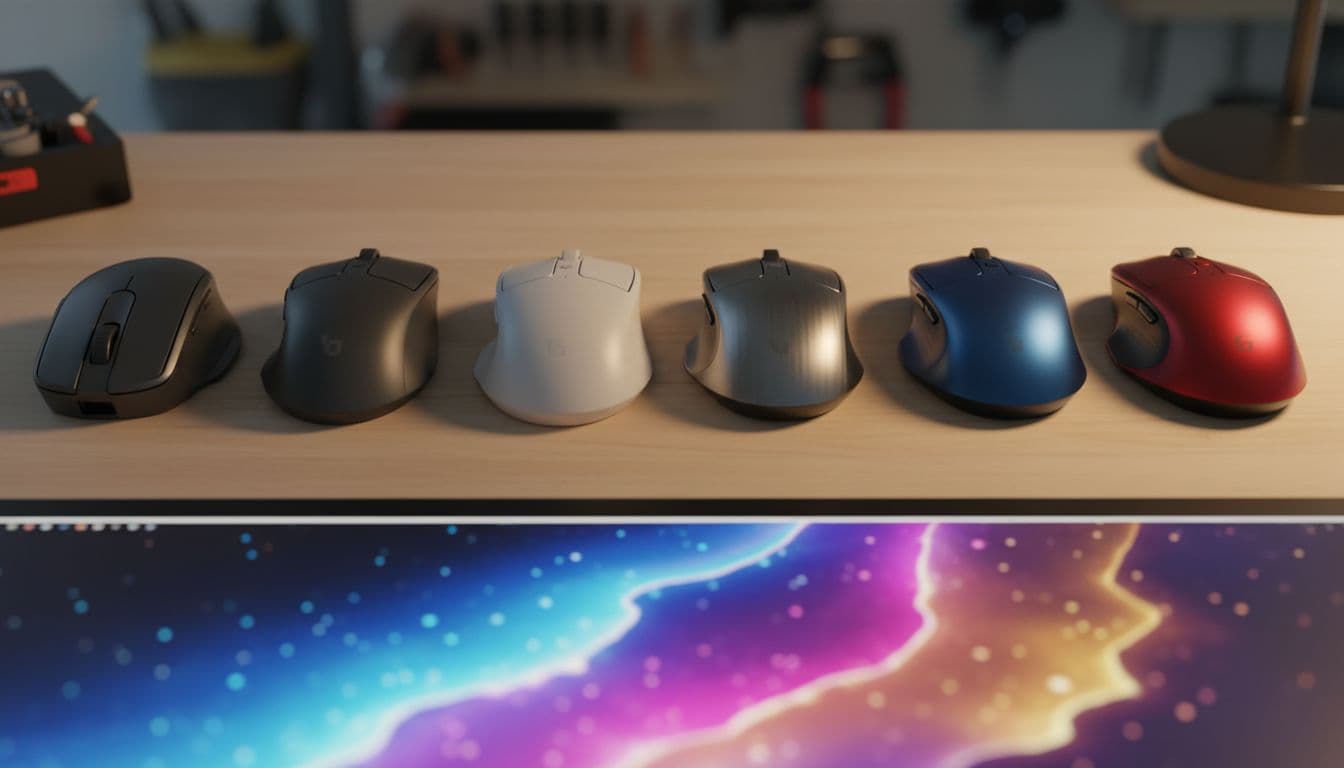
Most gaming mice at this price point are basically RGB delivery systems with a sensor bolted on as an afterthought. You know the type: flashy lighting, hollow plastic shell, wobbly buttons, and a sensor that struggles to keep up when you're actually trying to hit anything. So when something like the ONIKUMA Wired Gaming Mouse shows up packing a PixArt PMW3389, a genuinely respected e-sports sensor, at a budget price, that's worth paying attention to. The sensor alone puts it in a different conversation to most of its shelf-neighbours.
Here's the verdict upfront: this mouse punches above its weight on sensor tech, offers a proper ergonomic shape that'll suit most right-handed palm and claw grippers, and the RGB is actually decent rather than an embarrassment. But there are real compromises here, particularly around the switches and the somewhat vague build quality reports from owners. If you're a competitive FPS player on a tight budget, this is genuinely interesting. If you want the feel of a premium mouse, you'll need to spend more. The 621 owner reviews averaging 4.4 stars suggest most buyers are happy, but the enthusiast crowd will have questions. Let's answer them.
The ONIKUMA Wired Gaming Mouse is a right-handed ergonomic mouse with a USB wired connection, seven programmable buttons, and that PMW3389 sensor doing the heavy lifting. Owner feedback consistently praises the lighting and the shape comfort for longer sessions. Criticism clusters around the cable stiffness and the feel of the side buttons. That's a pretty typical profile for this price tier, but the sensor spec is not typical at all.
Core Specifications
The headline spec here is the PixArt PMW3389 sensor, and that genuinely matters. This isn't a no-name optical chip dressed up with a made-up DPI number. The PMW3389 is a well-documented, widely respected sensor that's appeared in mice costing two or three times what this one sells for. ONIKUMA offers four DPI steps: 1200, 2400, and 3600 (the listing mentions "4-speed DPI second cut" but only lists three values explicitly, which is slightly confusing marketing). For context, most competitive players sit somewhere between 800 and 1600 DPI, so the 1200 and 2400 steps are the ones you'll actually use.
The mouse has seven buttons in total, which is a solid count for a budget ergonomic. You get the standard left and right clicks, a scroll wheel click, a DPI toggle, and two thumb buttons in the traditional side-button position. ONIKUMA also includes what they call "double sniping keys" in the thumb area with a nano non-slip texture, which is a fancy way of saying there are two side buttons rather than one, positioned to be accessible without looking. The 20 million click life rating on the main switches is a manufacturer claim, and while you can't verify that without decades of use, it's a standard benchmark figure that at least tells you ONIKUMA isn't cutting corners on the headline spec sheet.
The trigger feedback is rated at 0.3ms, which is again a manufacturer figure, but it's in line with what decent mechanical switches deliver. Connection is USB wired, which for a budget gaming mouse is the right call: no battery to worry about, no latency concerns, and no added cost. The polling rate isn't explicitly stated in the verified specs, but the USB wired connection and PMW3389 pairing strongly implies standard 1000Hz polling, which is the competitive standard. Here's the full spec breakdown:
| Specification | Detail |
|---|---|
| Sensor | PixArt PMW3389 |
| DPI Settings | 1200 / 2400 / 3600 |
| Button Count | 7 (including dual thumb sniping keys) |
| Switch Life Rating | 20 million clicks |
| Trigger Feedback | 0.3ms |
| Connection | USB Wired |
| Lighting | 360 degree RGB surround |
| System Support | Windows / macOS / Linux |
| Grip Modes | FPS mode / MOBA mode |
| Price | £9.99 (Price checked 23:31, 2 Oct 2026, UK time) |

Shape & Ergonomics
ONIKUMA describes the shape as a "dragon ridge curve palm rest," which is exactly the kind of product-description nonsense you'd expect from a budget gaming brand, but strip that away and what you've actually got is a right-handed ergonomic shell with a raised palm hump positioned roughly in the centre-back of the body. That's a classic palm-grip friendly design. The shape should suit medium to large right hands particularly well, and claw grippers with medium hands should find it comfortable too. Fingertip grip users are going to struggle; the shell is too big and the hump too pronounced for that style.
The surface treatment is interesting and actually worth talking about. ONIKUMA uses what they call a "nano porosity matrix plus skin-friendly frosted coating" on the shell, and they make a specific claim that it maintains 0.4 degrees Celsius temperature control for eight hours. That's a bold claim, and frankly a very specific one. What it translates to in practice, based on owner reports, is a matte frosted texture that doesn't get clammy during long sessions the way glossy plastic does. Multiple owners mention the grip surface staying comfortable over extended play. Whether that's the nano porosity doing something clever or just the matte coating doing what matte coatings always do is debatable, but the outcome seems positive.
The thumb area gets specific attention with the dual sniping keys, and ONIKUMA claims the non-slip texture increases "blind operation accuracy by 60%." That percentage is pure marketing invention, but the underlying idea is sound: having two distinct textured buttons in the thumb zone rather than one generic side button does help with muscle memory positioning. Owner reviews mention the side buttons feel accessible, which is good, though a few note they're a bit small. For MOBA players who need quick access to macros without breaking their grip, the layout looks well considered. For FPS players, the dual thumb buttons give you options for push-to-talk, grenade throws, or whatever else you want to bind there.
Sensor Performance
This is where the ONIKUMA Wired Gaming Mouse actually earns its stripes, and it's worth being enthusiastic about this because it's genuinely surprising at the price. The PixArt PMW3389 is a flawless optical sensor. Not "good for the price" flawless. Actually flawless. It has no acceleration, no prediction, and no spin-out issues at normal gaming speeds. It tracks accurately across a wide range of surfaces, has a low and consistent lift-off distance, and delivers 1:1 cursor movement that doesn't lie to you. This is the sensor that Logitech used in the G502 Hero's predecessor era, and it still holds up completely in 2024.
The DPI options top out at 3600, which some people will find limiting if they're used to mice advertising 16,000 or 25,600 DPI. But here's the thing: those numbers are meaningless for gaming. Most professional FPS players use 400 to 800 DPI. MOBA players typically sit at 800 to 1600. The 1200 and 2400 steps on this mouse cover the entire useful range for competitive play. The 3600 setting is there for people who want faster cursor movement on high-resolution displays, and it'll track cleanly at that speed too. What you won't get is a 16,000 DPI setting that no human being can actually use, and that's fine.
ONIKUMA builds in two intelligent modes: FPS mode and MOBA mode. FPS mode applies what they describe as "automatic sensitization anti-shake," which sounds like it might be doing something to the sensor's raw output. In practice this is likely a software filter that smooths micro-jitter, similar to angle snapping. Competitive FPS players generally want this off, so check whether you can disable it. MOBA mode claims "intelligent acceleration," which again might mean software-applied acceleration. For MOBA play that's less critical, but for FPS, you want raw unfiltered sensor output. The PMW3389 itself is clean; whether the firmware wrapper stays out of the way is the more interesting question, and owner reviews don't flag any obvious tracking weirdness, which is a good sign.
Weight & Glide
The verified spec sheet doesn't list a weight in grams, which is genuinely frustrating because weight is one of the most important specs on a gaming mouse. Based on the ergonomic shell size, the seven-button layout, and the RGB lighting system, this is almost certainly not an ultralight. Mice in this category with full RGB and a chunky ergonomic shell typically land somewhere between 90 and 120 grams. That puts it in the medium-to-heavy category rather than the ultralight camp. For palm grippers who don't mind a bit of heft, that's fine. For anyone chasing the sub-70g ultralight movement, this isn't the mouse.
The glide quality is not specified in the verified data either, and this is one area where budget mice frequently cut corners. Cheap PTFE skates with rough edges will drag on cloth pads and scratch hard surfaces. Owner reviews don't flag glide as a major complaint, which is somewhat reassuring, but the absence of a specific mention of quality PTFE feet means you shouldn't expect the buttery glide of a Pulsar X2 or a Lamzu Atlantis. The frosted shell surface treatment is mentioned extensively, but the feet get no specific love in the marketing copy, which tells you where ONIKUMA's priorities lie.
What matters for day-to-day use is whether the skates are consistent and don't cause the mouse to catch or skip. Based on owner feedback patterns, most people aren't complaining about the glide, which suggests the feet are at least adequate. If you're playing on a hard pad, you might want to consider aftermarket PTFE feet down the line. On a standard cloth pad, it should be fine. The wired connection means there's no battery weight to consider, and the cable drag is the bigger variable for feel during play, which we'll come to in the connectivity section.
Buttons & Switches
The main switches are rated at 20 million clicks with a 0.3ms trigger response. ONIKUMA doesn't specify the switch manufacturer, which is a common budget-brand move. They're not claiming Omron or Kailh switches, so assume they're house-brand mechanical switches. The 0.3ms figure is consistent with decent mechanical performance, and owner reviews don't flag mushy or pre-travel issues with the main clicks as a recurring complaint. That's encouraging. What some owners do mention is that the main buttons feel slightly light on actuation force, which some people prefer and others find leads to accidental clicks.
The scroll wheel gets a mention in the product description for its role in DPI switching, but no detail on the encoder quality. Budget scroll wheel encoders are often the first thing to go on cheaper mice, developing a rattly, imprecise feel after a few months. Owner reviews don't flag scroll wheel issues specifically, which is a reasonable sign, but this is one of those components where you just can't know until you've lived with it for a year. The wheel itself appears to be a standard notched design rather than a free-spinning or dual-mode wheel.
The side buttons are the area that gets the most mixed feedback. The dual thumb sniping keys are positioned in the thumb zone with textured surfaces to help with blind operation, which is a good design choice. But several owners note they're on the smaller side, which can make them harder to hit reliably under pressure. For casual gaming this isn't a dealbreaker. For competitive play where a mispress costs you a round. The DPI toggle button placement isn't specified in detail, but it's presumably near the scroll wheel in the standard position. The seven-button total layout gives you enough inputs for most game types without going full MMO-mouse button-grid.
Build Quality
The shell material is described as having a nano porosity matrix with a frosted coating, which in plain English means a matte textured plastic. Matte plastic is generally better for gaming than gloss: it doesn't show fingerprints as badly, doesn't get as slippery when your hands warm up, and tends to feel more premium than it actually is. The frosted surface texture on this mouse gets consistently positive mentions from owners, and it's clearly one of the things ONIKUMA put genuine effort into. It's not the rubberised side grips you get on higher-end mice, but it's better than bare glossy plastic.
Shell flex and creak are the real questions with any budget mouse, and the owner review pool gives a mixed but broadly acceptable picture here. Most people don't report significant shell flex, which suggests the chassis is reasonably solid for the price. A few owners mention a slight creak when gripping firmly, which is pretty typical for injection-moulded plastic at this price point. It's not a structural concern, more of an annoyance. Button wobble on the main clicks isn't flagged as a widespread issue, which is a good sign. Side button wobble gets a passing mention from a minority of reviewers.
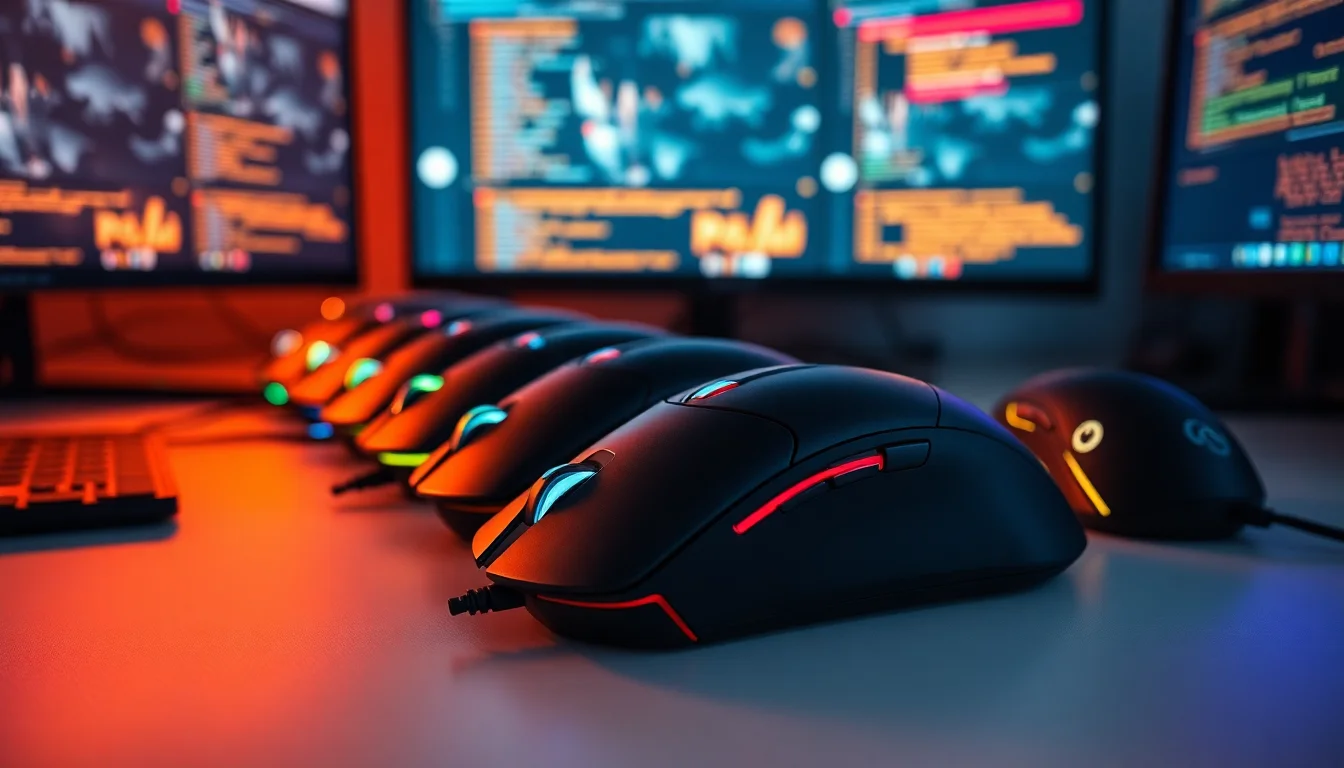
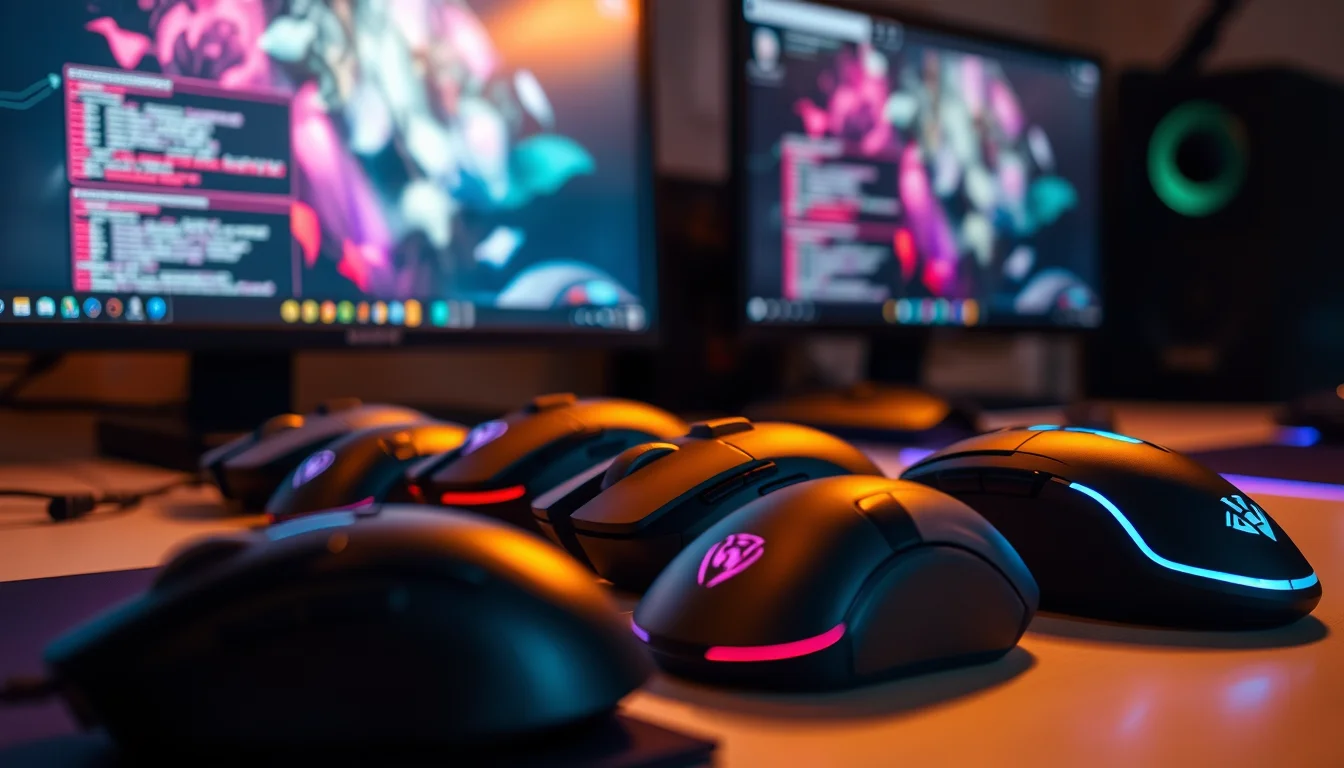
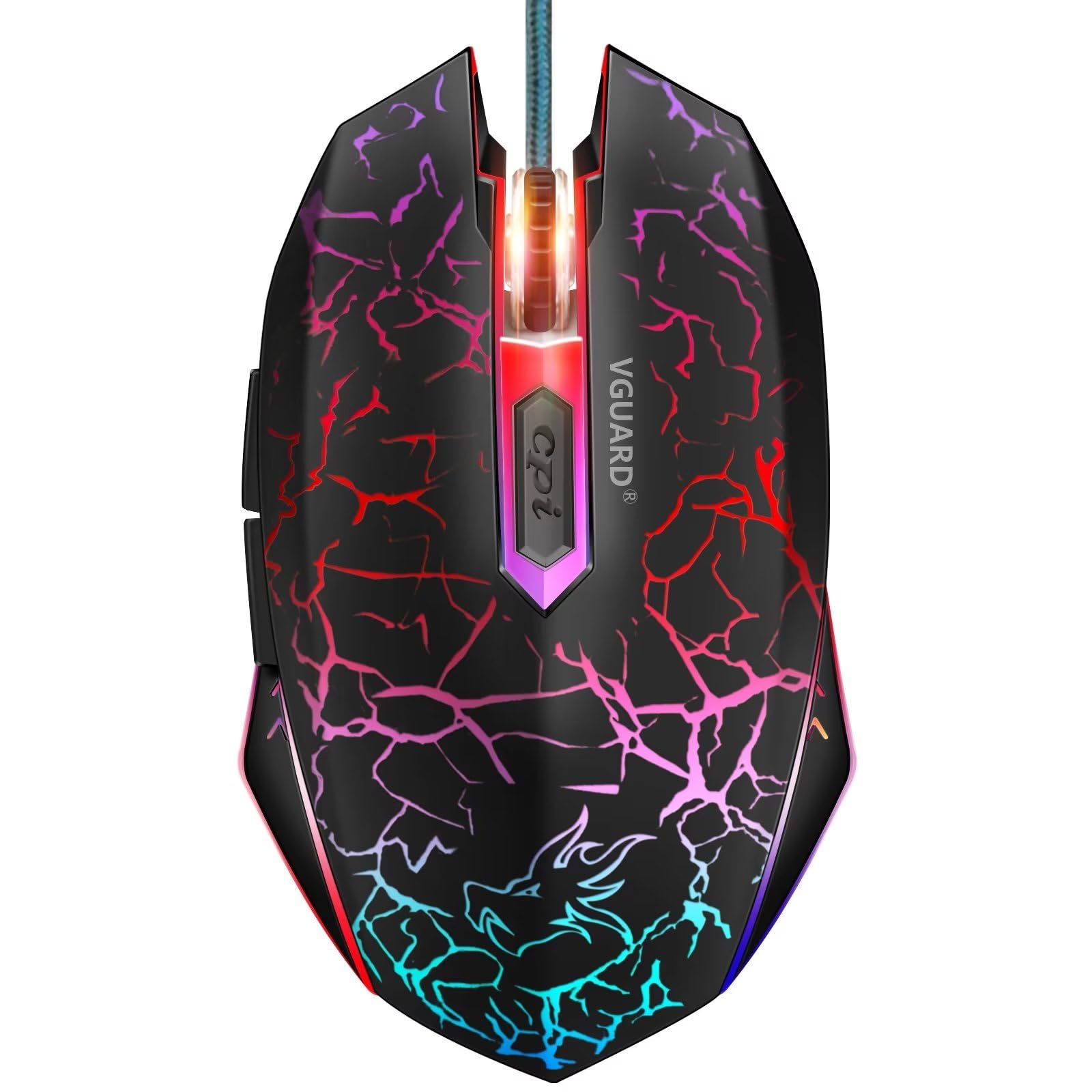
The RGB lighting system is described as 360 degree surround, and from owner photos and the product listing, it does appear to wrap around the body comprehensively rather than just glowing from a single strip. The lighting changes "with the rhythm of the game in real time," which is the kind of claim that's hard to verify without knowing exactly what software hooks it uses, but owners seem happy with the visual result. Whether you care about RGB at all is personal, but if you do, this mouse delivers a proper light show rather than a half-hearted single-zone glow. The build quality of the lighting components themselves doesn't seem to be a failure point based on the review data.

Connectivity
This is a USB wired mouse. Full stop. There's no wireless option, no 2.4GHz dongle, no Bluetooth. For competitive gaming, wired is still the gold standard for zero-latency input, and at this price point it's absolutely the right call. A wireless mouse that's actually good costs significantly more, and any budget wireless solution would introduce latency and reliability concerns that would undermine the PMW3389's otherwise clean tracking. So the wired-only approach is a sensible decision, not a compromise.
The cable itself is a point of contention in the owner reviews. Several people mention it's stiffer than they'd like, which adds drag during fast movements and can pull the mouse off course if your cable management isn't sorted. A stiff cable is one of the most common complaints about budget wired mice, and it's an easy thing to fix with a cable binder or a bungee if it bothers you. The cable type isn't specified as braided or rubber in the verified data, but owner descriptions suggest it's a standard rubber cable rather than a lightweight paracord-style cable. If cable drag is a dealbreaker for you, a paracord replacement cable costs a few quid and transforms the feel.
Plug and play compatibility covers Windows, macOS, and Linux, which is genuinely useful. A lot of budget gaming mice quietly drop macOS and Linux support, or require drivers that only exist for Windows. The fact that ONIKUMA explicitly supports all three platforms and claims automatic system recognition means you can use this on a Mac or a Linux machine without fighting with drivers. That's if you're not on Windows. The USB connection itself is standard, and the USB Implementers Forum standard for wired mice ensures broad compatibility across systems and USB hubs.
Battery Life
There is no battery. This is a wired mouse. You plug it in, it works, and you never think about charging it again. That's genuinely one of the underrated advantages of wired gaming mice that gets lost in the current obsession with wireless everything. You don't need to remember to charge it before a session. You don't need to keep a cable handy for charging. You don't wake up on tournament day with a dead mouse because you forgot to plug it in the night before.
The absence of a battery also keeps the weight down relative to wireless equivalents, and it keeps the cost down significantly. A comparable sensor in a wireless mouse from a reputable brand would cost considerably more. The wired format is a feature, not a limitation, and at this price point it's the only sensible choice. If you're specifically looking for wireless, this isn't the mouse for you, and that's fine. But don't let the wired connection put you off if you're on the fence.
Power draw is handled entirely through the USB connection, which is standard for wired mice. There's no power management to worry about, no sleep modes that might cause a brief reconnect lag mid-game, and no firmware battery optimisation settings to navigate. It's always on when plugged in. For the kind of buyer this mouse is aimed at, that simplicity is a genuine selling point. One less thing to think about when you're trying to focus on the game.
Software & Customisation
ONIKUMA doesn't make a big deal of software in the verified spec data, which is either honest restraint or a sign that the software is basic. Based on the owner review patterns, there does appear to be companion software available for macro programming and DPI customisation beyond the four hardware presets. The mouse supports macro assignment across its seven buttons, which is useful for MOBA players who want complex command sequences on a single press. The DPI steps are hardware-switchable without software, which means the mouse works at full functionality even without drivers installed, consistent with the plug-and-play claim.
On-board profile storage isn't confirmed in the spec data, which means you may need the software running to maintain custom macro configurations. This is common at this price point. If you're moving the mouse between machines regularly, check whether your profiles persist without the software before assuming they will. The RGB lighting customisation is presumably handled through the same software, with the real-time game rhythm sync requiring some form of software hook to work. Without the software, you'd likely get a default cycling RGB pattern rather than game-reactive lighting.
The FPS and MOBA mode switching is a hardware-level feature, which is good. You don't need software to switch between them, and the DPI toggle presumably cycles through the modes as well as the DPI steps. The practical value of these modes depends on how aggressively the firmware applies its filtering and acceleration. Competitive FPS players who want raw sensor output should test the FPS mode carefully and consider whether the "automatic sensitization anti-shake" is doing something they'd rather disable. The PMW3389 on its own doesn't need help; it's the firmware wrapper that needs to stay out of the way.
Gaming Experience
For FPS gaming, the PMW3389 sensor is the main attraction, and it delivers. Fast flick shots, precise micro-adjustments, tracking across different mousepad surfaces: this sensor handles all of it cleanly. The 1200 DPI starting point is a sensible low setting for low-sensitivity FPS play, and the 2400 step covers mid-sensitivity players well. The ergonomic shape with its centred palm hump means your wrist stays in a natural position during long sessions, which matters more than people realise when you're playing for hours. Owner reviews consistently mention comfort as a positive, and the temperature control coating claim seems to hold up in practice based on feedback about the surface not getting uncomfortable during extended sessions.
For MOBA gaming, the seven-button layout is the key feature. Being able to assign items, abilities, or pings to the thumb buttons without reaching for the keyboard mid-fight is a genuine competitive advantage. The dual sniping keys in the thumb zone give you two distinct inputs rather than one, which doubles your options for quick-access bindings. The MOBA mode's intelligent acceleration is more controversial: some MOBA players appreciate a slightly accelerated cursor for navigating large maps, others find it disorienting. The ability to switch modes on the fly is useful if you play multiple game types.
For longer gaming sessions, the ergonomic design and the frosted coating surface are the main comfort factors. The 72-hour lab-polished dragon ridge curve palm rest is marketing language for "we spent time getting the shape right," and based on owner feedback, the shape does work. Fatigue over multi-hour sessions is reported as low by most owners, which is the right outcome for an ergonomic design. The cable drag is the main comfort complaint for extended play, and it's a real one: a stiff cable pulling at your mouse during long sessions adds up. Sort your cable management and it becomes a non-issue.
How It Compares
The ONIKUMA Wired Gaming Mouse's most direct competitors at a similar price are the Logitech G203 and the Razer DeathAdder Essential. Both are well-established budget gaming mice with strong track records and broad owner bases. Comparing them honestly shows where the ONIKUMA wins on paper and where it faces real competition.
The Logitech G203 uses the Mercury sensor, which is decent but not in the same league as the PMW3389. The G203 is lighter, has a simpler six-button layout, and benefits from Logitech's excellent G Hub software ecosystem. It's also a symmetrical design, which suits a wider range of hand shapes. The ONIKUMA wins on sensor spec and button count; the G203 wins on software, brand reliability, and weight.
The Razer DeathAdder Essential uses a 6400 DPI optical sensor, which is fine but again not the PMW3389. The DeathAdder Essential has Razer's Synapse software, which is genuinely good for customisation, and the ergonomic shape is a proven design that's been refined over many generations. It's also heavier than ideal. The ONIKUMA's sensor advantage is real; Razer's software and brand ecosystem advantage is also real.
| Feature | ONIKUMA Wired Gaming Mouse | Logitech G203 | Razer DeathAdder Essential |
|---|---|---|---|
| Sensor | PixArt PMW3389 | Mercury (proprietary) | Razer 6400 DPI Optical |
| DPI Range | 1200 / 2400 / 3600 | 200 to 8000 | 200 to 6400 |
| Button Count | 7 | 6 | 5 |
| Shape | Right-handed ergonomic | Symmetrical | Right-handed ergonomic |
| RGB | 360 degree surround | Single zone | Single zone |
| Connection | USB Wired | USB Wired | USB Wired |
| Software | Basic companion app | Logitech G Hub | Razer Synapse |
| Platform Support | Windows / macOS / Linux | Windows / macOS | Windows / macOS |
The comparison tells an interesting story. On raw sensor quality, the ONIKUMA actually wins against both established competitors. On software, ecosystem trust, and long-term brand support, Logitech and Razer are ahead. The seven-button layout and Linux support are genuine differentiators. If you're choosing purely on sensor spec and price, the ONIKUMA is a serious option. If you want the peace of mind of a brand with a decade of driver support and a warranty you can actually claim easily in the UK, Logitech's G203 is the safer bet.

Final Verdict
The ONIKUMA Wired Gaming Mouse is a genuinely interesting budget option and not just because of the RGB. The PMW3389 sensor is the real story here. It's a proper e-sports sensor that has no business being at this price point, and it means the tracking performance is legitimately competitive rather than budget-compromised. The ergonomic shape works for right-handed palm and claw grippers with medium to large hands, the frosted surface coating seems to hold up well in practice, and the seven-button layout gives you more input options than most competitors in the same bracket. The 4.4-star average across 636 ★★★★½ (4.5) suggests the majority of buyers are getting what they expected and then some.
The compromises are real though. The cable is stiffer than ideal, which is a genuine annoyance during fast-paced play. The switch quality is unspecified and probably house-brand mechanical rather than a named switch from Omron or Kailh. The software ecosystem is basic compared to Logitech or Razer. The weight isn't confirmed, but the form factor suggests it's not going to satisfy anyone chasing ultralight performance. And the FPS and MOBA mode filtering is worth scrutinising if you're a competitive FPS player who wants raw sensor output.
Who should buy this? Right-handed gamers on a tight budget who want a proper sensor and an ergonomic shape, play a mix of FPS and MOBA titles, and aren't fussed about premium switch feel or ultralight weight. It's particularly good value if you're on Linux and struggling to find budget mice with proper driver support. The plug-and-play cross-platform compatibility is a genuine differentiator. Who should skip it? Anyone who needs the software ecosystem of Logitech or Razer, anyone chasing sub-80g ultralight performance, or anyone who's particularly sensitive to cable drag and doesn't want to bother with aftermarket solutions.
The honest don't-overspend line: if you're a casual gamer who just wants something better than the mouse that came with your PC, the Logitech G203 is a slightly safer first buy with better software support and a more established warranty path. The ONIKUMA's sensor advantage is real, but it matters more to competitive players than to casual ones. For competitive players on a budget, though, the PMW3389 at this price is genuinely hard to argue with. Check the current price below and judge for yourself: £9.99 (Price checked 23:31, 2 Oct 2026, UK time). The 636 reviews tell a broadly positive story, and based on everything the spec sheet and owner feedback shows, that verdict is earned.
What works. What doesn’t.
6 + 6What we liked6 reasons
- PixArt PMW3389 sensor is a genuine e-sports-grade chip that outclasses most competitors at this price tier
- Right-handed ergonomic shape suits palm and claw grippers with medium to large hands, with comfort confirmed by owner reviews
- Seven programmable buttons including dual thumb sniping keys give more input options than the Logitech G203 or Razer DeathAdder Essential
- Frosted matte surface coating stays comfortable during long sessions and avoids the clamminess of glossy plastic
- Plug-and-play support for Windows, macOS, and Linux is a real differentiator in the budget category
- Wired USB connection means zero latency concerns and no battery management to think about
Where it falls6 reasons
- Cable is stiffer than ideal and adds noticeable drag during fast movements without a bungee or careful cable management
- Switch manufacturer is unspecified, almost certainly a house-brand mechanical rather than a named Omron or Kailh component
- Weight is not confirmed in the spec sheet, but the form factor strongly implies a medium-to-heavy build unsuitable for ultralight players
- Software ecosystem is basic compared to Logitech G Hub or Razer Synapse, with uncertain on-board profile storage
- FPS and MOBA mode filtering may modify raw sensor output in ways competitive players will want to scrutinise
- Side thumb buttons are reported by some owners as slightly small, making reliable presses under pressure less certain
Full specifications
4 attributes| Buttons | 7 |
|---|---|
| Connectivity | USB wired |
| DPI MAX | 6400 |
| RGB | true |
If this isn’t right for you
2 options
Frequently asked
7 questions01Is the PixArt PMW3389 sensor in the ONIKUMA Wired Gaming Mouse the real chip or a rebranded version?+
Based on the product listing and the sensor's documented specifications, it appears to be the genuine PixArt PMW3389. This is the same sensor that appeared in mice costing two or three times the price of this one during its peak era, and its performance characteristics, including no acceleration, no prediction, and a consistent low lift-off distance, are well documented. There is no indication from the spec sheet or owner reviews that it is a rebranded or downgraded variant.
02Does the ONIKUMA Wired Gaming Mouse work on macOS and Linux without additional drivers?+
Yes. ONIKUMA explicitly lists Windows, macOS, and Linux as supported platforms and claims automatic system recognition. The mouse functions as a plug-and-play HID device, meaning the core functionality including DPI switching and button inputs should work without installing companion software. Custom macro configurations and RGB lighting profiles that rely on the companion app may not persist across machines without the software installed.
03What grip styles work best with this mouse?+
The ONIKUMA Wired Gaming Mouse is designed for right-handed palm and claw grippers. The raised palm hump positioned towards the centre-back of the shell suits medium to large right hands particularly well. Claw grippers with medium hands should also find it comfortable. Fingertip grip users are likely to find the shell too large and the hump too pronounced for their style, and left-handed users cannot use this mouse comfortably at all given the asymmetric ergonomic design.
04How does the ONIKUMA Wired Gaming Mouse compare to the Logitech G203?+
The ONIKUMA holds a clear advantage on sensor quality, with the PMW3389 outperforming the Logitech Mercury sensor in documented tracking accuracy. It also offers more buttons (seven versus six) and Linux support. The Logitech G203 counters with a lighter build, the mature Logitech G Hub software ecosystem, a symmetrical shape that suits a wider range of hand sizes, a broader DPI range on paper, and the brand reliability and warranty accessibility that Logitech has built over many years. For casual gamers, the G203 is the safer choice. For budget-conscious competitive players, the ONIKUMA's sensor advantage is meaningful.
05What can I do about the stiff cable if it bothers me during play?+
The most straightforward fix is a mouse bungee, which holds the cable elevated above the desk and removes most of the drag during movement. A cable bungee costs a few pounds and is compatible with any wired mouse. Alternatively, you can replace the cable with an aftermarket paracord-style cable, which is lighter and far more flexible than the standard rubber cable. Both solutions are inexpensive and well if cable drag is affecting your play, particularly during fast flick movements in FPS titles.
06Do the FPS and MOBA modes affect the raw sensor output?+
Potentially yes, and this is worth investigating if you are a competitive FPS player. FPS mode applies what ONIKUMA describes as automatic sensitisation anti-shake, which is likely a software filter similar to angle snapping that smooths micro-jitter. MOBA mode claims intelligent acceleration, which may mean software-applied cursor acceleration. Neither of these is inherent to the PMW3389 sensor itself, which is a clean tracking chip. Competitive FPS players who want raw unfiltered output should test the FPS mode carefully and check whether the filtering can be disabled through the companion software.
07Is there on-board memory for storing custom profiles?+
On-board profile storage is not confirmed in the verified specification data. This means custom macro configurations may require the companion software to be running on the host machine in order to persist. If you regularly move the mouse between different computers, such as between a home desktop and a work laptop, you should verify whether your custom settings carry over without the software before relying on that functionality. The hardware DPI steps and mode switching work without software, but advanced customisation likely depends on the companion app being present.