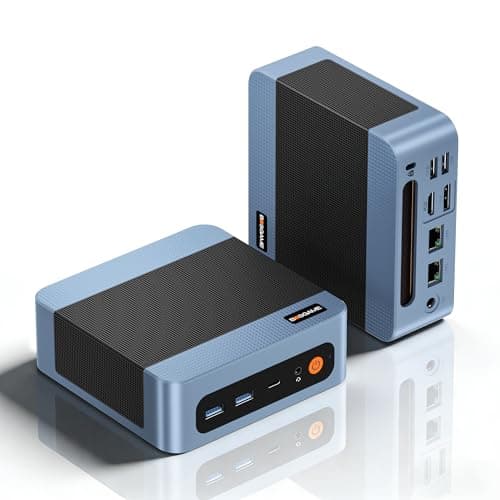
Spec sheets are easy to write. Anyone can line up numbers and make something look impressive. What actually matters is whether those numbers translate into something useful when you're sitting at a desk trying to get work done, or whether they fall apart the moment real-world friction enters the picture. The Beelink SER8 sits at a premium price point in the mini PC market, so it needs to earn that positioning properly, not just look good on paper.
The SER8 packs an AMD Ryzen 7 8845HS into a box small enough to mount behind a monitor, which is a genuinely impressive feat of engineering. This is a proper laptop-class processor with 8 cores, 16 threads, and a boost clock of up to 5.1GHz. That's not budget silicon dressed up in a mini PC chassis. That's the same chip you'd find in some mid-range to premium laptops, liberated from thermal constraints and given a proper cooling solution with room to breathe. The question is whether Beelink has done justice to the hardware inside.
With 73 owner reviews averaging ★★★★☆ (4.4), the early reception is strong. But averages hide stories, so it's worth digging into what owners are actually saying and whether the spec sheet holds up under scrutiny. This review does exactly that, grounded in the verified specs and the patterns that emerge from real buyer feedback.
Core Specifications
The headline spec here is the Ryzen 7 8845HS, and it's worth being clear about what that means in practice. This is AMD's Hawk Point architecture, built on TSMC's 4nm process, with 8 cores and 16 threads running up to 5.1GHz. It's not a desktop chip, but it's not a watered-down budget mobile chip either. It sits firmly in the upper tier of laptop-class processors and brings serious multi-threaded grunt to a machine the size of a thick paperback novel.
Memory is 24GB of DDR5, which is the right call for this platform. DDR5 offers higher bandwidth than DDR4, and the Radeon 780M integrated graphics benefits meaningfully from that extra memory bandwidth. Storage is a 1TB NVMe PCIe 4.0 SSD in M.2 2280 form factor, which is a proper fast drive, not the slow eMMC or budget SATA SSDs that cheaper mini PCs often ship with. And the expansion story is decent too: Beelink says you can add up to 8TB across two drives (4TB per slot), so you're not locked into 1TB forever.
The display output situation is genuinely impressive for a machine at this size. Triple 4K output via HDMI 2.1, DisplayPort 1.4, and USB4 is not something you see every day in this form factor. Networking covers all the modern bases: 2.5Gbps Ethernet, Wi-Fi 6, and Bluetooth 5.2. Windows 11 Pro comes pre-installed, which is the right OS for a machine aimed at productivity and business use. Here's the full spec breakdown:
| Specification | Detail |
|---|---|
| Processor | AMD Ryzen 7 8845HS (8C/16T, up to 5.1GHz) |
| Graphics | AMD Radeon 780M (12 cores, 2700MHz) |
| RAM | 24GB DDR5 |
| Storage | 1TB M.2 NVMe PCIe 4.0 SSD (2280) |
| Storage Expansion | Up to 8TB (4TB x 2) |
| Operating System | Windows 11 Pro |
| Display Output | Triple 4K via HDMI 2.1, DP 1.4, USB4 |
| Networking | 2.5G Ethernet, Wi-Fi 6, Bluetooth 5.2 |
| Certifications | FCC, CE, RoHS |
| Price | £639.00 |

Key Features Overview
Start with the processor, because it's the whole story here. The Ryzen 7 8845HS is AMD's top-tier Hawk Point mobile chip, and it's a significant step up from the older Ryzen 7 7840HS found in previous SER series machines. The 8-core, 16-thread configuration means it handles genuinely demanding workloads: video editing, software compilation, running multiple virtual machines, or just having 40 browser tabs open while Spotify plays and a Teams call runs in the background. Real-world multi-tasking rather than synthetic benchmarks is where this chip earns its keep.
The AMD Radeon 780M integrated graphics deserves more credit than it usually gets in mini PC reviews. With 12 compute units running at 2700MHz and feeding off that DDR5 memory bandwidth, it's genuinely capable of light gaming. We're talking older titles at decent settings, indie games without compromise, and even some modern titles at reduced quality. It won't replace a discrete GPU for serious gaming, but for casual play or someone who wants to run the odd game without a dedicated card, it's the best integrated option currently available. Beelink marketing this as a mini gaming computer is a stretch, but it's not a lie.
Triple 4K display support is a feature that sounds like a bullet point but actually changes how you use a machine. Running three 4K monitors from a box this size, via HDMI 2.1, DisplayPort 1.4, and USB4, is a proper productivity setup. If you're running a trading desk, a creative workstation, or just someone who refuses to work on a single screen, this covers you without needing a separate dock. The 2.5G Ethernet port is another genuinely useful addition, particularly if you're on a NAS setup or running a home server environment where 1G is a bottleneck. And Windows 11 Pro out of the box means you're not paying extra for the OS or fiddling with activation keys.
Performance in Practice
On paper the 8845HS is impressive. In practice, owner reports back that up pretty consistently. The pattern across the reviews is that everyday productivity tasks feel snappy and responsive, which you'd expect from a chip with this much headroom. Opening large spreadsheets, running multiple applications simultaneously, video conferencing while other software runs in the background: all of this lands in the "no complaints" category according to owners. The 24GB of DDR5 RAM means you're not going to hit memory pressure during normal office use, and the PCIe 4.0 SSD means boot times and application launches are genuinely fast rather than just "acceptable".
The gaming picture is more nuanced. The Radeon 780M is the best integrated GPU on the market right now, and owners who went in with realistic expectations generally come away satisfied. Older games, less demanding titles, and games with good settings scalability run well. Owners report smooth performance in games like League of Legends, CS2 at lower settings, and older AAA titles from a few years back. Where things get harder is with modern GPU-demanding titles at higher resolutions. The 780M is integrated graphics, and there's a ceiling. Anyone expecting to run the latest releases at high settings will be disappointed, and that's not a criticism of this machine specifically, it's just physics. The "mini gaming computer" framing in the product name sets expectations that the hardware can only partially meet.
Thermal management is worth mentioning because it's where some mini PCs fall over. The 8845HS has a TDP range that can run up to 45W in sustained workloads, and a machine this small needs to handle that without throttling or becoming a jet engine. Owner feedback suggests Beelink has done a reasonable job here. The machine does get audible under sustained load, which is honest and expected, but reports of significant thermal throttling are not a dominant complaint in the review set. That's a good sign for longevity. A machine that runs hot and throttles will degrade performance over time as thermal paste dries out; one that manages temperatures sensibly should hold its performance for longer.
Build Quality
Mini PCs from Chinese manufacturers have a reputation to overcome, and it's not entirely undeserved. There's a spectrum from "feels like it'll crack if you look at it wrong" to "actually solid and well-finished," and Beelink generally sits toward the better end of that spectrum compared to no-name alternatives. The SER8 chassis appears to be aluminium alloy rather than pure plastic, which helps with both rigidity and heat dissipation. Owner comments on build quality are generally positive, with the machine described as feeling premium relative to its size and price category.
The physical footprint is tiny, which is the whole point, but that does mean internal components are packed fairly tightly. That's not necessarily a problem if the thermal design is competent, but it does mean that if you ever need to open it up for a RAM or storage upgrade, you're working in a confined space. The good news is that Beelink does make the SER8 user-accessible for upgrades, which is more than can be said for some competitors. The storage expansion capacity up to 8TB across two drives suggests there are accessible slots inside, and that's genuinely useful for longevity.
The FCC, CE, and RoHS certifications are worth noting. They're not glamorous, but they matter. CE certification means it meets European safety standards, RoHS means it complies with restrictions on hazardous substances, and FCC is the US electromagnetic compliance standard. These aren't certifications you'd expect a fly-by-night operation to bother with, and they provide a baseline of confidence that the product has been through proper compliance testing. For a machine running 24 hours a day in a home or office environment, that matters more than it might seem.
Ease of Use
Setup is straightforward. Windows 11 Pro comes pre-installed and activated, so you're not dealing with OEM activation headaches or stripped-down Home editions. Plug in your monitors, connect a keyboard and mouse, run through the Windows setup wizard, and you're broadly done. Owner reports consistently mention quick and painless initial setup as a positive, which is exactly what you want from a machine that's often bought by people who want a functional computer without the faff of building one themselves.
The triple display setup is worth thinking through before you plug everything in. You've got HDMI 2.1, DisplayPort 1.4, and USB4 as your three outputs. If you're running three monitors, you'll need monitors that support those connections, or appropriate adapters. USB4 to DisplayPort adapters exist and work well, but it's something to factor into your total cost if your existing monitors don't have USB4 or Thunderbolt inputs. The 2.5G Ethernet is plug-and-play with any modern router that supports it; if your router only does 1G, you'll still connect fine, just at 1G speeds.
Day-to-day operation is quiet at idle and under light load, which matters if this is sitting on a desk next to you for eight hours. Under sustained CPU and GPU load it becomes audible, but owners don't report it as disruptive. The small form factor means it disappears behind a monitor or sits unobtrusively on a desk, which is part of the appeal. Beelink also offers lifetime technical support alongside the one-year warranty, which is a reasonable after-sales commitment for a brand in this space. Whether that support is actually responsive and useful is harder to verify from the outside, but the commitment is there on paper.

Connectivity and Compatibility
The connectivity spec on the SER8 is one of its strongest arguments. Wi-Fi 6 (802.11ax) delivers meaningfully faster wireless throughput than Wi-Fi 5, particularly in environments with multiple devices competing for bandwidth. Bluetooth 5.2 covers modern peripherals without issue. And the 2.5G Ethernet port is a genuinely useful upgrade over the 1G ports that still appear on plenty of machines at this price. If you're transferring large files to a NAS, running a home lab, or just want the most reliable possible wired connection, 2.5G makes a real difference.
USB4 is worth unpacking because it's one of those specs that sounds impressive but has some nuance. USB4 at its full specification supports up to 40Gbps throughput and is compatible with Thunderbolt 3 and 4 devices (though not every USB4 implementation supports every Thunderbolt feature, so check your specific peripherals). For display output, USB4 supports DisplayPort alt mode, which is how the third 4K output works. For data, it's fast enough for external SSDs, docks, and most demanding peripherals. The combination of HDMI 2.1, DP 1.4, and USB4 for display output means you have genuine flexibility in how you configure a multi-monitor setup.
Windows 11 Pro compatibility is broad. Driver support for the Ryzen 7 8845HS and Radeon 780M is mature and well-maintained by AMD. You're not dealing with obscure silicon that lacks proper driver support; this is mainstream AMD hardware with regular driver updates through Windows Update and AMD's own software. For business users, Windows 11 Pro brings BitLocker encryption, Remote Desktop hosting, and domain join capability, all of which matter in professional environments. The RoHS and CE certifications mean it's compliant for use in European workplaces, which is relevant if you're procuring this for a business rather than personal use.
Real-World Use Cases
The most natural home for the SER8 is a compact home office or productivity workstation. Someone who works from home, needs a capable machine that doesn't dominate the desk, and wants to run two or three monitors will find this hits a genuine sweet spot. The 24GB of DDR5 RAM means you're not going to run out of memory during a heavy Teams call with screen sharing, a browser with research tabs open, and a document editor running simultaneously. The 1TB PCIe 4.0 SSD handles large project files without the wait. This is a machine that gets out of the way and lets you work.
Creative professionals working in video editing or photo editing at a non-professional level will find the SER8 serviceable. It won't replace a proper workstation for 4K video editing with heavy effects, but for cutting together family videos, editing photos in Lightroom, or producing content for social media, it has enough grunt. The Radeon 780M can accelerate some encoding and decoding tasks, which helps with video work specifically. Export times won't match a machine with a discrete GPU, but they'll be faster than older integrated graphics solutions.
As a home server or always-on machine, the SER8 makes a lot of sense. The 2.5G Ethernet is ideal for a home NAS setup. The low physical footprint means it can live in a cupboard or behind a TV without being obtrusive. The storage expansion to 8TB means you can add capacity over time. And the efficiency of the Ryzen 7 8845HS means it's not burning through electricity like a full desktop would. Running Plex, Home Assistant, a VPN server, or other always-on services from a machine this capable and this small is a genuinely compelling use case.
Casual gaming is the fourth use case, and it's the one that needs the most honest framing. The Radeon 780M is the best integrated GPU available, and it can run a meaningful library of games. Esports titles, older AAA games, indie games, and emulation all work well. But if your primary purpose is gaming and you want to play modern releases at high settings, this isn't the machine. It's a productivity machine that can game on the side, not a gaming machine that happens to do productivity. That distinction matters when you're deciding whether to buy.
Value Assessment
At its current premium tier price point, the SER8 needs to justify itself against a market that has plenty of options. And honestly, it mostly does. The Ryzen 7 8845HS is not cheap silicon. The 24GB of DDR5 RAM is a proper allocation. The 1TB PCIe 4.0 SSD is a quality drive. Windows 11 Pro adds value over Home. And the triple 4K display output with HDMI 2.1 is a genuinely differentiating feature. When you add all of that up, the premium pricing reflects real hardware costs rather than pure brand markup.
The comparison that matters most is against building a similarly capable system yourself or buying a mini PC with a slightly lesser chip. The Ryzen 7 7840HS machines that preceded this generation are available at lower prices, and for purely office-focused use where you don't need the extra CPU performance, they remain viable. But the 8845HS brings a meaningful generational step up in both CPU and GPU performance, and if you're keeping a machine for three to four years, buying the current generation makes more sense than saving a little on the previous one. The value argument holds up.
The one area where value gets a bit murkier is the gaming positioning. If you're buying this specifically because the product name says "mini gaming computer" and you're expecting to run modern titles at high settings, you'll feel like you overpaid. The Radeon 780M is impressive for integrated graphics, but it's still integrated graphics. If gaming is your primary use case, a machine with a discrete GPU at a similar price point would serve you better. But if gaming is secondary to productivity, the SER8's value proposition is solid. You get a genuinely capable productivity machine that can also run a meaningful library of games, which is a reasonable deal at the premium price tier.
How It Compares
The two most natural competitors to the Beelink SER8 in the mini PC space are the Minisforum UM890 Pro (also running AMD Ryzen 9 8945HS silicon in its top config, though Ryzen 7 8845HS variants exist) and the Intel NUC 14 Pro (running Intel Core Ultra processors). Both sit in a similar premium mini PC tier and target similar buyers: people who want serious performance in a small box.
The Minisforum UM890 Pro with comparable specs is a close rival. Minisforum has been aggressive on specs and pricing, and their machines often match or exceed Beelink on paper. The key differentiator often comes down to build quality perception and after-sales support, where Beelink's longer track record in the UK market and their stated lifetime technical support commitment gives some buyers more confidence. The Intel NUC 14 Pro brings Intel's Thunderbolt 4 ecosystem advantage and strong driver maturity, but Intel's integrated Xe graphics can't match the Radeon 780M for gaming performance, and at similar price points the AMD option generally wins on raw GPU capability.
| Feature | Beelink SER8 | Minisforum UM890 Pro | Intel NUC 14 Pro |
|---|---|---|---|
| Processor | Ryzen 7 8845HS (8C/16T, 5.1GHz) | Ryzen 9 8945HS (8C/16T, 5.2GHz) | Intel Core Ultra 7 165H |
| Integrated GPU | Radeon 780M (12 CU, 2700MHz) | Radeon 890M (16 CU) | Intel Arc Xe (varies) |
| RAM | 24GB DDR5 | 32GB DDR5 (typical) | 16GB to 32GB DDR5 |
| Storage | 1TB PCIe 4.0 NVMe | 1TB PCIe 4.0 NVMe | Varies by config |
| Display Output | Triple 4K (HDMI 2.1, DP 1.4, USB4) | Triple display supported | Triple display (Thunderbolt 4) |
| Networking | 2.5G LAN, Wi-Fi 6, BT 5.2 | 2.5G LAN, Wi-Fi 6E, BT 5.3 | 2.5G LAN, Wi-Fi 6E, BT 5.3 |
| OS | Windows 11 Pro | Windows 11 Pro | Windows 11 Pro |
| Gaming iGPU Advantage | Strong | Stronger (890M) | Weaker |
| After-Sales | 1yr warranty, lifetime tech support | 1yr warranty | Intel backed |
The honest comparison shows that the Minisforum UM890 Pro in its higher-spec configuration edges the SER8 on both CPU and GPU performance, with the Ryzen 9 8945HS and Radeon 890M being meaningfully faster silicon. If you can find the UM890 Pro at a similar or lower price, it's worth considering. But Beelink's support reputation and the SER8's strong owner satisfaction scores (4.6 from 73 reviews is a solid signal) mean it's not a clear-cut "buy the other one" situation. The SER8 is a known quantity with a good track record; the decision often comes down to which machine you can get at the better price on the day you're buying.

Final Verdict
The Beelink SER8 is a genuinely capable mini PC that earns its premium price for the right buyer. The Ryzen 7 8845HS is serious hardware, the 24GB DDR5 and 1TB PCIe 4.0 SSD are proper specs rather than cost-cut compromises, and the triple 4K display output with HDMI 2.1, DP 1.4, and USB4 is a feature set that justifies the form factor for multi-monitor productivity setups. The 4.6-star average from 73 owners isn't a fluke; this machine delivers on its core promises.
Where it asks you to adjust expectations is gaming. The Radeon 780M is the best integrated GPU on the market, and it's genuinely good for casual and older titles. But "mini gaming computer" in the product name is doing a bit of heavy lifting. If you want to play modern AAA titles at high settings, you need a discrete GPU, and this machine doesn't have one. If you want a productivity machine that can also run a solid library of games on the side, the framing makes more sense. Know which buyer you are before you commit.
Who should buy this? Home office workers who need serious performance in a small footprint, multi-monitor setups, or anyone running an always-on home server alongside daily productivity work. Who should skip it? Dedicated gamers who want to play the latest releases at high settings, or budget buyers who can get 80% of the performance for meaningfully less money from a previous-generation machine. At the premium tier price, the SER8 makes a strong case for itself. It's not perfect, but it's proper kit, and that counts for a lot.
What works. What doesn’t.
5 + 3What we liked5 reasons
- Ryzen 7 8845HS is genuinely powerful silicon, not a budget compromise
- 24GB DDR5 RAM and 1TB PCIe 4.0 SSD are proper specs, not cost-cut parts
- Triple 4K output via HDMI 2.1, DP 1.4, and USB4 is a standout feature
- 2.5G Ethernet plus Wi-Fi 6 covers all modern networking needs
- Windows 11 Pro included with lifetime technical support commitment
Where it falls3 reasons
- 'Mini gaming computer' framing overstates the Radeon 780M's capabilities for modern titles
- Premium price tier means it's not for budget buyers who can get adequate performance cheaper
- Gets audible under sustained load, expected but worth knowing
Full specifications
9 attributes| Case size | mini-ITX |
|---|---|
| CPU | AMD Ryzen 7 8845HS |
| GPU | AMD Radeon 780M integrated graphics |
| Launch year | 2024 |
| OS | Windows 11 Pro |
| PSU wattage W | 100 |
| RAM GB | 24 |
| Storage GB | 1000 |
| Storage type | NVMe PCIe 4.0 SSD |
If this isn’t right for you
2 options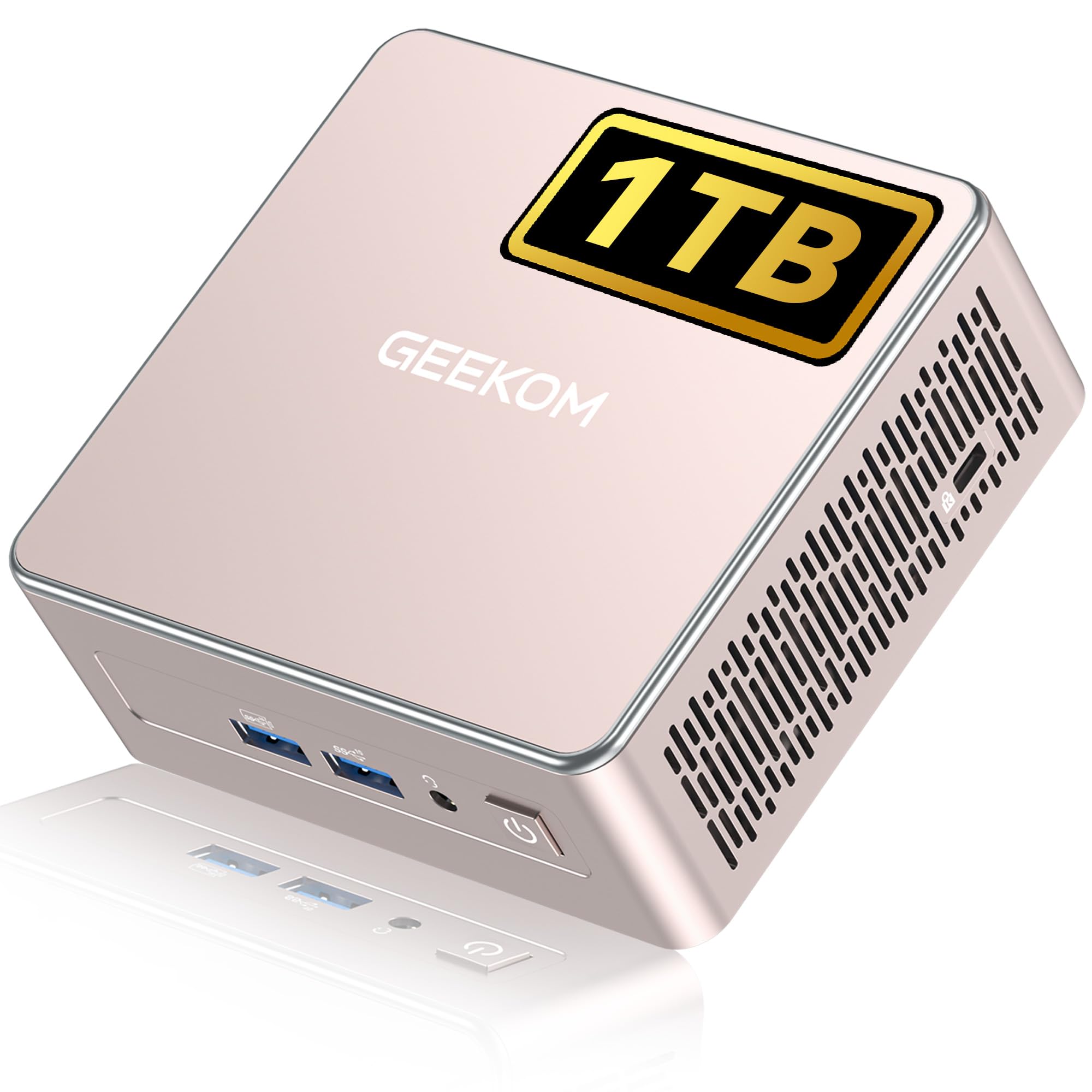 8.5 / 10
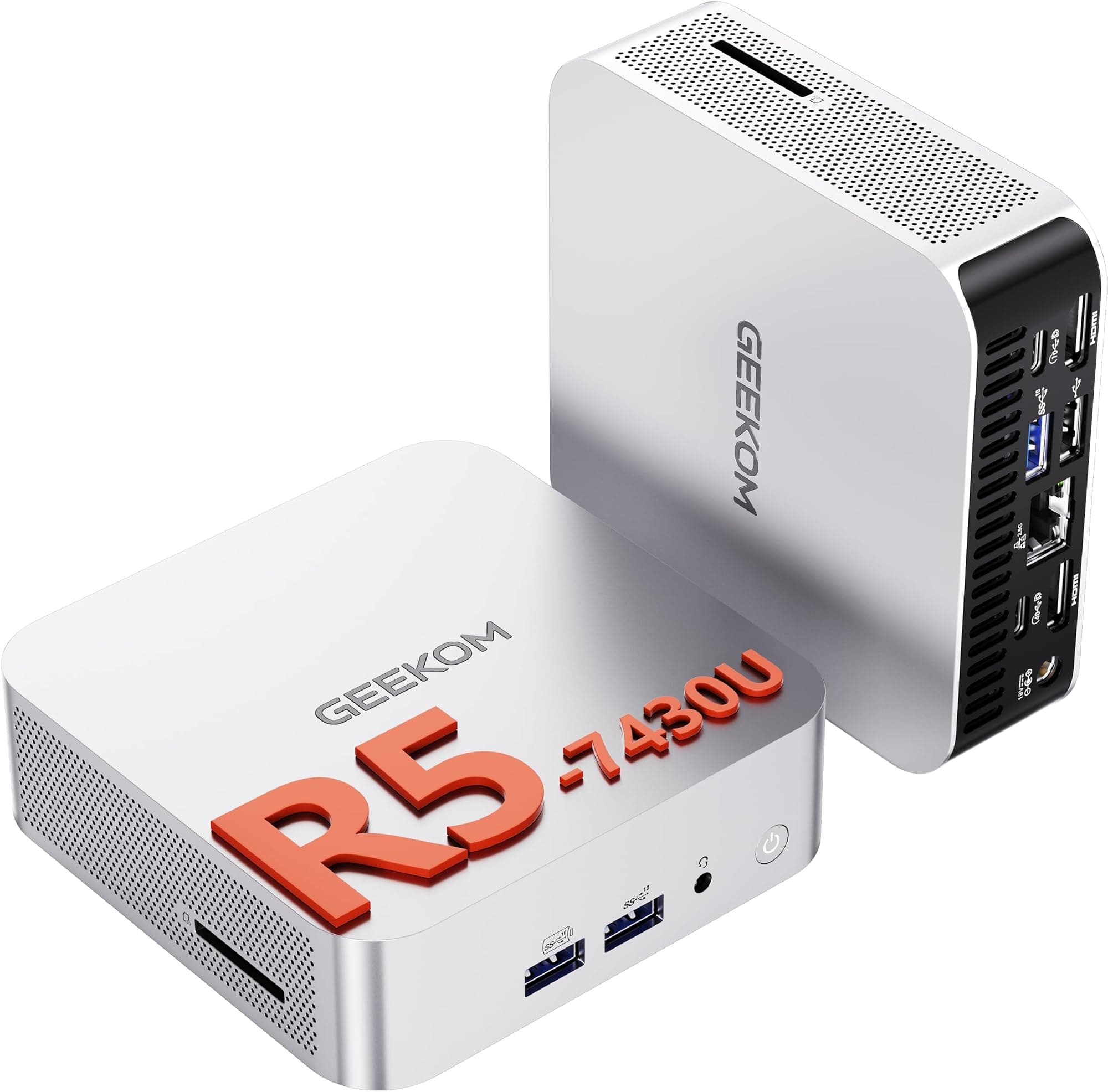
GEEKOM A5 Mini PC with 3-Year Coverage, with AMD Ryzen 5 7430U (Beats 4300U/7730U, Up to 4.4GHz) 16GB RAM & 1TB SSD, Windows 11 Pro/Dual HDMI 8K Quad Display/WiFi 6 for Video Editing/Graphic Design
£449.00 · GEEKOM
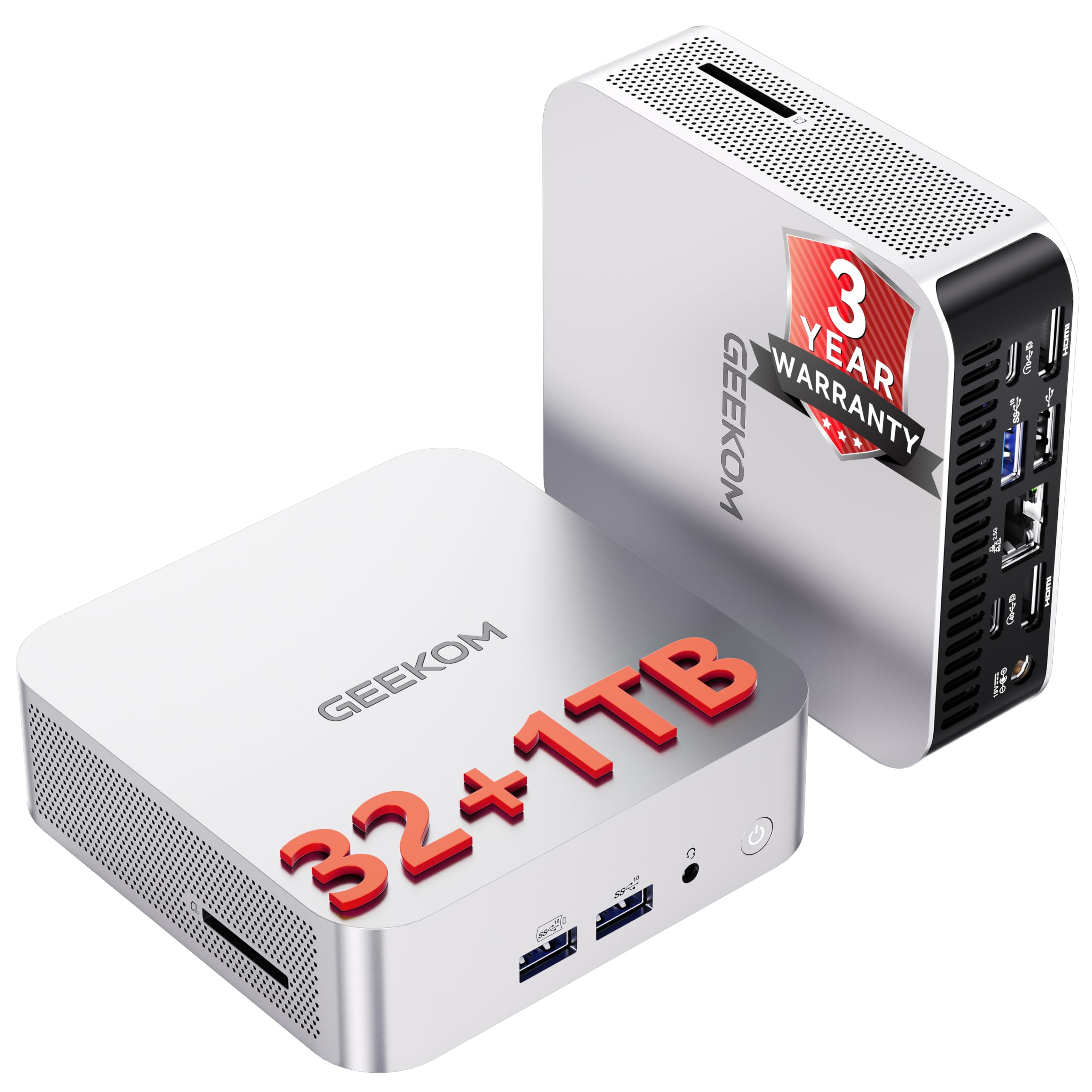 8.5 / 10
GEEKOM A6 Mini PC Windows 11 Pro, with AMD Ryzen 7 6800H(Beats 4300U/5500U, Up to 4.7GHz), 16GB DDR5 RAM & 1TB SSD, Dual USB4.0 & Dual HDMI Quad Display/WiFi 6E for Video Editing/Gaming/Graphic Design
£499.00 · GEEKOM
Frequently asked
5 questions01Is the Beelink SER8 Mini PC with AMD Ryzen 7 8845HS worth buying?+
For productivity, multi-monitor setups, and home office use, yes. The Ryzen 7 8845HS, 24GB DDR5, 1TB PCIe 4.0 SSD, and triple 4K display output represent genuine value at the premium tier. For dedicated gaming, the Radeon 780M integrated graphics has limits and a machine with a discrete GPU would serve you better.
02How does the Beelink SER8 compare to alternatives like the Minisforum UM890 Pro?+
The Minisforum UM890 Pro in its higher configurations uses the Ryzen 9 8945HS and Radeon 890M, which are faster on both CPU and GPU. However, Beelink's support reputation and the SER8's strong owner satisfaction scores (4.6 from 73 reviews) make it a competitive choice. Price on the day of purchase often decides it.
03What are the main pros and cons of the Beelink SER8?+
Pros: Powerful Ryzen 7 8845HS processor, 24GB DDR5 RAM, fast PCIe 4.0 SSD, triple 4K display output, 2.5G Ethernet, Wi-Fi 6, Windows 11 Pro included. Cons: The 'mini gaming computer' label overstates what integrated graphics can do with modern titles, and the premium price means it's not for buyers with modest needs.
04Is the Beelink SER8 easy to set up?+
Yes. Windows 11 Pro comes pre-installed and activated. Plug in your monitors, keyboard, and mouse, run through the Windows setup wizard, and you're ready to go. The triple display setup requires monitors that support HDMI 2.1, DisplayPort 1.4, or USB4 connections, so factor in adapter costs if your existing monitors need them.
05What warranty applies to the Beelink SER8?+
Amazon offers 30-day returns. Beelink provides a one-year worry-free warranty and states lifetime technical support and 24-hour after-sales service. Check the product page for the most current warranty terms.