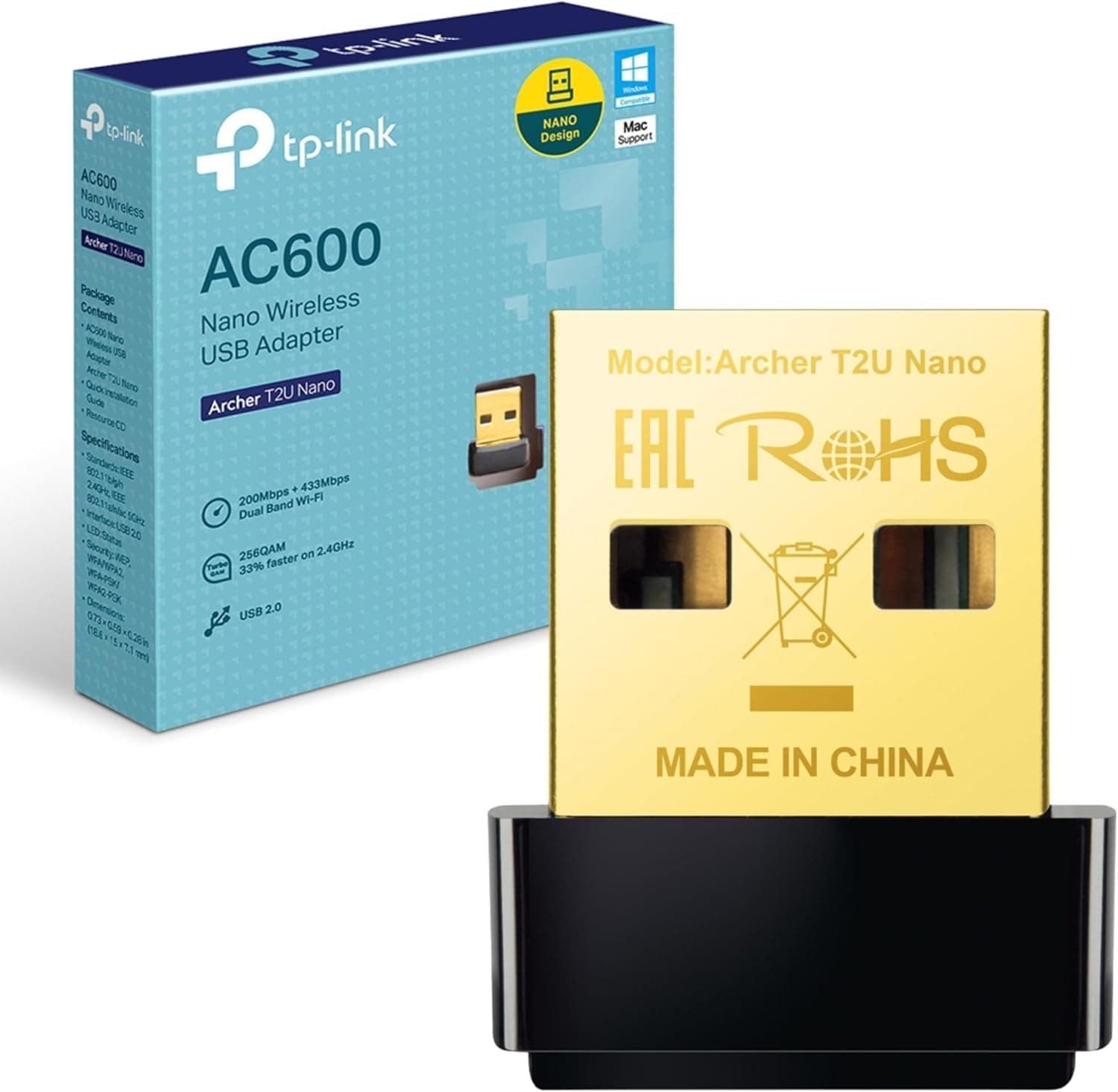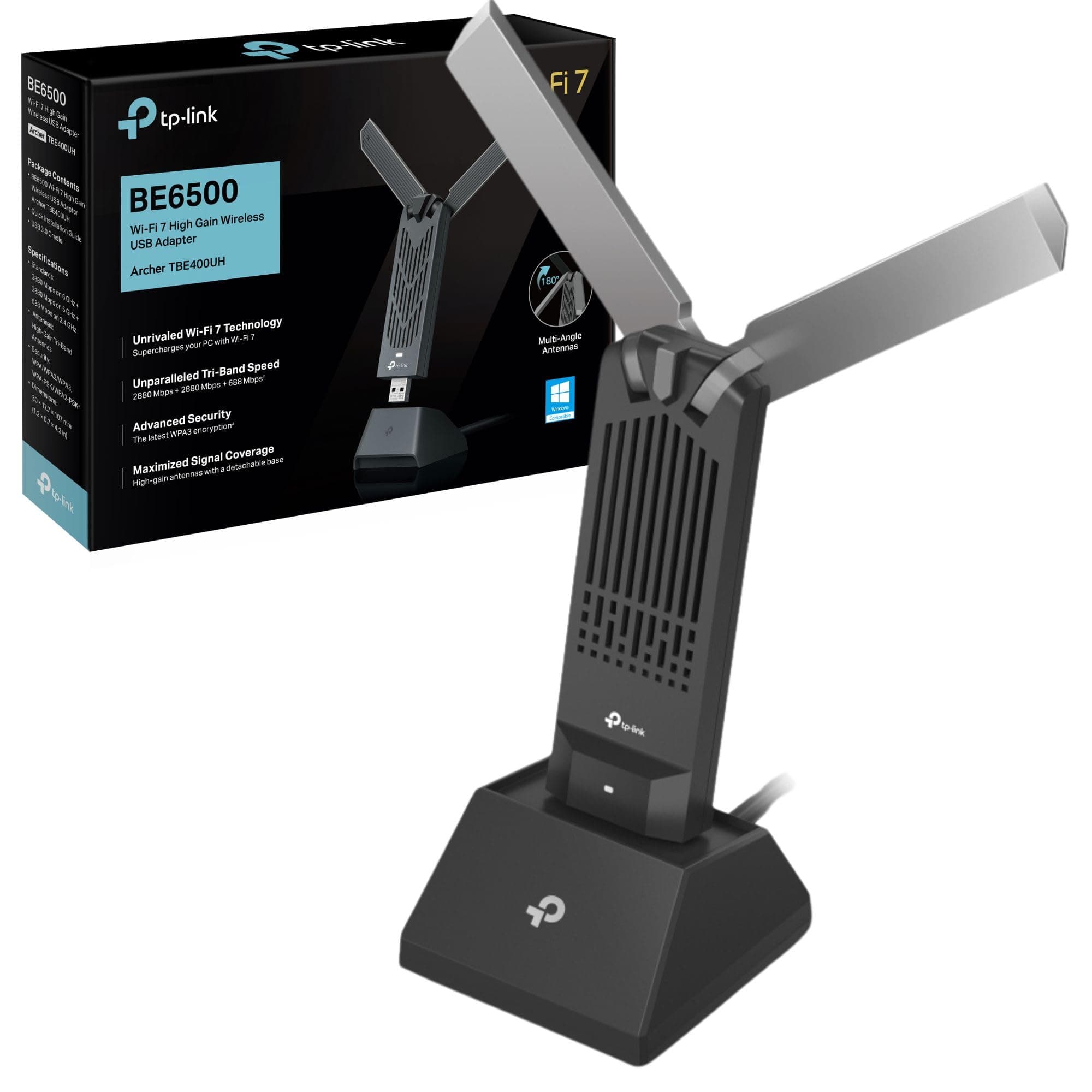
Your laptop or desktop can't see the router from across the flat, and the built-in Wi-Fi card is either dead, borderline useless, or simply not there. That's the actual problem a USB Wi-Fi adapter solves. No new motherboard, no drilling holes for a PCIe card, no calling in a favour. You plug it in, install a driver, and you're on the network. The TP-Link Archer T3U is one of the most-bought adapters in this category on Amazon UK, and with 22,879 averaging 4.3 stars, it's clearly doing something right.
The verdict up front: this is a solid, no-fuss adapter for anyone who needs dual-band Wi-Fi 5 connectivity from a USB port. It won't break records and it won't fix a fundamentally bad router placement, but for the price, it's hard to argue with. The 5GHz band gives you a real-world speed boost over 2.4GHz-only dongles, the USB 3.0 connection means the port itself isn't the bottleneck, and the compact size means it stays out of the way. If you need more than that, you need a different product category entirely. But for most people reading this? It'll do the job.
This is a TP-Link Archer T3U WiFi Dongle Review UK 2025, grounded in the product spec sheet and what real owners consistently report across those 6,400-plus reviews.
Core Specifications: What You're Actually Getting
The T3U is a dual-band 802.11ac (Wi-Fi 5) USB adapter. It operates on both the 2.4GHz and 5GHz bands, which is the most important thing to know before buying. A lot of cheap adapters are 2.4GHz only, which is fine for basic browsing but genuinely limiting if your router is broadcasting a fast 5GHz signal that your device can't pick up. The T3U fixes that.
The headline speed figure is AC1300, which TP-Link breaks down as 400 Mbps on the 2.4GHz band and 867 Mbps on the 5GHz band. That's the theoretical maximum under ideal conditions, and it's the kind of number you'll never actually hit in a real home. What it tells you in practice is that the 5GHz radio is a proper one, not a token inclusion. The USB connection is USB 3.0, which TP-Link claims is up to ten times faster than USB 2.0 for data transfer. That matters because USB 2.0 has a theoretical cap of 480 Mbps, which can actually become a real bottleneck if you're pushing fast Wi-Fi through it. USB 3.0 removes that ceiling entirely for any realistic home broadband speed.
MU-MIMO (Multi-User, Multiple Input, Multiple Output) is listed as a feature. In plain English, this means the adapter can handle data streams from a router more efficiently when there are multiple devices on the network. It's not magic, but it does help the adapter behave better in a busier Wi-Fi environment rather than queuing everything up sequentially. The design is described as mini-sized, and from the product images it's genuinely compact. No external antenna sticking out at an angle, no chunky housing. It just sits flush-ish in a USB port. Supported operating systems include Windows 11, 10, 8.1, 8, 7, XP, and Mac OS X.
| Specification | Detail |
|---|---|
| Wi-Fi Standard | 802.11ac (Wi-Fi 5) |
| Frequency Bands | Dual-band: 2.4GHz and 5GHz |
| Max Speed (2.4GHz) | 400 Mbps (theoretical) |
| Max Speed (5GHz) | 867 Mbps (theoretical) |
| Combined Rating | AC1300 |
| USB Version | USB 3.0 (SuperSpeed) |
| MU-MIMO | Yes |
| Form Factor | Mini / compact |
| Supported OS | Windows 11/10/8.1/8/7/XP, Mac OS X |
| Amazon Rating | ★★★★☆ (4.3) (22,879 reviews) |
| Price | £13.40 |
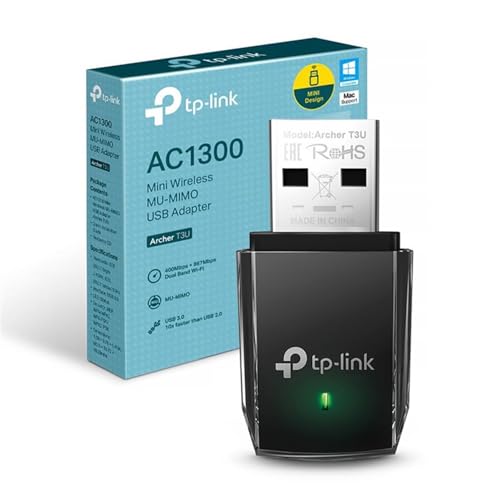
Real-World Coverage: TP-Link Archer T3U WiFi Dongle Review UK 2025
Let's be clear about what a USB adapter controls and what it doesn't. The T3U picks up the Wi-Fi signal your router is already broadcasting. It can't improve your router's coverage, and it can't punch through a concrete wall any better than your laptop's built-in card. What it can do is give you a better radio than a cheap integrated chip, and the dual-band capability means it can actually connect to the 5GHz network rather than defaulting to the more congested 2.4GHz band.
Owner reports across the 6,400-plus Amazon reviews are broadly consistent on range. In the same room as the router, or in an adjacent room with a clear line of sight, the 5GHz band works well and delivers noticeably better speeds than a 2.4GHz-only adapter. At greater distances, through multiple walls or floors, the 5GHz signal drops off, as it always does. 5GHz has shorter range than 2.4GHz by physics. In those situations, the T3U will automatically fall back to 2.4GHz, which holds signal further but at lower throughput. That's normal adapter behaviour, not a flaw specific to this product.
Where owners do flag issues is in genuinely difficult RF environments: thick stone walls, large flats where the router is at one end and the PC is at the other, or situations where there's significant interference on the 2.4GHz band from neighbours. In those cases, a small form-factor adapter like this will always struggle more than a larger adapter with an external antenna. If you're trying to bridge a long distance through multiple obstacles, a USB adapter with a high-gain external antenna (like the T3U Plus, which adds a 5dBi antenna) would be a better fit. For a typical UK flat or a room within reasonable distance of the router, the T3U does what it's supposed to.
Sustained Speed Under Load: What the Numbers Actually Mean
AC1300 sounds fast. And in theory it is. But those numbers, 400 Mbps on 2.4GHz and 867 Mbps on 5GHz, are theoretical maximums measured in conditions that don't exist in your home. In practice, real throughput on the 5GHz band in a normal home environment, through a wall or two, with other devices on the network, is going to be a fraction of that peak. That's not a criticism of the T3U specifically. It's just how Wi-Fi works.
The more relevant question is whether this adapter is fast enough for the things you actually want to do. For most UK broadband connections, including the majority of FTTP (full-fibre) packages up to 500 Mbps or even 1 Gbps, the T3U on 5GHz can genuinely keep up if you're reasonably close to the router. Owner reports back this up, with many noting that the 5GHz connection is more than adequate for 4K streaming, video calls, and general browsing. The USB 3.0 interface helps here too. On a USB 2.0 adapter, the port itself caps out at 480 Mbps theoretical, which starts to become a real limit if your Wi-Fi is fast and your router is nearby. USB 3.0 removes that constraint.
Where the T3U shows its limits is under sustained heavy load with multiple simultaneous data streams, or when you're trying to push genuinely fast throughput from a distance. The MU-MIMO support helps the adapter handle a busy network more gracefully, but this is still a compact single-stream adapter. It's not going to match the throughput of a PCIe Wi-Fi card with multiple spatial streams and external antennas. For the use case it's designed for, though, sustained speeds are adequate. Owners who've replaced failed or absent built-in Wi-Fi with this adapter consistently report it as a straightforward, reliable improvement over having nothing at all.
Mesh and Backhaul: Not Applicable Here, But Worth Understanding
The T3U is a client adapter, not a router or access point. So the whole mesh and backhaul conversation doesn't apply to this product directly. You're not creating a network with this device, you're joining one. But it's worth spending a moment on this because the quality of the network you're joining matters enormously for what you'll get out of the T3U.
If your home already has a decent router or mesh networking setup with a node in or near the room where your PC lives, the T3U will work well. It can connect to the 5GHz band of whichever access point is closest, and if the mesh is doing its job properly, that means you're getting a fast, low-latency connection without having to think about it. If your network is a single ISP-supplied router at one end of the house with no extenders, the T3U can only work with the signal it receives. A better adapter can't compensate for a weak signal at the source.
The practical implication here is that if you're buying the T3U to solve a dead zone problem, you might be solving the wrong part of the problem. The adapter gives your PC Wi-Fi access. It doesn't extend the network. If the issue is that your router's signal is weak in the room where your PC lives, you need an extender, a powerline adapter, or a mesh node in that room, not just a better USB dongle. The T3U is the right tool when the signal is there and your PC just can't connect to it properly. Not when the signal isn't there at all.
Device Capacity: What MU-MIMO Actually Buys You
MU-MIMO (Multi-User, Multiple Input, Multiple Output) is listed as a feature on the T3U. On a router, MU-MIMO means the router can serve multiple devices simultaneously rather than taking turns. On a client adapter like this, MU-MIMO means the adapter is capable of participating in those simultaneous streams rather than forcing the router to fall back to single-user mode when communicating with it. The practical benefit in a busy home is that the T3U doesn't drag down the whole network's efficiency just by being connected.
That said, this is a USB adapter. It's connecting one device to the network. The device capacity question is really about your router, not this adapter. What the T3U does is ensure that the device it's installed in can connect efficiently without being a weak link in the chain. In a home with thirty or forty devices on the network, that matters more than it sounds. An older adapter that doesn't support MU-MIMO forces the router into a less efficient communication mode every time it talks to that device, which can subtly degrade throughput for everyone else.
For most single-device use cases, though, the capacity angle is fairly academic. You're adding one PC to the network. The T3U handles that fine. Where it does matter is if you're using the PC for something bandwidth-intensive, like downloading large files or streaming 4K, while other household members are doing the same. The MU-MIMO support means the router can handle those simultaneous demands more gracefully. It won't eliminate contention entirely, but it's better than an adapter that lacks the feature altogether.
Wi-Fi Standard and Future-Proofing: TP-Link Archer T3U WiFi Dongle Review UK 2025
The T3U is a Wi-Fi 5 (802.11ac) adapter. In 2025, that's not cutting-edge, but it's also not obsolete. Wi-Fi 6 has been the mainstream standard for a few years now, and Wi-Fi 6E (which adds the 6GHz band) and Wi-Fi 7 are both available in higher-end equipment. So where does Wi-Fi 5 sit in 2025?
Honestly, for a USB adapter at this price point, Wi-Fi 5 is fine for most people. The headline improvements in Wi-Fi 6 are OFDMA (Orthogonal Frequency Division Multiple Access, which improves efficiency in dense environments) and better performance when many devices are active simultaneously. Those improvements matter most on the router side, and most of the benefit is felt in environments with dozens of devices competing for airtime. For a single PC connecting to a home network, the real-world difference between Wi-Fi 5 and Wi-Fi 6 at the adapter level is smaller than the marketing suggests. Your broadband speed, your router's performance, and your distance from the router will all have a bigger impact on what you actually experience.
Where Wi-Fi 5 does show its age is if you've invested in a Wi-Fi 6 or Wi-Fi 6E router and want to use all the features it offers. The T3U won't support OFDMA or the improved MU-MIMO implementation in Wi-Fi 6. It'll still connect and work fine, just not at the router's full capability. If future-proofing matters to you and you're willing to spend a bit more, there are Wi-Fi 6 USB adapters available. But for a budget adapter where the primary goal is getting a PC onto the network reliably, Wi-Fi 5 does the job without drama.

Features and QoS: It's a Dongle, Not a Router
There's no QoS on a USB adapter. No parental controls, no guest network, no VPN client built in, no buffer-bloat management. All of that lives in your router. The T3U's feature set is deliberately minimal: it connects your device to Wi-Fi. That's the whole product. And for what it is, that's absolutely fine.
The features that do matter here are the ones on the spec sheet. Dual-band support, so you can choose between 2.4GHz and 5GHz. USB 3.0, so the connection interface doesn't bottleneck your Wi-Fi throughput. MU-MIMO, so the adapter plays nicely with modern routers in busy homes. And a compact form factor, so it doesn't stick out of a laptop port at a right angle and snap off the first time someone walks past. These are practical, useful features for a device in this category.
TP-Link does provide a utility application for Windows that lets you manage the Wi-Fi connection, switch between bands, and handle WPS connections. Owner feedback on this utility is mixed. Some find it useful, particularly for manually selecting the 5GHz band when the adapter defaults to 2.4GHz. Others prefer to let Windows manage the connection natively and skip the TP-Link software entirely. Both approaches work. The native Windows Wi-Fi management is perfectly capable of handling the T3U without any additional software once the driver is installed.
Firmware, App and Security Updates
USB adapters don't have firmware in the same sense that routers do. There's no web interface to log into, no router firmware to update, no security vulnerabilities in the networking stack to patch. What you do need to keep current is the driver, and TP-Link's track record on driver support for the T3U is reasonable. Drivers for Windows 11 are available, which matters because some older adapters from other brands have been left behind as Microsoft updated its driver model.
The TP-Link utility app, if you choose to use it, is fairly lightweight. Owner reports suggest it works without issues on current Windows versions, though some users have noted that the adapter works just as well, if not better, using the built-in Windows Wi-Fi management without the TP-Link software installed at all. On Mac, the situation is slightly more nuanced. Mac OS X is listed as supported, but owners using newer macOS versions have occasionally reported needing to source updated drivers. Worth checking TP-Link's support pages before buying if you're on a Mac.
Security-wise, a USB Wi-Fi adapter is a simpler attack surface than a router. There's no admin interface, no open ports, no firmware running a web server. The main security consideration is keeping the driver current, which TP-Link supports through their website. For most users, this is a set-and-forget device. Plug it in, install the driver once, and it just works. The reboot question that plagues cheap routers simply doesn't apply here. Owners very rarely report needing to unplug and replug the adapter to restore connectivity, and when they do it's usually a Windows driver issue rather than a hardware fault.
Setup and Management: About as Simple as It Gets
Plug it in. Install the driver. Connect to Wi-Fi. That's genuinely the setup process for the T3U on Windows. The driver installation is straightforward, and TP-Link includes a CD in the box (yes, still, in 2025) as well as making the driver available for download from their support site. If your PC doesn't have an optical drive, you'll want to download the driver directly from TP-Link's UK support page before you start.
Owner feedback on setup is overwhelmingly positive. The most common theme in the reviews is that it worked immediately, with no fuss. A minority of users report driver issues, particularly on specific Windows configurations or when using certain USB 3.0 hubs, but these are exceptions rather than the rule. The compact form factor means there's no antenna to position, no cable to route. It just sits in the USB port.
Day-to-day management is minimal. Windows handles band selection automatically, defaulting to the strongest available signal. If you want to force the 5GHz band, you can do that either through the TP-Link utility or through the Windows network adapter settings. There's no ongoing maintenance required. No firmware updates to schedule, no app to keep current, no admin password to remember. For a non-technical buyer who just wants to get online, this is about as low-friction as networking hardware gets.
Ports and Connectivity
The T3U connects via USB 3.0, branded by TP-Link as SuperSpeed USB. The USB 3.0 spec has a theoretical maximum transfer rate of 5 Gbps, which is wildly above anything the Wi-Fi radio will ever push through it. The practical point is that USB 3.0 is not a bottleneck for any realistic home broadband speed or Wi-Fi throughput. USB 2.0, with its 480 Mbps theoretical cap, can become a genuine limit if you're getting fast 5GHz speeds close to a high-performance router. USB 3.0 eliminates that concern entirely.
The adapter is backward compatible with USB 2.0 ports. So if your PC only has USB 2.0 available, the T3U will still work, just at USB 2.0 speeds. For most broadband connections in the UK, even fairly fast ones, USB 2.0 speeds are sufficient in practice. But if you have the choice, always plug it into a USB 3.0 port (usually marked with a blue insert or a SS logo) to get the full benefit.
There are no other ports on this device. It's a USB adapter. No Ethernet port, no additional USB passthrough, no eSATA. The connectivity is exactly what it says on the tin: one USB plug, one Wi-Fi radio, two bands. That simplicity is a feature, not a limitation. The fewer things that can go wrong, the fewer things that do.
How It Compares to the Competition
The main competitors to the T3U in the budget USB adapter space are the TP-Link Archer T2U Plus (a 2.4GHz/5GHz AC600 adapter with a high-gain external antenna) and the ASUS USB-AC53 Nano (a dual-band AC1200 adapter in a similar mini form factor). These sit at broadly similar price points and are frequently bought by the same customers.
The T2U Plus trades the T3U's higher AC1300 speed rating for a larger external antenna, which gives it better range in difficult environments. If your main concern is distance and signal penetration through walls rather than peak throughput, the T2U Plus is worth considering. The T3U wins on raw speed rating and compact size. The ASUS USB-AC53 Nano is an AC1200 adapter, slightly below the T3U's AC1300 rating, and at a similar or slightly higher price. ASUS's driver support is generally well-regarded, and the Nano has a similar form factor to the T3U. The T3U's edge is the USB 3.0 connection and the marginally higher speed rating.
For anyone who wants to step up to Wi-Fi 6, the TP-Link Archer TX20U Mini is the natural next step. It's a dual-band Wi-Fi 6 USB adapter in a compact form factor, and it costs noticeably more than the T3U. Whether that premium is worth it depends entirely on whether you have a Wi-Fi 6 router and whether you'll actually benefit from the improved efficiency. For most home users with a standard broadband connection, the T3U's Wi-Fi 5 performance is sufficient, and the price difference buys you very little in practice.
| Feature | TP-Link Archer T3U | TP-Link Archer T2U Plus | ASUS USB-AC53 Nano |
|---|---|---|---|
| Wi-Fi Standard | Wi-Fi 5 (AC1300) | Wi-Fi 5 (AC600) | Wi-Fi 5 (AC1200) |
| Dual Band | Yes (2.4GHz + 5GHz) | Yes (2.4GHz + 5GHz) | Yes (2.4GHz + 5GHz) |
| USB Version | USB 3.0 | USB 2.0 | USB 2.0 |
| MU-MIMO | Yes | No | Yes |
| Antenna | Internal (mini) | External high-gain | Internal (nano) |
| Form Factor | Mini / compact | Larger (external antenna) | Nano / compact |
| Price | £13.40 | Check Amazon | Check Amazon |

Final Verdict: Should You Buy the TP-Link Archer T3U?
The TP-Link Archer T3U does exactly what a budget USB Wi-Fi adapter should do. It gets your PC onto a dual-band Wi-Fi 5 network without any drama, costs very little, and takes up almost no space. The USB 3.0 connection is a genuine differentiator at this price point, removing the interface bottleneck that affects cheaper USB 2.0 alternatives. MU-MIMO support means it plays nicely with modern routers in busy homes rather than quietly degrading everyone else's connection. And 6,400-plus Amazon reviews averaging 4.3 stars is a meaningful signal that real owners are satisfied with it.
The honest limitations are equally clear. It's Wi-Fi 5, not Wi-Fi 6. The internal antenna means range in difficult environments is limited compared to adapters with external high-gain antennas. And like any compact adapter, it works best when the signal is already decent at the point where your PC lives. It's not a solution to a fundamentally weak network. It's a solution to a PC that can't connect to a network that's already there.
For the use case it's designed for, which is adding reliable dual-band Wi-Fi to a PC or laptop that lacks it, the T3U is a strong choice at this price. It's well-supported, widely compatible, and consistently rated well by real owners. If you need longer range, look at the T2U Plus with its external antenna. If you want Wi-Fi 6, budget for the TX20U Mini. But if you just need a compact, reliable adapter that works without fuss, this is the one to buy.
What works. What doesn’t.
5 + 3What we liked5 reasons
- USB 3.0 connection removes the interface bottleneck that affects cheaper USB 2.0 adapters
- Genuine dual-band Wi-Fi 5 at a budget price, including proper 5GHz support
- MU-MIMO support means it doesn't degrade performance for other devices on a busy network
- Compact mini form factor sits flush in a USB port without sticking out
- Strong owner satisfaction across 6,400-plus reviews at 4.3 stars average
Where it falls3 reasons
- Wi-Fi 5 only, no Wi-Fi 6 support for those with newer routers
- Internal antenna limits range in difficult environments compared to external-antenna alternatives
- Mac driver support can require extra steps on newer macOS versions
Full specifications
8 attributes| Antennas | 0 |
|---|---|
| Launch year | 2018 |
| Mesh capable | false |
| Ports | 1x USB 3.0 |
| Security protocols | WEP, WPA, WPA2, WPA-PSK, WPA2-PSK |
| TOP speed mbps | 1300 |
| Type | extender |
| Wifi standard | Wi-Fi 5 |
If this isn’t right for you
2 options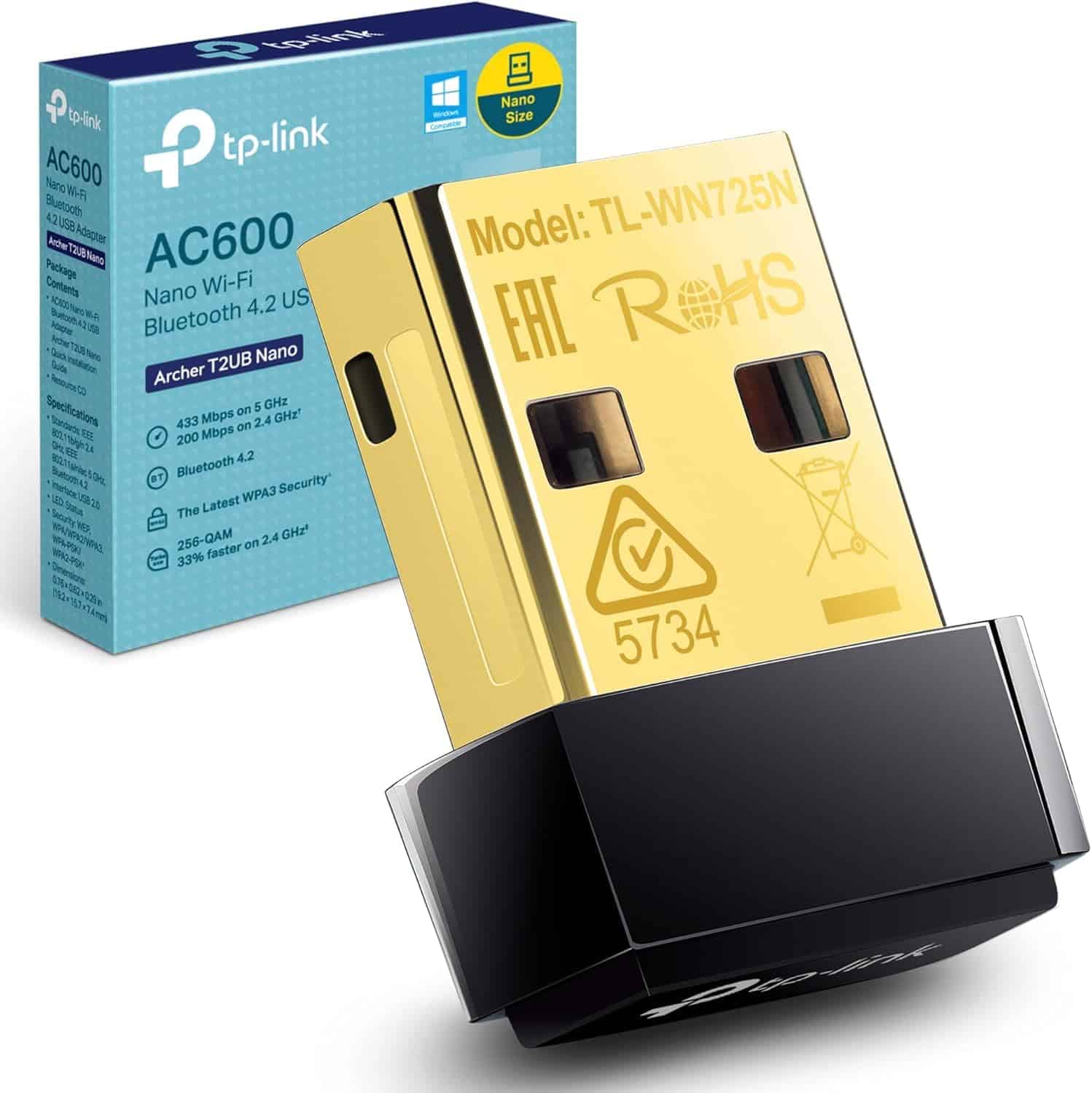
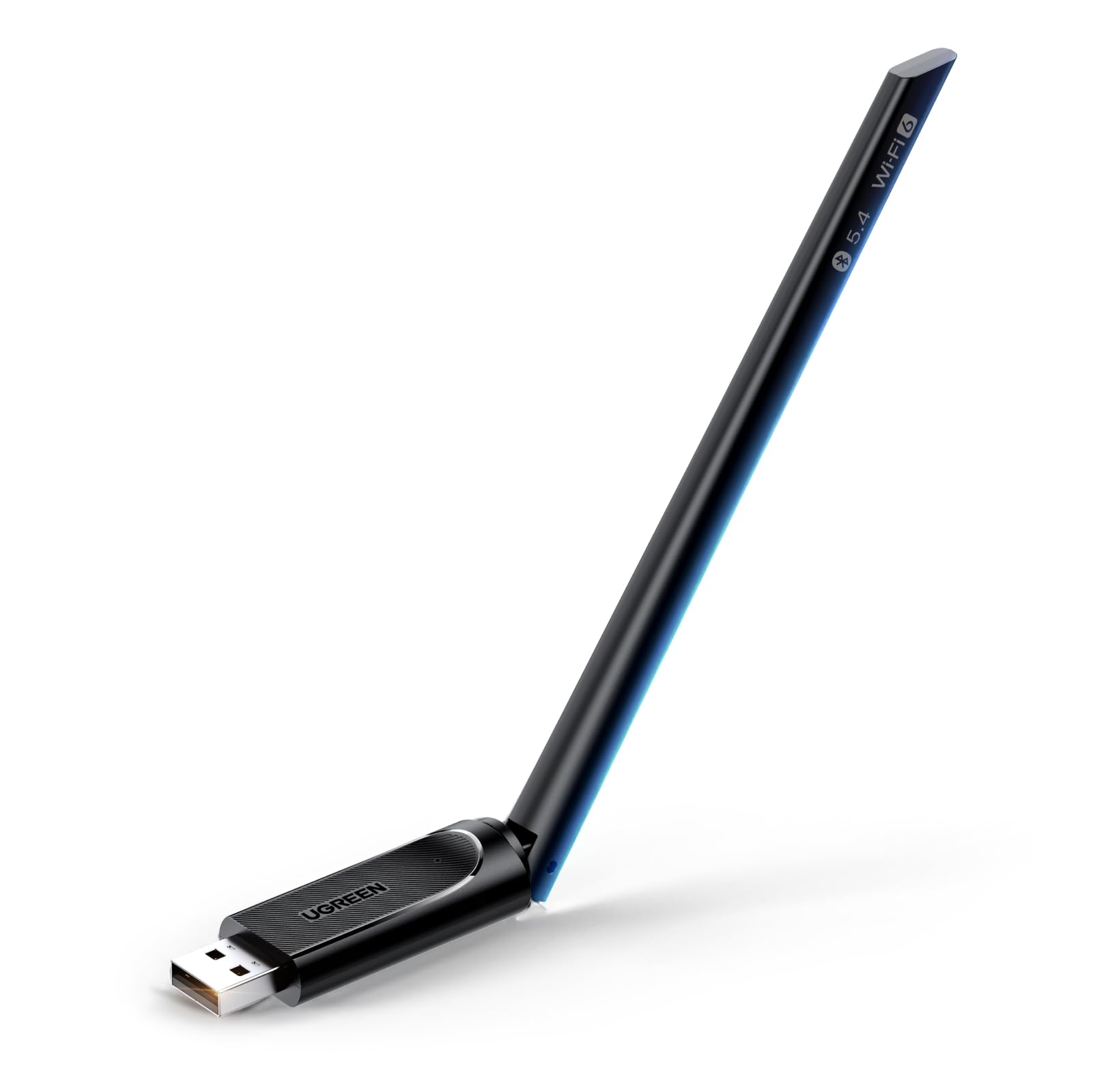
Frequently asked
5 questions01Will the TP-Link Archer T3U give me good Wi-Fi coverage across my home?+
The T3U is a client adapter, not a router, so it can only work with the signal your router is already broadcasting. In the same room or an adjacent room with a reasonable line of sight, the 5GHz band works well and owners consistently report solid speeds. At greater distances through multiple walls, the 5GHz signal drops off and the adapter falls back to 2.4GHz. If you need to bridge a long distance through thick walls, an adapter with an external high-gain antenna like the T2U Plus is a better fit.
02Does the TP-Link Archer T3U support Wi-Fi 6?+
No. The T3U is a Wi-Fi 5 (802.11ac) adapter. It will connect to Wi-Fi 6 routers and work fine, but it won't use Wi-Fi 6 features like OFDMA or the improved MU-MIMO implementation. For most home broadband connections, Wi-Fi 5 performance is sufficient. If you specifically want Wi-Fi 6 support, look at the TP-Link Archer TX20U Mini, which costs more but supports the newer standard.
03Is the TP-Link Archer T3U a mesh system or extender?+
Neither. It's a USB client adapter that connects one device to an existing Wi-Fi network. It doesn't create a network, extend one, or act as a mesh node. If you need to extend your network's coverage to a room with a weak signal, you need a separate range extender or mesh node. The T3U is the right tool when the signal is already present and your PC just needs a way to connect to it.
04Is the TP-Link Archer T3U easy to set up and does it stay reliable?+
Setup is straightforward on Windows: plug it in, install the driver (available from TP-Link's support site if you don't have a CD drive), and connect to Wi-Fi. Owner feedback is overwhelmingly positive on ease of setup. Reliability is generally good, with owners rarely reporting the need to unplug and replug to restore connectivity. A small number of users have reported driver issues on specific Windows configurations, but these are exceptions. Mac users on newer macOS versions should check driver availability on TP-Link's support site before purchasing.
05What warranty and returns apply to the TP-Link Archer T3U?+
Amazon offers 30-day returns on most items. TP-Link typically provides a 2-year warranty on their networking hardware, and you're also covered by Amazon's A-to-Z guarantee. Check the product listing for current returns policy details.