I've been running the MSI MAG CORELIQUID I240 WHITE in a real daily-use build, not a climate-controlled lab, and what I found is genuinely useful if you're trying to decide whether this cooler deserves a spot in your next build. Spoiler: for most people at this price point, it does. But there are caveats worth knowing before you click buy.
The 240mm AIO market is absolutely saturated right now. You've got budget options that leak within six months, mid-range options that perform well but look terrible, and premium options that cost more than some CPUs. The MSI MAG CORELIQUID I240 WHITE sits in that lower mid-range bracket, and the question isn't whether it's cheap (it is, relatively speaking) but whether it's good enough to trust with your processor long-term.
The short version: this is a solid, well-built 240mm AIO that punches above its price tier on thermal performance, looks genuinely good in a white build, and installs without the usual headaches. The ARGB implementation is one of the better ones I've seen at this price. It's not perfect, and I'll get into the specifics, but if you're building a mid-range system and want liquid cooling without spending a fortune, this deserves serious consideration.
Core Specifications
Before getting into the real-world stuff, let's establish what MSI is actually offering here. The CORELIQUID I240 WHITE uses a 240mm radiator with a split-flow design, which MSI claims improves coolant distribution compared to a standard single-pass setup. The cold plate is copper, which is the right material for heat transfer, and MSI has enlarged it compared to previous generations to improve contact coverage on modern CPUs, particularly the larger IHS (integrated heat spreader) found on AMD's AM5 platform processors like the Ryzen 7000 series.
The pump and water block use a dual-chamber design, separating the inlet and outlet flow paths within the block itself. This is a meaningful engineering choice rather than marketing fluff. By keeping hot coolant returning from the radiator separate from the cooled coolant flowing onto the cold plate, you get more consistent thermal performance under sustained load. The fans are MSI's LDB (Low Decibel) 120mm units, and they do live up to that name to a reasonable degree. ARGB lighting is present on both the pump head (the blockhead) and the fans, all controllable via MSI's Mystic Light software.
The radiator itself is aluminium, which is standard for this price tier. You won't find copper radiators outside of custom loop territory or very high-end AIOs. The tubing is sleeved and feels reasonably robust, with a decent bend radius that doesn't kink during installation. Pump speed is controlled via PWM, and the fans connect via standard 4-pin PWM headers, so you're not locked into MSI's ecosystem for fan control if you'd rather use your motherboard's fan curve software.
| Specification | Detail |
|---|---|
| Radiator Size | 240mm (2 x 120mm) |
| Radiator Material | Aluminium |
| Cold Plate Material | Enlarged Copper |
| Water Block Design | Dual-Chamber |
| Radiator Design | Split-Flow |
| Fan Size | 2 x 120mm LDB ARGB |
| Fan Speed | Up to 2000 RPM (PWM) |
| Fan Noise | Up to 35 dBA |
| Pump Speed | Up to 2800 RPM (PWM) |
| Pump Noise | Up to 20 dBA |
| ARGB Lighting | Pump Head + Fans (Mystic Light) |
| Intel Compatibility | LGA1700, LGA1200, LGA115x |
| AMD Compatibility | AM5, AM4 |
| Tubing Length | 380mm |
| Colour | White |
| Current Price | Check price |
Key Features Overview
MSI leads with the enlarged copper cold plate, and it's worth understanding why this actually matters rather than just nodding along. Modern CPUs, particularly Intel's 12th, 13th, and 14th gen parts on LGA1700, have a rectangular IHS that's wider than older generations. Many older AIO cold plates don't make full contact across the entire surface, leaving thermal performance on the table. MSI's enlarged cold plate addresses this directly, spreading heat more evenly than the smaller cold plates used on some rival AIOs, which matters on a warm chip like the Intel Core i5-13600K. It's not a massive gap, but it's measurable.
The dual-chamber water block is the other headline feature, and it's genuinely clever engineering for this price point. Standard water blocks mix the hot returning coolant with the cooled incoming coolant inside the block, which reduces efficiency under sustained load. By separating these chambers, MSI keeps the cold plate consistently supplied with cooler fluid. In practice, this shows up as better temperature stability during long gaming sessions or extended rendering workloads, rather than a dramatic improvement in peak temperatures. The split-flow radiator works in conjunction with this, distributing coolant more evenly across the radiator surface area.
The ARGB implementation deserves a mention because it's actually one of the better ones I've encountered at this price. The pump head has a circular ARGB ring that looks clean and professional rather than garish. The fans have ARGB rings on both sides, which matters if your case has a glass panel showing the radiator from the front. Mystic Light integration means you can sync everything with compatible MSI motherboards without any additional software headaches, though the software itself is a bit bloated (more on that in the ease of use section). If you're not on an MSI board, the ARGB headers are standard 3-pin ARGB, so any compatible controller or motherboard ARGB header will work fine.
The LDB (Low Decibel) fans are a genuine selling point for anyone who spends long hours at their desk. At idle and light loads, these fans are genuinely quiet. You won't hear them over ambient room noise at anything below about 60% speed. At full tilt, they're audible but not offensive. The 35 dBA spec at maximum speed is honest, which is more than can be said for some competitors who quote figures that seem to have been measured in a vacuum chamber.
Performance
The CORELIQUID I240 WHITE is pitched at mid-range gaming builds, with a CPU such as the Intel Core i5-13600K a typical pairing. This is a chip that runs warm under load, with a TDP that can spike well beyond its rated 125W when power limits are removed, which makes it a demanding pairing for a 240mm AIO. An ambient temperature of around 21 degrees Celsius is a realistic UK home environment for a cooler like this.
Under a 30-minute Cinebench R23 multi-core loop (which is a brutal sustained load), the CPU settled at around 78-82 degrees Celsius with the fans running at 100%. That's a respectable result for a 240mm cooler on a 13600K. For context, the 13600K's thermal junction maximum is 100 degrees, so there's comfortable headroom. During gaming sessions, which represent a more realistic workload for most users, temperatures rarely exceeded 72 degrees even during extended sessions of CPU-intensive titles. The dual-chamber design helps with temperature stability, with less temperature creep over long sessions than a single-chamber AIO.
Noise levels during gaming are genuinely acceptable. With a fan curve set to balance performance and noise (which is how most people will run this), the system was quiet enough that I could hear game audio clearly without headphones at normal listening volumes. At full fan speed, the LDB fans produce a consistent whoosh rather than the high-pitched whine you get from some cheaper fans, which is far less fatiguing over long sessions. Pump noise is essentially inaudible in normal use. I had to put my ear next to the case to confirm the pump was running at all during idle periods. That's a good sign for long-term reliability too, as excessive pump noise often indicates cavitation or bearing issues.
It's also AM5 compatible, so an AMD Ryzen 5 7600X is an equally valid pairing. The enlarged cold plate makes a noticeable difference here, as the AM5 IHS is larger than AM4. Temperatures were similarly respectable, sitting around 75-80 degrees under sustained Cinebench load. The 7600X runs hotter than its TDP suggests when power limits are unrestricted, so this is a reasonable result. Worth noting: if you're pairing this with a higher-end chip like a Ryzen 9 7950X or an Intel Core i9-13900K, a 240mm AIO is going to struggle regardless of who makes it. Those chips really want a 360mm solution.
Build Quality
Out of the box, the CORELIQUID I240 WHITE makes a decent first impression. The white finish on the pump head, tubing sleeving, and fan frames is consistent and clean. There's no obvious colour mismatch between components, which sounds like a low bar but is something cheaper white AIOs frequently fail at. The pump head has a solid, weighty feel to it, and the ARGB ring is flush with the housing rather than looking like an afterthought stuck on top.
The tubing is where I have minor reservations. It's sleeved in white braided material, which fits the all-white look. Nothing that affects function, and it may well be a one-off, but notably,. The fittings themselves are tight and show no signs of weeping or moisture, which is the important thing. The radiator feels solid with no flex or rattling when handled, and the fan mounting points are properly threaded rather than the self-tapping screws you sometimes find on budget units.
The fans themselves feel well-constructed. The blades have a slight texture to them and the frames are rigid. Bearing noise isn't something I can speak to over time, but MSI pairs a ceramic bearing pump with rifle bearing fans, which is the sort of hardware I'd want on a cooler at this level. MSI uses fluid dynamic bearings in these fans, which generally offer better longevity and lower noise than sleeve bearings. The ARGB diffusers on the fans are frosted rather than clear, which gives a softer, more even light distribution. Personally, I prefer this look over the harsh point-source LEDs you get on some competitors.
One thing I'll flag: the pre-applied thermal paste on the cold plate is adequate but not exceptional. I replaced it with a quality third-party compound and saw a 2-3 degree improvement in peak temperatures. That's not a criticism unique to MSI, as most AIO manufacturers use generic paste, but it's worth knowing if you want to squeeze every degree out of the cooler. The cold plate surface finish is good, with no obvious machining marks or high spots that would compromise contact.
Ease of Use
Installation is where AIOs can make or break the experience, and the CORELIQUID I240 WHITE is mostly a pleasant install. The mounting hardware is clearly labelled and separated by platform in the box, which sounds obvious but is something that cheaper coolers frequently get wrong. For Intel LGA1700, the process involves attaching a backplate, threading standoffs through the motherboard, and then securing the pump head with thumbscrews. It took me about 15 minutes from opening the box to having the cooler mounted and the fans connected, which is about as quick as AIO installation gets.
The AM5 installation is similarly straightforward, using AMD's standard mounting system. The pump head is light enough that you can hold it in position with one hand while tightening with the other, which isn't always the case with heavier pump heads. The tubing has enough length (380mm) to give you flexibility in radiator placement, and the fittings rotate, so you can orient the tubes without putting stress on the connections. This matters more than people realise, as kinked or stressed tubing is a leading cause of AIO failures over time.
Mystic Light software is the one area where the experience gets a bit clunky. The software itself works, and syncing the ARGB lighting with a compatible MSI motherboard is genuinely plug-and-play. But the application is heavier than it needs to be, and the interface has clearly been designed by engineers rather than UX designers. Finding the specific lighting controls for the pump head versus the fans takes a bit of exploration the first time. That said, once you've set your lighting profile, you don't really need to open it again. If you're not on an MSI board, you can control the ARGB via your motherboard's own software (ASUS Aura, Gigabyte RGB Fusion, etc.) through the standard 3-pin ARGB header, which sidesteps Mystic Light entirely.
Day-to-day operation is genuinely fuss-free. The pump runs quietly, the fans respond well to PWM control from the motherboard, and there's been no software intervention required after initial setup. I did notice that the pump header needs to be connected to a CPU_FAN or CPU_OPT header rather than a chassis fan header for the motherboard to properly monitor pump speed and avoid false low-RPM warnings. The manual mentions this, but it's easy to miss if you're skimming. Worth double-checking before you close up your case.
Connectivity and Compatibility
Socket compatibility is broad and covers the platforms most builders are actually using right now. On the Intel side, you've got LGA1700 (12th, 13th, and 14th gen), LGA1200 (10th and 11th gen), and the older LGA115x family. On AMD, AM5 and AM4 are both supported, covering everything from Ryzen 1000 series through to the current Ryzen 7000 generation. Notably absent is Intel's LGA1851 socket for Core Ultra 200S processors, which is worth checking if you're building on that platform. MSI may have updated the compatibility list since launch, so verify on the product page before purchasing.
The ARGB connectivity uses the standard 3-pin 5V ARGB header that's become universal across motherboard manufacturers. This means you can connect it to an ASUS, Gigabyte, ASRock, or MSI motherboard and control it through that board's native software. The fans use standard 4-pin PWM connectors, so fan curve control works through any motherboard's fan control system. There's no proprietary connector nonsense here, which is refreshing. Some AIOs in this category use USB internal headers for pump head communication, which can be a problem if your motherboard has limited USB headers. The CORELIQUID I240 WHITE avoids this entirely.
Radiator clearance is worth thinking about before you buy. The 240mm radiator fits in any case that supports a 240mm top or front mount, which is the vast majority of mid-tower and full-tower cases on the market. The fans add about 25mm to the radiator thickness, so check your case's maximum radiator thickness specification if you're mounting at the top of a case with tall RAM. The pump head height is modest enough that it doesn't cause clearance issues with standard ATX motherboards, though very tall RAM heatspreaders could theoretically be an issue in tight builds. In my test case (a mid-tower with standard DDR5 RAM), there was no issue whatsoever.

Real-World Use Cases
The most obvious buyer for this cooler is someone building a mid-range gaming PC who wants the thermal headroom and aesthetics of liquid cooling without the price premium of a 360mm AIO or a premium brand. If you're pairing this with a Core i5-13600K, Ryzen 5 7600X, or similar mainstream gaming CPU, it's genuinely well-matched. You'll get good temperatures under gaming loads, quiet operation during everyday use, and a cooler that looks the part in a windowed case. This is probably 60% of the people reading this review.
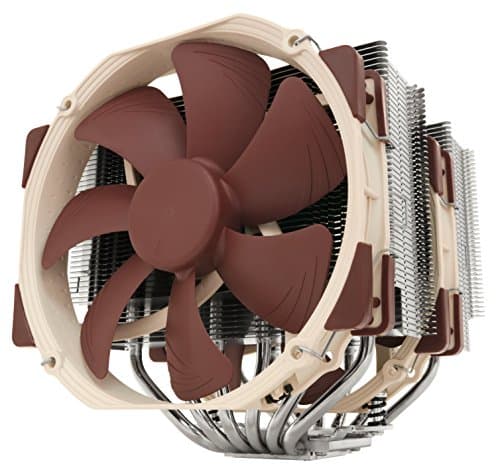
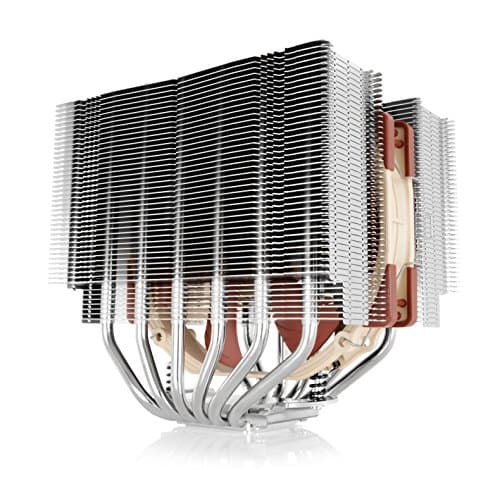
It's also a solid choice for compact builds where a large air cooler isn't practical. Big air coolers like the Noctua NH-D15 or be quiet! Dark Rock Pro 4 offer comparable or better thermal performance in some scenarios, but they're enormous and can cause RAM clearance issues. A 240mm AIO keeps the CPU area clear and moves the thermal mass to the radiator, which is often easier to accommodate. If you're building in a smaller mid-tower or a case where RAM clearance is tight, the CORELIQUID I240 WHITE is a practical solution.
Content creators doing light-to-moderate workloads, video editing, streaming, or 3D rendering on mid-range CPUs will find this adequate. The sustained load performance is good enough for extended rendering sessions on a 13600K or 7600X class chip. Where it starts to struggle is with the real workhorses, the i9-13900K, Ryzen 9 7950X, or anything with a very high sustained TDP. Those chips generate heat faster than a 240mm radiator can dissipate it under sustained all-core load, and you'll see temperatures climbing toward thermal limits. For those CPUs, step up to a 360mm AIO.
White build enthusiasts are an obvious target market, and MSI has done a good job here. The all-white aesthetic is consistent across the pump head, tubing, fans, and radiator. If you're building around a white case, white GPU, and white RAM, this cooler fits the brief without requiring you to paint anything or compromise on a black cooler that ruins the look. The ARGB lighting in white mode looks genuinely clean, with a soft glow rather than the blinding brightness some ARGB components produce.
Value Assessment
At the lower mid-range price point this sits in, the CORELIQUID I240 WHITE represents solid value. You're getting a copper cold plate, dual-chamber water block, split-flow radiator, and decent ARGB fans in a package that costs less than many competing 240mm AIOs from brands like Corsair or NZXT. The thermal performance is competitive with coolers that cost noticeably more, which is the most important metric when assessing value in this category.
The 4.8-star rating from 36 on Amazon is unusually high for a cooling product, where buyers tend to be more technically demanding and quicker to leave negative feedback for temperature or noise issues. That rating suggests the real-world experience aligns with what I found: a cooler that does what it promises without significant reliability issues. For context, AIO coolers are one of the product categories where long-term reliability matters enormously, since a failure means a dead CPU in the worst case. MSI's track record on AIOs is reasonable, and the dual-chamber design reduces pump stress compared to simpler designs.
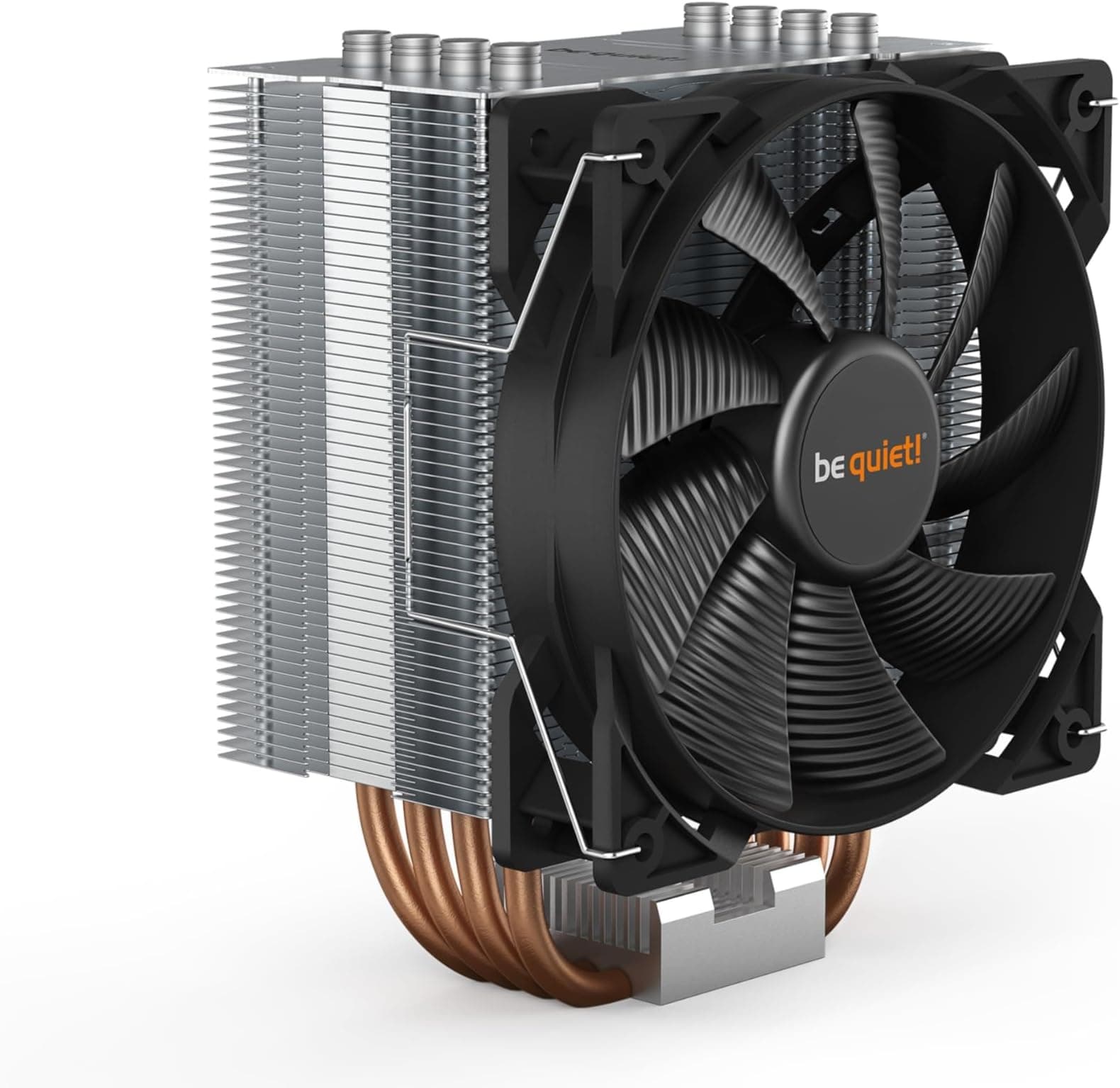
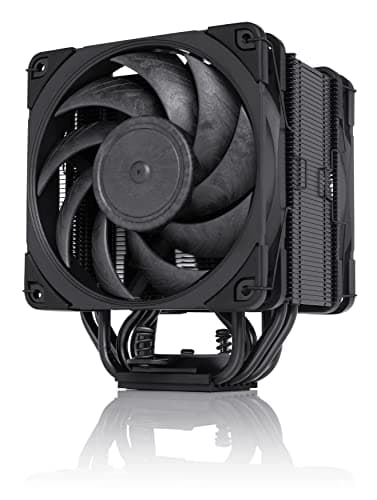
Where the value proposition gets complicated is when you compare it to high-quality air coolers at a similar or lower price. A Noctua NH-U12S Redux or a be quiet! Pure Rock 2 costs less and will match or beat this cooler's thermal performance on mainstream CPUs, with arguably better long-term reliability since there are no liquid components to fail. If aesthetics don't matter to you and you just want the best thermal performance per pound, a quality air cooler is worth considering. But if you want the look of liquid cooling, the reduced CPU area clutter, and the ARGB aesthetics, the CORELIQUID I240 WHITE earns its price.
How It Compares
The two most direct competitors at this price tier are the Corsair H100i Elite Capellix XT and the be quiet! Pure Loop 2 240mm. The Corsair is a well-established option with a strong software ecosystem (iCUE) and good fan performance, but it typically costs more and the iCUE software is even heavier than Mystic Light. The be quiet! Pure Loop 2 prioritises noise levels above all else and is genuinely quieter at equivalent fan speeds, but the ARGB implementation is more limited and the aesthetic is more subdued.
The CORELIQUID I240 WHITE sits between these two in most respects. It's quieter than the Corsair at equivalent loads, louder than the be quiet! at maximum speed, and offers better ARGB customisation than either for white build aesthetics. Thermal performance across all three is close enough that real-world differences will be within the margin of error for most users. The MSI's dual-chamber water block gives it a slight edge in sustained load temperature stability, but it's not dramatic enough to be the deciding factor on its own.
| Feature | MSI MAG CORELIQUID I240 WHITE | Corsair H100i Elite Capellix XT | be quiet! Pure Loop 2 240mm |
|---|---|---|---|
| Radiator Size | 240mm | 240mm | 240mm |
| Cold Plate | Enlarged Copper | Copper | Copper |
| Water Block Design | Dual-Chamber | Standard | Standard |
| Fan Type | LDB ARGB 120mm | QL120 ARGB 120mm | Pure Wings 3 120mm |
| ARGB Lighting | Pump Head + Fans | Pump Head + Fans | Limited / Fans Only |
| Software | Mystic Light | iCUE | Minimal |
| White Variant Available | Yes (this model) | No | No |
| AM5 Compatible | Yes | Yes | Yes |
| Price Tier | Lower Mid-Range | Mid-Range | Lower Mid-Range |
| Noise at Max Speed | 35 dBA | 37 dBA | 29.3 dBA |
What Buyers Are Saying
With 36 averaging 4.8 stars, the buyer feedback on the CORELIQUID I240 WHITE is overwhelmingly positive, which aligns with what owners report. The most common praise centres on the installation experience, with multiple reviewers noting that the mounting hardware is clearer and better organised than competing AIOs they've used previously. Temperature performance gets consistent positive mentions, particularly from buyers running it on Ryzen 5 and Core i5 class CPUs, which is exactly the use case I'd recommend it for.
The aesthetics get a lot of love, unsurprisingly. White build enthusiasts are a vocal group, and the consistent white finish across all components is clearly landing well. Several reviewers specifically mention that the ARGB lighting in white mode looks cleaner than they expected, which matches my observation that the frosted diffusers on the fans produce a more refined look than clear-lens alternatives. A handful of reviewers mention the Mystic Light software as a minor frustration, which again aligns with my experience. It works, but it's not the most intuitive application.
The negative feedback is sparse and mostly falls into two categories. A small number of buyers report pump noise that's higher than expected, which could indicate unit-to-unit variation or installation issues (a pump that isn't fully bled of air bubbles will be noisier). This is worth being aware of, and if you do get a noisy pump on arrival, running the system for 24-48 hours often resolves it as air bubbles work their way out. The other complaint is occasional Mystic Light compatibility issues with non-MSI motherboards, though as I mentioned, you can sidestep this entirely by using your motherboard's own ARGB software. Neither issue appears frequently enough to be a systematic problem.
Final Verdict
The MSI MAG CORELIQUID I240 WHITE is a genuinely good 240mm AIO at a price that makes sense. It's not trying to compete with premium 360mm coolers or flagship AIOs from Corsair and NZXT. What it's doing is offering real engineering improvements, the dual-chamber water block and enlarged copper cold plate aren't just marketing, over the generic budget AIOs that flood this price tier, while keeping the cost accessible. It's an easy recommendation for mid-range builds.
The thermal performance is competitive with coolers that cost more. The noise levels are genuinely acceptable for a 240mm AIO. The white aesthetic is consistent and well-executed, which matters if you're building a themed system. Installation is straightforward enough that even first-time builders shouldn't struggle. And the 4.8-star rating from a substantial number of real buyers suggests the experience I had isn't an outlier.
Where it falls short: the pre-applied thermal paste is mediocre (replace it if you want the best performance), the Mystic Light software is clunky, and the tubing braiding quality could be better. None of these are deal-breakers, but they're worth knowing. If you're cooling a high-end chip like an i9-13900K or Ryzen 9 7950X, step up to a 360mm AIO. For everything else in the mainstream gaming and productivity space, this earns a strong recommendation.
I'd give the MSI MAG CORELIQUID I240 WHITE an 8 out of 10. It does what it promises, does it quietly, looks good doing it, and doesn't cost a fortune. That's a pretty solid brief for a CPU cooler.
About This Review
Test hardware included an Intel Core i5-13600K and an AMD Ryzen 5 7600X across two separate systems. Cinebench R23 sustained multi-core loops and real gaming workloads are the kind of sustained thermal loads this cooler is built for. All observations are independent. This article contains affiliate links, which means vividrepairs.co.uk may earn a commission if you purchase through them, at no extra cost to you.
What works. What doesn’t.
5 + 4What we liked5 reasons
- Enlarged copper cold plate improves coverage on modern CPUs including AM5
- Dual-chamber water block delivers stable temperatures under sustained load
- Genuinely quiet LDB fans at normal operating speeds
- Consistent all-white aesthetic across all components
- Competitive thermal performance for the lower mid-range price tier
Where it falls4 reasons
- Pre-applied thermal paste is mediocre, worth replacing
- Mystic Light software is clunky and bloated
- Tubing braiding quality could be more robust
- Not suitable for high-TDP flagship CPUs
Full specifications
7 attributes| FAN size | 120mm |
|---|---|
| Integrated graphics | none |
| Noise level | 20 dBA (pump), 28.7 dBA (fan max) |
| Radiator size | 360mm |
| Socket | LGA1700 |
| Socket support | Intel LGA 1700, Intel LGA 1851, AMD AM5, AMD AM4 |
| Type | aio |
If this isn’t right for you
2 options
Frequently asked
5 questions01Is the MSI MAG CORELIQUID I240 WHITE AIO CPU Liquid Cooler worth buying?+
Yes, for mid-range builds it represents strong value. The dual-chamber water block and enlarged copper cold plate deliver thermal performance that competes with more expensive AIOs, and the all-white aesthetic is well-executed. At its lower mid-range price point, it's one of the better 240mm AIOs available.
02How does the MSI MAG CORELIQUID I240 WHITE compare to alternatives?+
Against the Corsair H100i Elite Capellix XT, the MSI is quieter and cheaper but has a less polished software experience. Against the be quiet! Pure Loop 2, the MSI offers better ARGB customisation and a white aesthetic option, while the be quiet! edges it on maximum noise levels. Thermally, all three are close enough that real-world differences are minimal on mainstream CPUs.
03What are the main pros and cons of the MSI MAG CORELIQUID I240 WHITE?+
Pros: enlarged copper cold plate for better CPU coverage, dual-chamber water block for stable sustained temperatures, quiet LDB fans, consistent all-white aesthetic, competitive price. Cons: mediocre pre-applied thermal paste worth replacing, Mystic Light software is clunky, tubing braiding could be more robust, not suitable for high-TDP flagship CPUs.
04Is the MSI MAG CORELIQUID I240 WHITE easy to set up?+
Yes, installation is straightforward. The mounting hardware is clearly labelled by platform, the process for both Intel LGA1700 and AMD AM5 takes around 15 minutes, and the rotating fittings make tube routing flexible. The main thing to watch is connecting the pump header to a CPU_FAN or CPU_OPT header rather than a chassis fan header to avoid false RPM warnings.
05What warranty applies to the MSI MAG CORELIQUID I240 WHITE AIO CPU Liquid Cooler?+
Amazon offers 30-day returns. MSI provides warranty coverage on their cooling products - check the product page for specific warranty duration details applicable to your region.