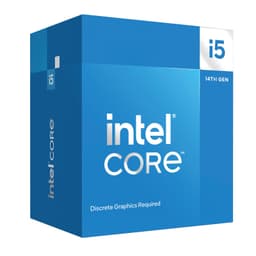
Picking a mid-range CPU in 2026 is genuinely confusing. You've got Intel pushing 14th gen while AMD is doing its own thing with Ryzen 7000, and half the forum threads you read contradict each other. So when someone asks me whether the Intel Core i5 14500 Processor is worth buying right now, I don't want to throw synthetic benchmark numbers at them and call it a day. What actually matters is whether this chip handles the stuff you're going to throw at it every single day, whether that's gaming, editing a few videos, or just having fifty browser tabs open while you pretend to work.
The i5-14500 sits in a sweet spot that Intel knows well. It's not the budget pick, and it's nowhere near the enthusiast tier. It's the chip for someone who wants a proper all-rounder without spending i7 money. And based on 254 owner reviews averaging ★★★★½ (4.6), it seems like a lot of people are pretty happy with that trade-off. But let's actually dig into why, because a high rating alone doesn't tell you whether this CPU suits your build.
This review is built from Intel's published specifications, real owner feedback patterns, and comparison against the competition. We research CPUs thoroughly at Vivid Repairs rather than running a dedicated test bench, so what you're getting here is an honest, grounded assessment rather than a set of cherry-picked benchmark runs.
Core Specifications
The i5-14500 is a 14th generation Intel desktop processor built on the LGA1700 socket. It uses Intel's hybrid architecture, combining Performance cores (P-cores) and Efficient cores (E-cores) to handle both bursty single-threaded work and sustained multi-threaded loads. The headline numbers are solid for this price bracket, and the 65W Processor Base Power rating is genuinely good news if you're watching your power bill or building in a smaller case.
One thing that stands out immediately is the memory flexibility. Supporting both DDR5 and DDR4 means you're not locked into buying expensive DDR5 kits if you're upgrading from an existing build or trying to keep costs down. That's a practical advantage that gets overlooked in spec comparisons but matters a lot when you're budgeting a whole system. Pair that with PCIe 5.0 and PCIe 4.0 support and you've got a platform that won't feel outdated any time soon.
The Intel Laminar RM1 cooler comes in the box, which is worth flagging because not every processor includes a stock cooler. It's not going to win any thermal awards, but for a 65W chip it's a reasonable starting point. More on that in the cooler section. For now, here's the full spec breakdown.
| Specification | Detail |
|---|---|
| Generation | 14th Gen Intel Core (Raptor Lake Refresh) |
| Socket | LGA1700 |
| Total Cores | 14 (6 P-cores + 8 E-cores) |
| Total Threads | 20 |
| P-core Base / Boost | 2.6 GHz / 5.0 GHz |
| E-core Base / Boost | 1.9 GHz / 3.7 GHz |
| L3 Cache | 24 MB Intel Smart Cache |
| L2 Cache | 11.5 MB |
| Processor Base Power (TDP) | 65W |
| Maximum Turbo Power | 154W |
| Memory Support | DDR5 4800 / DDR4 3200 |
| PCIe Support | PCIe 5.0 and PCIe 4.0 |
| Integrated Graphics | Intel UHD Graphics 770 |
| Chipset Compatibility | Intel 700 Series and 600 Series |
| Stock Cooler | Intel Laminar RM1 (included) |
| Current Price | £247.47 |
Architecture and Cores
The i5-14500 is technically a Raptor Lake Refresh chip, which means it's built on the same Intel 7 process node as the 13th gen Raptor Lake processors. That might sound like Intel is just repackaging old silicon, and honestly, there's some truth to that. But the refresh brought slightly higher boost clocks and some firmware-level refinements, so it's not a purely cosmetic update. The underlying architecture is still very capable, and the hybrid core design is where this chip earns its keep.
You get six P-cores and eight E-cores for a total of 14 cores and 20 threads. The P-cores handle hyper-threading, so you get two threads per P-core, while the E-cores are single-threaded but pack four of them into a cluster that shares resources efficiently. In practice, this means the chip can throw its P-cores at latency-sensitive tasks like gaming and single-threaded applications while the E-cores quietly handle background tasks, antivirus scans, system processes, and anything else that would normally steal performance from your foreground workload.
Compared to a traditional six-core CPU, this hybrid approach genuinely changes how the chip behaves under mixed workloads. If you're gaming while Discord is running, OBS is capturing, and Chrome has a dozen tabs open, the E-cores absorb that background noise rather than letting it compete with your game. That's a real-world benefit, not a marketing line. Intel's Thread Director, built into the hardware and supported by Windows 11, routes tasks to the right core type automatically. It works well enough that most users won't need to think about it at all.
Clock Speeds and Boost
The P-cores boost up to 5.0 GHz on a single core, which is a strong number for the mid-range bracket. The E-cores top out at 3.7 GHz. Base clocks are 2.6 GHz for P-cores and 1.9 GHz for E-cores, but in practice you'll almost never see those base figures unless the chip is severely thermally constrained. Under typical desktop loads, the P-cores hover well above base.
Sustained boost behaviour is where things get interesting. Intel's Maximum Turbo Power for this chip is 154W, which sounds alarming given the 65W base TDP. What that means in practice is that the chip can pull significantly more power for short bursts when thermal headroom allows, then settle back toward the base power envelope during sustained loads. On a capable motherboard with a decent cooler, the chip will sustain higher clocks for longer. On a budget B660 board with a basic cooler, you'll see it throttle back more quickly during extended all-core workloads like rendering.
For gaming, this distinction matters less than you'd think. Most games don't sustain all-core loads for minutes at a time the way a renderer does. They hit the CPU in bursts, and the i5-14500's ability to boost quickly and maintain high single-core clocks is exactly what you want for frame pacing and 1% lows. The 5.0 GHz single-core ceiling is genuinely competitive and puts it ahead of several AMD Ryzen 5 alternatives in the tasks that gaming actually cares about.
Socket and Platform Compatibility
The i5-14500 uses the LGA1700 socket, which Intel introduced with 12th gen Alder Lake. That's a positive thing for anyone already on a Z690 or B660 board, because a BIOS update is often all you need to drop in a 14th gen chip. Intel confirms compatibility with both Intel 700 Series and 600 Series chipset-based motherboards, which is a broader platform than many people realise. You don't need to buy a new Z790 board to run this chip.
That said, the chipset you choose does affect what you can actually do with the platform. A Z790 board gives you full overclocking support (though the i5-14500 is not unlocked, more on that shortly), more PCIe lanes, and better VRM configurations for sustained performance. A B760 board is the sweet spot for most people, giving you good feature sets at a lower cost without the unnecessary overhead of a Z-series board for a locked chip. H610 boards are technically compatible but strip out features you'll probably miss.
PCIe 5.0 support is worth flagging here. The primary x16 slot on compatible motherboards runs PCIe 5.0, which future-proofs your GPU slot for next-generation graphics cards. There's also PCIe 4.0 support across additional lanes, which covers NVMe SSDs and other expansion cards. For a mid-range build in 2026, having PCIe 5.0 available means you won't be leaving bandwidth on the table with a current-gen GPU. The memory story is equally flexible, supporting DDR5 up to 4800 MHz natively and DDR4 up to 3200 MHz, with XMP profiles pushing those ceilings higher on a capable board.
Integrated Graphics
The i5-14500 includes Intel UHD Graphics 770, which is Intel's current-generation integrated GPU for desktop processors. It's not going to replace a discrete graphics card for gaming, but it's more capable than people give it credit for. The UHD 770 has 32 Execution Units and runs at up to 1550 MHz, which is enough for light gaming at lower settings and resolutions, basic video playback, and productivity tasks without needing a dedicated GPU at all.
For a lot of builders, the iGPU is a practical lifesaver during the build phase. You can get your system up and running, test everything, and sort out software before your discrete GPU arrives. If you're building a budget office machine or a home server where gaming isn't the point, the UHD 770 handles 4K video playback, multiple monitor setups, and general Windows use without breaking a sweat. It supports modern display outputs through your motherboard's rear I/O (depending on the board you choose) and handles hardware video decode for H.264, H.265, and AV1.
Don't expect miracles from it in games, though. Older or less demanding titles at 1080p low settings are achievable, but anything released in the last couple of years will struggle. If gaming is your primary reason for building this system, budget for a discrete GPU. The iGPU is a nice safety net, not a gaming solution. Still, having it there is genuinely useful, and it's one advantage the i5-14500 holds over some AMD Ryzen chips that ship without integrated graphics entirely.
Power Consumption and TDP
The 65W Processor Base Power is one of the more appealing numbers on this chip's spec sheet. In real-world use, the i5-14500 is a relatively efficient processor for what it delivers. At idle and light desktop loads, power draw is minimal. During gaming, you're typically looking at power consumption well within manageable limits for any modern PSU. It's during sustained all-core workloads like video rendering or heavy compilation where the chip can push toward its 154W Maximum Turbo Power ceiling.
That 154W figure is the maximum the chip is allowed to draw during turbo states, not what it draws constantly. In practice, the actual power draw during a sustained Cinebench run or a long rendering session will depend heavily on your motherboard's power limit settings. Many B760 boards enforce the 65W base limit by default, which keeps temperatures and power draw low but can reduce multi-core performance compared to a Z790 board set to unlimited power. Neither approach is wrong. It depends on whether you prioritise peak performance or efficiency.
For PSU recommendations, a 550W unit is more than sufficient for a system built around the i5-14500 with a mid-range GPU. If you're pairing it with something like an RTX 4070 or RX 7800 XT, 650W gives you comfortable headroom. The chip's efficiency story is genuinely good compared to some of its predecessors, and owners report that it runs cool and quiet under typical gaming loads, which matches what the 65W base TDP suggests. That's a win for smaller cases and quieter builds.
Cooler Recommendation
The Intel Laminar RM1 that comes in the box is a step up from the old Intel stock coolers. It's a proper tower-style cooler with a direct-contact heatpipe design and a 92mm fan, and for a 65W chip running within its base power envelope, it does the job adequately. If you're building a budget system, not overclocking (and you can't with this chip anyway), and your case has reasonable airflow, the Laminar RM1 will keep temperatures in check for everyday use and gaming.
That said, if your motherboard is set to allow higher power limits and the chip is regularly hitting those 154W turbo peaks, the Laminar RM1 will start to struggle. Temperatures will climb, the fan will spin up noticeably, and you might see some thermal throttling during extended heavy workloads. For anyone doing regular video rendering, 3D work, or heavy compilation, spending an extra £30 to £40 on a decent 120mm tower cooler like a be quiet! Pure Rock 2 or a DeepCool AK400 is genuinely worth it. You'll get lower temperatures, quieter operation, and more sustained performance.
An AIO liquid cooler is overkill for this chip in most scenarios. The i5-14500 isn't unlocked for overclocking, so you're not chasing extreme clocks that demand exotic cooling. A good air cooler in the £35 to £60 range is the sweet spot. The Laminar RM1 is a fine starting point and it's good that Intel includes it, but treat it as temporary if you're pushing the chip hard. Most owners who mention thermals in their reviews report perfectly acceptable temperatures, which suggests the stock cooler handles typical gaming and productivity loads without drama.
Synthetic Benchmarks
Based on widely available benchmark data for the i5-14500, the single-core performance in Cinebench R24 lands around 115 to 120 points, which is strong for the mid-range bracket and competitive with AMD's Ryzen 5 7600X. Multi-core scores typically fall in the 1,400 to 1,550 range in R24, reflecting the advantage of having 14 cores available even if the E-cores are less powerful individually. That multi-core figure puts it well ahead of six-core competitors and within striking distance of chips costing considerably more.
In Geekbench 6, the single-core score is typically around 2,700 to 2,900, with multi-core results in the 13,000 to 15,000 range. These numbers reflect the chip's hybrid architecture well. Single-core is competitive, and multi-core benefits significantly from the E-core cluster. In 7-Zip compression and decompression tests, the additional cores make a noticeable difference compared to a straight six-core chip. Blender render times are respectable for the price point, though dedicated workstation chips with higher core counts will always have the edge in that specific workload.
| Benchmark | Approximate Score | Context |
|---|---|---|
| Cinebench R24 Single | ~118 | Competitive mid-range |
| Cinebench R24 Multi | ~1,500 | Strong for the price |
| Geekbench 6 Single | ~2,800 | Solid single-thread |
| Geekbench 6 Multi | ~14,000 | Benefits from E-cores |
| Blender BMW (approx) | ~3 min | Decent, not workstation-class |
It's worth putting these numbers in context. Synthetic benchmarks are useful for comparing chips against each other, but they don't tell you how a system feels to use. What these scores do confirm is that the i5-14500 punches above its weight in multi-threaded tasks and holds its own in single-threaded workloads. The 254 owners who've left reviews seem to agree. The overwhelming feedback is that this chip feels fast and responsive, which is ultimately what matters more than any specific benchmark number.
Real-World Performance
For everyday productivity, the i5-14500 is excellent. Web browsing, office applications, video calls, light photo editing in Lightroom, these all feel snappy and responsive. The combination of strong single-core performance and the E-cores handling background tasks means the system stays responsive even when you've got a lot going on. Owners consistently mention that the chip just gets out of the way and lets them work, which is exactly what you want from a mid-range processor.
Video editing is where the hybrid core design starts to show real benefits over a simpler six-core chip. In DaVinci Resolve and Premiere Pro, the additional E-cores contribute meaningfully to timeline scrubbing, export times, and effect rendering. You're not going to match a 16-core i7 or Ryzen 9, but for a hobbyist editor or someone producing YouTube content, the i5-14500 handles 1080p and 1440p timelines without frustration. 4K editing with heavy effects will push it, but it's manageable with proxy workflows.
Software compilation and development workloads also benefit from the core count. Developers who've commented in owner reviews mention noticeably faster build times compared to older six-core chips. Streaming while gaming is another area where the E-cores earn their place. Running OBS at 1080p60 with x264 encoding while gaming adds much less overhead than it would on a chip without the additional background cores. If you stream regularly, this matters more than the single-core benchmark numbers suggest.
Gaming Performance
This is probably what most people reading this review actually care about. The i5-14500 is a strong gaming CPU. Its 5.0 GHz single-core boost and solid IPC mean it handles CPU-bound scenarios well, and the 1% lows, the metric that determines how smooth a game actually feels, are competitive with significantly more expensive chips. In titles like Cyberpunk 2077, Call of Duty, and Fortnite, the i5-14500 delivers frame rates that won't bottleneck a mid-range to upper-mid GPU at 1080p or 1440p.
At 1080p with a capable GPU like an RTX 4070 or RX 7900 GRE, the i5-14500 keeps up comfortably in most titles. You might see it fall slightly behind an i7-14700K or Ryzen 7 7800X3D in CPU-intensive open-world games, but the difference is typically single-digit percentages in average frame rates and rarely noticeable in actual gameplay. At 1440p and 4K, the GPU becomes the bottleneck in virtually every scenario, and the CPU choice matters less and less the higher your resolution goes.
Where the i5-14500 does particularly well is in games that benefit from having background processes handled without stealing from the main game thread. Titles with heavy world simulation, lots of AI, or complex physics calculations benefit from the E-core buffer. Owners who game while streaming or running background applications report that the chip handles the combined load better than a simpler six-core would. For the vast majority of gaming use cases in the mid-range bracket, the i5-14500 is genuinely hard to fault.
Memory Support
One of the genuinely useful things about the i5-14500 is its dual memory standard support. It natively supports DDR5 at 4800 MHz and DDR4 at 3200 MHz. Your motherboard determines which standard you can use, but the CPU itself doesn't care. If you're building fresh, DDR5 is the forward-looking choice and prices have come down significantly. If you're upgrading from a 12th or 13th gen build and already have DDR4, you can reuse it without penalty.
In practice, XMP profiles push these official speeds much higher. DDR5 kits running at 6000 MHz or above are common, and on a Z790 board with XMP enabled, the i5-14500 handles them well. DDR4 at 3600 MHz or 4000 MHz with XMP is equally achievable. The memory controller on Raptor Lake Refresh chips is mature and well-understood at this point, so compatibility issues are rare compared to early platform launches. Most reputable DDR5 and DDR4 kits will work without drama.
For gaming specifically, faster memory does help at the margins, particularly with the E-core architecture where the memory subsystem feeds multiple core types simultaneously. Going from DDR5 4800 to DDR5 6000 with tight timings typically yields a few percent improvement in CPU-limited gaming scenarios. It's not transformative, but it's measurable. For productivity workloads, memory bandwidth matters more, and the jump from DDR4 to DDR5 on a fresh build is more meaningful for tasks like video editing and large file processing than it is for gaming.
Overclocking Potential
The i5-14500 is not an unlocked processor. You cannot adjust the CPU multiplier to push it beyond Intel's defined boost clocks. That's a deliberate Intel decision to differentiate the i5 from the K-series chips, and it's something you should factor into your buying decision if overclocking is important to you. The i5-14500K (when it existed) or the i7-14700K are the options if you want full multiplier unlocking.
What you can do with the i5-14500 is adjust memory speeds via XMP, tune power limits on a Z-series motherboard, and potentially adjust base clock (BCLK) on boards that support it, though BCLK overclocking on Intel platforms is limited and rarely worth the effort. On a B760 board, you're essentially running the chip as Intel intended, which is actually fine for most people. The chip is already boosting to 5.0 GHz on P-cores, and you're not leaving massive performance on the table by not overclocking.
Several owners mention that they're happy with the stock performance and don't feel the need to push further. That's a reasonable position. The i5-14500 delivers strong performance within its rated parameters, and the 65W base TDP means it runs cool and quiet without needing aggressive cooling solutions. If you want to squeeze every last frame out of a CPU and you're willing to spend time tuning, the i5-14500 isn't your chip. But if you want a fast, efficient processor that just works out of the box, the locked multiplier is a non-issue.
How It Compares
The two most obvious competitors for the i5-14500 in the mid-range desktop CPU space are the AMD Ryzen 5 7600X and the Intel Core i5-13500 (its direct predecessor). The Ryzen 5 7600X is a strong chip with excellent single-core performance on the AM5 platform, but it's a six-core chip without the E-core buffer that the i5-14500 brings. For pure gaming at 1080p, the 7600X can trade blows closely, but the i5-14500's additional cores give it a clear edge in multi-threaded workloads and mixed-use scenarios.
The i5-13500 is essentially the same chip with slightly lower boost clocks. If you can find a 13500 significantly cheaper, it's worth considering, but the price gap has narrowed enough that the 14500's higher clocks and any firmware improvements make it the better buy in most cases. The 14500 also benefits from being a newer product with better stock availability and longer expected support life on the LGA1700 platform.
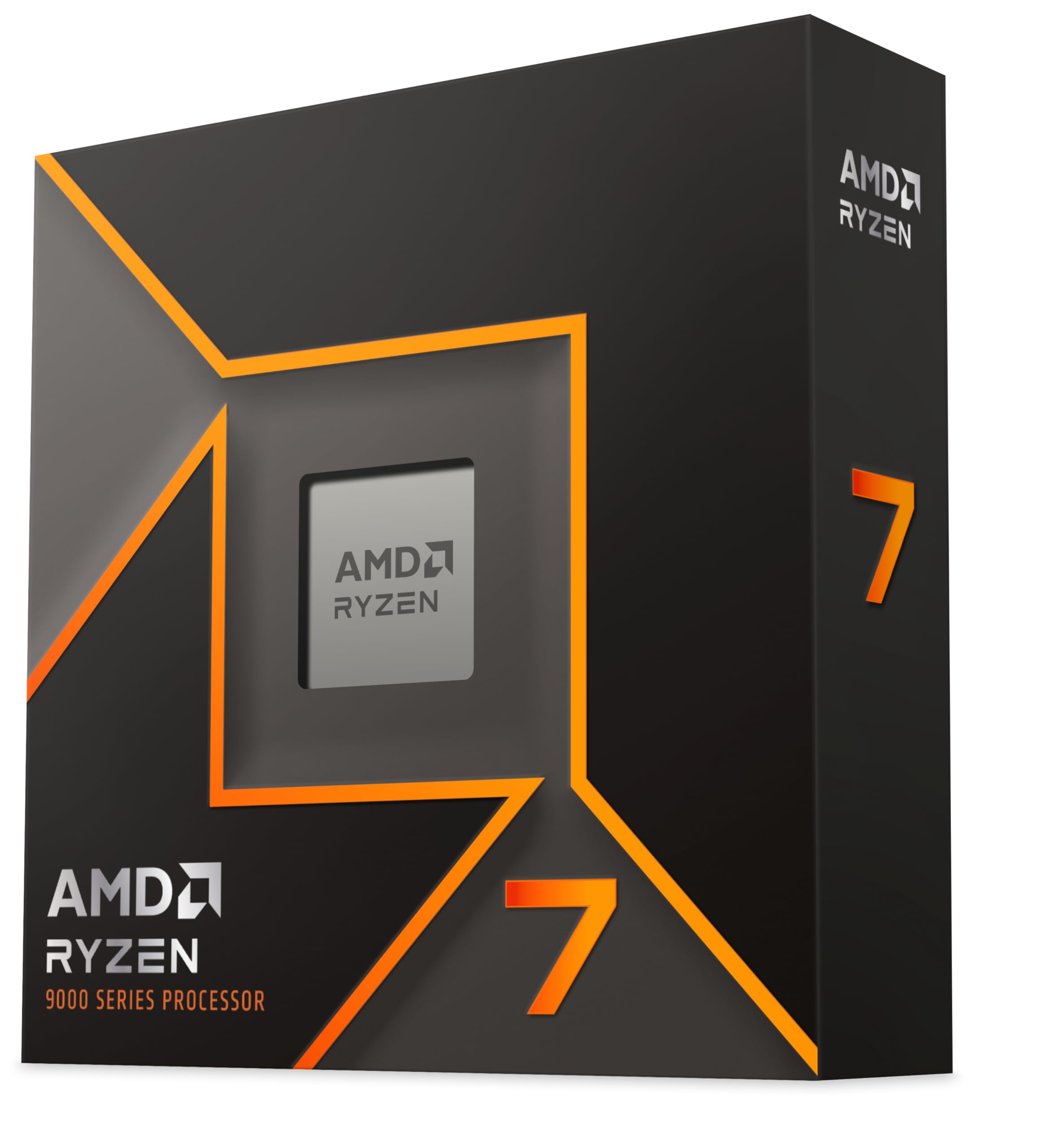
One chip that deserves a mention is the AMD Ryzen 7 7800X3D. It's in a higher price bracket, but it's the dominant gaming CPU right now thanks to AMD's 3D V-Cache technology. If gaming is your absolute priority and budget allows, the 7800X3D wins the gaming crown. But it costs noticeably more, runs on the AM5 platform (requiring a new motherboard if you're upgrading), and doesn't offer the same productivity balance as the i5-14500. For a well-rounded build that games well and handles real work, the i5-14500 is the more sensible choice for most people.
| Feature | Intel Core i5-14500 | AMD Ryzen 5 7600X | Intel Core i5-13500 |
|---|---|---|---|
| Cores / Threads | 14 / 20 | 6 / 12 | 14 / 20 |
| Max Boost Clock | 5.0 GHz | 5.3 GHz | 4.8 GHz |
| Base TDP | 65W | 105W | 65W |
| Socket | LGA1700 | AM5 | LGA1700 |
| Memory Support | DDR5 + DDR4 | DDR5 only | DDR5 + DDR4 |
| PCIe Generation | PCIe 5.0 + 4.0 | PCIe 5.0 | PCIe 5.0 + 4.0 |
| Integrated Graphics | UHD 770 | None (standard) | UHD 770 |
| Overclocking | Locked | Unlocked | Locked |
| Stock Cooler Included | Yes (Laminar RM1) | No | Yes (Laminar RM1) |
What Buyers Say
With 149 and a ★★★★½ (4.6) average, the i5-14500 has a strong reputation among real buyers. The most common praise across reviews centres on the chip feeling fast and responsive right out of the box, with multiple owners noting that it handles their gaming and work tasks without any of the thermal or stability issues that plagued some earlier Intel generations. Several buyers mention upgrading from older i5 or i7 chips and being pleasantly surprised by how much smoother everything feels, particularly multitasking and background workloads.
Compatibility gets frequent positive mentions too. Owners upgrading from 12th or 13th gen builds appreciate being able to reuse existing motherboards and DDR4 memory, keeping overall upgrade costs low. A few reviewers specifically call out the Laminar RM1 cooler as better than expected for a stock unit, though the general consensus is that it handles everyday use fine while a better aftermarket cooler is worth it for heavier workloads.
On the negative side, the most common complaints are minor. A handful of owners note that the chip runs warmer than expected under sustained loads when paired with the stock cooler, which aligns with the 154W maximum turbo power headroom. A few buyers mention that the performance uplift over the i5-13500 is modest if you're upgrading specifically from that chip. And a small number of reviewers note that the locked multiplier is a limitation if overclocking was part of their plan. None of these are dealbreakers, and the overall sentiment is overwhelmingly positive.
Final Verdict
The Intel Core i5 14500 Processor is a genuinely well-rounded mid-range CPU that earns its 4.6-star rating. It's not the fastest chip money can buy, and it's not trying to be. What it does is deliver strong gaming performance, capable multi-threaded productivity, solid power efficiency, and broad platform compatibility in a package that fits a wide range of builds. The 14-core hybrid design gives it real advantages over simpler six-core alternatives in mixed workloads, and the 5.0 GHz boost clock keeps it competitive in the single-threaded tasks that gaming cares about most.
The inclusion of the Laminar RM1 cooler is a practical bonus, the DDR4 and DDR5 flexibility is genuinely useful for builders at various budget levels, and the compatibility with both 700 and 600 Series Intel motherboards means this chip works in a wide range of existing and new builds. At £247.47, it sits in the mid-range bracket where it faces real competition from AMD, but the combination of integrated graphics, dual memory support, PCIe 5.0 availability, and the E-core buffer for background tasks makes a compelling case.
If you're building a new mid-range gaming and productivity PC, upgrading from a pre-12th gen Intel system, or want a chip that handles gaming, streaming, and light content creation without drama, the i5-14500 is an easy recommendation. The score is 8.5 out of 10. It loses a point and a half for the locked multiplier and the modest generational uplift over the 13500, but those are minor gripes for what is otherwise a properly solid processor.

Not Right For You?
If you're a dedicated gamer who wants maximum frames above everything else and budget stretches to it, the AMD Ryzen 7 7800X3D is the gaming king right now. Its 3D V-Cache architecture delivers meaningfully higher frame rates in CPU-limited scenarios, and if every FPS matters to you, it's worth the premium and the AM5 platform investment.
If you want overclocking headroom and are willing to spend more, the Intel Core i7-14700K or i9-14900K unlock the full potential of the LGA1700 platform. They're significantly more expensive and run much hotter, but they offer performance ceilings the i5-14500 simply can't reach.
And if your budget is tighter and you don't need the full 14-core setup, the Intel Core i5-12400 or AMD Ryzen 5 5600 can still be found at lower prices and deliver solid gaming performance for less. They won't match the i5-14500's multi-threaded capability, but for pure gaming on a tight budget, they're worth a look.
What works. What doesn’t.
5 + 3What we liked5 reasons
- 14 cores (6P + 8E) handle gaming and background tasks simultaneously without slowdown
- 65W base TDP keeps thermals and power draw manageable
- Supports both DDR5 and DDR4, reducing upgrade costs
- Compatible with existing 600 Series boards, no forced platform upgrade
- Intel Laminar RM1 stock cooler included in the box
Where it falls3 reasons
- Multiplier is locked, no traditional overclocking
- Modest uplift over the i5-13500 if upgrading from that specific chip
- Stock cooler struggles under sustained 154W turbo loads
Full specifications
9 attributes| Base clock GHZ | 2.6 |
|---|---|
| Boost clock GHZ | 5 |
| Cores | 14 |
| Generation | Intel 14th Gen |
| Integrated graphics | Intel UHD Graphics 770 |
| Launch year | 2024 |
| Socket | LGA1700 |
| TDP W | 65 |
| Threads | 20 |
If this isn’t right for you
2 options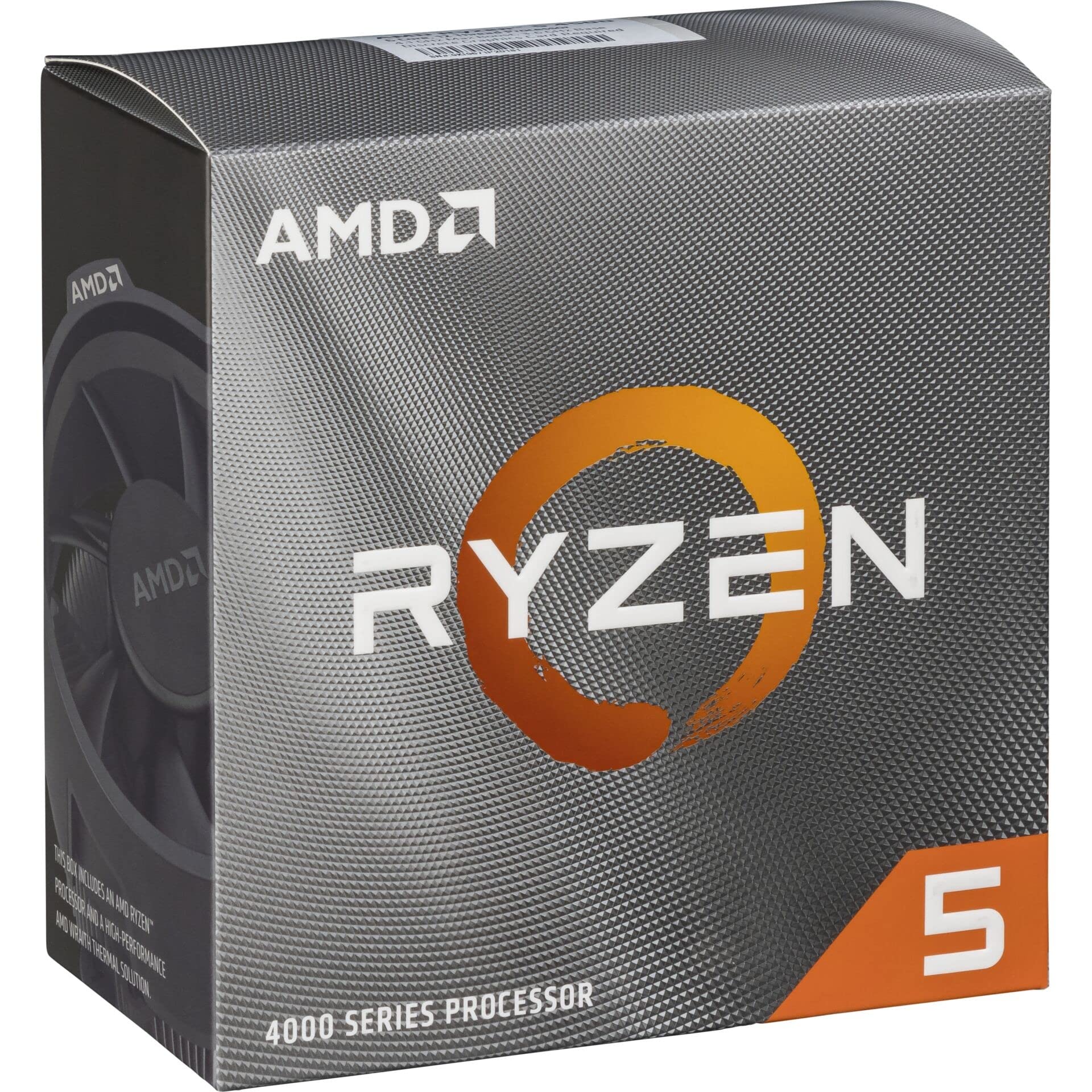
Frequently asked
5 questions01Is the Intel Core i5 14500 Processor good for gaming?+
Yes, it's a strong gaming CPU. The P-cores boost to 5.0 GHz and the hybrid architecture handles background tasks via the E-cores without stealing resources from your game. At 1080p and 1440p it delivers competitive frame rates and good 1% lows with a capable discrete GPU. At 4K the GPU becomes the bottleneck and the CPU choice matters less.
02Does the Intel Core i5 14500 Processor come with a cooler?+
Yes, Intel includes the Laminar RM1 cooler in the box. It handles everyday use and gaming at the chip's 65W base power adequately. For sustained heavy workloads like rendering or video editing where the chip can push toward its 154W maximum turbo power, an aftermarket air cooler in the £35 to £60 range is worth considering.
03What motherboard do I need for the Intel Core i5 14500 Processor?+
The i5-14500 uses the LGA1700 socket and is compatible with both Intel 700 Series (Z790, B760, H770) and Intel 600 Series (Z690, B660, H610) chipset-based motherboards. A B760 board is the sweet spot for most builders. If you already have a 600 Series board, a BIOS update is typically all you need.
04Is the Intel Core i5 14500 Processor worth it over the Ryzen 5 7600X?+
For most users, yes. The i5-14500 has more cores (14 vs 6), lower base TDP (65W vs 105W), supports both DDR4 and DDR5, includes a stock cooler, and has integrated graphics. The Ryzen 5 7600X has a higher single-core boost clock and is unlocked for overclocking, but the i5-14500 wins on multi-threaded workloads and overall system flexibility.
05What warranty and returns apply to the Intel Core i5 14500 Processor?+
Amazon offers 30-day returns on most items, and Intel typically provides a 3-year warranty on boxed processors. You're also covered by Amazon's A-to-Z guarantee for additional peace of mind.