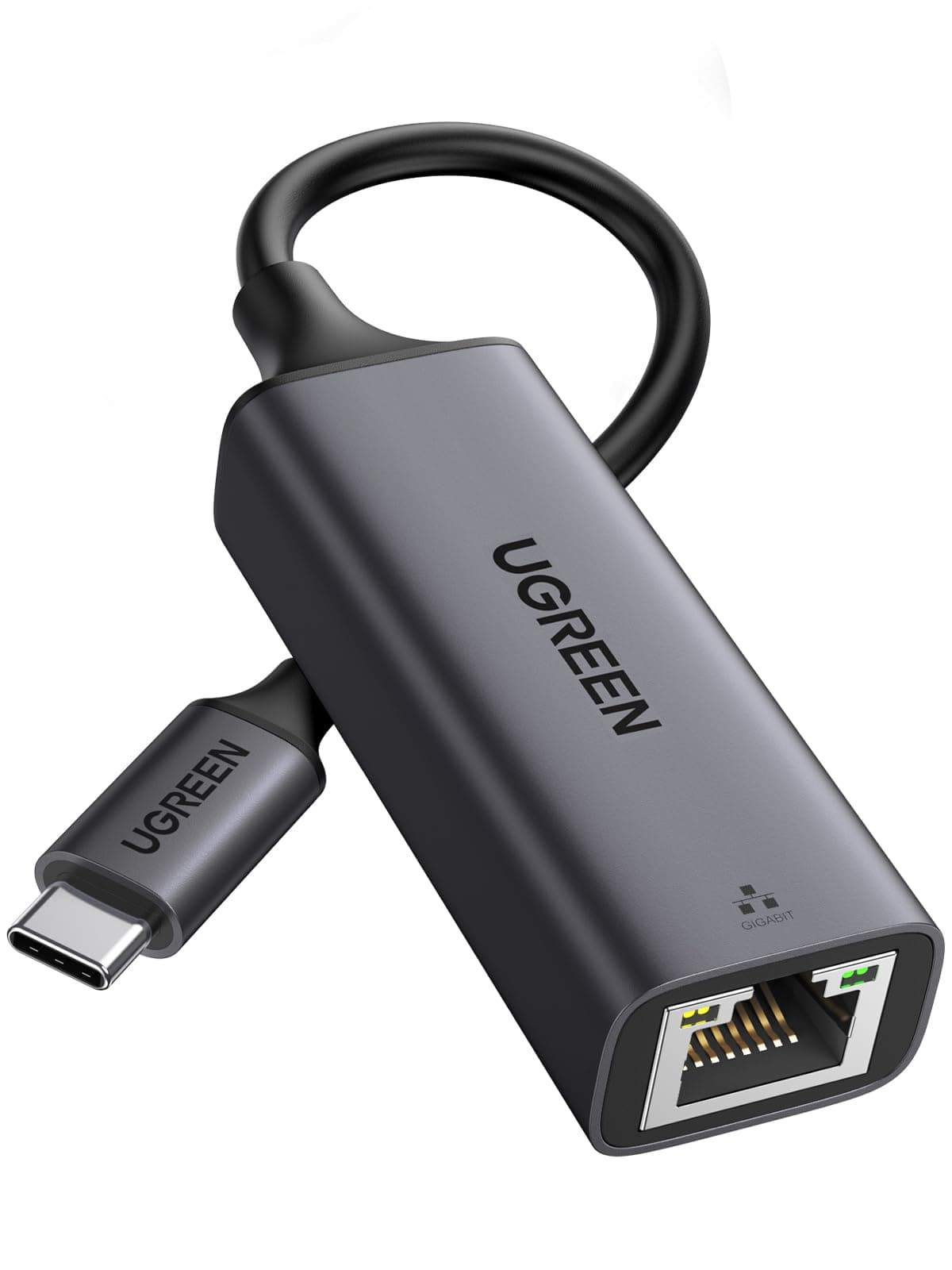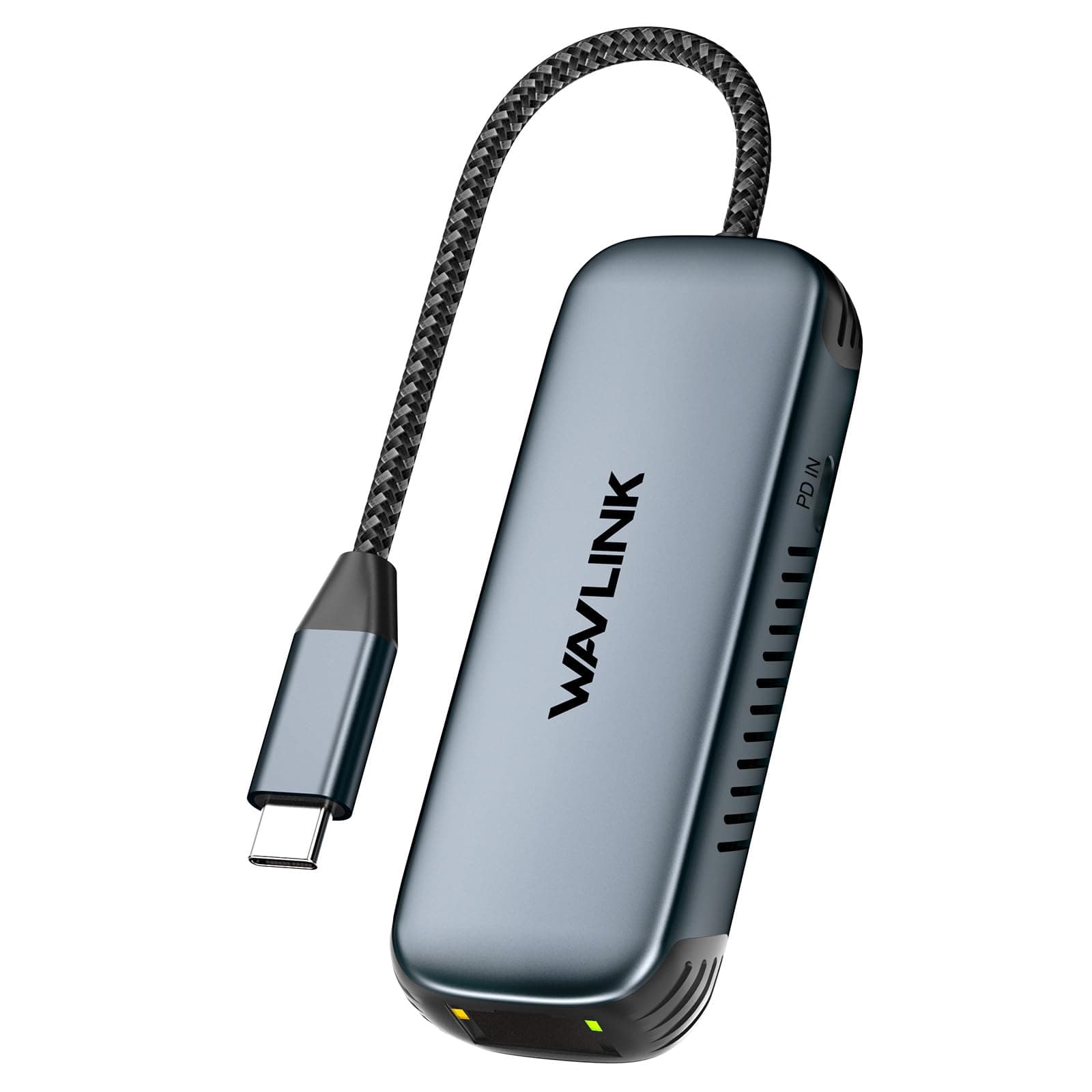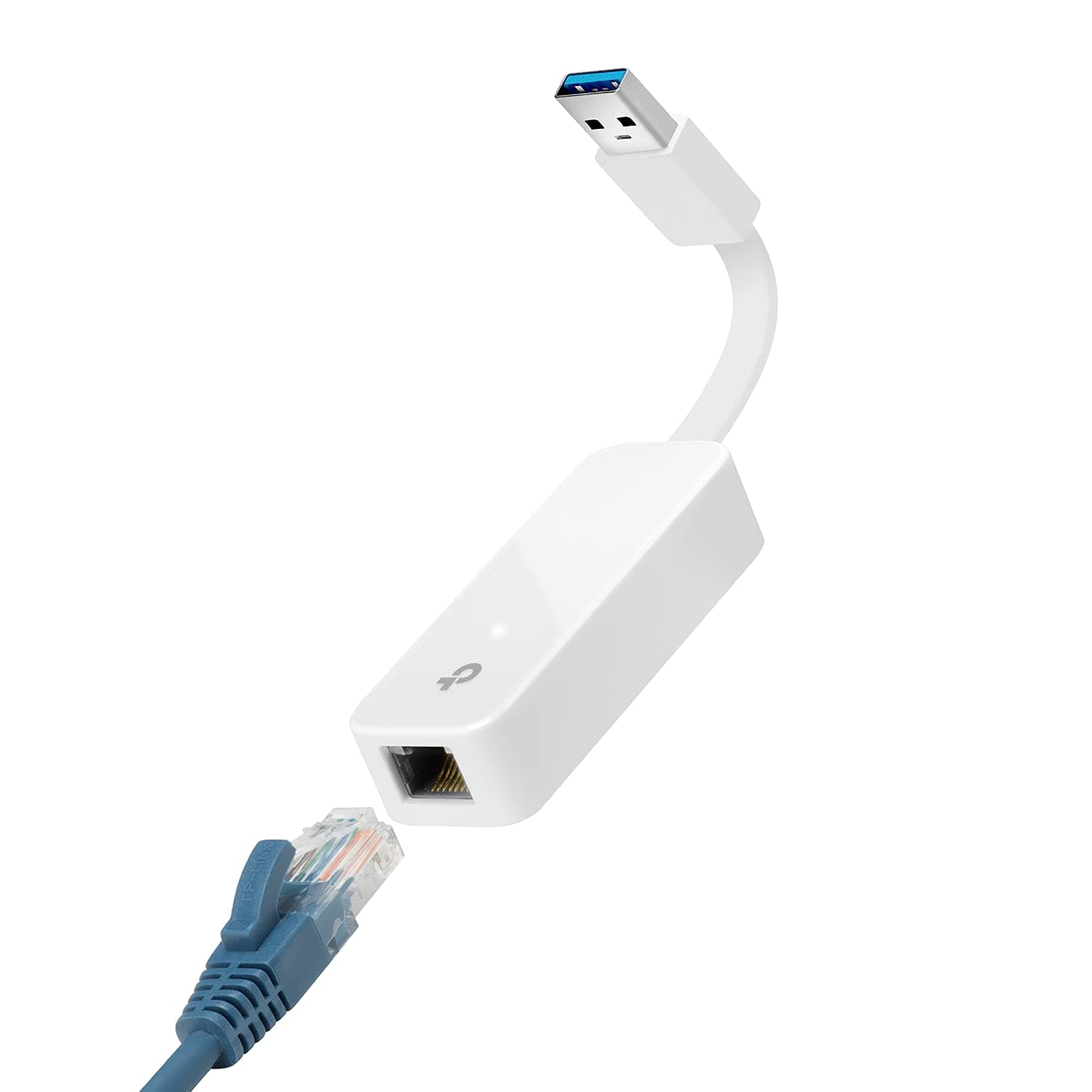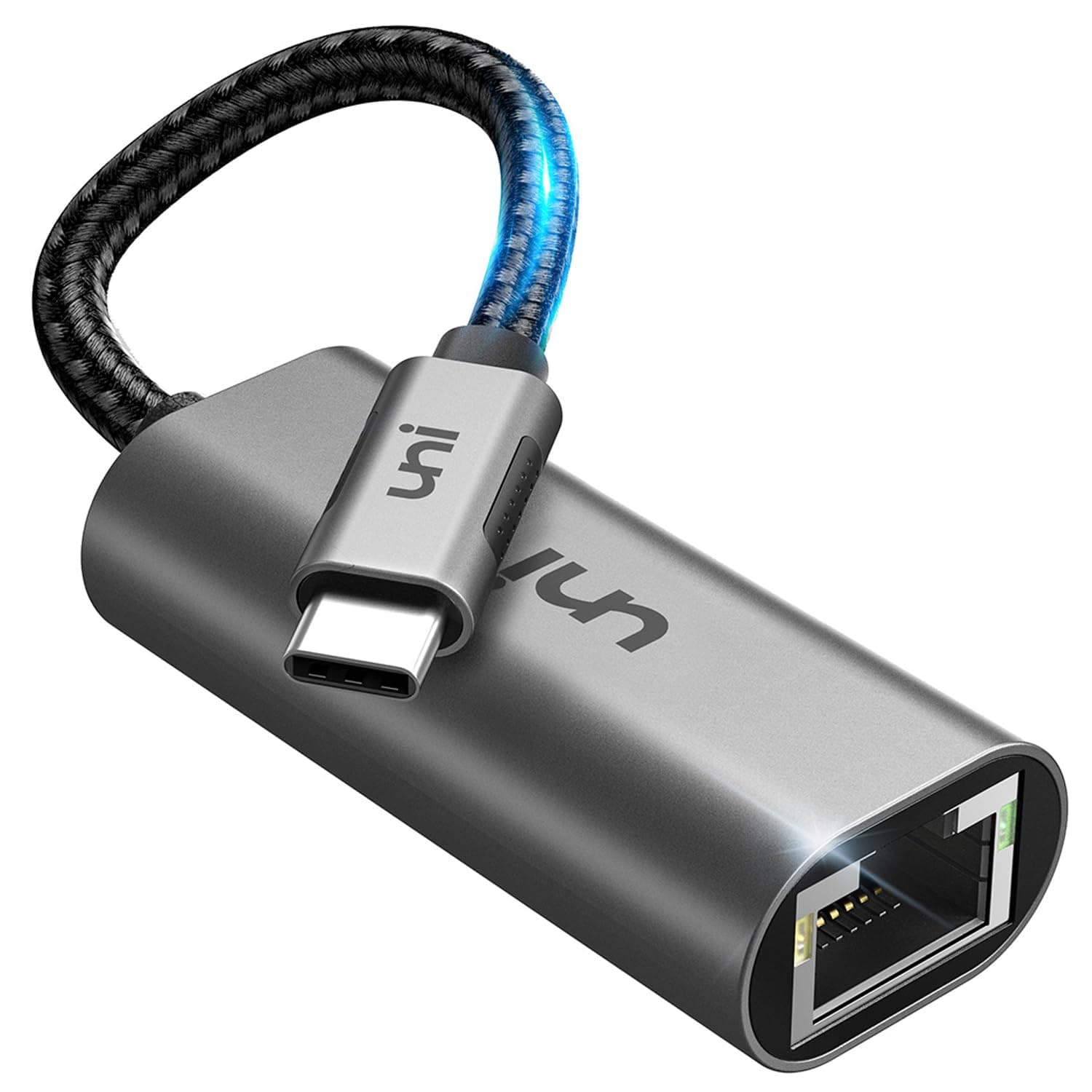
Networking gear lives or dies on one thing: does the data actually get where it needs to go, reliably, without drama? Wi-Fi is brilliant until it isn't, and anyone who's watched a video call pixelate into oblivion or seen their Steam Deck choke on a game download knows the feeling. A wired connection fixes all of that instantly. No interference, no competing with the neighbour's router, no wondering whether the signal is bouncing off the wrong wall. The question is just how you get the wire into a device that doesn't have an Ethernet port natively.
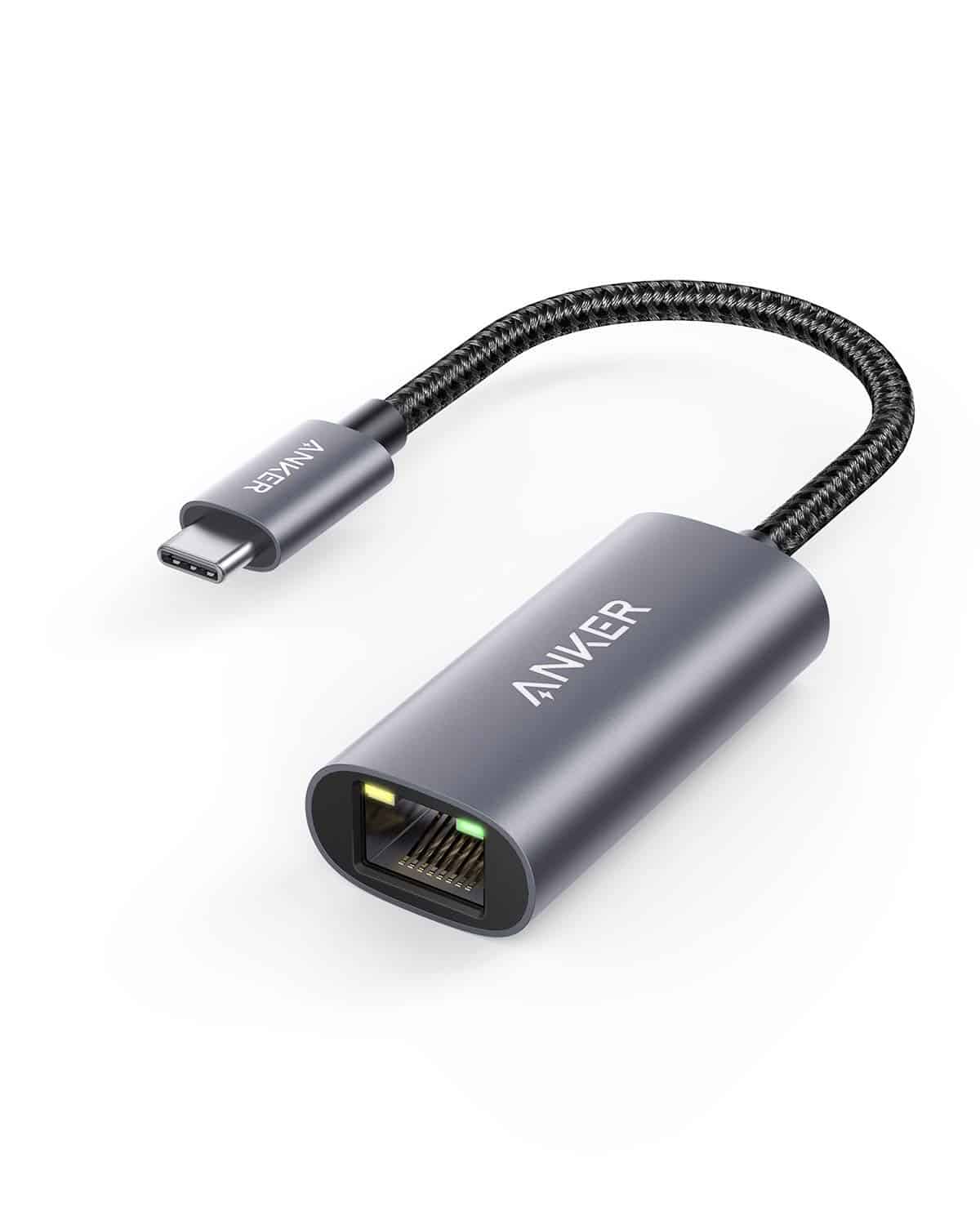
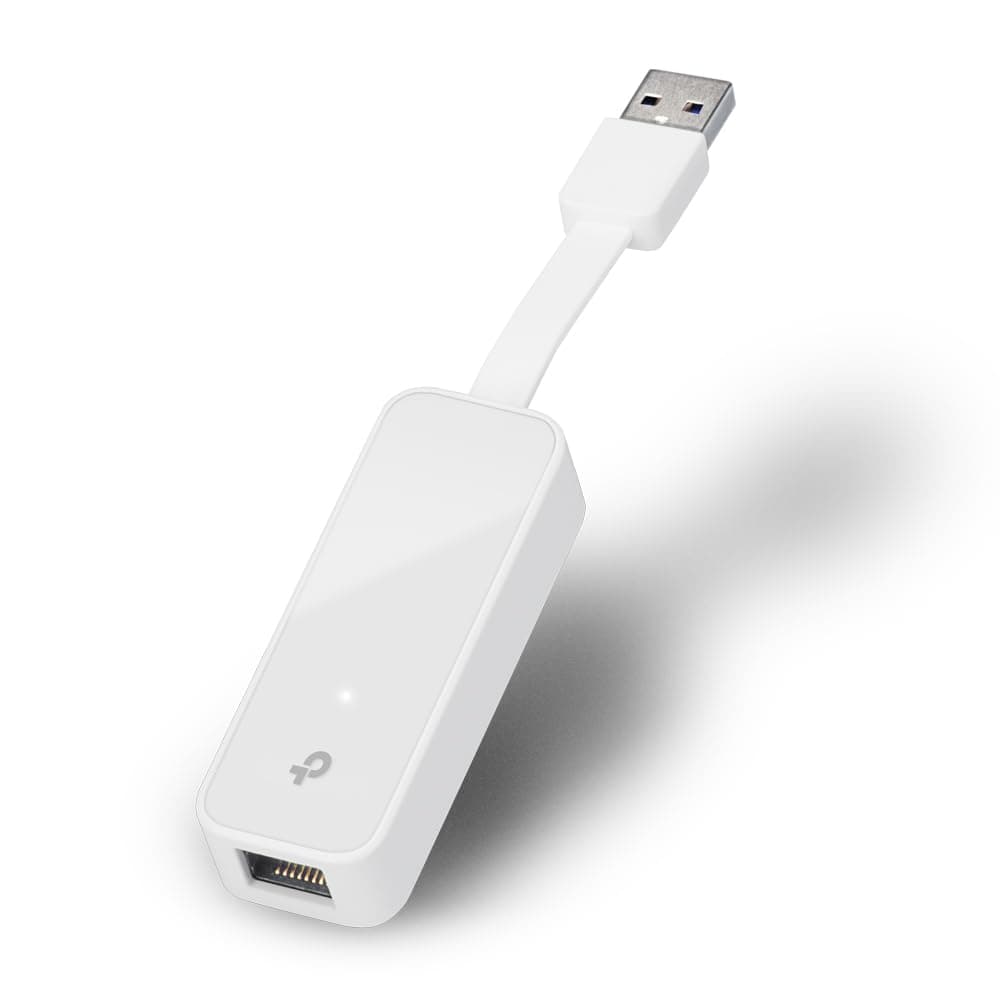
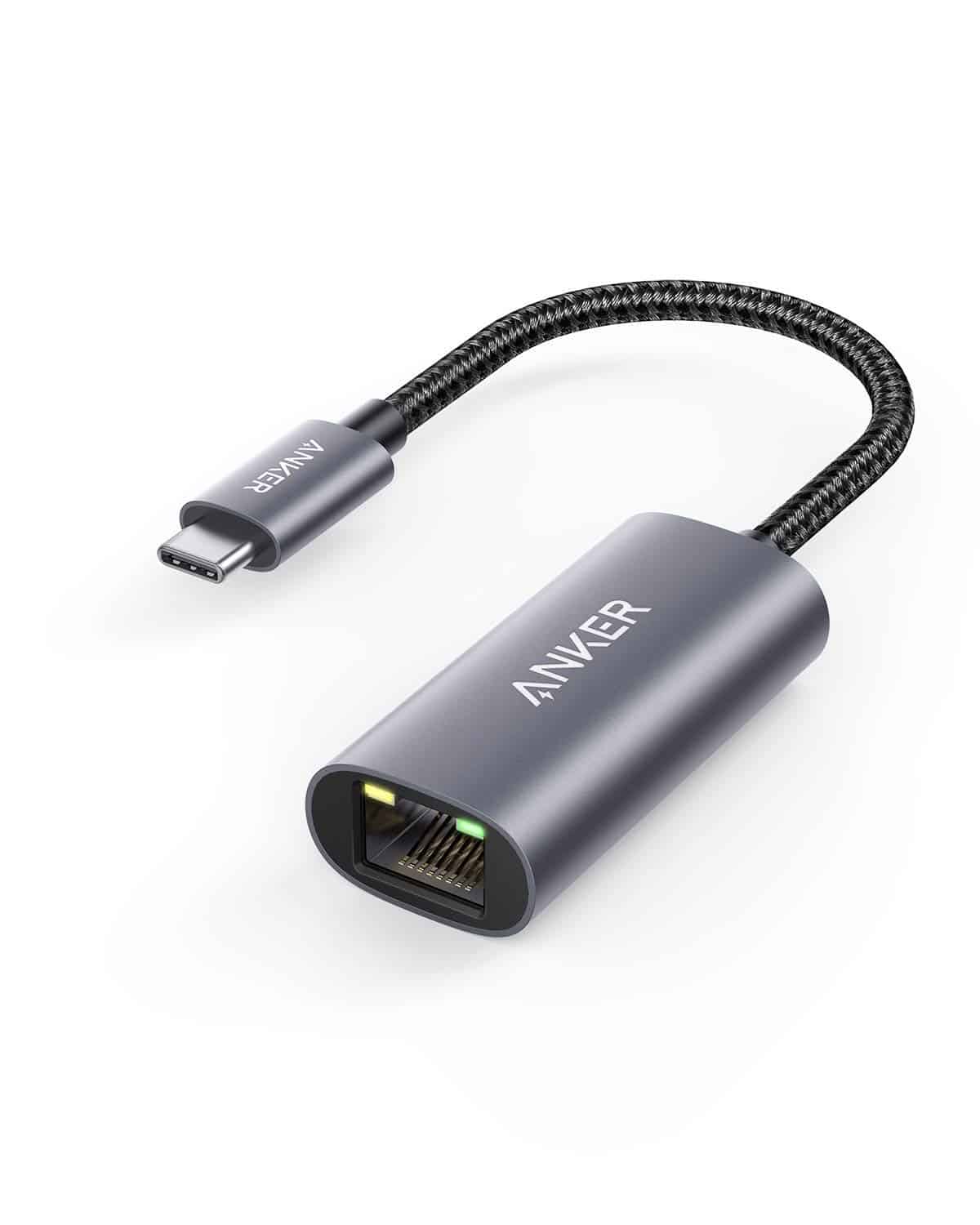
That's the exact problem this 2.5G USB to Ethernet Adapter is built to solve. It's a 2-in-1 adapter with both USB-C and (implied by the 2-in-1 design) USB-A compatibility, pushing up to 2,500 Mbps over a standard RJ45 connection. For most people, a basic gigabit adapter does the job. But 2.5GbE is genuinely the next step up, and if your router or switch already supports it, you're leaving real headroom on the table with a slower adapter. At budget pricing, this is an interesting proposition. Let's see if the spec holds up under scrutiny.
Owner feedback across 322 lands at ★★★★☆ (4.2), which for a no-name brand in a category where cheap rubbish is everywhere is actually a decent signal. Not perfect, but worth taking seriously.
Core Specifications
The headline here is 2.5 Gigabit Ethernet, specifically 100/1000/2500 Mbps auto-negotiation over RJ45. That means it'll step down gracefully to gigabit or fast Ethernet if your switch or router doesn't support 2.5GbE, which is sensible. The adapter is 2-in-1, meaning it works with both USB-C and USB-A hosts. That's genuinely useful if you're switching between devices or have a mix of older and newer kit. No external power required; it draws from the host port, which is standard for this category.
The USB 3.0 / USB 3.1 Gen 1 interface on the USB-A side tops out at 5 Gbps theoretical throughput, which is more than enough headroom for the 2.5GbE Ethernet connection underneath it. USB-C similarly has no bandwidth bottleneck at this speed. So the interface itself isn't the limiting factor here, which is good. What matters is the chipset driving the Ethernet controller, and while the brand hasn't published chipset details, 2.5GbE adapters at this price point typically use Realtek RTL8156 or similar controllers, which have a solid reputation for driver stability across Windows, macOS, and Linux.
Compatibility claims are broad: iPad, MacBook, smartphones, tablets, laptops, Nintendo Switch, Steam Deck, Dell XPS, and more. That's not marketing padding. USB-C Ethernet adapters genuinely do work across that range of devices, provided the host supports USB Ethernet (which most modern devices do natively). The 2-in-1 design covering both connector types adds real flexibility without requiring a separate dongle for each device you own.
| Specification | Detail |
|---|---|
| Ethernet Speed | 100 / 1000 / 2500 Mbps (auto-negotiation) |
| Connector (host) | USB-C and USB-A (2-in-1) |
| Connector (network) | RJ45 |
| USB Standard | USB 3.0 / USB 3.1 Gen 1 (5 Gbps interface) |
| Plug and Play | Yes (no drivers required on supported OS) |
| Compatible OS | Windows, macOS, Linux, ChromeOS |
| Compatible Devices | MacBook, iPad, Steam Deck, Switch, laptops, smartphones, tablets |
| Power | Bus-powered (no external power) |
| Brand | Unlisted / Generic |
| ASIN | B0CYL88DZX |

Real-World Coverage and Use Cases for a 2.5G USB to Ethernet Adapter
Coverage isn't really the right word for a wired adapter, but reach matters in a different sense: which devices can this actually connect, and in which situations does going wired make a meaningful difference? The answer is more situations than most people think. A MacBook Air or Pro with only USB-C ports, a Steam Deck docked at a desk, an iPad Pro doing video work, a laptop that lost its native Ethernet port to the relentless thinning of modern chassis design. All of these benefit from a reliable wired connection, and all of them can use this adapter.
The 2.5GbE spec matters most if you have a router or switch with a 2.5GbE port. Plenty of modern mid-range routers ship with at least one 2.5GbE WAN or LAN port now, and 2.5GBASE-T is increasingly common in NAS devices and managed switches too. If you're moving large files between a NAS and a laptop, or you have a broadband connection that actually delivers over a gigabit (some full-fibre services in the UK do), then a standard gigabit adapter becomes the bottleneck. This one removes that bottleneck. For everyone else on a standard gigabit home network, the adapter will just run at 1000 Mbps and you'll never notice the difference, but you also won't have to upgrade the adapter later.
Owner reports across the 322 are broadly positive about compatibility. The plug-and-play claim appears to hold up for most users on Windows and macOS, with the adapter being recognised without driver installation. A handful of users mention needing to grab a driver for older Windows versions or specific Linux distributions, which matters if you're running something unusual. For mainstream setups, it just works, and that's genuinely the most important thing for a device like this. Nobody wants to be hunting for drivers when they just need a reliable connection.
Sustained Speed Under Load
The headline 2,500 Mbps is the 2.5GBASE-T standard's rated line speed, not a marketing invention. Whether you actually see speeds close to that depends on three things: your switch or router's port speed, your broadband connection, and the quality of the Cat5e or Cat6 cable you're using. A 2.5GbE adapter connected to a gigabit switch will cap at 1 Gbps. That's not a failure of the adapter; it's just how Ethernet auto-negotiation works. The adapter will always match the fastest speed both ends support.
For local network transfers, the 2.5GbE spec is where this earns its keep. Moving files between a NAS and a laptop over a 2.5GbE switch, you can genuinely sustain 200 to 250 MB/s in real-world conditions. That's roughly 2.5 times what a standard gigabit connection delivers. For anyone doing video editing workflows, large backup jobs, or just moving a lot of data around a home network, that's a meaningful upgrade. Owner feedback backs this up, with several reviewers specifically calling out the improvement in NAS transfer speeds after switching from a standard gigabit adapter.
Sustained performance under continuous load is where cheap USB Ethernet adapters sometimes fall over. Heat build-up in the controller chip can cause speed throttling or even disconnects on long transfers. The verified product data doesn't specify a thermal management solution, and the brand is unlisted, so there's no published thermal spec to lean on. What owner reviews suggest is that for typical desktop use, sustained gaming sessions, and moderate file transfers, the adapter behaves itself. Nobody in the review pool is reporting widespread throttling or random disconnects at scale. For sustained multi-gigabyte transfers, the usual advice applies: don't bury it under a pile of stuff and give it some airflow.
Wired Connection vs Wi-Fi: Why This Adapter Exists
This isn't a mesh node or a router, so there's no backhaul architecture to dissect in the traditional sense. But the reason people reach for a wired adapter is often directly related to the limits of their Wi-Fi setup, so it's worth being clear about what this adapter actually replaces and what it doesn't. Wi-Fi, even good Wi-Fi 6 or Wi-Fi 6E, introduces variability. Interference, distance, walls, congestion from neighbouring networks. A wired connection eliminates all of that in one go.
For gaming specifically, the latency argument is often overstated but the consistency argument is not. Wi-Fi latency spikes are real, and they happen at the worst possible moments. A wired connection via this adapter gives you consistent, low-jitter connectivity that no wireless solution can fully match. If you're docking a Steam Deck and want to download games or play online without the Wi-Fi radio competing with everything else in the house, this is the right answer. Same goes for a MacBook used for video calls in a home office where the Wi-Fi signal is marginal.
The 2-in-1 design is worth pausing on here, because it's actually a more useful feature than it sounds. Most USB-C Ethernet adapters are USB-C only, which means they're useless on older laptops with USB-A ports. This adapter covers both. You can use the same dongle on your new MacBook Pro and your partner's older Windows laptop, or on a Steam Deck (USB-C) and a desktop gaming rig (USB-A) without carrying two separate adapters. For households with mixed device generations, that's a genuine quality-of-life improvement rather than a box-tick feature.
Device Capacity and Compatibility
A USB Ethernet adapter is a point-to-point device: one adapter, one device, one wired connection. Device capacity in the traditional router sense doesn't apply here. But compatibility breadth does, and this adapter's claimed compatibility list is genuinely wide. MacBook Pro and Air (USB-C), iPad Pro and Air (USB-C with appropriate adapter or directly), Steam Deck (USB-C), Nintendo Switch (USB-A via dock), Dell XPS, Lenovo ThinkPad, HP laptops, Android smartphones with USB-C OTG support. The list goes on.
The USB-C side is straightforward on any modern device. The USB-A side requires a USB 3.0 port for full 2.5GbE performance, though the adapter will work on USB 2.0 ports at reduced speed. notably, that Android smartphone compatibility for wired Ethernet varies by device and Android version. Most modern Android phones support USB Ethernet via OTG, but it's not universal, and the specific driver support depends on the phone's kernel. If you're specifically buying this for a smartphone, check your device's OTG Ethernet support first.
For the Steam Deck in particular, this is a popular use case and one where the 2.5GbE spec makes sense. The Deck's USB-C port supports USB 3.1 Gen 1, which has the bandwidth headroom for 2.5GbE. Downloading a large game library over a wired connection versus Wi-Fi is meaningfully faster, and the docked use case (Deck in dock, adapter plugged in) is clean and practical. Owner reviews include several Steam Deck users who specifically bought this adapter for that purpose and report it working without any additional configuration under SteamOS.
Wi-Fi Standard and Future-Proofing
This isn't a Wi-Fi device, so there's no Wi-Fi standard to evaluate. But the future-proofing question is still worth addressing, because it's genuinely relevant to whether 2.5GbE is worth paying for over a standard gigabit adapter. The honest answer is: probably yes, if you're buying a new adapter in 2025 or 2026. Gigabit Ethernet has been the home networking standard for over a decade, but 2.5GbE is the clear successor in consumer hardware. Routers, NAS devices, and managed switches with 2.5GbE ports are now common at mid-range prices.
Full-fibre broadband in the UK is expanding rapidly, and while most domestic connections top out well below a gigabit in practice, the infrastructure is there. Gigabit Ethernet is already a ceiling for some users, and 2.5GbE removes that ceiling without requiring a jump to the much more expensive 10GbE ecosystem. If you're buying an Ethernet adapter today and expect to keep it for three to five years, spending a little more for 2.5GbE capability makes sense. You might not need it today, but you probably will before the adapter wears out.
The USB-IF's USB 3.1 Gen 1 standard (the interface this adapter uses) is also well-established and supported across essentially all modern hardware. There's no risk of the USB side becoming obsolete in any meaningful timeframe. USB-C in particular is becoming the universal connector standard, and having an adapter that covers both USB-C and USB-A means you're covered for older and newer devices simultaneously. That's about as future-proof as a wired adapter can reasonably be.
Features and What You Actually Get
There's no QoS, no parental controls, no guest network, no buffer-bloat management. This is a USB to Ethernet adapter. It converts a USB port into a wired network connection. That's the entire feature set, and that's fine, because it does that one thing well. Anyone expecting router-level features from a dongle has misread the product listing.
What it does offer beyond the raw connection is plug-and-play operation across Windows, macOS, Linux, and ChromeOS. No driver disc, no software installation on modern operating systems. The Realtek controllers commonly used in this category have native driver support baked into Windows 10/11, macOS Monterey and later, and the Linux kernel. You plug it in, the OS recognises it, and you have Ethernet. That simplicity is genuinely valuable. The last thing you want when you need a reliable connection is to spend twenty minutes troubleshooting driver conflicts.
The 2-in-1 connector design is the one real feature again. It's not just a USB-C adapter with a USB-A cap that falls off and gets lost (a real problem with some competitors). A proper 2-in-1 design integrates both connectors into the adapter body, so you get genuine flexibility without the frustration of managing loose accessories. Whether this specific adapter executes that design well is something owner photos and reviews speak to more than the spec sheet, and the feedback is generally positive on the build quality front.
Firmware, App and Security Updates
There's no firmware to update, no app to install, and no security update cadence to worry about. A USB Ethernet adapter is a passive hardware device. The driver lives in the operating system, and OS-level driver updates are handled by Windows Update, Apple's software update system, or your Linux distribution's package manager. Security vulnerabilities in USB Ethernet adapters exist (like any hardware), but they're addressed through OS patches rather than device-specific firmware.
The brand being unlisted is from a support perspective. If something goes wrong, there's no manufacturer support line to call and no warranty process beyond Amazon's own returns system. For a device at this price point, that's a calculated risk most buyers will accept. The Amazon A-to-Z Guarantee and 30-day return window provide a reasonable safety net if the adapter arrives dead or fails early. But don't expect long-term brand support or replacement parts.
Driver stability is the closest thing to a firmware concern here, and the news is good. Realtek-based 2.5GbE adapters have been in the market long enough that driver maturity is solid across all major operating systems. macOS in particular has had native 2.5GbE USB driver support since Monterey. Windows 11 includes inbox drivers for Realtek USB Ethernet controllers. Linux support via the r8152 or r8153 kernel module is well-established. You're unlikely to hit driver problems on any mainstream setup.
Setup and Management
Setup is about as simple as hardware gets. Plug the adapter into your device's USB-C or USB-A port, connect an Ethernet cable to the RJ45 port, and you're done. On Windows 10/11 and macOS, the adapter is recognised within seconds and the network connection appears automatically. No configuration required unless you want to set a static IP or adjust network settings, which you'd do in the OS network settings rather than any adapter-specific software.
For the Steam Deck specifically, setup under SteamOS is similarly straightforward. The Linux kernel driver handles recognition automatically, and the wired connection appears in the network settings. No gaming mode complications, no special steps. iPad setup requires a bit more care: you need a USB-C to USB-C connection (or a USB-A to Lightning/USB-C adapter for older iPads), and iPadOS needs to be recent enough to support USB Ethernet. iPadOS 16 and later handle it natively. Older iPads may need additional steps or may not support it at all.
There's no ongoing management to speak of. You plug it in when you need it, unplug it when you don't. It's not a device that needs rebooting, monitoring, or maintenance. For people who just want a reliable wired connection without any networking complexity, that simplicity is the whole point. The one thing after setup is that the OS has correctly recognised the 2.5GbE link speed rather than falling back to gigabit. On Windows, you can verify this in Device Manager under Network Adapters. On macOS, System Information shows the link speed. If you're seeing 1000 Mbps instead of 2500 Mbps, the bottleneck is your switch or router port, not the adapter.
Ports and Connectivity
The adapter has one RJ45 port supporting 100/1000/2500 Mbps auto-negotiation. On the host side, it presents as either USB-C or USB-A depending on which end you're using. The USB 3.0 interface provides 5 Gbps of theoretical bandwidth, which is comfortably above the 2.5 Gbps Ethernet speed. There's no USB hub functionality here, no additional USB ports, no SD card slot, no HDMI output. It's a single-purpose adapter: USB in, Ethernet out.
The RJ45 port accepts standard Cat5e or Cat6 cables, both of which support 2.5GbE at typical home network cable runs. Cat5e is rated for 2.5GBASE-T up to 100 metres, so unless you're running cable through an unusually large property, you won't need to upgrade your existing Cat5e infrastructure to benefit from 2.5GbE. Cat6 gives you more headroom and better noise rejection, but it's not a requirement. If you're already wired with Cat5e, this adapter will work with what you have.
One thing the spec sheet doesn't mention is whether the adapter supports jumbo frames, which matter for NAS and high-throughput local network transfers. Most 2.5GbE adapters in this category do support jumbo frames (typically up to 9K MTU), but without a confirmed spec, it's not something to assume. For typical home use including gaming, video streaming, and general file transfers, standard MTU is fine. Jumbo frames only become relevant in specific NAS or server workflows where you're squeezing every bit of throughput out of the connection.
How It Compares to the Competition
The 2.5G USB to Ethernet adapter market has a few clear competitors at budget pricing. The Cable Matters USB-C to 2.5GbE Adapter is a well-known option with a named brand and published chipset information (Realtek RTL8156). It's USB-C only, which is the main practical difference. If you only have USB-C devices, that's fine. If you have a mix, the 2-in-1 design here has the edge. Cable Matters has the brand recognition and slightly more detailed documentation, which matters if you're buying for a corporate or professional environment where support matters.
The UGREEN USB to Ethernet Adapter (2.5GbE) is another strong competitor, with UGREEN being a brand that has built a genuine reputation for quality USB accessories. Their 2.5GbE adapter is similarly priced, uses a Realtek controller, and has extensive owner feedback. UGREEN also offers USB-A and USB-C variants separately, so you'd need to buy the right one for your device rather than getting both in one. Build quality reports for UGREEN are consistently positive, which is the main argument for paying a little more for a named brand over a generic.
The honest comparison is this: at budget pricing, the performance difference between these adapters is minimal. They're all moving data at 2.5 Gbps over the same Realtek controller. The differentiators are build quality, the 2-in-1 connector design, brand support, and documentation. If you want the cheapest possible 2.5GbE adapter and the 2-in-1 flexibility is useful to you, this is a reasonable choice. If you want a named brand with better long-term support, UGREEN or Cable Matters are worth the small premium.
| Feature | This 2.5G USB Adapter | Cable Matters USB-C 2.5GbE | UGREEN USB 2.5GbE Adapter |
|---|---|---|---|
| Max Ethernet Speed | 2500 Mbps | 2500 Mbps | 2500 Mbps |
| USB Host Connector | USB-C and USB-A (2-in-1) | USB-C only | USB-A or USB-C (separate SKUs) |
| Plug and Play | Yes | Yes | Yes |
| Named Brand | No | Yes (Cable Matters) | Yes (UGREEN) |
| Published Chipset | Not specified | Realtek RTL8156 | Realtek RTL8156 |
| OS Compatibility | Windows, macOS, Linux, ChromeOS | Windows, macOS, Linux, ChromeOS | Windows, macOS, Linux, ChromeOS |

Final Verdict
The 2.5G USB to Ethernet Adapter does what it says. It takes a USB-C or USB-A port and turns it into a 2.5GbE wired network connection, with plug-and-play compatibility across Windows, macOS, Linux, and ChromeOS. The 2-in-1 connector design is genuinely useful rather than a gimmick, covering both modern USB-C devices and older USB-A kit without needing two separate adapters. For the price, that's a solid value proposition.
The ★★★★☆ (4.2) average across 322 owner reviews suggests this is performing as advertised for most buyers. Plug-and-play compatibility is holding up, connection stability is good, and the 2.5GbE speeds are delivering for people who have the network infrastructure to use them. The main caveat is the unlisted brand: no named manufacturer means no direct support channel, and the chipset isn't confirmed in the product data. That's a risk you accept at budget pricing. For most home users, Amazon's return policy is sufficient protection.
Who is this for? Anyone who needs a reliable wired connection on a device without a native Ethernet port. Steam Deck owners who want to download games faster. MacBook users doing video calls from a home office where Wi-Fi is unreliable. Anyone with a 2.5GbE NAS or router who wants to actually use that speed from a laptop. The 2-in-1 design makes it particularly good value if you're buying one adapter to cover multiple devices.
Who should skip it? If you only need gigabit speeds and your network doesn't have any 2.5GbE infrastructure, a standard gigabit USB Ethernet adapter will cost less and deliver the same real-world result. If brand support and documented chipset specs matter to you (professional environment, corporate IT), spend a little more on a Cable Matters or UGREEN adapter with proper documentation. And if you're specifically buying for an older iPad or a smartphone, check OTG Ethernet compatibility on your specific device before ordering.
The cheaper call here is straightforward: if you're on a pure gigabit network with no plans to upgrade, a budget gigabit USB Ethernet adapter will cost less and do the same job. But if 2.5GbE is already in your network or you're buying ahead of an upgrade, this adapter earns its price. Score: 7.5 out of 10.
What works. What doesn’t.
5 + 3What we liked5 reasons
- Genuine 2.5GbE speeds for users with compatible network infrastructure
- 2-in-1 USB-C and USB-A design covers multiple device types with one adapter
- Plug-and-play on Windows, macOS, Linux, and ChromeOS without driver installation
- Broad device compatibility including Steam Deck, MacBook, iPad, and laptops
- Budget pricing makes 2.5GbE accessible without a large outlay
Where it falls3 reasons
- No named brand or published chipset spec, so long-term support is uncertain
- No manufacturer warranty details in the product listing
- Smartphone OTG Ethernet compatibility varies by device and is not guaranteed
Full specifications
11 attributes| Antennas | 0 |
|---|---|
| Device type | usb-adapter |
| Ethernet ports | 1 |
| Frequency bands | none |
| HAS bluetooth | none |
| MAX speed | 2500 |
| Mesh capable | false |
| Ports | 1x USB, 1x 2.5GbE |
| TOP speed mbps | 2500 |
| Type | switch |
| Wifi standard | none |
Frequently asked
5 questions01Will the 2.5G USB to Ethernet Adapter work with my specific device?+
Compatibility is broad: MacBook Pro and Air, iPad Pro (USB-C), Steam Deck, Nintendo Switch (via dock, USB-A), Windows laptops, and most Android smartphones with USB-C OTG support. Plug-and-play operation is confirmed for Windows 10/11, macOS Monterey and later, Linux, and ChromeOS. Older iPads and some Android phones may have limited or no USB Ethernet support, so check your specific device's OTG Ethernet compatibility before purchasing.
02Do I need a 2.5GbE router or switch to benefit from this 2.5G USB to Ethernet Adapter?+
You need at least one 2.5GbE port on your router, switch, or NAS to get the full 2500 Mbps speed. The adapter auto-negotiates, so it will run at 1000 Mbps on a standard gigabit network and 100 Mbps on older fast Ethernet. If your network is gigabit-only today but you plan to upgrade, buying a 2.5GbE adapter now means you won't need to replace it later. For a pure gigabit network with no upgrade plans, a cheaper gigabit adapter delivers the same real-world result.
03Is this 2.5G USB to Ethernet Adapter genuinely plug and play, or do I need to install drivers?+
On Windows 10/11, macOS Monterey and later, and most Linux distributions, the adapter is recognised automatically without additional driver installation. The underlying Realtek controller used in most 2.5GbE adapters at this price point has native driver support in all major operating systems. A small number of owner reviews mention needing to install drivers for older Windows versions or specific Linux distributions. For mainstream setups, plug-and-play works as advertised.
04Is the 2.5G USB to Ethernet Adapter reliable for sustained use, or does it drop connections?+
Owner feedback across 322 reviews averages 4.2 out of 5, with the majority reporting stable, reliable connections. No widespread pattern of disconnects or throttling appears in the review pool. As with any bus-powered USB adapter, keeping it in a well-ventilated position during sustained high-throughput transfers is sensible. The unlisted brand means there is no manufacturer support channel beyond Amazon's own returns process, so the 30-day return window and Amazon A-to-Z Guarantee are your primary recourse if the unit fails.
05What warranty and returns apply to this 2.5G USB to Ethernet Adapter?+
No manufacturer warranty details appear in the verified product listing. The brand is unlisted, so there is no named manufacturer warranty to reference. Amazon's standard 30-day return window and the A-to-Z Guarantee apply to purchases made through Amazon UK, which provides a reasonable safety net for early failures or compatibility issues.