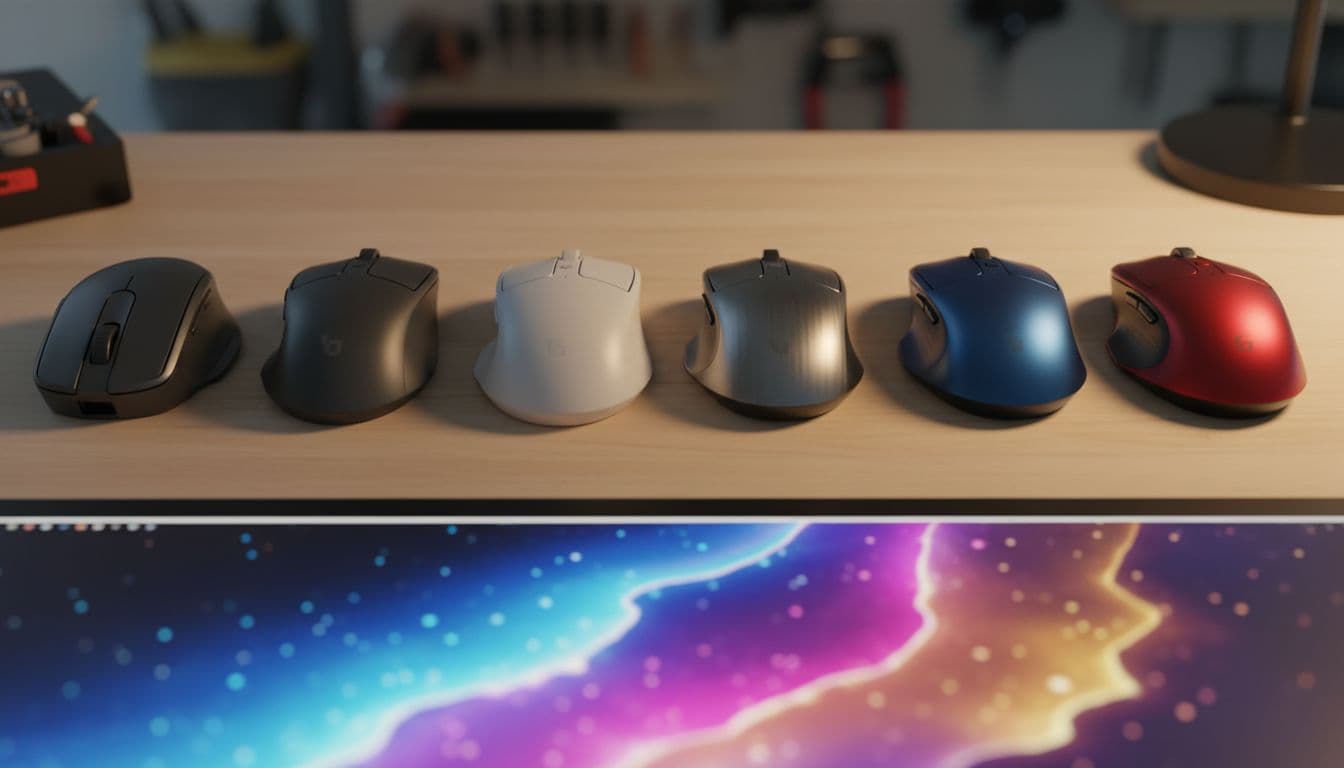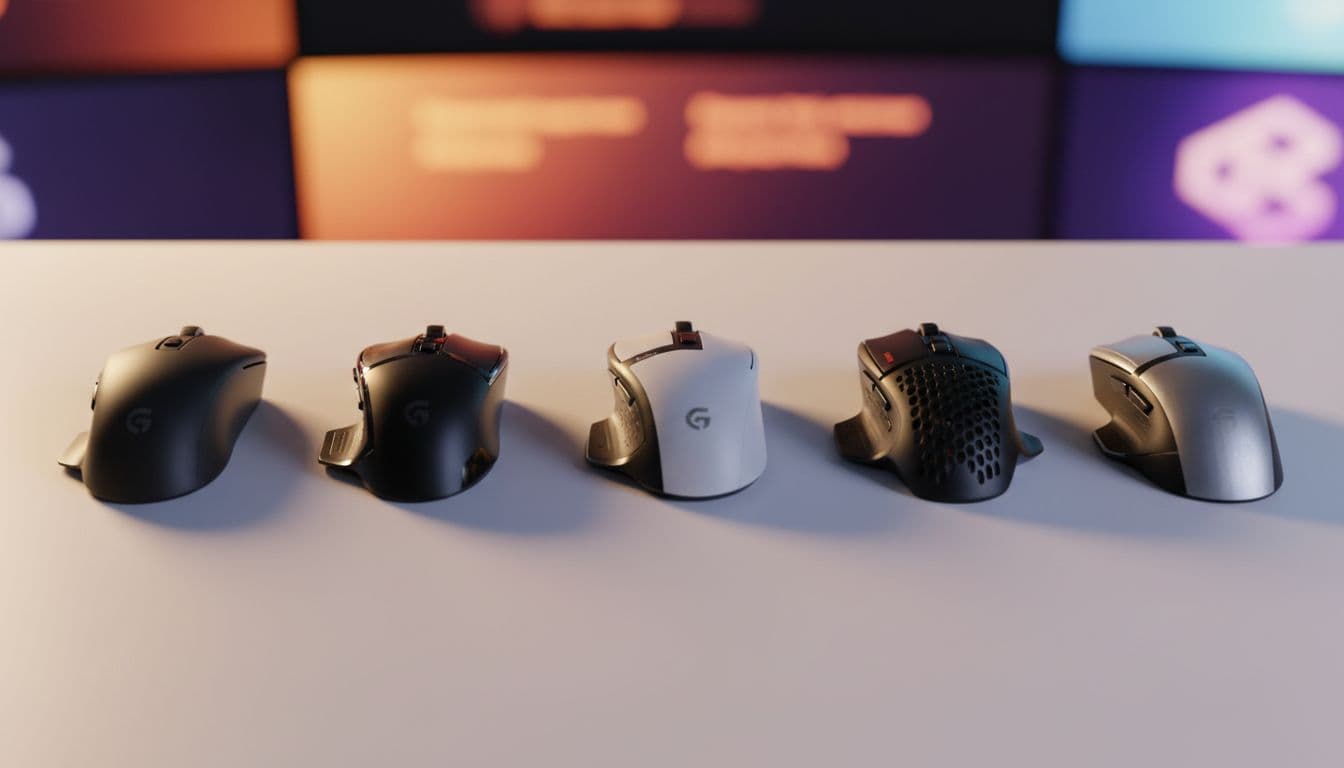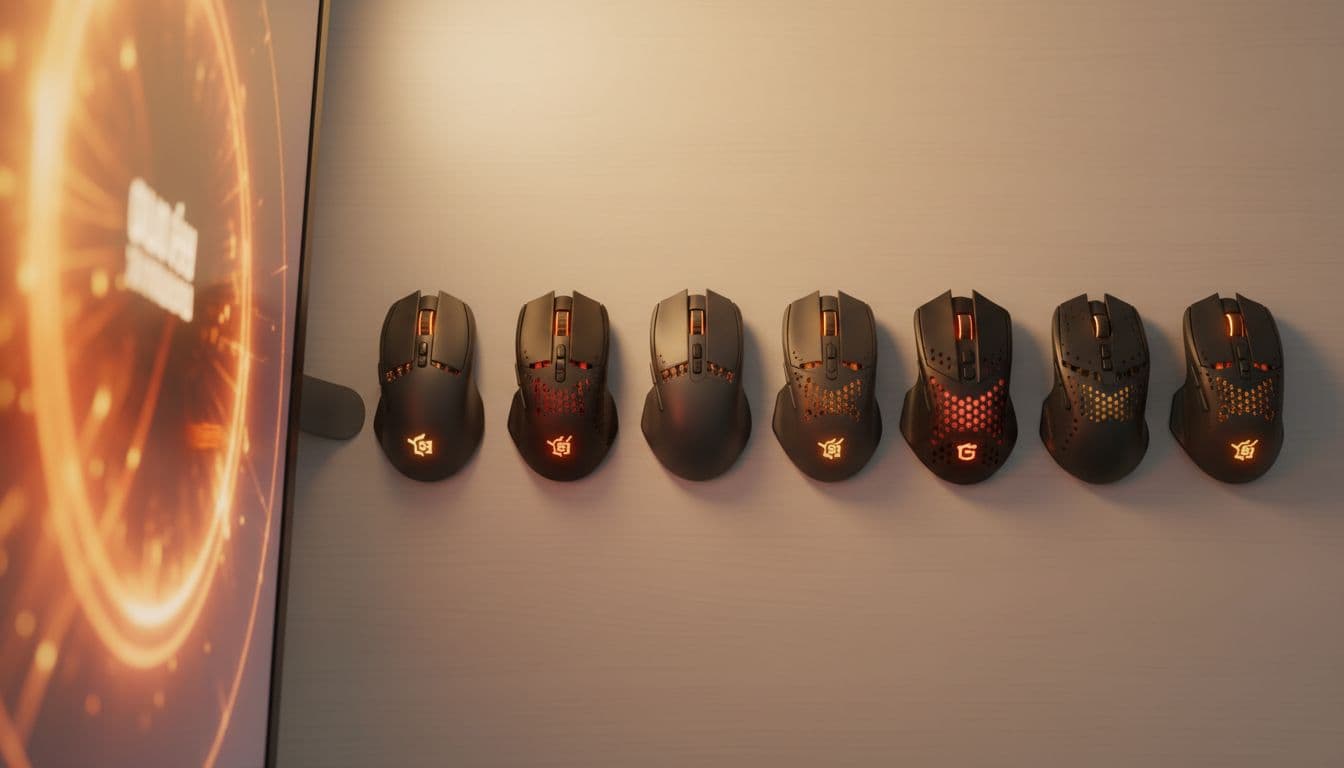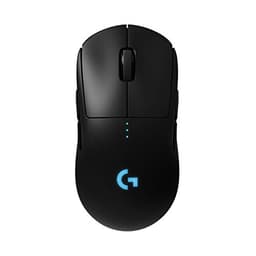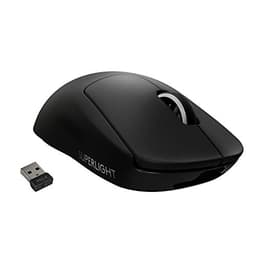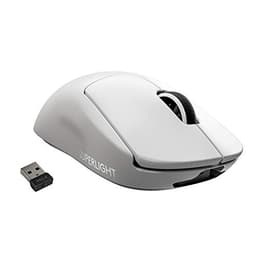
Most gaming mice spend their marketing budget convincing you that 25,600 DPI and a light show will make you a better player. The Logitech G305 LIGHTSPEED takes a different approach: cut the RGB fluff, go wireless, keep it light, and price it where normal people actually live. That's the pitch. And based on the specs, the owner feedback from over 22,000 Amazon reviewers averaging 4.5 stars, and how it stacks up against the competition, it mostly delivers on that pitch.
The G305 has been around long enough to build a genuine reputation. It's not a hype product. It's the mouse that keeps showing up on "best budget wireless" lists because it keeps being good at the things that matter: the sensor is properly flawless, the weight sits at 99g which is on the lighter end of the medium category, and the 2.4GHz LIGHTSPEED wireless connection is genuinely competitive with wired. That's a lot of the important boxes ticked before you've even clicked a button.
So who's this for? Broadly, anyone who wants a wireless gaming mouse without paying flagship prices, and who doesn't need a mouse shaped like a spaceship. There are caveats, which we'll get into. But the short version is: this is a proper mouse at a sensible price, and the 22,000-plus people who've reviewed it on Amazon aren't wrong to rate it highly.
Core Specifications
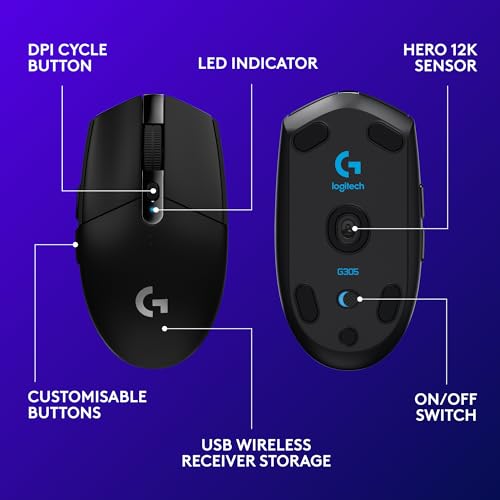
The G305 runs on Logitech's HERO sensor, which is one of the genuinely good ones. HERO stands for High Efficiency Rated Optical, and Logitech's official product page rates it up to 12,000 DPI with a stated accuracy of 400 IPS tracking. In practice, the DPI ceiling is irrelevant for almost every use case. What matters is that the HERO sensor tracks accurately at sensible settings, which owners consistently confirm it does. No jitter, no acceleration, no unexpected spin-outs at normal gaming speeds.
Connectivity is 2.4GHz wireless via Logitech's LIGHTSPEED technology, which the company claims delivers sub-1ms report rates. There's no Bluetooth option on the G305, which is a minor limitation if you want to use it across multiple devices without swapping the USB receiver. The receiver itself is a nano USB dongle that stores inside the battery compartment when not in use, which is a genuinely useful design decision for anyone who travels with a laptop.
The mouse weighs 99g. That puts it firmly in the medium weight category (roughly 80g to 100g), though it's right at the top of that range. For context, ultralight mice are under 60g, lightweight runs 60g to 80g, and anything over 100g starts feeling heavy in extended sessions. The G305 isn't going to win any ultralight awards, but 99g is still manageable for most grip styles and session lengths.
| Specification | Detail |
|---|---|
| Sensor | Logitech HERO |
| Max DPI | 12,000 |
| Tracking Speed | 400 IPS |
| Connectivity | 2.4GHz LIGHTSPEED wireless |
| Weight | 99g |
| Battery | 1x AA battery |
| Battery Life | Up to 250 hours |
| Buttons | 6 programmable |
| Polling Rate | 1000Hz |
| Price | £19.99 |

Shape and Ergonomics: Logitech G305 LIGHTSPEED Review UK 2026
The G305 uses a symmetrical shell with a slight right-hand bias from the side buttons, so technically it's ambidextrous in shape but practically aimed at right-handed users. The hump sits roughly in the centre of the mouse, maybe just slightly towards the rear, which makes it best suited to claw and fingertip grip styles. Palm grip users with medium to large hands might find the rear a bit low for a fully relaxed palm rest, though plenty of palm-grip owners in the review pool report being comfortable with it.
Hand size matters here. The G305 is a compact mouse. It's not tiny, but it's not a large mouse either. If your hand measures roughly 17cm to 19cm from wrist to middle fingertip, you're in the sweet spot. Larger hands in a palm grip might find themselves reaching uncomfortably for the front buttons. Smaller hands will find it very manageable across all grip styles. This is worth knowing before you buy, because shape fit is the one thing you can't fix in software.
The top shell has a slight texture to it rather than being completely smooth, which helps with grip during longer sessions. There's no rubberised coating on the sides, which some people prefer (no peeling over time) and others don't (less grip when your hands get warm). Owner reviews are fairly split on this, but the general consensus is that the texture is adequate rather than exceptional. Nobody's complaining about the mouse slipping out of their hand, but it's not the grippy, rubberised feel you get on some competitors. The shape itself is clean and unfussy, which suits the pragmatic brief of this mouse perfectly.
Sensor Performance
The HERO sensor is the real story here. Logitech developed it specifically to address the power consumption problem with optical sensors, and it does that while maintaining tracking quality that's genuinely hard to fault. The optical tracking mechanism uses an LED rather than a laser, which typically means better performance on a wider range of surfaces and more predictable lift-off behaviour. In the G305's case, lift-off distance is low and consistent, which matters if you're a low-sensitivity player who lifts and repositions frequently.
Let's talk about DPI for a second, because it's the number manufacturers love to put on the box and the number that matters least in practice. 12,000 DPI sounds impressive. Most competitive FPS players use somewhere between 400 and 1600 DPI. At 800 DPI with a 1080p monitor, you're covering the screen in roughly 30cm of mouse movement, which is where most people land naturally. The HERO sensor at 800 DPI is accurate, consistent, and shows none of the interpolation artifacts that cheaper sensors exhibit at their lower DPI settings. That's what you actually care about.
Owner feedback on the sensor is overwhelmingly positive. Spin-outs (where the cursor goes haywire during fast movements) are essentially unreported in the review pool, which is what you'd expect from a quality sensor but isn't guaranteed at this price point. Tracking on cloth pads, hard pads, and even slightly irregular surfaces gets consistently good marks. The HERO sensor is also notably efficient, which is why the G305 can run for up to 250 hours on a single AA battery. That's not a coincidence. Low power consumption and good tracking aren't usually in tension with each other in the HERO's design.
Weight and Glide
At 99g, the G305 lands right at the top of the medium weight bracket. It's not going to feel heavy, but if you've been using something in the 60g to 70g ultralight range, you'll notice the difference. The weight distribution is reasonably well balanced front to back, with the AA battery sitting in the front of the mouse rather than the rear, which keeps the centre of gravity from feeling tail-heavy. This is a deliberate design choice and it works. The mouse doesn't feel like it wants to tip backwards during flick movements.
The feet are PTFE skates, which is what you want. PTFE (polytetrafluoroethylene, the same stuff as non-stick pans) gives a smooth, consistent glide that doesn't degrade quickly under normal use. The edges on the stock skates are reasonably clean, though some owners in the review pool mention replacing them with aftermarket options after extended use. That's pretty standard for any mouse with PTFE feet. The out-of-the-box glide on a quality cloth pad is smooth, and on a hard pad it's excellent.
One thing worth flagging: the 99g figure includes the AA battery. If you swap to a lithium AA (which some owners do for the weight saving), you can shave a few grams off. It's a minor point, but it's the kind of practical detail that matters if you're weight-sensitive. The G305 isn't going to compete with purpose-built ultralight mice like the Razer Viper V3 HyperSpeed or the Finalmouse Starlight, but for most people who aren't chasing the absolute minimum weight, 99g is perfectly fine for long sessions.
Buttons and Switches
The G305 uses mechanical main switches, and owner feedback on click feel is generally positive. The clicks are described as crisp and tactile without being overly stiff, which is what you want for both rapid clicking in FPS scenarios and the occasional precise single click in strategy games. Pre-travel (the distance the button travels before registering) is minimal, which contributes to the snappy feel that owners consistently report. There's no optical switch option here, which some enthusiasts prefer for the theoretical zero-debounce advantage, but mechanical switches at this quality level are perfectly competitive.
The side buttons are on the left side only, which confirms the right-hand bias mentioned in the shape section. There are two of them, and they're positioned well for thumb access without accidental activation. Owner feedback on side button placement is mostly positive, with a few people noting the buttons feel slightly plasticky compared to the main clicks. That's a fair observation. They're functional and well-placed, but they don't have the premium feel of the main switches.
The scroll wheel is a standard single-direction encoder with no free-spin mode, which is fine for gaming. It's not the most tactile scroll wheel on the market, and a handful of owners mention it feeling a bit loose or wobbly compared to competitors. It's not a dealbreaker by any stretch, but it's worth knowing if you use the scroll wheel heavily for weapon switching or ability cycling. The DPI button sits on the top of the mouse and is easy to find by feel, which is more useful than it sounds during an actual game when you don't want to look away from the screen.
Build Quality
The G305's shell is matte plastic, and it's solid. There's minimal flex when you squeeze the sides, which is a good sign. Cheaper mice often have shells that creak or deform under grip pressure, and that's not something owners consistently report with the G305. The main buttons have low wobble, which contributes to the crisp click feel. Overall, the build quality is appropriate for the price bracket, and in some areas it punches above it.
The matte finish resists fingerprints reasonably well, which is a practical advantage over glossy shells. Over time, matte plastic can develop shiny patches where your hand contacts it most frequently, but that's a cosmetic issue rather than a functional one and it takes a long time to develop. The lack of rubberised grip coating means there's nothing to peel or crack over extended use, which is arguably a durability advantage even if it costs some initial grip quality.
One area where the G305 shows its budget origins is the battery compartment door. It's functional, but it doesn't have the premium snap-fit feel of a higher-end mouse. A few owners mention it feeling slightly loose or rattly when closed. Again, not a dealbreaker, but it's a detail you notice. The overall impression is a mouse that's built to last rather than built to impress, which is exactly right for what it's trying to be. Nothing about the construction suggests it'll fall apart on you.
Connectivity
The LIGHTSPEED 2.4GHz wireless connection is one of the G305's strongest features. Logitech's LIGHTSPEED technology is rated at sub-1ms latency, putting it on par with wired connections for all practical purposes. The LIGHTSPEED technology page makes some bold claims, but the real-world owner feedback backs them up: nobody in the review pool is reporting noticeable lag or connection dropouts in normal use. Wireless latency on quality 2.4GHz implementations is a solved problem, and the G305 benefits from Logitech having solved it properly.
The nano USB receiver is small enough to leave in a laptop or desktop permanently without being a nuisance, and it stores inside the battery compartment for transport, which is a genuinely thoughtful design decision. The range is rated at 10 metres, which is more than enough for any normal desktop setup. There's no Bluetooth on the G305, so if you want to use it with a tablet or a device without a spare USB port, you're out of luck. That's a real limitation for some users, though for pure gaming use it's rarely an issue.
There's no wired mode on the G305 either. When the battery dies, the mouse stops working until you swap the AA. This is different from rechargeable wireless mice that can continue operating via a charging cable. It's a design trade-off: AA batteries mean you can carry a spare and swap in seconds, but it also means you can't just plug in and keep playing while you charge. Whether that's a problem depends entirely on your setup. Most owners find the 250-hour battery life means they're swapping batteries infrequently enough that it's not a real issue in practice.
Battery Life
The claimed 250-hour battery life on a single AA is the headline figure, and it's genuinely impressive. The HERO sensor's power efficiency is the reason this is possible. Most wireless gaming mice with comparable sensors need recharging every 40 to 70 hours. The G305 runs on a disposable AA, which sidesteps the recharging question entirely. You swap the battery when it dies, and you're immediately back up and running. For people who hate managing charge cycles, this is a real practical advantage.
Real-world hours will vary depending on your DPI setting, how often you move the mouse, and whether you leave it on between sessions. The G305 has an automatic sleep function that kicks in after a period of inactivity, which helps extend battery life further. Owner feedback suggests the 250-hour figure is achievable in normal gaming use, with many owners reporting months of use from a single battery. That's a meaningful data point from a large review pool.
The choice of AA rather than a built-in rechargeable battery is worth addressing directly, because it's a genuine point of difference from competitors. You can use a rechargeable AA (like an Eneloop) if you want the environmental and cost benefits of rechargeable power without the limitation of being tethered to a cable while charging. Several owners in the review pool specifically mention doing this. It's a flexible approach that suits different users differently, and it's one of the reasons the G305 has maintained its appeal over multiple years on the market.
Software and Customisation
The G305 works with Logitech's G HUB software, which is the company's current configuration platform. G HUB lets you set DPI stages (up to five), adjust the polling rate, configure button assignments, and set up macros. The software has had a mixed reception over the years. Some owners find it straightforward. Others find it bloated compared to the older Logitech Gaming Software it replaced. The honest assessment is that it works, it's not the most elegant software in the category, but it does everything you need it to do.
The G305 supports on-board memory for storing one profile, which means your DPI settings and button assignments travel with the mouse rather than requiring the software to be installed on every machine you use it with. For a mouse at this price point, on-board profile storage is a useful feature that not every competitor includes. It means you can use the G305 on a friend's PC or a work machine without losing your settings.
DPI adjustment without the software is handled by the button on top of the mouse, which cycles through your pre-set DPI stages. The polling rate is fixed at 1000Hz, which is the standard for gaming mice and perfectly adequate. Some higher-end mice now offer 4000Hz or 8000Hz polling rates, which is largely irrelevant for most users but worth knowing if you're specifically chasing the bleeding edge. The G305 is not a bleeding-edge mouse. It's a properly good mouse at a sensible price, and the software reflects that positioning.

Gaming Experience
For FPS gaming specifically, the G305 is well suited. The HERO sensor's accuracy and low lift-off distance are exactly what you want for the lift-and-reposition style that low-sensitivity FPS players use. The 99g weight is light enough to flick without fatigue but heavy enough to feel stable during tracking shots. The claw and fingertip grip suitability is a good match for FPS play, where precise control matters more than comfort over eight-hour sessions. Owner feedback from FPS players is consistently positive.
For MMO or MOBA play, the G305 is more limited. Six programmable buttons is fine for basic ability cycling, but dedicated MMO mice have twelve or more side buttons for a reason. If you're playing something like World of Warcraft at a high level where every ability needs a dedicated bind, the G305 isn't the right tool. For more casual MMO play or games where you don't need more than a couple of side buttons, it's perfectly adequate.
Rapid clicking in competitive scenarios (think Minecraft PvP or any game where click speed matters) gets good marks from owners. The mechanical switches don't feel mushy or slow, and there's no reported double-clicking issue in the review pool, which is a common failure mode on cheaper mice with lower-quality switches. Fatigue over long sessions is mainly a function of the 99g weight and the shape fit for your hand, and as covered in the ergonomics section, that's going to vary by user. The consensus from owners is that the G305 holds up well over extended play without becoming uncomfortable.
How It Compares: Logitech G305 LIGHTSPEED vs the Competition
The two most relevant competitors at similar price points are the Razer DeathAdder V3 HyperSpeed and the SteelSeries Aerox 3 Wireless. Both are wireless gaming mice in a similar price bracket, and both have their own strengths. The comparison is worth doing properly because the right choice depends on what you prioritise.
The Razer DeathAdder V3 HyperSpeed is ergonomic rather than symmetrical, which immediately makes it a better fit for large-handed palm grip users. It uses Razer's Focus X sensor, which is good but generally considered a step below the HERO in terms of tracking precision. The DeathAdder shape is one of the most comfortable in the category for the right hand size, and if shape fit is your priority, it might win on that criterion alone. Battery life is lower than the G305, and it also uses AA power rather than a built-in rechargeable.
The SteelSeries Aerox 3 Wireless brings a honeycomb shell that cuts weight significantly below the G305's 99g, and uses the TrueMove Air sensor which is a PixArt PAW3335 derivative. It's a good sensor, though owner feedback on the Aerox 3 Wireless places it roughly level with the HERO rather than above it. The lighter weight is a genuine advantage for users who care about that. The honeycomb shell does mean the mouse is less resistant to dust ingress, which is a minor but real practical consideration.
| Feature | Logitech G305 | Razer DeathAdder V3 HyperSpeed | SteelSeries Aerox 3 Wireless |
|---|---|---|---|
| Sensor | Logitech HERO | Razer Focus X | TrueMove Air (PAW3335) |
| Weight | 99g | ~88g | ~68g |
| Connectivity | 2.4GHz LIGHTSPEED | 2.4GHz HyperSpeed | 2.4GHz / Bluetooth |
| Shape | Symmetrical (right-biased) | Ergonomic right-hand | Symmetrical |
| Battery | 250hr (AA) | ~300hr (AA) | ~200hr (rechargeable) |
| Polling Rate | 1000Hz | 1000Hz | 1000Hz |
| Amazon Rating | 4.5 (24,007) | 4.4 | 4.3 |
What Buyers Say
With 24,007 averaging 4.5 stars, the G305 has one of the larger and more reliable feedback pools in the gaming mouse category. That's not a sample size you can dismiss. The praise is consistent across the review pool: the wireless connection is reliable, the sensor tracks accurately, and the battery life is genuinely as good as advertised. Multiple owners specifically mention switching from wired mice and being surprised by how little they noticed the difference in responsiveness.
The complaints that come up most frequently are worth taking seriously. The scroll wheel gets mentioned as a weak point by a meaningful number of owners, with some reporting it feels less precise than expected or develops a slight wobble over time. The shape is occasionally flagged as not ideal for large hands in palm grip, which matches the ergonomics analysis above. A smaller number of owners mention the battery compartment door feeling cheap. None of these are catastrophic issues, but they're consistent enough across the review pool to be real observations rather than outliers.
One thing that stands out in the positive reviews is how many owners mention the G305 as a long-term keeper. Not just "it's fine for the price" but actively "I've had this for two years and it's still my daily driver." That kind of owner loyalty over time is a stronger signal than the initial purchase enthusiasm that inflates many product ratings. The G305 earns its 4.5 stars from people who've actually lived with it.
Value Analysis
The G305 sits in the budget-to-mid range for wireless gaming mice, and at that price it represents genuinely good value. You're getting a proper wireless implementation (LIGHTSPEED, not some budget 2.4GHz knock-off), a sensor that competes with options found on mice costing twice as much, and build quality that holds up over time. The things you're giving up are relatively minor: no Bluetooth, no rechargeable battery, a scroll wheel that's merely adequate, and a shape that doesn't suit everyone.
Compare it to wired mice at the same price and the value case gets even stronger. A wired mouse at this price will typically have a comparable sensor, but you're dealing with cable drag and the management overhead that comes with it. The LIGHTSPEED wireless eliminates cable drag entirely with no meaningful latency penalty. That's a real practical upgrade that you feel in daily use, and getting it at budget-to-mid pricing is the G305's main value proposition.
The AA battery approach is a genuine differentiator in the value calculation. You're not paying for a built-in rechargeable that will degrade over time and eventually limit the mouse's useful life. AA batteries are cheap, available everywhere, and swappable in seconds. The long-term cost of ownership is lower than rechargeable mice, and you never face the situation of a mouse that's functionally dead because the internal battery has degraded to 40% capacity after two years. For the value-conscious buyer, this is a smarter long-term choice than it might initially appear.
Pros and Cons Summary
- Pro: HERO sensor is genuinely flawless at normal DPI settings
- Pro: LIGHTSPEED wireless is as fast as wired in practice
- Pro: 250-hour battery life on AA is exceptional
- Pro: Solid build with minimal flex or creak
- Pro: Nano receiver stores in battery compartment
- Con: Scroll wheel is the weakest component
- Con: No Bluetooth for multi-device use
- Con: Shape doesn't suit large-handed palm grip users well
- Con: Battery compartment door feels slightly cheap
Final Verdict: Logitech G305 LIGHTSPEED Review UK 2026
The G305 is one of those rare products that has earned its reputation rather than bought it. Over 22,000 Amazon reviewers at 4.5 stars is a meaningful signal, and the specs back up what owners are saying. The HERO sensor is properly good. The LIGHTSPEED wireless is properly fast. The 250-hour battery life is properly impressive. These aren't marketing claims that collapse under scrutiny; they're the reasons this mouse has stayed relevant for years in a category that moves fast.
It's not perfect. The scroll wheel is a weak point. The shape won't suit everyone, particularly larger-handed palm grip users. There's no Bluetooth. These are real limitations, not nitpicks. But none of them are dealbreakers for the target buyer, which is someone who wants a reliable wireless gaming mouse that prioritises tracking performance and battery life over feature count and aesthetics.
If you're shopping for a wireless gaming mouse and you don't want to spend flagship money, the G305 should be near the top of your shortlist. It's not the lightest, it's not the most ergonomic, and it won't win any design awards. But it will track accurately, connect reliably, and last months on a single battery. That's the job, and it does the job well. Editorial score: 8.5 out of 10.
Not Right For You?
If the G305's shape doesn't fit your hand, the Razer DeathAdder V3 HyperSpeed is worth considering for right-handed palm grip users with medium to large hands. If weight is your absolute priority and you want to get below 80g, the SteelSeries Aerox 3 Wireless brings a honeycomb shell design that cuts mass significantly. If you need Bluetooth for multi-device use, the Aerox 3 Wireless covers that too. And if you're happy going wired and want to save a bit more money, the Logitech G203 is a solid entry-level option with a similarly good sensor at a lower price point.
Full Specifications
| Specification | Detail |
|---|---|
| Product Name | Logitech G305 LIGHTSPEED |
| Sensor | Logitech HERO |
| Max DPI | 12,000 |
| Tracking Speed | 400 IPS |
| Connectivity | 2.4GHz LIGHTSPEED wireless |
| Weight | 99g |
| Battery | 1x AA |
| Battery Life | Up to 250 hours |
| Programmable Buttons | 6 |
| Polling Rate | 1000Hz |
| Receiver | Nano USB (stores in battery compartment) |
| Software | Logitech G HUB |
| On-board Memory | 1 profile |
| Amazon Reviews | 24,007 reviews, ★★★★½ (4.6) average |
| Current Price | £19.99 |
What works. What doesn’t.
5 + 3What we liked5 reasons
- HERO sensor tracks accurately with no spin-outs reported at normal DPI settings
- LIGHTSPEED 2.4GHz wireless matches wired latency in practice
- 250-hour battery life on a single AA is exceptional for a wireless gaming mouse
- Nano receiver stores inside the battery compartment for travel
- Solid shell with minimal flex or creak for the price
Where it falls3 reasons
- Scroll wheel is the weakest component and can feel loose over time
- No Bluetooth limits multi-device flexibility
- Shape is less comfortable for large-handed palm grip users
Full specifications
9 attributes| Battery life H | 250 |
|---|---|
| Buttons | 6 |
| Connectivity | 2.4GHz wireless (USB-A dongle) |
| DPI MAX | 12000 |
| Polling rate HZ | 1000 |
| RGB | false |
| Sensor | HERO |
| Switches | Omron 10M |
| Weight G | 99 |
If this isn’t right for you
2 options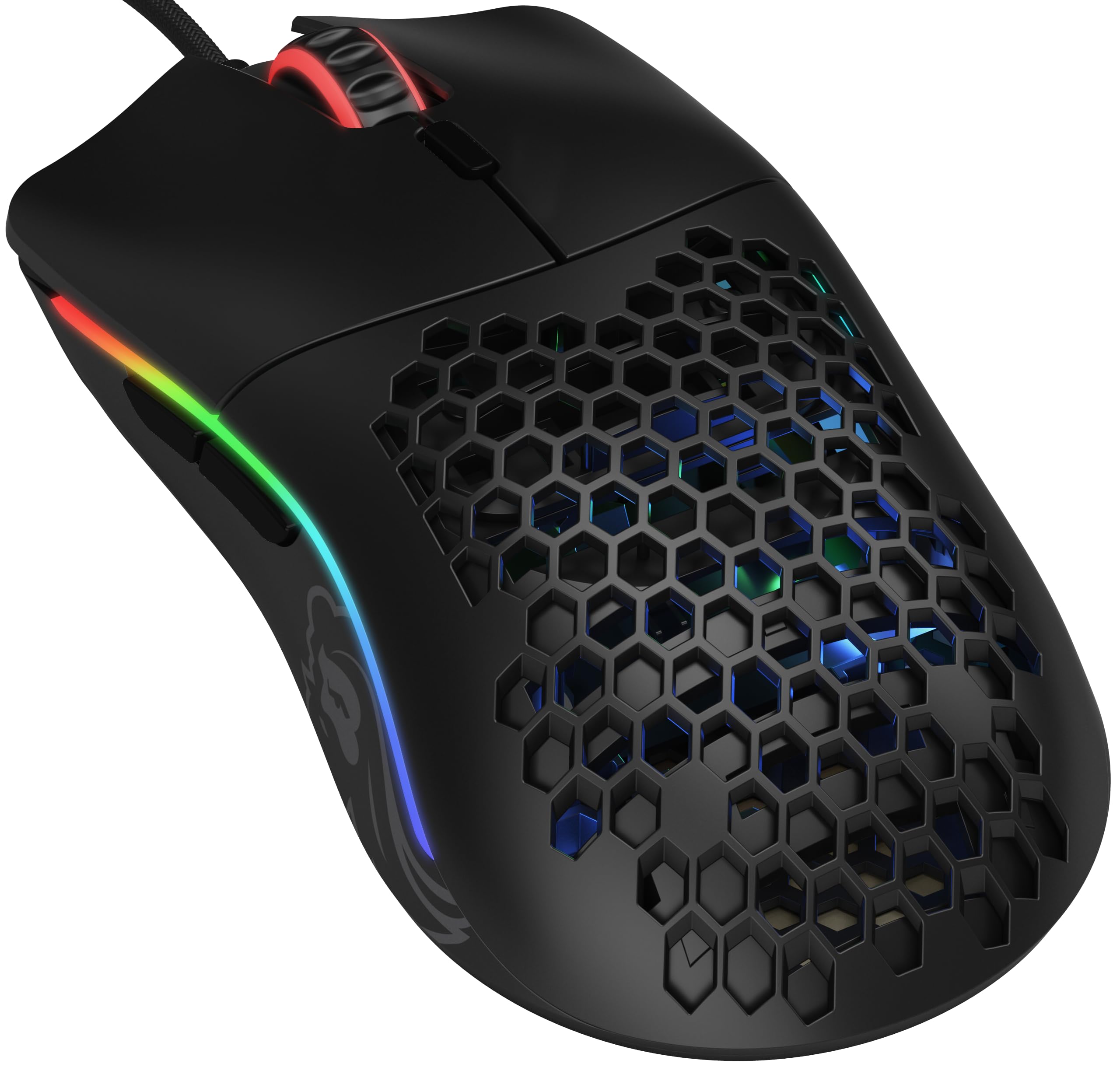
Frequently asked
5 questions01Is the Logitech G305 LIGHTSPEED good for FPS games?+
Yes, it's well suited to FPS gaming. The HERO sensor tracks accurately with no reported spin-outs, lift-off distance is low and consistent for lift-and-reposition play, and the 99g weight is light enough for flick shots without being unstable. The claw and fingertip grip suitability is a natural match for FPS play styles. Over 22,000 Amazon reviewers rate it 4.5 stars, and FPS players make up a significant portion of that feedback pool.
02What grip style works best with the Logitech G305 LIGHTSPEED?+
The G305 suits claw and fingertip grip styles best. The hump position sits roughly centre-to-rear, which works well for claw grip across medium hand sizes (roughly 17cm to 19cm from wrist to middle fingertip). Fingertip grip users with smaller to medium hands will also find it comfortable. Palm grip is possible but less ideal, particularly for larger hands, as the rear of the mouse sits a bit low for a fully relaxed palm rest.
03How much does the Logitech G305 LIGHTSPEED weigh?+
The G305 weighs 99g including the AA battery. That places it at the top of the medium weight category (roughly 80g to 100g). It's not an ultralight mouse (under 60g) or a lightweight (60g to 80g), but 99g is manageable for most grip styles and extended gaming sessions. If you swap the standard AA for a lighter lithium AA, you can shave a small amount off that figure.
04Is the Logitech G305 LIGHTSPEED wired or wireless?+
The G305 is wireless only, using Logitech's LIGHTSPEED 2.4GHz technology via a nano USB receiver. There is no wired mode. LIGHTSPEED is rated at sub-1ms latency, which is competitive with wired connections in practice. There is no Bluetooth option. The nano receiver stores inside the battery compartment when not in use, which is useful for travel.
05What warranty and returns apply to the Logitech G305 LIGHTSPEED?+
Amazon offers 30-day returns on most items. The manufacturer typically provides a 2-year warranty on gaming mice. You're also covered by Amazon's A-to-Z guarantee.