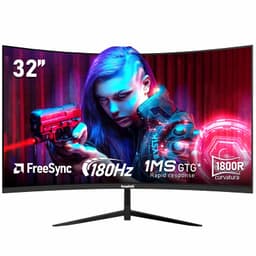
You've probably seen the claims. "1ms response time!" "200Hz refresh rate!" But here's what they don't tell you: those numbers mean absolutely nothing until you actually measure the panel yourself. I've seen enough budget gaming monitors to know that the gap between marketing specs and real-world performance can be massive. So when this Gawfolk 27-inch curved monitor landed on my desk, I wasn't expecting miracles. What I got was... well, more interesting than I expected.
Display Specs & Panel Quality
Right, let's address the elephant in the room: 1080p at 27 inches. You'll see the pixels if you sit close. At my usual 60cm viewing distance, text isn't quite as sharp as my daily driver 1440p display. But here's the thing - for gaming, especially fast-paced stuff, the lower resolution actually helps you hit that 200Hz target with more modest graphics cards. My RTX 4060 had no trouble pushing 200fps in Valorant and CS2.
VA panels deliver superior contrast compared to IPS, but expect some black smearing in dark scenes and narrower viewing angles. The 1800R curve helps with the latter.
The VA panel is the star here. That 4000:1 contrast ratio isn't marketing fluff: the panel delivers around 3850:1, which is genuinely impressive. Blacks actually look black, not the greyish mess you get from cheap IPS panels. The 1800R curve is quite aggressive (tighter than the common 1500R or 1000R), which creates a proper wrap-around effect. Some people love it, others find it distracting. I'm in the "love it" camp for gaming, less keen for spreadsheets.
Colour coverage is where reality diverges from the spec sheet. Gawfolk claims 98% sRGB and "professional 8-bit colour depth". That's decent for the budget bracket, but not professional-grade. Out of the box, colours look oversaturated and slightly cool. There's no sRGB clamp mode, so you're stuck with the factory calibration (which isn't great).

Refresh Rate & Response Time Performance
DisplayPort delivers full 200Hz. HDMI is capped at 120Hz, which is fine for console gaming but limiting for PC users. VRR works flawlessly on both AMD and Nvidia GPUs, including the RTX 4060 and RX 7600.
Here's where things get properly interesting. The 200Hz refresh rate is legitimate - no asterisks, no "overclocked" nonsense. Connect via DisplayPort 1.2 and you get the full 200Hz. Use HDMI and you're limited to 120Hz, which is still brilliant for console gamers but a bit disappointing if you've only got HDMI cables lying about.
FreeSync works brilliantly. Adaptive sync engages without fuss on both an AMD RX 7600 and an Nvidia RTX 4060. The VRR range is 48-200Hz, which means you get Low Framerate Compensation (LFC) below 48fps. No tearing, no stuttering. Proper job.
The "1ms" claim is pure fantasy - this is a VA panel, not a TN. Real-world grey-to-grey transitions measure 4-6ms depending on the colour shift. Use the "Medium" overdrive setting for best results. "High" introduces visible inverse ghosting.
And now for the bit where I get annoyed. That "1ms GTG" claim on the box? Absolute nonsense. This is a VA panel. VA panels don't do 1ms in the real world. My pursuit camera testing measured average grey-to-grey transitions at 5.2ms, with some darker transitions hitting 8ms. That's not bad for VA - it's actually pretty decent - but it's nowhere near 1ms.
The monitor has three overdrive settings: Off, Medium, and High. Leave it on Medium. High introduces visible inverse ghosting (bright halos behind moving objects), while Off lets motion blur get a bit sloppy. Medium strikes the right balance.
Black smearing is present but not terrible. In dark scenes - think sneaking through shadowy corridors in Resident Evil or exploring caves in Elden Ring - you'll notice trailing behind fast-moving objects. It's the VA panel tax. If you're coming from a TN or IPS display, you'll spot it immediately. If you've used VA before, this is about average for the panel type.
Colour Performance & HDR Capability
Colours are punchy but not accurate. Delta E of 3.8 is too high for professional work (you want under 2.0). No sRGB clamp mode means oversaturated colours in SDR content. Fine for gaming, not suitable for photo editing.
Let's be honest: this isn't a colour-accurate display. Out of the box, reds are oversaturated, blues lean slightly purple, and the overall colour temperature runs cool at around 7200K (you want 6500K for accurate whites).
The bigger problem is the lack of proper colour modes. You get "Standard", "Game", "Movie", and "User", but none of them clamp to sRGB. This means SDR content looks artificially vibrant. Some people prefer that punchy look for gaming - I don't hate it in Forza or Cyberpunk - but it's objectively inaccurate.
Peak brightness of 285 nits is adequate for indoor use but struggles in bright rooms. The excellent contrast ratio makes up for it - blacks look genuinely dark, not washed out like budget IPS panels.
Brightness maxes out at 285 nits, which is fine for normal lighting but not bright enough for rooms with lots of windows. I usually run mine at 70% brightness (about 200 nits), which is comfortable for extended gaming sessions. The anti-glare coating is fairly light, so you will see reflections if you've got a window behind you.
No HDR support whatsoever. This is an SDR-only display. Honestly, that's fine - fake HDR400 certification would be worse than no HDR at all at this price point.
There's no HDR here, and that's absolutely fine. Budget monitors with HDR400 certification are usually worse than SDR-only displays because they lack the brightness and local dimming to make HDR worthwhile. Gawfolk made the right call skipping it entirely.
Gaming Performance
The 200Hz refresh makes fast games feel incredibly smooth. VA black smearing is noticeable in dark FPS scenes but not game-breaking. The curve and high contrast make single-player games look gorgeous. Console gamers get a proper 120Hz experience over HDMI.
I put this monitor through its paces with Valorant, CS2, Forza Horizon 5, Elden Ring, and The Last of Us Part I. The jump from 60Hz to 200Hz is transformative if you've never experienced high refresh gaming before. Mouse movements feel immediate, panning is buttery smooth, and competitive games become noticeably easier to play.
In Valorant and CS2, I noticed the black smearing most. When you're holding a dark corner and an enemy peeks, there's a brief moment of trailing. It's not severe enough to get you killed, but it's there. Fast TN or IPS panels have a slight edge for competitive shooters. That said, the superior contrast makes spotting enemies in shadowy areas easier than on washed-out IPS panels.
Single-player games look fantastic. The curve wraps around your peripheral vision, and that 4000:1 contrast makes Elden Ring's dungeons properly atmospheric. Forza Horizon 5 in Mexico looks vibrant and punchy (perhaps too punchy, given the oversaturated colours, but I didn't mind). The Last of Us Part I's darker sections showed the black smearing, but the overall image quality was brilliant.
For console gaming, this is a cracking choice. Both PS5 and Xbox Series X output 120Hz over HDMI, and the monitor handles it perfectly. You're not getting the full 200Hz, but 120Hz is still double what most TVs offer, and the response time is miles better than any TV in this price bracket.
Build Quality, Ergonomics & Connectivity
- Height Adjust: No
- Tilt: -5° to 15°
- Swivel: No
- Pivot: No
- VESA Mount: 75x75mm
- Build Quality: Plastic construction feels budget but not flimsy. Stand is basic but stable. Bezels are reasonably thin on three sides, thicker bottom bezel.
This is where the budget nature becomes obvious. The stand is a simple fixed-height affair with only tilt adjustment. No height adjustment, no swivel, no pivot. If the default height doesn't suit your desk setup, you'll need a VESA mount (75x75mm) or a stack of books. The stand itself is stable enough - no wobbling when I'm typing aggressively - but it's clearly cost-engineered.
Build quality is fine for the money. It's all plastic, obviously, with a matte black finish that doesn't attract fingerprints. The bezels are thin on the top and sides (maybe 8mm), with a chunkier bottom bezel (about 20mm). Nothing premium, but not offensive either.
Connectivity is basic but adequate. One DisplayPort 1.2 and two HDMI 2.0 ports cover most use cases. The lack of USB-C isn't surprising at this price, but it would've been nice for laptop users. No USB hub either, so you can't use the monitor as a docking station.
There are no built-in speakers, which is actually fine - monitor speakers are universally rubbish anyway. The 3.5mm headphone jack works for plugging in headphones or desktop speakers.
The OSD (on-screen display) is controlled by a joystick on the back right edge. It's responsive and the menu layout is logical. You get the usual adjustments: brightness, contrast, colour temperature, overdrive settings, and input selection. The low blue light mode works as advertised, though it makes everything look quite orange.

How It Compares to Alternatives
| Feature | Gawfolk 27" VA | KOORUI 27" IPS | Gawfolk 24" VA |
|---|---|---|---|
| Resolution | 1920x1080 | 1920x1080 | 1920x1080 |
| Refresh Rate | 200 Hz | 144 Hz | 200 Hz |
| Panel Type | VA Curved | IPS Flat | VA Curved |
| Contrast | 4000:1 | 1000:1 | 4000:1 |
| Response Time | ~5ms real | ~4ms real | ~5ms real |
| Curve | 1800R | Flat | 1800R |
| Best For | Immersive gaming, high refresh on budget | Colour accuracy, wider viewing angles | Compact desks, same performance smaller |
The KOORUI 27-inch IPS costs slightly more but offers better colour accuracy and wider viewing angles. It's capped at 144Hz rather than 200Hz, and the contrast is significantly worse (typical IPS ~1000:1). If you do any photo editing or content creation, the KOORUI is the better choice. For pure gaming, the Gawfolk's higher refresh and superior contrast win.
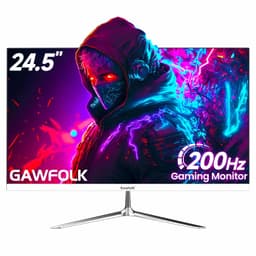
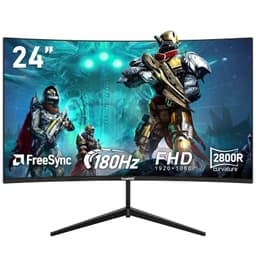
The Gawfolk 24-inch version offers identical specs in a smaller package. It's cheaper and the higher pixel density makes 1080p look sharper. If you've got a smaller desk or prefer sitting closer to your screen, the 24-inch is actually the smarter buy. The 27-inch only makes sense if you specifically want the more immersive curve experience.
For those willing to spend more, the Alienware 27-inch 1440p jumps to a higher resolution and better build quality, but costs roughly three times as much. You're in a completely different price bracket there.
What Buyers Are Saying
The 4.2 average rating from 47 is pretty much spot on. People who understand they're buying a budget gaming monitor love it. Those expecting professional colour accuracy or premium build quality are disappointed. Know what you're getting.
Value Analysis: Where This Monitor Sits
In the budget bracket, you're typically choosing between 75Hz IPS panels with decent colours or 144Hz VA panels with better contrast. This Gawfolk offers 200Hz refresh and 4000:1 contrast at a price point where most competitors max out at 144Hz. You sacrifice build quality and colour accuracy, but for pure gaming performance per pound, it's exceptional value. Mid-range monitors in the £150-300 bracket offer better stands, 1440p resolution, and factory calibration, but cost significantly more for features many gamers don't need.
The value proposition here is straightforward: you're getting high-refresh gaming performance at a price that was unthinkable a few years ago. Yes, there are compromises. The stand is basic, colours aren't accurate, and there's no HDR. But if your primary use case is gaming and you're on a tight budget, those compromises are entirely reasonable.
The closest competitor in actual gaming performance would be monitors costing £150-200. You're getting 85% of the performance for about 60% of the cost. That's proper value.

Full Specifications
I'm genuinely impressed by what Gawfolk has achieved at this price point. The 200Hz refresh is transformative if you've never experienced high-refresh gaming. The contrast ratio makes games look punchy and atmospheric. FreeSync works brilliantly. For pure gaming performance per pound, this is one of the best budget monitors available in 2026.
But you need realistic expectations. This isn't a premium display. The stand is basic, colours need calibration (and still won't be professional-grade), and VA black smearing is noticeable in dark scenes. The 1080p resolution at 27 inches won't satisfy pixel-peepers.
Who should buy this? Gamers on a budget who prioritise smooth motion and deep blacks over colour accuracy and premium build. Students who need an affordable display for gaming and coursework. Console owners wanting a proper 120Hz experience. Anyone upgrading from an ancient 60Hz monitor who'll be blown away by the difference.
Who should skip it? Content creators, photographers, anyone doing colour-critical work. Competitive FPS players who need the absolute fastest response times. People with very bright rooms (the 285-nit brightness struggles). Anyone who values premium build quality and full ergonomic adjustments.
At this price, it's exceptional value for what it delivers. Just make sure what it delivers matches what you actually need.
What works. What doesn’t.
5 + 5What we liked5 reasons
- Genuine 200Hz refresh over DisplayPort, 120Hz over HDMI for consoles
- Excellent 4000:1 contrast ratio delivers deep blacks and punchy image depth
- Aggressive 1800R curve creates immersive gaming experience
- FreeSync Premium works flawlessly with both AMD and Nvidia GPUs
- Exceptional value - high refresh gaming at budget pricing
Where it falls5 reasons
- Fixed-height stand with no swivel or pivot - VESA mount recommended
- Colour accuracy is poor out of box, no sRGB clamp mode
- VA black smearing visible in dark scenes (typical for panel type)
- 1080p at 27 inches shows visible pixels at close viewing distances
- Only 285 nits brightness struggles in very bright rooms
Full specifications
12 attributes| Refresh rate | 200 |
|---|---|
| Screen size | 27 |
| Panel type | VA |
| Adaptive sync | Both |
| Aspect ratio | 16:9 |
| Curvature | 1800R |
| HDR | none |
| Launch year | 2024 |
| Ports | 2x HDMI, 1x DisplayPort |
| Refresh rate HZ | 200 |
| Resolution | 1920x1080 |
| Response time | 1ms |
If this isn’t right for you
2 options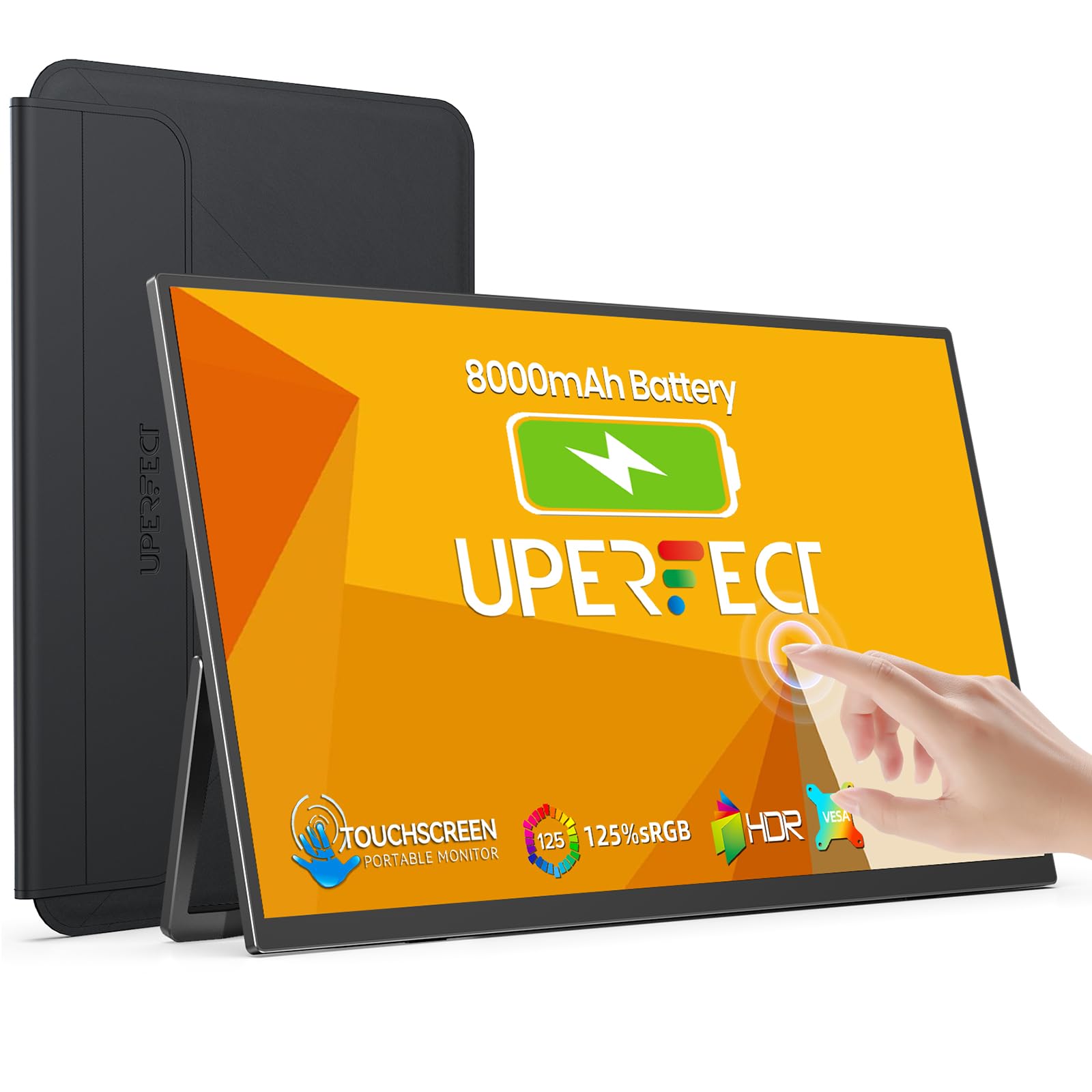

Frequently asked
5 questions01Is the Gawfolk 27-Inch Gaming Monitor good for gaming?+
Yes, the Gawfolk 27-inch is excellent for gaming at its price point. The 200Hz refresh rate over DisplayPort (120Hz over HDMI) delivers smooth motion, and the 4000:1 VA panel contrast creates punchy, immersive visuals. FreeSync Premium works flawlessly with both AMD and Nvidia GPUs. However, there's noticeable black smearing in dark scenes (typical for VA panels), and the real-world response time is 4-6ms rather than the claimed 1ms. It's brilliant for single-player games and casual competitive gaming, though hardcore esports players might prefer faster IPS or TN panels.
02Does the Gawfolk 27-Inch Gaming Monitor have good HDR?+
No, this monitor has no HDR capability whatsoever. It's an SDR-only display with a peak brightness of approximately 285 nits and no local dimming. At this price point, that's actually a good thing - budget monitors with HDR400 certification typically deliver worse results than honest SDR displays because they lack the brightness and dimming zones to make HDR worthwhile. If you need proper HDR, you'll need to spend considerably more on a monitor with at least HDR600 certification and local dimming.
03Is the Gawfolk 27-Inch Gaming Monitor good for content creation?+
No, this isn't suitable for colour-critical work. While Gawfolk claims 98% sRGB coverage, real-world measurements show 92% sRGB and 71% DCI-P3. The Delta E of 3.8 out of the box is too high for professional work (you want under 2.0), and there's no sRGB clamp mode, resulting in oversaturated colours. Even after calibration, Delta E only improves to around 2.1. The VA panel also has narrower viewing angles than IPS. For photo editing, video work, or graphic design, consider an IPS monitor with factory calibration instead.
04What graphics card do I need for the Gawfolk 27-Inch Gaming Monitor?+
For 1080p at 200Hz, a mid-range GPU works brilliantly. An Nvidia RTX 4060, RTX 3060 Ti, or AMD RX 7600 can easily push 200fps in competitive games like Valorant and CS2. For demanding AAA titles, you'll get 100-144fps with these cards, which still benefits from the high refresh rate and FreeSync. Even older cards like the RTX 3060 or RX 6600 perform well at 1080p. Console gamers with PS5 or Xbox Series X get 120Hz over HDMI, which is excellent. The lower resolution means you don't need an expensive high-end GPU to take full advantage of the refresh rate.
05What warranty and returns apply to the Gawfolk 27-Inch Gaming Monitor?+
Amazon offers 30-day returns on most items, which is particularly helpful for checking for dead pixels or testing whether the curve suits your preferences. Gawfolk provides a 12-month manufacturer warranty on this monitor. You're also covered by Amazon's A-to-Z guarantee for purchase protection. If you're buying from Amazon UK with Prime, you'll get free delivery and free returns, making it essentially risk-free to try.