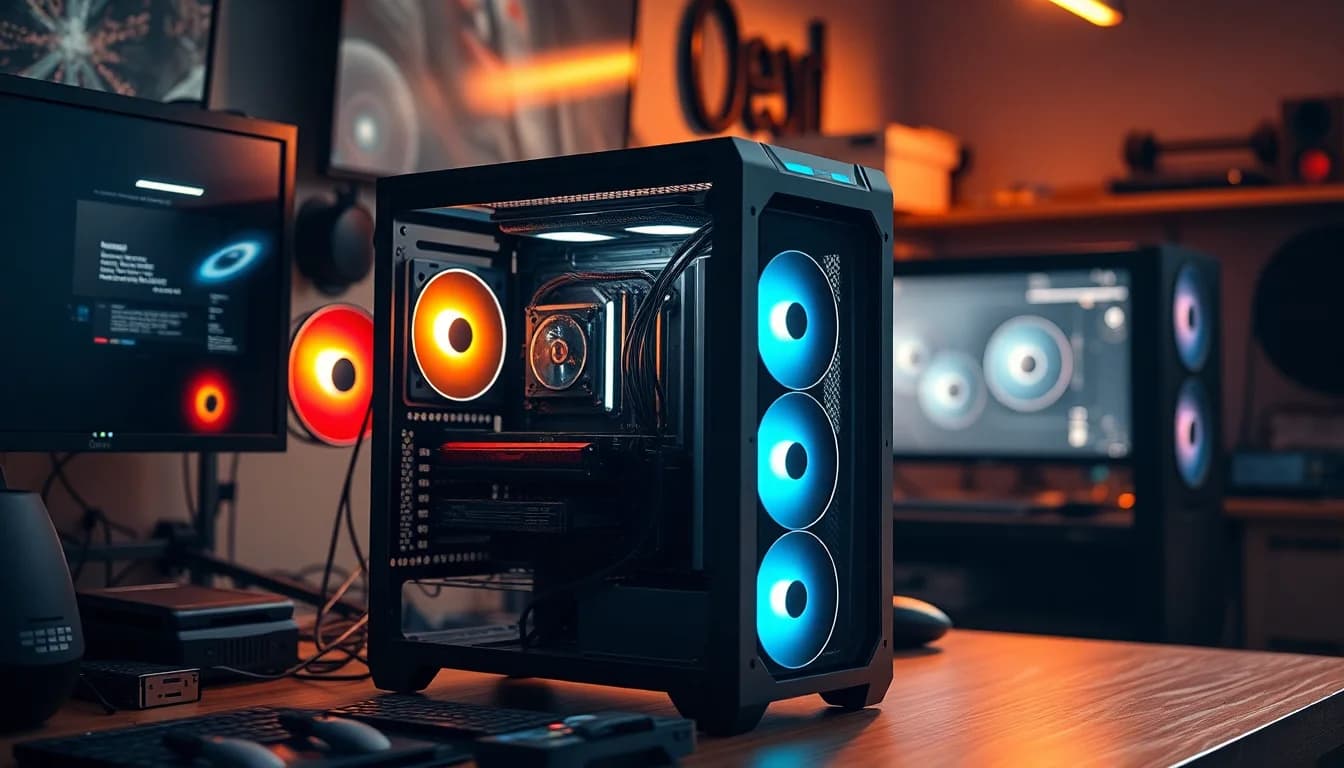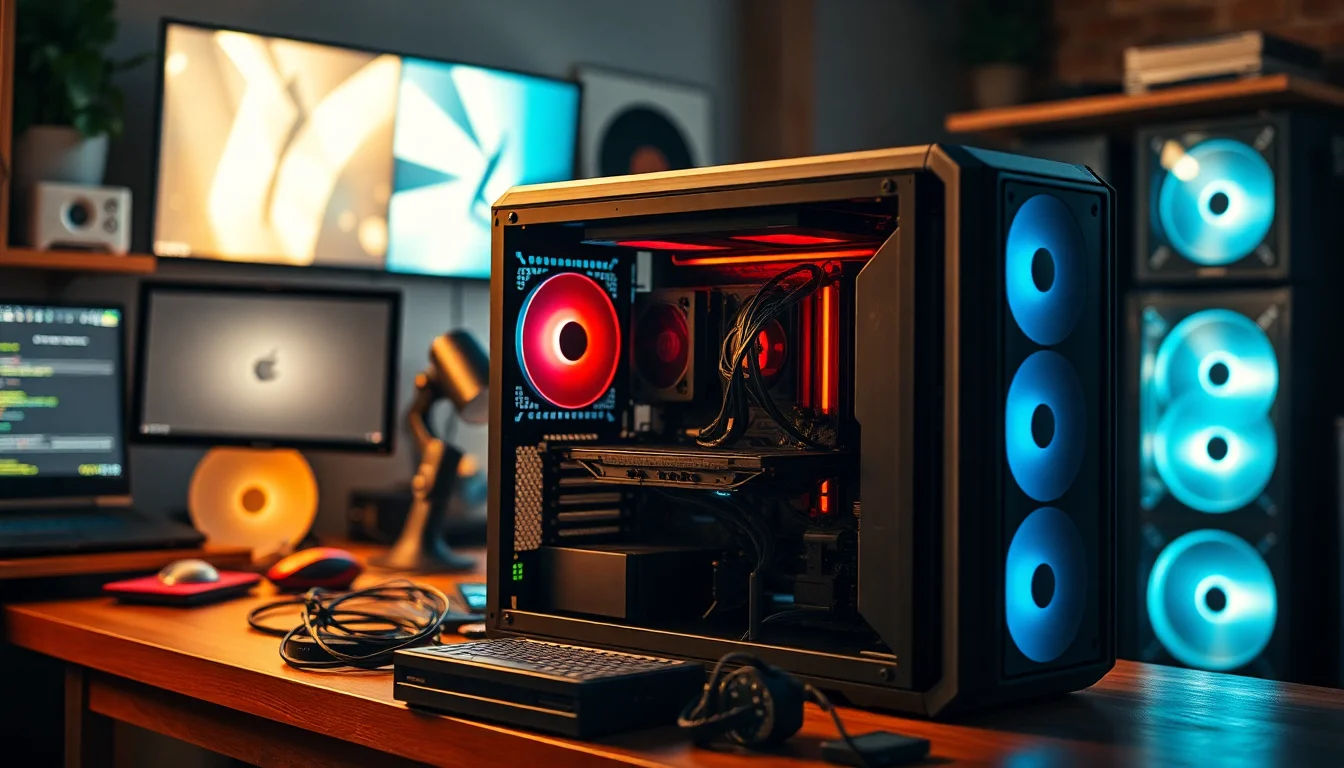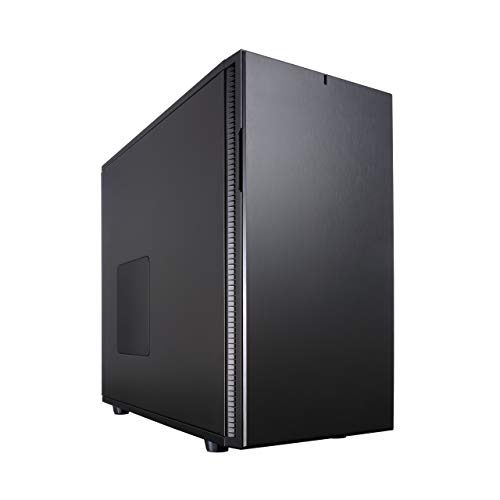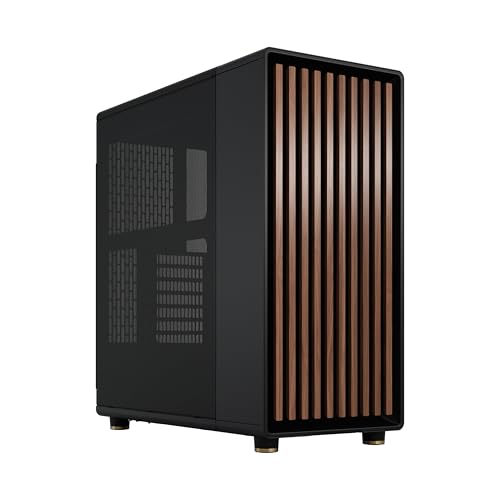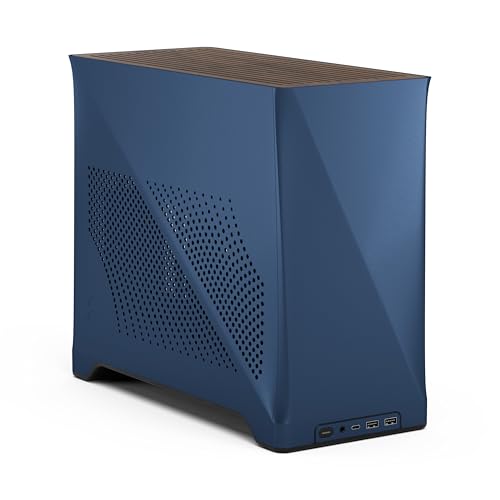
Picking the wrong case is the kind of mistake that haunts a build. You end up fighting clearances, wrestling cables into corners that weren't designed for them, and staring at a front panel mesh that's more decorative than functional. The Fractal Design Pop Mini Air RGB sits in the mATX mini-tower bracket, a form factor where the margin for error is thinner than in a full-size mid-tower. Less internal volume means every millimetre of GPU clearance, every fan mount position, and every cable routing channel has to earn its place. So the question worth asking isn't "does it look nice?" (it does, probably) but rather: does the spec sheet actually add up for a real build, and does the airflow design make sense for the money?
Fractal Design, for context, is a Swedish brand with a reputation for thoughtful case design. They're not flashy. They don't plaster their cases in aggressive angles and RGB strips that look like a nightclub had a fight with a PC. The Pop Mini Air RGB is part of their Pop series, which sits below the more premium Define and Meshify lines but above the budget end. It's aimed squarely at people who want a compact mATX build with decent airflow and some RGB, without paying Define R6 money. Whether that promise holds up is what this review is about.
There are no owner reviews to pull from on this one yet, so everything here comes from the verified spec sheet and what we know about how Fractal Design builds cases in this class. That's actually fine. Specs tell you most of what you need to know about a case before you've touched it, and this one has enough to work with.
Core Specifications
The Pop Mini Air RGB supports mATX and Mini ITX motherboards. It ships with three 120mm Aspect RGB fans included, and the case can house up to five 120mm fans total. Radiator support goes up to 240mm in the front, 240mm in the top, and 120mm at the rear. Storage capacity sits at up to two HDDs and six SSDs, though if you're using an optical drive bay, that drops to one HDD and five SSDs. The side panel is tempered glass, mounted for easy removal so you can show off whatever you've put inside.
That fan and radiator spec is genuinely decent for a mini-tower. A 240mm radiator in the front and a 240mm in the top means you've got real options for AIO cooling, which isn't always a given in this form factor. The 120mm rear position is standard and expected. Three included fans is also a better starting point than most cases at this price tier, where you'd typically get one or two and then have to buy the rest separately. Fractal's Aspect RGB fans aren't the highest-performing fans on the market, but they're not embarrassing either.
The tempered glass side panel is worth a mention. Fractal describe it as "easily mounted," which usually means a latch or thumbscrew system rather than screwed-in panels you need a screwdriver for every time. That matters if you're the sort of person who regularly gets into their case to swap components or check cable routing. Fiddly side panel access is one of those small things that makes a case annoying to live with long-term.
| Specification | Detail |
|---|---|
| Motherboard Support | mATX, Mini ITX |
| Included Fans | 3x 120mm Aspect RGB |
| Total Fan Support | Up to 5x 120mm |
| Radiator Support (Front) | Up to 240mm |
| Radiator Support (Top) | Up to 240mm |
| Radiator Support (Rear) | 120mm |
| HDD Bays | Up to 2 |
| SSD Bays | Up to 6 (or 5 with optical bay in use) |
| Side Panel | Tempered Glass |

Form Factor & Dimensions
The Pop Mini Air RGB is a compact mini-tower, built around the mATX form factor. That puts it in an interesting middle ground. It's not as cramped as a proper SFF or cube case, so you've got room to work inside and the radiator support reflects that. But it's also smaller than a standard ATX mid-tower, which means it'll sit on a desk or under one without dominating the space. For anyone building a secondary machine, a living room PC, or just trying to keep the footprint manageable without going full ITX, this is the right chassis class.
Fractal haven't published the exact external dimensions in the feature highlights provided, so I won't invent numbers. What the spec sheet does confirm is the internal layout: enough depth for a 240mm front radiator, enough top clearance for another 240mm, and enough rear space for a standard 120mm exhaust. That geometry implies a reasonably proportioned chassis. You're not going to be fighting for elbow room the way you would in a true SFF case, but you're also not going to have the sprawling interior of something like a Fractal Define 7.
Desk placement is worth thinking about with any compact tower. The Pop Mini Air RGB has a tempered glass side panel, which means it's designed to be seen. Fractal clearly intend this to sit somewhere visible, whether that's on a desk beside a monitor or on an open shelf. The RGB fans reinforce that. This isn't a case you shove under a desk and forget about. If that's your use case, you'd be paying for aesthetics you'll never see, and there are cheaper options without the glass and RGB that would serve you better.
Motherboard Compatibility
The Pop Mini Air RGB officially supports mATX and Mini ITX motherboards. That's the expected range for a mini-tower of this type, and it covers the vast majority of compact builds. mATX boards give you a reasonable number of PCIe slots and expansion options while keeping the footprint manageable. Mini ITX boards are even smaller and typically limited to a single PCIe slot, but they're popular for compact gaming builds where you want a discrete GPU but don't need multiple expansion cards.
What the spec sheet doesn't mention is ATX support. Standard ATX boards are larger, and fitting one into a case designed around mATX is sometimes possible but often involves compromises around panel clearance and cable routing. Given that Fractal haven't listed ATX as supported here, I'd treat this as an mATX/ITX-only chassis and plan accordingly. If you're committed to a full-size ATX board, this isn't the case for you. There are plenty of Fractal options that support ATX if you need to go that route.
The standoff layout in Fractal cases is generally well-executed. They pre-install standoffs for the most common form factors and clearly mark the positions, which reduces the chance of accidentally shorting a board by missing a standoff or putting one in the wrong place. That's a small thing but it matters, especially for first-time builders who might not know to check. mATX boards are a good choice for this case because they give you room for a dedicated GPU, two or three RAM slots (depending on the board), and typically at least one M.2 slot, without pushing the chassis to its limits.
GPU Clearance
The verified spec sheet doesn't list a specific maximum GPU length for the Pop Mini Air RGB. That's a gap worth flagging. GPU clearance is one of the most practically important specs for any case, and in a compact mini-tower it's especially critical. Modern flagship GPUs have grown substantially. Cards like the RTX 5090 or RX 9070 XT can push past 330mm in length, and some triple-fan designs go even further. Without a confirmed clearance figure from Fractal, you'd need to check their official product page before committing to a very long card.
What the case geometry does tell us is that there's a 240mm front radiator mount. In most mATX cases with this kind of radiator support, the GPU clearance tends to land somewhere in the 300mm to 360mm range, because the front radiator and GPU share the same internal depth. But I'm not going to put a specific number on it here without verified data. What I will say is that if you're planning to drop an RTX 5080 or similar into this build, check Fractal's spec sheet directly before buying the case. That's not a knock on the case, it's just good practice for any compact chassis.
The case doesn't list a vertical GPU mount option in the feature highlights. Vertical mounting is increasingly popular for showing off a GPU through a glass side panel, and some cases at this price point include a riser cable or at least the bracket for one. Whether the Pop Mini Air RGB supports this isn't confirmed in the data available, so if that's important to your build, again, check the full spec sheet on Fractal's product page before deciding.
CPU Cooler Clearance
CPU cooler height clearance isn't specified in the verified feature highlights either. This is another measurement that matters a lot in a compact chassis. Tall tower coolers, anything above about 160mm, can be tight in smaller cases. The Noctua NH-D15, for example, is 165mm tall and is known to cause fitment issues in cases that aren't explicitly designed to accommodate it. A case like this, built around mATX, is likely to support somewhere in the 155mm to 165mm range, but without a confirmed number, that's speculation.
What the spec sheet does confirm is AIO radiator support: 240mm front, 240mm top, 120mm rear. That's actually a strong AIO configuration for a mini-tower. A 240mm front AIO gives solid CPU cooling with a reasonable noise profile, and having the top 240mm position available means you could potentially run a 240mm AIO for the CPU and use the front positions for intake fans, or vice versa. The 120mm rear is your standard exhaust position and works well with either a 120mm fan or a small 120mm AIO if you're on a tight budget.
For most builders, the AIO options here are the more relevant spec than the air cooler clearance. If you're building a compact mATX system with a mid-range to high-end CPU, a 240mm AIO in the front is a sensible and well-supported choice. It keeps thermals in check, doesn't add height to the build the way a tall tower cooler would, and looks tidy through the glass side panel. The fact that this case supports it without compromise is a genuine plus.
Storage Bay Options
Storage capacity in the Pop Mini Air RGB is genuinely good for a mini-tower. Up to two HDDs and six SSDs is a lot of storage for a case this size. Most people building in mATX aren't running a NAS-level storage array, but having the option for two 3.5-inch drives alongside multiple 2.5-inch bays means you can have a fast NVMe boot drive on the motherboard, a couple of SATA SSDs for games or work files, and still have room for a large HDD for bulk storage. That's a flexible setup.
The optical drive caveat is worth noting: if you use the optical bay, you lose one HDD slot and one SSD slot, dropping to one HDD and five SSDs. Optical drives are increasingly niche in 2026. Most people don't need one, and if you do, an external USB drive is usually more practical than sacrificing internal storage capacity. But the option is there if you need it, and Fractal at least being transparent about the trade-off is useful.
SSD mounting in Fractal cases is typically tool-free or close to it, with 2.5-inch drives clipping into trays or sliding into slots behind the motherboard tray. That makes swapping drives straightforward without having to unscrew half the case. HDD mounting usually involves a tray system with rubber grommets to dampen vibration, which is worth having if you're running spinning drives. The specific mounting mechanism for this case isn't detailed in the feature highlights, but Fractal's general approach to drive mounting across their lineup is solid, so there's reason to expect reasonable execution here.

Cable Management
The feature highlights don't go into cable management specifics like channel widths or Velcro strap positions. That's a bit frustrating, because cable management is one of the things that separates a good build experience from a miserable one. In an mATX case, the rear panel clearance is often tighter than in a full mid-tower, and if Fractal haven't left enough depth behind the motherboard tray, you'll end up with a side panel that barely closes over a bundle of cables.
What we can infer from Fractal's general design philosophy is that they take cable management seriously. Their Define and Meshify series cases are well-regarded for having proper cable routing cutouts, Velcro straps at sensible positions, and enough rear clearance to hide a reasonable amount of cabling. The Pop series is a step down from those in terms of price and feature density, but Fractal haven't historically cut corners on cable management even in their more affordable cases. The PSU shroud, which hides the power supply and most of the lower cable runs, is likely present given the aesthetic focus of this case.
The tempered glass side panel is another clue. Cases with glass panels are designed to look good, and that means Fractal has an incentive to make cable management achievable. A glass side panel showing a rats' nest of cables is a marketing failure as much as a design one. So while I can't confirm specific channel widths or rear clearance measurements, the overall product positioning strongly suggests that cable management has been considered. Whether it's been considered well enough is something owner reviews will eventually confirm, but the baseline expectation is reasonable.
Airflow & Thermal Design
This is where the "Air" in Pop Mini Air RGB does some real work. The case ships with three 120mm Aspect RGB fans, and supports up to five total. The front can take a 240mm radiator, which means two 120mm fans in a push or pull configuration. The top takes another 240mm, so two more fans. The rear takes one 120mm. That's your five-fan maximum covered: two front, two top, one rear. It's a clean layout and it makes thermal sense.
The critical question for any case with a glass side panel is whether the front panel allows proper airflow. Mesh fronts breathe freely and let fans pull cool air into the chassis efficiently. Solid or glass fronts restrict airflow, which is why "glass front" cases often run warmer than their mesh equivalents. The Pop Mini Air is described as the "Air" variant, which in Fractal's lineup typically means a mesh or ventilated front rather than a solid panel. The "Pop" series also has non-Air variants with different panel designs. If Fractal are calling this the Air version, the expectation is that the front panel prioritises ventilation over aesthetics.
Three included fans is a strong starting point. Budget cases often ship with one fan, sometimes none. Getting three 120mm RGB fans in the box means your case is functional out of the box without an immediate fan upgrade. The Aspect RGB fans are Fractal's entry-level RGB offering. They're not going to outperform a set of Noctua NF-A12x25 units, but they're decent enough for a first build or a budget-conscious system. If you're pushing a high-end CPU and GPU, you might eventually want to upgrade the fans for better static pressure or airflow, but for most mid-range builds they'll do the job.
The intake/exhaust balance matters here. With three fans included and the front as the primary intake position, a sensible default configuration would be two fans at the front as intake and one at the rear as exhaust, with the top positions used for additional intake or exhaust depending on whether you're running an AIO there. Positive pressure (more intake than exhaust) tends to reduce dust ingress. Negative pressure (more exhaust than intake) can run slightly cooler but pulls unfiltered air through every gap. Fractal cases generally include dust filters on the intake positions, which helps manage this regardless of which configuration you run.
Front I/O & Connectivity
The verified spec sheet doesn't list the specific front I/O ports for the Pop Mini Air RGB. That's a notable gap, because front panel connectivity is something a lot of people care about and it's an area where cases at this price point can vary significantly. Some include USB Type-C, which is increasingly useful for connecting phones, headsets, and other modern peripherals without reaching around to the back of the PC. Others stick with USB Type-A only, which is fine but starting to feel dated.
The USB 3.2 specification has become the baseline expectation for front panel ports in 2026. A case at this price tier that ships with only USB 2.0 front ports would be a meaningful downgrade. Without confirmed specs, I won't guess at what's included, but it's worth checking Fractal's product page or the full spec sheet before purchasing if front I/O matters to your workflow. If you're regularly plugging in USB drives, controllers, or headsets at the front of your PC, the port selection is a practical daily-use concern, not just a spec-sheet checkbox.
Power button and reset button placement is also part of the front I/O story. In a compact mini-tower, these are typically on the top panel or the front face, and their positioning affects how easy the case is to use on a desk versus under one. Audio jacks for headphones and microphones are standard on cases at this level. Again, the specific layout isn't confirmed in the data I have, so the advice is to check the full spec sheet if any of this is critical to your decision. What I can say is that Fractal's front I/O design across their lineup tends to be clean and practical rather than cluttered.
Build Quality & Materials
Fractal Design's build quality reputation is one of the reasons people pay a bit more for their cases compared to generic alternatives. Their steel is generally solid, panels align properly, and the finish is consistent. The Pop Mini series sits in the mid-range of their lineup, so you're not getting the brushed aluminium accents of a Define 7 XL, but you're also not getting the thin, flexing steel of a budget no-name case. The expectation at this price point is competent construction with no sharp edges and panels that close properly first time.
The tempered glass side panel is worth examining as a quality indicator. Cheap tempered glass panels can feel thin, rattle in their mounts, or have poor fitment that leaves gaps. Better implementations use thicker glass with proper rubber gaskets and a secure latch mechanism. Fractal describe this panel as "easily mounted," which suggests a tool-free or near-tool-free attachment system. Whether that's a single thumbscrew, a magnetic latch, or a push-button release isn't specified, but the emphasis on easy access implies it's not a four-screw arrangement.
Steel thickness is something you notice when you pick a case up and when you press on the side panels. Thin steel flexes and transmits vibration from fans and drives. Thicker steel feels more substantial and dampens vibration better. Fractal's cases in this price range typically use 0.7mm to 1.0mm steel, which is adequate. It's not the 1.2mm or 1.5mm you'd find in a premium workstation case, but it's enough to feel solid without being flimsy. Screw quality is another small indicator: cases that use proper machine screws with consistent threading are easier to work with than those with self-tapping screws that strip after a few uses. Fractal's track record here is generally good.
How It Compares
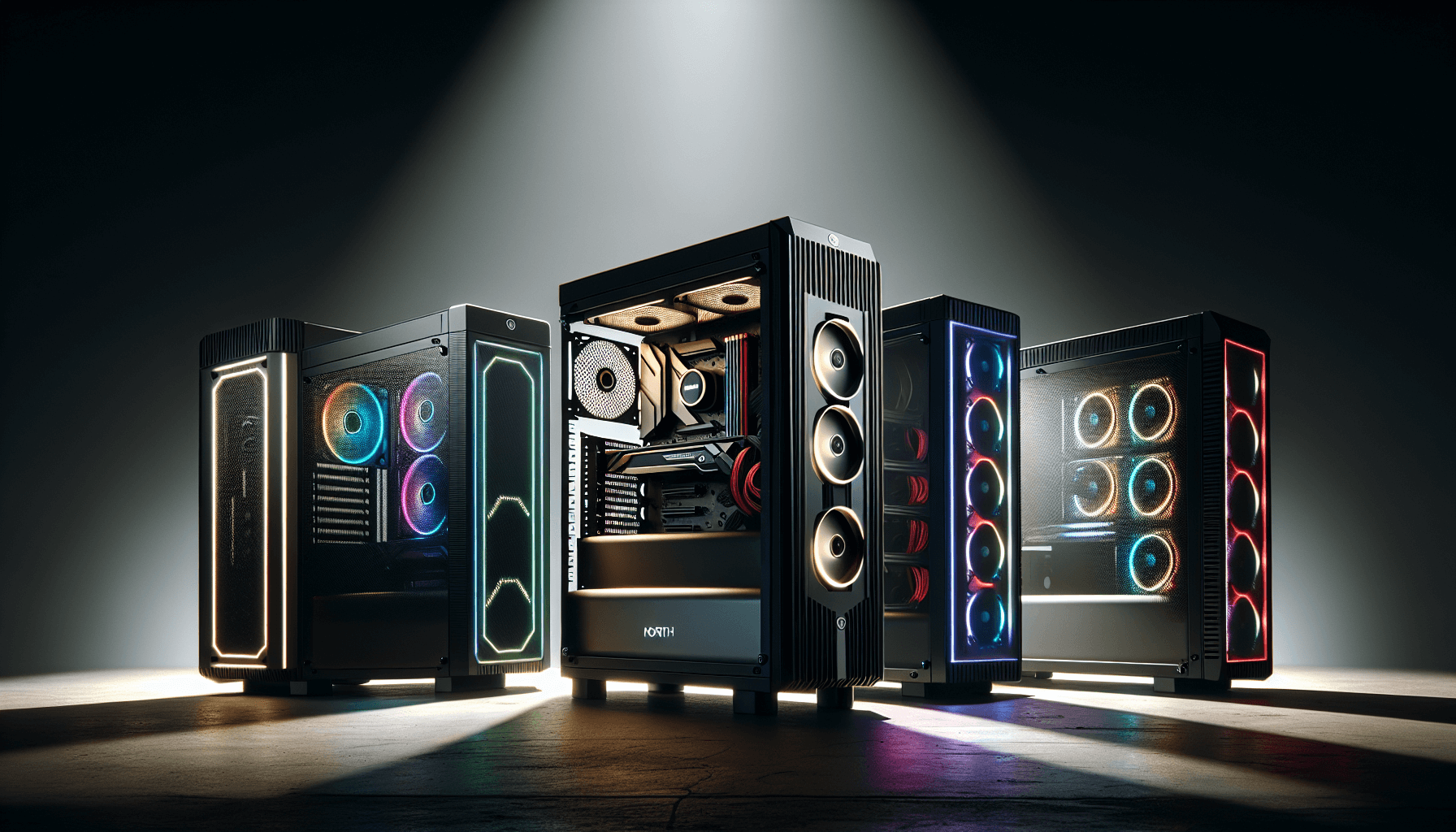
The mATX mini-tower market is genuinely competitive right now. The two most obvious alternatives to the Pop Mini Air RGB at a similar price point are the Corsair 3500X ARGB and the NZXT H510. Both target a similar audience: compact builds with RGB, a glass side panel, and decent airflow. Understanding where the Pop Mini Air sits relative to these two tells you a lot about whether it's the right pick for your build.
The Corsair 3500X ARGB is a direct competitor in terms of form factor and RGB focus. Corsair's iCUE ecosystem is a selling point for people already invested in Corsair peripherals, but it's also a reason to be cautious if you're not, because iCUE can be software-heavy. The NZXT H510 is a slightly different proposition: cleaner aesthetics, less RGB by default, and NZXT's CAM software ecosystem. It's popular for its looks but has historically been criticised for restricted airflow in some configurations due to its panel design. The Pop Mini Air's "Air" designation suggests Fractal have prioritised ventilation over the H510's more aesthetic-first approach.
Fan inclusion is a meaningful differentiator. The Pop Mini Air RGB ships with three 120mm fans. Many competitors at a similar price ship with one or two, meaning you'd spend more on fans to fill the case properly. Three fans out of the box is a genuine value advantage, especially when they're RGB and reasonably functional. Storage options are also strong here: two HDDs and six SSDs is more than you'd typically find in a competing case at this price. If storage expansion matters to your build, the Pop Mini Air scores well.
| Feature | Fractal Pop Mini Air RGB | Corsair 3500X ARGB | NZXT H510 |
|---|---|---|---|
| Form Factor | mATX / Mini ITX | ATX / mATX / Mini ITX | ATX / mATX / Mini ITX |
| Included Fans | 3x 120mm RGB | 3x 120mm RGB | 2x 120mm |
| Max Radiator (Front) | 240mm | 360mm | 240mm |
| Max Radiator (Top) | 240mm | 240mm | 120mm |
| HDD Bays | Up to 2 | 2 | 2 |
| SSD Bays | Up to 6 | 2 | 2 |
| Side Panel | Tempered Glass | Tempered Glass | Tempered Glass |
The SSD count is where the Pop Mini Air genuinely stands out. Six SSD bays versus the two you'd typically find in the Corsair or NZXT alternatives is a meaningful difference for anyone running a multi-drive setup. Content creators with large project files, or anyone running a mix of NVMe and SATA storage, will appreciate that headroom. The Corsair 3500X has the edge on front radiator support, accepting up to 360mm versus the Pop Mini Air's 240mm, which matters if you're planning a 360mm AIO. But for the majority of mid-range builds with a 240mm AIO, the Pop Mini Air's support is sufficient.

Final Verdict
The Fractal Design Pop Mini Air RGB is a well-specified compact case that makes a strong argument for itself on paper. Three included RGB fans, support for 240mm radiators in both the front and top positions, and storage capacity that embarrasses most of its direct competitors. For an mATX build in the mid-range price bracket, that's a genuinely useful combination of features. Fractal's build quality reputation adds confidence that the construction will be solid, panels will align, and the tempered glass side panel won't rattle itself loose after a month.
The gaps in the spec data are worth acknowledging. GPU clearance and CPU cooler height aren't confirmed in the feature highlights, which means you'll need to visit Fractal's official product page before committing if you're planning a particularly long GPU or a tall tower cooler. Front I/O specifics are also unconfirmed, which matters if USB Type-C front access is important to you. These aren't reasons to avoid the case, but they're reasons to do five minutes of additional research before clicking buy.
Who should buy this? Anyone building a compact mATX system who wants proper airflow, doesn't want to spend extra on fans immediately, and values storage flexibility. The three included fans and six SSD bays make this a strong value proposition for the price tier. The "Air" designation suggests Fractal have prioritised ventilation, which is the right call for a case with a glass side panel.
Who should skip it? If you need ATX motherboard support, this isn't your case. If you're planning a 360mm front radiator, the Corsair 3500X ARGB is worth a look instead. And if you genuinely don't care about RGB or the glass panel, there are simpler, sometimes cheaper options in Fractal's own lineup that will do the thermal job just as well without the visual fuss.
Overall, the Pop Mini Air RGB is a solid, sensibly designed compact case from a brand that knows what it's doing. It's not trying to reinvent the mini-tower. It's trying to be a good one. And from the spec sheet, it largely succeeds. Mid-range pricing for a case that ships ready to build with decent fans, flexible storage, and proper radiator support is a reasonable deal. Just check the full spec sheet for those missing clearance numbers before you commit.
What works. What doesn’t.
5 + 5What we liked5 reasons
- Ships with three 120mm Aspect RGB fans included, saving immediate additional spend on fans
- Supports 240mm radiators in both the front and top positions, giving genuine AIO flexibility for a mini-tower
- Exceptional storage capacity with up to two HDDs and six SSDs, far ahead of most rivals at this price tier
- Tempered glass side panel uses a tool-free or near-tool-free mounting system for easy internal access
- Fractal's established build quality means solid steel, well-aligned panels, and no sharp edges
Where it falls5 reasons
- GPU clearance is not confirmed in the feature highlights, requiring additional research before committing to a long card
- CPU cooler height clearance is unspecified, creating uncertainty for builders planning tall air coolers
- Front I/O port selection including USB Type-C availability is not confirmed in the verified spec data
- No ATX motherboard support, limiting the case to mATX and Mini ITX builds only
- Front radiator support tops out at 240mm, putting it behind the Corsair 3500X ARGB for builders wanting a 360mm AIO
Full specifications
12 attributes| Form factor | Micro-ATX |
|---|---|
| Airflow type | mesh front panel |
| MAX GPU length | 365 |
| MAX cooler height | 170 |
| Radiator support | 240mm front, 240mm top, 120mm rear |
| CPU cooler clearance MM | 170 |
| Dimensions MM | 432 x 215 x 393 |
| Drive bays | 2x 3.5", 6x 2.5" |
| Fans included | 3 |
| GPU clearance MM | 365 |
| MAX FAN count | 5 |
| MAX radiator MM | 240 |
Frequently asked
7 questions01Does the Fractal Design Pop Mini Air RGB support ATX motherboards?+
No. The case officially supports mATX and Mini ITX motherboards only. If you are planning a build around a standard full-size ATX board, you will need a different chassis. Fractal's own lineup includes several ATX-compatible options if you prefer to stay within the brand.
02How many fans are included with the Pop Mini Air RGB, and can I add more?+
The case ships with three 120mm Aspect RGB fans. It supports up to five 120mm fans in total across the front, top, and rear positions, so you can add two further fans without needing any adapters or modifications.
03What is the maximum radiator size supported by this case?+
The Pop Mini Air RGB accepts up to a 240mm radiator in the front, up to a 240mm radiator in the top, and a 120mm radiator at the rear. This gives you meaningful AIO options for CPU and potentially secondary cooling within a compact footprint.
04Is the GPU clearance confirmed for the Fractal Design Pop Mini Air RGB?+
The verified feature highlights do not include a specific maximum GPU length figure. Before purchasing, particularly if you plan to install a long triple-fan card such as an RTX 5080 or RX 9070 XT, it is worth checking the full specification table on Fractal's official product page to confirm compatibility.
05How does the Pop Mini Air RGB compare to the NZXT H510 and Corsair 3500X ARGB?+
All three target a similar audience of compact RGB builds with tempered glass panels. The Pop Mini Air RGB ships with three included fans versus two with the H510, and offers significantly more SSD bays than either rival. The Corsair 3500X ARGB has the edge on front radiator support, accepting up to 360mm versus the 240mm maximum on the Fractal. The NZXT H510 has historically drawn criticism for restricted airflow in some configurations, whereas the 'Air' designation on the Fractal case indicates a ventilation-first front panel design.
06Does the Pop Mini Air RGB have a USB Type-C port on the front panel?+
The front I/O specification is not confirmed in the verified feature highlights available for this review. If USB Type-C front panel access is important to your workflow, it is recommended that you check the complete specification sheet on Fractal's official product page before purchasing.
07Can I mount a 240mm AIO cooler in this case?+
Yes. The front and top positions both support 240mm radiators, making a 240mm AIO a straightforward choice for CPU cooling. If you mount the AIO in the front, you still have the top position available for additional intake or exhaust fans, giving you flexibility in how you configure airflow.