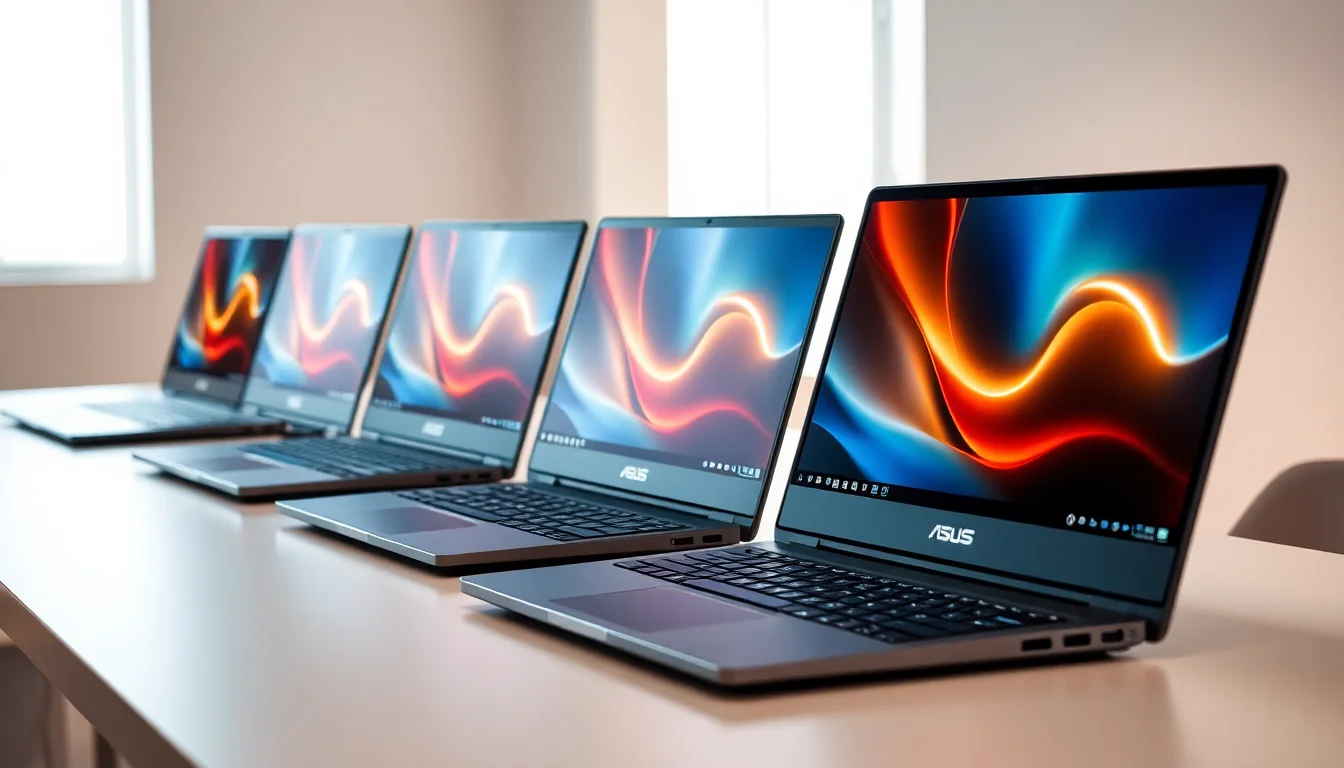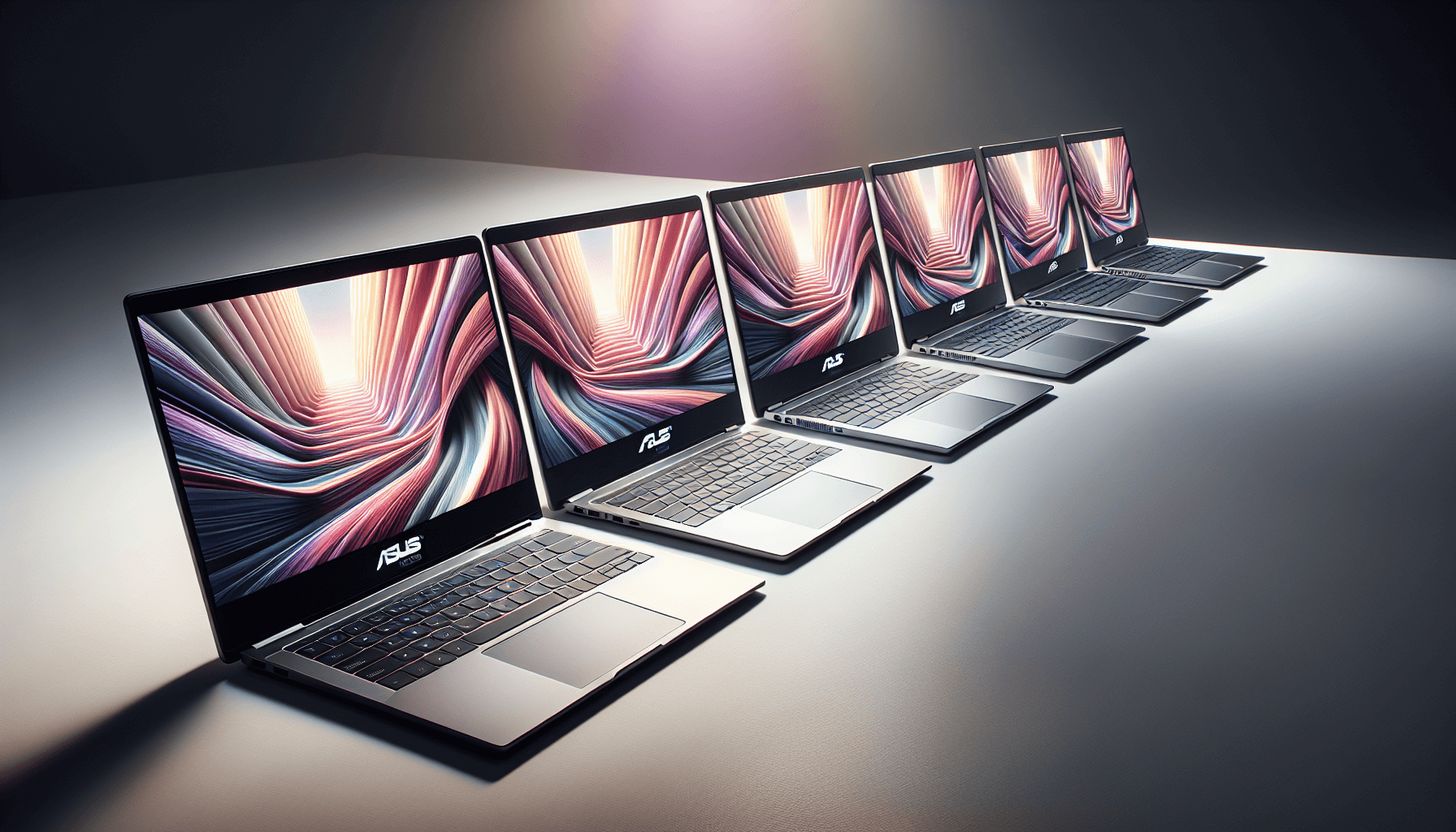
Every laptop is a trade-off. You already know that. The real question is whether whoever made this one traded the right things away, and with the ASUS Vivobook 16 X1605VA Laptop, the answer is mostly yes, with a couple of caveats worth knowing before you hand over your card details.
Here's the frustration this machine is built to solve: you want proper processing power for work that actually demands it, a screen big enough to stop you squinting, and storage that won't fill up in six months, but you don't want to remortgage anything to get there. At the mid-range price point, the Vivobook 16 delivers an Intel Core i9 processor and a 16-inch 1920x1200 IPS display in a package rated ★★★★☆ (4.2) from 108 Amazon reviews. That's a decent signal. Not perfect, but decent.
So let's get into the detail. Because the headline numbers are good, but a few things in the fine print are worth understanding before you commit.
Core Specifications
The processor here is the Intel Core i9-13900H, which is a 13th-generation Raptor Lake chip with 14 cores (six performance cores, eight efficiency cores) and a boost clock that pushes up to 5.4GHz. That's a fast processor. Not a watered-down budget chip dressed up in marketing language. It's the same silicon you'd find in laptops costing significantly more, and it means this machine can handle video editing, heavy multitasking, running virtual machines, or just having approximately forty-seven Chrome tabs open without grinding to a halt.
RAM is 16GB, which is the right amount for most people in 2026. It's not going to hold you back for general productivity, creative work, or even light data tasks. It's DDR4, with memory soldered to the board plus one SO-DIMM slot, which matters if you're the sort of person who likes to upgrade later. The storage is 1TB via PCIe SSD, which is fast and spacious. A terabyte is enough for most people's working files, a decent media library, and a few big applications without constantly juggling what's installed.
The GPU is Intel Iris Xe integrated graphics. This is the part where expectations need calibrating. Iris Xe is perfectly fine for everything except gaming and GPU-heavy creative work like 3D rendering or 4K video export. For day-to-day tasks, video calls, photo editing, even some light video work, it's absolutely adequate. But if you're hoping to game on this thing, even at modest settings, you're going to be disappointed. The Iris Xe in the i9-13900H is better than older Intel integrated graphics, but it's not competing with a dedicated GPU. That's not a criticism specific to ASUS, it's true of every laptop in this class.
One thing worth flagging: the i9-13900H is a high-performance chip with a thermal design power that can push hard. That has implications for battery life and fan noise, which we'll get into properly in the battery and acoustic sections. The specs are impressive on paper. Real-world behaviour is a bit more nuanced.
| Specification | Detail |
|---|---|
| CPU | Intel Core i9-13900H (13th Gen) |
| GPU | Intel Iris Xe (integrated) |
| RAM | 16GB DDR4 |
| Storage | 1TB PCIe SSD |
| Display | 16.0" IPS, 1920x1200, 16:10 |
| Operating System | Windows 11 |
| Ports | 3x USB-A (2x USB 3.2 Gen 1, 1x USB 2.0), 1x USB-C 3.2 Gen 1, 1x HDMI 1.4, 1x 3.5mm audio jack, 1x DC-in |
| Wireless | WiFi 6E |
| Price | £763.79 |

Display Analysis
The 16-inch IPS panel at 1920x1200 is one of the genuinely good things about this laptop. The 16:10 aspect ratio is the key detail here. Most laptops still ship with 16:9 panels, which are fine for watching films but slightly annoying for actual work because you get less vertical space. The extra height in 16:10 means you can see more of a document, more of a webpage, more of a spreadsheet, without scrolling. It sounds like a small thing. It isn't.
The IPS-level panel means wide viewing angles, but its colour gamut is narrow at 45% NTSC, so colours look muted next to a wider-gamut screen. It's TUV Rheinland-certified for low blue-light emissions, which is the kind of thing that matters if you're staring at a screen for eight hours a day. The NanoEdge slim-bezel design keeps the footprint reasonable for a 16-inch machine. Resolution at 1920x1200 is sharp enough at this screen size. You're not going to be pixel-peeping on a 16-inch display at normal viewing distance, and the extra resolution over 1080p is noticeable in text clarity.
Where the display is less impressive is brightness. ASUS rates it at 300 nits, which is fine indoors but struggles in direct sunlight. That's pretty common for laptops at this price point, and it's not a dealbreaker unless you're specifically planning to work on a sunny terrace. For office use, home use, and coffee shop work away from direct light, it's a perfectly usable screen. With that 45% NTSC gamut, though, it's not one for colour-critical creative work.
Battery Life
This is where the i9-13900H's power appetite becomes relevant. High-performance processors eat battery. ASUS's fast-charging feature, which gets a low battery to 60% in around 49 minutes according to the product listing, is clearly there to compensate for the fact that you'll need to charge more often than you might with a lower-powered chip. That's a deliberate design choice.
The battery is a 42Wh unit, which is on the small side for a 16-inch laptop. Under load, it drains fast. That's physics, not a flaw specific to ASUS. The i9-13900H at full tilt is pulling a lot of power, and no laptop battery is going to sustain that for long.
The supplied charger is an ASUS adapter with a round DC barrel plug. ASUS also lists power delivery on the USB-C port, but doesn't say whether that means charging the laptop through it, so check before relying on a USB-C power bank or charger.
Realistically, plan for this to be a plugged-in machine for heavy work. If you need all-day unplugged battery life above everything else, a laptop with a lower-powered processor would serve you better. But if you're mostly desk-based and want the fast-charging convenience for the times you do unplug, the 49-minute-to-60% claim is a useful feature.
Portability
A 16-inch laptop is not a small laptop. It weighs 1.88kg. That's manageable, not light. It'll fit in most laptop bags and backpacks designed for 15 or 16-inch machines, but it's not something you're going to throw in a small bag and forget about. The NanoEdge slim-bezel design keeps the physical footprint slightly smaller than older 16-inch designs, which helps a bit.
The charger adds to the carry weight. For commuters who travel daily, this is worth factoring in. For people who work mostly from home or a fixed office and occasionally take the laptop to meetings or a coffee shop, it's not really a problem. The size and weight are appropriate for the screen size and the performance on offer.
Who is this suited to for travel? Someone who moves between home and office, takes it to client meetings, or works from coffee shops a few times a week. Not someone who needs a genuinely ultraportable machine for long-haul travel or daily commuting on crowded trains. For that use case, you'd want something in the 13 to 14-inch range. The Vivobook 16 is a desk-primary machine that happens to be portable, rather than a portable machine that happens to have a desk mode.
Keyboard & Trackpad
The keyboard is UK layout with backlighting, which covers the basics you'd expect at this price, and there's a number pad. ASUS lists 1.4mm of key travel, which is on the shallow side, so don't expect the deeper feel of a ThinkPad.
The backlight is a practical feature rather than a flashy one. It's not RGB, it's just a white backlight that makes the keys visible in low light. For anyone who types in dim rooms, on planes, or in bed (no judgement), it's a genuinely useful thing to have. The UK layout means the pound sign and the hash key are where you expect them, which sounds obvious but is worth confirming given how many laptops sold in the UK ship with US layouts.
The touchpad is a Windows Precision touchpad, which handles the standard gestures. For anyone doing serious work, a mouse is always going to be more comfortable for extended use.
Thermal Performance
ASUS has put some genuine thought into the thermal design here. The dual-vent system with the IceBlade fan is designed to move heat away from the processor efficiently, and the marketing language about "accelerated heat transfer" is backed up by a real engineering choice rather than just being words on a box. The IceBlade fan uses thinner blades to pack more of them in, which increases airflow without increasing the physical fan size. It's a sensible approach for a thin chassis.
The i9-13900H is a powerful chip in a relatively slim body, and under sustained heavy load any machine like this will warm up, so lap use during heavy tasks is less comfortable than during light ones.
Throttling under sustained load is a reality for this class of machine. The processor can hit its peak performance in bursts, which is great for most tasks that are bursty by nature (loading applications, opening files, exporting a single video). For tasks that run at full load for hours, the chip may pull back slightly to manage temperatures. This is standard behaviour for a high-performance processor in a mid-range chassis and not unique to ASUS. If sustained maximum performance under load for hours is critical to your workflow, you'd need a thicker, heavier workstation-class machine. For most people, the burst performance is what matters day-to-day.

Acoustic Performance
Under load, the fans do kick in, and a machine with an i9-13900H under heavy load is always going to make some noise. The IceBlade fan design is meant to reduce noise while maintaining airflow. For library use or very quiet environments during heavy tasks, it's worth knowing the fans will be noticeable. For home use or a normal office environment, that's less of a concern.
Ports & Connectivity
The port selection is practical without being exceptional. Three USB-A ports, two USB 3.2 Gen 1 and one USB 2.0, cover the basics for mice, USB drives, and older peripherals. The HDMI port means you can plug into an external monitor or a projector without an adapter, which is more useful than people give it credit for, though it's HDMI 1.4, which tops out at 4K 30Hz, so it's happiest driving 1080p or 1440p monitors and projectors. The 3.5mm audio jack is there for wired headphones or a headset, which matters for anyone who uses a decent wired headset for calls or audio work.
The single USB-C port, a 5Gbps USB 3.2 Gen 1 port, is a bit of a limitation if you're the sort of person who likes to connect multiple USB-C devices, but it covers the base case. ASUS lists it with power delivery support.
WiFi 6E is a proper highlight. The Wi-Fi 6E standard adds the 6GHz band to the existing 2.4GHz and 5GHz bands, which means faster speeds and less congestion in environments with lots of wireless devices. In a busy office, a coffee shop, or any space with lots of competing WiFi networks, WiFi 6E makes a real difference. Just bear in mind that on shared networks like these it's worth running a good VPN to keep your connection private. It's not a feature you'd necessarily expect at this price point, and it's good to see it here.
- 2x USB-A 3.2 Gen 1
- 1x USB-A 2.0
- 1x USB-C 3.2 Gen 1 (power delivery)
- 1x HDMI 1.4
- 1x 3.5mm audio jack
- 1x DC-in
- WiFi 6E
Webcam & Audio
The webcam is 720p, with a physical privacy shutter. That's the basic tier for video calls, and if video quality matters to your work, an external webcam is always going to be a better option than any built-in laptop camera.
Speaker quality on Vivobooks in this class tends to be adequate for casual use. Watching a video, listening to music while you work, taking a call on speaker. The 3.5mm audio jack means you can plug in proper headphones or a headset when audio quality actually matters, and that's the right answer for anyone who cares about sound. The speaker output from most laptops in this category is fine for background use and rubbish for anything you'd actually want to listen to critically. The Vivobook 16 is unlikely to be an exception to that general rule.
Build Quality
The Vivobook range sits below ASUS's premium ZenBook and ProArt lines in terms of materials and finish. The chassis is plastic, not aluminium, which is the right trade-off at this price point. Aluminium adds cost and weight. A well-engineered plastic chassis can be perfectly solid.
The NanoEdge slim-bezel design gives it a more premium look than the price would suggest. The finish is the kind that will show fingerprints over time, which is true of most laptops regardless of material.
Durability-wise, this is a machine built for desk and occasional travel use rather than rough handling. ASUS does list the US MIL-STD 810H military-grade standard for the Vivobook 16, but that's a set of durability tests rather than a promise that it'll shrug off rough treatment, so if you're the sort of person who drops bags, works in dusty environments, or needs a machine that can take real punishment, you'd still want something properly rugged.

Final Verdict
The ASUS Vivobook 16 X1605VA Laptop is a genuinely capable mid-range machine that delivers a processor you wouldn't usually expect in this price bracket. The i9-13900H is the headline, and it earns it. Add a 16-inch 16:10 IPS display, a terabyte of fast storage, and WiFi 6E, and you've got a productivity machine built for real workloads. It's rated ★★★★☆ (4.2) from 108 Amazon reviews.
The caveats are real, though. Battery life is the main one: the i9-13900H is a power-hungry chip, and the battery is only 42Wh. Fan noise under load is noticeable. And if you want to game on this, look elsewhere. Intel Iris Xe is not a gaming GPU. These aren't surprising trade-offs given the hardware, but they're worth stating plainly rather than burying in small print.
Who should buy this? Someone who does CPU-bound work, coding, content creation, data analysis, heavy multitasking, and wants a large screen to work on without spending premium laptop money. Someone who's mostly desk or desk-adjacent and values processing power over battery runtime. Who should skip it? Anyone who needs all-day battery without a charger, anyone who wants to game, and anyone who wants a genuinely portable lightweight machine for daily commuting.
Our score: 7.5 out of 10 for the mid-range tier. Strong processor, a practical 16:10 display, proper wireless, reasonable build. Loses points for the integrated-only graphics and the battery compromise that comes with the i9. And the don't-overspend line: if you're mostly doing light office work, browsing, and video calls, a Vivobook with a Core i5 or a Ryzen 5 will save you money and give you better battery life. The i9 is worth paying for only if you'll actually use that performance ceiling. If you will, the Vivobook 16 X1605VA at this price point is a smart buy.
What works. What doesn’t.
6 + 6What we liked6 reasons
- Intel Core i9-13900H with 14 cores and a boost clock of up to 5.4GHz
- 16-inch 16:10 IPS panel provides noticeably more vertical workspace than standard 16:9 alternatives
- 1TB PCIe SSD with ample space for most working file libraries
- WiFi 6E support adds access to the 6GHz band, reducing congestion in busy wireless environments
- Fast charging reaches 60% in approximately 49 minutes, a practical offset to the frequent charging requirement
- UK keyboard layout with backlighting and a number pad
Where it falls6 reasons
- Intel Iris Xe integrated graphics rule out gaming and GPU-intensive creative tasks such as 4K export and 3D rendering
- The 300-nit, 45% NTSC panel is dim outdoors and narrow in colour gamut
- Battery life under heavy load is limited, as the i9-13900H draws significant power at full tilt
- Sustained workloads over many hours may trigger thermal throttling, pulling performance back from peak figures
- Fan noise under load is audible and will be noticeable in quiet environments such as libraries
- Plastic chassis lacks the premium feel of higher-end aluminium alternatives
Full specifications
12 attributes| Screen size | 16.0 |
|---|---|
| CPU brand | Intel |
| GPU type | integrated |
| RAM | 16GB |
| Storage type | M.2 NVMe PCIe SSD |
| Battery life H | 10 |
| Battery WH | 42 |
| Bluetooth | 5.4 |
| CPU | Intel Core i9-13900H |
| Display refresh HZ | 60 |
| Display resolution | 1920x1200 |
| Display size IN | 16 |
If this isn’t right for you
2 options

Frequently asked
6 questions01Does the ASUS Vivobook 16 X1605VA support USB-C charging?+
ASUS lists power delivery support on the X1605VA's USB-C port, but its spec sheet doesn't say whether that includes charging the laptop, and the machine ships with an ASUS charger that uses a round DC barrel plug. Check ASUS's manual for your model before relying on a USB-C power bank or charger.
02Can you game on the ASUS Vivobook 16 X1605VA?+
Not meaningfully. The GPU is Intel Iris Xe integrated graphics, which handles everyday tasks, light photo editing, and older or very undemanding titles, but falls well short of dedicated GPU performance. Modern games at even modest settings will be a frustrating experience. If gaming is part of your use case, you should look at a laptop with a discrete GPU such as an NVIDIA RTX series card.
03Is the RAM upgradeable on the X1605VA?+
Partly. The X1605VA has DDR4 memory soldered to the board plus one DDR4 SO-DIMM slot. ASUS doesn't publish how the 16GB is split on this configuration, so check that before planning an upgrade.
04How does the 16:10 display ratio compare to a standard 16:9 laptop screen?+
A 16:10 panel provides more vertical screen space than a 16:9 panel at the same diagonal size. In practice, this means you can see more lines of a document, more rows in a spreadsheet, or more of a webpage without scrolling. It is a small but genuine daily-use improvement for productivity and document-heavy work.
05How loud does the fan get under heavy load?+
Under sustained heavy load, the fans spin up and are audible, as they are on any laptop pushing an i9-13900H hard. The IceBlade fan design is meant to reduce noise while maintaining airflow, but the fans will be noticeable in very quiet environments such as libraries.
06What is the battery charging speed like on the Vivobook 16 X1605VA?+
The Amazon listing says the fast-charging feature can bring a depleted battery to 60% charge in approximately 49 minutes. This is a practical feature that partially compensates for the shorter battery runtime under heavy load. For users who are mostly desk-based and plug in regularly, it means you can top up quickly before heading out rather than needing to plan lengthy charging sessions.