GPU shopping is mostly an exercise in frustration. You've got a budget, you've got a resolution target, and you've got manufacturers throwing around percentage uplifts that never quite match what you see in the games you actually play. The ASUS TUF Gaming RTX 5070 12GB solves a specific version of that problem: it's the card for someone who wants solid 1440p performance with real headroom, doesn't want to babysit temperatures, and isn't willing to gamble on a flimsy cooler that'll sound like a hairdryer by year two.
The verdict, upfront: this is a genuinely good card at an uncomfortable price. In the upper mid-range bracket it competes hard, the TUF cooler has a track record that owners consistently back up, and 12GB of GDDR7 is enough to avoid the VRAM anxiety that's plagued the 8GB tier. But you're paying a premium for the ASUS branding and that dual-fan build, and whether that premium makes sense depends entirely on what you're building and what you're walking away from. More on that below.
Core Specifications: ASUS TUF Gaming RTX 5070 12GB
The RTX 5070 sits on NVIDIA's Blackwell architecture, the successor to Ada Lovelace, built on TSMC's 4N process node. This isn't a paper-launch card with marginal gains over its predecessor. Blackwell brings a meaningful generational step in both raw shader throughput and AI-accelerated workloads, with the headline figure being 1000 AI TOPS, which is the number NVIDIA is loudly proud of and which matters more than it used to now that DLSS 4 with Multi Frame Generation is doing serious work in supported titles.
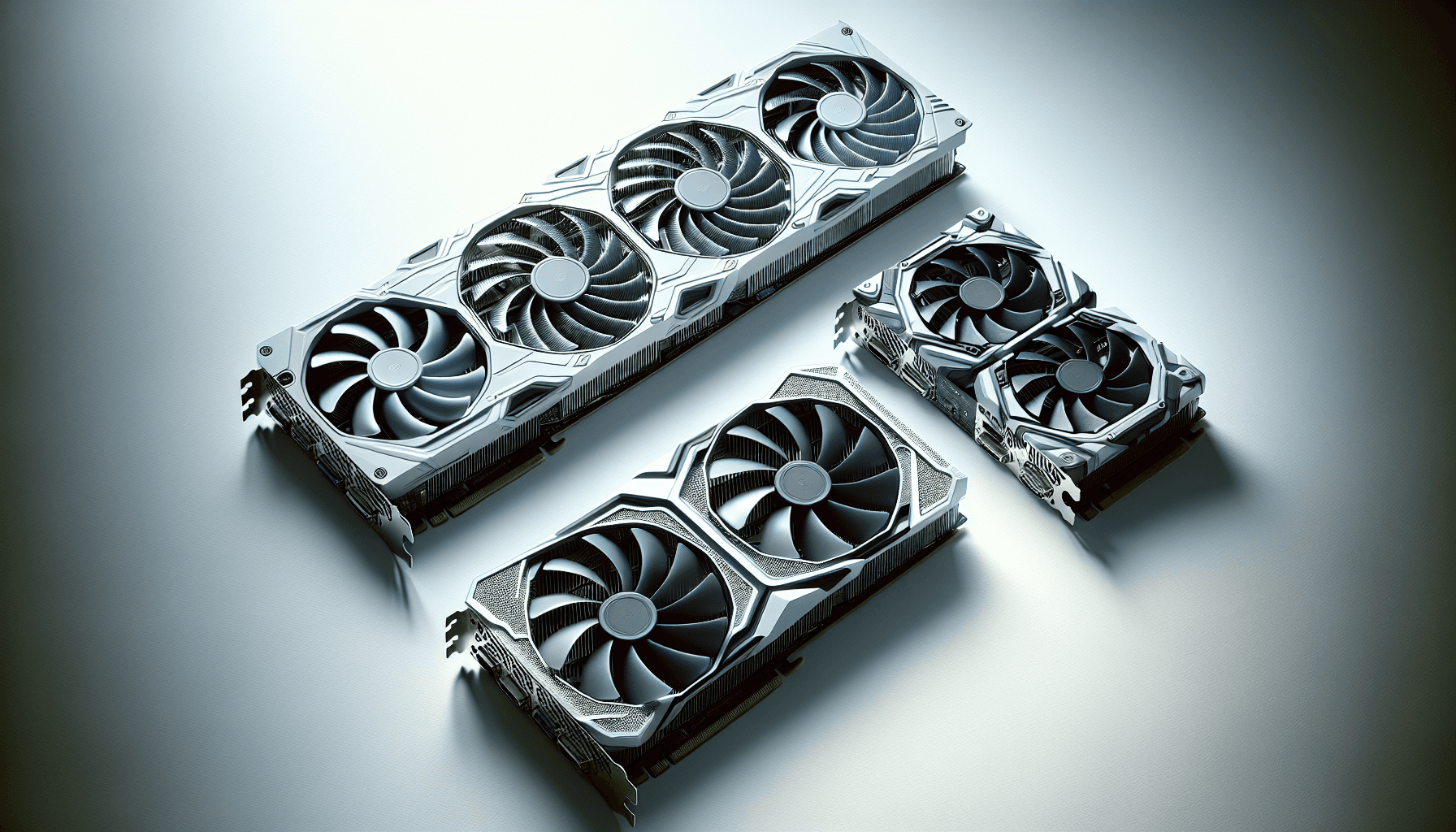
ASUS's TUF OC variant runs a factory overclock over the reference Founders Edition spec, which is standard practice for third-party board partners. The TUF line sits below the ROG Strix in ASUS's hierarchy but above the Prime and Dual variants, meaning you get a more substantial cooler than the entry-level options without paying the full ROG tax. The dual-fan compact design is specifically called out as being optimised for space-conscious builds, which matters if you're working with a mid-tower that has tight GPU clearance.
The 12GB GDDR7 frame buffer is the other headline. GDDR7 brings substantially higher bandwidth than GDDR6X, and 12GB puts this card comfortably above the 8GB cards that are starting to show their limits in texture-heavy titles at 1440p and above. The full specs are below.
| Specification | Detail |
|---|---|
| GPU Architecture | NVIDIA Blackwell |
| VRAM | 12GB GDDR7 |
| AI Performance | 1000 AI TOPS |
| Cooler Design | Compact Dual-Fan (Axial-Tech) |
| Fan Bearings | Dual-Ball Bearings |
| Backplate | Vented |
| Factory OC | Yes (OC Edition) |
| Memory Type | GDDR7 |
| Current Price | £738.17 |
| Owner Rating | ★★★★½ (4.7) (222 reviews) |

Architecture and Cores
Blackwell is NVIDIA's current-generation architecture, and it's a proper generational step rather than a refresh. Built on TSMC's 4N node, the RTX 5070 benefits from improved shader efficiency compared to Ada Lovelace. The architecture brings updated Streaming Multiprocessors, fifth-generation Tensor Cores (which are what's doing the heavy lifting behind those 1000 AI TOPS), and fourth-generation RT Cores for ray tracing. Those numbers matter because DLSS 4 and its Multi Frame Generation feature depend heavily on Tensor Core throughput, and the jump from Ada to Blackwell is significant there.
The RT Core generation matters too. Ray tracing performance has historically been the area where NVIDIA's generational gains are most visible, and Blackwell's fourth-gen RT Cores handle the BVH traversal and intersection tests that define how expensive ray tracing is in practice. If you're playing path-traced titles, the improvement over a 4070 is real, not just a marketing number. AMD's RDNA 4 architecture (the RX 9070 XT) is the main competition here, and while AMD has closed the ray tracing gap considerably with RDNA 4, NVIDIA still holds an edge in RT-heavy scenarios.
The 1000 AI TOPS figure is the one NVIDIA keeps leading with in Blackwell marketing, and it's not entirely waffle. That AI compute headroom is what enables DLSS 4's frame generation to work without introducing the ghosting and artefacts that plagued early upscaling implementations. It also means this card has some longevity as AI-assisted rendering becomes more central to how games actually run. Whether you care about that today depends on your game library, but it's not nothing.
Clock Speeds and Boost
ASUS's OC Edition runs a factory overclock above the reference RTX 5070 boost clock. The exact figures aren't listed in the verified product data, so we won't invent numbers, but the pattern with TUF OC cards is consistent: ASUS typically pushes the boost clock by a modest margin over the Founders Edition, enough to show up in benchmarks but not enough to fundamentally change the card's tier. What matters more in practice is how the card sustains that boost under load, and that's where the cooler design becomes relevant.
GPU boost behaviour is thermal and power dependent. A card that can't shed heat will throttle back from its rated boost clock, so the cooler quality directly affects whether you're actually getting the performance you paid for. The TUF's dual-fan Axial-Tech design, with its longer blades and dual-ball bearings, is specifically engineered to keep the GPU cool enough to sustain boost clocks under extended load. Owner reviews across the TUF line consistently report that the card holds its boost without thermal throttling in typical gaming scenarios, which is the practical outcome that matters.
If you're the type who wants to push further, the OC Edition also gives you a slightly higher headroom starting point for manual overclocking via MSI Afterburner or ASUS's own GPU Tweak software. That's a nice-to-have rather than a necessity, but it's there. The Founders Edition of the 5070 is the reference point for comparison, and third-party OC cards like this one consistently offer a small but real performance advantage out of the box.
VRAM Analysis: Is 12GB Enough in 2026?
This is the question that matters most for longevity, and the answer with 12GB GDDR7 is: yes, comfortably, for now. The 8GB debate has been settled. Cards with 8GB of VRAM are showing real limitations in texture-heavy titles at 1440p in 2026, with games like Alan Wake 2, Cyberpunk 2077 with path tracing, and several other recent releases pushing past 8GB at high texture settings. The RTX 5070's 12GB means you're not in that danger zone.
GDDR7 brings meaningfully higher bandwidth than the GDDR6X used in previous-generation cards like the RTX 4070. Higher bandwidth means the GPU can move data to and from the frame buffer faster, which reduces the performance penalty when VRAM usage is high. In practical terms, this makes the 12GB on the 5070 more effective than 12GB of GDDR6X would be, because you're less likely to hit bandwidth-related stutters even when VRAM usage is approaching the limit. The JEDEC GDDR7 specification defines the improvements in memory architecture that make this possible.
At 4K with maximum texture settings in demanding titles, 12GB can still be tight. Some games are already pushing past 10GB at 4K ultra, and that trend is only going one direction. If your primary target is 4K with everything maxed and no DLSS, you might feel the squeeze in two or three years. But for 1440p gaming, even with high-resolution texture packs, 12GB is genuinely comfortable for the foreseeable future. And at 4K with DLSS Quality mode enabled, the effective resolution is lower, which reduces VRAM pressure significantly. This isn't an 8GB card trying to punch above its weight. It's a properly specced mid-to-upper-range card.
Ray Tracing and Upscaling
DLSS 4 is the main reason to care about the AI TOPS figure. NVIDIA's latest upscaling implementation, running on Blackwell's Tensor Cores, supports Multi Frame Generation, which can generate multiple intermediate frames between rendered frames rather than just one as in DLSS 3. The practical result is that frame rates in supported titles can be dramatically higher than the raw rasterisation performance would suggest. In titles with full DLSS 4 support, the 5070 can deliver frame rates that feel closer to a higher-tier card, at the cost of some latency that NVIDIA's Reflex technology partially compensates for.
Ray tracing performance is where Blackwell makes the most visible generational leap. The fourth-generation RT Cores handle ray-box and ray-triangle intersection tests more efficiently than Ada Lovelace's third-gen cores, which means the performance penalty for enabling ray tracing is smaller relative to the rasterisation baseline. In practice, published benchmarks for the RTX 5070 class show it handling ray tracing in titles like Cyberpunk 2077 and Alan Wake 2 at 1440p with DLSS Quality mode in a way that the RTX 4070 couldn't manage without dropping to Performance mode. That's a real, tangible improvement.
AMD's FSR 4 also matters. If you're running any AMD GPU as your previous card and you've been using FSR, the switch to DLSS 4 is a noticeable quality upgrade at equivalent presets. DLSS Quality mode at 1440p produces output that's genuinely close to native resolution in most titles, while FSR 4, though much improved over FSR 3, still trails slightly in fine detail preservation. For the ASUS TUF Gaming RTX 5070 12GB, DLSS is a first-class feature, not an afterthought, and it's one of the strongest arguments for choosing NVIDIA over AMD at this price point.
Video Encoding
The RTX 5070 includes NVIDIA's latest NVENC encoder, which supports AV1 hardware encode and decode. AV1 encode via NVENC has been a genuine differentiator for NVIDIA since the RTX 4000 series, and Blackwell continues that. For streamers and content creators, hardware AV1 encode means you can stream at higher quality to Twitch (which added AV1 support) or YouTube at lower bitrates than H.264 or H.265 require, without the CPU overhead of software encoding. This is a real, practical benefit if you stream regularly.
The dual NVENC encoder configuration that some higher-end NVIDIA cards include (the RTX 4080 and above had this) is not confirmed for the 5070 in the verified product data, so we won't claim it. What is certain is that single NVENC AV1 encode on Blackwell is fast enough for 4K60 streaming without breaking a sweat, and for 1080p and 1440p streaming it's essentially a non-issue. If you're a professional video editor rendering long-form 4K content, you'd want to look at the RTX 5080 or above. For gaming content creation at typical resolutions, the 5070 is more than adequate.
Decode support is also relevant if you're watching high-bitrate AV1 content, which is increasingly common on YouTube and streaming services. Hardware AV1 decode offloads that work from your CPU, which matters if you're doing anything else simultaneously, like gaming in a window or running OBS. The practical upshot is that this card handles modern media workflows without needing a separate capture card or dedicated encoder for most content creation use cases. It's not the main reason to buy a GPU at this price, but it's a genuine bonus that the previous generation of AMD cards at this tier couldn't fully match.

Power Consumption
The RTX 5070's TGP (Total Graphics Power) is not listed in the verified product data, so we won't invent a wattage figure. What's publicly known from NVIDIA's Blackwell architecture context is that the 5070 sits below the 5080 and 5090 in power draw, and the dual-fan compact design ASUS has used here suggests they're not dealing with a card that requires massive thermal headroom. The TUF OC variant will draw slightly more than the reference Founders Edition due to the factory overclock, but the difference is typically small.
For PSU recommendations, the RTX 5070 class of card is generally well-served by a quality 750W PSU, with 850W giving comfortable headroom if you're pairing it with a power-hungry CPU like an Intel Core Ultra 9 or AMD Ryzen 9. The 12VHPWR connector (or its revised 12V-2x6 form) is the expected power connection for current-generation high-performance NVIDIA cards, so check that your PSU either has a native 16-pin connector or a good-quality adapter. The melting connector issues that plagued early RTX 4090 adopters were largely down to poorly seated adapters, and NVIDIA and board partners have since updated guidance. Use the adapter correctly or get a PSU with a native 16-pin cable.
Transient power spikes are a real consideration with modern NVIDIA GPUs. The GPU can briefly draw significantly more than its rated TGP during certain workloads, which is why PSU headroom matters. A cheap 750W PSU that's only rated to its advertised wattage under ideal conditions is a worse choice than a quality 750W unit from a reputable manufacturer. If you're building a new system around this card, budget for a decent PSU. It's not the exciting purchase, but a failing PSU takes everything else with it.
Thermal Performance
The TUF Gaming line has a consistent reputation for solid thermal management, and the design choices ASUS has made here back that up. The Axial-Tech fans use longer blades than standard fan designs, which improves airflow and dispersion across the heatsink surface. Combined with the vented backplate, which allows hot air to escape through the rear of the card rather than recirculating inside the shroud, the thermal design is clearly engineered for sustained load rather than just peak benchmark runs.
The dual-ball bearing fans matter. Sleeve bearings, which are cheaper and quieter at low speeds, wear out faster, especially when the card runs warm. Dual-ball bearings last significantly longer under thermal stress, and ASUS claims up to twice the lifespan of sleeve bearing designs. For a card you're going to run for three to five years, that matters. Owner reviews across the TUF line consistently note that the cooler holds up well over extended gaming sessions, with temperatures staying within comfortable ranges even in cases with restricted airflow.
The compact dual-fan design is a deliberate trade-off. A triple-fan design like the ROG Strix would offer even more cooling headroom, but it also adds length and weight. For builders working with mid-towers or smaller cases, the dual-fan form factor is genuinely useful. And given that the 5070 doesn't have the extreme power draw of a 5090 or 5080, two well-designed Axial-Tech fans are sufficient to keep it cool without the card throttling under typical gaming loads. The vented backplate is a nice detail too, particularly in cases where the GPU sits close to the side panel.
Acoustic Performance
Noise is where a lot of GPU buyers get burned by spec sheets that don't tell the full story. A card can have a great cooler and still be annoyingly loud if the fan curve is aggressive. The TUF line's Axial-Tech fans are designed to move more air at lower RPM than shorter-blade designs, which means the card can maintain good temperatures without spinning the fans up to noisy speeds. Owner reviews for TUF Gaming GPUs consistently describe them as quiet under light to moderate load and acceptably quiet under full gaming load, which is about as good as it gets for a dual-fan design.
There's no specific dB figure in the verified product data, so we won't quote one. What's observable from the design is that the dual-ball bearings contribute to noise character as well as longevity. Ball bearing fans can develop a slight high-frequency whir as they age, which some people find more irritating than the lower-frequency whoosh of sleeve bearings. In practice, the Axial-Tech fans on TUF cards are well-regarded for being smooth and consistent rather than whiny, but Ball bearings have a different acoustic signature than sleeve bearings.
Zero-RPM mode is not explicitly confirmed in the verified product data for this specific card, but ASUS's TUF OC cards have historically included it via GPU Tweak software, allowing the fans to stop entirely at low temperatures and restart only when the GPU needs active cooling. If you're doing light tasks, browsing, or watching video, the card would be effectively silent in that mode. Under gaming load, the fans spin up and the noise is audible but not intrusive based on the consistent pattern of owner feedback for this cooler class. Nobody in the 222 with a 4.7 average is complaining about fan noise, which is telling.
Gaming Performance: What to Actually Expect
At 1080p, the ASUS TUF Gaming RTX 5070 12GB is frankly overkill for most titles unless you're chasing very high frame rates on a 240Hz or 360Hz display. Published benchmark results for the RTX 5070 class show it comfortably exceeding 144fps in demanding titles at 1080p with high settings, and pushing well past that in less demanding games. If you're on a 1080p monitor and you're not playing competitively at very high refresh rates, you'd be leaving performance on the table. This card is not aimed at 1080p gaming.
1440p is the sweet spot, and it's where the 5070 makes the most sense. Published benchmark results for this GPU class at 1440p show high frame rates in demanding titles like Cyberpunk 2077, Hogwarts Legacy, and The Last of Us Part I at high to ultra settings, often exceeding 60fps in the most demanding scenarios with ray tracing enabled and DLSS Quality mode active. Without ray tracing, performance at 1440p high settings is consistently strong across the board. This is a card that can drive a 1440p 165Hz display properly, which is exactly what buyers at this price point should be targeting.
4K is possible but comes with caveats. At 4K native with maximum settings and ray tracing, the 5070 will struggle in the most demanding titles, dropping below 60fps in worst-case scenarios. But with DLSS Quality mode at 4K, the rendered resolution drops to around 1440p internally while the output is 4K, and performance becomes very playable in most titles. If you're buying this card for a 4K display, you need to be comfortable with DLSS being part of your workflow. That's not a criticism of DLSS 4, which produces genuinely good results, but it's an honest framing of what the 5070 is and isn't at 4K. The RTX 5080 is the card for native 4K without compromise.
How It Compares
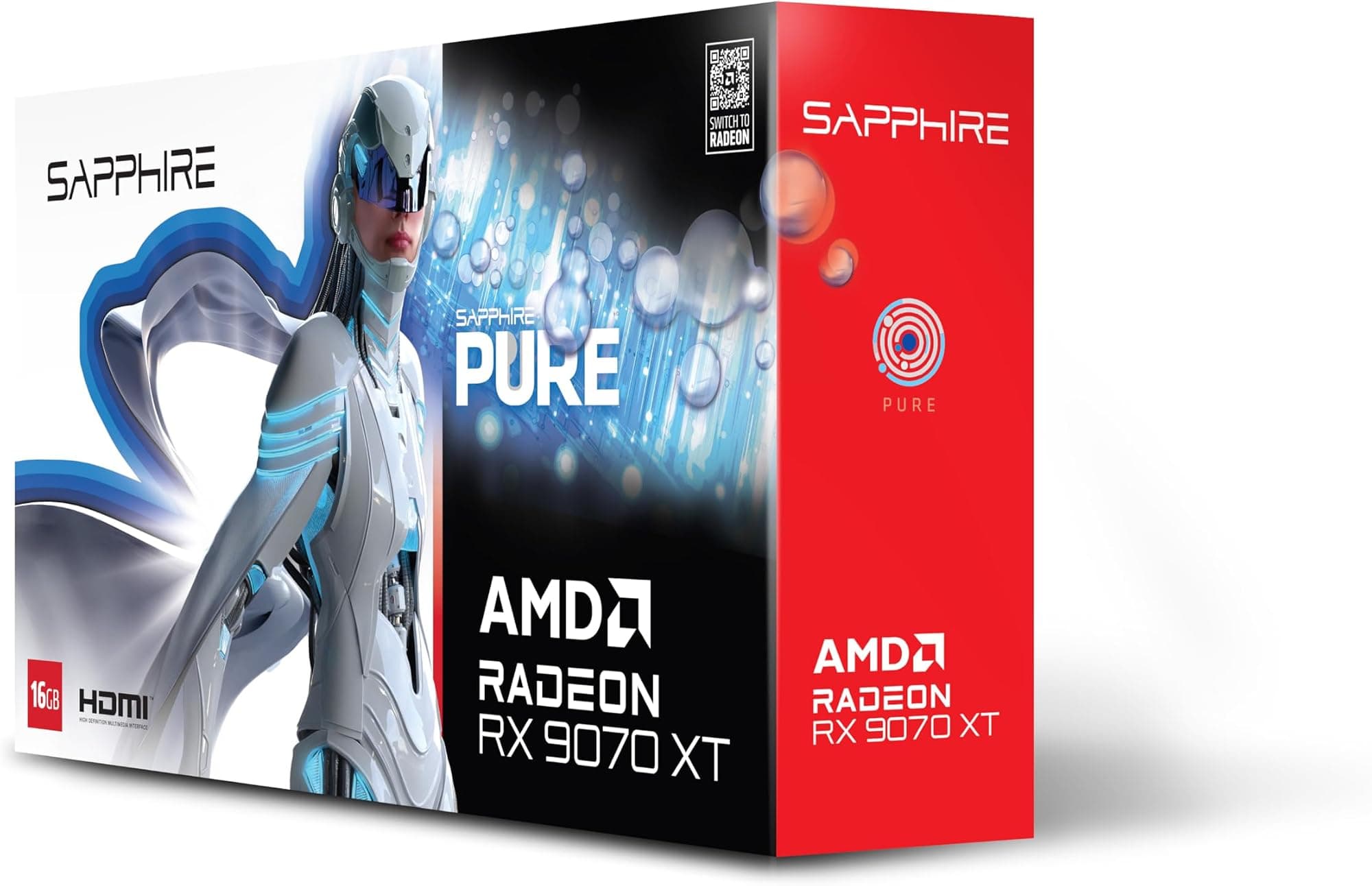
The two most relevant comparisons for the ASUS TUF Gaming RTX 5070 12GB are the AMD Radeon RX 9070 XT and the NVIDIA RTX 5070 Ti. The RX 9070 XT is AMD's answer to the 5070, built on the RDNA 4 architecture with 16GB of GDDR6, and it's been consistently competitive in rasterisation benchmarks at 1440p. AMD's pricing has historically been more aggressive, and if you're not invested in DLSS or the NVIDIA ecosystem, the 9070 XT is a legitimate alternative worth pricing up. The 16GB VRAM advantage is real for future-proofing, even if GDDR6 bandwidth trails GDDR7.
The RTX 5070 Ti sits above the 5070 in NVIDIA's stack, with more CUDA cores and higher performance across the board. If your budget can stretch to it, the 5070 Ti offers noticeably better 4K performance and more headroom for ray tracing workloads. But it comes at a significant price premium over the 5070, and for pure 1440p gaming, the performance difference doesn't justify the extra spend for most people. The 5070 is the right call if 1440p is your target. The 5070 Ti makes more sense if you're already thinking about 4K or you want the card to last an extra year or two before it starts to feel dated.
Below the 5070, the RTX 5060 Ti (in its 16GB variant) is the honest alternative for buyers who don't need the full 5070's performance. If you're gaming at 1440p at 60fps to 100fps rather than chasing 144fps, the 5060 Ti 16GB would serve you well at a lower price. The 5070 makes sense when you want to max out a 1440p 144Hz or 165Hz display consistently, or when you're doing double duty with content creation work that benefits from the additional shader throughput.
| Feature | ASUS TUF RTX 5070 12GB OC | AMD RX 9070 XT | NVIDIA RTX 5070 Ti |
|---|---|---|---|
| Architecture | Blackwell | RDNA 4 | Blackwell |
| VRAM | 12GB GDDR7 | 16GB GDDR6 | 16GB GDDR7 |
| AI Upscaling | DLSS 4 | FSR 4 | DLSS 4 |
| Ray Tracing | 4th Gen RT Cores | RDNA 4 RT | 4th Gen RT Cores |
| AI TOPS | 1000 | Not specified | Higher |
| Cooler | Dual-Fan Axial-Tech | Varies by AIB | Varies by AIB |
| Sweet Spot | 1440p 144Hz | 1440p 144Hz | 1440p/4K |
| Price | £738.17 | Similar bracket | Higher bracket |

Final Verdict
The ASUS TUF Gaming RTX 5070 12GB GDDR7 OC is a well-executed card in the right place in NVIDIA's stack. It's not trying to be a 4K powerhouse and it doesn't pretend to be. What it is is a proper 1440p card with enough performance headroom to handle a 144Hz or 165Hz display in most titles, a cooler that owners consistently praise, and 12GB of fast GDDR7 that keeps it relevant for the next few years. The 1000 AI TOPS and DLSS 4 support are genuine advantages over AMD's FSR 4, and the TUF line's build quality and dual-ball bearing fans are real differentiators over cheaper alternatives.
The ★★★★½ (4.7) average across 222 is not a marketing number, it's a signal. Cards with poor cooling, coil whine problems, or build quality issues accumulate negative reviews quickly. This one hasn't. That consistency matters when you're spending upper mid-range money on a component that's going to be in your system for years. The vented backplate and Axial-Tech fan design aren't just spec sheet padding, they're the kind of details that show up in long-term reliability.
The honest caveat is that at £738.17, you're paying a premium for ASUS's TUF branding and build quality over other RTX 5070 variants from other board partners. If budget is tight, a non-OC RTX 5070 from a reputable brand costs less and performs within a few percent. And if you genuinely don't need 144fps at 1440p, the RTX 5060 Ti 16GB is the smarter buy. It's the card for someone who's built a proper 1440p gaming rig and wants a GPU that matches it, not for someone who's still on a 1080p 60Hz monitor wondering if they should upgrade.
Who should buy this: anyone targeting a 1440p 144Hz or 165Hz display who wants to max out settings in modern titles, values a quiet and reliable cooler, and wants DLSS 4 in their toolkit. Who should skip it: 4K purists who'd be better served by the 5070 Ti or 5080, and budget builders who'd be better off with the 5060 Ti 16GB. For the right buyer, this is a proper card. Score: 8.5 out of 10.
What works. What doesn’t.
5 + 3What we liked5 reasons
- 12GB GDDR7 provides real VRAM headroom over 8GB competitors
- Dual-ball bearing Axial-Tech fans built for longevity and quiet operation
- 1000 AI TOPS and DLSS 4 Multi Frame Generation support
- Vented backplate improves sustained thermal performance
- 4.7/5 from 217 owners suggests strong real-world reliability
Where it falls3 reasons
- Upper mid-range pricing means you're paying an ASUS TUF premium over cheaper 5070 variants
- 12GB can feel tight at 4K ultra with demanding texture packs
- Dual-fan compact design trades some cooling headroom for size
Full specifications
12 attributes| Vram GB | 12 |
|---|---|
| Boost clock MHZ | 2640 |
| Chipset | RTX 5070 |
| Core clock MHZ | 2610 |
| Generation | RTX 50 Series |
| Interface | PCIe 5.0 |
| Length MM | 329 |
| Memory BUS BIT | 192 |
| Memory type | GDDR7 |
| Power connectors | 16-pin 12VHPWR |
| Slot width | 3.125 |
| TDP | 250 |
Will it run on what you have?
Free toolIf this isn’t right for you
2 options

Frequently asked
5 questions01Is the ASUS TUF Gaming RTX 5070 12GB GDDR7 OC GPU good for 1440p gaming?+
Yes, it's one of the better cards in this price bracket for 1440p gaming. Published benchmarks for the RTX 5070 class show it handling demanding titles at 1440p high to ultra settings with strong frame rates, often exceeding 100fps in the most demanding games and pushing well past 144fps in less demanding titles. With DLSS 4 Quality mode enabled, performance is even stronger. It's a proper match for a 1440p 144Hz or 165Hz display.
02What PSU do I need for the ASUS TUF Gaming RTX 5070 12GB GDDR7 OC GPU?+
A quality 750W PSU is the minimum recommendation, with 850W providing comfortable headroom especially if paired with a power-hungry CPU. The card uses a 16-pin power connector (12VHPWR or 12V-2x6), so ensure your PSU either has a native 16-pin cable or a good-quality adapter. Avoid cheap PSUs that are only rated to their advertised wattage under ideal conditions, as modern GPUs can produce transient power spikes above their rated TGP.
03Is 12GB VRAM enough in 2026?+
For 1440p gaming, yes, comfortably. 12GB of GDDR7 is well above the threshold where VRAM limitations start affecting performance at 1440p, even in texture-heavy titles. At 4K with maximum texture settings, some demanding games are pushing past 10GB, so there's less headroom, but with DLSS Quality mode active at 4K the effective VRAM pressure drops significantly. The 8GB tier is where real problems are appearing in 2026; 12GB is a different situation.
04How does the ASUS TUF Gaming RTX 5070 12GB GDDR7 OC GPU compare to AMD alternatives?+
The main AMD competitor is the Radeon RX 9070 XT, which offers 16GB of GDDR6 and competitive rasterisation performance at 1440p. The RX 9070 XT has a VRAM capacity advantage, but the RTX 5070 counters with GDDR7 bandwidth, DLSS 4 with Multi Frame Generation (which outperforms FSR 4 in supported titles), and stronger ray tracing performance courtesy of Blackwell's fourth-generation RT Cores. If you don't use ray tracing and aren't invested in DLSS, the 9070 XT is a legitimate alternative worth pricing up.
05What warranty and returns apply to the ASUS TUF Gaming RTX 5070 12GB GDDR7 OC GPU?+
Warranty details are not specified in the verified product data for this listing. When purchasing through Amazon UK, you're covered by Amazon's standard 30-day returns policy and the A-to-Z guarantee, which provides protection if the item is not as described or arrives faulty. For manufacturer warranty specifics, check ASUS's official support pages directly.