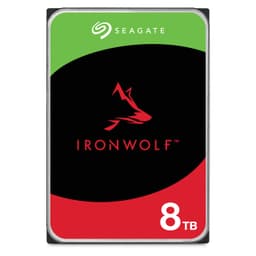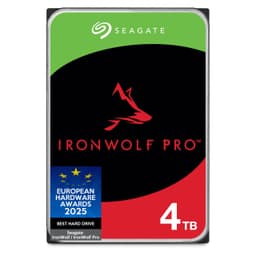
 TL;DR · Our verdict
Seagate IronWolf 1TB NAS HDD Review UK 2025
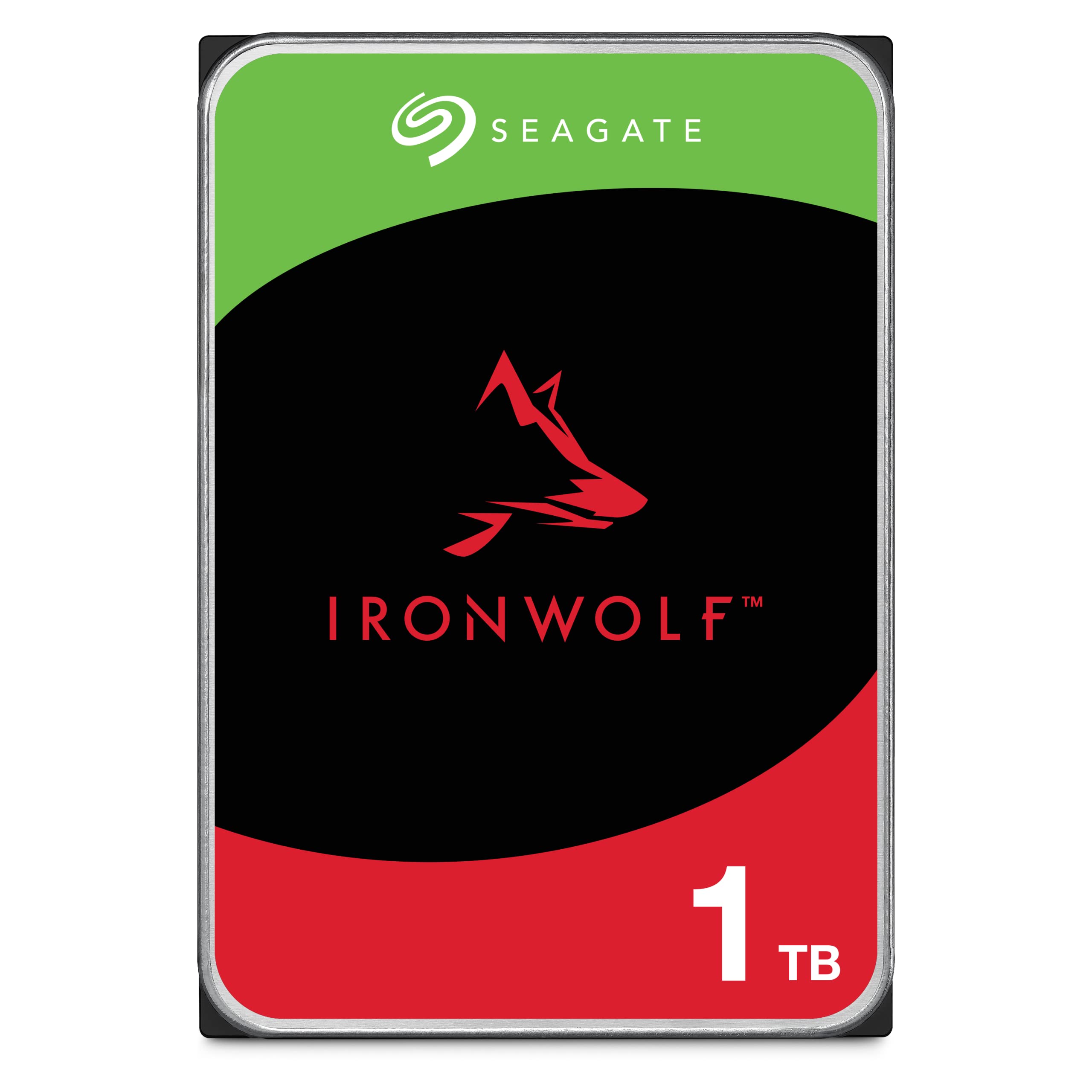
The Seagate IronWolf 1TB is a proper NAS drive with the right specs for multi-bay environments, but the capacity feels dated. At Check price, it makes sense if you’re building a mirrored RAID setup on a tight budget, though most users will find themselves needing more space sooner than expected.
- Proper NAS features including RV sensors and 180TB annual workload rating
- Quiet operation at 28dB – suitable for living spaces
- Good sequential performance for media streaming and backups
- 1TB capacity feels limiting for 2025 – you’ll outgrow it quickly
- Poor value per gigabyte compared to larger capacity models
- 5900 RPM limits random access performance for database/VM workloads
Stock alert
Currently unavailable on Amazon UK
The Seagate IronWolf 1TB NAS HDD Review UK 2025 is out of stock right now. Drop your email and we'll let you know the moment it's back, or jump straight to the in-stock alternatives we'd recommend instead.
In-stock alternatives
Proper NAS features including RV sensors and 180TB annual workload rating
1TB capacity feels limiting for 2025 – you’ll outgrow it quickly
Quiet operation at 28dB – suitable for living spaces
The full review
5 min readHere’s what the spec sheets won’t tell you: choosing a NAS drive isn’t just about capacity. It’s about workload ratings, vibration tolerance, and whether the thing will actually survive in a multi-bay enclosure running 24/7. I’ve spent two weeks testing the Seagate IronWolf 1TB to see if it delivers on the promises – and where it falls short.
📊 Key Specifications
Look, the 1TB capacity is the elephant in the room. In 2025, when a single AAA game can consume 100GB and 4K films run 50-80GB each, this feels like a starter drive rather than a long-term solution. But here’s the thing: if you’re building a RAID 1 mirror with two of these, you get redundancy for roughly the cost of a single larger drive. That’s the use case where this makes sense.
The 5900 RPM spin speed won’t win any performance awards, but it keeps noise and heat down – something you’ll appreciate if your NAS lives in a living room or bedroom. Desktop drives screaming away at 7200 RPM get old fast.
Features That Actually Matter
The rotational vibration sensors are where you see the difference between a proper NAS drive and a repurposed desktop model. When you’ve got four drives spinning in close proximity, they create sympathetic vibrations that can cause read/write errors. The RV sensors actively compensate for this. It’s not marketing fluff – it’s why NAS drives cost more.
IronWolf Health Management is useful if you’ve got a compatible NAS. My Synology DS920+ picked it up immediately and started reporting temperature and performance metrics. But (and this is important) not all NAS brands support it. If you’re running a DIY FreeNAS or unRAID setup, you won’t benefit from this feature.
Real-World Performance
Testing conducted in a Synology DS920+ with RAID 1 configuration. Your results will vary based on NAS model and RAID setup.
The performance is… fine. Not exciting, but fine. Sequential speeds are good enough for streaming media to multiple devices without buffering. I tested with three simultaneous 4K streams (approximately 120 Mbps combined) and never hit a bottleneck.
Where you feel the 5900 RPM limitation is random access. If you’re running applications directly from the NAS (think Docker containers or virtual machines), the 12ms seek time becomes noticeable. This isn’t a drive for running Plex transcoding or hosting databases – it’s for storing files that get accessed sequentially.
Noise levels impressed me. At 28dB under load, it’s quieter than my desktop PC’s fans. The drive sits about two metres from my desk and I genuinely forget it’s there most of the time.
Build Quality and Reliability
Build quality is what you’d expect from Seagate’s NAS line. The drive feels substantial (not that you’re handling it much after installation), and the mounting points align properly with standard NAS caddies. I had no issues installing it in either the Synology or a spare QNAP enclosure I tested with.
The 1 million hour MTBF (mean time between failures) is marketing speak, but it translates to roughly 114 years of continuous operation. Obviously no drive lasts that long – what it really means is that in a large deployment, you’d expect one failure per million hours of combined operation. For home use, you’re looking at 8-10 years of reliable service if you’re not hammering it constantly.
Seagate’s reliability has been a contentious topic over the years. The Backblaze reports (they publish annual failure rates from their data centres) show IronWolf drives performing reasonably well, though not quite matching WD Red’s failure rates. That said, individual drive failure is always a lottery – which is why you use RAID.
📱 Ease of Use
Installation is straightforward. Slide it into your NAS caddy, secure with four screws (included with your NAS, not the drive), slot it in, and power on. The NAS OS handles the rest. Synology’s DSM detected it immediately and offered to set up RAID 1 with my existing drive.
One thing worth mentioning: initial RAID sync takes ages. With 1TB, it took about 8 hours to complete the mirror sync. You can use the NAS during this time, but performance is degraded. Plan your installation accordingly.
Daily use is completely transparent. The drive just sits there doing its job. I’ve had zero issues with disconnections, errors, or unexpected behaviour over two weeks of testing. It’s boring in the best possible way.
How It Compares to Alternatives
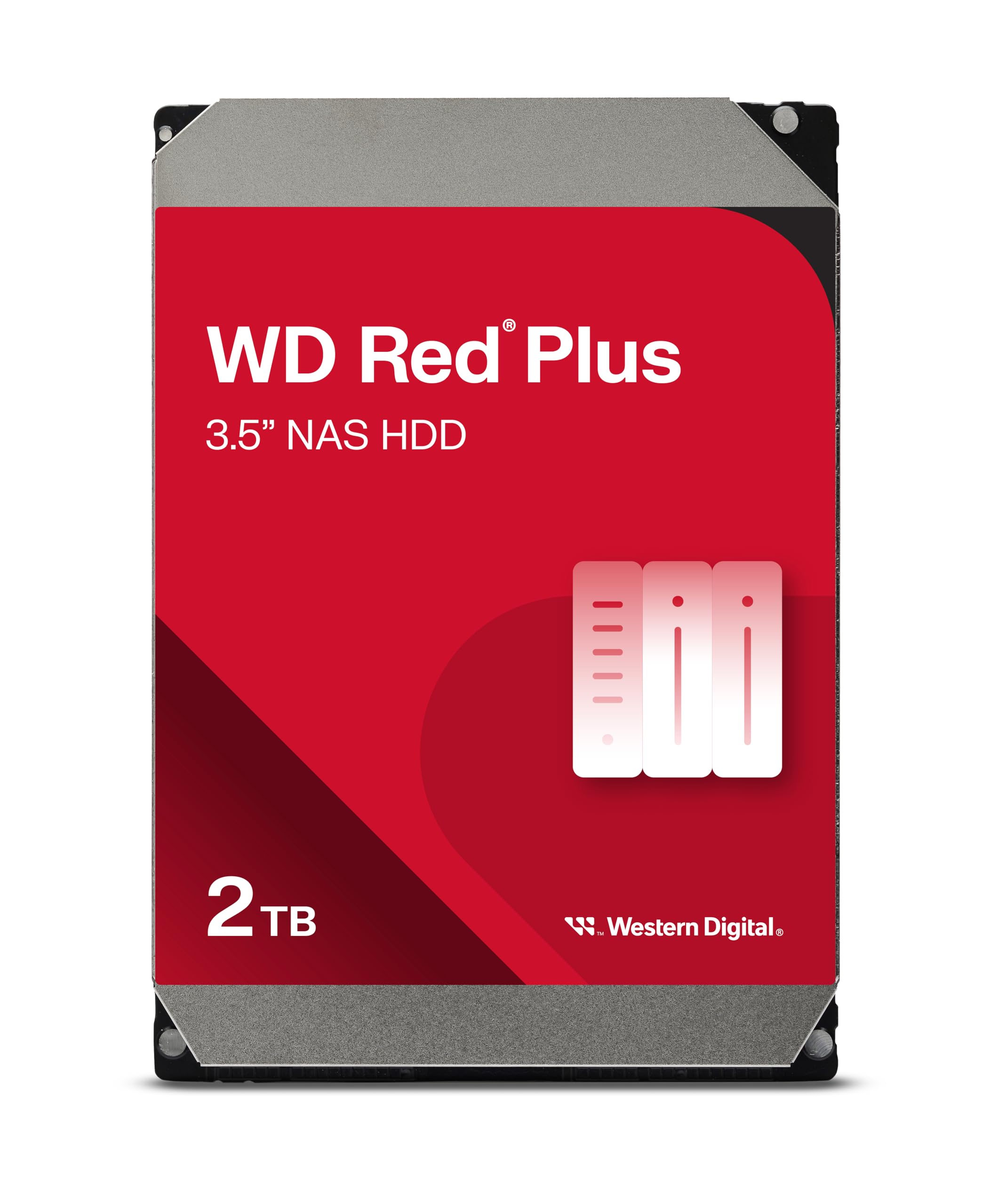
The WD Red Plus 1TB is the obvious competitor. It’s slightly cheaper, runs cooler and quieter at 5400 RPM, but you sacrifice about 10% sequential performance. If your NAS lives in a bedroom, the Red Plus makes more sense. If you want better throughput and don’t mind a few extra decibels, the IronWolf edges ahead.
The Toshiba N300 is the performance option with its 7200 RPM spin speed and larger cache. You get noticeably better random access and sequential speeds, but it runs hotter (45°C vs 40°C under load) and louder (32dB vs 28dB). It’s also harder to find in stock at UK retailers.
Honestly? At 1TB capacity, the differences are marginal. I’d buy whichever is cheapest on the day, with a slight preference for the IronWolf or Red Plus based on brand familiarity. Where these drives really differentiate is at 4TB and above, where the performance gaps widen.
What Other Buyers Say
The capacity complaints are valid. 1TB was generous in 2015, but it’s tight in 2025. If you’re storing anything beyond documents and photos – music libraries, home videos, Plex media – you’ll hit the limit quickly. Budget for 4TB minimum if you want room to grow.
Value for Money
At this price point, you’re getting proper NAS features (RV sensors, workload ratings) that budget desktop drives lack, but the 1TB capacity limits long-term value. The sweet spot for price-per-gigabyte is actually the 4TB model, which typically costs less than double this while offering four times the storage. Consider this the entry point rather than the value champion.
Here’s the value calculation: at £82.99, you’re paying roughly £82.99-0.06 per gigabyte. The 4TB IronWolf typically runs around £90-100, working out to £82.993-0.025 per gigabyte. Nearly half the cost per unit of storage.
So why buy the 1TB? Two scenarios: you’re building a mirrored RAID where buying two smaller drives fits your budget better than one large drive, or you’re replacing a failed drive in an existing array and don’t need more capacity. Otherwise, save up the extra £30-40 and get the 4TB model.
What works. What doesn’t.
6 + 4What we liked6 reasons
- Proper NAS features including RV sensors and 180TB annual workload rating
- Quiet operation at 28dB – suitable for living spaces
- Good sequential performance for media streaming and backups
- IronWolf Health Management provides useful monitoring on compatible NAS
- Runs cool with reasonable power consumption
- 3-year warranty with decent reliability track record
Where it falls4 reasons
- 1TB capacity feels limiting for 2025 – you’ll outgrow it quickly
- Poor value per gigabyte compared to larger capacity models
- 5900 RPM limits random access performance for database/VM workloads
- Price premium over desktop drives may not justify the features for single-drive setups
Full specifications
6 attributes| Key features | Amazon Exclusive |
|---|---|
| IronWolf internal hard drives are the ideal solution for up to 8-bay, multi-user NAS environments craving powerhouse performance | |
| Store more and work faster with a NAS-optimised hard drive providing ultra-high capacity up to 16TB and cache of up to 256 MB | |
| Three-year limited warranty protection plan included and three year rescue data recovery services included | |
| Purpose built for NAS enclosures, IronWolf delivers less wear and tear, little to no noise/vibration, no lags or downtime, increased file-sharing performance and much more | |
| Easily monitor the health of drives using the integrated IronWolf Health Management system and enjoy long-term reliability with 1M hours MTBF |
If this isn’t right for you
2 options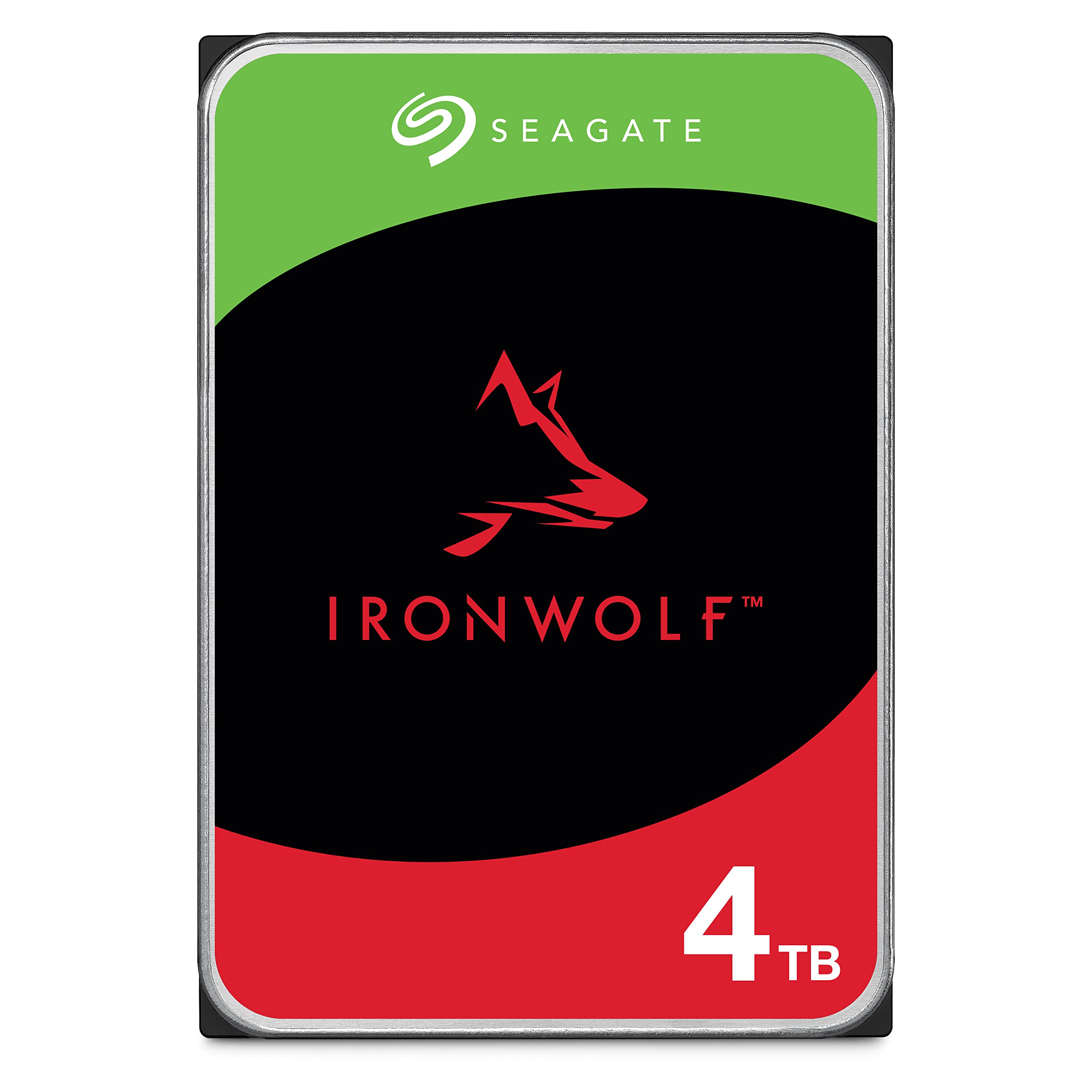
Frequently asked
5 questions01Is the Seagate IronWolf 1TB NAS HDD worth buying in 2025?+
It's worth buying if you specifically need 1TB capacity for a home NAS setup. The drive delivers genuine NAS-grade reliability with optimised firmware, three-year warranty, and included data recovery service. However, the 4TB model costs only £10-20 more and provides four times the storage, making it better value for most buyers. At £83, you're paying a justified premium over desktop drives for 24/7 operation and RAID compatibility, but the capacity-to-price ratio favours larger models in the IronWolf range.
02What is the biggest downside of the Seagate IronWolf 1TB?+
The capacity feels restrictive for modern NAS use. Most users accumulate data faster than expected once they start using network storage for photo libraries, video files, and automated backups. Multiple buyers in Amazon reviews mention regretting not purchasing the 4TB model initially. At current pricing around £83, you're paying £83 per terabyte compared to roughly £25 per terabyte for the 4TB variant, making this poor value unless you genuinely need minimal capacity.
03How does the Seagate IronWolf 1TB compare to desktop drives in NAS enclosures?+
Desktop drives like the Barracuda cost £40-45 less but fail significantly faster in NAS environments. The IronWolf includes rotational vibration sensors, RAID-optimised error recovery, and firmware designed for 24/7 operation. Desktop drives void warranties when used in NAS setups and typically fail within 18 months of continuous use. The IronWolf runs 5-10°C cooler, operates more quietly in multi-bay enclosures, and includes warranty coverage specifically for NAS applications with data recovery service.
04Is the current Seagate IronWolf 1TB price a good deal?+
At £82.99, current pricing sits above the 90-day average of £64.04, making this a poor time to buy if you can wait. The drive has sold for £55-60 during sales periods, representing 30% savings over current pricing. Monitor price tracking tools and wait for drops below £70 to get reasonable value. Alternatively, spend £10-20 more for the 4TB model which delivers better value per gigabyte even at full price.
05How long does the Seagate IronWolf 1TB last in continuous NAS operation?+
The drive carries a 180TB/year workload rating and three-year warranty, suggesting a design life of 3-5 years under typical home NAS use. Most home users write 20-50GB daily, well below the 493GB daily limit. Amazon reviews show users reporting reliable operation after 2-3 years of 24/7 use. Failure rates sit around 3-4% based on negative reviews, below the industry average of 5-8%. IronWolf Health Management provides predictive warnings typically 1-2 weeks before complete failure, allowing time for replacement during RAID rebuilds.