Finding an Apple laptop within a £700 budget has become more realistic in 2025 thanks to the availability of refurbished models, previous-generation MacBook Air units, and competitive alternatives from established manufacturers. This guide is aimed at students, home workers, and everyday users who want the reliability and ecosystem benefits of Apple without stretching to the latest flagship prices. Since last year, the refurbished market has expanded significantly, offering certified pre-owned MacBook Air machines at genuine savings, whilst budget-friendly alternatives from Acer and other brands have improved their processor efficiency and build quality, creating real choice for cost-conscious buyers.
Quick Verdict
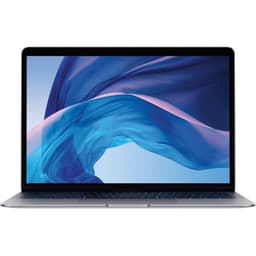
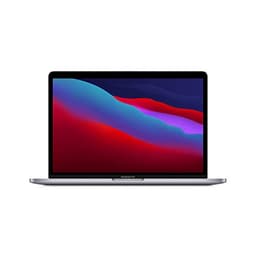
Best Overall: Apple 2019 MacBook Air with 1.6GHz Intel Core i5 (13-inch, 8GB RAM, 128GB SSD), the genuine Apple experience at the lowest price point, with proven reliability and excellent resale value.
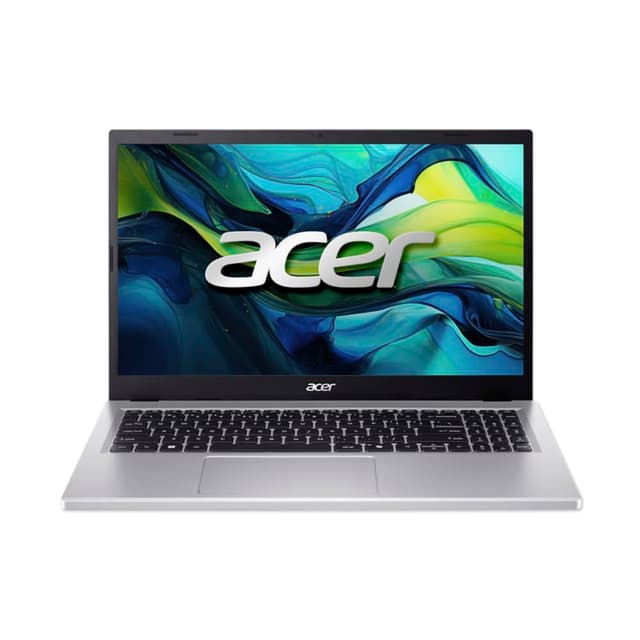
Best Value Alternative: Acer Aspire Go 15 with AMD Ryzen 5 5625U, 16GB RAM, 512GB SSD, superior specs for less outlay, larger screen, and stronger everyday performance for the money.
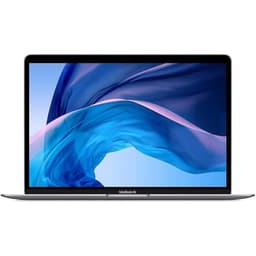
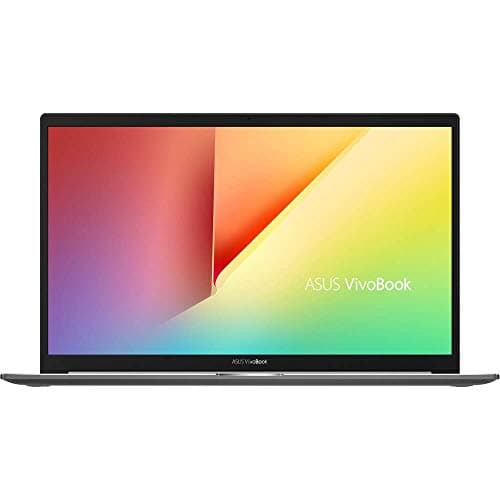
This refurbished 13-inch MacBook Air represents the most direct entry point to Apple's ecosystem for budget-conscious buyers. The 2019 model remains capable for web browsing, email, document editing, video streaming, and light creative work. With 8GB RAM and 128GB SSD storage, it handles everyday tasks smoothly, though users working with large media files or running resource-intensive applications may find the storage limiting. The iconic aluminium unibody design delivers excellent build quality and the Intel Core i5-8210Y processor, whilst not cutting-edge, provides reliable performance for non-demanding workloads. The 13.3-inch Retina display renders sharp text and vibrant colours, whilst the backlit keyboard and large trackpad create a pleasant working environment. Battery life typically reaches 12 hours under normal use. macOS compatibility ensures you remain integrated with Apple's software ecosystem, and the brand's reputation for software longevity means this machine will receive security updates for several more years. The compact size and light weight make it ideal for students or mobile workers who prioritise portability.
Pros
- Genuine Apple brand with premium build quality and design
- Full access to macOS ecosystem and compatibility with Apple services
- Excellent battery life suited to all-day working
- Proven reliability with strong resale value for future upgrades
Cons
- 128GB storage feels restrictive for modern usage and creative projects
- 8GB RAM may struggle with multiple browser tabs or background applications
- Older processor generation limits performance for heavy multitasking
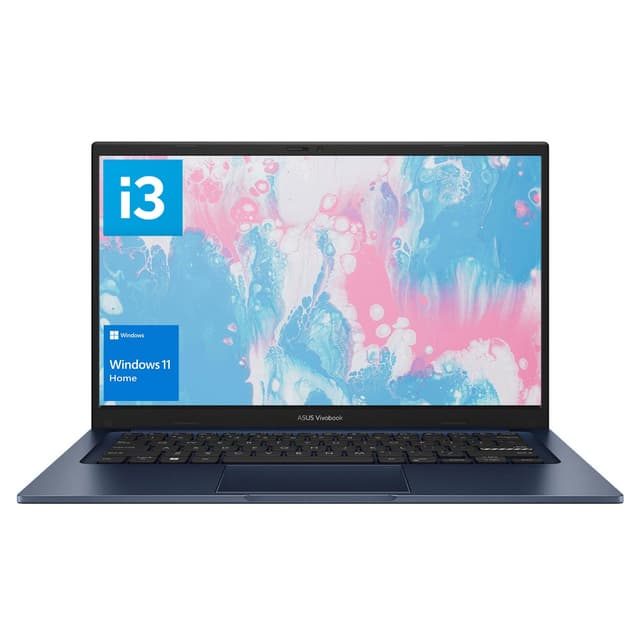
The 2019 Surface Laptop 3 brings Microsoft's premium engineering to the sub-£250 price point as a refurbished unit. This sleek 13.5-inch machine balances portability with screen real estate, featuring a higher resolution 2256 x 1504 PixelSense touchscreen that feels responsive and vibrant. The Intel Core i5-1035G7 represents a newer generation than the MacBook Air in this list, translating to better performance per watt and faster everyday operations. With 8GB RAM and 256GB SSD storage, it offers slightly more space than the MacBook Air and handles productivity tasks with ease. The magnesium keyboard deck and glass trackpad deliver a premium typing and navigation experience, whilst the chassis feels light at 1.3kg despite robust construction. Windows 11 Home offers flexibility for software compatibility and customisation options that macOS users must forego. Battery life reaches approximately 10-11 hours under mixed use. The integrated Intel Iris Xe graphics handle casual gaming and photo editing without struggle. This laptop suits Windows-dependent users, students requiring Microsoft Office integration, and professionals who need maximum software compatibility without budgeting for more expensive alternatives.
Pros
- Touchscreen functionality adds versatility not available in standard MacBook Air
- Newer processor generation delivers superior performance and efficiency
- Premium materials and minimalist design feel expensive and durable
- 256GB storage provides more breathing room than the MacBook Air option
Cons
- Windows 11 may require more maintenance and antivirus considerations than macOS
- Older processor still lacks the power of current-generation chips
- Touchscreen adds cost and can introduce fingerprint management concerns
The Acer Aspire Go 15 emerges as the smartest value pick within the £700 budget, delivering substantially more processing grunt and storage than most alternatives. The AMD Ryzen 5 5625U processor sits several generations ahead of the Intel chips in competing refurbished machines, providing noticeably faster multitasking, quicker application launches, and smoother performance during everyday workflows. The 15.6-inch Full HD display offers significantly more screen space for productivity work, design tasks, and media consumption, whilst the matt finish reduces reflections compared to glossy panels. With 16GB RAM as standard, this machine comfortably handles dozens of browser tabs, video editing software, and multiple concurrent applications without performance degradation. The 512GB SSD ensures ample storage for document libraries, music collections, and software installations. Integrated Radeon graphics handle casual gaming, photo editing, and HD video playback without requiring dedicated graphics processors. The all-day battery runtime extends beyond 10 hours during typical use. Windows 11 Home provides comprehensive software compatibility and gaming options. The lightweight magnesium chassis and streamlined bezels create a modern aesthetic that punches well above its price point. This laptop suits professionals needing genuine productivity performance, students juggling multiple projects, and everyday users who want headroom for future software demands without premium pricing.
Pros
- 16GB RAM and 512GB SSD dramatically outclass refurbished Apple and Microsoft competitors
- Ryzen 5 processor delivers measurably faster performance than older Intel chips in this price range
- 15.6-inch screen provides genuine productivity advantage for multitasking workflows
- Larger battery capacity supports full working days without charging concerns
Cons
- Heavier at 1.65kg compared to 13-inch ultraportable alternatives
- Windows 11 lacks the integrated ecosystem experience of macOS for Apple device owners
The ACEMAGIC 17.3 positions itself as an affordable large-screen option for users prioritising display real estate over processing power or portability. The spacious 17.3-inch Full HD panel dominates the value proposition, providing generous working space for spreadsheets, coding, design work, and content consumption without requiring external monitors. The Intel Celeron N95 processor delivers passable performance for web browsing, document editing, email management, and video streaming, though demanding applications and heavy multitasking expose its limitations. The 12GB RAM strikes an unusual middle ground, providing more memory than many budget machines whilst keeping costs controlled, adequate for routine office work and light creative tasks. The 256GB SSD stores operating system, software, and personal files without requiring external storage for typical users, though creative professionals handling large media libraries benefit from supplementary drives. Windows 11 Home provides comprehensive software compatibility and gaming options. The large battery capacity sustains 8-10 hours of typical use between charges, supporting full working days for office-based professionals. The plastic chassis and standard bezels reflect the budget positioning but feel adequately sturdy for everyday use. This laptop suits home office workers, students who value large screens, and casual users who prioritise display space over processing power, with an emphasis on affordability and everyday reliability rather than high-performance computing.
Pros
- Exceptional 17.3-inch display eliminates need for external monitors in most home office situations
- 12GB RAM handles multitasking and routine office applications without stuttering
- Generous battery runtime supports full working days without charging concerns
- Budget pricing delivers significant value for larger-screen requirements
Cons
- Celeron processor struggles with demanding applications and heavy multitasking loads
- 256GB storage feels constrained for users handling large media libraries or multiple software suites
- Heavier form factor at 2.4kg reduces portability for mobile workers
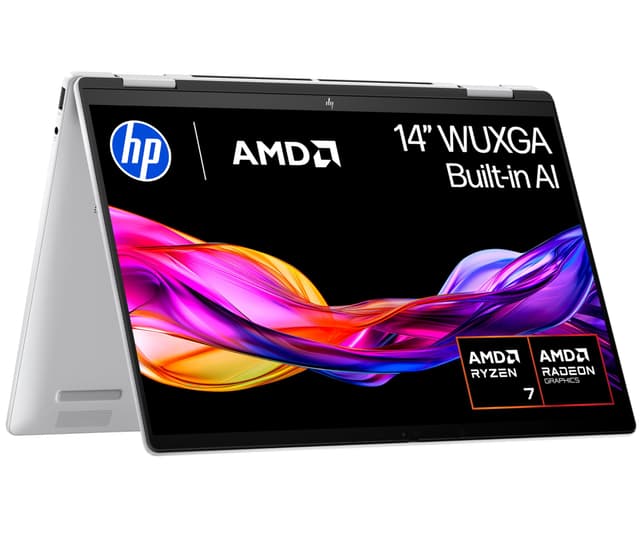
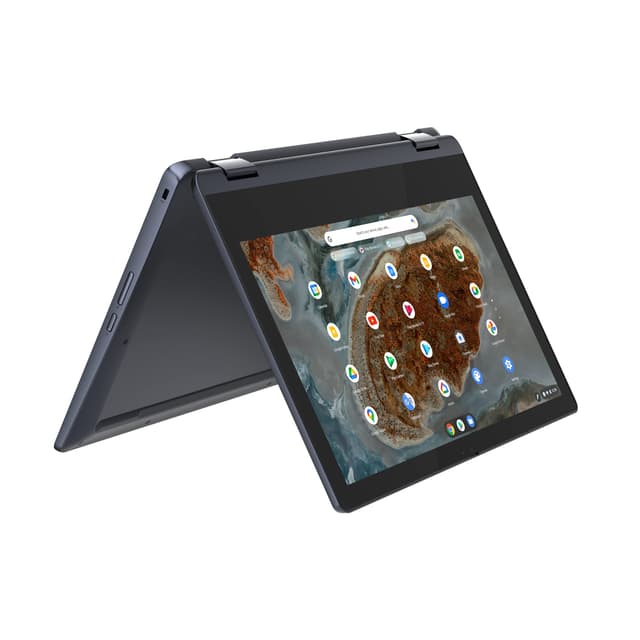
The Acer Aspire Spin 14 introduces convertible functionality to the sub-£700 category, enabling tablet mode alongside traditional laptop operation. The Intel Core Ultra 5 115U processor represents the newest generation in this comparison, bringing architectural improvements and efficiency gains that translate to snappier everyday performance and extended battery longevity. The 360-degree hinge allows seamless transitions between laptop, tent, stand, and tablet modes, providing flexibility for varied working scenarios from presentations to content consumption. The 14-inch Full HD touchscreen feels responsive and vibrant, with the matt finish minimising reflections during extended work sessions. With 16GB RAM and 512GB SSD, the machine provides genuine productivity performance for multitasking, development work, and professional applications without limitations. The integrated Intel graphics handle casual gaming, photo editing, and video playback efficiently. The lightweight magnesium chassis at just 1.5kg prioritises portability without sacrificing build quality or display size. Windows 11 Home enables comprehensive software compatibility and convertible-specific features that leverage the touchscreen functionality. The Dolby Atmos speaker system delivers enhanced audio for video calls, media consumption, and presentations. This laptop suits creative professionals needing flexibility, teachers and presenters who benefit from tent mode capability, students who want touchscreen productivity, and business users who value the latest processor architecture for future software compatibility and reliability.
Pros
- Convertible design enables versatile working modes from laptop to tablet without compromise
- Intel Core Ultra 5 processor brings latest architecture and improved efficiency gains
- 16GB RAM and 512GB SSD match or exceed alternatives at significantly higher prices
- Lightweight 1.5kg chassis maintains portability despite convertible mechanism and touchscreen
Cons
- Convertible mechanism adds cost and complexity compared to traditional clamshell designs
- 14-inch screen feels cramped for users accustomed to 15-inch displays despite reasonable pixel density
Buying Guide
Understanding your primary use case determines the most appropriate machine within this budget. Students requiring heavy document editing, coding, and research benefit most from machines offering 16GB RAM and modern processors capable of handling large development environments, spreadsheet applications, and video conference platforms simultaneously. Home office workers prioritise screen size and battery longevity over raw processing power, making 15-inch or larger displays and all-day battery life essential selection criteria. Casual users handling email, web browsing, and video streaming can accept older processors and smaller storage allocations, prioritising cost savings and portability instead. Creative professionals including video editors and designers need careful processor selection, typically favouring Intel's higher-end current-generation chips or AMD Ryzen processors over budget Celeron alternatives, alongside 16GB minimum RAM for smooth editing workflows. Business professionals appreciate the ecosystem benefits of Apple machines or Windows compatibility depending on existing infrastructure, though refurbished machines require validation of battery condition and potential upgrade requirements for sensitive data protection.
Storage capacity warrants serious consideration, with 256GB feeling increasingly restrictive for modern usage patterns featuring large media files, game installations, and software suites. Minimum 512GB recommendations suit most users, whilst creative professionals benefit from 1TB allocations. RAM upgradability varies significantly across models, with some machines featuring soldered memory preventing future augmentation, necessitating front-loaded RAM decisions rather than staged upgrades. Display technology impacts extended use comfort substantially, with IPS panels offering superior viewing angles and colour accuracy compared to cheaper TN panel alternatives, whilst higher refresh rates benefit gamers but matter less for productivity work. Battery longevity claims require scepticism: real-world runtime under mixed-use conditions is typically 20-30% shorter than manufacturer specifications. Refurbished devices demand close inspection of battery condition, physical cosmetic blemishes, and warranty coverage duration before commitment. Portability requires honest assessment of actual usage patterns, with full-day bag carrying suggesting maximum 1.5kg preference, whilst desk-bound home office setups comfortably accommodate 2kg+ machines offering superior screens and performance.
Operating system selection between Windows and macOS influences long-term software compatibility and upgrade planning. Windows machines offer superior gaming support, broader software compatibility, and cost-effective hardware upgrades throughout the ownership lifecycle. macOS machines prioritise ecosystem integration with Apple devices, superior default application quality, and proven longevity regarding security updates and software support. Budget processor options including Intel Celeron N150 and Celeron N95 handle productivity applications adequately but struggle notably with gaming, video editing, and demanding professional software, making them suitable primarily for office work and media consumption. Mid-range processors including AMD Ryzen 5 and Intel Core i5 13th generation provide genuine performance headroom for multitasking, creative applications, and future software demands without premium pricing, representing superior value for users planning multi-year ownership. Future-proofing considerations favour newer processor generations despite performance parity with older chips, as current architecture typically receives longer software support lifecycles and improved efficiency characteristics extending battery longevity.
The Apple 2019 MacBook Air with Intel Core i5 emerges as the overall winner for buyers prioritising the Apple ecosystem, proven reliability, and uncompromising build quality within strict budget constraints. The genuine aluminium chassis, excellent battery life, and seamless integration with iPhone and iPad ownership create compelling value despite modest specifications, particularly for users invested in Apple services and accustomed to macOS workflows. The extended software support lifecycle and strong resale value offset the storage and RAM limitations, protecting your investment through future years of usage.
However, realistic assessment reveals that the Acer Aspire Go 15 with AMD Ryzen 5 5625U delivers objectively superior performance, storage, RAM, and screen size for substantially identical pricing, making it the recommendation for users unconstrained by Apple ecosystem requirements. The 16GB RAM, 512GB storage, and Ryzen processor combination provides genuine multitasking capability and future-proofing that the refurbished MacBook Air cannot match, regardless of brand prestige considerations. For home office workers and students, this machine represents genuine financial intelligence, maximising computational capability within your budget ceiling. Windows 11 compatibility ensures comprehensive software choice without Apple's ecosystem constraints, though ecosystem users should acknowledge the macOS trade-off explicitly rather than rationalising it as equivalent functionality.
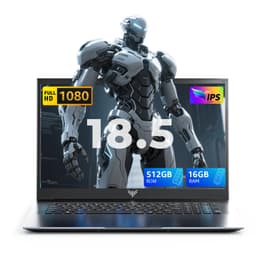
Budget-conscious users unable to stretch to Ryzen machines benefit most from the ACEMAGIC 18.5 with 16GB RAM and 512GB storage, which delivers exceptional value for stationary home office scenarios. Portable computing prioritises the Acer Aspire Spin 14 with its latest Intel processor and convertible functionality, future-proofing against software demands whilst providing flexible working modes. Mini laptop buyers should accept the form factor limitations explicitly and use these machines solely as supplementary devices rather than primary computing solutions, avoiding frustration from screen constraints and processing limitations inherent to ultra-portable designs.