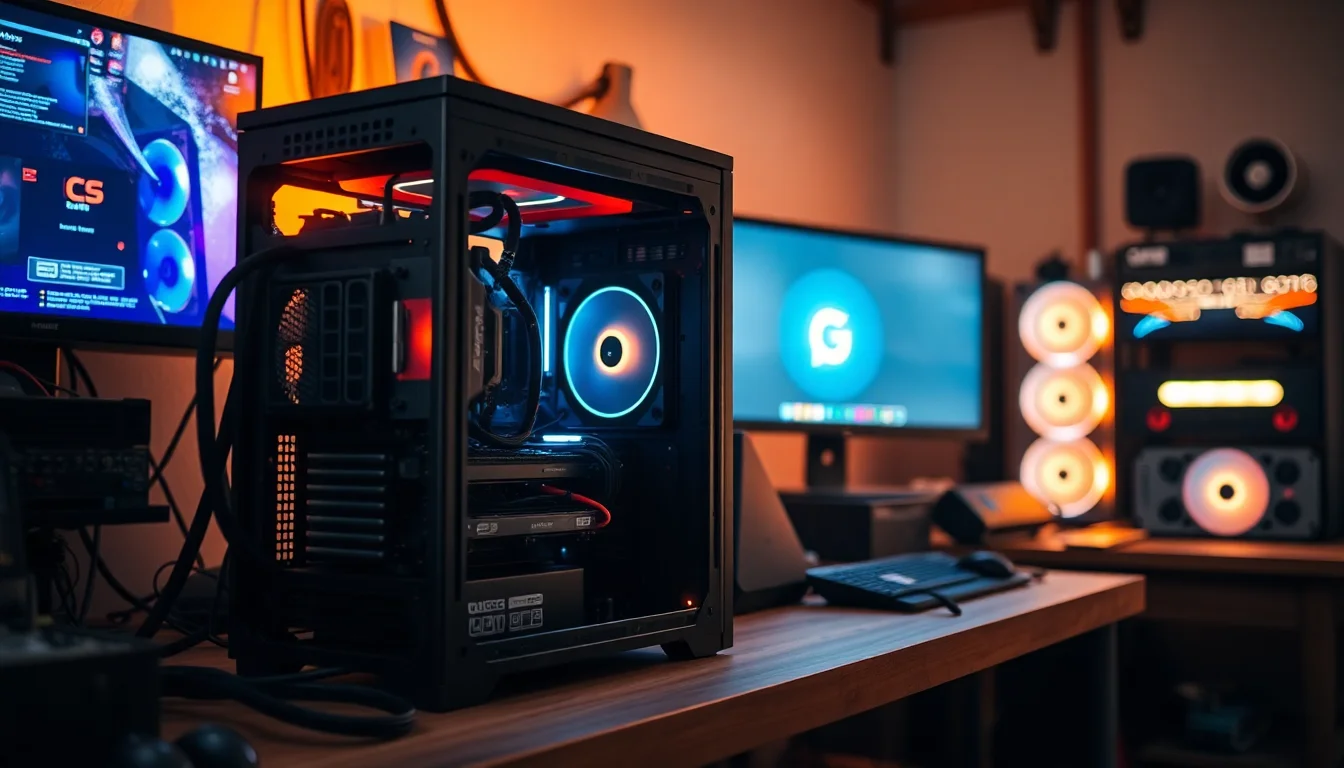
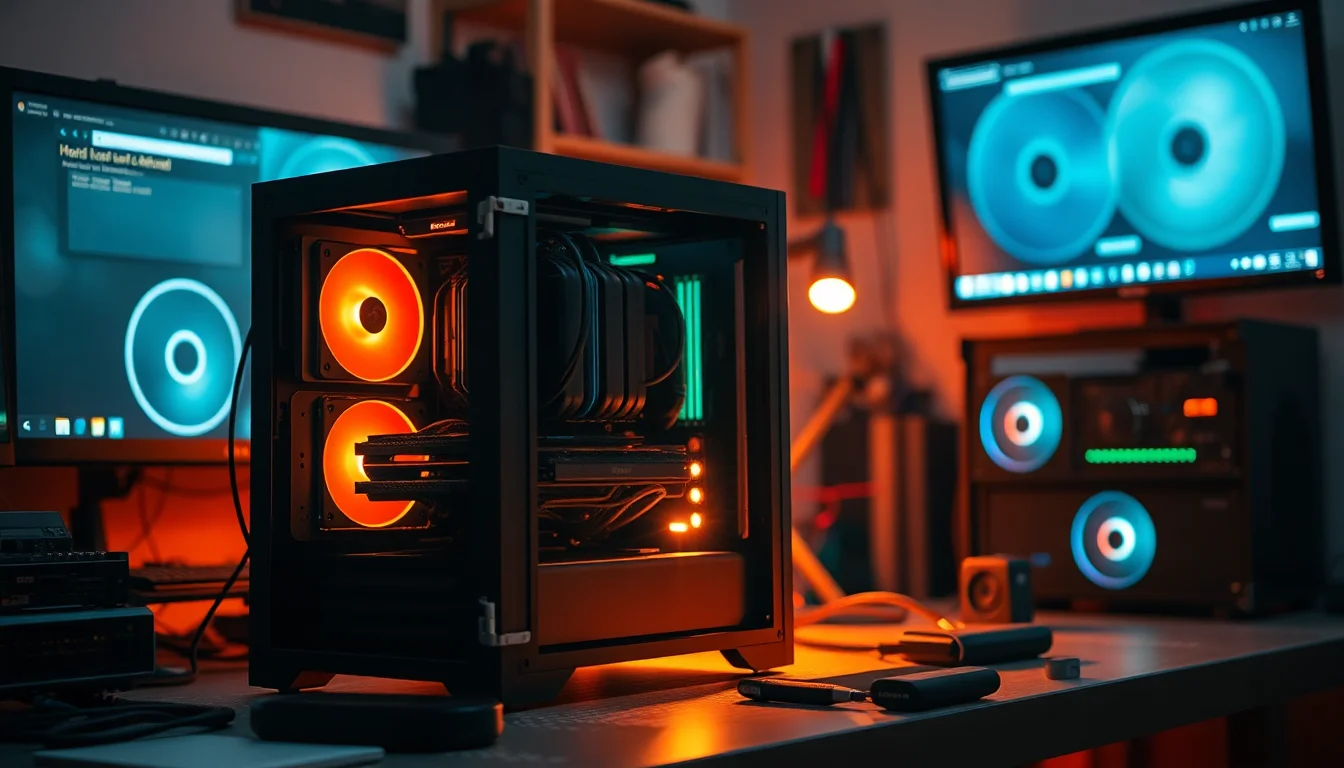
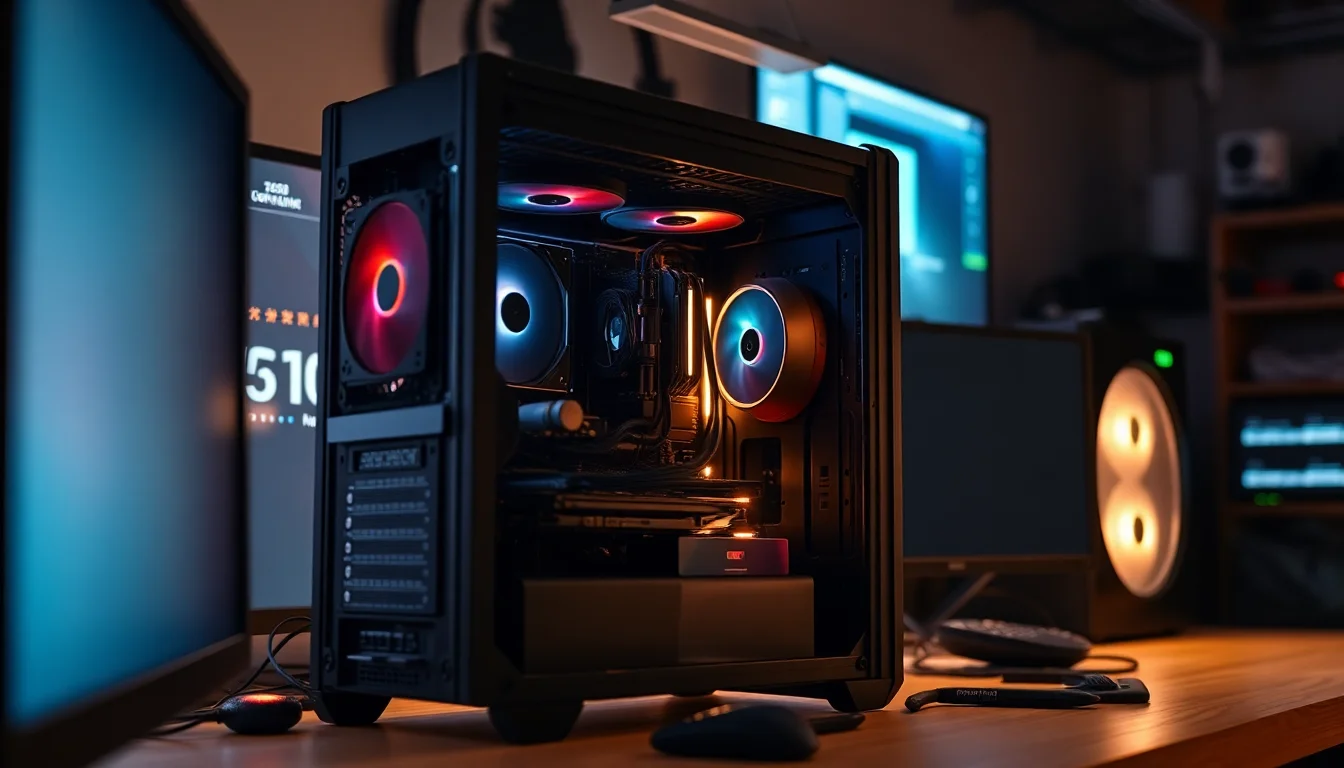
Budget PC cases have a habit of looking brilliant in product photos and being absolutely miserable to actually build in. You know the type: sharp steel edges that draw blood, panels that need a wrestling match to remove, cables that go nowhere useful, and fans that sound like a small aircraft taking off. So when a case turns up at the entry price tier promising nine pre-installed ARGB fans, panoramic tempered glass, and 360mm radiator support, the obvious question is: what corners did they cut to get there?
The AMANSON PC CASE ATX 9 PWM ARGB Fans Pre-Installed (model H9) has racked up 655 owner reviews sitting at a 3.9 out of five. That's not a disaster, but it's not a standing ovation either. A 3.9 at this price tier usually means the case does the headline stuff well enough but has a handful of genuine annoyances that a percentage of builders will find deal-breaking. The job here is to figure out which camp you're likely to fall into before you part with your money, not after.
So here's the verdict upfront: this case is a genuinely decent shout for a first-time builder who wants a visually dramatic result without spending serious money, and who isn't planning to stuff it with a 400W GPU and a 280mm AIO simultaneously. It solves the "my case came with zero fans and looks like a beige filing cabinet" problem convincingly. It does not solve the "I want build quality that rivals a Fractal or a be quiet!" problem. Know which problem you have, and you'll know whether to buy it.
Core Specifications
Let's get the numbers on the table. The H9 is a mid-tower chassis supporting ATX, Micro ATX, and Mini ITX motherboards. It comes with nine pre-installed 120mm ARGB PWM fans, which is genuinely unusual at this price point. Most budget cases give you one or two fans at best, so arriving with nine is a legitimate selling point rather than marketing fluff. Fan support extends to ten 120mm positions total, so there's room to add one more if you're feeling enthusiastic.
GPU clearance is rated at 360mm maximum, which covers the vast majority of current cards including longer triple-fan designs. Radiator support tops out at 360mm in the top position and 360/280/240mm options depending on configuration, which gives you real flexibility for AIO cooling. Storage is modest: one 3.5-inch HDD bay and one 2.5-inch SSD position, both behind the motherboard tray. The front I/O panel carries one USB 3.0 port, two USB 2.0 ports, HD audio, a power button, and a restart button. The product listing also references Type-C connectivity in the product title.
The case ships with one dust filter. Tempered glass panels sit on the front and left side, giving that "panoramic" look that's all over budget gaming cases right now. The steel chassis is the standard 0.5mm to 0.6mm gauge you'd expect at this tier, which is functional rather than impressive. It's not going to flex dramatically, but it's not Fractal's 1mm steel either. Here's the full spec rundown:
| Specification | Detail |
|---|---|
| Form Factor | Mid Tower |
| Motherboard Support | ATX, Micro ATX, Mini ITX |
| Pre-installed Fans | 9x 120mm ARGB PWM |
| Total Fan Capacity | 10x 120mm |
| Max GPU Length | 360mm |
| Radiator Support (Top) | 360mm / 280mm / 240mm |
| Storage: HDD | 1x 3.5 inch |
| Storage: SSD | 1x 2.5 inch |
| Front I/O | 1x USB 3.0, 2x USB 2.0, HD Audio, Power, Reset |
| Tempered Glass | Front and left side panels |
| Dust Filters | 1 included |
| Current Price | Check price |
| Rating | ★★★½☆ (3.9) (602 reviews) |

Form Factor and Dimensions
Mid-tower is the sweet spot for most PC builders, and the H9 sits comfortably in that category. You're not getting a compact case that'll sit neatly on a small desk, and you're not getting a full-tower behemoth that dominates a room. What you get is a chassis sized to accommodate a full ATX board with room for proper cooling, which is exactly what the radiator support numbers suggest. It'll sit on a standard desk or a floor-mounted shelf without drama.
The dual tempered glass panels (front and left side) do make this case physically wider than a simple solid-panel design. That front glass panel in particular adds depth to the footprint compared to a mesh-front alternative. Worth measuring your desk or case shelf before ordering if space is tight. The panoramic aesthetic is genuinely striking in person according to owners who've built in it, with the ARGB fans visible through both panels creating a proper light show effect. Whether that's your thing or not is a personal call, but it does what it says.
The mid-tower sizing also means this is not going to be a case you carry to LAN parties regularly. It's a desk or floor unit, full stop. But for a home gaming build that stays in one place, the footprint is perfectly manageable. The tempered glass does add weight compared to acrylic alternatives, so bear that in mind if you're planning to move it around during the build process. Owners generally report the case feels solid enough when assembled, even if the bare steel chassis before components go in feels a touch light.
Motherboard Compatibility
The H9 supports ATX, Micro ATX, and Mini ITX motherboards. That covers the overwhelming majority of consumer builds. If you're running a standard gaming build on an AMD or Intel platform, whether that's a budget B650 board or a mid-range Z790, it'll fit. The ATX support is the important one here because ATX is still the default for most gaming builds with multiple expansion slots and proper VRM layouts.
Micro ATX is a popular choice for builders who want a slightly smaller board footprint without going full Mini ITX, and it's fully supported here. Mini ITX works too, though you'd be paying for a lot of case you don't need if you're going that route. A proper Mini ITX build usually wants a smaller chassis to match. The H9 is sized for ATX, and that's where it makes most sense.
The standoff layout is standard for an ATX mid-tower, so there's nothing unusual to navigate there. One thing from owner feedback is that the manual isn't always the clearest guide to the build process, which is pretty common with cases from smaller brands. If you're a first-time builder, having a build guide video open alongside the manual is a smart move regardless. The physical compatibility itself isn't the issue; it's the documentation quality that occasionally trips people up according to the review patterns.
GPU Clearance
Three hundred and sixty millimetres of GPU clearance is the number you want to see, and this case delivers it. That's enough room for essentially every current consumer graphics card on the market. An Nvidia RTX 4090 Founders Edition comes in at 336mm. Most triple-fan AIB partner cards from ASUS, MSI, or Gigabyte sit in the 320mm to 350mm range. You'd have to be doing something quite specific to find a card that won't fit here.
The practical implication is that you're not buying yourself into a corner with this case. If you start with a mid-range card now and want to upgrade to something beefier in two years, the clearance won't be your limiting factor. That's genuinely useful at the entry price tier, where some cases quietly cap you at 300mm or less and you only find out when your new card arrives and won't close the side panel. The H9 avoids that particular trap.
There's no mention of a vertical GPU mount option in the spec sheet, so if riser-cable vertical mounting is on your wishlist, this probably isn't the case for you. But for a standard horizontal GPU installation, 360mm clearance is more than enough headroom. Owner reports don't flag GPU fitment as a common problem, which suggests the stated clearance is accurate rather than optimistic marketing. That matters more than you'd think with budget cases, where the spec and the reality sometimes diverge.
CPU Cooler Clearance
The spec sheet doesn't give a specific maximum CPU air cooler height, which is a bit frustrating. It's one of the measurements you really want upfront when you're planning a build. What we do know is that this is a standard mid-tower chassis, and mid-towers in this size class typically support air coolers up to around 155mm to 165mm. That covers most popular tower coolers including the Noctua NH-D15 (which sits at 165mm) and the be quiet! Dark Rock 4 (163mm). But since the exact number isn't confirmed in the verified specs, treat any figure you see elsewhere with appropriate caution until you can confirm against the manufacturer's listing.
Where the H9 is more explicitly generous is with AIO radiator support. The top panel accommodates 360mm, 280mm, and 240mm radiators, which means you can run a proper high-end AIO without compromise. That's the right place to prioritise radiator support because top-mounted radiators exhaust heat directly out of the case rather than recirculating it. A 360mm AIO at the top with the existing fans handling intake is a genuinely effective thermal setup if you spec it correctly.
The front panel radiator support is also referenced in the spec data for 360/280/240mm configurations, giving you flexibility if you prefer front-mounted cooling. Running a 360mm AIO at the front with the nine included fans supplementing airflow is an ambitious but achievable setup. Owners who've gone the AIO route generally report satisfactory thermal results, though as with any glass-heavy case, you're accepting some airflow trade-off compared to a mesh-front design. More on that in the airflow section.
Storage Bay Options
This is where the H9 shows its budget roots most clearly. One 3.5-inch HDD bay and one 2.5-inch SSD bay is genuinely minimal. For a lot of modern builds, that's actually fine because most people are running an M.2 NVMe SSD as their primary drive anyway, and those mount directly to the motherboard rather than needing a dedicated bay. If your storage plan is "one M.2 boot drive and maybe one SATA SSD," the bay situation is no problem at all.
But if you're the kind of builder who wants a big HDD for game storage alongside your SSD, you've got exactly one slot for it. And if you're thinking about two HDDs and two SSDs, you'll hit the wall immediately. For a media storage build or a NAS-adjacent setup, this case is the wrong choice. For a focused gaming PC where the storage lives mostly on M.2 drives, it's workable. Just be honest with yourself about what you're actually going to install before you commit.
Both bays are positioned behind the motherboard tray according to the spec, which is the right place for them from a cable management perspective. Drives tucked behind the tray keep the main chamber cleaner and make the ARGB fan show more visible through the glass. It's a sensible trade-off for a case that's clearly designed around visual impact. The 3.5-inch bay handles standard desktop HDDs without issue, and the 2.5-inch position works for either a 2.5-inch SSD or a 2.5-inch HDD if you need one.

Cable Management
The H9 includes a large cable management space behind the motherboard tray, which the spec sheet describes as enough to "clean up the interior and improve airflow." That's the right intention. A generous behind-tray area is one of those features that separates a genuinely builder-friendly case from one that looks good in photos but becomes a cable nightmare when you're trying to close the rear panel. Budget cases often skimp here, leaving you with a centimetre of clearance that makes routing anything thicker than a USB header cable an exercise in frustration.
Owner reports suggest the cable management situation is decent rather than exceptional. The space is there, but the number of pre-cut cable routing holes and the presence (or absence) of Velcro tie-down points isn't explicitly confirmed in the spec data. What is confirmed is that the case comes with a PSU shroud area that helps keep the lower chamber tidy. For a first-time builder, the available space should be enough to produce a clean result with some patience. Experienced builders will probably want more routing options than this case provides.
The nine pre-installed fans do add to cable management complexity in a way. Nine fans means nine sets of cables to route, even if they're running through a hub or controller. Budget cases sometimes include a basic fan hub to consolidate this, but the exact hub arrangement for the H9 isn't specified in the verified data. Owner feedback suggests this is manageable but does require some thought during the build process. If you're the type who wants a pristine cable run with everything hidden, budget extra time for this one.
Airflow and Thermal Design
Nine pre-installed 120mm ARGB PWM fans is the headline spec, and it's a genuinely impressive number for the price. To put it in context: cases at twice the price from established brands often ship with three fans and expect you to buy the rest. Getting nine fans included means you can run a proper positive-pressure or balanced airflow configuration straight out of the box without spending another penny on fans. That's real money saved, even if the fans themselves aren't going to match Noctua or be quiet! quality.
The catch with the H9, as with most glass-heavy cases, is that the front tempered glass panel restricts intake airflow compared to a mesh-front design. Glass doesn't breathe. Air has to find its way in around the edges of the panel rather than through it, which creates a natural bottleneck regardless of how many fans you're running. This is the fundamental trade-off of the panoramic glass aesthetic: it looks brilliant, but a mesh-front case like the Fractal Meshify C or the Lian Li Lancool 216 will move more air at the same fan speed. If your GPU runs hot under sustained load and you live somewhere warm, that matters.
For a mid-range gaming build running a card in the RTX 4070 class or below, the thermal situation should be perfectly fine. The combination of nine fans and 360mm radiator support at the top gives you enough cooling headroom for most use cases. Where it gets more marginal is with high-TDP cards like an RTX 4090 in a warm room running extended gaming sessions. Owner reports don't flag widespread thermal complaints, which is reassuring, but the physics of glass-front cases mean you're not getting the absolute best airflow this fan count could theoretically deliver. It's a visual-first design with thermal performance that's good rather than outstanding.
Front I/O and Connectivity
The front I/O panel gives you one USB 3.0 port, two USB 2.0 ports, HD audio (headphone and mic), a power button, and a restart button. The product title also references Type-C connectivity, which is as a potential addition to what's listed in the feature bullets. Check the current listing for the most up-to-date I/O specification before purchasing, as there can sometimes be discrepancies between product titles and feature descriptions on Amazon listings.
The USB 3.0 single port is fine for most day-to-day use. Plug in a USB drive, connect a controller, done. Where it starts to feel a bit thin is if you're regularly transferring large files or connecting multiple devices simultaneously. Two USB 2.0 ports supplement it, but USB 2.0 is slow for data transfer (it's fine for keyboards and mice). If you're coming from a case with two USB 3.0 ports or a USB-C front port and you use them regularly, this might feel like a step down.
The HD audio jack is standard for the price tier and works fine with most headsets. The power and restart buttons are positioned on the top I/O panel, which is the conventional placement for a mid-tower. Nothing unusual there. The overall I/O package is adequate for a budget build without being generous. It's not going to be the reason you buy this case, but it's also not so minimal that it should be a deal-breaker unless your workflow genuinely depends on fast front-panel USB transfers.
Build Quality and Materials
At the entry price tier, you're not getting premium steel. The H9 uses standard budget-case gauge steel for the chassis, which is functional and won't flex dramatically once everything is installed, but it doesn't have the satisfying rigidity of a Fractal Define or a be quiet! Silent Base. That's expected and fair at this price. The question is whether it's good enough, and for a static desktop build that stays on a desk, it generally is.
The tempered glass panels are the visual centrepiece and they do the job. Tempered glass is inherently safer than acrylic (it shatters into small blunt pieces rather than sharp shards if broken) and it scratches less easily. The dual-panel setup on the front and left side is genuinely striking. Owner reports are generally positive on the glass quality, though a small number mention that the front panel in particular can be fiddly to remove and reattach, which is a common complaint with glass-front cases that use friction-fit or magnetic attachment systems.
The nine included fans are budget-grade ARGB units. They'll spin, they'll light up, and they'll move air. They're not going to be whisper-quiet at full speed, and they're not going to match the longevity or acoustic profile of premium fans from Noctua or be quiet!. That's the honest reality of nine fans in a budget case: the quantity is impressive, the individual quality is average. For a gaming PC where you're running the fans at moderate speeds most of the time, it's a reasonable compromise. For a silent PC build, look elsewhere. The screw quality and included hardware are also budget-grade, which owners occasionally flag as a minor irritation during the build process.
How It Compares
The obvious competition at this price tier includes the Kolink Observatory, the DeepCool CC560, and the Phanteks Eclipse P300A. Each takes a different approach to the budget mid-tower problem. The DeepCool CC560 in particular is worth a direct comparison because it's a well-regarded entry-level case with a mesh front that prioritises airflow over aesthetics. The Phanteks Eclipse P400A is another strong alternative, though it typically sits a bit higher in price.
The AMANSON H9's strongest argument against the mesh-front competition is the nine included fans. A DeepCool CC560 ships with four fans. If you're buying fans separately to fill out a case, you're spending extra money that the H9 has already factored into its price. The H9 also offers more radiator flexibility with 360mm top support. Where the mesh-front cases win is on raw airflow and typically on build quality consistency. The CC560 has fewer moving parts to go wrong and a more predictable build experience.
Against the Kolink Observatory, which is another glass-heavy budget case, the H9 competes more directly. Both prioritise visual impact over airflow, both include ARGB fans, and both target first-time builders who want a dramatic-looking result. The Amanson wins on fan count; the Kolink often wins on build quality consistency based on owner feedback patterns. Neither is a perfect case, but both solve the "I want a good-looking budget build" problem adequately.
| Feature | AMANSON H9 | DeepCool CC560 | Kolink Observatory |
|---|---|---|---|
| Form Factor | Mid Tower | Mid Tower | Mid Tower |
| Motherboard Support | ATX / mATX / mITX | ATX / mATX / mITX | ATX / mATX / mITX |
| Pre-installed Fans | 9x 120mm ARGB PWM | 4x 120mm | 3 to 4x ARGB (varies) |
| Max GPU Length | 360mm | 370mm | 360mm |
| Radiator Support (Top) | 360 / 280 / 240mm | 240mm | 360mm |
| Front Panel | Tempered Glass | Mesh | Tempered Glass |
| Airflow Priority | Moderate (glass front) | High (mesh front) | Moderate (glass front) |
| Storage: HDD | 1x 3.5 inch | 2x 3.5 inch | 2x 3.5 inch |
| Price Tier | Entry | Entry | Entry |
The comparison table highlights the storage bay gap pretty clearly. If you need two HDDs, the CC560 and the Kolink both give you that; the H9 doesn't. The H9 wins on fan count and top radiator support, which are genuinely meaningful specs if you're planning an AIO build. For a pure airflow-focused build, the CC560's mesh front is the smarter choice despite the lower fan count. For a visual-first build with AIO cooling, the H9 makes a reasonable case for itself.

Final Verdict
The AMANSON H9 is a case that knows what it's trying to be and mostly succeeds at it. It's a visual statement piece at the entry price tier, and it arrives with enough fans pre-installed that you won't immediately need to spend more money on cooling. Nine ARGB PWM fans, panoramic tempered glass on two sides, 360mm GPU clearance, and 360mm radiator support at the top is a genuinely competitive spec sheet for the money. The ATX standard support means it'll work with the vast majority of consumer motherboards, and the GPU clearance means you're not limiting your upgrade path.
The weaknesses are real though, and you should go in with eyes open. The glass-front design restricts airflow compared to mesh alternatives. Storage expansion is minimal at one HDD and one SSD bay (fine for M.2-primary builds, limiting for everyone else). Build quality is budget-grade, which means the steel is adequate rather than impressive and the included fans are quantity-over-quality. The cable management space is usable but not exceptional, and nine fan cables to route adds complexity to the build process. The 3.9 average across 602 reflects a case that delivers on its core promises while having enough rough edges to frustrate a meaningful percentage of builders.
Who should buy this? First-time builders who want a dramatic-looking result on a tight budget, especially if they're planning to run an AIO cooler and don't need extensive HDD storage. It's also a reasonable choice for a secondary build where visual impact matters more than acoustic performance. The fan count alone justifies serious consideration against cases that ship with two or three fans and expect you to buy the rest.
Who should skip it? Anyone who runs hot workloads in a warm room and needs the best possible airflow. Anyone who needs more than one HDD and one SSD bay. Anyone building a silent PC. And anyone who's done a few builds and knows they'll be frustrated by budget steel and average-quality fans. If you're in that last group, spending a bit more on a Fractal Design or a be quiet! chassis will make the build experience noticeably better and you'll probably keep it longer.
The honest don't-overspend line: if you're not fussed about the ARGB light show and you'd rather have better airflow and a cleaner build experience, a mesh-front case like the DeepCool CC560 at a similar or lower price is the smarter buy. You'll need to add fans, but you'll get a case that breathes properly and has a more consistent build quality track record. The H9 is the right choice specifically when the visual impact of nine ARGB fans behind panoramic glass is actually what you want. And there's nothing wrong with wanting that. Just be clear that you're buying a showpiece first and a thermal solution second.
Overall score: a solid seven out of ten for what it is. It earns its place in the entry-tier conversation, especially for builders who prioritise aesthetics and AIO cooling flexibility over raw airflow and storage expansion. The mid-tower form factor remains the most versatile choice for most desktop builds, and the H9 fills that slot competently if not brilliantly. For the right builder, it's genuinely good value. For the wrong one, it'll be a source of mild regret.
What works. What doesn’t.
5 + 5What we liked5 reasons
- Nine pre-installed 120mm ARGB PWM fans is exceptional value at the entry price tier, saving real money compared to cases that ship with two or three fans
- 360mm GPU clearance accommodates virtually every current consumer graphics card including longer triple-fan AIB designs
- Top-panel 360mm radiator support provides genuine AIO cooling flexibility without compromise
- Dual tempered glass panels on the front and left side deliver a visually dramatic result that punches well above the price
- ATX, Micro ATX, and Mini ITX motherboard support covers the vast majority of consumer builds
Where it falls5 reasons
- Glass front panel restricts intake airflow compared to mesh-front alternatives, meaning thermal performance is good rather than outstanding
- Storage expansion is minimal at just one 3.5-inch HDD bay and one 2.5-inch SSD bay, which will frustrate anyone needing multiple drives
- Budget-grade steel chassis and average-quality fans mean build quality and acoustics lag behind established brands at similar or slightly higher price points
- Nine fan cables add meaningful complexity to the cable management process during the build
- Documentation quality is reportedly inconsistent, which can be a genuine problem for first-time builders
Full specifications
11 attributes| Form factor | Mid-Tower |
|---|---|
| Airflow type | mesh |
| MAX GPU length | 410 |
| MAX cooler height | 170 |
| Radiator support | 360mm |
| Drive bays | 1 x 2.5" + 2 x 3.5" |
| Fans included | 9 |
| MAX FAN count | 9 |
| MAX radiator MM | 360 |
| Side panel | tempered glass |
| Supported motherboard | ATX, Micro-ATX, Mini-ITX |
If this isn’t right for you
2 options 8.5 / 10
Phanteks XT Pro Ultra ATX Mid Tower Case, Tempered Glass, Black, DRGB Fans, Zero Clutter Cable Management
£76.99 · Phanteks
 8.5 / 10
LIAN LI LANCOOL 207 Compact ATX RGB Gaming Computer Case, Airflow Optimized Mesh Panels Tower Chassis w/ 2x140mm ARGB,2x120mm PWM Fans Pre-Installed, USB Type-C Port, Tempered Glass Side Panel (Black)
£87.36 · Lian Li
Frequently asked
7 questions01How many fans does the AMANSON H9 come with, and do they support PWM control?+
The H9 ships with nine pre-installed 120mm ARGB fans, all of which are PWM-capable, meaning fan speed can be controlled by your motherboard's PWM headers or a compatible fan controller. There is space for one additional 120mm fan, bringing the total capacity to ten.
02Does the glass front panel significantly hurt thermal performance?+
Yes, to a measurable degree. Tempered glass does not allow air to pass through it, so intake air must travel around the edges of the front panel rather than through a mesh surface. This creates a natural bottleneck regardless of fan count. For mid-range builds using cards in the RTX 4070 class or below, thermals are generally acceptable. For very high-TDP configurations in warm rooms, a mesh-front alternative will deliver noticeably better airflow.
03Will a 360mm AIO radiator fit in the AMANSON H9?+
Yes. The H9 supports a 360mm radiator in the top panel position, as well as 280mm and 240mm options. Front-panel radiator support also covers 360mm, 280mm, and 240mm configurations. This makes it one of the more flexible budget cases for AIO cooling.
04Is the AMANSON H9 suitable for a first-time builder?+
It can be, with some caveats. The included manual is reportedly not always the clearest, so having a build guide video open alongside it is strongly recommended. The nine pre-installed fans mean one fewer thing to buy and install separately, which simplifies the process. However, routing nine fan cables neatly during the build does add complexity, so budget extra time for cable management.
05How does the AMANSON H9 compare to the DeepCool CC560?+
The H9 wins on fan count (nine versus four) and top radiator support (360mm versus 240mm), and both are priced at the entry tier. The DeepCool CC560 wins on airflow thanks to its mesh front panel, offers two HDD bays versus the H9's one, and has a more consistent build quality track record. If airflow and storage expansion matter most, the CC560 is the stronger choice. If visual impact and AIO flexibility are the priority, the H9 makes a reasonable case for itself.
06How much storage can the AMANSON H9 hold?+
The H9 provides one 3.5-inch HDD bay and one 2.5-inch SSD bay, both located behind the motherboard tray. Additional storage can be accommodated via M.2 NVMe slots on the motherboard, which do not require any case bays. If you need two or more HDDs, this case is not the right choice and you should consider alternatives such as the DeepCool CC560 or the Kolink Observatory, which offer two 3.5-inch bays.
07What front I/O ports does the AMANSON H9 include?+
The confirmed front I/O includes one USB 3.0 port, two USB 2.0 ports, an HD audio jack (headphone and microphone), a power button, and a reset button. The product title references Type-C connectivity as a potential addition, so it is the current Amazon listing for the most up-to-date specification before purchasing, as discrepancies can exist between the title and feature bullet points.