Every laptop is a trade-off. You already know this. The real question is whether the person who designed this one made the right trade-offs for your life, your bag, and your budget. The Dell 15 DC15250 is sitting in that crowded, competitive budget tier where getting the balance wrong by even a little means you're better off looking elsewhere. So let's figure out if Dell got it right.
On paper, this thing looks genuinely promising. A 13th Gen Intel Core i5-1334U, 16GB of DDR4 RAM, a 512GB NVMe SSD, a 15.6-inch 1080p IPS display running at 120Hz, and Wi-Fi 6 baked in. At the budget price point this sits at, that's a solid spec sheet. Not flashy, but solid. And it holds an Amazon rating of ★★★★☆ (4.2) out of 5, which for a budget laptop is reassuring rather than just "fine".
The Dell 15 Laptop DC15250 15.6" FHD (1920 x 1080) 120 Hz with the Intel Core i5-1334U Processor, Intel UHD Graphics, 16GB RAM, and 512GB SSD is clearly aimed at students, home workers, and anyone who needs a proper daily driver without spending a fortune. Whether it delivers on that promise is what we're here to work out.
Core Specifications
The processor here is Intel's Core i5-1334U, part of the 13th Gen Raptor Lake family. It's a U-series chip, meaning it's tuned for efficiency over raw power, with a 15W base TDP. You get 10 cores (two Performance cores and eight Efficiency cores) and 12 threads, with a boost clock that reaches up to 4.6GHz. For the tasks this laptop is actually designed for, that's plenty. Spreadsheets, video calls, browser tabs, light photo editing, streaming in 4K. It handles all of that without breaking a sweat. Where it starts to show its limits is in sustained heavy workloads like video rendering or running multiple virtual machines simultaneously, but if you need that, you're shopping in the wrong tier entirely.
The 16GB of DDR4 RAM running at 2666 MT/s is a genuine highlight at this price. A lot of budget laptops still ship with 8GB and try to dress it up as adequate. It isn't, not in 2026. Having 16GB means Windows 11 has enough breathing room to not feel sluggish, Chrome can hold a dozen tabs without complaining, and you can run Teams alongside your actual work without everything grinding to a halt. The DDR4 standard is older than DDR5, yes, but the performance difference in everyday use is marginal. You won't notice it.
Storage is a 512GB PCIe M.2 NVMe SSD, and that matters more than people give it credit for. The jump from a spinning hard drive or even a basic SATA SSD to an NVMe drive is significant in real-world feel. Boot times drop, apps open faster, file transfers are quicker. 512GB is enough for most users, though if you're storing large video projects or a massive game library, you'll want to think about external storage. The Intel UHD Graphics are integrated and shared with the system RAM. They're not going to run anything demanding, but for everything else including light creative work, they're fine.
| Specification | Detail |
|---|---|
| Processor | Intel Core i5-1334U (13th Gen, 10 cores, 12 threads, up to 4.6GHz) |
| Graphics | Intel UHD Graphics (integrated) |
| Display | 15.6" FHD (1920x1080) 120Hz IPS, anti-glare |
| RAM | 16GB DDR4 (2666 MT/s) |
| Storage | 512GB PCIe M.2 NVMe SSD |
| Operating System | Windows 11 Home |
| Keyboard | English UK layout, Carbon Black finish |
| Wireless | Wi-Fi 6, Bluetooth |
| Ports | 1x USB-C (USB 3.2 Gen 1, data only), 1x USB-A (USB 3.2 Gen 1), 1x USB-A (USB 2.0), 1x HDMI 1.4 (up to 1080p 60Hz), 1x SD card, 1x 3.5mm, 1x barrel power |
| Power Adapter | 65W |
| Price | Check price |

Performance
The Intel Core i5-1334U sits in a well-understood spot in the performance landscape. The combination of Performance and Efficiency cores means the chip is genuinely smart about where it spends its power budget. It's a sensible architecture for a laptop that's going to spend most of its life doing office work.
For everyday office work, the 16GB of RAM does a lot of the heavy lifting, giving the system enough headroom that it doesn't have to constantly swap to the SSD. Where you'll feel the limits is in anything GPU-heavy. The Intel UHD Graphics are not going to run modern games at playable settings. They'll handle older titles and indie games reasonably well, but don't buy this expecting a gaming machine.
The efficiency cores handle background tasks without hammering the battery, and the performance cores give you proper burst speed when you need it. For the price, this is a well-matched processor for the intended workload.
One thing worth being clear about: this is not a machine for video editors, 3D artists, or anyone who needs sustained heavy compute. The U-series chip and integrated graphics have a ceiling, and if your work regularly pushes against it, you'll want to look at something with a discrete GPU. But for the student writing essays, the remote worker on video calls, or the small business owner managing spreadsheets and emails, the performance here is genuinely good.
Display Analysis
The display is one of the most interesting parts of this spec sheet. The 120Hz refresh rate makes a noticeable difference to how the whole machine feels. Scrolling is smoother, cursor movement looks cleaner, and even just navigating Windows feels more responsive. It's one of those things that's hard to appreciate until you go back to a 60Hz panel and suddenly everything looks like it's juddering. Dell has made a smart call including it here.
The panel is IPS, which means decent viewing angles and reasonable colour reproduction. The 1920x1080 resolution on a 15.6-inch screen lands at around 141 pixels per inch. That's not going to make a graphic designer weep with joy, but it's sharp enough for everyday use. Text is clear, images look fine, and you're not going to be squinting at blurry fonts. The anti-glare coating is genuinely useful for anyone working near windows or in brightly lit offices. It won't eliminate reflections entirely, but it takes the edge off significantly compared to glossy panels.
Peak brightness is rated at 250 nits, which is modest, so if you're regularly working outdoors or in very bright environments, you'll want to bear that in mind before committing. Colour coverage is 45% NTSC, which is what you'd expect from an IPS panel at this price: good enough for productivity, streaming, and casual photo viewing, but nowhere near a professional standard. For the target audience, that's completely fine. This is a productivity display with a genuinely pleasant 120Hz bonus, not a creative workstation monitor.
Battery Life
Battery life is where budget laptops often disappoint, and it's the section of any review where manufacturer claims need to be taken with a generous pinch of salt. Dell doesn't publish a runtime figure, and the Amazon listing doesn't say which battery this unit has. Dell's datasheet lists a 41Wh three-cell or a 54Wh four-cell pack for the range. What it does confirm is ExpressCharge, which takes the battery to 80% in about an hour, provided the feature is switched on in Dell Power Manager and the laptop is off or hibernating.
A U-series chip is specifically designed to prioritise efficiency, and the Efficiency cores in the i5-1334U do genuinely help here. When you're doing light tasks, the chip isn't spinning up the big Performance cores unnecessarily, which keeps power draw low.
The 120Hz display is a factor worth thinking about. Higher refresh rates consume more power, and if battery life is your absolute top priority, most laptops let you drop to 60Hz in the settings. It's worth doing that when you're away from a socket and doing static work like writing or reading. The difference in feel is minimal at 60Hz for those tasks, and you'll likely get noticeably more runtime out of it.
The spec sheet lists a barrel power connector as the charging port, and the USB-C port on this plastic-chassis model is data only: it doesn't charge the laptop or carry a display signal. If USB-C charging is important to your workflow, such as using a single cable to charge from a monitor or a multi-port charger, that's something to factor into your decision.
Portability
A 15.6-inch laptop is never going to be a featherweight travel companion. The form factor is what it is: big enough to need a proper laptop bag. Dell gives a starting weight of 1.62kg and a thickness of 17 to 19mm, which you'll notice on your shoulder by the end of a long commute. If you're carrying it daily, get a bag with a padded laptop compartment.
The Carbon Black finish is a practical choice. It doesn't show fingerprints as aggressively as silver or white finishes, and the matte texture gives it a professional look that doesn't scream "budget laptop" in a meeting room. The narrow border design mentioned in the product listing means the overall footprint is a bit smaller than older 15-inch laptops with chunky bezels, which helps slightly when you're fitting it into a bag alongside everything else you're carrying.
For anyone working from coffee shops, university libraries, or shared office spaces, this is a laptop that works well as a semi-portable machine, though it is worth running a good VPN when you are on those shared networks. It's not designed for ultralight travel in the way a 13-inch machine is, but for the student going between home and campus, or the remote worker doing occasional office days, it's perfectly manageable.
Keyboard & Trackpad
The UK layout is properly sorted, which matters more than it sounds. A lot of budget laptops sold in the UK ship with US keyboard layouts that put the pound sign in the wrong place and mess up the enter key shape. Having a proper UK layout with the correct key positions means you're not constantly relearning muscle memory. The Carbon Black finish extends to the keyboard deck, giving it a consistent look.
The layout includes a number pad on the right side, which is genuinely useful for anyone doing spreadsheet work or data entry, though it does push the main keyboard slightly off-centre relative to the screen.
Windows 11 gesture support covers the trackpad basics: pinch to zoom, three-finger swipe between apps, that kind of thing. If you're a heavy trackpad user, a mouse will always be better.

Thermal Performance
Thermal management is one of the areas where budget laptops can really let themselves down. Thin chassis, cheaper fan assemblies, and manufacturers cutting corners on heat pipe design can turn a perfectly capable processor into a throttled mess under any sustained load. The i5-1334U's U-series designation is actually an advantage here. Its 15W TDP means it generates significantly less heat than a 45W H-series chip, and the chassis doesn't have to work as hard to keep temperatures in check.
The underside vents are the main concern for lap use, as blocking them by using the laptop on a soft surface like a bed or sofa will cause temperatures to rise. On a desk or a hard surface, airflow is unrestricted.
Acoustic Performance
The i5-1334U's efficiency architecture means the fan doesn't need to spin constantly just to keep the chip cool during everyday tasks. That's genuinely important if you're working in quiet environments like libraries, study rooms, or open-plan offices where fan noise becomes a social problem as much as a personal one. When the chip is pushed harder, the fan does spin up.
Ports & Connectivity
The port selection on the DC15250 is genuinely good for a budget laptop. Having both USB-C and two USB-A ports means you're not immediately reaching for a hub the moment you try to plug in more than one peripheral. The HDMI port is HDMI 1.4, which tops out at 1920 x 1080 at 60Hz, and since the USB-C port is data only it's the laptop's only video output. Fine for a projector or a 1080p monitor, but this isn't the machine to drive a 4K screen. The full-size SD card slot is useful for photographers and videographers, since camera cards go straight in without an adapter, and the 3.5mm headphone jack is one of those things you don't think about until it's missing.
Wi-Fi 6 (802.11ax) is the current mainstream standard, and having it here means you're getting faster wireless speeds and better performance in congested environments like coffee shops, university campuses, and busy offices. It also future-proofs the machine against router upgrades. Bluetooth is included for wireless mice, headphones, and keyboards.
The barrel power connector is the one connectivity choice that feels a bit dated in 2026. With a data-only USB-C port alongside it, you need to carry the specific Dell adapter rather than using any USB-C charger you happen to have. It's not a deal-breaker, but it is worth noting if you were hoping to consolidate your charging cables.
- 1x USB-C (USB 3.2 Gen 1, data only)
- 1x USB-A (USB 3.2 Gen 1)
- 1x USB-A (USB 2.0)
- 1x HDMI
- 1x SD card reader
- 1x 3.5mm headphone/microphone jack
- 1x barrel power connector (65W adapter included)
- Wi-Fi 6 (802.11ax)
- Bluetooth
Webcam & Audio
The DC15250 has an HD 720p webcam with a single digital microphone, plus two tuned speakers. For video calls in reasonable lighting, 720p is adequate. It's not going to make you look like a professional broadcaster, but your colleagues will be able to see your face clearly enough. In low light, 720p webcams struggle, as they all do at this price point.
The speaker quality on 15.6-inch budget laptops is generally better than on ultrabooks, simply because there's more physical space to fit larger drivers. That said, budget laptop speakers are never going to impress anyone who's used to proper audio equipment. They'll do fine for video calls, YouTube, and background music, but if audio quality matters to you, the 3.5mm headphone jack is there for a reason. Plugging in a decent pair of headphones or a USB speaker will transform the audio experience immediately.
The microphone setup is relevant for anyone doing a lot of video calls. It's a single microphone rather than a dual array, but with modern noise cancellation software in Teams and Zoom doing a lot of the heavy lifting, even modest microphones produce decent results in quiet environments.
Build Quality
The DC15250 uses a plastic chassis, which is entirely expected at this price point. Plastic gets a bad reputation, but it's worth being clear: good plastic construction is perfectly durable for everyday use. The Carbon Black finish gives it a professional appearance, and the matte texture resists fingerprints better than glossy alternatives.
Lid flex is the main structural concern with plastic laptops. A thin lid can flex enough to cause pressure marks on the screen if you're not careful how you pack it. The narrow border design means the lid is doing more work to protect the screen, so a proper laptop bag with a padded compartment is sensible rather than optional.
The Amazon listing states a one-year warranty with onsite service after remote diagnosis.

Final Verdict
The Dell 15 Laptop DC15250 15.6" FHD (1920 x 1080) 120 Hz with the Intel Core i5-1334U Processor, Intel UHD Graphics, 16GB RAM, and 512GB SSD is a genuinely well-specced budget laptop that gets the important things right. The 120Hz IPS display at this price is the headline feature and it's a real one, not a marketing trick. The 16GB of RAM is the right call for a machine that's going to run Windows 11 and modern productivity software. The 13th Gen processor is efficient and capable for the target workload. And Wi-Fi 6 adds real value.
Who should buy this? Students who need a proper daily driver for lectures, essays, and video calls. Remote workers who want a reliable machine for home office use. Anyone upgrading from an ageing laptop who wants a significant performance jump without spending a fortune. It's also a decent choice for parents buying a first laptop for a teenager, because the specs are future-proof enough to last a few years.
Who should skip it? Anyone who needs a dedicated GPU for gaming or creative work. Anyone who absolutely requires USB-C charging for their workflow. Anyone who travels constantly and needs the lightest possible machine. And anyone who's going to be doing sustained heavy compute work, because the U-series chip has a ceiling and you'll hit it. For those use cases, you need to be looking at a different category of machine entirely.
As a budget daily driver, this is a solid 7.5 out of 10. The 120Hz display and 16GB RAM are the highlights. It's not perfect, and it's not trying to be. Worth a serious look.
What works. What doesn’t.
5 + 4What we liked5 reasons
- 120Hz IPS display noticeably improves everyday use
- 16GB of DDR4 RAM provides real breathing room for Windows 11, browser tabs, and productivity apps simultaneously
- 13th Gen Intel Core i5-1334U delivers efficient, capable performance for the intended daily-driver workload
- Wi-Fi 6 support future-proofs wireless connectivity against router upgrades and congested networks
- Solid port selection including USB-C, two USB-A, HDMI, a full-size SD card slot, and a 3.5mm jack reduces dongle dependency
Where it falls4 reasons
- Barrel power connector feels dated in 2026 and forces you to carry Dell's specific adapter rather than a universal USB-C charger
- The USB-C port is data only, so there's no USB-C charging or single-cable desk setup
- Integrated Intel UHD Graphics cannot handle modern gaming or demanding creative workloads
- Peak display brightness of 250 nits and 45% NTSC colour coverage are modest for very bright or outdoor environments
Full specifications
12 attributes| Screen size | 15.6 |
|---|---|
| CPU brand | Intel |
| GPU type | integrated |
| RAM | 16GB |
| Storage type | NVMe SSD |
| Battery life H | 7 |
| Battery WH | 41 |
| CPU | Intel Core i5-1334U |
| Display refresh HZ | 120 |
| Display resolution | 1920x1080 |
| Display size IN | 15.6 |
| Display type | IPS |
If this isn’t right for you
2 options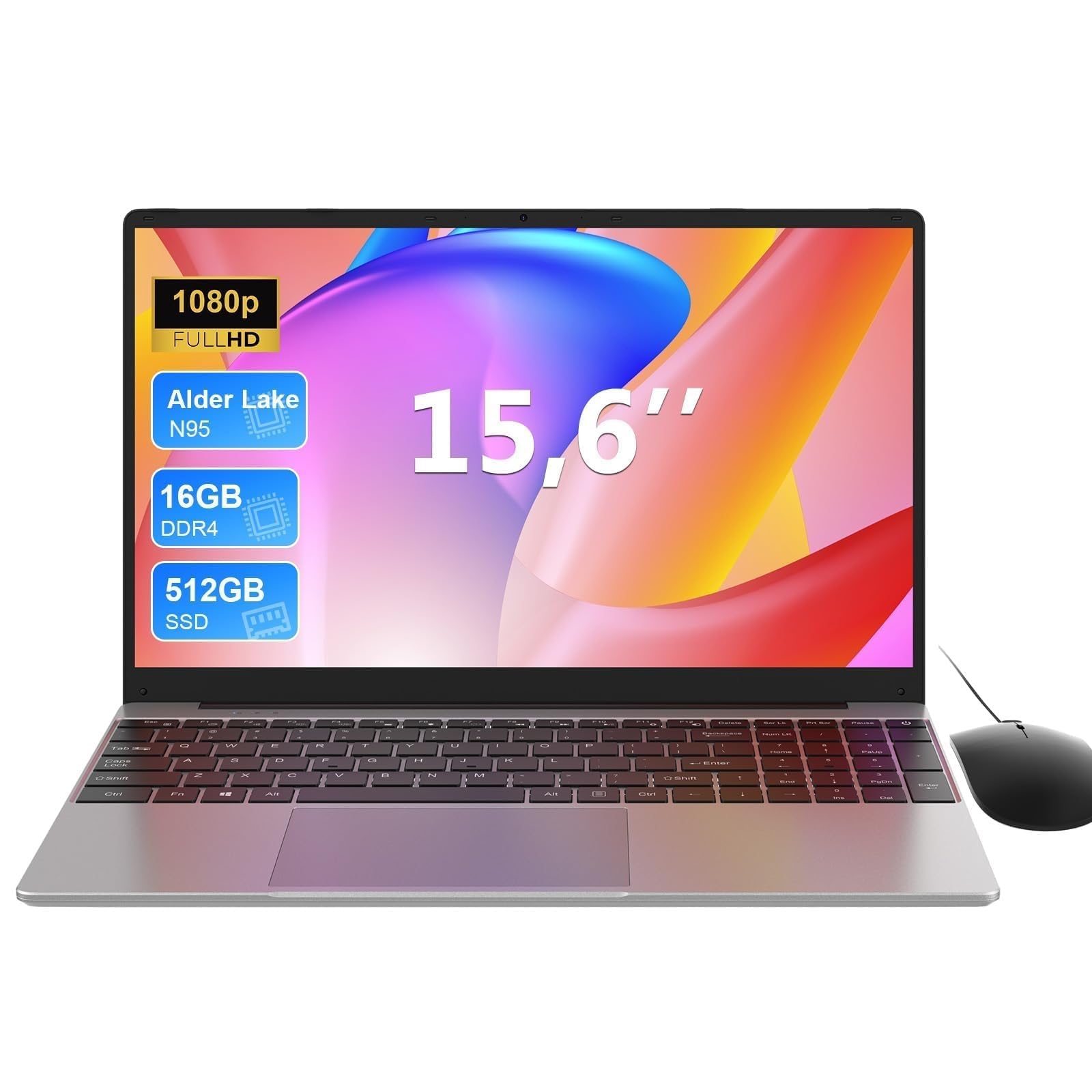 7.0 / 10
MAXLEGEN 15.6 Inch Laptop, Quad Core N95, 16GB RAM 512GB SSD, Notebook with Backlit Full-Size Keyboard, Numeric Keypad, 5G WiFi, Bluetooth/HDMI/USB 3.0, Win11 Notebook for Work Study, Mouse Included
£309.99 · MAXLEGEN
 7.0 / 10
MITUNTUN 15.6" Laptop, 16GB RAM 512GB SSD, 4425Y, Win 11, FHD IPS
£305.99 · MITUNTUN
Frequently asked
5 questions01Does the Dell 15 DC15250 support USB-C charging?+
No. The USB-C port on this model is USB 3.2 Gen 1 data only, so it doesn't charge the laptop or drive an external display. Charging is through the barrel connector on the included 65W adapter.
02Is 16GB of RAM enough for university and home office use in 2026?+
Yes, 16GB of DDR4 RAM is comfortably sufficient for the vast majority of student and home office workloads. It provides enough headroom for Windows 11, a full browser session with multiple tabs, Microsoft 365 applications, and video conferencing tools running simultaneously without the system needing to rely heavily on the SSD as swap space.
03Can the Dell 15 DC15250 run games?+
Only in a limited sense. The Intel UHD Graphics are integrated and share system memory rather than having dedicated video RAM. Older titles and less demanding indie games may run at reduced settings, but modern games at playable frame rates are not realistic. This laptop is not designed for gaming and should not be purchased with that expectation.
04What is the benefit of a 120Hz display on a budget laptop?+
A 120Hz refresh rate means the screen updates 120 times per second rather than the standard 60. In practice this makes scrolling smoother, cursor movement cleaner, and general Windows navigation feel more responsive. It is particularly noticeable when returning to a 60Hz panel. On battery, dropping to 60Hz in the display settings can extend runtime for static tasks such as writing or reading.
05Will the Dell 15 DC15250 overheat during normal use?+
The Intel Core i5-1334U is a 15W U-series chip, which generates significantly less heat than higher-performance H-series processors. During sustained heavier tasks you may notice warmth on the underside and hear the fan spin up, which is normal. Avoid using the laptop on soft surfaces such as a bed or sofa that can block the underside vents.