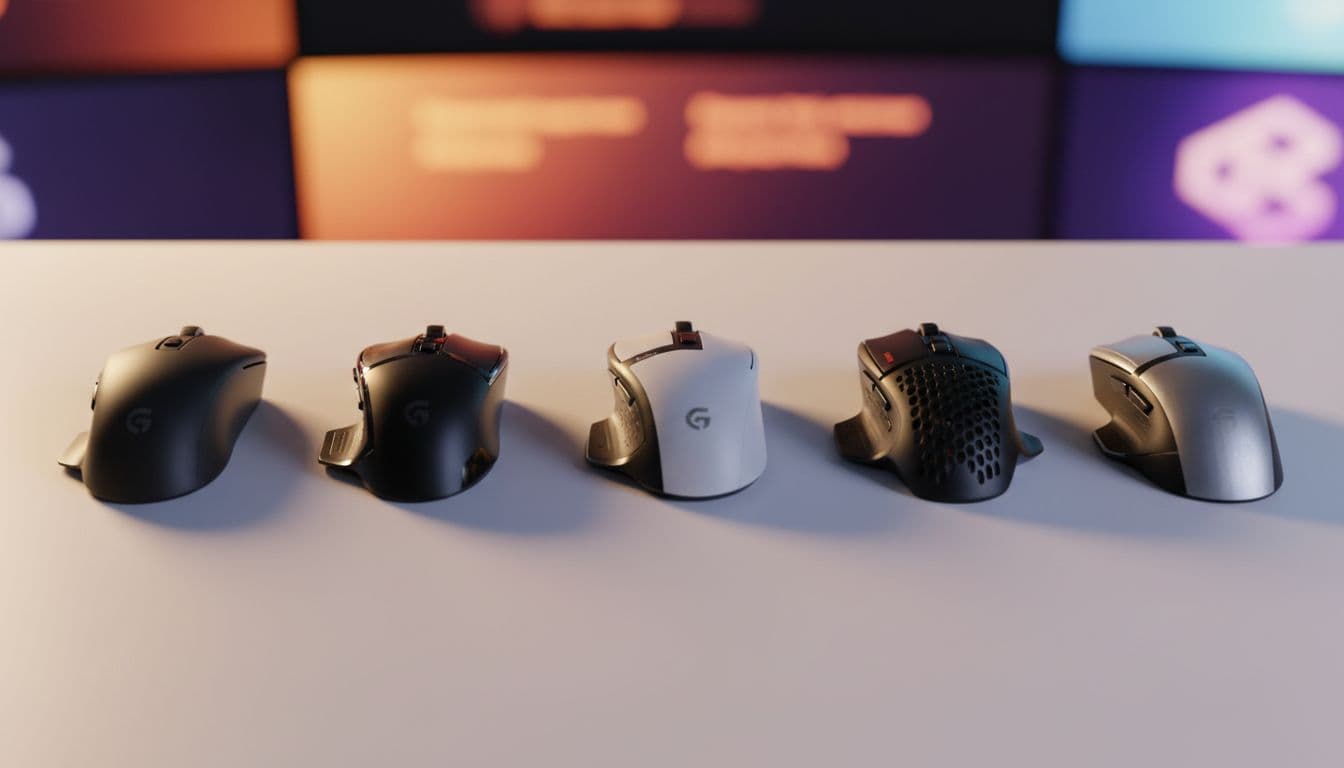
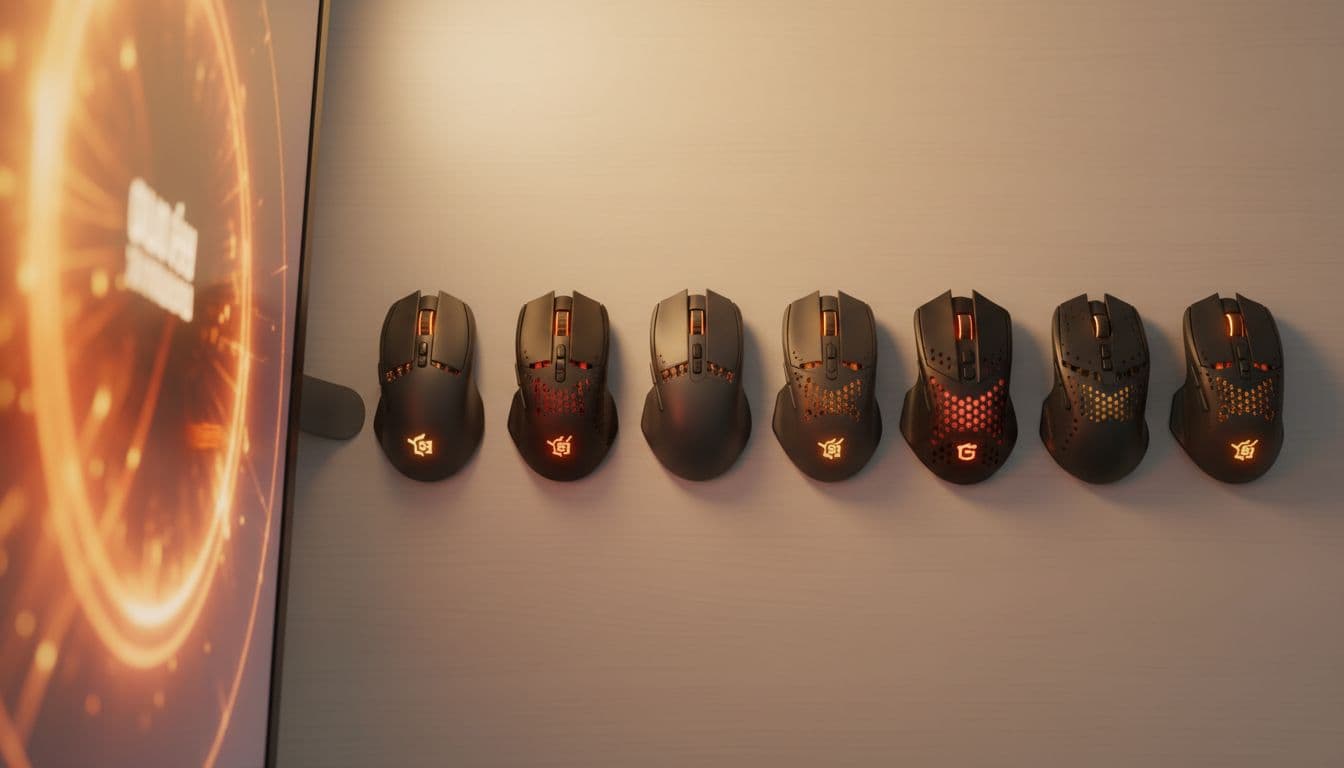
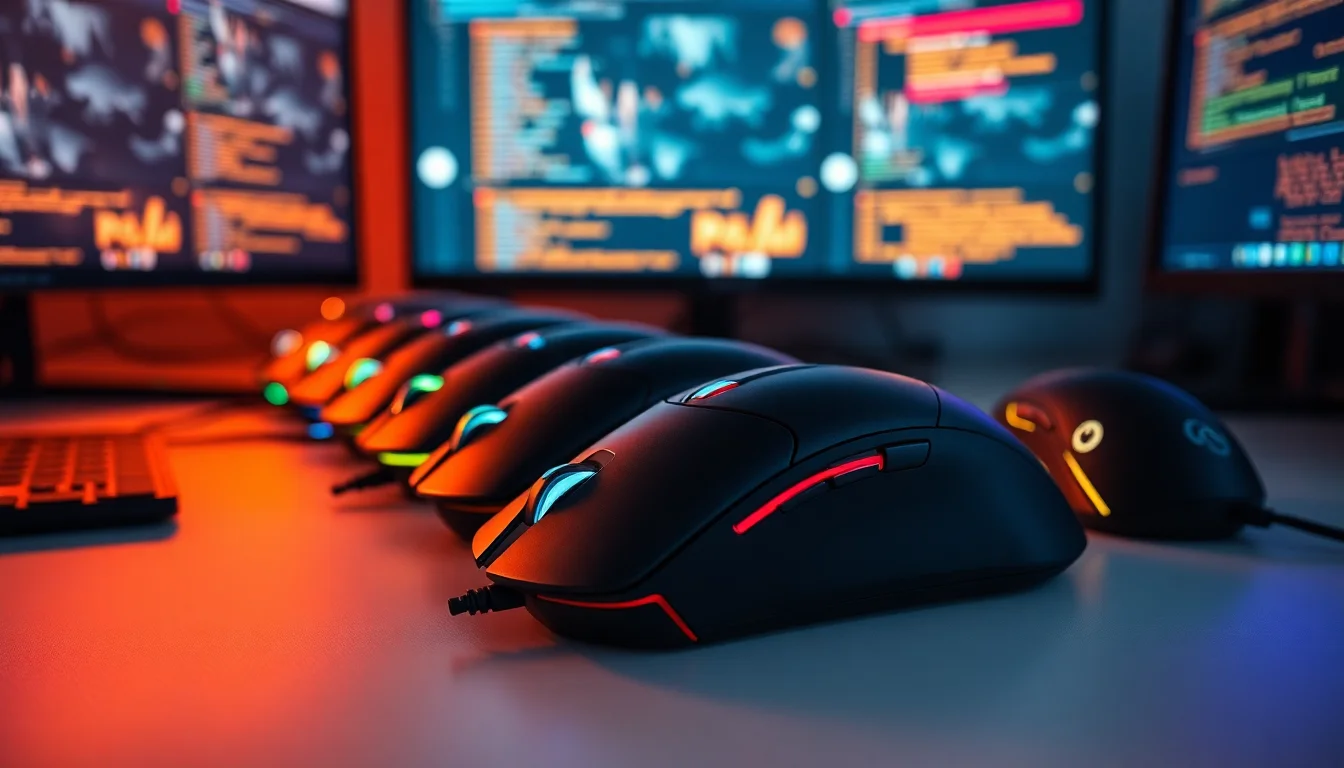
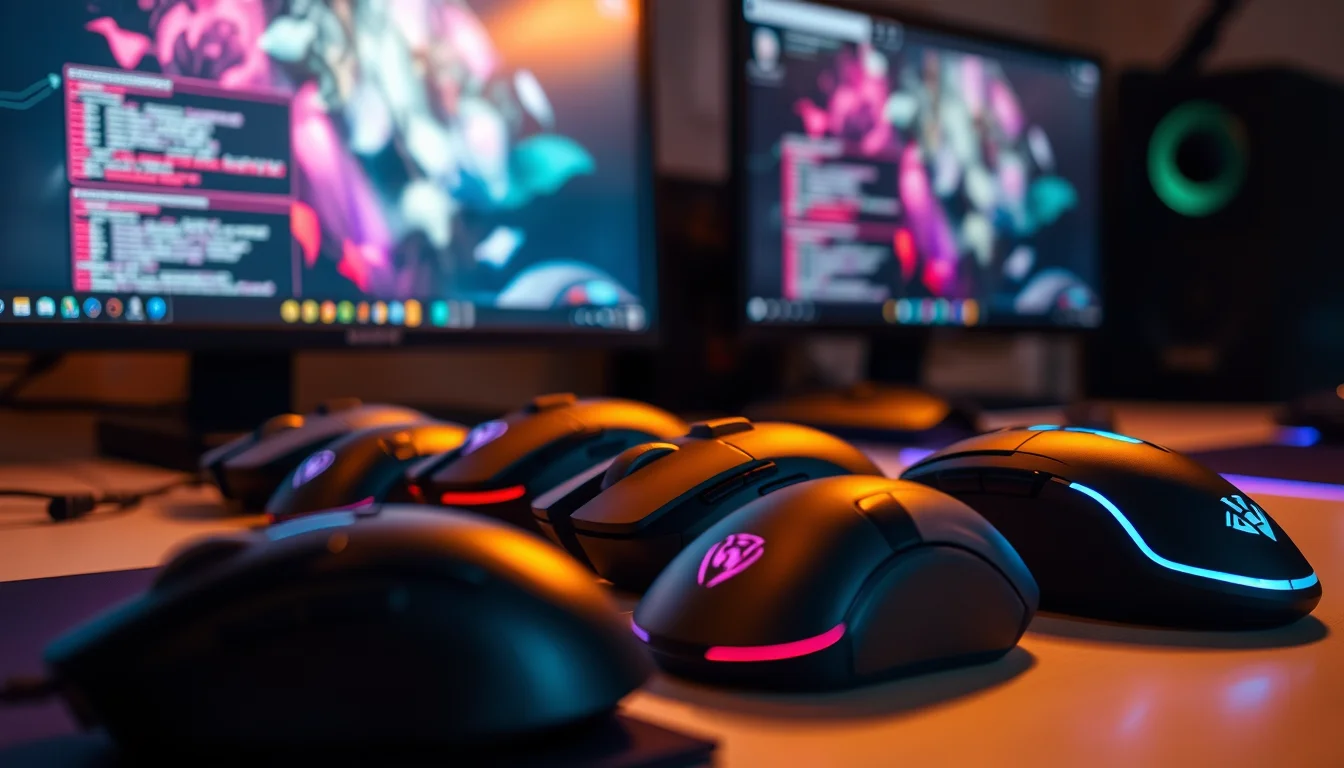
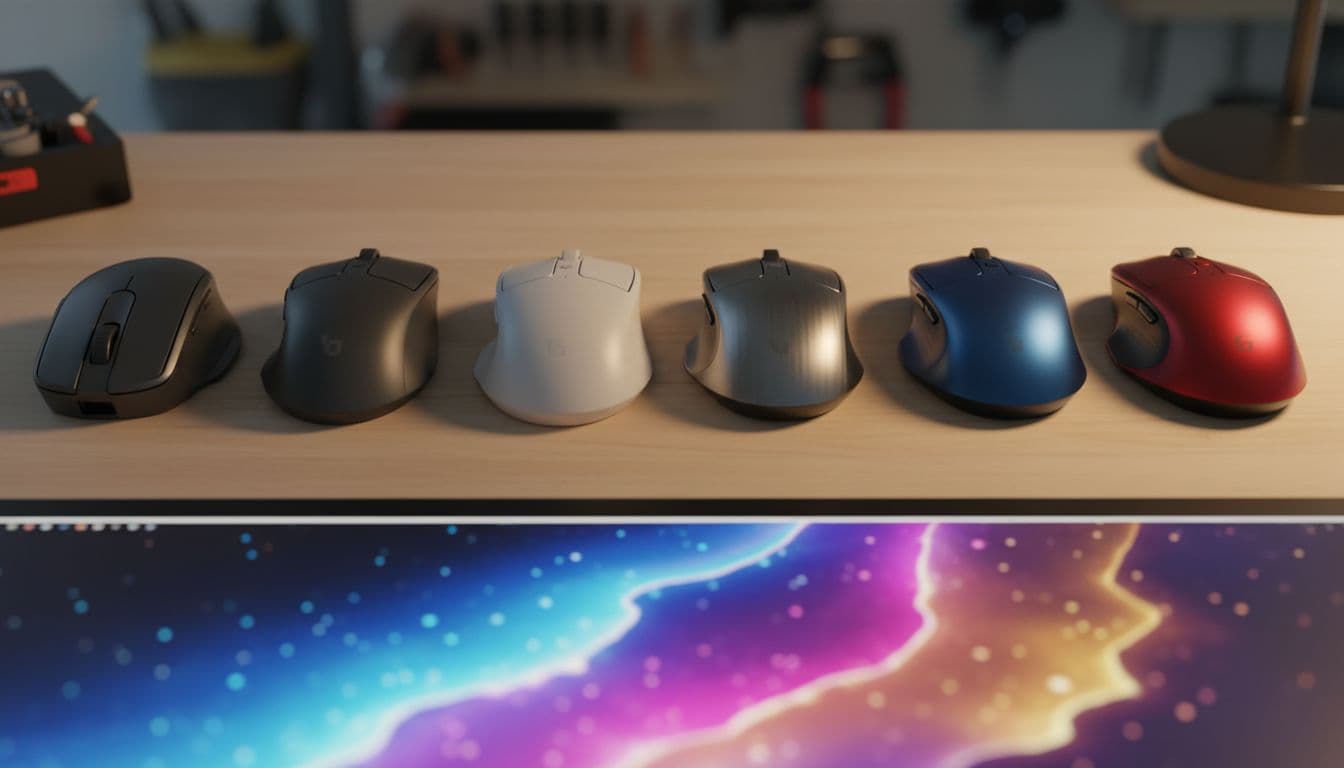
Three things decide whether a gaming mouse is worth your money: how it sits in your hand, whether the sensor actually tracks properly, and what it weighs. Everything else, the RGB, the software, the box art, is noise. So when you're looking at the Corsair Harpoon RGB PRO Gaming Mouse, those are the three questions worth asking. And based on the spec sheet and what over 5,000 owners have said about it, the answers are mostly good, with one or two caveats before you click buy.
The short version? This is a genuinely solid budget-to-mid-range wired mouse. It's light, it's comfortable for most hands, the sensor is more than capable, and at its price point it's hard to argue with. It's not going to challenge the Logitech G Pro X Superlight or the Razer DeathAdder V3 for outright performance, but it doesn't need to. It sits in a different bracket entirely, and within that bracket it competes well. Over 5,361 owners have rated it an average of ★★★★☆ (4.4). That's not a fluke.
Where it falls short is in the finer details. The cable isn't braided. The side buttons are a bit mushy according to a fair chunk of owners. And if you've got large hands, the shape might feel a touch cramped. None of that is a dealbreaker at this price, but you should know going in.
Core Specifications: Corsair Harpoon RGB PRO Gaming Mouse
The headline spec here is the 12,000 DPI optical sensor. Before you get excited about that number, know that DPI is one of the most abused marketing figures in the mouse industry. Most competitive players sit somewhere between 800 and 1,600 DPI, and the sensor's real-world tracking quality matters far more than whatever ceiling it can theoretically reach. That said, 12,000 DPI gives you plenty of headroom to tune your sensitivity exactly where you want it, and the sensor itself is a high-accuracy optical tracking unit that owners consistently describe as reliable and smooth.
The mouse weighs 85g, which puts it in the medium weight category. It's a wired connection, plug-and-play via USB, and it ships with six fully programmable buttons. The RGB lighting is there if you want it, and the contoured shape is designed for right-handed use with rubber side grips for grip confidence during longer sessions. Nothing exotic in the spec sheet, but nothing missing either.
Here's the full breakdown:
| Specification | Detail |
|---|---|
| Sensor | 12,000 DPI Optical |
| Weight | 85g |
| Connectivity | Wired (USB) |
| Programmable Buttons | 6 |
| Shape | Ergonomic, right-handed contoured |
| Side Grips | Rubber grip panels |
| RGB Lighting | Yes |
| Setup | Plug-and-play |
| Price | £25.24 |
| Rating | ★★★★☆ (4.4) (5,363 reviews) |

Shape and Ergonomics: Who Is the Corsair Harpoon RGB PRO Gaming Mouse Built For?
The Harpoon RGB PRO is an ergonomic, right-handed mouse. That means it's not symmetrical, and if you're a left-handed player, this one isn't for you. The shape has a contoured hump that sits towards the rear-centre of the shell, which generally suits palm grip players and claw grip players with small to medium hands. Fingertip grip is possible but the mouse is probably a touch large for that to feel completely natural unless your hands are on the bigger side.
The rubber side grips on both flanks are a genuinely useful addition at this price. They give you something to actually hold onto when you're making fast lateral movements, rather than the slick plastic you get on cheaper alternatives. Owners consistently mention that the grip feels secure even during extended sessions, which lines up with what you'd expect from the contoured design. The shape isn't anything radical, it's a fairly classic ergonomic profile, but classic ergonomic profiles exist because they work for a lot of people.
The main concern from owner reviews is hand size. If you've got medium to large hands, the Harpoon RGB PRO fits well in a palm grip. But owners with genuinely large hands sometimes report that the mouse feels a bit small, particularly at the rear where your palm sits. It's not a universal complaint, but it comes up often enough to be. If your hand measures above about 19cm from wrist to middle fingertip, you might want to check the dimensions carefully before committing. For medium hands in a relaxed palm or claw grip, though, most owners are happy with how it sits.
Sensor Performance
The 12,000 DPI optical sensor in the Harpoon RGB PRO is more than capable for the vast majority of gaming scenarios. As mentioned, ignore the DPI ceiling. What actually matters is whether the sensor tracks consistently without jitter, whether the lift-off distance is sensible, and whether it spins out during fast swipes. On all three counts, owner feedback is largely positive. Spin-outs, where the cursor loses tracking entirely during fast movements, are not a common complaint in the review pool. That's the real test of a sensor, and this one passes it.
The optical sensor design means there's no ball to clog and no laser over-sensitivity on certain surfaces. Optical sensors in this class tend to track well on most standard gaming mousepads and decent desk surfaces. Owners using it on cloth pads report smooth, predictable tracking. A small number mention occasional inconsistency on very reflective or glossy surfaces, which is pretty standard behaviour for optical sensors generally and not specific to this mouse.
For FPS gaming specifically, the sensor holds up well at the DPI settings most players actually use. At 800 to 1,600 DPI with a mid-sensitivity in-game, the tracking is described as accurate and responsive. It's not a PixArt PAW3395 or a Hero 25K, and you wouldn't expect it to be at this price, but it's not a wobbly budget sensor either. For casual to intermediate competitive play, it's more than adequate. The plug-and-play setup means no driver faffing before you can get into a game, which is a small but genuinely appreciated detail.
Weight and Glide
At 85g, the Harpoon RGB PRO sits in the medium weight category. That's heavier than the current crop of ultralight mice, which tend to clock in below 60g, but it's not a heavy mouse by any stretch. For context, mice like the original Razer DeathAdder Elite sat around 105g, and plenty of players used those for years without complaint. 85g is genuinely comfortable for most people, and the weight distribution feels balanced rather than nose-heavy or tail-heavy according to owner reports.
If you're coming from a truly ultralight mouse, the extra grams might be noticeable at first. But if you're upgrading from a standard office mouse or an older gaming mouse, 85g will feel perfectly normal. For longer gaming sessions, the weight is light enough that fatigue isn't a common complaint in the owner reviews. Most people find it comfortable over two to three hour stretches without issue. That's a decent result for a mouse in this category.
On the glide side, the mouse feet are the area where budget mice most often cut corners. The Harpoon RGB PRO's feet aren't premium PTFE, and a portion of owners note that the glide feels slightly rough compared to aftermarket skates or higher-end mice. It's not terrible, it tracks fine, but if you're used to a mouse with pristine, rounded-edge PTFE feet on a fast pad, you'll notice the difference. The good news is that replacement mouse feet are cheap and easy to source if this bothers you. Most owners don't bother and just get on with gaming, which tells you it's not a serious problem.
Buttons and Switches
The Harpoon RGB PRO has six fully programmable buttons: the two main clicks, a scroll wheel click, two side buttons on the left flank, and a DPI cycle button. The main clicks are the primary thing to evaluate here, and owner feedback is generally positive on them. They're described as reasonably crisp and responsive, without the mushy, undefined feel you sometimes get on very cheap mice. There's no optical switch technology here, so you're getting mechanical switches, but at this price that's expected and the feel is acceptable.
The side buttons are where things get a bit more mixed. A meaningful chunk of owners, probably somewhere around 15 to 20 percent of critical reviewers, mention that the side buttons feel slightly soft or require more deliberate pressure than they'd like. For MMO players who lean heavily on side buttons for ability bindings. For FPS players who mainly use them for push-to-talk or weapon swap, it's unlikely to cause real problems. The placement is sensible, sitting within easy reach of your thumb without requiring you to shift your grip.
The scroll wheel gets decent marks. It's tactile rather than free-spinning, which suits most gaming use cases where you want deliberate step-by-step scrolling rather than the smooth free-wheel you'd use for productivity. The DPI button sits just behind the scroll wheel and is easy to reach without disrupting your grip, though you're unlikely to be cycling DPI mid-game once you've settled on your preferred setting. The six-button programmable setup, backed by Corsair's iCUE software, gives you enough flexibility to set up macros or remaps without needing a dedicated MMO mouse.
Build Quality
Build quality is where budget mice often disappoint, and the Harpoon RGB PRO is... fine. Not exceptional, not rubbish. The shell is plastic, which is standard, and the finish holds up reasonably well to regular use. The rubber side grips are a genuine quality addition that you don't always see at this price point, and they add both grip and a sense of solidity to the flanks. The overall construction doesn't feel like it'll fall apart, and the owner reviews back that up: durability complaints are not a dominant theme in the feedback.
That said, some owners do report minor shell flex under firm lateral pressure, which isn't unusual for a mouse at this price. It's not the kind of flex that affects performance, more the kind you notice if you're deliberately squeezing the sides. Button wobble on the main clicks is minimal according to most owners, which is the more important metric. A main click that rocks side to side is genuinely annoying during rapid fire clicking; the Harpoon RGB PRO avoids that problem.
Longevity is harder to assess without long-term data, but the review pool includes a reasonable number of owners who've had the mouse for over a year without reporting significant degradation. The rubber grips can show wear over time, particularly if you use a claw grip that concentrates pressure on specific spots, but that's a common issue across most rubber-gripped mice. Overall, for the price, the build quality is respectable. You're not getting an aluminium chassis or optical switches, but you're not paying for them either.

Connectivity
The Harpoon RGB PRO is a wired mouse. Full stop. There's no wireless option in this model, no 2.4GHz receiver, no Bluetooth. You plug it into a USB port and it works. That's it. For competitive gaming, wired is still the gold standard for zero-latency input, and the plug-and-play setup means no driver installation required before you can start using it. Just plug it in and go.
The cable is the main connectivity consideration, and it's worth being straight about: the Harpoon RGB PRO does not ship with a braided cable. It's a standard rubber cable, which is more prone to tangling and can create more drag on the mousepad than a paracord-style cable. This is a common cost-saving measure at this price point, and for most users it won't matter at all. But if you've been using a mouse with a premium flexible cable and you're used to that frictionless feel, the rubber cable will be a noticeable step down.
The USB connection is standard and compatible with any desktop or laptop that has a USB-A port. There's no USB-C option listed, which is increasingly common on newer peripherals but not surprising at this price. The plug-and-play nature means it works across Windows systems without needing to install anything, though you'll want iCUE if you want to customise the RGB or remap buttons. For anyone who just wants to plug in and play without touching software, the default configuration is perfectly usable out of the box.
Battery Life
There is no battery. The Corsair Harpoon RGB PRO is a wired mouse, so battery life is not a relevant consideration. You plug it in, it works, and it will keep working as long as it's plugged in. No charging cables to track down, no waking up to find your mouse dead at 2am mid-session, no battery percentage anxiety. For a lot of players, that's actually a selling point rather than a limitation.
The trade-off is the cable, which we've already covered. You're tethered to your PC, and the rubber cable can create some drag depending on how your desk is set up. A cable bungee solves that problem for a couple of quid if it bothers you. But the core point stands: wired means you never have to think about power, and for gaming mice at this price point, that's a completely sensible design choice.
If battery life is something you actively care about because you game from a sofa or move your setup around frequently, then a wired mouse in general isn't the right fit for your use case, not just this one. The Corsair Harpoon Wireless exists as a separate product if you want Corsair's ergonomic shape with a wireless connection. But for desk-based PC gaming, the wired Harpoon RGB PRO keeps things simple and reliable, and that simplicity has real value.
Software and Customisation
The Corsair Harpoon RGB PRO is compatible with Corsair iCUE, which is Corsair's unified peripheral management software. Through iCUE you can remap all six buttons, set up macros, adjust DPI stages, customise the RGB lighting, and manage firmware updates. It's a fairly full-featured piece of software, and if you're already in the Corsair ecosystem with a keyboard or headset, everything manages through the same interface, which is convenient.
The six fully programmable buttons are one of the Harpoon RGB PRO's stronger selling points relative to its price. Having macro support on a mouse at this level is genuinely useful, particularly for MMO players or anyone who wants to bind complex ability chains to a single click. You can set up multiple DPI stages and cycle through them with the dedicated DPI button, which lets you switch between a low-sensitivity setting for precise aiming and a higher sensitivity for general navigation without touching your in-game settings.
iCUE itself is a mixed bag in terms of owner opinion. It's powerful, but it's also a fairly heavy piece of software that some owners find bloated or resource-hungry. If you're running a lower-spec system, you might prefer to configure the mouse once through iCUE and then uninstall it, relying on whatever on-board profile storage the mouse supports. The plug-and-play nature means the mouse works fine without iCUE installed; you just lose the customisation options. For most casual gamers, the default configuration is perfectly usable and the software is entirely optional.
Gaming Experience
For FPS gaming, the Harpoon RGB PRO does the job well. The 85g weight is manageable for fast flick shots, the sensor tracks reliably at the DPI settings most FPS players use, and the ergonomic shape keeps your hand comfortable during longer sessions. It's not going to give you a competitive edge over someone using a 59g ultralight with optical switches, but for casual to intermediate FPS play, the performance ceiling is more than high enough. The shape suits the kind of relaxed palm or claw grip that most FPS players default to.
For MOBA and MMO gaming, the six programmable buttons are useful, though the slightly soft side button feel might frustrate players who are constantly hammering ability macros. The scroll wheel is tactile and precise enough for weapon cycling or ability scrolling. Overall the mouse sits more comfortably in the FPS and general gaming bracket than the MMO bracket, but it's versatile enough to cover most bases.
Long-session comfort is generally well-regarded in the owner reviews. The rubber side grips and contoured shape mean your hand doesn't slip around during extended play, and the 85g weight doesn't cause the kind of wrist fatigue that heavier mice can produce over a two to three hour session. A small number of owners with larger hands report that the mouse feels cramped after a while, particularly around the rear hump. But for medium hands in a palm or claw grip, the comfort feedback is consistently positive. That's the most important thing for a mouse you're going to be using every day.
How It Compares
The two most obvious competitors at a similar price point are the Logitech G203 and the Razer DeathAdder Essential. Both sit in roughly the same budget-to-entry-level gaming mouse bracket, and both have their strengths. The G203 is lighter, coming in at around 85g as well but with a symmetrical shape that works for both hands, and Logitech's HERO sensor is widely regarded as one of the cleanest optical sensors in the budget category. The DeathAdder Essential is heavier at around 96g but has a well-proven ergonomic shape that many players find extremely comfortable.
Against the G203, the Harpoon RGB PRO has the edge in button count with six programmable buttons versus the G203's six as well, but the G203's symmetrical shape makes it accessible to left-handed players. The Harpoon RGB PRO's rubber side grips give it a tactile advantage for grip confidence. Against the DeathAdder Essential, the Harpoon RGB PRO is lighter and offers more programmable customisation through iCUE, though Razer's Synapse software is similarly capable through Razer Synapse.
The honest comparison is that none of these three mice is dramatically better than the others at this price. They're all competent, all well-reviewed, and all represent good value. The Harpoon RGB PRO wins on grip texture and button programmability. The G203 wins on sensor reputation and symmetrical shape. The DeathAdder Essential wins on shape comfort for larger hands. Pick the one that fits your hand shape and grip style, and you won't go far wrong with any of them.
| Feature | Corsair Harpoon RGB PRO | Logitech G203 | Razer DeathAdder Essential |
|---|---|---|---|
| Weight | 85g | 85g | 96g |
| Sensor DPI | 12,000 DPI Optical | 8,000 DPI HERO | 6,400 DPI Optical |
| Programmable Buttons | 6 | 6 | 5 |
| Shape | Ergonomic, right-handed | Symmetrical (ambidextrous) | Ergonomic, right-handed |
| Side Grips | Rubber grip panels | Smooth plastic | Textured rubber |
| Connectivity | Wired USB | Wired USB | Wired USB |
| RGB | Yes | Yes | Yes |
| Cable Type | Rubber | Rubber | Rubber |

Final Verdict: Is the Corsair Harpoon RGB PRO Gaming Mouse Worth It?
The Corsair Harpoon RGB PRO Gaming Mouse is a genuinely good budget gaming mouse. It's light enough to use comfortably for long sessions, the sensor tracks reliably without spin-outs or jitter, the six programmable buttons give you real customisation flexibility, and the rubber side grips make it feel more premium than the price suggests. The 4.3-star average across over 5,000 owners isn't an accident. Most people who buy this mouse are happy with it, and that's the most honest signal you can get.
The weaknesses are real but manageable. The rubber cable creates more drag than a braided or paracord cable. The side buttons are softer than ideal. The feet aren't premium PTFE. And if you've got large hands, the shape might feel a bit small in a palm grip. None of these are fatal flaws, and most of them are addressable with cheap aftermarket fixes or simply not noticeable in day-to-day use.
Who should buy this? Casual to intermediate gamers who want a reliable, comfortable wired mouse without spending serious money. Players upgrading from a basic office mouse who want something purpose-built for gaming. Anyone who wants macro support and RGB without paying mid-range prices. This is a proper everyday gaming mouse that does what it says.
Who should skip it? Left-handed players, obviously, the shape doesn't work for them. Players with large hands who need a bigger shell. Anyone who's already in the 60g to 70g ultralight bracket and finds heavier mice uncomfortable. And if you're a hardcore competitive FPS player who's going to agonise over every millisecond of input latency and every gram of weight, you should probably be spending more and looking at something like the Logitech G Pro X Superlight 2 or the Razer Viper V3 HyperSpeed.
The honest don't-overspend line: if you're primarily a casual gamer who plays a few hours a week and doesn't need macro programming, the Logitech G203 is in the same price bracket, has an arguably better sensor in the HERO unit, and is a simpler, cleaner mouse. The Harpoon RGB PRO earns its place over the G203 mainly through the rubber side grips and the more extensive programmability via iCUE. If those features matter to you, pay for them. If they don't, the G203 is the smarter buy.
Overall score: 7.5 out of 10. Solid, honest value. Does the job well without pretending to be something it isn't.
What works. What doesn’t.
5 + 4What we liked5 reasons
- Light 85g weight suits long gaming sessions without wrist fatigue
- Rubber side grips add genuine grip confidence at this price point
- Six fully programmable buttons with macro support via iCUE
- Reliable optical sensor with no spin-outs reported by most owners
- True plug-and-play, no driver install needed to get started
Where it falls4 reasons
- Rubber cable creates more drag than braided or paracord alternatives
- Side buttons feel soft under pressure according to a notable portion of owners
- Shape may feel cramped for players with large hands
- Mouse feet are not premium PTFE, glide is average
Full specifications
7 attributes| Buttons | 6 |
|---|---|
| Connectivity | USB wired |
| DPI MAX | 12000 |
| Polling rate HZ | 1000 |
| RGB | true |
| Switches | Omron |
| Weight G | 85 |
If this isn’t right for you
2 options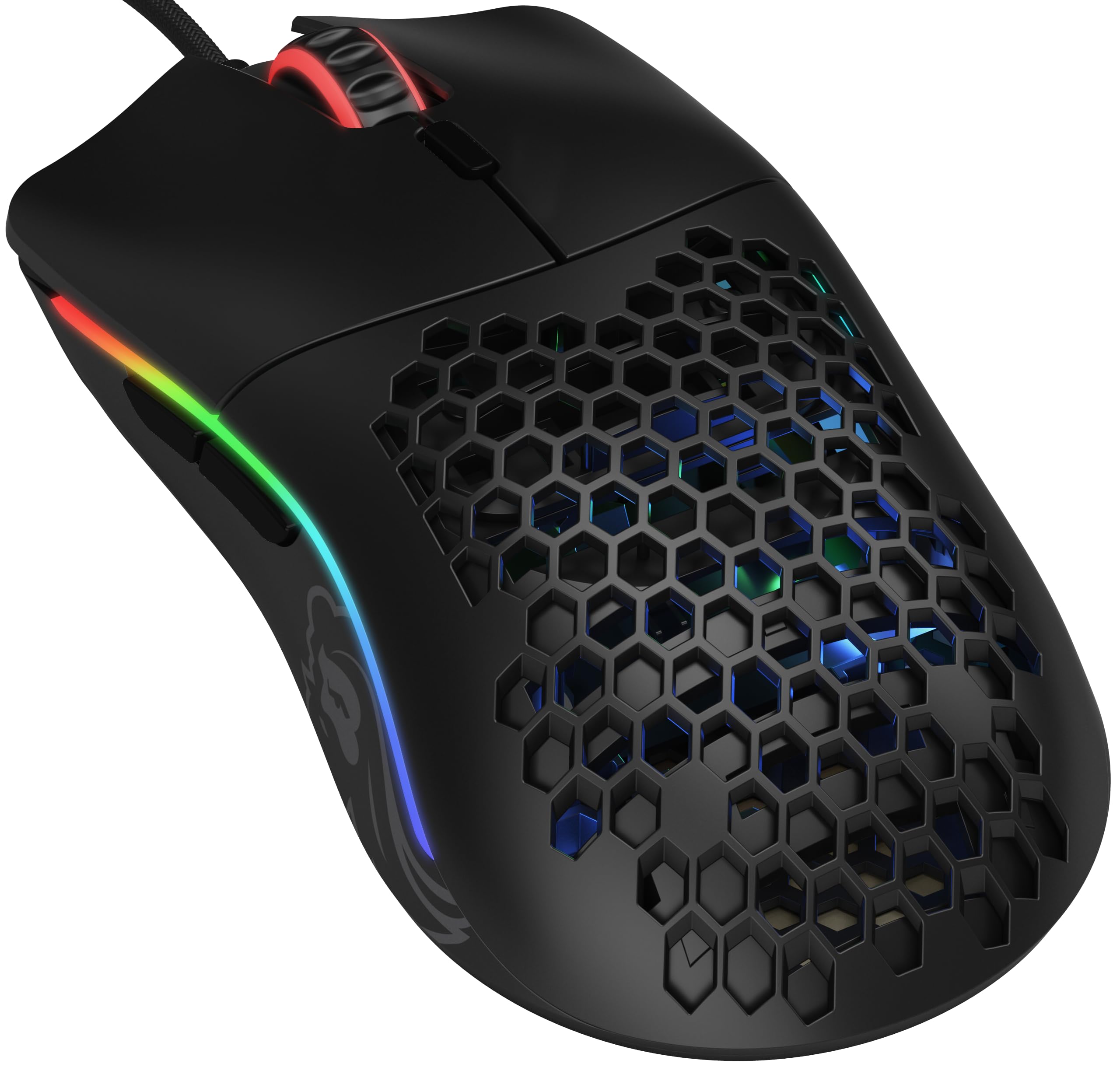

Frequently asked
5 questions01Is the Corsair Harpoon RGB PRO Gaming Mouse good for FPS games?+
Yes, it's a capable FPS mouse at its price point. The 12,000 DPI optical sensor tracks reliably without spin-outs at the 800 to 1,600 DPI settings most FPS players use, the 85g weight is manageable for fast flick movements, and the ergonomic shape suits the palm and claw grips common in FPS gaming. It won't match an ultralight optical-switch mouse for outright competitive performance, but for casual to intermediate FPS play it's more than adequate.
02What grip style works best with the Corsair Harpoon RGB PRO Gaming Mouse?+
The Harpoon RGB PRO is designed for right-handed use with an ergonomic contoured shape that suits palm grip and claw grip best, particularly for small to medium hands. Fingertip grip is possible but may feel less natural given the mouse's size. Owners with medium hands in a palm or claw grip report the most comfortable fit. Large hands may find the shell slightly cramped, especially at the rear hump.
03How much does the Corsair Harpoon RGB PRO Gaming Mouse weigh?+
The Corsair Harpoon RGB PRO weighs 85 grams, which places it in the medium weight category. For context, ultralight mice weigh under 60g, lightweight mice sit between 60g and 80g, medium mice fall between 80g and 100g, and heavy mice exceed 100g. At 85g, the Harpoon RGB PRO is comfortable for most players during extended sessions and is not considered heavy by modern standards.
04Is the Corsair Harpoon RGB PRO Gaming Mouse wired or wireless?+
The Corsair Harpoon RGB PRO is a wired mouse that connects via USB. It uses a plug-and-play setup, so no driver installation is required before use. There is no wireless or Bluetooth option on this model. If you want a wireless version with a similar ergonomic shape, Corsair produces a separate Harpoon Wireless model.
05What warranty and returns apply to the Corsair Harpoon RGB PRO Gaming Mouse?+
Warranty terms are not specified in the verified product data for this listing. When purchasing through Amazon UK, you are covered by Amazon's standard 30-day returns policy and the Amazon A-to-Z Guarantee, which protects your purchase if the item arrives not as described or develops a fault. For manufacturer warranty details, it's Corsair's official support pages directly.