
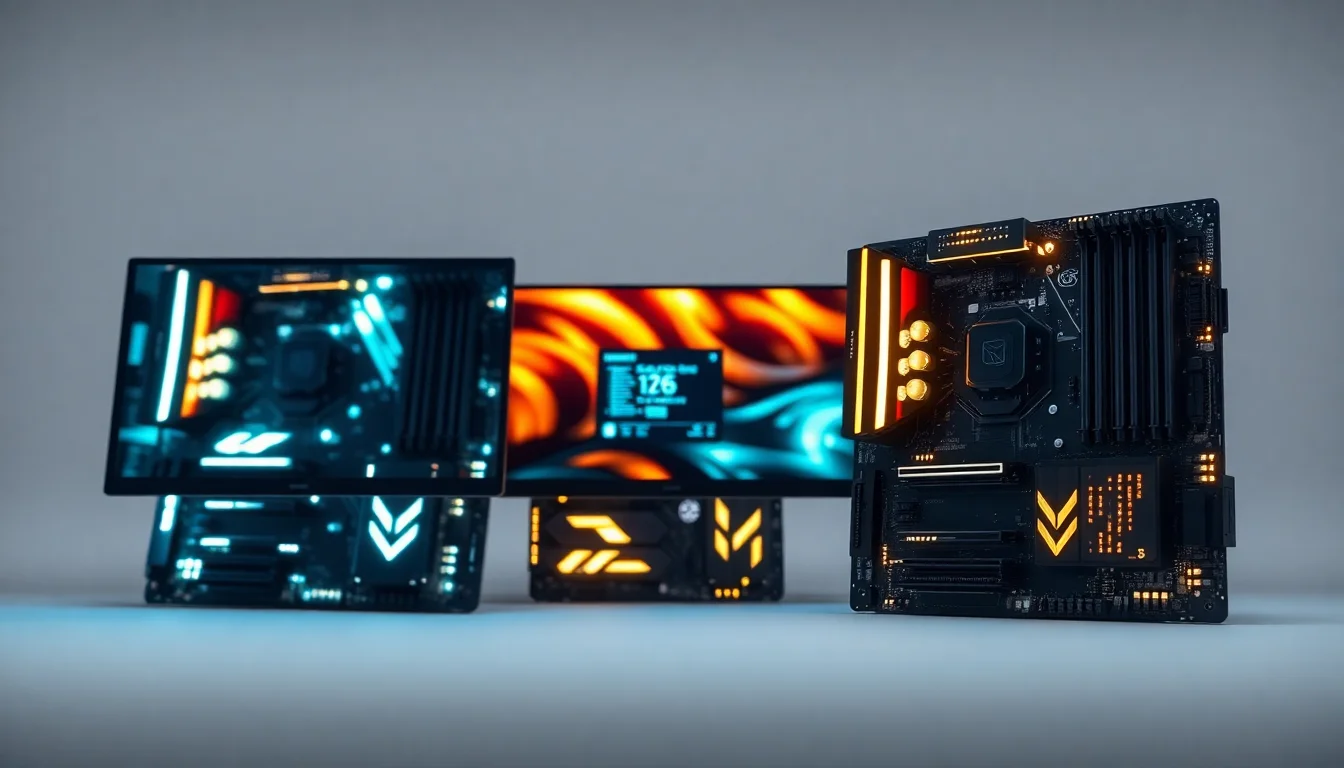
Choosing the best motherboard for the Intel Core Ultra 7 265K starts with checking compatibility. The 265K sits in Intel's LGA1851 socket, so it needs a board built on one of Intel's 800-series chipsets, most commonly Z890, B860 or H810. AMD boards, and older Intel LGA1700 boards, will not take it, however good the price looks.
The Intel Core Ultra 7 265K has 20 cores, 8 P-cores and 12 E-cores, with a maximum turbo frequency of up to 5.5 GHz, and as a K-series chip it is unlocked for overclocking. This guide covers two Z890 boards from our catalogue, a sensible mainstream choice and a flagship, plus what to check if you shop beyond them.
Key Takeaways
- The Intel Core Ultra 7 265K needs an LGA1851 board; the common chipsets are Z890, B860 and H810
- Z890 is the chipset that lets you overclock the unlocked 265K; B860 and H810 do not
- LGA1851 boards take DDR5 only, so DDR4 from an older build will not carry over
Comparison Table: Best Motherboards for Intel Core Ultra 7 Desktop Processor 265K 20 Cores
| Product | Chipset | Power Delivery (as listed) | DDR5 Support | PCIe | WiFi | Price | Rating |
|---|---|---|---|---|---|---|---|
| GIGABYTE Z890 UD WIFI6E | Z890 | 12+1+2 phases | Up to 8800MHz (OC) | 1x PCIe 5.0 + 2x PCIe 4.0 | WiFi 6E | Check price | ★★★★½ (4.6) |
| MSI MEG Z890 ACE | Z890 | 110A SPS VRM | 9200+ MT/s (OC) | PCIe 5.0 & 4.0 x16 | WiFi 7 | £429.95 · Details | ★★★★☆ (4.3) |
Check Today's Prices
Amazon UK prices update frequently. Click below to see live prices for our recommended products.
Check GIGABYTE Z890 UD WIFI6E Price Check MSI MEG Z890 ACE Motherboard PriceCompatibility Guide: Best Motherboards for Intel Core Ultra 7 Desktop Processor 265K 20 Cores
Right, let's talk compatibility. The Intel Core Ultra 7 265K uses the LGA1851 socket, which arrived with Intel's Core Ultra Series 2 desktop chips. That means you can't use older LGA1700 boards, no matter how tempting that budget option looks. The easiest check is the listing title, which should name LGA1851 or an 800-series chipset such as Z890, B860 or H810. It's also worth checking the board maker's CPU support list for the BIOS version it needs.
Watch the names closely, because AMD's chipsets look similar. X870E, X870, B850, B650 and B550 boards are built for AMD's AM5 and AM4 sockets, and none of them will take an Intel chip.
DDR5 memory is mandatory. LGA1851 boards don't take DDR4, so you'll need DDR5 sticks. Check the board's supported memory list before you buy a fast kit; the overclocked speeds on listings are advertised figures, not a guarantee for every kit and chip.
PCIe 5.0 support is becoming standard on newer boards. If you're planning to use a high-end graphics card or fast NVMe drives, PCIe 5.0 connectivity is worth having. Both boards here have a PCIe 5.0 slot for your graphics card.
Who Should Buy What
For Gamers
Priority: Gaming performance without overspending on the motherboard
Recommended: GIGABYTE Z890 UD WIFI6E, which leaves more of the budget for the graphics card.
For Creators
Priority: Fast networking and quick transfers of large files
Recommended: MSI MEG Z890 ACE for 10G LAN and Wi-Fi 7.
Budget Builders
Priority: Value, essentials only, reliable performance
Recommended: GIGABYTE Z890 UD WIFI6E. This is the cheaper of our two picks. If you won't overclock, also compare B860 models outside this shortlist.
GIGABYTE Z890 UD WIFI6E - Our Pick for Most Builds
The GIGABYTE Z890 UD WIFI6E is the board we'd pair with a 265K for most builds. Its Z890 chipset gives you the option to overclock. The listing includes Wi-Fi 6E, 2.5GbE LAN, Thunderbolt 4 and a PCIe 5.0 graphics slot, with DDR5 support up to 8800MHz (overclocked). It skips the flagship extras and costs much less than the MSI below. Read our full GIGABYTE Z890 UD WIFI6E review.
Pros
- Z890 chipset, so the 265K can be overclocked
- DDR5 support up to 8800MHz (OC), as listed
- PCIe 5.0 slot for a modern graphics card
- Wi-Fi 6E, 2.5GbE LAN and Thunderbolt 4 listed
- Substantially cheaper than the MSI MEG Z890 ACE in our recorded prices
Cons
- Wi-Fi 6E rather than Wi-Fi 7
- 2.5GbE LAN rather than 10G
MSI MEG Z890 ACE - Premium Pick

The MSI MEG Z890 ACE is the flagship option for a 265K build. Next to the Gigabyte, its listing adds Wi-Fi 7 and 10G LAN, with DDR5 support to 9200+ MT/s (overclocked) and 110A SPS power stages. Those connections are useful if you regularly move large files over a fast network; for most 265K builds they are more than you'll use. Read our full MSI MEG Z890 ACE review.
Pros
- Native LGA1851 socket designed specifically for Intel Core Ultra Series 2
- 110A SPS power stages, as listed
- DDR5 support up to 9200+ MT/s (OC), the higher of the two boards here
- Wi-Fi 7 and 10G LAN for network-intensive workloads
- Thunderbolt 4 listed for high-speed peripherals
Cons
- Costs far more than the Gigabyte
- Overkill for casual gamers or basic productivity
Understanding VRM: Why Power Delivery Matters for the Intel Core Ultra 7 265K
VRM stands for Voltage Regulator Module, and it's basically the power delivery system for your CPU. Your VRM's job is to convert the 12V power from your PSU into the precise voltages your CPU needs, moment by moment. With 20 cores, the 265K can pull a lot of power under sustained all-core work.
Phase count matters because more phases can share the load. Temperatures also depend on power-stage efficiency, cooling and operating conditions, so a phase count on its own doesn't settle which board runs cooler.
Here's the practical difference: for gaming and everyday work, power delivery rarely decides the choice. It matters more in long rendering or encoding runs and in manual overclocking, where the board's VRM and its heatsinks are working hardest.
One more thing: phase count alone doesn't tell the whole story. The quality of the power stages, capacitors, and cooling around the VRM matters too, so consider those alongside the phase count.
Chipset Comparison: Z890 vs B860 vs H810
The main differences are CPU overclocking and the number of storage, USB and expansion connections.
Z890 is the only one of the three that lets you overclock the 265K's cores, and it has the largest chipset connectivity budget. The actual ports, slots and power delivery still depend on the board, so check the specification of the model you're looking at.
B860 is the mainstream chipset. It has a smaller connectivity budget and doesn't unlock CPU overclocking, so part of what you pay for in a K-series chip goes unused.
H810 is the entry level, with the smallest connectivity budget. It makes the least sense alongside an unlocked chip.
Common Mistakes to Avoid
- Mistake: Assuming all boards with the same chipset are identical. Z890 and B860 boards vary widely in power delivery, cooling, and features.
Instead: Check the specific power delivery and cooling on the board you're looking at, especially if you plan sustained heavy work or overclocking. - Mistake: Buying an AMD board by mistake. Names like X870E, B850, B650 and B550 are AMD chipsets for the AM5 and AM4 sockets.
Instead: Look for LGA1851 or an Intel 800-series chipset in the listing title. - Mistake: Buying an LGA1700 board thinking any recent Intel board will do. Z790, B760 and other 600 and 700-series boards use the older socket.
Instead: Confirm your board uses the LGA1851 socket before purchasing. - Mistake: Planning to reuse DDR4 memory. LGA1851 boards take DDR5 only.
Instead: Budget for a DDR5 kit alongside the board.
Final Verdict: Best Motherboards for Intel Core Ultra 7 Desktop Processor 265K 20 Cores
Finding the best motherboard for the Intel Core Ultra 7 265K comes down to compatibility first, then budget. For most builders, the GIGABYTE Z890 UD WIFI6E is the board to buy: Z890, DDR5 and a PCIe 5.0 graphics slot without flagship pricing.
If you want the extras, the MSI MEG Z890 ACE adds Wi-Fi 7 and 10G LAN. Both listings include Thunderbolt 4.
Our #1 Pick: GIGABYTE Z890 UD WIFI6E
- Socket: LGA1851, Z890 chipset
- Memory: DDR5
Affiliate Disclosure: Vivid Repairs participates in the Amazon Associates Programme. We earn from qualifying purchases at no extra cost to you. This doesn't influence our recommendations.





