Best Overall Value
Buying Guide: What to Look For in the Best Graphics Cards for 3D Rendering Under £300
VRAM: The Single Most Important Spec
For 3D rendering, VRAM capacity matters more than almost anything else. When your scene exceeds the GPU's VRAM, the renderer either crashes or falls back to CPU, which is dramatically slower. In 2026, 8GB is the practical minimum for serious work. 16GB, as found on the Gigabyte RX 9060 XT, is genuinely excellent at this price point. Don't be seduced by high clock speeds on a card with only 4GB or 6GB of VRAM.
Architecture and Software Support
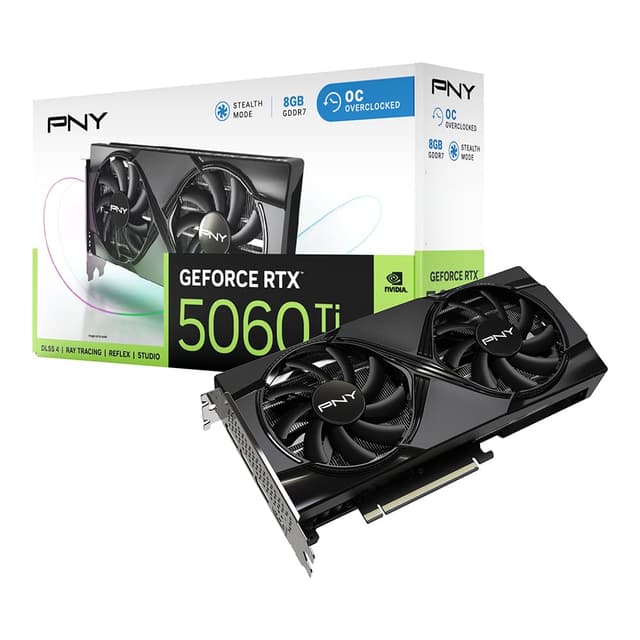
Nvidia's RTX cards support OptiX in Blender, which is significantly faster than CUDA for path tracing. AMD cards use HIP, which has improved considerably with RDNA 3 and RDNA 4. If you're using Octane Render or Redshift, you'll want Nvidia for CUDA compatibility. For Blender specifically, both AMD and Nvidia are well-supported in 2026. Older architectures like Maxwell (GTX 970) or Polaris (RX 580) lack modern acceleration features and should be avoided for new purchases.
Memory Bus Width and Bandwidth
The memory bus width affects how quickly data moves between the GPU and its VRAM. A 256-bit bus moves more data per clock than a 128-bit bus. Most budget cards in this roundup use 128-bit or 192-bit buses. It's a real compromise, but at this price point it's largely unavoidable. Higher memory speed (GDDR7 vs GDDR6 vs GDDR5) partially compensates for a narrower bus.
Cooling for Sustained Workloads
Gaming benchmarks run for minutes. Rendering runs for hours. A card that's fine for gaming might thermal throttle badly during a long render session, stretching your render times significantly. Full-size cards with dual or triple fan coolers handle this far better than low-profile designs. If you have the case space, always choose a full-size card for rendering work.
Price Brackets to Target
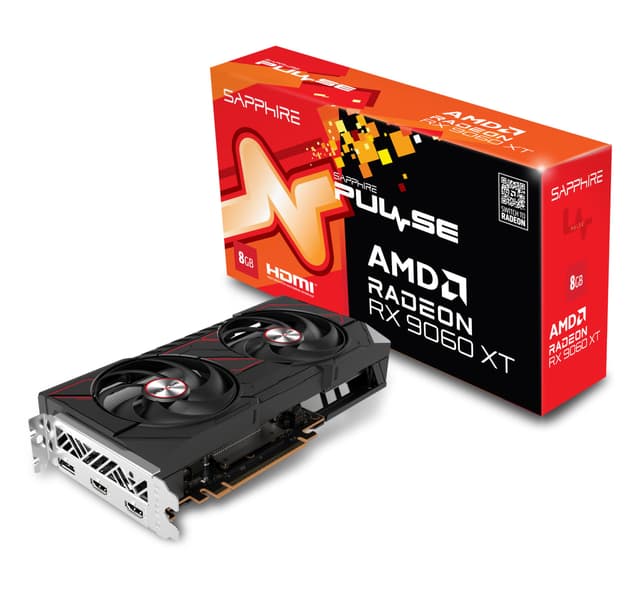
Under £100: The GTX 970 and RX 580 territory. Avoid for serious rendering. Under £200: The RTX 3050 LP and GTX 1660 Super live here. Functional for learning. £200 to £250: The RTX 5050 and RTX 3050 LP at full price. Solid for intermediate work. £250 to £300: The RX 9060 XT and RTX 5060 LP. This is where the best value for rendering sits in 2026.
For more detailed GPU architecture comparisons, TechPowerUp's GPU database is an excellent reference. And for Blender-specific GPU benchmarks, AMD's official GPU product page covers RDNA 4 rendering capabilities in detail.
How We Assessed These Cards
Our assessment of these cards for the Best Graphics Cards for 3D Rendering Under £300 roundup combined spec analysis, owner feedback from verified UK buyers, software compatibility research across Blender, Cinema 4D, and DaVinci Resolve, and thermal performance data from independent benchmarks. We paid particular attention to VRAM capacity, architecture generation, and sustained load behaviour, since rendering is a very different workload from gaming. Cards were ranked primarily on rendering suitability, not gaming performance.
Best Overall
Gigabyte Radeon RX 9060 XT GAMING OC 16G
16GB GDDR6 VRAM on a modern RDNA 4 chip. The standout rendering card under £300 in 2026 by a clear margin.
Check PriceBest Value
51RISC GeForce GTX 1660 Super
Functional for basic rendering tasks when found at a genuinely low price. Not perfect, but the most affordable entry point that's still usable.
Check availability
Final Verdict: Best Graphics Cards for 3D Rendering Under £300
The Best Graphics Cards for 3D Rendering Under £300 in 2026 is, without much debate, the Gigabyte Radeon RX 9060 XT GAMING OC 16G. Sixteen gigabytes of VRAM on a modern RDNA 4 architecture at this price is a genuinely unusual combination, and for Blender, DaVinci Resolve, or Cinema 4D rendering work, that VRAM headroom is transformative compared to the 8GB alternatives. If you need Nvidia specifically for CUDA-dependent software, the MSI RTX 5050 8G GAMING OC is the next best choice, with proper cooling and modern RTX features. And if budget is genuinely tight, the 51RISC GTX 1660 Super gets the job done for simple scenes, provided you find it at a sensible price. Whatever you do, skip the GTX 970. It has no place in a 2026 rendering workflow.