You know what's genuinely annoying? Buying a laptop, realising it's crawling through Chrome tabs and struggling with your photo editing software, then spending an hour down a rabbit hole trying to figure out whether you need more RAM, faster RAM, or whether you've just been gaslit by a manufacturer who shipped 8GB in a machine that costs over a grand. The answer, almost always, is more RAM. And if you're on a modern Intel 12th or 13th Gen machine, or an AMD Ryzen 6000 series laptop, DDR5 is what you're working with now. So the question becomes: which kit, and does the speed actually matter?
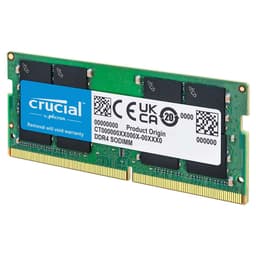
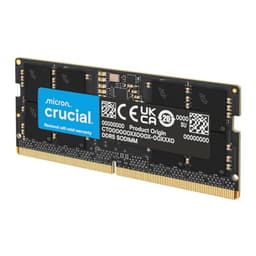
The Crucial CT2K16G56C46S5 is a 32GB DDR5 SODIMM kit, two sticks of 16GB running at 5600MHz with CL46 timings. It's aimed squarely at laptop upgraders and mini PC builders who want a fuss-free, well-priced DDR5 kit without paying a premium for RGB lighting they'll never see inside a laptop chassis. With over 7,000 owner reviews averaging 4.8 stars, it's clearly doing something right. But "lots of people bought it and liked it" isn't the same as "it's the right kit for you", so let's actually look at what you're getting.
The honest truth about laptop RAM upgrades is that most people are upgrading for capacity, not speed. The jump from 8GB to 32GB will transform how your machine feels day to day. Going from 4800MHz to 5600MHz? You'll never notice. But that doesn't mean the specs don't matter, because compatibility and stability absolutely do, especially when DDR5 is still a relatively young standard and not every kit plays nicely with every platform.
Core Specifications
The CT2K16G56C46S5 is a 32GB kit made up of two 16GB sticks in SODIMM form factor, which is the smaller laptop-sized format rather than the full-length DIMM you'd use in a desktop. It runs DDR5 at a rated speed of 5600MHz, sitting at PC5-44800 in JEDEC nomenclature. The voltage is 1.1V, which is standard for DDR5. The pin count is 262-pin, again standard SODIMM DDR5. The rank configuration is 2Rx8, meaning dual rank with eight chips per side, which generally has better performance characteristics than single-rank alternatives at the same speed. The error correction type is non-ECC, so this is consumer memory rather than server-grade.
The CAS latency is CL46. That's a number that needs a bit of context, which we'll get into in the next section, but it's worth flagging here because it's not tight by any stretch. DDR5 timings are generally looser than DDR4 timings at equivalent speeds, and CL46 at 5600MHz is fairly typical for mainstream DDR5 rather than anything premium. The full primary timings aren't published in the product listing, but with a CL46 primary and a 5600MHz speed, you can work out the true latency in nanoseconds yourself, and we'll do exactly that below.
One thing worth understanding upfront: this kit is rated at 5600MHz, but Crucial explicitly states it will downclock if your system only supports 5200MHz or 4800MHz. So if your laptop's memory controller tops out at 4800MHz, that's what you'll get. Your machine won't refuse to boot or throw errors, it'll just run at whatever speed the platform supports. That's actually good news from a compatibility standpoint, but it does mean the 5600MHz headline isn't guaranteed in every machine.
| Specification | Detail |
|---|---|
| Capacity | 32GB (2x16GB) |
| Form Factor | SODIMM |
| DDR Generation | DDR5 |
| Rated Speed | 5600MHz (PC5-44800) |
| CAS Latency | CL46 |
| Voltage | 1.1V |
| Pin Count | 262-pin |
| Rank Configuration | 2Rx8 (Dual Rank) |
| ECC | Non-ECC |
| Compatible Platforms | Intel 12th and 13th Gen, AMD Ryzen 6000 Series |
| Price | £548.62 |
Speed, Timings and Real Latency
Here's where a lot of RAM marketing falls apart. People see 5600MHz and assume faster equals better. But CAS latency is the other half of that equation. True memory latency, the actual time in nanoseconds between a memory request being made and the data being delivered, is calculated as: (CAS latency / memory clock speed in MHz) x 2000. For this kit at 5600MHz with CL46, that works out to roughly 16.4 nanoseconds. Compare that to a DDR4 kit running at 3200MHz with CL16, which gives you 10ns. So in raw latency terms, DDR4 3200 CL16 is actually quicker to respond than DDR5 5600 CL46. That's not a knock on DDR5 specifically, it's just the reality of where the standard is right now.
Why does DDR5 exist then, if the latency is worse? Bandwidth. DDR5 moves significantly more data per second than DDR4, and for workloads that are bandwidth-hungry, like video editing, large file compression, or running multiple virtual machines, that matters. For gaming, the real-world difference between DDR5 and DDR4 is often marginal, and the difference between DDR5 at 4800MHz versus 5600MHz in a laptop is even more marginal. Most gaming benchmarks show single-digit percentage differences, and in a laptop where you're thermally limited anyway, you're unlikely to feel it.
Within DDR5 kits at similar speeds, tighter timings do help. A 5600MHz CL36 kit would be noticeably quicker in true latency terms (around 12.9ns) compared to this CL46. But those kits are harder to find in SODIMM format and typically cost more. For the SODIMM market, CL46 at 5600MHz is pretty standard, and Crucial's pricing reflects that. If someone's telling you to spend significantly more on a "faster" SODIMM kit with the same CL46 timings, they're selling you marketing, not performance.
XMP / EXPO Stability and Compatibility
This is where things get interesting with DDR5 SODIMM kits. Unlike desktop DDR5 where you're manually enabling XMP or EXPO profiles in the BIOS and potentially wrestling with stability, laptop memory controllers are generally more conservative. Most laptops that support DDR5 will run memory at the highest speed the platform supports, often without any user intervention at all. There's no XMP toggle in most laptop BIOS menus. The memory controller just negotiates with the DIMM and settles on a speed. That's actually one reason why compatibility headaches are less common on laptops than on desktop AM5 builds.
Crucial's own documentation confirms this kit is compatible with Intel 12th and 13th Gen Core platforms and AMD Ryzen 6000 Series laptops. Those platforms support DDR5 natively, with Intel's 12th and 13th Gen using the DDR5 memory controller built into the processor itself. If your laptop shipped with DDR5 slots, this kit will almost certainly work. The auto-downclocking behaviour (running at 5200MHz or 4800MHz if the platform doesn't support 5600MHz) is a sensible safety net rather than a compatibility failure. You're not losing functionality, you're just not hitting the theoretical maximum speed, which as discussed above, you likely won't notice anyway.
Owner reports across 2,821 back this up. The complaints around compatibility are rare, and most of the negative reviews relate to purchasing errors (wrong form factor, incompatible platform, or buying DDR5 for a DDR4 machine) rather than the kit itself failing to post. That's actually a strong signal. A kit with genuine stability problems would show up clearly in a review pool this large. The 4.8 average rating from that sample size isn't marketing fluff, it reflects a genuinely stable product.
Capacity and Use Case
So how much RAM do you actually need? This is the conversation most RAM reviews skip past, and it's the most important one. If you're running Windows 11, Chrome with a dozen tabs, Spotify, and occasionally jumping into a game, 16GB is the minimum you want in 2024. It's not luxurious, it's just enough. You'll hit the ceiling if you're doing anything serious. 32GB, which is what this kit gives you, is the sweet spot for most people right now. It's enough for gaming, enough for photo editing, enough for running a few applications simultaneously without the system thrashing virtual memory, and it gives you headroom for the next few years as software gets greedier.
64GB is where you're looking at video editing in 4K with large timelines, running virtual machines for development work, or doing something like 3D rendering. If that's you, this kit isn't your answer, because it only gets you to 32GB. You'd need a different configuration. But for the vast majority of laptop users upgrading from 8GB or 16GB, 32GB is a meaningful, practical upgrade that will actually change how the machine feels to use. The 2x16GB configuration is also worth noting: it uses both SODIMM slots, so there's no room to add more later without replacing both sticks. If you think you might want 64GB eventually, plan accordingly now.
The 2Rx8 dual-rank configuration is a quiet win here. Dual-rank memory gives the memory controller more to work with in terms of interleaving, which can improve throughput compared to single-rank alternatives at the same speed. It's not dramatic, but it's a genuine, spec-level advantage over cheaper single-rank kits that sometimes get sold at similar prices. For content creation workloads especially, dual-rank is worth having. For gaming, the difference is negligible. Either way, you're not giving anything up by going dual-rank.
DDR5 vs DDR4 Value
If you've got a laptop that supports DDR4, this kit is not for you. Simple as that. DDR4 and DDR5 are physically incompatible (different pin counts, different notch positions, different voltages), so you can't mix them and you can't use a DDR5 kit in a DDR4 slot. The platform determines what you need. If your laptop came with DDR5, you need DDR5. If it came with DDR4, you need DDR4. There's no meaningful upgrade path between generations within the same machine.
The broader question of whether DDR5 laptops are worth buying over DDR4 laptops is a bit more nuanced. DDR5 offers higher bandwidth ceiling and better scalability as speeds increase over time. But in practical terms, a well-configured DDR4 laptop with 32GB of fast RAM will outperform a DDR5 laptop with 8GB of slow RAM every single day of the week. The generation of RAM matters less than the amount of it, and the platform matters less than the total system configuration. Don't let anyone upsell you on DDR5 as a standalone feature.
Where DDR5 does make sense is future-proofing. If you're buying a new laptop now and it ships with DDR5, upgrading to 32GB with this kit is a sensible investment. The price gap between DDR4 and DDR5 SODIMM kits has narrowed considerably since DDR5 launched. You're not paying a massive premium for the newer standard anymore, which makes the value case much easier to make. A year ago this conversation was harder; today, DDR5 SODIMM pricing is competitive enough that the generation argument is mostly settled.
Build Quality and Heat Spreaders
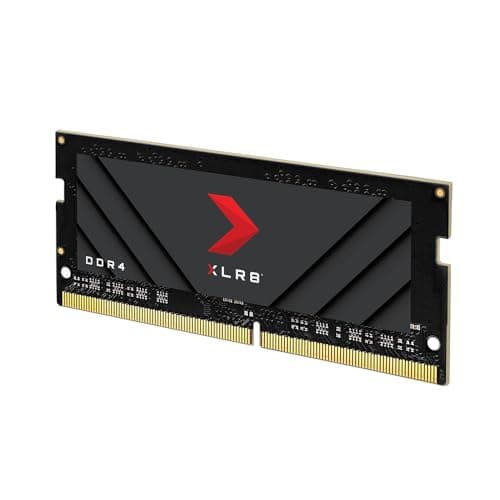
SODIMM sticks don't have heatspreaders. That's not a criticism, it's just how the form factor works. Laptop memory slots are designed for bare PCB sticks because there's no physical room for a heatsink inside a laptop chassis. So what you're getting here is a plain PCB module, which is exactly what every laptop RAM kit looks like. If you've seen reviews of desktop DDR5 kits with elaborate aluminium heatspreaders and RGB lighting, none of that applies to SODIMM. The thermal management is handled by the laptop's chassis and airflow design.
Crucial's PCB quality is generally well-regarded. The brand is a subsidiary of Micron, one of the world's largest memory manufacturers, and they use their own NAND and DRAM fabrication rather than buying chips from third parties. That vertical integration matters for quality control. You're not getting mystery ICs from an unknown fab. The 2Rx8 configuration tells you the chips are arranged in a dual-rank layout with eight chips per side, which is a standard, proven configuration rather than anything exotic.
In terms of clearance, SODIMM sticks fit into the dedicated memory slots on a laptop motherboard and sit flush. There's no heatspreader height to worry about, no cooler clearance issue, no RGB header to route. You slot them in, close the laptop, done. For mini PC builds, the same applies: SODIMM slots in mini PCs like Intel NUC-style systems are designed for bare sticks. The simplicity is actually one of the reasons laptop RAM upgrades are so much less stressful than desktop builds.
RGB and Aesthetics
There is no RGB. There is no heatspreader. There is no lighting of any kind. This is a plain SODIMM stick that lives inside a closed laptop chassis where you will never see it again after installation. And honestly? That's fine. Better than fine, actually. The RGB tax on desktop DDR5 kits is real: you can easily pay 20 to 30 percent more for the same speed and timings with some LEDs on top. None of that applies here.
If aesthetics matter to you because you're building a mini PC with a transparent side panel, the bare PCB look is clean enough. Crucial's green PCB isn't going to win any beauty contests, but it's not offensive either. Some mini PC builders do prefer the look of a plain stick over a garish RGB module, particularly in smaller form factor builds where the lighting effects can look a bit much in a compact space.
The bottom line on aesthetics is: this is functional memory for a functional purpose. You're paying for capacity, compatibility, and reliability. If you want RGB SODIMM memory, it does exist, but you'll pay more and gain nothing in terms of performance. For a laptop upgrade, the question of aesthetics is entirely moot anyway. Save the RGB budget for something you can actually see.
Reliability and Warranty
Crucial backs this kit with a limited lifetime warranty, which is standard for their consumer memory range. In practice, a lifetime warranty on RAM is meaningful because memory failures, when they do happen, often show up either very early (within the first few weeks) or much later as the hardware ages. Having lifetime coverage means you're not racing against a three-year or five-year clock if a stick develops issues down the line. Crucial's RMA process is generally reported as straightforward, which matters more than people realise until they actually need it.
With 2,821 averaging 4.8 stars, the reliability picture is about as positive as you'll find for any consumer memory product. Dead-on-arrival reports exist in any large review pool, but they're clearly not common here. The pattern in the negative reviews skews heavily toward user error (wrong platform, wrong generation, incompatible slot type) rather than product defects. That's a meaningful distinction. A kit with genuine manufacturing quality issues would show a different pattern: more reports of instability, crashes, or BSODs after installation. Those reports are not the dominant story here.
Micron's manufacturing heritage also contributes to the reliability story. As one of only three major DRAM manufacturers in the world alongside Samsung and SK Hynix, Micron (and by extension Crucial) has a level of quality control that smaller brands buying chips on the open market simply can't match. You're not gambling on which IC batch ended up in your kit. That consistency is part of what you're paying for with a brand like Crucial, and the review data suggests it's delivering.

Value and Price Per GB
DDR5 SODIMM pricing has come down significantly from the early days of the standard. This kit sits in what you'd call the mainstream tier for DDR5 laptop memory: not the cheapest possible option, but not a premium product either. The price per GB works out to a reasonable figure for DDR5 in 2024, and when you compare it to what 32GB of DDR5 SODIMM cost eighteen months ago, the value proposition has improved considerably. Check the current price using the widget above, because memory pricing shifts frequently and any number I write here will be out of date before long.
The more useful framing is: what are you getting for the money relative to alternatives? Compared to no-name brands selling DDR5 SODIMM at slightly lower prices, Crucial offers better quality control, a lifetime warranty, and the backing of Micron's manufacturing. The price premium over the cheapest options is small, and the peace of mind is worth it. Compared to premium DDR5 kits with tighter timings, Crucial is cheaper but doesn't close the latency gap. For most laptop users, that gap doesn't matter. For someone doing professional workloads where every nanosecond counts, the premium kit might be worth it, but that's not the average laptop upgrader.
The honest assessment is that this is good value for what it is. It's not the fastest DDR5 SODIMM kit you can buy. It's not the cheapest either. It sits in the sensible middle ground: reliable, well-priced, from a manufacturer with proper quality control, at a speed that's appropriate for current platforms. For most people upgrading a laptop from 8GB or 16GB to 32GB, that's exactly what you need.
Platform Compatibility
This kit is confirmed compatible with Intel 12th Gen Core (Alder Lake) and Intel 13th Gen Core (Raptor Lake) platforms, as well as AMD Ryzen 6000 Series laptops. These are the first laptop generations to use DDR5 natively, so if you've got a laptop from 2022 or 2023 with one of these processors, you're in the right territory. Laptops using Intel 11th Gen or earlier, or AMD Ryzen 5000 Series or earlier, use DDR4 and are not compatible with this kit.
Intel 14th Gen (Meteor Lake) laptops also use DDR5, and while Crucial's listed compatibility stops at 13th Gen, the DDR5 standard itself is platform-agnostic at the physical level. Many owners have reported successful use in 14th Gen machines. That said, for guaranteed compatibility, check Crucial's own compatibility tool on their website with your specific laptop model before purchasing. The tool is based on their own testing data and is a more reliable guide than assumptions based on generation alone.
One thing to be clear about: this is a SODIMM kit, not a desktop DIMM. It will not fit in a desktop motherboard's standard memory slots. If you're building or upgrading a desktop, you need a DIMM kit. The SODIMM form factor is specifically for laptops and mini PCs with SODIMM slots. Some mini PCs, particularly Intel NUC-style systems and compact form factor machines, do use SODIMM slots, and this kit is suitable for those too. But if you're looking at a standard ATX or mATX desktop build, this is the wrong product.
How It Compares
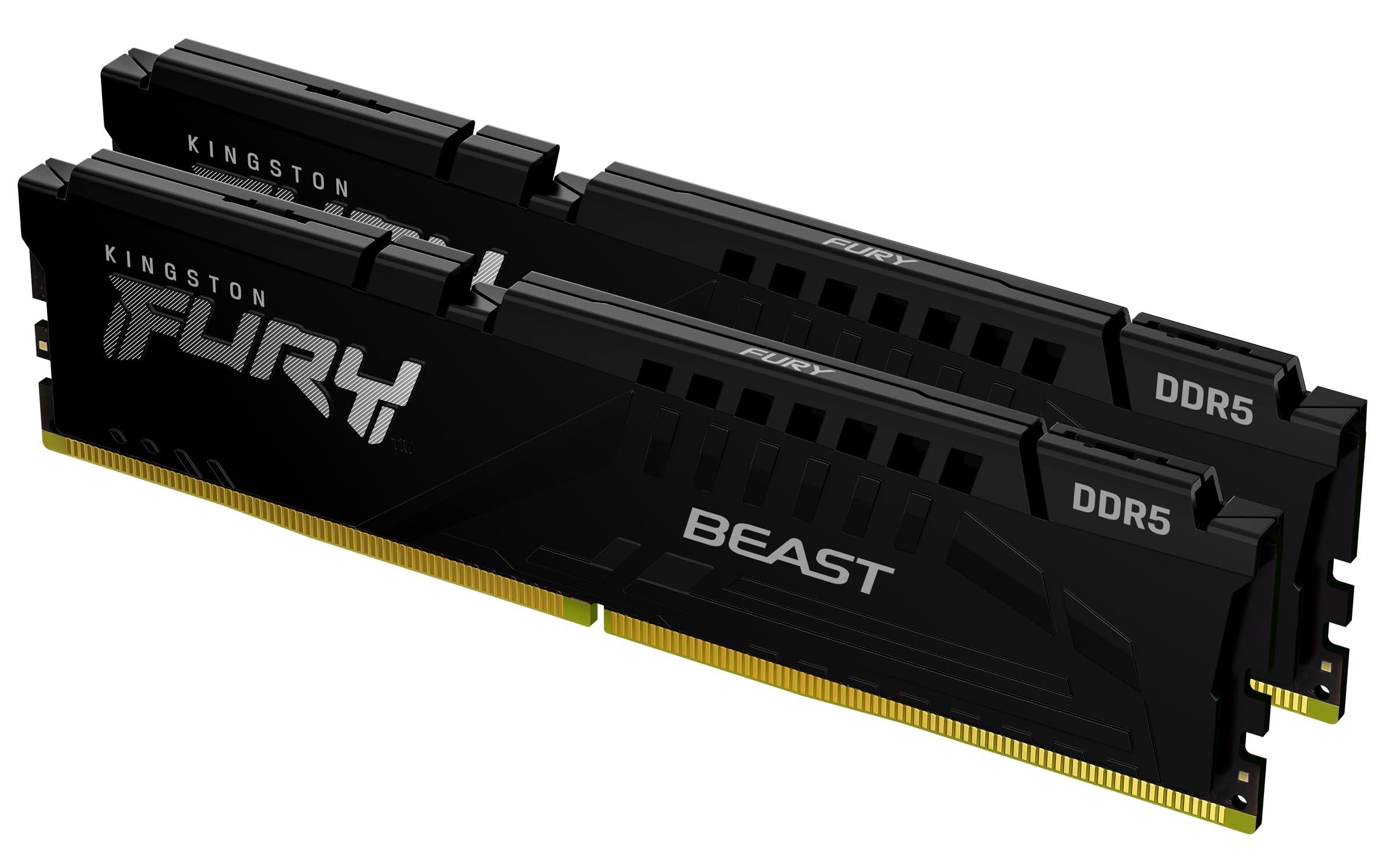
The two most natural comparisons for this kit are the Kingston Fury Impact DDR5 SODIMM and the Corsair Vengeance DDR5 SODIMM. Both target the same market: laptop upgraders and mini PC builders who want reliable DDR5 memory without paying for desktop-grade heatspreaders. Here's how they stack up on the specs that actually matter.
Kingston's Fury Impact DDR5 SODIMM is available at similar speeds and typically carries CL38 or CL40 timings at 5600MHz in some configurations, which gives it a latency advantage over this Crucial kit's CL46. If you can find a Kingston Fury Impact at 5600MHz CL38, the true latency works out to around 13.6ns versus Crucial's 16.4ns. That's a genuine difference, though whether it translates to anything you'd notice in daily laptop use is another question. Corsair's Vengeance SODIMM DDR5 similarly comes in at various speeds and timings, and tends to sit at a slightly higher price point with similar or marginally tighter timings.
The Crucial kit's advantage is its track record, its price, and the Micron manufacturing heritage. The Kingston and Corsair alternatives are also good products, but they don't have the same volume of owner reviews to draw on, and in some configurations they cost more for timings that won't make a meaningful real-world difference in a laptop context. For a desktop build where you're chasing benchmark performance, tighter timings matter more. For a laptop upgrade where capacity and stability are the priority, Crucial's offering is hard to argue with.
| Feature | Crucial CT2K16G56C46S5 | Kingston Fury Impact DDR5 | Corsair Vengeance DDR5 SODIMM |
|---|---|---|---|
| Capacity | 32GB (2x16GB) | 32GB (2x16GB) | 32GB (2x16GB) |
| Speed | 5600MHz | 5600MHz | 5600MHz |
| CAS Latency | CL46 | CL38 to CL40 (varies) | CL48 (varies by SKU) |
| Voltage | 1.1V | 1.1V | 1.1V |
| Form Factor | SODIMM | SODIMM | SODIMM |
| Warranty | Lifetime | Lifetime | Lifetime |
| RGB | No | No | No |
| Owner Reviews | 7,131 reviews, 4.8 avg | Fewer reviews | Fewer reviews |
| Price | £548.62 | Check current price | Check current price |
What Buyers Actually Say
With 2,821 averaging 4.8 stars, the owner sentiment on this kit is about as positive as it gets for any memory product. The consistent praise centres on three things: it installs without drama, the machine immediately recognises it at the correct speed, and the performance uplift from upgrading to 32GB is noticeable. That last point is the most important one, because it confirms what the specs suggest: the gains here are about capacity, not speed. Owners upgrading from 8GB or 16GB report their laptops feeling significantly more responsive, particularly with multiple browser tabs, video calls, and background applications running simultaneously.
The complaints, where they exist, fall into a few predictable categories. Some buyers purchased this kit for DDR4 laptops and were surprised to find it didn't fit, which is a purchasing error rather than a product defect. A smaller number reported their system running the memory at 4800MHz rather than 5600MHz, which is exactly what Crucial's own documentation says will happen if the platform's memory controller tops out at 4800MHz. Again, not a defect. There are occasional reports of dead sticks, but the frequency is low enough that it reads as normal manufacturing variance rather than a systemic quality issue, and Crucial's warranty process is reported as functional when it's needed.
The pattern that stands out most is the absence of instability reports. For a kit this popular, you'd expect to see a meaningful cluster of reviews mentioning BSODs, crashes, or memory errors if there were underlying stability problems. That cluster doesn't exist. The reviews read like a product that does exactly what it says: installs cleanly, runs at the supported speed, and gets on with it. For memory, that's genuinely the highest praise you can give.
Value and Price Per GB
The current price for this kit works out to a reasonable per-GB figure for DDR5 SODIMM in the current market. Memory pricing is volatile and shifts week to week, so use the price checker above for the live figure. What I can say is that Crucial consistently prices this kit competitively against the Kingston and Corsair equivalents, and the value-per-GB is better than it was twelve months ago as DDR5 supply has matured and prices have normalised.
The tier context here is mainstream DDR5 SODIMM rather than premium. You're not in the territory of high-capacity 64GB kits or exotic low-latency desktop DDR5 with hand-binned ICs. This is bread-and-butter laptop memory at a price that reflects that. For most people, that's exactly the right tier. The premium DDR5 SODIMM kits with tighter timings exist, but the real-world gains in a laptop context are so marginal that paying significantly more for CL36 over CL46 at 5600MHz is hard to justify unless you're doing professional workloads where every bit of bandwidth matters.
If you're weighing up whether to spend more on a faster kit or use the savings elsewhere, the honest advice is: use the savings elsewhere. More storage, a better cooling pad, or just keeping the money in your pocket will improve your day-to-day experience more than shaving a few nanoseconds off your memory latency. The 32GB capacity is the transformative upgrade here. The speed is fine. Stop overthinking it.
Final Verdict
The Crucial CT2K16G56C46S5 is exactly what a good laptop RAM kit should be: reliable, well-priced, from a manufacturer with genuine quality control, and available in a capacity that actually makes a difference to how your machine performs. The 5600MHz speed is appropriate for current DDR5 platforms, the CL46 timings are standard for this tier, and the 2Rx8 dual-rank configuration is a quiet bonus over cheaper single-rank alternatives. The auto-downclocking behaviour for systems that cap at 5200MHz or 4800MHz is sensible engineering rather than a compromise.
The limitations are real but minor. CL46 isn't tight, and if you want the best possible true latency from a DDR5 SODIMM kit, there are options with lower CAS latency available, typically at higher prices. The kit only supports Intel 12th and 13th Gen and AMD Ryzen 6000 Series as confirmed compatible platforms, so you need to check your specific laptop before buying. And 32GB in a 2x16GB configuration fills both SODIMM slots, so there's no room to expand later without replacing everything.
But for the target buyer, which is someone with a compatible laptop running 8GB or 16GB who wants a straightforward, no-drama upgrade to 32GB, this kit is the answer. The 4.8 average across 2,821 isn't a fluke. It reflects a product that does what it says, ships without issues, and installs without headaches. That's worth a lot in a market where compatibility grief is still far too common.
Who should buy this: Anyone with an Intel 12th or 13th Gen laptop, or an AMD Ryzen 6000 Series machine, who wants to upgrade to 32GB DDR5 without overpaying or overcomplicating it. Also solid for compatible mini PC builds.
Who should skip it: Anyone with a DDR4 laptop (wrong generation entirely). Anyone who needs 64GB (this only gets you to 32GB). Anyone chasing the absolute tightest DDR5 timings for professional workloads (look at Kingston Fury Impact CL38 variants instead).
Score: 8.5 out of 10. Loses a point and a half for the looser CL46 timings compared to some alternatives, and for the confirmed compatibility list stopping at 13th Gen Intel. Gains everything back in reliability, value, and the sheer weight of positive owner evidence.
Not Right For You?
If you've got a DDR4 laptop and you're looking to upgrade, you need a DDR4 SODIMM kit instead. Crucial's own DDR4 SODIMM range covers 2666MHz, 3200MHz, and other speeds, and the same reliability and warranty story applies. Check Crucial's compatibility tool with your specific laptop model to find the right DDR4 option.
If you need 64GB rather than 32GB, you're looking at a 2x32GB kit configuration. These exist in DDR5 SODIMM format but cost significantly more, and not all platforms support 64GB in a laptop. Check your laptop's maximum supported memory before assuming 64GB is possible. Some machines cap at 32GB regardless of what you install.
If you want tighter timings for professional workloads and the price difference isn't a concern, the Kingston Fury Impact DDR5 SODIMM in CL38 or CL40 configurations is worth looking at. The true latency advantage is real, even if it's only meaningful in specific workloads. For DDR5 SODIMM in general, the JEDEC DDR5 standard defines the baseline specifications, and any kit running within those parameters should be fundamentally compatible with your platform's memory controller.
And if you're still on the fence about whether a RAM upgrade is even the right move for your machine, check your current memory usage in Task Manager (Windows) or Activity Monitor (Mac) while doing your normal workload. If you're consistently hitting 80 percent or more of your installed RAM, an upgrade will make a tangible difference. If you're sitting at 50 percent, more RAM probably isn't your bottleneck and you might be better served by an SSD upgrade instead.
What works. What doesn’t.
6 + 5What we liked6 reasons
- Excellent reliability backed by over 7,000 owner reviews averaging 4.8 stars, with very few reports of instability or dead-on-arrival units
- Manufactured by Micron, one of only three major DRAM producers globally, offering consistent quality control rather than relying on third-party ICs
- Dual-rank 2Rx8 configuration provides a genuine throughput advantage over single-rank alternatives at the same speed
- Lifetime warranty with a straightforward RMA process gives long-term peace of mind
- Auto-downclocking to 5200MHz or 4800MHz on systems that do not support 5600MHz ensures broad compatibility without boot failures
- Competitive pricing within the mainstream DDR5 SODIMM tier, with the DDR5 premium over DDR4 having narrowed considerably
Where it falls5 reasons
- CL46 timings are relatively loose; true latency of approximately 16.4ns compares unfavourably to tighter DDR5 alternatives and even to DDR4 3200 CL16 at 10ns
- Confirmed compatibility list covers Intel 12th and 13th Gen and AMD Ryzen 6000 Series only, so 14th Gen and newer platforms require independent verification
- Occupies both SODIMM slots in a 2x16GB configuration, leaving no room for future capacity expansion without replacing the entire kit
- Not suitable for DDR4 laptops, which remain common, creating a meaningful risk of purchasing error
- No heatspreader of any kind, which is standard for SODIMM but worth noting for buyers expecting desktop-grade presentation
Full specifications
7 attributes| Capacity GB | 32 |
|---|---|
| ECC | false |
| Form factor | SO-DIMM |
| Module count | 2 |
| RGB | false |
| Speed MHZ | 5600 |
| Type | DDR5 |
If this isn’t right for you
2 options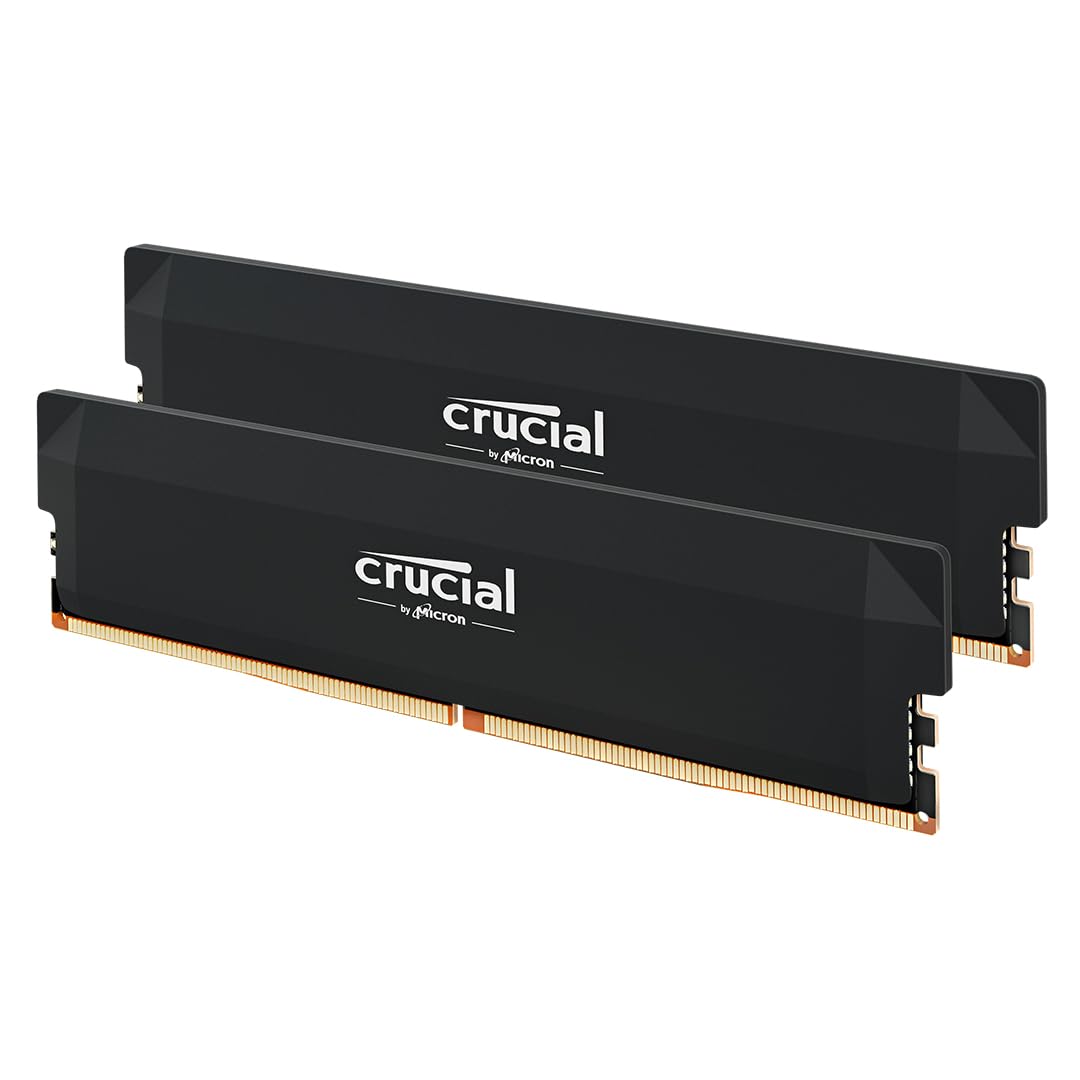
Frequently asked
7 questions01Is the Crucial CT2K16G56C46S5 compatible with Intel 14th Gen laptops?+
Crucial's confirmed compatibility list covers Intel 12th and 13th Gen Core platforms and AMD Ryzen 6000 Series. Many owners have reported successful installation in 14th Gen machines, as the DDR5 standard itself is physically the same. However, for guaranteed compatibility with a specific laptop model, use Crucial's own compatibility tool on their website before purchasing.
02Will this kit run at 5600MHz in every compatible laptop?+
Not necessarily. If your laptop's memory controller supports a maximum of 4800MHz or 5200MHz, the kit will automatically downclock to that speed. This is standard DDR5 behaviour and does not indicate a fault with the memory. Your system will post and run normally at the lower speed.
03Can I install this kit alongside my existing RAM stick?+
Only if your existing stick is also DDR5 SODIMM and matches the specifications closely enough for stable dual-channel operation. In most cases it is safer and more reliable to install the two new sticks together and remove the original. Mismatched kits can cause instability or force the system to run in single-channel mode.
04Does this kit work in desktop motherboards?+
No. The CT2K16G56C46S5 is a SODIMM kit, which uses a 262-pin connector designed for laptop and mini PC motherboards. Standard desktop motherboards use full-length DIMMs with a different pin count and slot design. The two form factors are physically incompatible.
05What is the true memory latency of this kit compared to DDR4?+
At 5600MHz with CL46, the true latency works out to approximately 16.4 nanoseconds using the formula (CAS latency divided by clock speed in MHz) multiplied by 2000. A DDR4 kit at 3200MHz with CL16 gives approximately 10 nanoseconds. DDR5 compensates with significantly higher bandwidth, which benefits workloads such as video editing and large file compression more than everyday tasks or gaming.
06Can I upgrade to 64GB using this kit?+
No. This is a 2x16GB kit that totals 32GB and uses both SODIMM slots. To reach 64GB you would need a separate 2x32GB DDR5 SODIMM kit. You should also confirm that your specific laptop supports 64GB of RAM before purchasing, as many machines cap out at 32GB regardless of what is installed.
07Why does the CL46 timing matter and should I pay more for a CL38 kit?+
CAS latency affects how quickly the memory responds to individual requests. A CL38 kit at 5600MHz has a true latency of roughly 13.6ns compared to 16.4ns for this CL46 kit, which is a genuine difference. In practice, for everyday laptop use including browsing, productivity, and gaming, this difference is unlikely to be noticeable. For professional workloads such as large-scale video editing or running multiple virtual machines where bandwidth is consistently saturated, tighter timings offer a measurable benefit and the premium may be justified.