Here's a thing that trips up a lot of builders: two kits running at the same rated speed can have meaningfully different real-world latency depending on their timings. A 3200MHz CL16 kit and a 3200MHz CL18 kit are not the same thing. The first completes a memory access cycle in roughly 10 nanoseconds; the second takes closer to 11.25ns. That gap is small in absolute terms, but it's real, and it's exactly the kind of detail that gets lost when people focus purely on the MHz number printed on the box. The Corsair CMK16GX4M2B3200C16W Vengeance LPX 16 GB sits at the better end of that trade-off for its speed grade.
This is a 2x8GB DDR4 kit rated at 3200MHz with CL16 timings and XMP 2.0 support, available in white to match lighter-coloured builds. It's been around long enough to accumulate over 62,000 owner reviews on Amazon, averaging ★★★★½ (4.8). That kind of sample size is actually useful. It tells you something real about long-term reliability and compatibility that a single reviewer's bench session simply cannot. The question isn't whether Corsair can make a decent DDR4 kit (they obviously can). The question is whether this specific configuration, at this price, makes sense for your build right now, in 2026, when DDR5 platforms are mainstream and DDR4 is increasingly the budget-conscious choice.
So. Who is this actually for? A builder on an Intel 12th or 13th gen platform, or an AMD Ryzen 5000 or older system, who wants a clean, aesthetically considered kit that posts at rated speed without drama. That's the pitch. Whether it delivers, and whether 16GB is even enough for what you're doing, is what the rest of this covers.
Core Specifications
The Corsair CMK16GX4M2B3200C16W Vengeance LPX 16 GB is a dual-channel DDR4 kit consisting of two 8GB modules. The rated speed is 3200MHz, but it's worth being precise here: the SPD-programmed base speed is 2133MHz, and you only hit 3200MHz by enabling the XMP 2.0 profile in your BIOS. That's standard for any kit above JEDEC spec, but it matters because some builders never enable XMP and then wonder why their expensive RAM is running at 2133MHz. The operating voltage at XMP is 1.35V, while the SPD default runs at 1.2V.
The CAS latency at rated speed is 16. Combined with 3200MHz, that gives a true latency of (2000 / 3200) x 16 = 10.0 nanoseconds. That's a solid result for DDR4 at this speed grade. For context, a 3200MHz CL18 kit works out to 11.25ns, and a 3600MHz CL18 kit comes in at 10.0ns too, so this kit is genuinely competitive in real latency terms despite not having the highest headline frequency. The full primary timings are CL16-18-18-36, which is a well-balanced profile for 3200MHz DDR4.
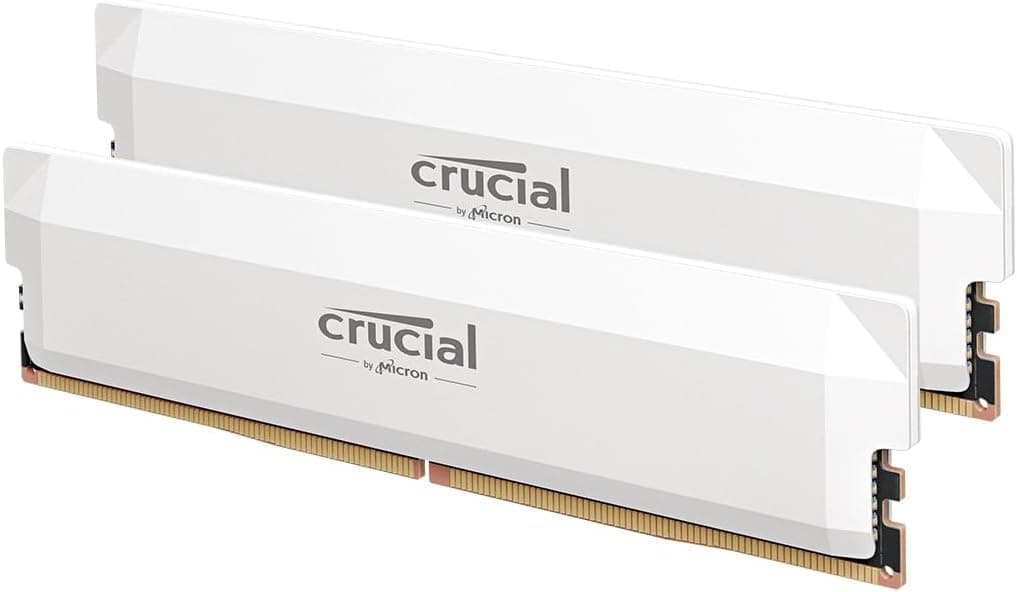
The form factor is standard DIMM (non-ECC, unbuffered), suitable for desktop platforms only. Corsair also confirms this kit is compatible with iMac Pro in UDIMM configuration, which is a niche but useful note for anyone running an older Mac Pro workstation. The heatspreader is aluminium, available in white (this SKU), and the low-profile design is specifically engineered to clear large tower coolers, which is a practical advantage over taller RGB kits.
| Specification | Detail |
|---|---|
| Kit configuration | 2 x 8GB (16GB total) |
| DDR generation | DDR4 |
| Rated speed | 3200MHz (XMP 2.0) |
| SPD base speed | 2133MHz |
| CAS latency | CL16 |
| Primary timings | 16-18-18-36 |
| XMP voltage | 1.35V |
| SPD voltage | 1.2V |
| True latency at rated speed | ~10.0ns |
| Form factor | DIMM (desktop) |
| Heatspreader | Aluminium, white |
| Profile | Low-profile |
| Current price | £194.99 |
| Owner rating | ★★★★½ (4.8) (62,599 reviews) |
Speed, Timings and Real Latency: What the Corsair CMK16GX4M2B3200C16W Vengeance LPX 16 GB Actually Delivers
The headline number on any RAM kit is the frequency, and it's also the least useful number on its own. CAS latency is the other half of the equation. Real latency in nanoseconds is calculated as (2000 / frequency) x CAS, and that's the number that actually reflects how quickly your memory controller can retrieve data. At 3200MHz CL16, this kit lands at exactly 10.0ns. A 3200MHz CL18 kit from a cheaper vendor lands at 11.25ns. Over millions of memory operations per second, that difference adds up in latency-sensitive workloads, even if it's invisible in most day-to-day tasks.
Where does 3200MHz CL16 sit relative to the competition? JEDEC-spec DDR4 tops out at 3200MHz, so this kit is running at the ceiling of what's officially standardised, with timings that are tight for that speed. A 3600MHz CL18 kit would match this kit's true latency at 10.0ns but with higher bandwidth. A 4000MHz CL18 kit would pull ahead to 9.0ns. So if you're on a platform that handles 3600MHz well (most Ryzen 5000 boards, for instance), a 3600MHz CL18 kit might be marginally more efficient overall. But the difference in gaming frame rates between 3200MHz CL16 and 3600MHz CL18 is genuinely small, usually in the low single-digit percentage range, and often within margin of error.
The secondary timings of 16-18-18-36 are well-chosen for a 3200MHz kit. The tRCD and tRP of 18 are slightly looser than the primary CAS of 16, which is normal and reflects the physical constraints of the DRAM cells at this density. You could potentially tighten these manually in BIOS if you're the type who enjoys that kind of thing, but for most builders the XMP profile is the right answer. There's no need to chase sub-timings unless you're genuinely benchmarking memory bandwidth. For gaming and general desktop use, the XMP profile is what you run and you don't touch it again.
XMP and EXPO Stability and Compatibility
XMP 2.0 is the Intel-originated standard for memory overclocking profiles. You enable it in BIOS, the board reads the profile from the module's SPD, and the kit runs at 3200MHz CL16 instead of the 2133MHz JEDEC default. On Intel platforms, this is generally a one-click operation. On AMD platforms, the equivalent is EXPO (on newer AM5 boards) or DOCP/EOCP (on AM4 boards), which are AMD's interpretations of XMP profiles. This kit predates EXPO, so it carries an XMP 2.0 profile rather than a dedicated EXPO profile. On AM4 boards, enabling DOCP or EOCP typically achieves the same result. On AM5 (Ryzen 7000 series), DDR5 is the native standard, so this DDR4 kit is simply not compatible with AM5 at all.
Compatibility is listed across Intel 100, 200, 300, and 400 Series chipsets, plus Intel X299, AMD 300, 400 Series, and AMD X570. That's a wide net covering most DDR4 platforms. The practical implication is that if you're on a Z490, B550, or X570 board, this kit should be on or near the QVL for a large number of motherboards. That said, QVL (Qualified Vendor List) coverage varies by board manufacturer, and being within the supported platform family doesn't guarantee your specific board has validated this exact SKU. Checking your motherboard's QVL page directly is always worth doing before purchase, particularly if you're running a budget B-series board that may be more sensitive to XMP profiles.
Owner feedback across 62,599 (4.8 average) suggests the vast majority of buyers have no issues enabling XMP and hitting 3200MHz on first boot. That's the experience you'd expect from a kit with this level of market maturity. The cases where XMP doesn't post first try typically involve boards with aggressive BIOS defaults or very early firmware versions. Updating BIOS before enabling XMP is good practice regardless of which kit you're running. At 1.35V for XMP, this is within safe operating parameters for DDR4 and shouldn't stress the memory controller on any supported platform.
Capacity and Use Case
16GB in 2026 is a genuinely complicated recommendation. For pure gaming, it's still sufficient for most titles, but the headroom is shrinking. Modern open-world games regularly touch 12GB to 14GB of system RAM when running at high settings with background applications open. If you're gaming with Chrome, Discord, and Spotify running simultaneously (and most people are), 16GB starts to feel tight. You won't hit a hard wall in most cases, but you'll notice Windows paging more, and load times in memory-hungry titles can stretch noticeably.
For content creation, 16GB is the absolute minimum and in practice it's often not enough. Video editing in DaVinci Resolve or Premiere with 4K footage will push 16GB hard. Running a virtual machine, even a lightweight one, eats into available RAM fast. If your workload involves any of these things, the honest answer is that you should be looking at a 32GB kit. The Vengeance LPX range includes 32GB configurations (2x16GB or 4x8GB), and the price-per-GB premium for going to 32GB is smaller than most people expect.
The 2x8GB configuration here does have one structural advantage: it leaves two DIMM slots free on a standard ATX or mATX board. If you start with this kit and later decide you need more memory, you can add another 2x8GB kit in theory. In practice, mixing kits is unreliable. Different production batches, even of the same SKU, can use different IC manufacturers, which can cause instability at XMP. If you think you'll want 32GB eventually, buying a 2x16GB kit now is a cleaner path than trying to mix two 2x8GB kits later. That's not a knock on this specific kit; it's just the reality of how DDR4 mixing works.
DDR5 vs DDR4 Value
DDR5 is now the standard on Intel 12th gen (Alder Lake) and later platforms in DDR5 configurations, and it's the only option on AMD AM5 (Ryzen 7000 and 9000 series). If you're building new on an Intel Core Ultra or Ryzen 9000 platform, DDR4 is simply not an option. This kit is for existing DDR4 platforms, or for builders choosing a DDR4-compatible board on 12th or 13th gen Intel (which supported both DDR4 and DDR5 depending on the board). Buying a DDR4 kit for a new DDR4 platform in 2026 is a legitimate choice if the board and CPU combination is significantly cheaper than an equivalent DDR5 setup.
The performance gap between DDR4 3200MHz and DDR5 at equivalent price points is real but not dramatic for gaming. DDR5 offers higher bandwidth, which matters more for content creation and memory-bandwidth-sensitive workloads than for frame rates in most games. In gaming benchmarks, the difference between a well-tuned DDR4 system and a DDR5 system at similar price points often comes down to single-digit percentages. The platform cost difference (board plus memory) can be significant enough to justify staying on DDR4 if you're upgrading an existing system rather than building fresh.
Where DDR5 wins clearly is in future-proofing. DDR4 platforms are mature, which means they're stable and well-supported, but they're also end-of-life in terms of new CPU launches. If you're building a system you want to upgrade incrementally over three to four years, a DDR5 platform gives you more headroom. If you're refreshing an existing AM4 or Z490/Z590 system and want to spend money on a GPU or CPU upgrade rather than a platform change, DDR4 at this price point is perfectly sensible. This kit is a good answer to the second scenario, not the first.
Build Quality and Heat Spreaders
The Vengeance LPX heatspreader is pure aluminium, which is exactly what you want on a memory module. Aluminium conducts heat well, adds minimal weight, and doesn't require active cooling. DDR4 at 1.35V doesn't generate enough heat to need anything more exotic than a passive aluminium spreader, so the engineering here is appropriate rather than overbuilt. The white colourway on this SKU is clean and consistent, which matters if you're building around a white-and-black aesthetic. Corsair offers the same kit in black, red, and blue, so colour matching is straightforward.
The low-profile design is a genuine practical feature, not just marketing. Taller RGB DIMMs can conflict with large tower coolers on boards where the DIMM slots are close to the CPU socket. The Vengeance LPX's reduced height means it clears virtually any air cooler, including large dual-tower designs like the Noctua NH-D15. If you're running a 360mm AIO or a compact cooler, clearance is rarely an issue anyway, but for big air coolers it's a real consideration and the LPX handles it well.
PCB quality on Corsair's mainstream DDR4 kits is generally solid. The ICs used on Vengeance LPX modules have varied over the production lifetime of this product, which is normal for any kit that's been manufactured at volume for several years. Earlier batches used Samsung B-die, which is highly regarded for overclocking headroom. Later batches have used Hynix or Micron ICs. For running at rated XMP speed, the IC choice makes very little practical difference. For manual overclocking beyond XMP, it matters more, but most buyers aren't going there.
RGB and Aesthetics
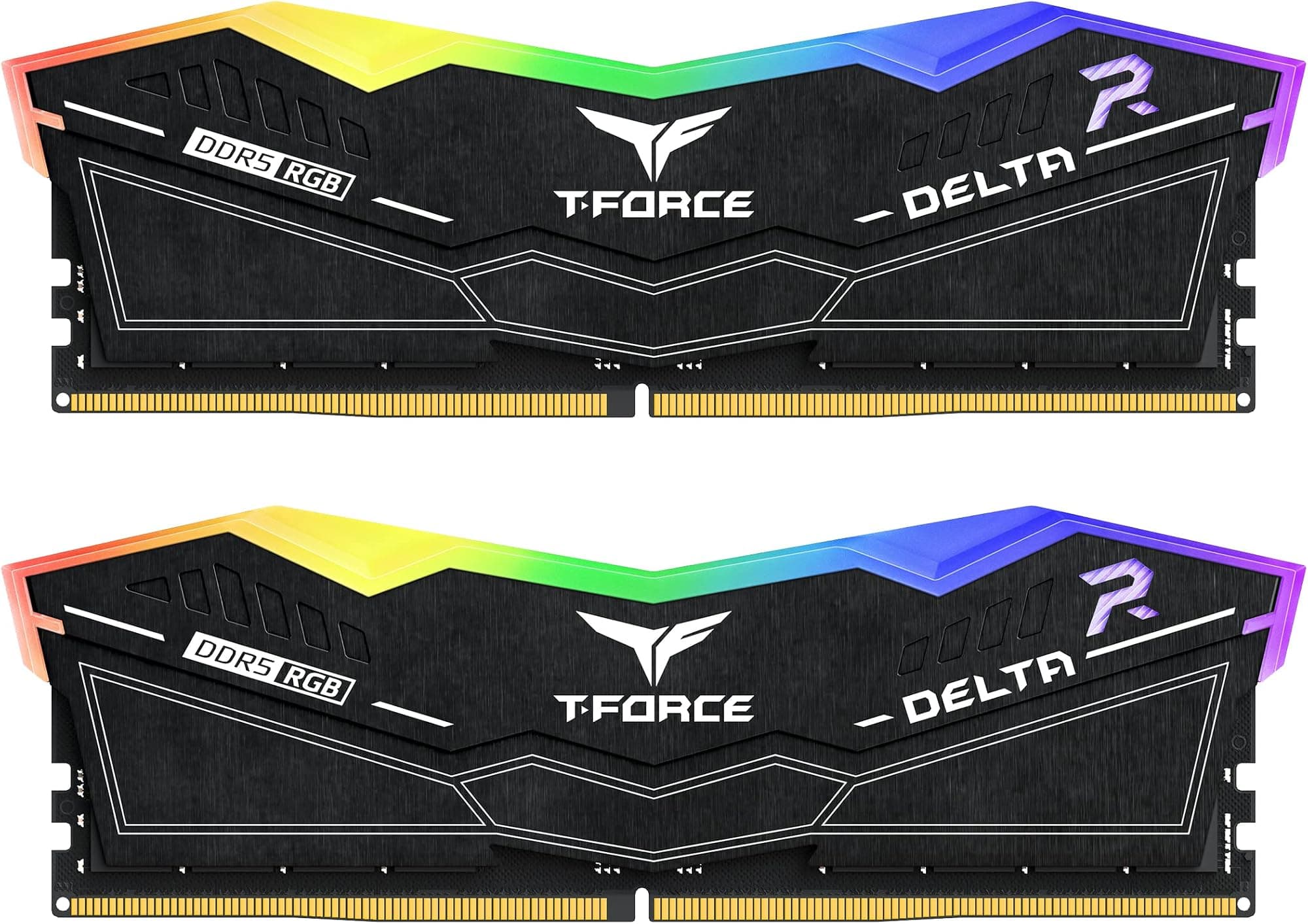
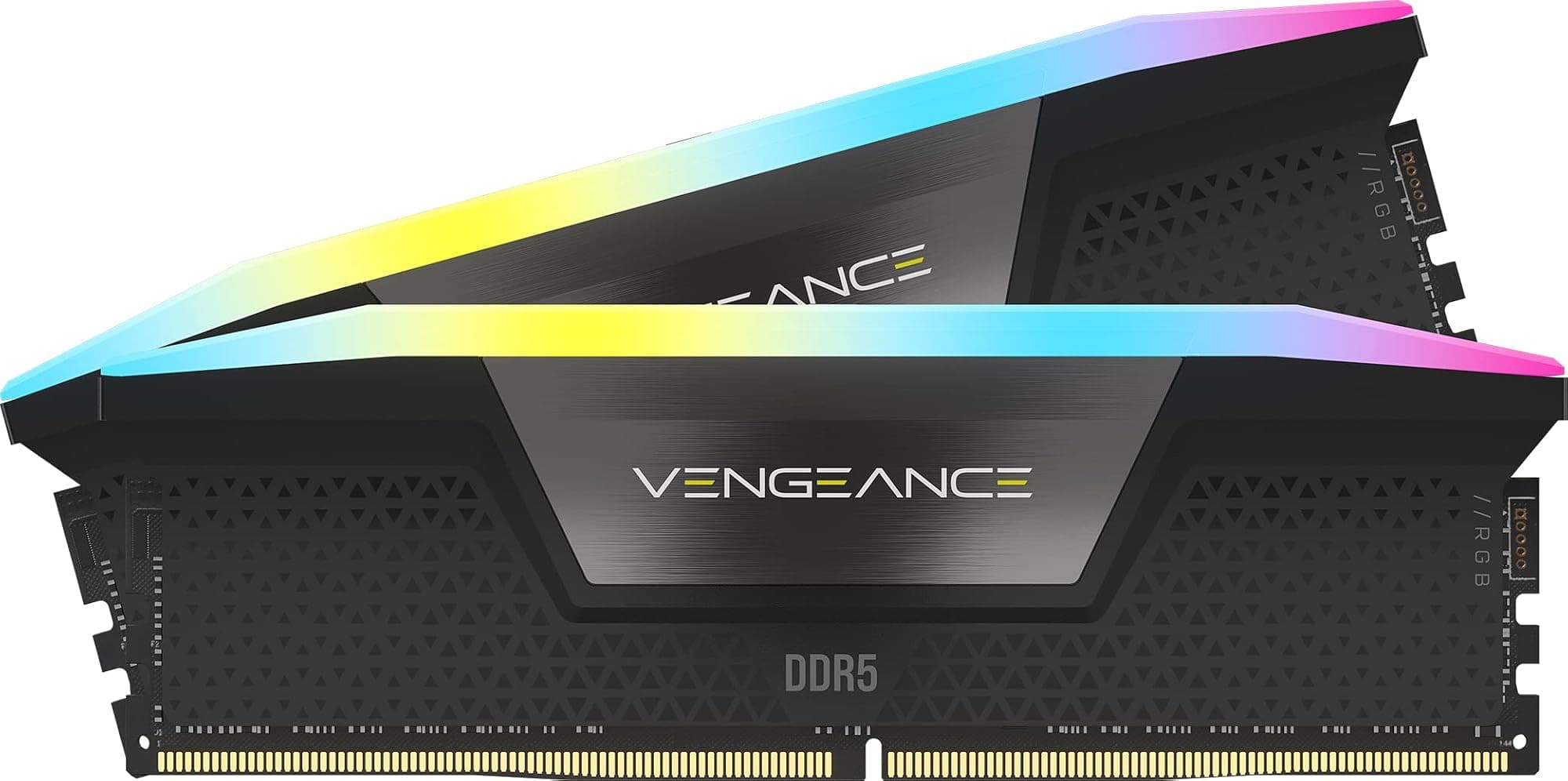
The Vengeance LPX has no RGB. That's not a criticism; it's a design choice that keeps the heatspreader profile low and the price down. If you want Corsair RGB memory, the Vengeance RGB or Dominator Platinum RGB lines are the relevant options. Those kits carry a meaningful price premium for the lighting hardware and iCUE software integration. For a builder who wants clean white aesthetics without paying an RGB tax, the LPX in white is the right call.
The white finish is a solid, matte-effect aluminium. It doesn't have the glossy plasticky look that some cheaper white-coloured components have. In a build with a white motherboard, white GPU shroud, and white case, it integrates cleanly. The module height is low enough that the heatspreader doesn't dominate the visual space inside the case. Some builders actually prefer this understated look to the towering RGB sticks that light up half the interior.
If RGB is important to you, this kit isn't the answer and Corsair would be the first to tell you that. The LPX line has always been the no-frills, performance-first option in Corsair's DDR4 range. You're paying for the aluminium spreader, the XMP profile, and the brand reliability, not for addressable LEDs. Whether that trade-off suits you depends entirely on what you want from your build's aesthetics. For a sleek, minimal white build, it's a better fit than most RGB alternatives.
How It Compares
The main competition for this kit sits in the same DDR4 3200MHz CL16 16GB bracket. The G.Skill Ripjaws V 3200MHz CL16 16GB is the most direct rival, offering essentially identical specifications (3200MHz, CL16-18-18-38, 1.35V) at a comparable price. The Ripjaws V has a slightly taller heatspreader in some colourways but a similarly low-profile option in the F4-3200C16D-16GVKB SKU. Both kits have comparable compatibility lists and similarly strong owner review records. The choice between them often comes down to colour availability and which one has the better price on the day you're buying.
The Kingston Fury Beast DDR4 3200MHz CL16 16GB is another strong alternative, particularly if you need confirmed compatibility with specific Intel or AMD boards where Kingston has deeper QVL coverage. Kingston's Fury Beast line uses a similar aluminium spreader design, runs at the same timings, and is priced competitively. Kingston has historically been strong on the budget-to-mid end of the market and the Fury Beast benefits from that volume manufacturing.
| Feature | Corsair Vengeance LPX 3200MHz CL16 | G.Skill Ripjaws V 3200MHz CL16 | Kingston Fury Beast 3200MHz CL16 |
|---|---|---|---|
| Capacity | 16GB (2x8GB) | 16GB (2x8GB) | 16GB (2x8GB) |
| Speed | 3200MHz | 3200MHz | 3200MHz |
| CAS Latency | CL16 | CL16 | CL16 |
| True Latency | ~10.0ns | ~10.0ns | ~10.0ns |
| Voltage (XMP) | 1.35V | 1.35V | 1.35V |
| RGB | No | No | No |
| Low-profile option | Yes | Yes | Yes |
| Colour options | Black, White, Red, Blue | Black, Red, Blue, White | Black, White, Red, Blue |
| Platform support | Intel 100-400, AMD 300-X570 | Intel 100-400, AMD 300-X570 | Intel 100-400, AMD 300-X570 |
| Owner review score | ★★★★½ (4.8) (62,599) | Very strong | Very strong |

The praise
With 62,599 averaging ★★★★½ (4.8), the pattern in the positive feedback is consistent. Buyers repeatedly mention easy XMP enablement, stable operation over months of use, and the kit fitting cleanly under large coolers. The white colourway gets specific praise from builders doing white-themed builds who found other options either too expensive or not genuinely white. A significant number of reviewers mention this being their second or third Corsair LPX purchase, which is a decent signal of brand trust built over time.
Compatibility reports are overwhelmingly positive across Z390, Z490, B550, and X570 boards. Builders on Intel 10th and 11th gen platforms in particular seem to have an easy time with this kit, which makes sense given the platform maturity and the wide QVL coverage. Several reviews specifically mention the kit running at full 3200MHz CL16 on first boot after enabling XMP, with no manual tweaking required. That's the ideal outcome and it appears to be the norm rather than the exception here.
The complaints
The negative reviews, which are a small minority, cluster around two areas. First, a small number of buyers report dead-on-arrival sticks, which is an inherent risk with any electronic component and not specific to this kit. Corsair's RMA process gets mixed reviews: some buyers describe a smooth replacement experience, others found it slower than they'd like. Second, a handful of buyers on specific budget boards report the XMP profile not posting cleanly, requiring manual timing entry or a BIOS update to resolve. This is more a board firmware issue than a kit defect, but notably, if you're on a very budget-oriented B450 or B365 board.
A few buyers also note that 16GB is feeling tight for their workloads, which isn't a criticism of the kit itself but is a useful data point. If the reviews from 2023 onwards show more capacity complaints than earlier reviews, that's because software memory requirements have grown. The kit does exactly what it says; the question is whether 16GB is the right amount for your use case, and that's a decision you need to make before buying rather than after.
Reliability and Warranty
Corsair offers a lifetime limited warranty on Vengeance LPX memory. That's the industry standard for quality DDR4 kits and it's a meaningful commitment. A lifetime warranty means that if a stick fails five years from now, you have a warranty claim path. In practice, DDR4 memory that survives its first few months of operation tends to be very stable long-term. The infant mortality rate for RAM is higher than the long-term failure rate, which is why early testing matters.
The owner review dataset of 62,599 is genuinely useful for reliability assessment. The 4.8 average across that sample size indicates that catastrophic failures or widespread reliability issues are not a pattern. If there were a systematic problem with a particular batch or IC revision, you'd see it in the review distribution. The review curve here is heavily weighted toward four and five stars, with the one-star reviews representing a small percentage that's consistent with normal component failure rates across any brand.
Long-term stability at XMP voltages is generally good for DDR4 at 1.35V. This is a well-understood operating point for DDR4 memory controllers on both Intel and AMD platforms. Running at 1.35V for years is not going to degrade the modules in any meaningful way under normal thermal conditions. The aluminium heatspreader keeps temperatures in check, and DDR4 at this voltage doesn't generate enough heat to stress the ICs even in a case with limited airflow.
Value and Price Per GB
DDR4 prices have fallen significantly as DDR5 has become mainstream. A 16GB DDR4 kit at 3200MHz CL16 now sits at a price point that would have seemed remarkably cheap three years ago. The price-per-GB for this kit is competitive with generic DDR4 sticks but includes the XMP 2.0 profile, the Corsair brand reliability, the lifetime warranty, and the aesthetic consideration of the white heatspreader. That's a reasonable value proposition if you need all of those things.
The honest comparison is against a 32GB DDR4 kit at the same speed. The price premium for doubling capacity has narrowed considerably. If you're on the fence between 16GB and 32GB, it's worth checking the current price of the 32GB Vengeance LPX kit (CMK32GX4M2E3200C16) before committing. Spending a bit more now for 32GB is almost always better value than buying 16GB and then buying another kit later, especially given the mixing-kit risks mentioned earlier.
Against DDR5 alternatives, this kit is clearly cheaper on a per-GB basis, but that comparison is only relevant if you're choosing between DDR4 and DDR5 platforms. If your board is DDR4-only, the comparison is moot. If you're choosing a platform, the total cost of ownership (board plus memory) is the right metric, and DDR4 platforms are currently cheaper on that combined basis. The Vengeance LPX at 3200MHz CL16 represents good value within the DDR4 ecosystem, particularly for builders who want a named brand with a proven compatibility record rather than a cheaper generic kit.
Platform Compatibility
The supported platform list covers Intel 100, 200, 300, and 400 Series chipsets, Intel X299 (the high-end desktop platform), AMD 300 Series, AMD 400 Series, and AMD X570. In practical terms, this means Intel 6th through 10th gen mainstream platforms, Intel X-series HEDT, Ryzen 1000 through 5000 series on AM4, and the X570 chipset. It does not include Intel 12th gen and later in DDR5 configuration, or AMD AM5. The kit is also confirmed compatible with iMac Pro in UDIMM configuration, which covers a specific Mac workstation use case.
For Intel 12th and 13th gen (Alder Lake and Raptor Lake), many boards shipped in both DDR4 and DDR5 variants. If you have a DDR4 variant of a Z690, B660, H670, or similar board, this kit is compatible. If you have the DDR5 variant, it is not. This is a common point of confusion for builders on those platforms. Check your board's memory specification before ordering. The board's manual or product page will clearly state whether it uses DDR4 or DDR5 slots.
The JEDEC DDR4 standard underpins all DDR4 memory compatibility, and this kit's base 2133MHz SPD speed means it will boot and run on any DDR4-compatible board even without XMP enabled. That's useful to know: if you have a board that doesn't support XMP at all (some very budget boards don't), you can still use this kit at 2133MHz. You won't get the rated 3200MHz performance, but the system will be stable. Enabling XMP and reaching the rated speed is a BIOS-level operation that takes about 30 seconds once you know where to look.
Final Verdict
The Corsair CMK16GX4M2B3200C16W Vengeance LPX 16 GB is a well-executed DDR4 kit that does exactly what it promises. The 3200MHz CL16 specification gives you a true latency of 10.0ns, which is tight for this speed grade and better than the CL18 alternatives at the same frequency. XMP 2.0 enablement is straightforward on supported Intel and AMD platforms, the compatibility list is wide, and 62,000-plus owner reviews averaging ★★★★½ (4.8) confirm that this isn't a kit with hidden reliability problems.
The caveats are worth stating clearly. 16GB is sufficient for gaming-only builds in 2026 but is starting to feel tight for anything more demanding. If your workload involves content creation, video editing, or running multiple heavy applications simultaneously, 32GB is the smarter buy. The kit is DDR4 only, so it's not relevant for AM5 or DDR5 Intel platforms. And the white colourway is specifically for builders who want that aesthetic; if you don't care about colour, the black version is often marginally cheaper.
For its target buyer, which is someone on a DDR4 platform who wants a reliable, aesthetically considered kit with tight timings at 3200MHz and doesn't want to pay an RGB tax, this is a genuinely good answer. It scores an 8 out of 10. The only reason it doesn't go higher is that 16GB capacity is increasingly a compromise in 2026, and the DDR4 platform context means the upgrade ceiling is lower than it would be on a DDR5 system.
Full Specifications
| Specification | Detail |
|---|---|
| Model number | CMK16GX4M2B3200C16W |
| Brand | Corsair |
| Total capacity | 16GB |
| Kit configuration | 2 x 8GB |
| DDR generation | DDR4 |
| Rated speed | 3200MHz (XMP 2.0) |
| SPD speed | 2133MHz |
| CAS latency | CL16 |
| Primary timings | 16-18-18-36 |
| XMP voltage | 1.35V |
| SPD voltage | 1.2V |
| True latency (XMP) | ~10.0ns |
| Profile | XMP 2.0 |
| Form factor | DIMM (desktop) |
| Heatspreader | Aluminium, low-profile |
| Colour | White |
| Intel compatibility | 100, 200, 300, 400 Series, X299 |
| AMD compatibility | 300, 400 Series, X570 |
| iMac Pro compatibility | UDIMM only |
| Warranty | Lifetime limited |
| Owner rating | ★★★★½ (4.8) (62,599 reviews) |
| Price | £194.99 |
Not Right For You?
If you're on an AM5 platform (Ryzen 7000 or 9000 series), this kit won't fit. You need DDR5 memory. Look at the Corsair Vengeance DDR5 range or G.Skill Trident Z5 for that platform. If you're on Intel 12th or 13th gen with a DDR5 motherboard, same situation. If you need 32GB for content creation or heavy multitasking, the Corsair Vengeance LPX 32GB (2x16GB) at 3200MHz CL16 is the same kit scaled up and is the more sensible buy. If you want RGB lighting and don't mind a slightly taller heatspreader, the Corsair Vengeance RGB Pro at similar speeds is the natural step up within the same ecosystem. And if you're building on a tight budget and don't care about brand or aesthetics, a generic 16GB DDR4 3200MHz CL16 kit from Kingston or Crucial will do the same job at a lower price.
What works. What doesn’t.
5 + 3What we liked5 reasons
- 3200MHz CL16 delivers a tight 10.0ns true latency for its speed grade
- Low-profile aluminium heatspreader clears virtually any tower cooler
- XMP 2.0 posts cleanly on first boot across a wide range of Intel and AMD DDR4 boards
- White colourway is genuinely clean without an RGB premium
- Lifetime limited warranty and a strong long-term reliability record from 62,000-plus owner reviews
Where it falls3 reasons
- 16GB is increasingly tight for anything beyond pure gaming in 2026
- DDR4 only: not compatible with AM5 or DDR5 Intel platforms
- Mixing a second kit later is risky; better to buy 32GB upfront if you think you'll need it
Full specifications
9 attributes| Capacity GB | 16 |
|---|---|
| CAS latency | 16 |
| ECC | false |
| Form factor | DIMM |
| Module count | 2 |
| RGB | false |
| Speed MHZ | 3200 |
| Type | DDR4 |
| Voltage V | 1.35 |
If this isn’t right for you
2 options 8.5 / 10
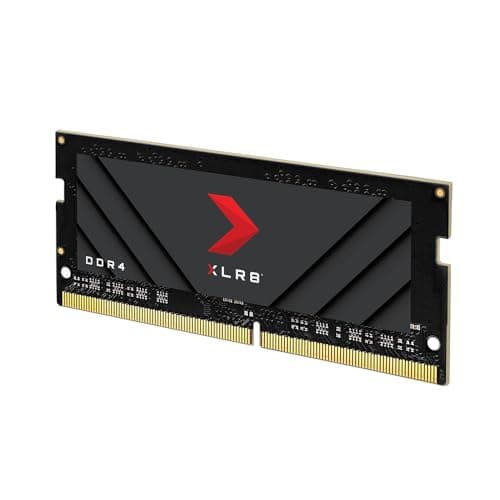
PNY XLR8 Gaming EPIC-X RGB DDR4 3200MHz 32GB (2x16GB) Desktop Memory Dual Pack Black
£226.97 · PNY
 8.5 / 10
Timetec 32GB KIT (2x16GB) DDR4 2400MHz (PC4-2400T) PC4-19200 SODIMM Laptop RAM – 260-Pin 1.2V CL17 Non-ECC Unbuffered Memory Module for Laptop, Notebook, Mini PC, All-in-One
£164.99 · Timetec
Frequently asked
5 questions01How much RAM do I actually need for the Corsair CMK16GX4M2B3200C16W Vengeance LPX 16 GB use case?+
For pure gaming in 2026, 16GB is still workable but is getting tight. Modern open-world titles can push 12GB to 14GB of system RAM with background apps running, which leaves little headroom. If you game with a browser, Discord, and other apps open simultaneously, you may notice Windows paging under heavy load. For content creation, video editing, or running virtual machines, 16GB is genuinely insufficient and 32GB is the right starting point. If you're on the fence, check the current price of the 32GB Vengeance LPX kit before committing to 16GB. The price gap has narrowed, and buying 32GB now is cleaner than trying to add a second 2x8GB kit later, which carries mixing-kit stability risks.
02Will the Corsair CMK16GX4M2B3200C16W Vengeance LPX 16 GB run at its rated 3200MHz speed with XMP?+
Yes, on supported DDR4 platforms. You need to enable XMP 2.0 in your BIOS; the kit ships defaulting to JEDEC 2133MHz. On Intel boards, look for the XMP setting in your BIOS memory configuration. On AMD AM4 boards, the equivalent is DOCP or EOCP. Owner feedback across over 62,000 reviews strongly suggests first-boot XMP success is the norm on compatible boards. If your board doesn't post at XMP, updating BIOS firmware before enabling the profile is the first step. The kit is not compatible with AM5 or DDR5 Intel platforms at all, as those use a different memory slot and standard.
03Is the Corsair CMK16GX4M2B3200C16W Vengeance LPX 16 GB compatible with my motherboard?+
The kit supports Intel 100, 200, 300, and 400 Series chipsets, Intel X299, and AMD 300, 400 Series, and X570 platforms. It is not compatible with AMD AM5 or Intel DDR5 platforms. For Intel 12th and 13th gen boards, compatibility depends on whether your board is the DDR4 or DDR5 variant; check your board's memory specification carefully. Even within supported platforms, checking your motherboard manufacturer's QVL (Qualified Vendor List) for this specific SKU is worthwhile, particularly on budget B-series boards. The kit's base 2133MHz SPD speed means it will boot on any DDR4 board even without XMP, which is useful if your board has limited XMP support.
04Does faster RAM like the Corsair CMK16GX4M2B3200C16W Vengeance LPX 16 GB actually improve gaming performance?+
The honest answer is: marginally, and only compared to slower or looser kits. Real latency is determined by both frequency and CAS latency together, not just the MHz number. This kit's 3200MHz CL16 gives a true latency of around 10.0ns, which is tight for its speed grade. Compared to a 2133MHz or 2400MHz kit, you'll see measurable improvements in memory-bandwidth-sensitive games. Compared to a 3600MHz CL18 kit (which also works out to around 10.0ns true latency), the difference in gaming frame rates is typically within margin of error, often less than two to three percent. RAM speed matters more for content creation and memory-bandwidth-heavy workloads than for gaming. Capacity (16GB vs 32GB) will have a bigger practical impact on gaming smoothness than the difference between 3200MHz and 3600MHz.
05What warranty and returns apply to the Corsair CMK16GX4M2B3200C16W Vengeance LPX 16 GB?+
Amazon offers 30-day returns on most items. Corsair provides a lifetime limited warranty on Vengeance LPX memory, which means you have a warranty claim path if a module fails years down the line. You're also covered by Amazon's A-to-Z guarantee for purchase protection. Corsair's RMA process gets mixed reviews from owners: most report a straightforward replacement experience, though a minority found the process slower than ideal. If a stick arrives dead or fails early, contacting Corsair support directly or using Amazon's return window are both valid routes.