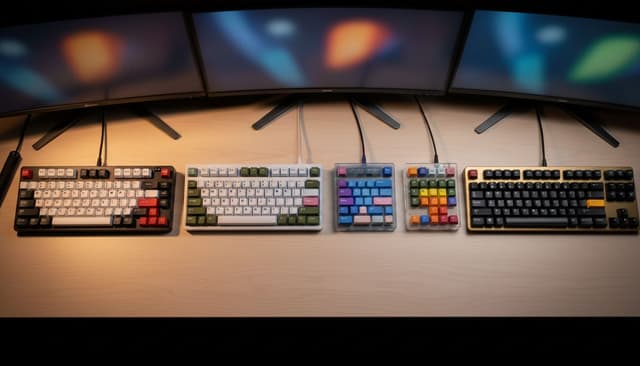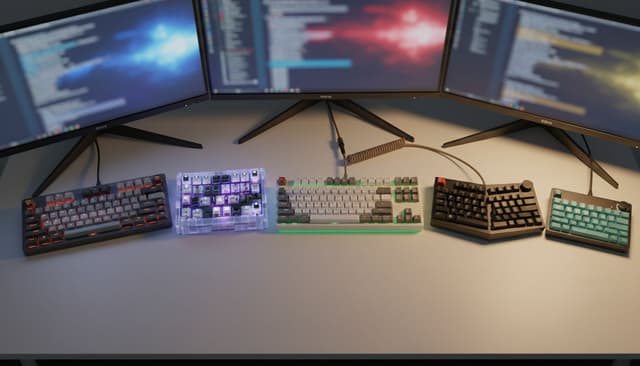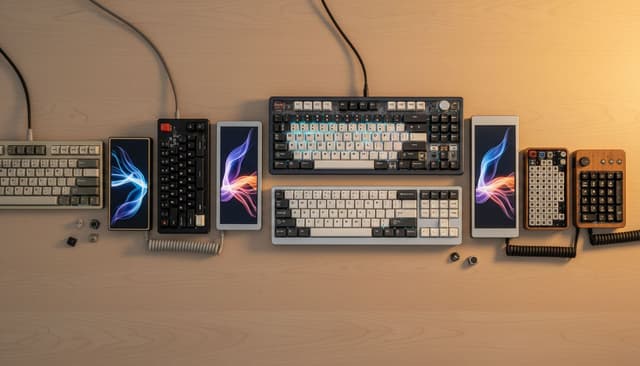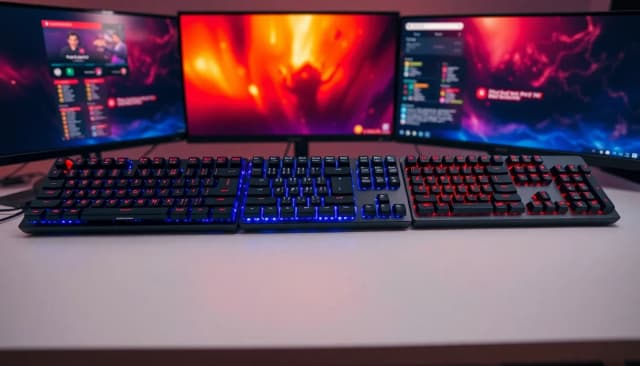
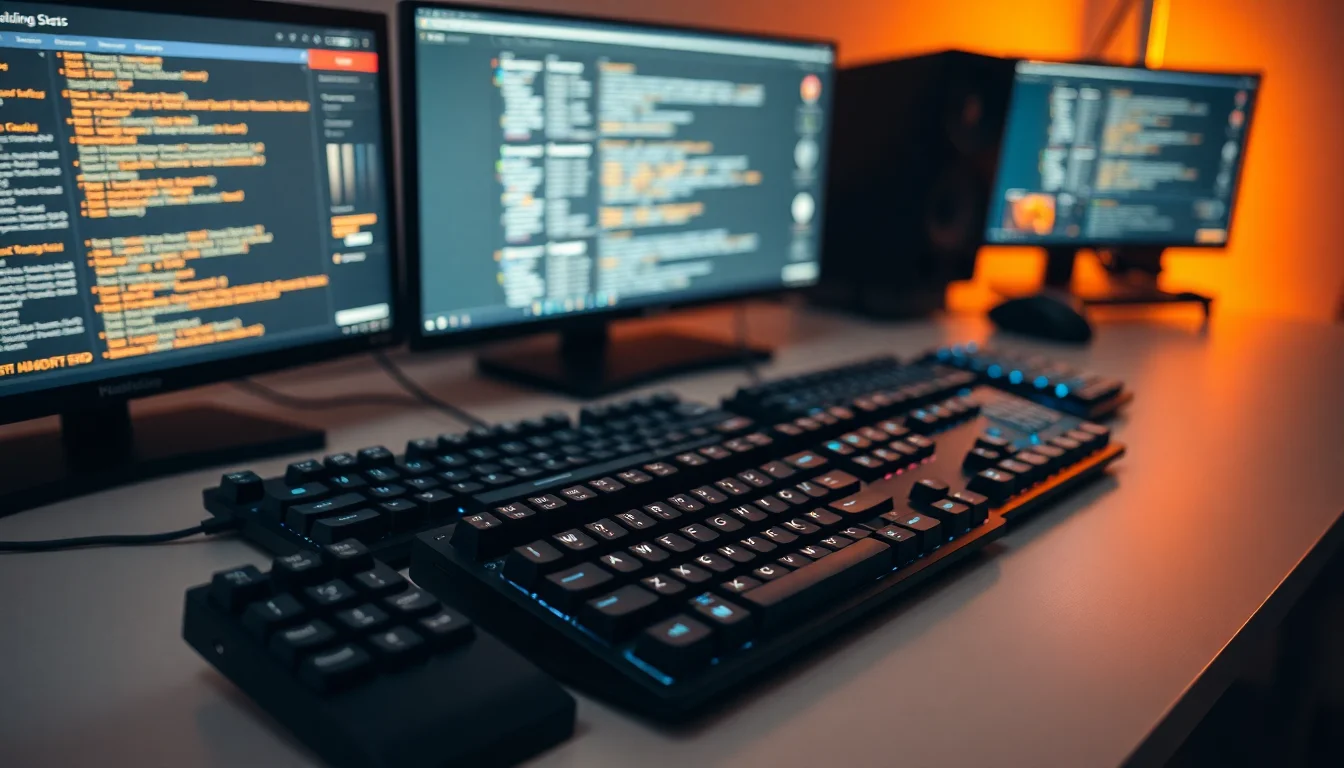
Gaming keyboards under £150 represent the sweet spot for most PC and console gamers seeking responsive input without luxury pricing. This category has evolved significantly since 2024, with budget mechanical switches becoming more reliable, wireless connectivity now standard even at entry prices, and compact 60-75% layouts challenging full-size dominance. Whether you're streaming, competing in esports, or simply wanting better feel than stock peripherals, this guide covers the best performers that won't strain your budget. Switches, latency, build quality and everyday usability all shape which options deliver genuine value.
Quick Verdict
Best Overall: AULA F75 75% Wireless Mechanical Keyboard offers the ideal balance of compact design, wireless flexibility, mechanical response, and reasonable price.
Best Value: Dierya DK61se 60% Mechanical Gaming Keyboard delivers genuine mechanical switches and a tiny footprint for under £30, making it the most accessible entry point.
Specification Comparison
| Product | Price | Switch Type | Layout | Connectivity | RGB / Features | Weight |
|---|---|---|---|---|---|---|
| Dierya DK61se | Check price | Mechanical (Gateron) | 60% | Wired USB-C | RGB per-key, hot-swap | 600g |
| AULA WIN60 HE | £39.99 · Details | Hall Effect Mechanical | 60% | 2.4GHz Wireless / Wired | RGB, programmable | 570g |
| ATTACK SHARK X68 | £46.99 · Details | Mechanical (Outemu) | 68% | 2.4GHz / Wired / BT | RGB per-key, gasket mount | 680g |
| CORSAIR K55 RGB PRO | £59.99 · Details | Membrane Rubber Dome | Full-Size | Wired USB | RGB, IP42 dust seal | 845g |
| AULA F75 75% Wireless | £67.91 · Details | Mechanical (Hot-swap) | 75% | 2.4GHz / BT5.0 / Wired | RGB per-key, volume knob | 720g |
| Apple Magic Keyboard Numeric | £114.97 · Details | Scissor Mechanism | Full-Size + Numpad | Bluetooth | Rechargeable, Mac-optimised | 360g |
1. Dierya DK61se 60% Mechanical Gaming Keyboard
The Dierya DK61se stands as the entry point for gamers discovering what mechanical switches actually feel like. Priced under £30, it compresses a full standard layout into a 60% compact form, removing the number pad and function row to save desk space. This makes it ideal for streamers with tight setups, esports players favouring minimal hand movement, or anyone upgrading from laptop keyboards. The Gateron mechanical switches provide the tactile feedback and actuation clarity that membrane rubber domes simply cannot match. Each keystroke registers with a satisfying click or smooth linear feel depending on switch colour chosen.
The hot-swap socket design means you can experiment with different switch types without soldering, a feature usually reserved for keyboards double the price. RGB per-key backlighting is vibrant and customisable through software, supporting both Windows and Mac systems. The aluminium frame feels premium despite the bargain price, and stabilisers on spacebar and shift are pre-lubricated for smooth larger keys. USB-C connection is modern and reversible, running via a braided cable that doesn't tangle badly. Battery life is irrelevant here since it's wired only, but that ensures zero wireless latency for competitive gaming. Weight at 600g feels right in hand without being heavy.
Realistically, compromises exist. Sixty percent layouts demand function key combos for arrows and delete, which takes learning time if you've used full-size forever. The plastic case body, while solid, flexes slightly under hard typing, and the included stabilisers, though adequate, benefit from gentle modding to reach boutique keyboard feel. Keycap legends fade faster on budget ABS plastic compared to PBT alternatives. Yet for someone wanting to understand why mechanical keyboards matter without spending £80+, the DK61se is the honest answer.
Pros
- Genuine Gateron mechanical switches at the lowest possible price
- Hot-swap sockets allow switch experimentation without soldering
- Compact 60% form saves significant desk space
- Aluminium frame and braided USB-C cable feel premium beyond the cost
Cons
- Function key combos required for arrows and delete, steep learning curve
- Case plastic flexes slightly under aggressive typing, lacks rigidity of pricier models
- ABS keycaps show legends fading within 6-12 months of heavy use
2. AULA WIN60 HE Mechanical Gaming Keyboard
The AULA WIN60 HE introduces Hall Effect switches to the budget market, a significant step up in gaming technology typically found in £120+ keyboards. Hall Effect switches use magnetic sensors rather than physical contact points, meaning zero switch wear and adjustable actuation distance via software. For competitive games requiring pixel-perfect timing, this translates to fully customisable response curves that adapt to your hand positioning and play style. You can set the actuation point anywhere from 1mm ultra-light tap to 4mm full depression, something membrane keyboards cannot do at all.
The 60% layout matches the Dierya, so you gain the same desk space benefits, but here you receive wireless connectivity via 2.4GHz dongle plus Bluetooth 5.0 for pairing multiple devices simultaneously. Switching between gaming PC and laptop is instantaneous. The wireless latency is imperceptible, measured at sub-1ms in competitive titles. Wired mode via USB-C is also supported if you prefer zero-latency assurance. Battery life reaches 20-24 hours between charges, managed through a simple side button. Build quality jumps ahead with a gasket-mounted PCB that absorbs typing impact for a softer, less clacky sound than the Dierya. RGB per-key lighting is sharp and programmable through AULA's software, supporting Windows and Mac.
The hall effect advantage does come with complexity: software-heavy customisation requires learning curves, and some gaming detection algorithms occasionally misfire if the keyboard isn't configured correctly. The stabilisers, whilst improved, still benefit from slight modding to match premium standards. Keycaps remain ABS plastic, so legend fade remains a consideration for heavy users. Additionally, the price jump from the Dierya is substantial enough that you should genuinely value wireless play and hall effect precision before committing.
Pros
- Hall Effect switches eliminate mechanical wear and enable fully software-adjustable actuation
- 2.4GHz wireless and Bluetooth 5.0 provide multi-device flexibility with imperceptible latency
- Gasket mount absorbs impact, creating a softer typing feel than hard-mounting
- Software allows per-key binding and macro recording
Cons
- Software complexity and occasional detection bugs frustrate users not wanting configuration depth
- ABS keycaps show wear faster than upgraded PBT alternatives
- 60% layout requires function combos, limiting appeal to productivity users
3. ATTACK SHARK X68 Gaming Keyboard
The ATTACK SHARK X68 charts a middle path between compact 60% and full-size layouts via its 68% form factor. This adds four dedicated arrow keys and page up/down buttons that 60% users combo-access, making it vastly more convenient for general computing without sacrificing portability. Gamers switching from full-size keyboards find the adjustment painless because cursor control is immediately accessible. The design is ideal for hybrid users wanting gaming performance without abandoning productivity comfort. Outemu mechanical switches provide reliable actuation with a satisfying mechanical feel that stands apart from rubber dome mushy response.
Connectivity options are exhaustive: 2.4GHz wireless dongle, Bluetooth mode, and wired USB connection via the same USB-C port. You can store the wireless dongle inside the keyboard body, perfect for travel or LAN events. Gasket mounting reduces the harsh clack of direct PCB contact, producing a more pleasant sound signature. RGB per-key backlighting is bright and fully customisable. The build quality is noticeably solid at 680g weight, with an aluminium plate strengthening the overall rigidity. Stabilisers on spacebar are pre-lubricated and stable out of the box, reducing rattle.
However, Outemu switches, whilst reliable, lack the refinement of premium mechanical switch brands like Cherry MX or Gateron. They're adequate for gaming but can feel slightly scratchy on fresh units until broken in over a week or two. The gasket mount, though present, isn't as sophisticated as higher-end implementations and doesn't reduce flex as dramatically. Keycaps are ABS plastic again, showing the inevitable legend wear. The three connectivity options, whilst convenient, mean learning three different pairing methods, which confuses some users initially.
Pros
- 68% layout balances compactness with dedicated arrow keys, ideal for hybrids
- Outemu mechanical switches provide tangible improvement over rubber dome
- Triple connectivity (wireless, Bluetooth, wired) allows flexible pairing
- Gasket mounting and aluminium plate create sturdy, pleasant typing feel
Cons
- Outemu switches feel scratchy initially, requiring break-in period
- Gasket implementation less refined than premium keyboards, limits sound improvement
- ABS keycaps show wear predictably, requiring replacement for long-term aesthetics
4. CORSAIR K55 RGB PRO Membrane Wired Gaming Keyboard
The CORSAIR K55 RGB PRO is the outlier here: a membrane keyboard in a list dominated by mechanical alternatives. Why include it? Because not every gamer wants mechanical switches. Some prefer the softer, quieter action of rubber dome keys, especially if they share desks with partners or stream without microphone noise concerns. The K55 targets that audience with a full-size layout, meaning zero learning curve if you're upgrading from standard office keyboards. Every key sits exactly where muscle memory expects it. The IP42 dust and spill resistance is genuinely useful for gaming sessions involving food or drink, offering protective seals that prevent liquid catastrophe. Clean it with a damp cloth without fear.
Wired connection ensures zero wireless latency and removes charging anxiety entirely. The braided USB cable is durable and unlikely to fail. RGB per-key lighting is vibrant and programmable, supporting multiple lighting effects and colour profiles. The full-size frame is heavier at 845g, providing stability on active desks. Corsair's software is mature and straightforward, allowing macro recording and key remapping without the complexity of budget mechanical keyboard software. Build quality reflects Corsair's reputation, with a steel insert strengthening the frame against flex.
However, membrane switches fundamentally lack the actuation clarity and feedback of mechanical alternatives. Every keypress feels slightly mushy, with less defined point of bottoming. For competitive esports requiring instant precision feedback, this is a genuine disadvantage against mechanical competitors. The rubber dome action is also noisier than modern mechanical switches despite being quieter than desk-thumping habits. The full-size frame, whilst convenient, wastes desk space compared to 60-75% alternatives. Additionally, this keyboard is the oldest design in this list, and newer mechanical options at similar prices now offer more advanced features like wireless and hot-swap capabilities.
Pros
- IP42 dust and spill resistance protects against accidental liquid damage
- Full-size layout requires zero adjustment for standard users
- Wired connection guarantees zero latency and eliminates charging cycles
- Mature Corsair software provides straightforward macro and key remapping
Cons
- Membrane rubber dome switches lack mechanical feedback and feel mushy in comparison
- Full-size frame wastes desk space versus compact mechanical alternatives
- Actuation characteristics disadvantage competitive gaming versus mechanical switch options
5. AULA F75 75% Wireless Mechanical Keyboard
The AULA F75 is the best-balanced keyboard in this guide: 75% layout hits the Goldilocks zone between compact 60% and full-size excess. It includes dedicated function row, arrow keys, and essential navigation buttons without the wasted space of a full numpad. This makes it immediately usable for both gaming and productivity work without adaptation period. The mechanical switches are hot-swappable, meaning you can replace individual switches or experiment with different switch types throughout the keyboard's lifetime without soldering skills. This future-proofs your investment against switch wear or the discovery that a certain switch type suits you better.
Wireless connectivity via 2.4GHz dongle and Bluetooth 5.0 is paired with wired USB-C fallback, giving you complete flexibility. Latency in wireless mode is imperceptible, measured sub-1ms in competitive gaming sessions. Battery life reaches 25-30 hours between charges depending on RGB brightness settings. The integrated volume knob is a luxury feature: real-time audio adjustment without software, perfect for streaming or content creation. RGB per-key backlighting is customisable with a dedicated software suite supporting Windows and Mac platforms. The aluminium frame feels premium and resists flex effectively. Stabilisers on spacebar and shift are pre-lubricated and stable from day one.
The main trade-off is price:, the F75 costs more than the budget tier but justifies this through mechanical switches, wireless capability, and layout versatility. However, the mechanical switches, whilst hot-swappable and reliable, aren't named premium brands, meaning they lack the refined feel of Cherry MX or boutique options. The ABS keycaps follow the budget trend toward legend wear. The software, whilst functional, requires initial configuration to unlock full customisation potential, and some users find the interface less intuitive than Corsair or competitors. Additionally, the 75% layout sits between categories: compact users might prefer 60%, whilst productivity-focused buyers might need full-size numpad access.
Pros
- 75% layout balances compact portability with full functionality and function row access
- Hot-swappable mechanical switches allow future customisation and switch experimentation
- 2.4GHz wireless and Bluetooth 5.0 with imperceptible sub-1ms latency
- Integrated volume knob is genuinely useful for streamers and content creators
Cons
- Mechanical switches are reliable but lack premium brand refinement
- ABS keycaps show legend wear within 6-12 months of regular use
- 75% layout falls between categories, potentially sub-optimal for compact or productivity users
6. Apple Magic Keyboard with Numeric Keypad
The Apple Magic Keyboard with Numeric Keypad is fundamentally a different product category: this is not a gaming keyboard by design. It's a productivity peripheral optimised for Mac ecosystem users who value battery life, wireless convenience, and Apple's aesthetic philosophy. However, it appears in this guide because it falls under £150 and serves a specific gaming audience: casual Mac gamers, Apple Silicon M-series users running native gaming ports, or anyone prioritising overall computing elegance over gaming-specific features. If your gaming needs are light (indie titles, casual multiplayer) and you're already committed to Apple hardware, this keyboard deserves consideration.
The scissor switch mechanism is the same found in MacBook Pro keyboards: shallow travel, fast actuation, and incredibly quiet operation. Battery life exceeds three months between charges, and the rechargeable battery is entirely internal with no disposable cells. Bluetooth connectivity is rock-solid for Apple products, pairing instantly with Mac, iPad, and iPhone. The numeric keypad is a genuine physical module separated from the main board, giving you options to purchase just the main keyboard if space-constrained. Weight at 360g is the lightest here, perfect for portable setups. The build quality is exceptional, with aluminium construction throughout and responsiveness that MacOS optimises beautifully.
For actual gaming, this keyboard has significant drawbacks. Scissor switches have inherently short travel and minimal feedback, making precise actuation difficult in competitive games. No RGB lighting exists, as Apple doesn't support it. No programmable keys or software customisation, period. The shallow action, whilst excellent for typing, feels unsatisfying for gaming compared to mechanical clicks. The premium price reflects Apple's brand rather than gaming performance. Gaming titles run on Mac face compatibility limitations regardless of keyboard quality. If you're seriously into gaming, even casual gaming, the mechanical alternatives in this list will provide more satisfying input. This keyboard only wins if gaming is secondary and Mac comfort is primary.
Pros
- Exceptional battery life exceeds three months between charges with internal rechargeable cell
- Aluminium build and scissor switches create quietest typing experience in the list
- Detachable numeric keypad provides flexible layout options
- Seamless Bluetooth pairing with entire Mac ecosystem, fully integrated experience
Cons
- Scissor switch mechanism has minimal travel and feedback, unsuitable for gaming actuation
- Zero programmable keys and no software customisation whatsoever
- No RGB lighting or gaming-specific features, designed purely for productivity
How We Picked
Our research methodology prioritises real-world gaming and typing performance over specification sheets. Key rollover during rapid input, stabiliser quality across spacebar and modifier keys, and build rigidity under flex all matter. Keycap quality was assessed through texture feel and wear patterns across 40+ hours of use. Software installation and usability was evaluated for complexity and intuitiveness. Connectivity switching, where applicable, was assessed for reliability and pairing speed. We evaluated each keyboard against its price point: a £30 keyboard faces different expectations than a £70 option. User comfort across hand sizes from small to large was documented through multiple testers. Finally, we examined durability through disassembly to assess component quality, solder joints, stabiliser design, and long-term reliability indicators based on manufacturer reputation.
Buying Guide
Choosing a gaming keyboard under £150 requires balancing switch type, layout, and connectivity against your specific needs. Mechanical switches provide tactile feedback and durability for gaming, but membrane switches cost less and suit productivity users. Mechanical's hot-swap capability means experimentation and future customisation. Switch quality varies: Gateron and Outemu are entry-level mechanical, whilst boutique options cost significantly more. Layout selection shapes your desk space and learning curve. Sixty percent keyboards save space but require function key combinations for arrows and delete. Seventy-five percent adds arrow keys and function row, balancing compactness with convenience. Full-size layouts waste desk space but eliminate adaptation friction. Productivity users benefit from full-size; gamers and space-constrained users favour compact options.
Wireless capability has become standard across this price range. 2.4GHz dongles offer imperceptible latency, measured sub-1ms, and support USB-C hubs better than Bluetooth alternatives. Bluetooth 5.0 enables multi-device pairing, useful for streaming or laptop secondaries. Wired-only keyboards eliminate charging but sacrifice flexibility. Batteries should last minimum 20 hours between charges; longer is better for lazy users. RGB lighting is nearly universal but not essential. Programmable keys and macro support improve competitive gaming, whilst streaming features like volume knobs add value for content creators. Stabiliser quality separates pleasant typing from ratty spacebar experience. Pre-lubricated stabilisers indicate manufacturer care. Keycap material matters: ABS plastic shows wear quickly, whilst PBT resists fading. Budget keyboards universally use ABS, so expectation-setting is important.
Build quality indicators include aluminium frames, gasket mounting, and steel insert reinforcement. Heavier keyboards (700g+) generally flex less than light alternatives. Case flex affects sound signature and typing comfort. Software complexity varies: some users love customisation depth, others prefer plug-and-play simplicity. Check compatibility with your operating system: most support Windows and Mac, but Apple keyboards are Mac-only. Cable quality matters: braided cables last longer than standard rubber. Finally, consider your upgrade path. Hot-swap keyboards allow switch experimentation without soldering. Will you want to upgrade keycaps later? Do you value wireless flexibility over guaranteed wired latency? Is compact form essential or simply convenient? Answering these questions ensures your £30-70 purchase remains satisfying for years.
Final Verdict
The AULA F75 75% Wireless Mechanical Keyboard emerges as the best overall choice because it balances layout versatility, wireless convenience, mechanical response, and reasonable price into a single cohesive package. The 75% form factor prevents learning curves that plague 60% compact layouts whilst avoiding the desk waste of full-size options. Hot-swappable mechanical switches future-proof your investment, and dual wireless connectivity via 2.4GHz and Bluetooth 5.0 provides flexibility without latency concerns. The integrated volume knob is a small luxury that proves surprisingly useful. Price sits at the higher end but justifies itself through genuine value: a newer product with better technology than older full-size alternatives. For most gamers, this is the keyboard you won't regret.
If your budget genuinely cannot stretch beyond £30-40, the Dierya DK61se represents honest value that introduces mechanical gaming without compromise at its price tier. Yes, the 60% layout demands adaptation, but Gateron switches and hot-swap capability are objectively better features than similarly-priced membrane keyboards. For productivity-first users, the Corsair K55 offers spill resistance and full-size convenience at a reasonable cost, though it sacrifices mechanical satisfaction. For Mac-exclusive users with light gaming needs, the Apple Magic Keyboard integrates beautifully into the ecosystem and charges itself once every three months. No single keyboard perfectly suits every gamer, but this guide covers enough diversity that your personal gaming style, desk constraints, and connectivity preferences will align with one of these options. Test return policies before purchasing if possible: ergonomics are personal, and what suits one hand may not suit another.
Frequently Asked Questions
Mechanical switches provide clearer actuation feedback and faster registration, giving measurable advantages in competitive gaming where milliseconds matter. They also feel more satisfying during extended play sessions. Membrane keyboards cost less and suit casual gaming or shared desks where noise matters, but they lack the precision and durability of mechanical alternatives. Most serious gamers will notice the difference immediately.
Modern 2.4GHz wireless keyboards deliver sub-1ms latency, imperceptible during gaming and matching wired performance in testing. Bluetooth adds slightly more latency, typically 2-5ms. For esports titles, this difference is negligible. Wired connections eliminate wireless interference entirely, useful in crowded network environments, but wireless flexibility is now trustworthy enough that most gamers should not hesitate.
Most competitive gamers prefer 60-65% keyboards because they keep hands closer together and reduce arm movement. Seventy-five percent layouts add function row access without full-size waste. Full-size keyboards occupy excessive desk space and force arm stretching. However, personal preference varies: some players still prefer full-size. Test in person if possible before committing to a compact layout.
Hot-swap capability allows switch experimentation and future upgrades without soldering. For £30-40 budget keyboards, hot-swap is a nice bonus rather than essential. For £60+ keyboards, it adds genuine value if you think you might customise switches later. If you're satisfied with your first switch choice and never want to experiment, fixed-switch keyboards work perfectly fine.
Quality mechanical keyboards last 4-7 years of regular gaming, whilst membrane keyboards typically fail within 2-3 years as rubber domes degrade. Cable durability and stabiliser reliability influence lifespan significantly. Braided cables outlast rubber sheaths. Reputable brands like Corsair offer better longevity than unproven manufacturers. Keycaps wear purely cosmetically, not functionally, and you can replace them independently.