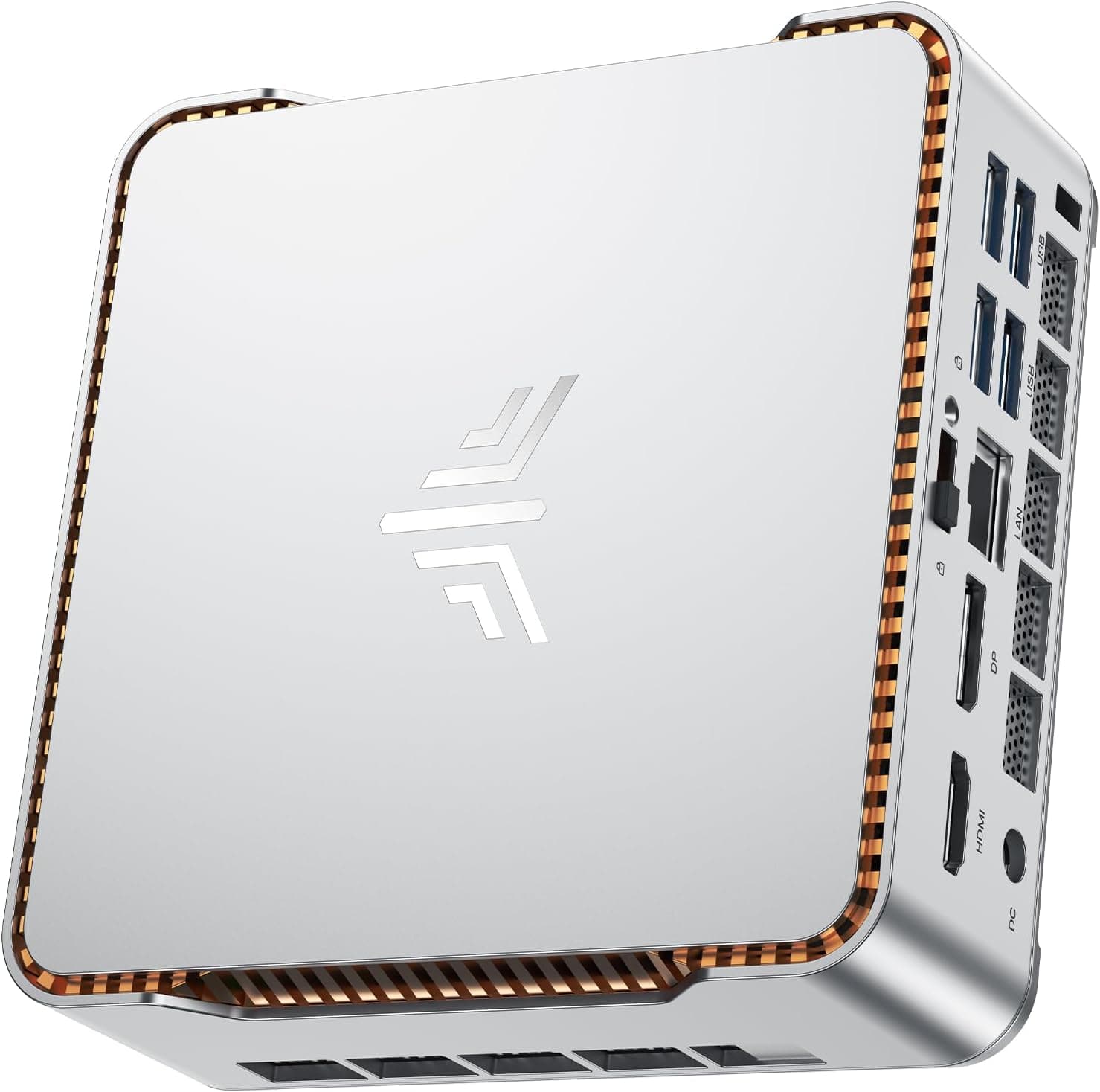
So a friend texts you: "thinking of getting a GEEKOM A6, is it any good?" Fair question. Mini PCs have gone from novelty to capable machines over the last few years, and the A6 is one of the more interesting options sitting in the premium tier right now. Ryzen 7 6800H, DDR5 RAM, PCIe 4.0 storage, USB4 with 40Gbps throughput, quad display support. On paper, that's a proper workstation in a box just 112mm square.
The short answer is: yes, mostly. But there are a few things worth knowing before you hand over your money, and the price puts it squarely in "needs to earn it" territory. So let's look at what you're actually getting.
This review is built on GEEKOM's published spec sheet and the Amazon listing: a straight read on whether this thing is worth your cash.
Core Specifications
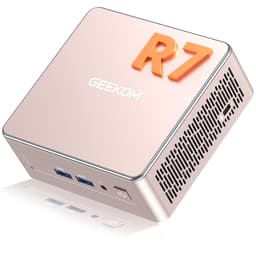
The heart of the GEEKOM A6 is the AMD Ryzen 7 6800H, an 8-core, 16-thread processor that boosts up to 4.7GHz. This is a proper laptop-class chip, not one of those cut-down ultra-low-power processors that manufacturers slap into mini PCs to keep costs down. The 6800H is rated at up to 45W, a performance-class power budget rather than a low-power one. It's not the newest chip AMD makes, but it's capable, and the integrated AMD Radeon 680M was one of the strongest integrated GPUs of its generation. That matters a lot in a machine with no discrete graphics option.
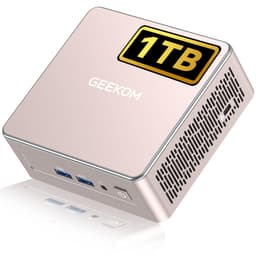
Memory is 16GB of DDR5-4800 in SO-DIMM slots, and GEEKOM says the A6 takes up to 64GB. DDR5 brings higher bandwidth and lower voltage, and paired with the Ryzen 7 6800H's memory controller it makes a meaningful difference to the Radeon 680M's performance since integrated graphics pull from system RAM. Storage is a 1TB NVMe SSD running on a PCIe 4.0 interface, which allows considerably faster sequential reads and writes than PCIe 3.0.
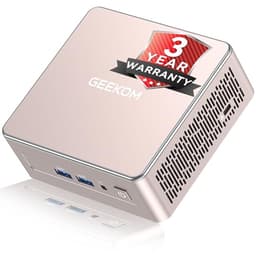
The chassis measures 112.4 x 112.4 x 37mm (about 4.4 inches square), which is very small. It runs Windows 11 Pro out of the box, and GEEKOM backs it with a three-year limited warranty plus 24/7 support. Three years of cover is worth having on a machine you're likely to use every day. The memory is also upgradeable, which means you're not locked in if your workload grows.
| Specification | Detail |
|---|---|
| Processor | AMD Ryzen 7 6800H (8-core, 16-thread, up to 4.7GHz) |
| Graphics | AMD Radeon 680M integrated |
| RAM | 16GB DDR5-4800 (SO-DIMM, up to 64GB) |
| Storage | 1TB PCIe 4.0 NVMe SSD (second M.2 2242 SATA slot, up to 5TB in total) |
| Operating System | Windows 11 Pro (genuine licence) |
| Display Output | Up to four 4K displays or one 8K; 2x HDMI 2.0 plus USB-C |
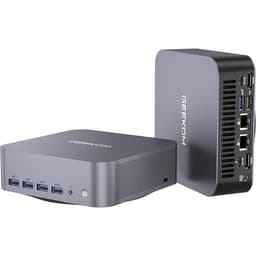
| USB Connectivity | 1x USB4 (40Gbps), 1x USB 3.2 Gen 2 Type-C, 3x USB 3.2 Gen 2 Type-A, 1x USB 2.0 Type-A |
| Other Ports | Full-size SD card reader, 3.5mm headset jack |
| Networking | Wi-Fi 6E, 2.5Gbps Ethernet |
| Chassis Size | 112.4 x 112.4 x 37mm, aluminium alloy |
| Power | 120W adapter (included) |
| Warranty | 3-year limited warranty (GEEKOM) |
| Current Price | £499.00 |

Key Features Overview
GEEKOM leads with the USB4 port, and it's right to do so. USB4 at 40Gbps is versatile in a way that older USB standards simply aren't. You can run an 8K display through it, use it for fast external storage, or use it for power delivery. There's one USB4 port, not two: the second USB-C port next to it is USB 3.2 Gen 2. With that and dual HDMI 2.0 ports, GEEKOM rates the A6 for up to four 4K monitors at once, which is a setup that would have required a dedicated workstation a few years ago. For anyone running a multi-screen productivity setup or doing video work across multiple displays, this is a big deal in a machine this size.
The networking story is strong too. Wi-Fi 6E gives you access to the 6GHz band, which means less congestion and better sustained speeds in environments with lots of wireless devices. The 2.5Gbps Ethernet port is a nice touch for anyone with a capable router or NAS setup, and it works at ordinary gigabit Ethernet speeds on older kit.
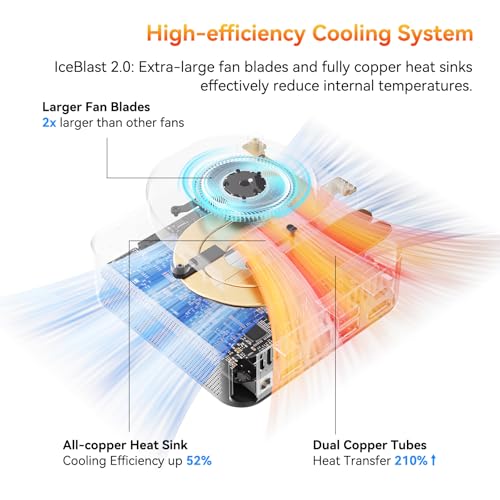
The thermal design deserves a mention because cooling is where mini PCs often fall apart. GEEKOM pairs the aluminium-alloy chassis with what it calls an optimised thermal system, which it says keeps the A6 quiet and consistent during long working sessions. It doesn't publish noise or temperature figures to back that up. The upgradeable memory is also worth calling out as a feature: you're not buying a sealed unit, and that matters for long-term value.
Performance
The Ryzen 7 6800H is a legitimately quick processor. Eight cores and sixteen threads with a 4.7GHz boost clock means it handles multi-threaded workloads, including video encoding, 3D rendering, and software compilation, at a level that would have been desktop-only territory not long ago. For the typical office and productivity user it's vastly overpowered in the best possible way. For someone doing actual creative work, including 4K video editing in DaVinci Resolve or Premiere, it's capable without being exceptional. You'll notice the lack of a discrete GPU on complex effects-heavy timelines, but for straightforward editing work it gets the job done.
The Radeon 680M is a strong integrated GPU. It has 12 compute units based on AMD's RDNA 2 architecture, and DDR5 feeds it bandwidth. Casual gaming at 1080p with settings turned down is viable. Older titles and less demanding games run well. You're not going to play the latest AAA releases at high settings, but the A6 isn't pretending to be a gaming PC. For light gaming on the side, it's a real bonus.
A PCIe 4.0 NVMe SSD keeps boot times and application launches quick, and the DDR5 RAM helps in workloads that are memory-bandwidth sensitive. Sustained heavy workloads that push both CPU and GPU over long periods are a different matter: a box this small has limited room for cooling, and if you're running a render farm off this thing you'll hit limits. For normal use, including video calls, multitasking across a dozen browser tabs, document work, and light creative tasks, it has plenty in hand.
Build Quality
The aluminium-alloy chassis is a proper material choice for a mini PC. Aluminium helps spread heat and is sturdier than plastic. At 112.4mm square and 37mm tall it's very compact.
GEEKOM claims 1,000+ quality tests, international certifications and military-grade craftsmanship, which is marketing language you should take with appropriate scepticism. What it probably means in practice is that the unit goes through a reasonable QC process before shipping. Certification is required for UK sale anyway, so that's a baseline expectation rather than a differentiator.
Ease of Use
Setup is straightforward. The A6 ships with Windows 11 Pro pre-installed with a genuine licence, so there's no activation to sort out. Plug in your monitor, connect your peripherals, power it on, and run through Windows setup as normal.
The quad-display capability is worth thinking about from a setup perspective. Running four monitors requires a bit of planning around which ports you're using for which displays, since two screens run from the HDMI 2.0 ports and the others need USB-C. If you're building a multi-monitor productivity setup, you'll want to check your monitor inputs match what the A6 provides. Most modern monitors will be fine, but it's worth a five-minute check before you commit. The Wi-Fi 6E setup is handled through Windows as normal, and the 2.5Gbps Ethernet just works if you plug it in.
The upgradeable memory is an ease-of-use win for the long term. If you buy the A6 and find in two years that 16GB isn't enough for your workload, you can upgrade, to as much as 64GB. That's not a trivial benefit. It also means the machine can grow with you rather than becoming obsolete when your needs change. The 1TB SSD is generous for everyday use, and there's a second M.2 slot (2242, SATA) inside, with GEEKOM quoting up to 5TB of storage in total. For large video libraries or big datasets, the USB4 port makes external storage fast and practical.
Connectivity and Compatibility
The connectivity spec on the A6 is one of its strongest selling points and it's worth going through in some detail. The USB4 port running at 40Gbps is the headline item. USB4 is built on the Thunderbolt 3 specification and supports DisplayPort and Power Delivery alongside data transfer, which means a single cable can carry video, data, and power simultaneously. For a clean desk setup with a USB4-capable monitor or dock, this is useful. The 8K display output is a real spec, though finding an 8K monitor to use it with is another matter for most people. The second USB-C port is USB 3.2 Gen 2 rather than USB4, whatever some listing titles say, and both USB-C ports support power delivery. Around them sit three USB 3.2 Gen 2 Type-A ports (two on the front), a USB 2.0 Type-A, a full-size SD card reader and a 3.5mm headset jack.
The dual HDMI 2.0 ports expand the display options significantly. HDMI 2.0 supports 4K at 60Hz, which covers the vast majority of monitor setups people are actually running. Add the USB-C outputs and GEEKOM rates it for up to four 4K displays, though a monitor without a USB-C input will need a USB-C to DisplayPort or HDMI cable. The 2.5Gbps Ethernet port is compatible with standard gigabit switches and routers at gigabit speeds, and will run at full 2.5Gbps with a compatible 2.5G switch or router. Wi-Fi 6E is backward compatible with Wi-Fi 6 and Wi-Fi 5 networks, so existing router setups work fine, with the 6GHz band available when your router supports it.
Windows 11 Pro is the operating system, and GEEKOM notes it also supports Linux and Ubuntu for users who want to run an alternative OS. That's a useful note for developers and power users who prefer a Linux environment. The upgradeable DDR5 memory means you can run more RAM-hungry workloads as your needs grow. An external GPU enclosure over USB4 is possible in principle, depending on the specific enclosure and driver support. GEEKOM includes a VESA mount in the box, which makes it easy to mount behind a monitor for a clean desk setup.
Real-World Use Cases
The most natural fit for the A6 is the professional or serious home user who wants a capable, compact desktop replacement. Think someone who's been running a full-size desktop for productivity work and wants to reclaim desk space without sacrificing performance. The 8-core processor handles everything a knowledge worker throws at it, the DDR5 RAM keeps multitasking smooth, and the quad-display support means you're not compromising on screen real estate. If you're running three monitors for a trading setup, a development environment, or a video editing workflow, the A6 handles it without complaint.
Video editors working at 4K will find the A6 capable for most tasks, with the caveat that complex effects-heavy timelines will be slower than a machine with a discrete GPU. For run-and-gun documentary work, social media content creation, or corporate video, it's more than adequate. The PCIe 4.0 SSD means scrubbing through footage is responsive, and the Ryzen 7 6800H's hardware encoding support in applications like DaVinci Resolve and Premiere Pro makes export times reasonable. Graphic designers and illustrators will find it handles their tools well. 3D modelling in Blender or Cinema 4D is possible but you'll feel the absence of a dedicated GPU on complex scenes.
Home theatre and media centre use is another strong scenario. The compact chassis sits neatly in an AV cabinet, the quad-display and 8K output capability means it can drive a high-end TV or projector, and the Wi-Fi 6E and 2.5Gbps Ethernet have plenty of bandwidth for streaming. For a living room PC that also does light gaming, the Radeon 680M makes the A6 a capable choice in this role. Developers and IT professionals will appreciate the Windows 11 Pro licence, the Linux compatibility, the fast networking, and the upgradeable RAM. It's a solid development machine that won't embarrass you when you're compiling a large project or running a local server stack.
Small business and office deployment is also a legitimate use case. GEEKOM's three-year warranty and 24/7 support help here, and the compact form factor means it works in environments where space is tight. A reception desk, a point-of-sale terminal, or a meeting room PC are all sensible deployments. The genuine Windows 11 Pro licence matters here too, since Pro includes domain join, BitLocker, and remote desktop features that Home doesn't have.
Value Assessment
At its current price, the GEEKOM A6 sits firmly in the premium mini PC tier. That's not a criticism, it's a context. You're paying for a full Ryzen 7 6800H, not a low-power U-series chip. You're paying for DDR5 RAM, PCIe 4.0 storage, USB4 connectivity, Wi-Fi 6E, 2.5Gbps Ethernet, a genuine Windows 11 Pro licence, and a three-year warranty. Add those up and the A6 holds its value well. The three-year warranty alone is worth something real.
The upgradeable memory is a value consideration that's easy to overlook. A sealed mini PC with 16GB of soldered RAM has a fixed ceiling. The A6 can grow. If your workload expands in year two, you're not buying a new machine, you're buying a RAM kit. That changes the total cost of ownership calculation meaningfully. Storage can grow too, through the second M.2 slot.
Where you need to be clear with yourself is on the GPU question. If you need serious graphics performance, whether for gaming, GPU-accelerated rendering, or machine learning work, the Radeon 680M is not going to cut it regardless of how good it is for an integrated GPU. The A6 is not trying to be a gaming PC and it would be unfair to mark it down for that. But if you're considering it primarily for GPU-heavy work, the value equation changes and you should be looking at machines with discrete graphics options instead. For everything else, the A6 at this price is good value for a premium mini PC with this specification and warranty coverage.

Final Verdict
The GEEKOM A6 is a well-specified mini PC that earns its premium price tag. The Ryzen 7 6800H is a proper processor, not a compromise. The DDR5 memory and PCIe 4.0 storage give it plenty of speed for daily use. The USB4 port at 40Gbps, quad-display support, Wi-Fi 6E, and 2.5Gbps Ethernet give it a strong connectivity spec. And the three-year warranty with 24/7 support is a welcome after-sales commitment.
Who should buy it? Anyone who needs a capable, compact desktop replacement for productivity, creative work, or development. Home office users who want a clean desk setup with multi-monitor support. Small businesses that want upgradeable hardware with a three-year warranty. People who've been running an older mini PC and want a meaningful upgrade. The A6 is also a solid choice for anyone who's been looking at gaming mini PCs but doesn't actually play the kind of games that need a discrete GPU, because the Radeon 680M handles casual gaming better than most people expect.
Who should skip it? If GPU performance is your primary concern, whether for serious gaming, GPU-accelerated machine learning, or heavy 3D rendering, the A6 is not the right tool. The Radeon 680M is excellent for integrated graphics but it's still integrated graphics. You'd want to be looking at mini PCs with discrete GPU options or eGPU support for those workloads. And if budget is the primary constraint, there are capable Ryzen 5000-series mini PCs at lower price points that will handle everyday tasks perfectly well, even if they don't match the A6 on connectivity or raw performance.
Overall score: 8.5 out of 10. It's a well-specified machine with a strong connectivity story, proper warranty coverage, and performance that suits real workloads. The price is premium but justified.
What works. What doesn’t.
5 + 4What we liked5 reasons
- Ryzen 7 6800H: a full 8-core, 16-thread, 45W chip
- USB4 at 40Gbps and dual HDMI 2.0, rated for four 4K displays
- DDR5 RAM in SO-DIMM slots, upgradeable to 64GB
- Three-year GEEKOM warranty from the date of purchase
- Wi-Fi 6E and 2.5Gbps Ethernet
Where it falls4 reasons
- No discrete GPU means GPU-heavy workloads hit a ceiling
- Premium price tier requires careful consideration against your actual workload needs
- Only one of the two USB-C ports is USB4; the other is USB 3.2 Gen 2
- 16GB base RAM can feel limiting under very heavy multitasking without an upgrade
Full specifications
12 attributes| Chassis material | Aluminum alloy |
|---|---|
| Connectivity network | 2.5GbE LAN, WiFi 6E (802.11ax) |
| Connectivity other | SD Card Reader |
| Connectivity USB | 1 USB4, 1 USB-C, 4 USB-A |
| Connectivity video | 2 HDMI 2.0, USB4 |
| CPU | AMD Ryzen 7 6800H |
| Dimensions inches | 4.43 × 4.43 × 1.46 inches |
| Form factor | 112.4 × 112.4 × 37mm |
| GPU | AMD Radeon 680M integrated graphics |
| GPU clock | 2200MHz |
| GPU compute units | 12 |
| GPU type | Integrated |
If this isn’t right for you
2 options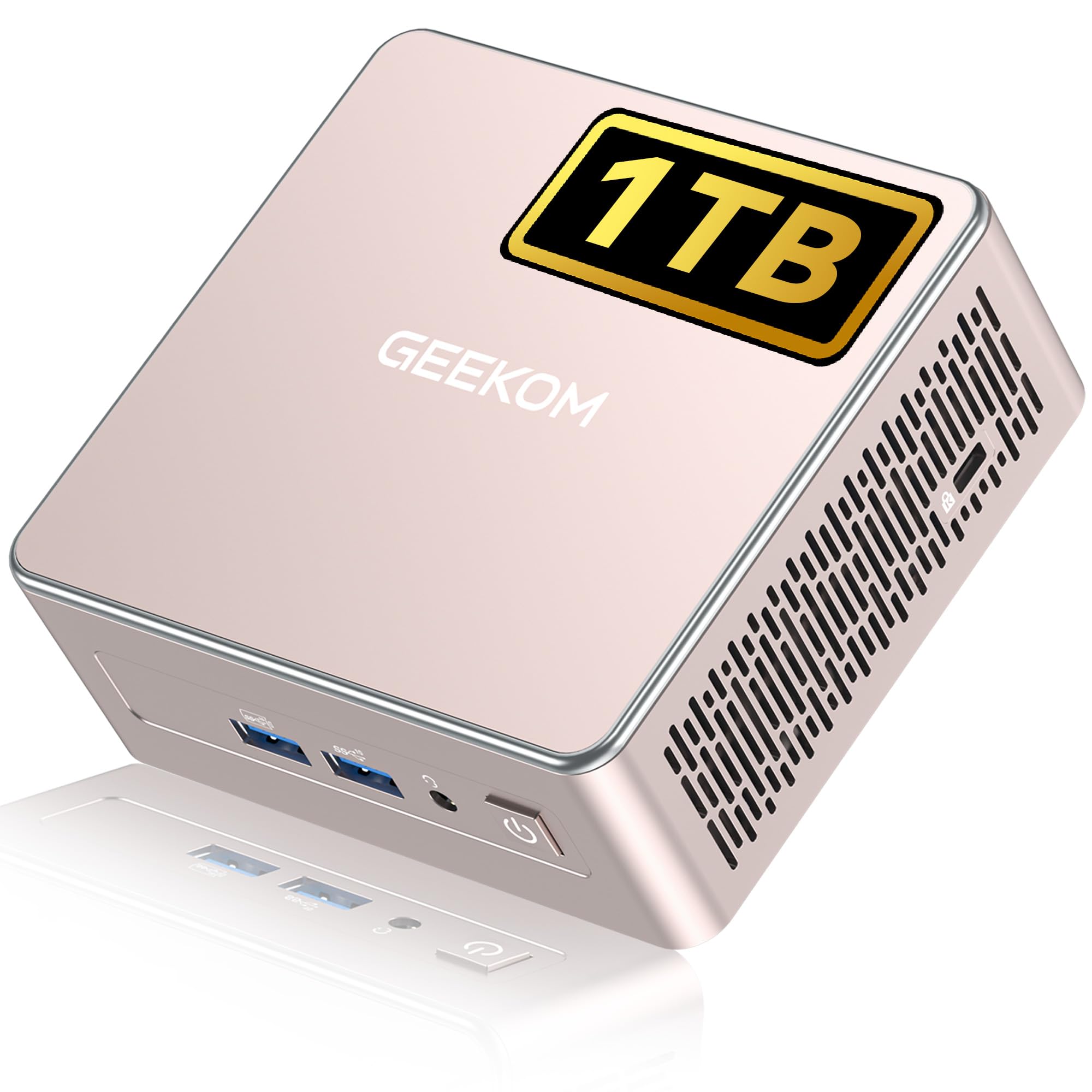 8.5 / 10
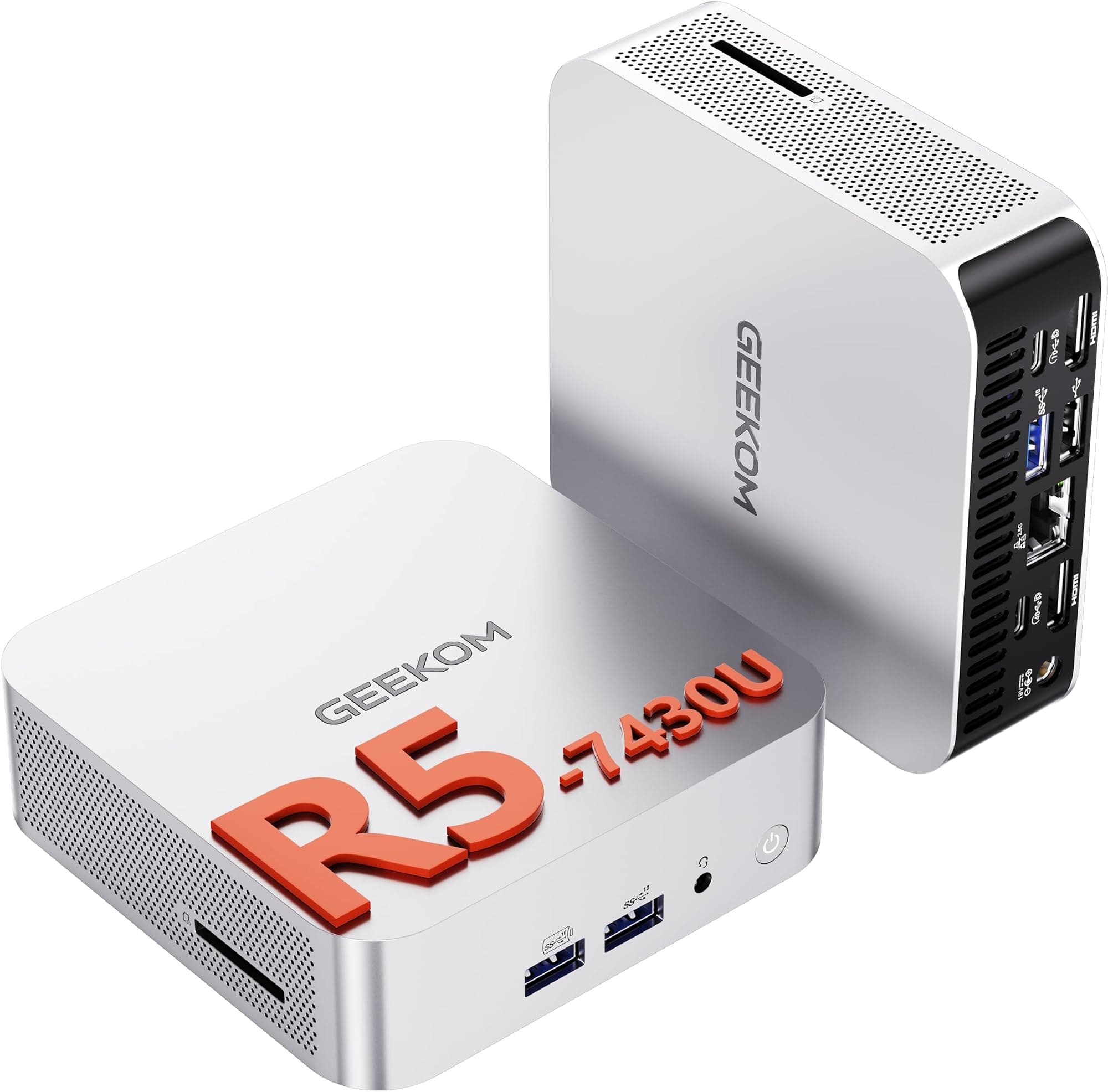
GEEKOM A5 Mini PC with 3-Year Coverage, with AMD Ryzen 5 7430U (Beats 4300U/7730U, Up to 4.4GHz) 16GB RAM & 1TB SSD, Windows 11 Pro/Dual HDMI 8K Quad Display/WiFi 6 for Video Editing/Graphic Design
£499.00 · GEEKOM
 8.0 / 10
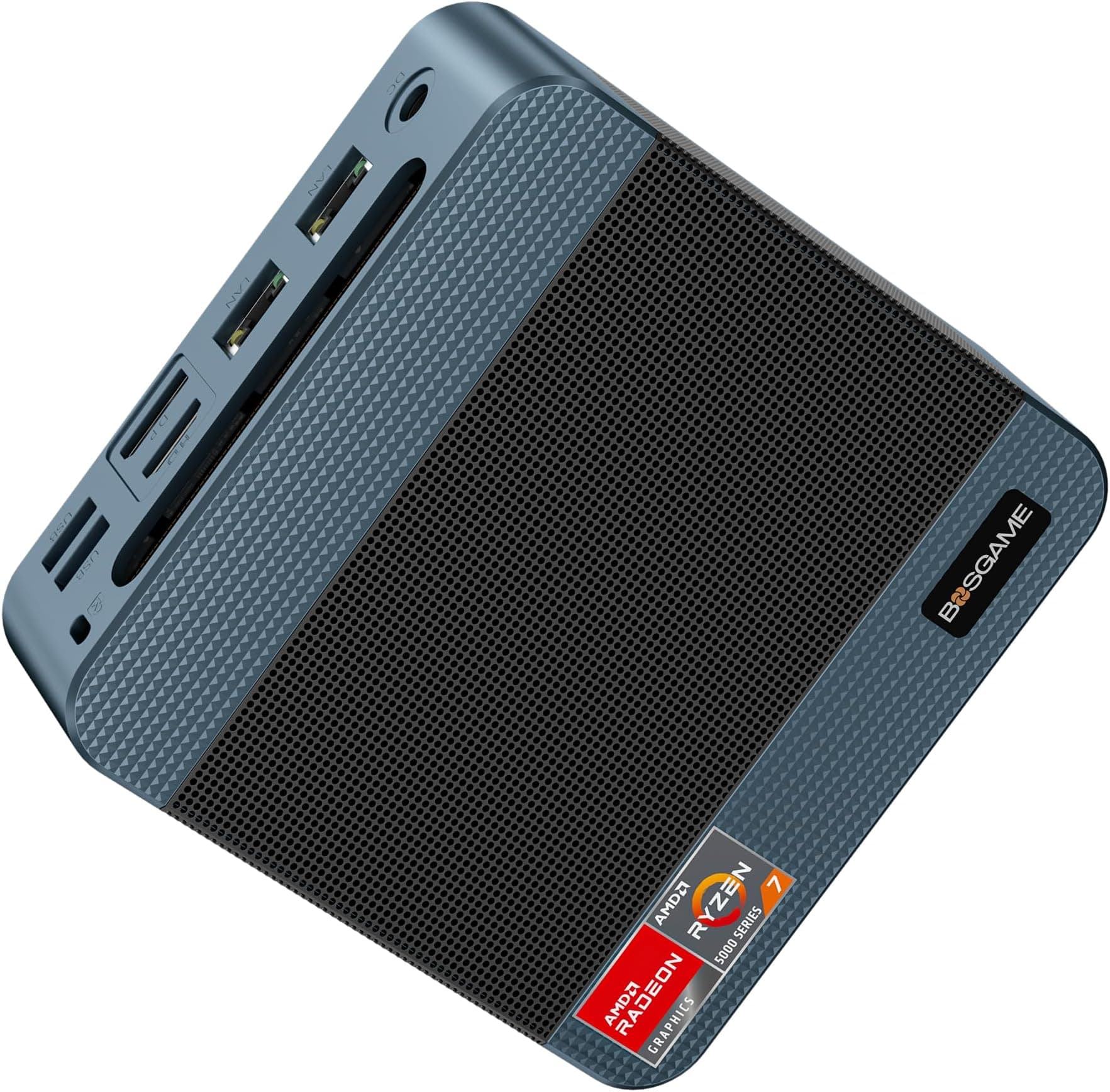
BOSGAME P4 Plus Mini PC, AMD Ryzen 7 7730U, 8C/16T, 16GB DDR4, 1TB SSD, Dual 2.5G LAN, Wi-Fi 6E
£341.05 · BOSGAME
Frequently asked
4 questions01Is the GEEKOM A6 Mini PC worth buying?+
Yes, for most productivity, creative, and home office use cases. The Ryzen 7 6800H, DDR5 RAM, PCIe 4.0 storage, USB4 connectivity, Wi-Fi 6E, 2.5Gbps Ethernet, and three-year warranty justify the premium price. If GPU-heavy workloads are your priority, look elsewhere.
02What are the main pros and cons of the GEEKOM A6 Mini PC?+
Pros: a full Ryzen 7 6800H, USB4 and quad-display support, upgradeable DDR5 RAM (up to 64GB), a three-year warranty, Wi-Fi 6E and 2.5Gbps Ethernet. Cons: no discrete GPU limits graphics-heavy workloads, the premium price needs the right use case to justify it, and only one of the two USB-C ports is USB4.
03Is the GEEKOM A6 Mini PC easy to set up?+
Yes. It ships with a genuine Windows 11 Pro licence pre-installed, so setup is straightforward. Plug in your monitor and peripherals, power on, and run through Windows setup as normal.
04What warranty applies to the GEEKOM A6 Mini PC?+
GEEKOM provides a three-year limited warranty from the date of purchase, with 24/7 customer support, and Amazon's standard 30-day returns also apply.