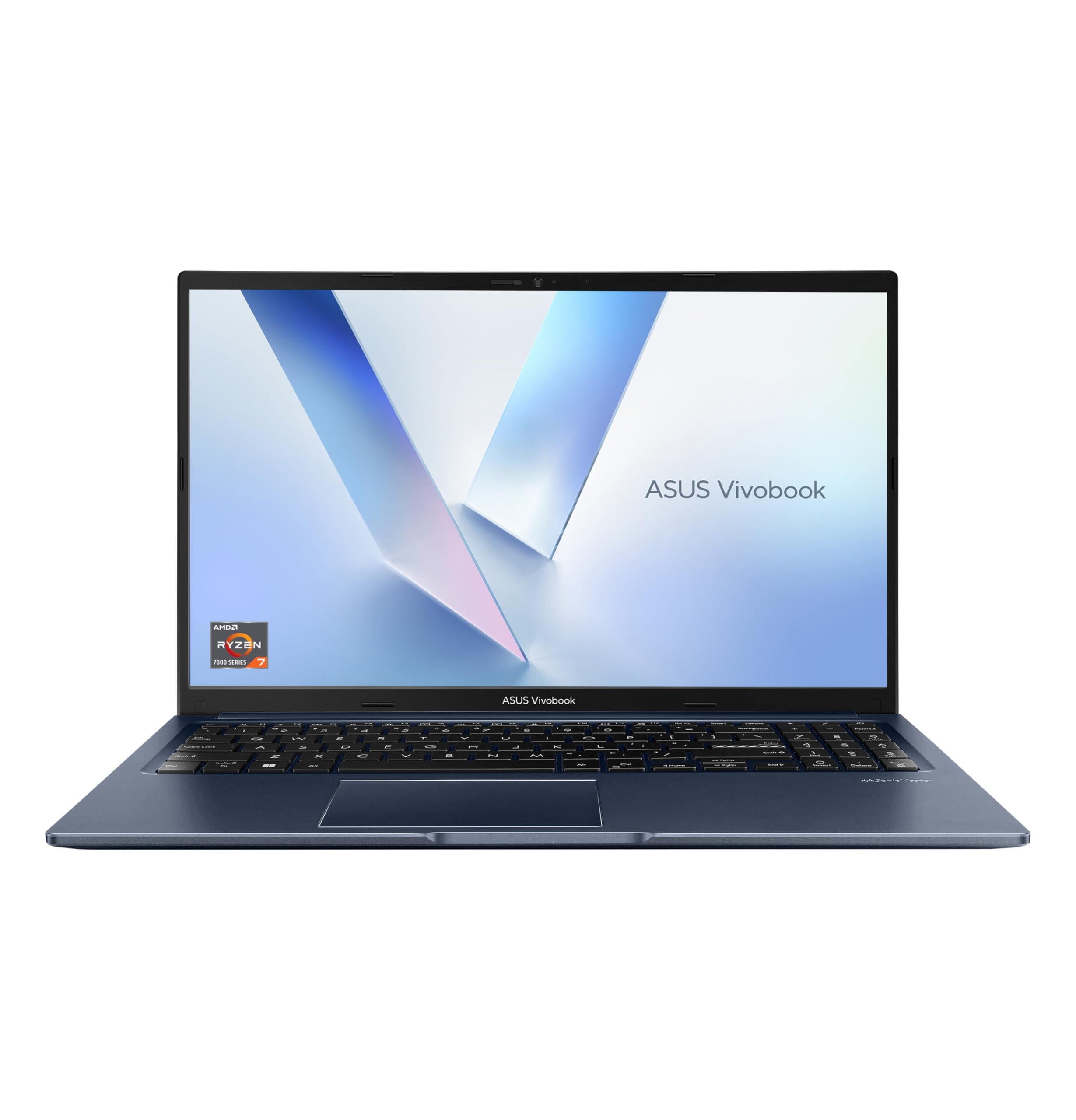

ASUS Chromebook 11 CR1100 11.6 HD Laptop with 3 Year Warranty (Intel Celeron N4500, 4GB RAM, 64GB eMMC, Google Chrome Operating System) Includes 3 Year ASUS warranty
The full review
3 min readThe ASUS Chromebook 11 CR1100 is an 11.6-inch budget Chromebook aimed squarely at students, younger users, and anyone who wants a no-fuss machine for browsing, video calls, and light document work. It sits in the lower end of the laptop market, and the price reflects that. What separates it from a pile of anonymous budget Chromebooks is the three-year ASUS warranty bundled in the box, a detail that matters more than most spec sheets suggest.
The short version: this is a capable, durable little machine for straightforward tasks, and the warranty makes it a reasonable buy for families or schools. The display is nothing to celebrate, and 4GB of RAM will feel limiting if you push it. Current pricing sits at £299.99, which is on the higher end for a Celeron-based Chromebook. Whether that premium is justified depends almost entirely on how much you value that three-year cover.
Real-World Use
For the tasks this machine is designed for, it performs adequately. Google Docs, Sheets, Gmail, YouTube, Google Meet. All of that runs without complaint. Chrome OS is genuinely well-suited to the Celeron N4500 because the operating system is lean by design. You are not fighting a bloated Windows installation on underpowered hardware. Boot times are quick, updates happen in the background, and the day-to-day experience is snappier than the spec sheet might suggest. Keep browser tabs to a sensible number, say five to eight, and it holds up fine.
Push it harder and the cracks show. Open fifteen tabs, stream a video, and run a Google Meet call simultaneously, and you will notice the 4GB RAM ceiling. Things slow, tabs reload when you switch back to them, and the fan, if audible, becomes a reminder of the hardware limits. For a child doing homework or a parent checking emails and watching iPlayer, this is a non-issue. For anyone trying to use it as a proper work machine across multiple demanding tasks, it is not the right tool.
The display is the other honest limitation. At 1366x768, it is functional but not pleasant for extended use. Text is readable, video is watchable, but side-by-side with any Full HD screen it looks noticeably soft. The anti-glare coating does help in bright rooms, which matters for a school environment. Battery life in real use lands around seven to nine hours, which is genuinely good for this class of device and means it survives a full school day without needing a charger.
Who It's For
- You are buying a first laptop for a child or student who needs something durable, simple, and covered if something goes wrong.
- You want a low-maintenance secondary machine for browsing, video calls, and Google Workspace tasks without the overhead of Windows.
- The three-year warranty is a priority. Most budget laptops ship with one year. Three years of cover changes the value calculation meaningfully.
- You need to run Windows software, including desktop Office, Photoshop, or any specialist applications. Chrome OS simply cannot do this.
- You want a sharp display for media consumption or creative work. The 1366x768 panel is a genuine step behind what comparable money buys elsewhere in 2026.
- You are a heavy multitasker. Four gigabytes of RAM is the hard ceiling here, and it is not upgradeable.
Final Verdict
The ASUS CR1100 earns a 7 out of 10. It loses points for the dated HD display, the constrained 4GB RAM, and a price that sits slightly above what the raw hardware justifies on paper. It gains them back through the MIL-STD-810H build quality, the genuinely useful three-year warranty, solid battery life, and the fact that Chrome OS makes the most of modest hardware in a way Windows simply does not. For the right user, those gains matter more than the spec deficits.
If you are buying for a student, a younger child, or as a simple household browsing machine, the CR1100 is a sensible choice. The warranty alone separates it from cheaper alternatives that will leave you out of pocket after year one. If you need more power, a better screen, or Windows compatibility, look elsewhere. For everyone else, check the current price via and weigh it against what three years of cover is worth to you.
If this isn’t right for you
1 options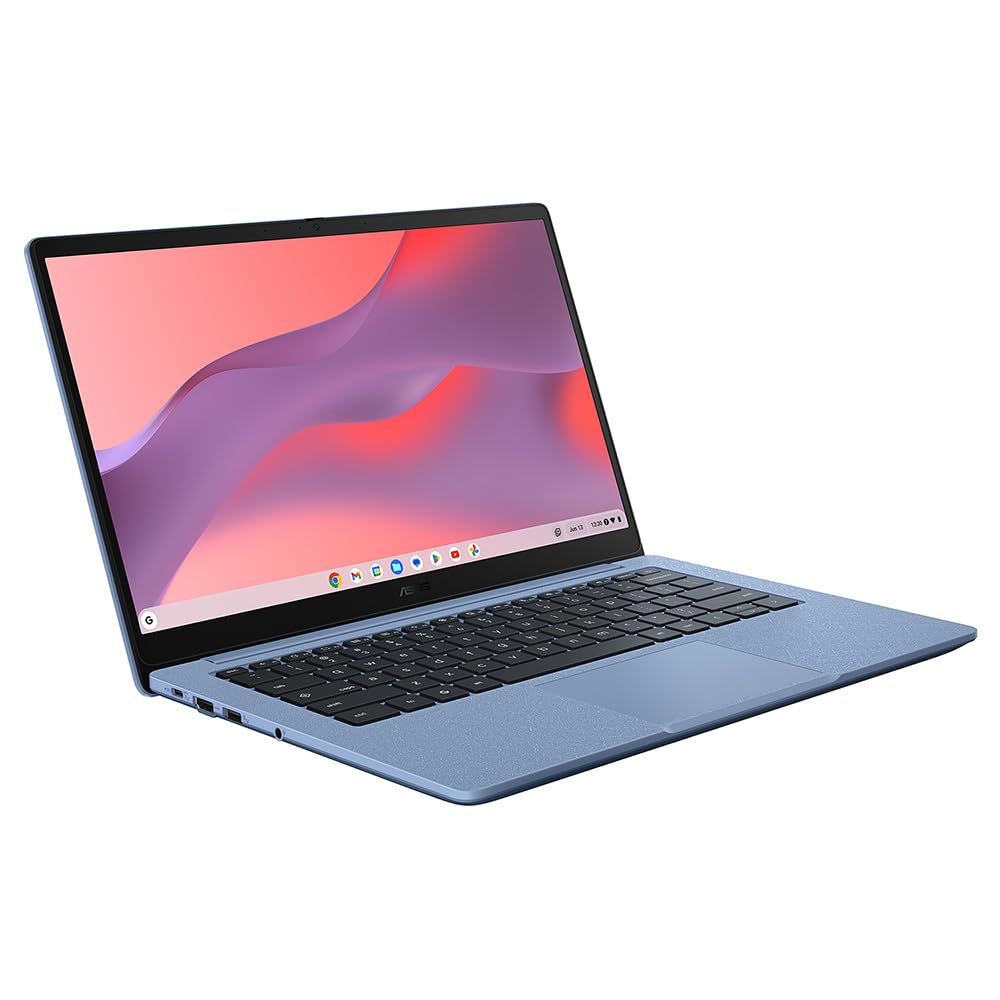
Frequently asked
5 questions01Can the ASUS Chromebook CR1100 run Microsoft Office?+
Not natively. It runs Chrome OS, so you get Google Docs, Sheets, and Slides out of the box. You can use the web version of Microsoft 365 via a browser, and some Android Office apps are available through the Google Play Store, but the full desktop Office suite is not supported.
02Is 64GB eMMC storage enough on the CR1100?+
For a Chromebook, yes, just about. Chrome OS itself is lean, and most files are expected to live in Google Drive. If you plan to download a lot of Android apps or store media locally, you will feel the pinch. A microSD card slot helps, but check the listing to confirm availability on this specific model.
03What does the 3-year ASUS warranty actually cover?+
ASUS's included warranty covers manufacturing defects and hardware failures for three years from purchase. It does not cover accidental damage such as drops or liquid spills. For a school or family device, this is a genuine selling point over most budget laptops that ship with only a one-year warranty.
04How long does the battery last on the ASUS CR1100?+
ASUS quotes up to 10 hours of battery life. Real-world use with screen brightness at a comfortable level and moderate browsing typically lands in the 7 to 9 hour range, which is solid for a school day or a day of light office work without needing to carry a charger.
05Is the ASUS Chromebook CR1100 suitable for video calls and remote learning?+
Yes. It handles Google Meet and Zoom via the browser without issue at this spec level. The Celeron N4500 and 4GB RAM are adequate for video calls, document editing, and streaming. Do not expect it to multitask heavily with dozens of browser tabs open simultaneously.