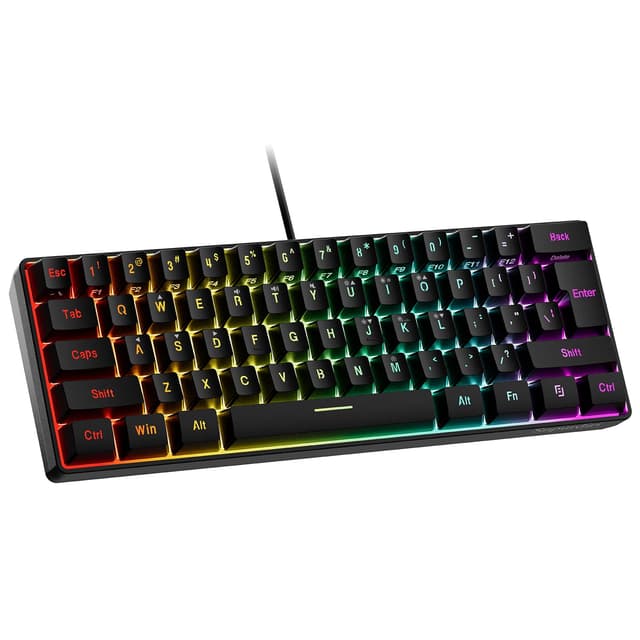
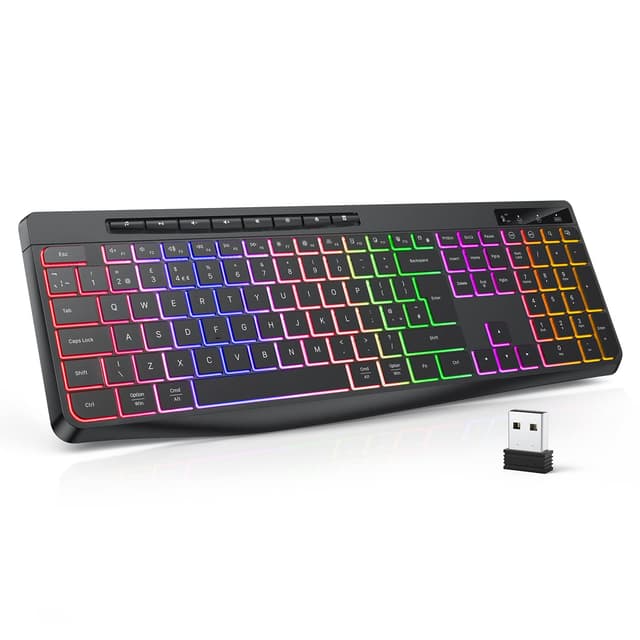
1. SteelSeries Apex 3
The SteelSeries Apex 3 delivers solid gaming performance without breaking the bank. It features IP54 dustproof and spill-resistant design, making it durable for everyday use. The membrane switches offer reliable responsiveness for gaming, while the 10-zone RGB lighting adds visual appeal. At around £50-60, this keyboard represents excellent value for budget-conscious gamers.
2. Corsair K55 RGB
Corsair's K55 RGB combines a comfortable ergonomic design with customisable RGB lighting across six zones. The membrane switches provide smooth keystroke action, and the keyboard includes dedicated media controls for convenience. Priced near £60, it's a reliable choice for gifting to casual and competitive gamers alike. The rubber dome switches are quieter than mechanical alternatives, which some users prefer.
3. HyperX Alloy Core RGB
HyperX's Alloy Core RGB offers a compact, lightweight design that appeals to gamers who prefer portability. The keyboard features dynamic RGB lighting and responsive membrane switches designed for gaming. Costing approximately £50-55, it's an affordable option for those wanting a gaming-focused keyboard without premium mechanical components. The spill-resistant design adds practical durability.
4. ASUS TUF Gaming K1
The ASUS TUF Gaming K1 is built for durability with reinforced switches rated for 50 million keystrokes. This membrane keyboard includes Aura Sync RGB lighting and detachable USB cable for portability. At £70-80, it offers solid mid-range gaming performance with ASUS's reputation for quality. The TUF branding guarantees military-grade durability standards.
5. Razer BlackWidow V3
Razer's BlackWidow V3 features mechanical switches and three-zone RGB lighting for a premium gaming experience. The keyboard includes programmable keys and an ergonomic wrist rest for extended gaming sessions. Priced around £85-95, it sits at the upper end of the £100 budget but delivers mechanical switch quality. The switch type (yellow or green) can be selected based on preference for linear or clicky feedback.
6. Logitech G413 SE
The Logitech G413 SE combines mechanical gaming switches with an aluminium frame for a durable build. Simple yet effective RGB backlighting and media controls make it practical for gaming. At approximately £60-70, this keyboard offers mechanical reliability at a mid-range price point. The low-profile design appeals to gamers seeking a minimalist aesthetic.
7. Trust GXT 865 Asta
Trust's GXT 865 Asta provides good value with mechanical switches and full RGB customisation. The keyboard features a sturdy build suitable for intensive gaming use. Priced around £45-55, it's an excellent budget option for those wanting mechanical switches without premium branding. The macro keys offer programmable functionality for competitive gaming.
Buying Guide
When selecting a gaming keyboard under £100, consider your priorities: mechanical switches offer better durability and tactile feedback but cost more, while membrane keyboards provide budget-friendly options. Check if RGB lighting matters to you, as this feature adds cost but enhances setup aesthetics. Look for spill resistance and durability ratings, especially if the keyboard will see heavy daily use. Wired connections offer lower latency and eliminate charging concerns, whereas wireless options provide desk flexibility. Test the ergonomics if possible, as comfortable key spacing and wrist support matter during long gaming sessions. Finally, consider brand reputation for warranty support and driver software quality when making your final choice.