
VR-DESKTOP Decision guide
Best Desktop PCs for Small Businesses: £1500, £2200 Guide
Running a small business and need a desktop that won't let you down mid-deadline? Here are the three best options between £1500 and £2200 right now.
 Top pick: CyberPowerPC CyberPowerPC Luxe Gaming PC - Intel Core Ultra 7 265KF, Nvidia RTX 5070 Ti, 32GB RAM, 2TB NVMe SSD, 750W PSU, Windows 11, Liquid Cooling, Amethyst 360M Airflow White
It's 8:45am, you've got a client call at nine, your accountant needs last month's figures, and someone on the team has just opened seventeen browser tabs alongside your project management software. A desktop that hesitates at moments like this isn't just annoying, it's costing you money. Between £1500 and £2200, you've got enough budget to buy something properly capable, but the options are genuinely varied enough that picking the wrong one is easy. Here's how to cut through it.
What actually matters
Processor performance
This is the one to get right. Multi-core performance determines how quickly your machine handles simultaneous workloads, whether that's a video call running alongside a large spreadsheet, or your design software open next to a browser with twelve tabs. At this budget, you should expect a modern processor with at least eight cores. Don't let anyone sell you on clock speed alone.
RAM
16GB is the sensible floor for a small business machine in 2026. If your team regularly works with large datasets, video files, or runs virtual machines, 32GB is worth the upgrade. The good news is that most machines in this price band either include 32GB or make it easy to add later, though Apple's unified memory architecture means you need to spec it correctly at purchase since you can't upgrade afterwards.
Storage speed and capacity
An NVMe SSD makes a bigger practical difference than almost any other spec. Boot times, application loading, file transfers: all of it feels snappier. Aim for at least 512GB, though 1TB is more comfortable if you're storing client files locally. Cloud-first businesses can get away with less, but don't go below 512GB and expect it to stay tidy.
Display or display compatibility
If you're buying an all-in-one, the built-in screen quality matters a lot. For tower PCs, check the GPU outputs match your monitor setup, particularly if you're running dual screens, which most small business setups benefit from enormously.
What you can ignore
High-end gaming GPUs for pure office work. If your business doesn't involve video editing, 3D rendering, or any visual production, a top-tier graphics card is wasted money. Basic GPU outputs for dual monitors are all you need, and the machines in this guide cover that without you paying extra for it.
Overclocking headroom. Overclocking is a hobbyist concern. A business machine should be stable and reliable, not pushed beyond its rated speeds. Ignore any spec sheet that leads with overclocking potential as a selling point.
Excessive storage beyond 2TB. Unless you're archiving large media files locally, 1TB is plenty for most small businesses. Use cloud storage or a NAS for bulk archiving rather than paying for internal storage you'll rarely fill.
RGB lighting and aesthetic extras. Genuinely irrelevant. Some pre-built PCs come loaded with lighting features that add to the cost and nothing to the output. Fine if it comes included, not worth seeking out.
Three worth considering
The Apple iMac M4 24-inch is the one to buy if your business runs on Apple software, creative tools, or you simply want a machine that's sorted out of the box with no faff. The M4 chip is genuinely fast for everyday business tasks and handles video calls, large documents, and multitasking without breaking a sweat. The 24-inch Retina display is excellent, and the whole setup takes up minimal desk space. The honest trade-off: you're locked into macOS, so if your business depends on Windows-only software, this isn't your machine. For creative agencies, consultancies, and businesses already in the Apple ecosystem, though, it's a no-brainer.
The CyberPowerPC Luxe Gaming PC (2026, RTX 5070 Ti) is the pick for businesses that need serious processing muscle, particularly if you're doing video production, rendering, or data-heavy work. It's a proper powerhouse, and the component value at this price point is hard to argue with. The trade-off is that it's a tower, it's not subtle, and you'll need to buy a monitor separately. But if raw performance for demanding workloads is the priority, this delivers it convincingly. Small studios, production companies, and technical businesses will get a lot out of it.
The CyberPowerPC Luxe Gaming PC (2025) sits at a slightly lower price point within the budget and is worth considering if you want strong performance without stretching to the latest GPU generation. It's a capable Windows machine with solid specs for business use, and the value proposition is good. The trade-off is simply that the 2026 model outperforms it, so if the budget comfortably reaches the newer version, go there instead. For businesses that want a dependable Windows tower without paying for the absolute cutting edge, this is a sensible, honest choice.
Mac or Windows: the decision most small businesses agonise over
The honest answer is that it comes down to your software, not your preference. If your accountant uses Sage, your CRM is Windows-only, or your industry runs on specific PC software, Windows is the practical choice and both CyberPowerPC options serve you well. If your team is already on iPhones and iPads, you use Adobe Creative Cloud or Final Cut, and you reckon you'd benefit from tight device integration, the iMac M4 is genuinely worth the investment. Don't let anyone tell you one is objectively better. They're different tools for different workflows.
Before you buy: a checklist
- Confirm your essential software runs on the operating system you're buying. Check vendor compatibility pages, not just assumptions.
- Account for the full setup cost. Towers need a monitor, keyboard, and mouse. All-in-ones include the display but may need peripherals.
- Check warranty terms carefully. For a business machine, consider whether an extended or business-grade warranty is worth adding.
- Think about who handles IT if something goes wrong. Apple's support network is consistent across the UK. For Windows pre-builds, check the vendor's support reputation before committing.
- If multiple people will use the machine, confirm it can handle multiple user accounts and that storage is sufficient for shared file access.
Three worth your money
Each link adds the product to your Amazon basket so you can compare them side-by-side at checkout.
CyberPowerPC
CyberPowerPC Luxe Gaming PC - Intel Core Ultra 7 265KF, Nvidia RTX 5070 Ti, 32GB RAM, 2TB NVMe SSD, 750W PSU, Windows 11, Liquid Cooling, Amethyst 360M Airflow White
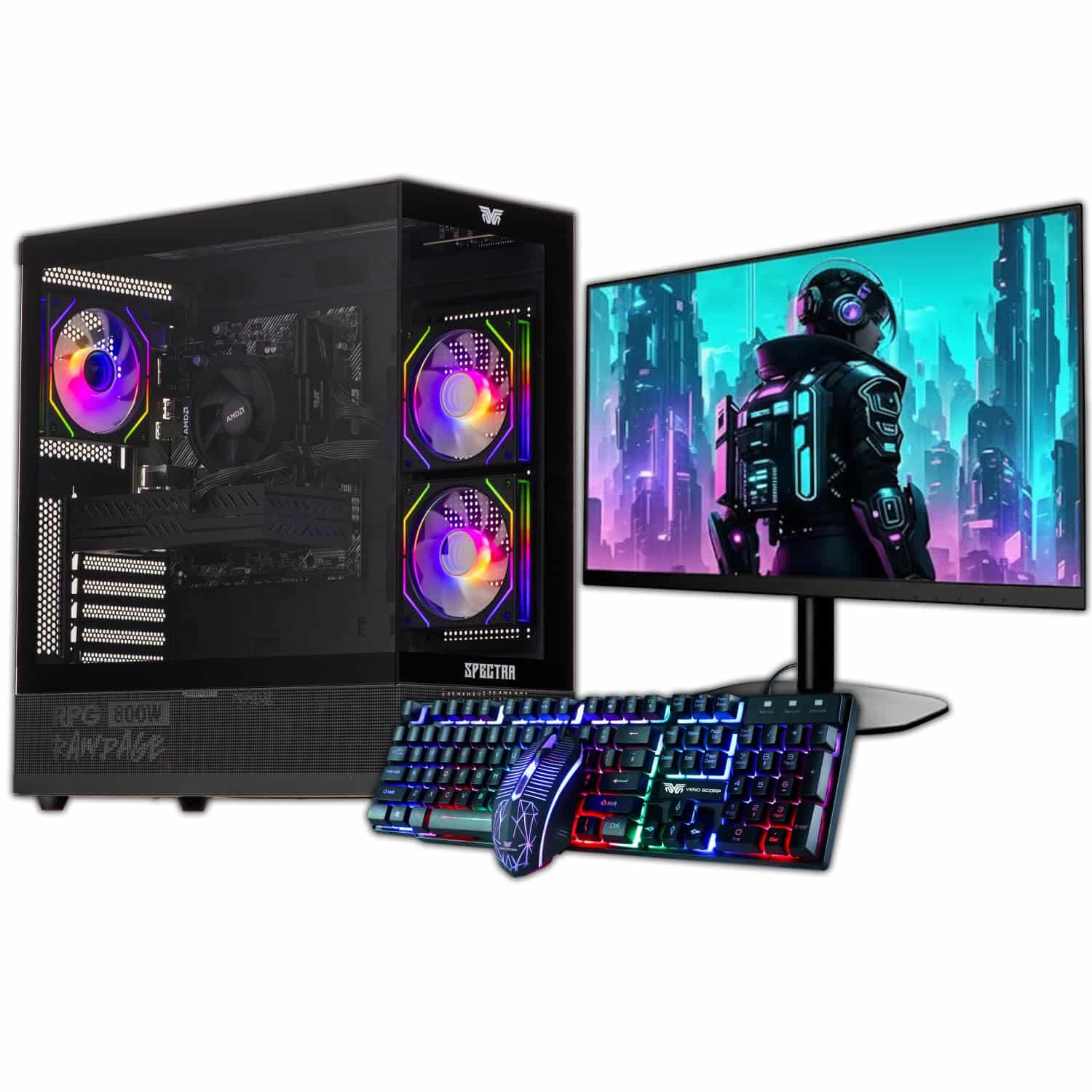
Veno Scorp
Veno Scorp Budget Gaming PC Intel i5 GTX 750

Aether Pro Intel
We're an Amazon Associate. If you click a product link and buy something, we earn a small commission at no extra cost to you. We only recommend products we'd use ourselves.
Top pickCyberPowerPC Luxe Gaming PC - Intel Core Ultra 7 265KF, Nvidia RTX 5070 Ti, 32GB RAM, 2TB NVMe SSD, 750W PSU, Windows 11, Liquid Cooling, Amethyst 360M Airflow White£2049.00Add to cart →