
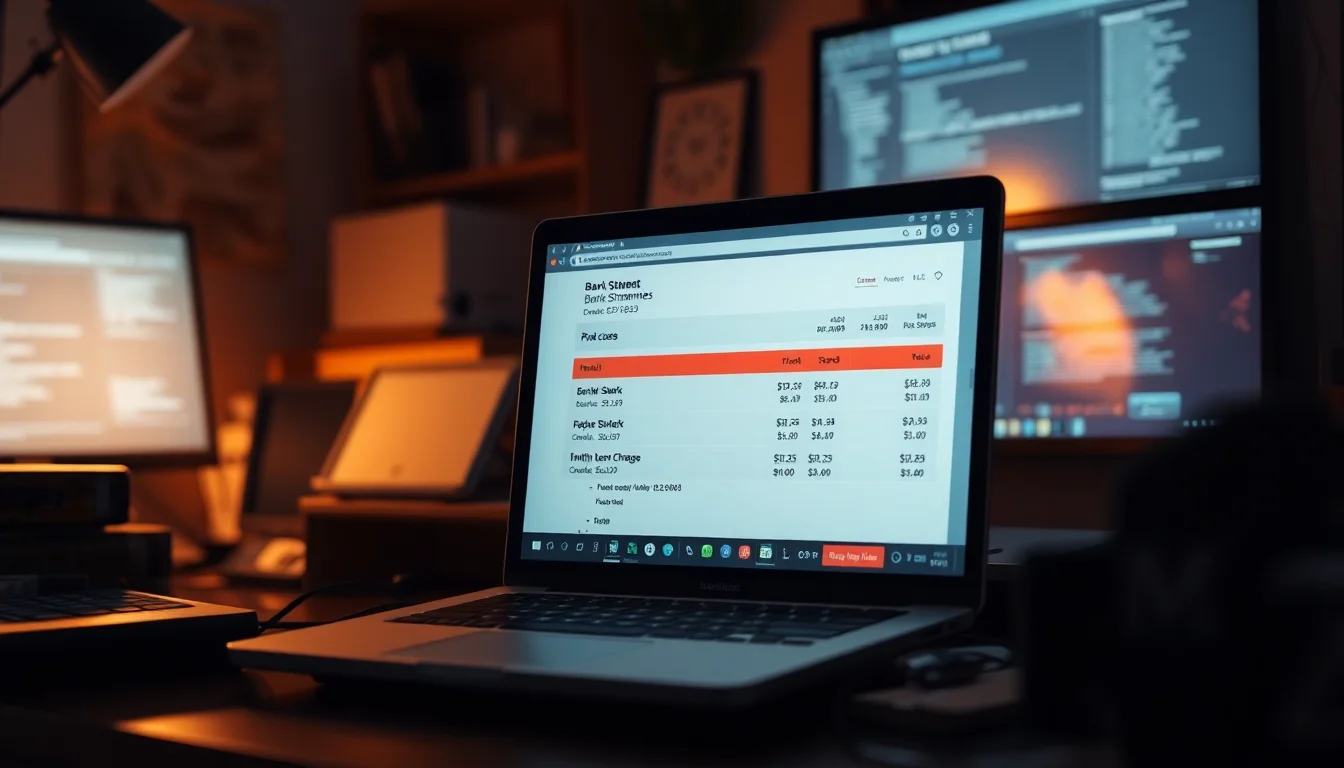
PDF Guru subscription charges have a habit of appearing on bank statements weeks after you thought you paid less than two euros for a one-off PDF conversion. No warning, no obvious cancellation button, just a 49 to 50 EUR debit sitting there. This guide cuts straight to what actually works: cancelling the subscription, blocking further payments, and getting your money back through your bank if the company won't play ball.
What Causes PDF Guru Subscription Charges?
The short answer: a pricing model designed to obscure what you are actually agreeing to. PDF Guru advertises a trial for 0.99 to 1.99 EUR, which sounds like a one-off payment for a single conversion job. Most people reasonably assume that is exactly what it is. It isn't. Buried in the terms and conditions (usually in small text well below the payment button) is the detail that you are signing up for a monthly subscription that renews automatically at approximately 49.99 EUR per month once the trial period ends.
This is not a technical glitch. It's a deliberate business model sometimes called a negative option or continuity subscription. You opt in by default just by paying the trial fee, and you have to actively opt out before the renewal date or you get charged. The problem is that the renewal date is often not clearly communicated, and the cancellation process is not exactly front and centre in the product either.
The charges themselves often appear on bank statements under names like 'PDF GURU', 'PDFGURU.COM', or occasionally under a third-party payment processor name that makes it even harder to identify what you are looking at. That's another layer of friction that works in PDF Guru's favour. By the time you track down the source of the charge, you may have already been billed for two or three months.
So to be clear: PDF Guru is not malware. It won't damage your computer. The PDF tool itself works. But the subscription practices are, at best, aggressively opaque, and at worst, they cross the line into what EU consumer law classifies as unfair commercial practices. The EU Unfair Commercial Practices Directive specifically covers misleading pricing and hidden subscription terms, which is useful to know if you end up escalating a complaint.
The fix is not complicated, but it does have a specific order. Cancel first, block the payment method second, dispute charges third. Do it in the wrong order and you might block the card before you have the account details you need to cancel properly, which creates its own headaches. Follow the steps below and you'll have this sorted.
PDF Guru Subscription Charges Quick Fix
This first section covers the fastest route to stopping charges. If you're still within the trial period or have only just spotted the first renewal charge, this alone may be enough. Takes about 5 to 10 minutes.
Cancel the Subscription and Identify What You Were Charged Easy
- Search your inbox for PDF Guru emails
Open your email client and search for:PDF Guru,pdfguru.com,receipt,invoice,trial. You should find a confirmation email from when you signed up and possibly billing statements for each charge. These emails usually contain a 'Manage subscription' or 'Cancel subscription' link. Use it immediately if you find one. - Check your bank statement for the exact charges
Log into your bank's app or online portal and search for transactions labelledPDF GURUorpdfguru.com. Note the date of the first charge (likely 0.99 to 1.99 EUR), any subsequent monthly charges (around 49 to 50 EUR), the transaction reference numbers, and the last four digits of the card used. You'll need all of this later. - Log into pdfguru.com and cancel auto-renewal
Go topdfguru.comand sign in with the email address you used to sign up. Navigate to Account Settings, then Billing or Subscription. Find the auto-renewal toggle and disable it. Look for a confirmation message or email confirming the cancellation. If you cannot find the setting, move straight to the next step. - Email support@pdfguru.com with a cancellation request
Send an email tosupport@pdfguru.comwith: your account email address, the dates and amounts of the charges, and a clear request for cancellation of the subscription and a refund of any charges you did not knowingly authorise. Keep the tone factual. Ask for written confirmation that auto-renewal has been disabled and that no further charges will be made.
For basic PDF tasks like merging files, converting Word documents, or compressing PDFs, there are free tools that don't require any payment details at all. Windows has Print to PDF built in, LibreOffice handles most conversion jobs, and several established web tools offer a handful of free conversions per day. If you only needed PDF Guru for a one-off task, a dedicated PDF tools application from a reputable publisher gives you the same features without the subscription risk. Worth considering before you sign up for anything similar again. For more on keeping your software costs under control, see our guide on managing software subscriptions on Windows.
More PDF Guru Subscription Charges Solutions
If PDF Guru's support team hasn't responded within 48 hours, or if they've declined your refund request, the next step is your bank. This is where most people recover their money. The process takes 15 to 30 minutes and the success rate for blocking future charges is very high.
Block the Payment Method and Raise a Bank Dispute Easy
- Block or replace the card used for PDF Guru
Open your bank's app and find the card management section. Most UK banks (Monzo, Starling, Barclays, HSBC, Lloyds) let you block specific merchants or freeze a card directly from the app. Search for 'recurring payment' or 'merchant block' in the app's help section. If you cannot find a merchant block option, request a new card number. This is the nuclear option but it works: PDF Guru cannot charge a card that no longer exists. - Initiate a chargeback or payment dispute
In your bank app or online portal, find the disputed transaction and select 'Dispute this payment' or 'Raise a claim'. If you cannot find this option, call the number on the back of your card. When asked for the reason, say the charge was made without clear consent because the offer was presented as a one-time payment, not a recurring subscription. This framing matters. Which? has a clear guide on how chargeback works under Visa and Mastercard rules, which is worth reading before you call. - Gather and submit your evidence
Attach to your dispute: the original PDF Guru receipt email, screenshots of the offer page if you saved them (showing the price and any terms text), your bank statement showing the charges, and your email to PDF Guru support along with their response or lack of one. The more evidence you provide upfront, the faster the bank can process the claim. Banks typically resolve disputes within 15 to 45 days. - Check for other saved payment methods
While you're at it, check your browser's saved payment methods. In Chrome: Settings, Autofill and passwords, Payment methods. In Edge: Settings, Passwords and autofill, Payment info. Delete any cards you don't want used for automatic charges on other sites. This doesn't affect PDF Guru directly but it's good hygiene and takes two minutes.
One thing worth knowing: Visa and Mastercard both have chargeback rules that cover charges made under misleading terms. The relevant category is usually 'item not as described' or 'services not rendered as agreed'. Your bank's disputes team will know which category to use. Just be honest and specific about what you thought you were buying versus what actually happened. If you're dealing with other dodgy software charges at the same time, our article on removing unwanted software subscriptions from your accounts covers the broader process.
Advanced PDF Guru Subscription Charges Fixes
If the bank dispute doesn't go your way, or if the total amount charged is significant enough to justify more effort, there are escalation routes that genuinely work. This section is also relevant if PDF Guru has ignored your emails entirely.
Formal Complaint and Consumer Authority Escalation Medium
- Document PDF Guru's terms and save them
Go to pdfguru.com and find their Terms of Service, Refund Policy, and Subscription Conditions. Take screenshots of the relevant sections, particularly anything that mentions the trial period length, the monthly renewal amount (approximately 49.99 EUR), cancellation conditions, and refund eligibility. Save these as PDF files with the date in the filename. This proves whether the terms were adequately disclosed at the time you signed up. - Write a formal complaint letter to PDF Guru
This is different from a casual support email. Include: your full name, account email, and any user ID; a chronological account of what happened (date of trial signup, what you understood you were purchasing, date you discovered the recurring charges); a reference to the consumer protection law applicable in your country (EU Directive 2011/83/EU on consumer rights is directly relevant for European users); and explicit requests for full cancellation, a refund of all monthly charges, and written confirmation within 14 days. Send it by email and keep a copy. If they have a postal address, send a copy by recorded delivery too. - File a complaint with your national consumer authority
In the UK, start with Citizens Advice, which can refer your case to Trading Standards. In Spain, contact the OCU. In Germany, the Verbraucherzentrale. These bodies can contact the company on your behalf, and companies tend to respond faster when a regulator is involved. Provide your complete dossier: screenshots, emails, bank statements, and the terms documentation you saved in step one. - Submit a second-stage dispute with your card network
If your bank's initial chargeback was rejected and you believe the decision was wrong, you can escalate. Visa and Mastercard both have arbitration processes that sit above the individual bank level. Ask your bank how to escalate a rejected chargeback to the card network. This is slower (can take 60 to 90 days) but it's a real option when the amount justifies it. - Strengthen your payment security going forward
Set up a virtual card specifically for online trials and one-off purchases. Most UK challenger banks (Monzo, Starling, Revolut) offer virtual cards you can freeze or delete after a single use. Set a low spending limit on it. A 50 EUR monthly charge simply fails if the card limit is 2 EUR. Enable two-factor authentication on your email account too, since subscription confirmation emails often land there first and catching them early is the easiest way to cancel before you're charged.
If you're also dealing with other software that installed itself without a clear prompt, that's a separate problem worth addressing. Our guide on removing unwanted programs from Windows 10 and 11 walks through the full process of auditing and cleaning up your installed software.
Preventing PDF Guru Subscription Charges
The most important thing: treat any PDF tool advertised at 0.99 EUR as a trial with expensive auto-renewal. Because it is. Almost without exception. That price point is a hook, not a fair price for software.
Before you enter card details anywhere, scroll past the payment button and read the pricing section properly. Look for phrases like 'then', 'after your trial', 'automatically renews', or 'billed monthly'. If those words appear and the monthly price is not prominently displayed next to the trial price, that's a red flag. Screenshot the offer page before you pay. It takes five seconds and gives you evidence if you need to dispute later.
For the actual PDF work, free tools handle most everyday tasks without any payment details required. Windows 10 and 11 both include Print to PDF natively. LibreOffice Writer can export to PDF and convert basic formats. For web-based conversion, Adobe's own free tools at adobe.com handle a limited number of conversions per month at no cost. None of these require a credit card.
If you do need a proper PDF application with editing, OCR, or batch processing, buy a one-time licence from a known publisher rather than signing up for a monthly plan. One-time licences exist and they're not significantly more expensive than a couple of months of subscription fees.
Finally, set a monthly reminder to check your bank statement for recurring charges. Fifteen minutes once a month is enough to catch anything that shouldn't be there. Refunds are much easier to obtain when you dispute a charge within 30 days rather than six months later.
PDF Guru Subscription Charges Summary
PDF Guru subscription charges catch people out because the pricing model is designed to be confusing. A 0.99 EUR trial that silently converts to a 50 EUR monthly subscription is not a technical fault, it's a deliberate choice. The good news is that the fix is well within reach for most people: cancel via the account settings or by emailing support, block the merchant at your bank, and raise a chargeback if the company won't refund you. If they ignore you entirely, consumer protection authorities in the UK and EU have real teeth when it comes to misleading subscription practices. Document everything, act quickly, and you'll have a strong case. And next time a PDF tool costs less than a cup of coffee, read the small print first.