Best Overall Value
Five hundred watts sounds modest in a market that loves to shout four figures. But 500W of genuine, certified power beats 750W of wishful thinking every day of the week, and that's the whole argument for the ENDORFY Vero L5 sitting at the top. At roughly £44 it carries a real 80 Plus Bronze badge, which means it hits at least 82% efficiency at typical loads instead of leaking your electricity into heat. For a build around an RTX 4060, an RX 7600 or a Ryzen 5 with an Arc card, this is the amount of power you actually draw, with a sliver left over.
The single PCI-E 8-pin (6+2) connector tells you the ceiling honestly. This unit is built for one mid-range GPU, not a pair of them, and the listing doesn't pretend otherwise. That single connector suits every card that matters in this budget bracket. Push toward a 4070 Super or higher and you'll want more rails and more watts, at which point you've stepped outside this list entirely.
Owners consistently report it running quiet at desktop loads, which matters if the machine sits on the desk rather than on the floor. The UK plug is a small thing that saves you hunting for an adapter or a kettle lead, and ENDORFY (a Polish brand that grew out of SilentiumPC) has built its name on quiet, sensible components rather than RGB theatre. You can read the manufacturer's own spec breakdown on the ENDORFY official site.
Against the MSI MAG A550BN just below it, the ENDORFY costs a few pounds more for 50W less on paper, but the quieter fan behaviour and the included UK plug tip the balance. Against the 650W MSI A650BN, you're trading raw headroom for a lower price and a calmer unit. If your GPU sits at 130W or below, the extra 150W the MSI offers is capacity you'll never touch, so the money stays in your pocket here. That's why it wins: it matches the wattage to a real budget build and charges accordingly.
Pros
- Genuine 80 Plus Bronze cert, not a printed claim
- UK plug in the box, no adapter faff
- Owners rate the fan as quiet at low loads
- Reputable brand behind SilentiumPC
Cons
- Single PCI-E connector caps you at one mid-range GPU
- Non-modular, so you tuck spare cables away
- 500W leaves no room for a future high-end card
Buy on Amazon£39.95
Best for Headroom
At this price this is the value sweet spot in MSI's budget line. 550W of 80 Plus Bronze with a single 12V rail and a DC/DC converter design covers the majority of mainstream gaming builds with a small margin to spare. The 120mm fan is standard fare and the whole thing is a known quantity from a brand with real UK backing.
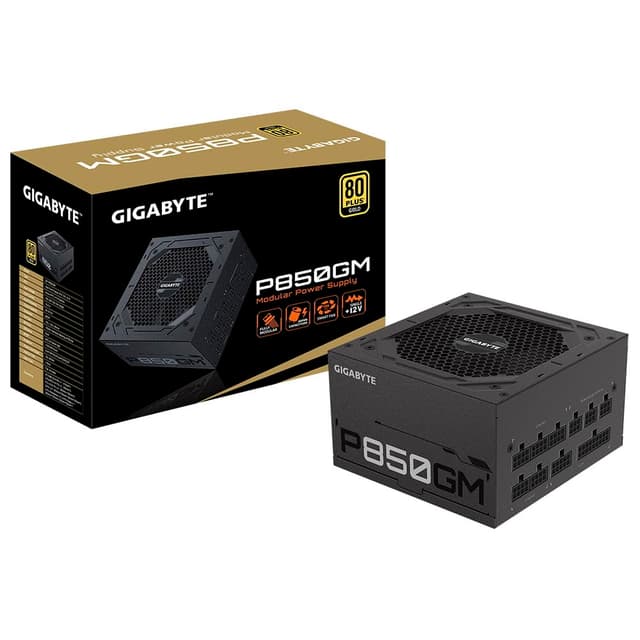
The one snag is in the title: EU plug. You'll need a UK kettle lead, which most of us have kicking about, but it's a small cost the ENDORFY and GIGABYTE spare you. Weigh that against the £5 you save over the GIGABYTE P550SS. If ATX 3.0 doesn't matter to you and you have a spare lead, this MSI is the cheaper, sensible choice; if you want the newer standard and Silver efficiency, spend up to the GIGABYTE.
Against its bigger sibling the A650BN, you save £10 and lose 100W, which is the right call if your GPU is firmly mid-range.
Pros
- Keen £39.99 price for certified 550W
- Single 12V rail, DC/DC design
- MSI UK support
Cons
- EU plug, needs a UK lead
- Only Bronze, not Silver like the GIGABYTE
- Non-modular
Buy on Amazon£44.97
Best Warranty
Five years of warranty on a £38 power supply is a bold statement, and it's the headline reason to look here. The Mars Gaming MPIII650 claims 85% efficiency with a digital APFC system, DC-DC topology and an FDB fan, which is the kind of spec sheet you'd expect a tenner north of this. The extra-long flat cables also make routing in a mid-tower easier than the ribbon cables on cheaper units.
The question, as ever with the smaller brands, is whether the delivery matches the sheet. Mars Gaming lacks a formal 80 Plus badge here, so that 85% figure is self-reported rather than lab-verified. The 5-year cover softens the risk considerably, which is why it sits above the GameMax on our value logic but below the certified units.
Against the MSI A650BN, the Mars is £12 cheaper for the same wattage and a longer warranty, but it trades a verified Bronze cert and MSI's track record for that. If the warranty length reassures you more than a badge, it's a fair swap. See the detail in our Mars Gaming MPIII650 review.
Pros
- 5-year warranty, long for the price
- Flat cables ease routing
- DC-DC design and FDB fan on paper
Cons
- No formal 80 Plus certification
- 85% efficiency is self-reported
- Smaller brand presence in the UK
Buy on Amazon£38.27Read full review
Best Budget
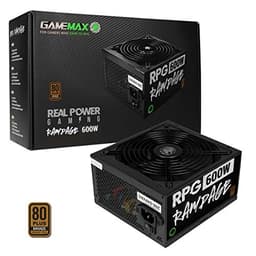
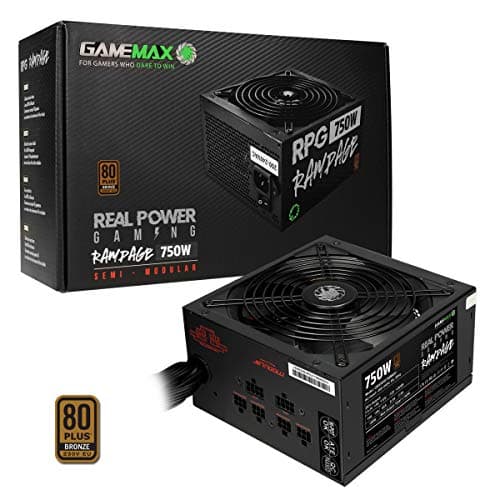
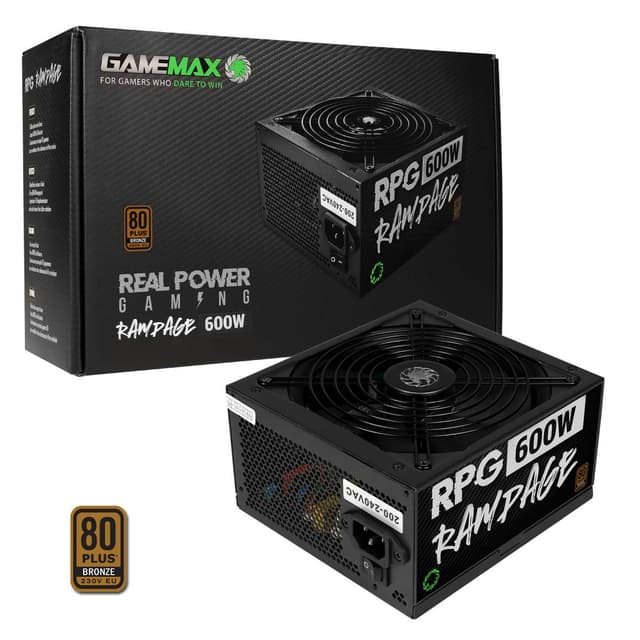
Most watts per pound, and a genuine badge to back it. At this price the GameMax Rampage gives you 600W of 80 Plus Bronze with a Japanese Teapo main capacitor, which is the component that most often decides how long a budget PSU lasts. That's an unusually honest spec for the money. The 140mm fan is larger than the 120mm units elsewhere on this list, so it can move the same air at lower revs and stay quieter under load.
The listing flags one thing loudly: no power cable is included. You'll need a UK kettle lead, and if you don't have a spare that's a £2 to £3 addition to the price. Factor it in and it's still the cheapest certified gaming unit here by a comfortable margin.
Against the ENDORFY Vero L5, the GameMax gives you 100W more for around £11 less, but the ENDORFY has the quieter reputation, the UK plug in the box and the stronger brand name. Buy the GameMax if the budget is truly tight and you want the watts; buy the ENDORFY if you'd rather pay a little for peace of mind. Full detail in our GameMax 600W Rampage review.
Pros
- Cheapest certified gaming unit here
- Japanese main capacitor for longevity
- 140mm fan runs slower and cooler
- Genuine 80 Plus Bronze badge
Cons
- No UK power cable in the box
- Non-modular cabling
- Brand less known than MSI or be quiet!
Buy on Amazon£34.79Read full review
Best for Modest RTX Builds
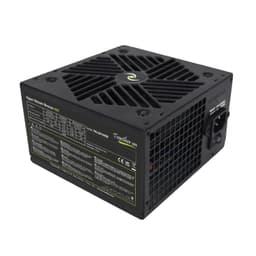
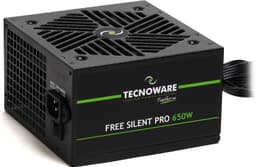
At this price the Tecnoware Hyper Stream Bronze gives you a full spread of connectors: 20+4 ATX, a 4+4 CPU, a 6+2 PCI-E, plus Molex and SATA. That covers a modest GTX or RTX build with everything it needs and nothing spare. The 500W Bronze rating puts it in the same power class as our ENDORFY winner.
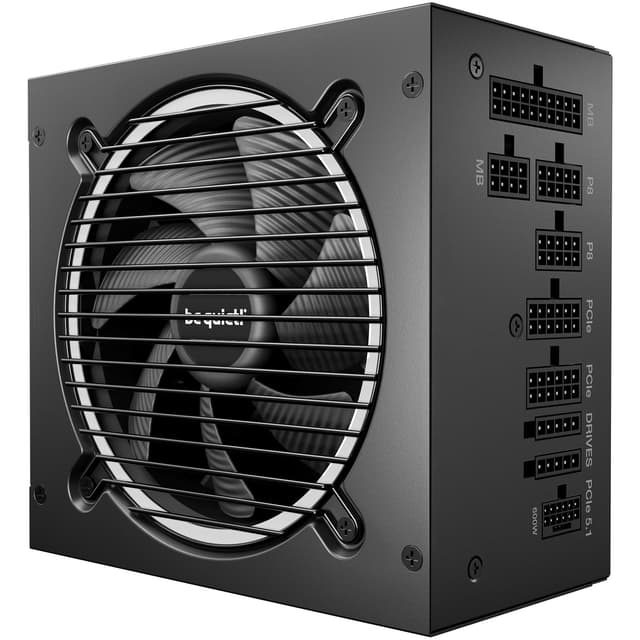
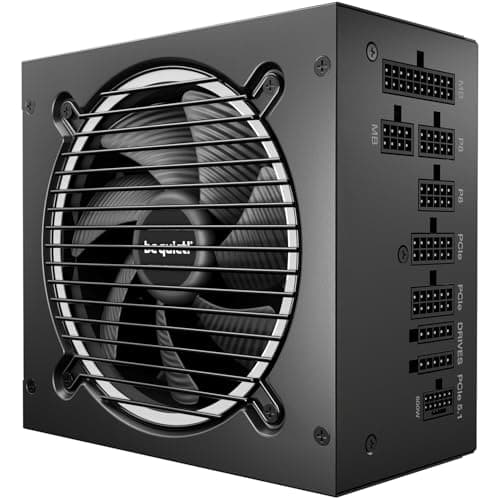
The trouble is the price. It sits within pennies of units that carry stronger reputations. Against the ENDORFY Vero L5 at around £44, the Tecnoware costs more for the same 500W and a less established name in the UK. Against the be quiet!, you're choosing this for its wider connector set over the be quiet!'s superior fan control.
It earns its place for a build that needs the Molex and SATA spread, but at this price the certified competition is fierce.
Pros
- Full connector spread including Molex
- 80 Plus Bronze certified
- 500W suits a modest RTX card
Cons
- Priced near stronger-branded rivals
- Less UK brand recognition
- Non-modular
Buy on Amazon£49.90
Best High-Wattage Claim
850W is the kind of number that stops you scrolling, and the reason it sits mid-table rather than top. That price-to-wattage ratio is well outside what a genuine 850W unit costs, so treat the headline figure with caution rather than excitement. The real draws are elsewhere: 105 degree Japanese capacitors, an SMD and DC-DC design, and an ultra-quiet 120mm fan.
Tacens quotes 85% efficiency at 12V rather than a lab-verified 80 Plus badge, which is the pattern we see across the self-rated units here. The carbon-fibre-look cables are a cosmetic touch that fits a themed build. For a mid-range GPU drawing well under half that rated wattage, the unit will run cool and quiet, which is the sensible way to use it.
Against the Mars Gaming MPIII650, both are uncertified Spanish-brand units around £38, but the Mars offers a longer 5-year warranty while the Tacens offers the bigger number and Japanese caps. Pick the Mars for the cover; pick this if you value the components and quiet fan more. Detail in our Tacens Anima APIII850 review.
Pros
- 105C Japanese capacitors
- Ultra-quiet 120mm fan
- DC-DC design
Cons
- 850W rating looks optimistic for the price
- No formal 80 Plus certification
- Efficiency self-reported at 12V only
Buy on Amazon£34.58Read full review
Best Under £30
At this price this is the cheapest ATX unit on the list, and the price is the whole reason it's here. It has the connectors a GTX or RTX card needs, a 4+4 CPU plug, SATA and Molex, so it'll physically power a budget build. But there's no headline 80 Plus badge, so the efficiency and delivery are unknowns you accept for the low outlay. Fine for a light secondary machine; think twice before feeding an expensive GPU with it.
Pros
- Cheapest ATX unit here
- GTX/RTX connectors present
Cons
- No 80 Plus certification
- 650W rating unverified
Buy on Amazon
Best for SATA Drives
Six SATA connectors is the standout, handy if you're stacking drives in a media box. At this price the JUSTOP puts 750W on the box with a 6+2 PCI-E and an 8-pin CPU plug. The catch is the missing efficiency cert, which means that 750W number needs scepticism; an uncertified 750W often behaves like a certified 500W under real load. Buy it for the drive count on a low-power build, not to feed a serious gaming GPU.
Pros
- Six SATA connectors for drive-heavy builds
- 6+2 PCI-E present
Cons
- No efficiency certification
- 750W claim needs caution
Buy on Amazon£32.95Read full review
Six hundred and fifty watts is the sweet spot most budget builders never quite let themselves buy, and here it sits at £44.99, comfortably under the cap. That extra headroom over the 500W and 550W units above isn't wasted if you've any plans to grow. Pair it with a Ryzen 5 and an RTX 4060 today, and the MSI MAG A650BN leaves you enough spare capacity to slot in a hungrier card down the line without shopping for a new PSU. It carries a real 80 Plus Bronze badge too, so you're getting at least 82% efficiency at typical loads rather than a number printed on the box.
The DC-to-DC circuit design is the bit worth flagging. It gives tighter voltage regulation on the minor rails than the cheaper transformer-based designs you'll find lurking at this price, which translates to steadier power when the system's under strain. The 12V single-rail layout keeps things simple: all your amps live on one rail, so you're not juggling which cable feeds what. For a single-GPU build that's exactly the arrangement you want.
MSI backs this with a five-year warranty, which is generous for the money and tells you they expect it to last. The 120mm fan handles cooling without much fuss, though it's not the whisper-quiet unit some of the pricier options here manage. You can check the full spec on the MSI official site, and the UK plug ships in the box so there's no hunting for a kettle lead.
Against the ENDORFY Vero L5 at the top of this list, the MSI trades a slightly louder fan for 150W more headroom and a longer warranty. If your build is locked to a low-power card and you want the quietest desktop possible, the ENDORFY still edges it. But if you're the sort who upgrades in stages, the extra watts here are the safer bet, and the five-year cover sweetens the deal considerably.
Pros
- 650W gives real upgrade headroom for future cards
- Genuine 80 Plus Bronze cert, not a printed claim
- Five-year warranty, longer than most rivals here
- DC-to-DC circuit for steadier voltage under load
Cons
- 120mm fan isn't the quietest at this price
- Non-modular, so you tuck spare cables away
- Single-rail suits one GPU, not a multi-card setup
Buy on Amazon£44.99